Setting Up CauseMatch Integration on PhoneRaise
PhoneRaise
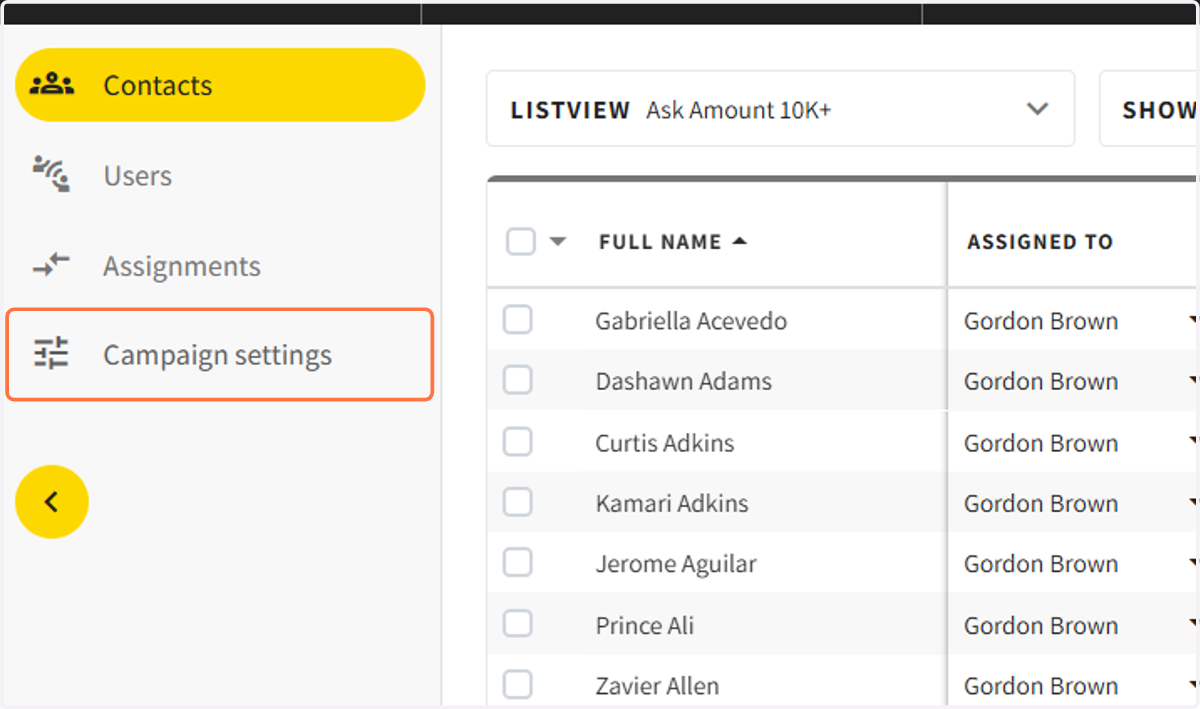
1. Click on Campaign Settings
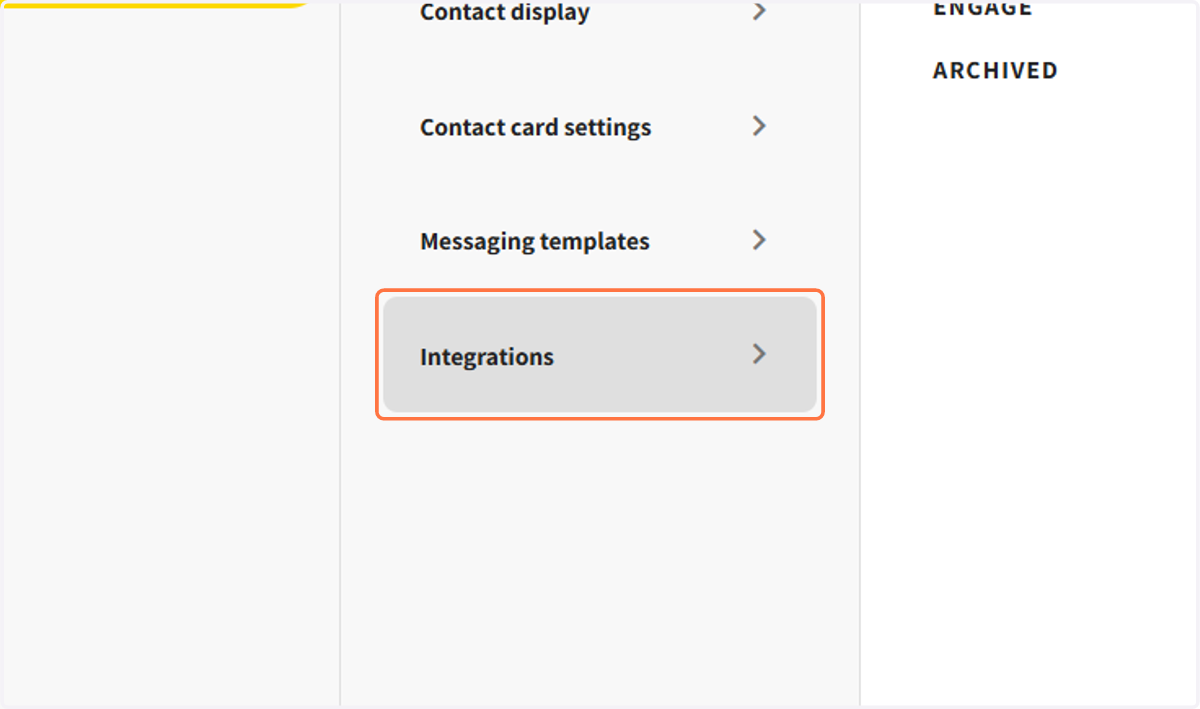
2. Click on Integrations…
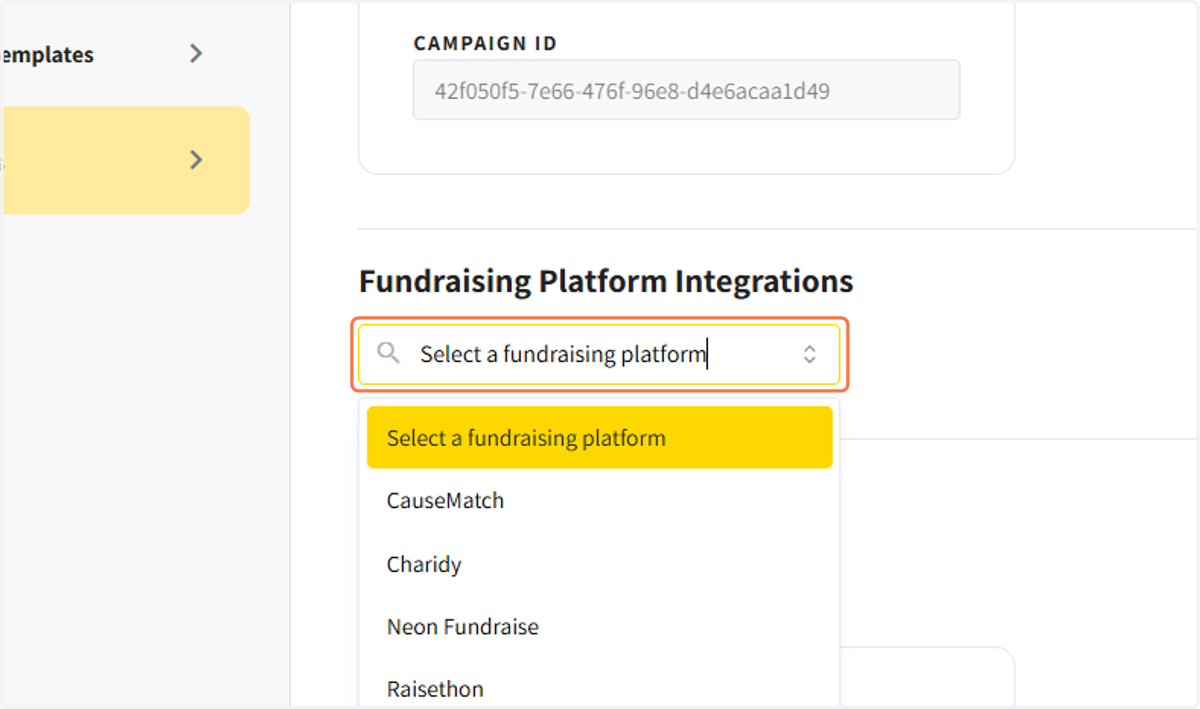
3. Click on Select fundraising platform
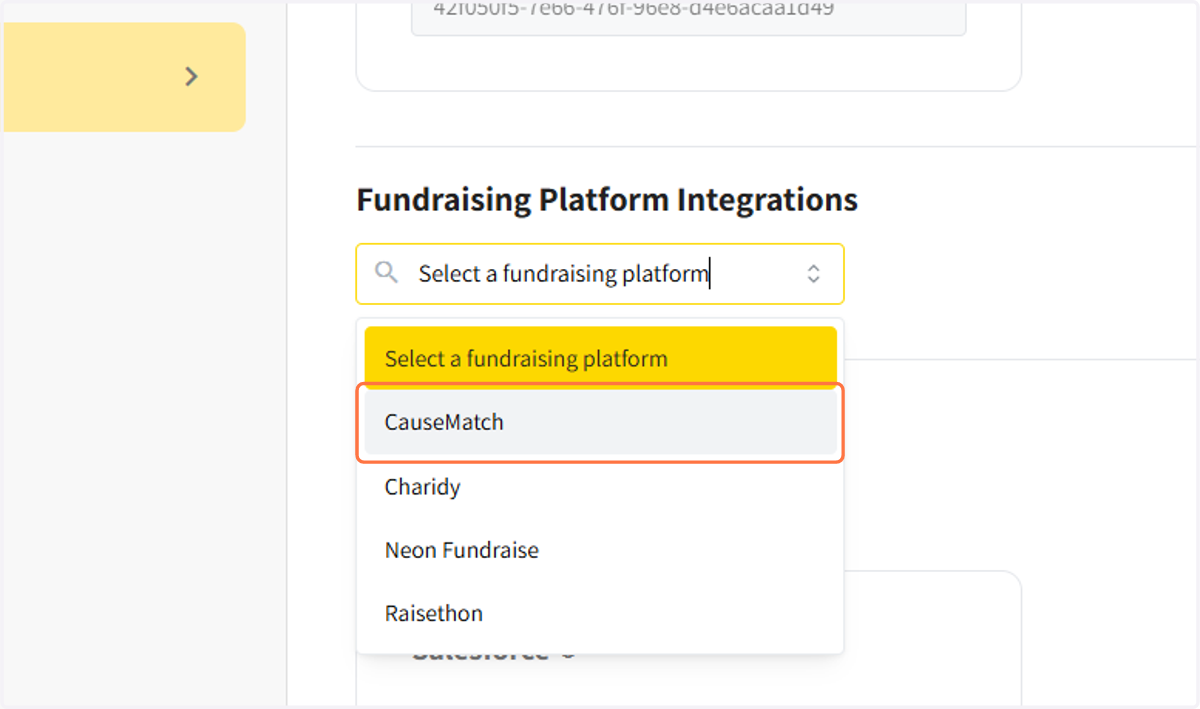
4. Click on CauseMatch
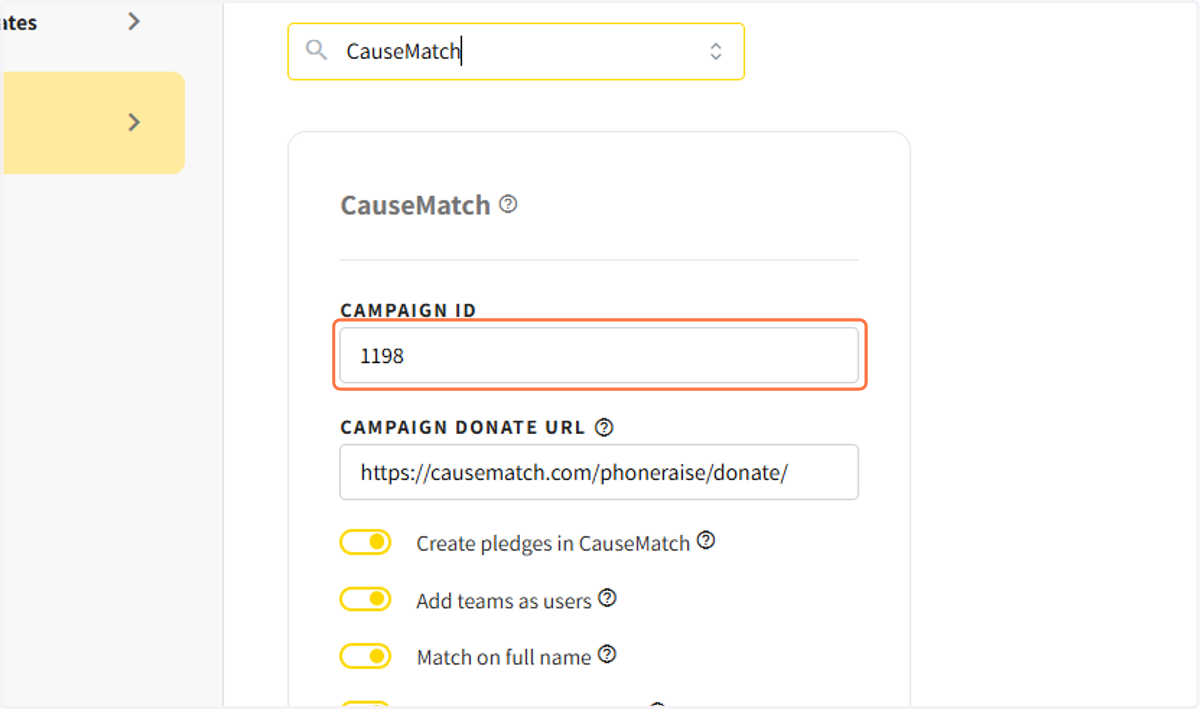
5. Enter your campaign id (4 number id)
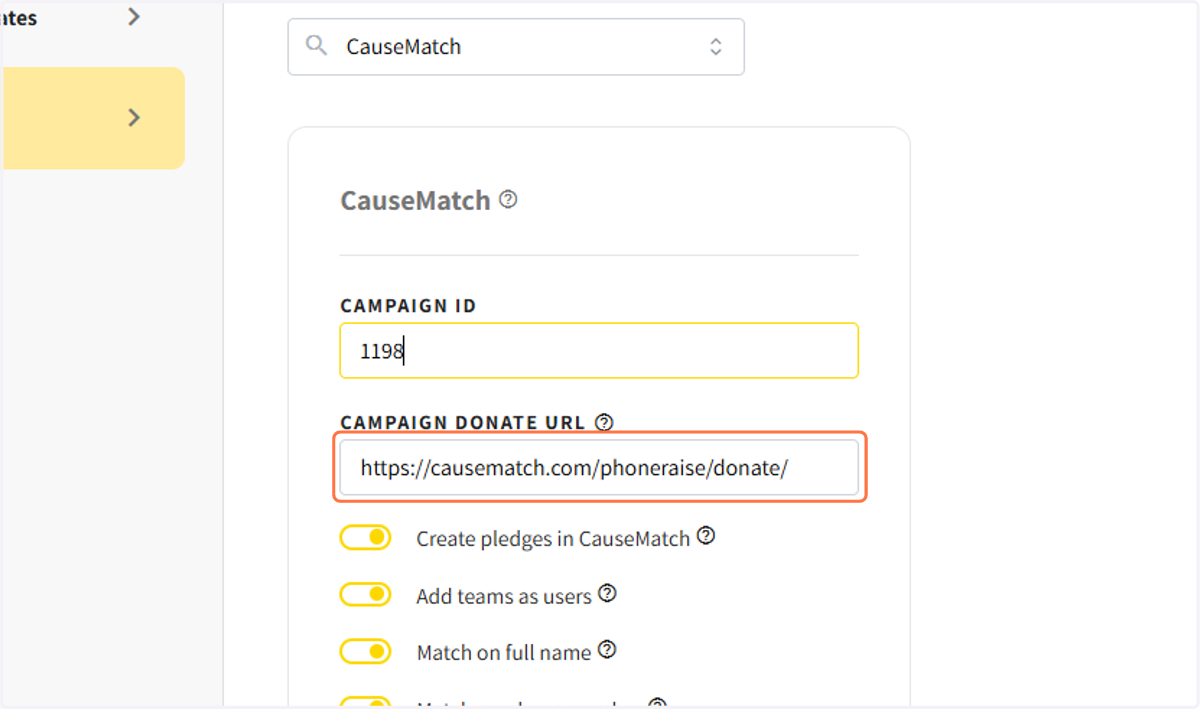
6. Add campaign donate url (campaign URL with /donate at the end)
7. Choose your Sync Settings
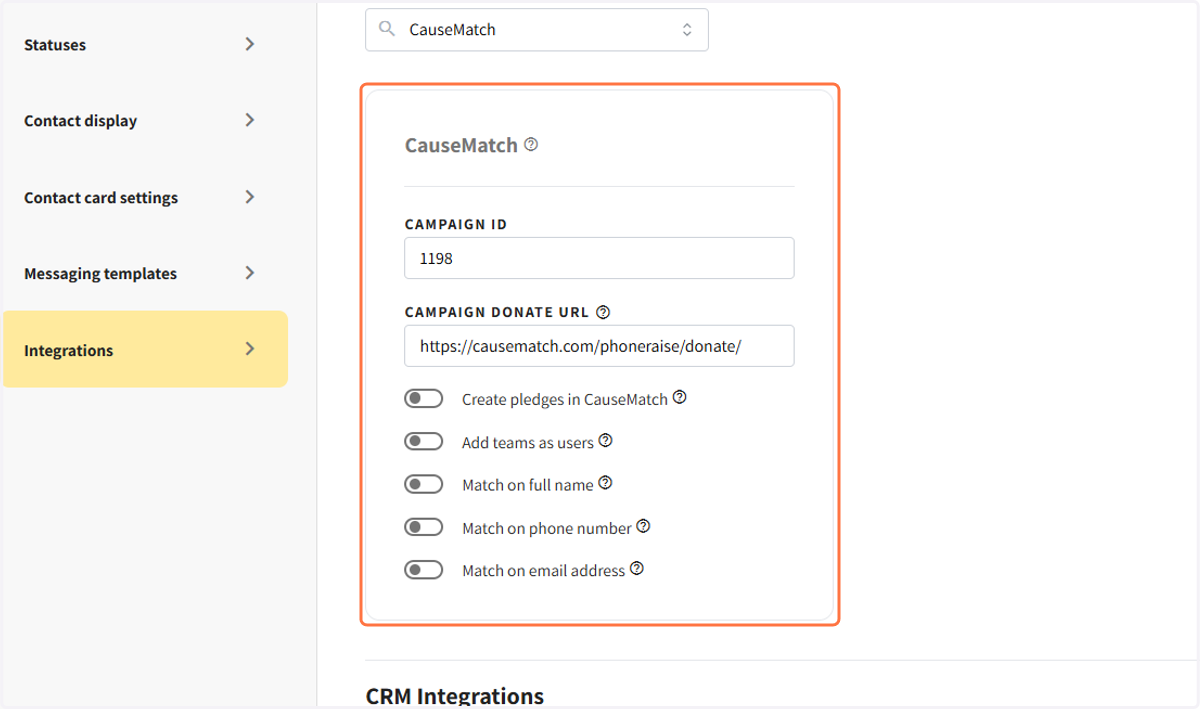
8. Click on SAVE