Submiting Forms with Etrieve

Login | Softdocs

  1. 1. Current Students, Faculy, and staff MUST use CEI Email
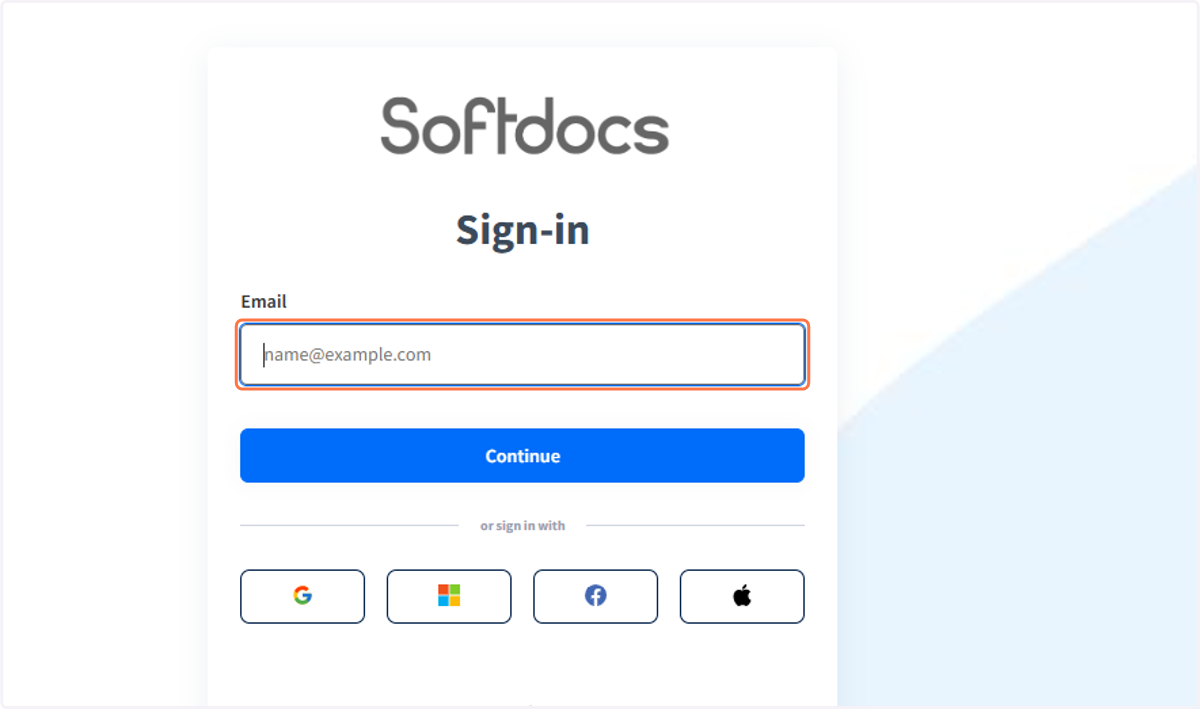
    Current Students, Faculy, and staff MUST use CEI Email
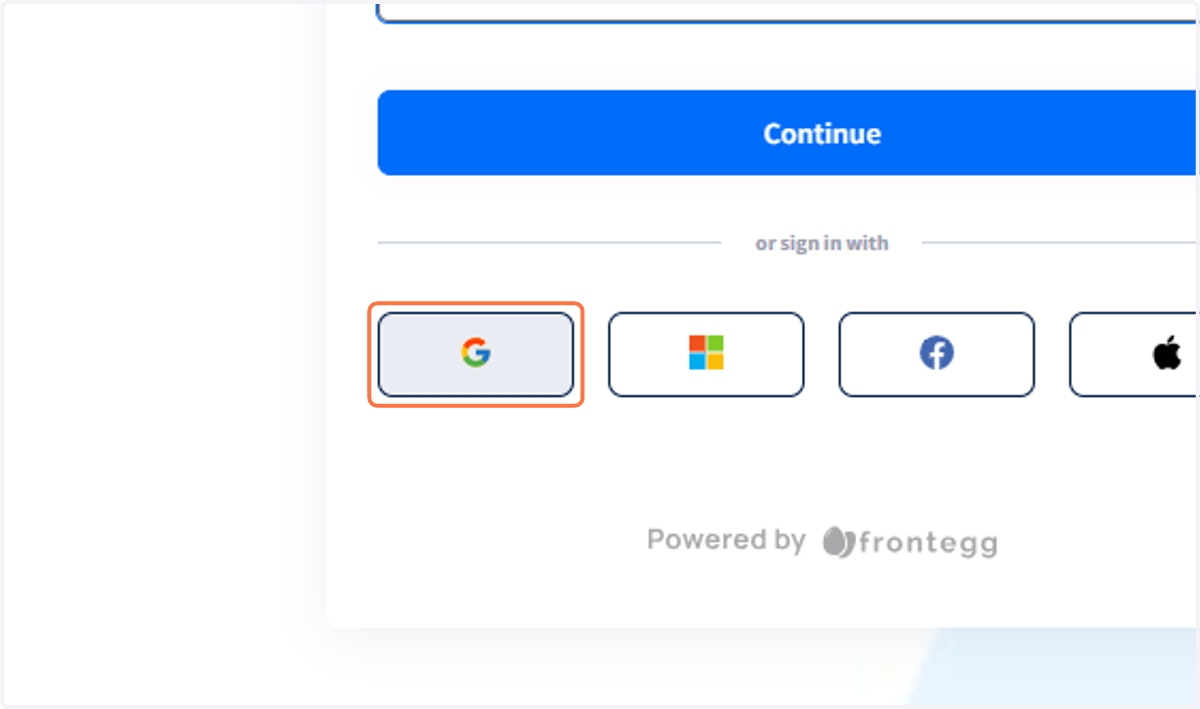
  2. 2. Non-CEI users can use Google...

    Non-CEI users can use Google...
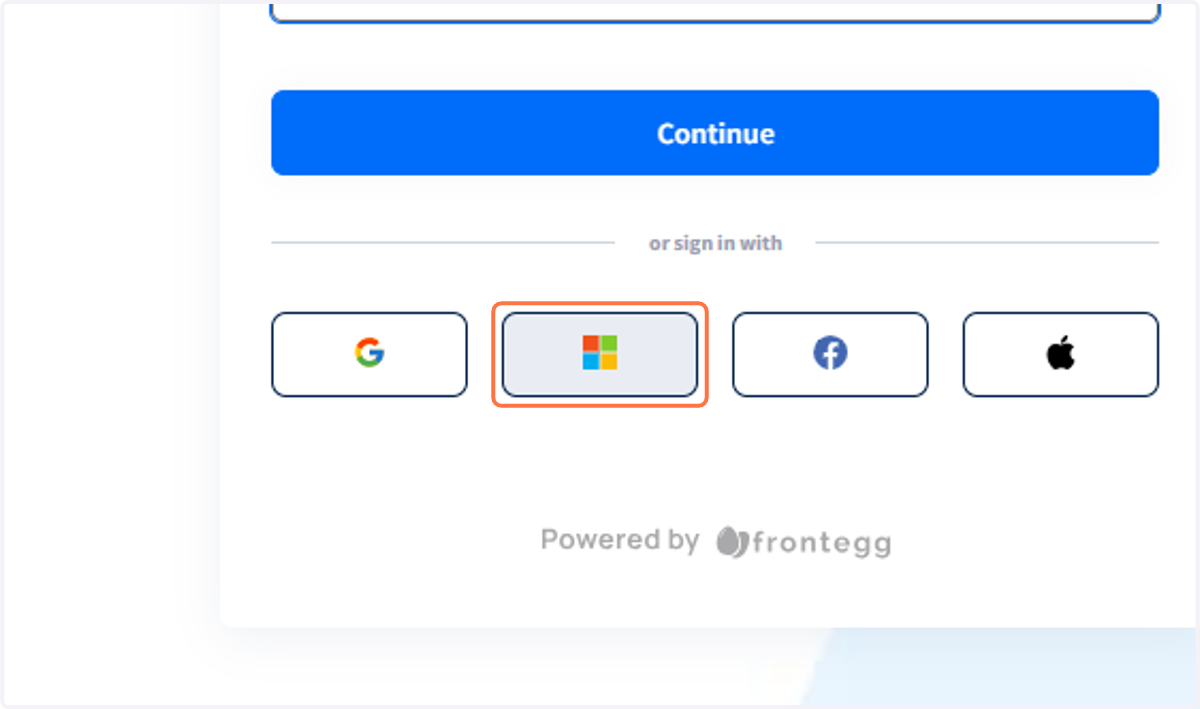
  3. 3. Microsoft...

    Microsoft...
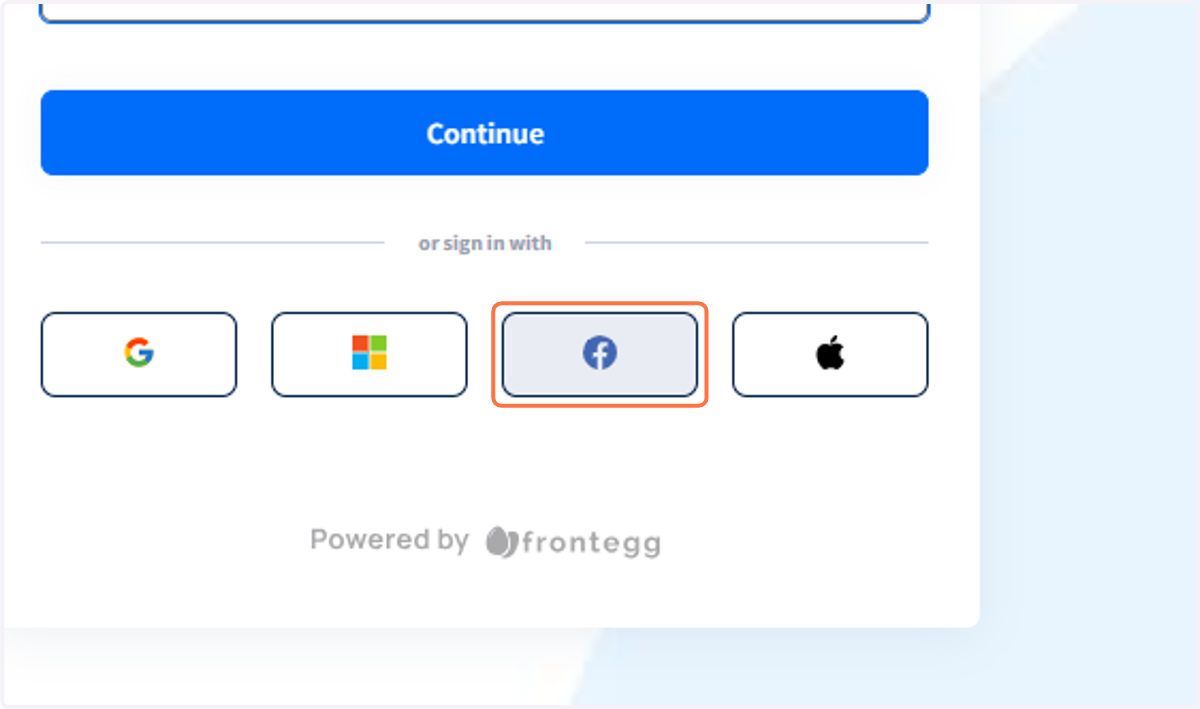
  4. 4. Facebook...

    Facebook...
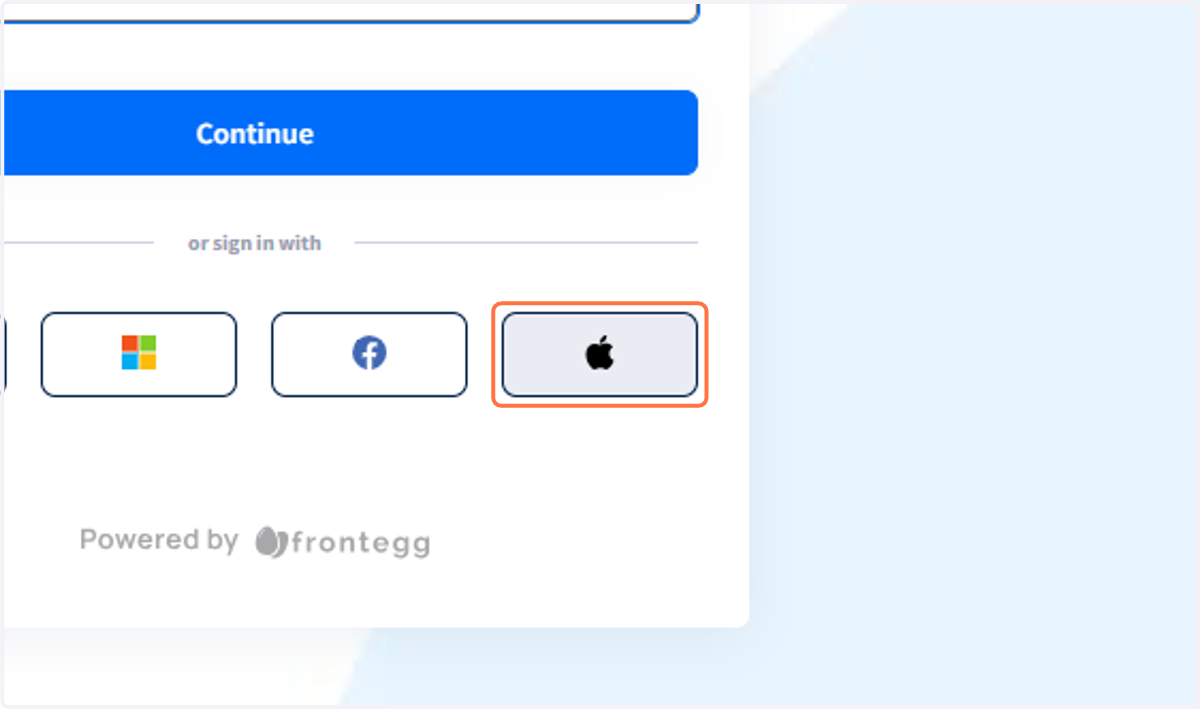
  5. 5. or Apple to sign in

    or Apple to sign in
  6. 6. Welcome to Etrieve Central!

    Welcome to Etrieve Central!
  7. 7. Find all published Forms under the Forms area
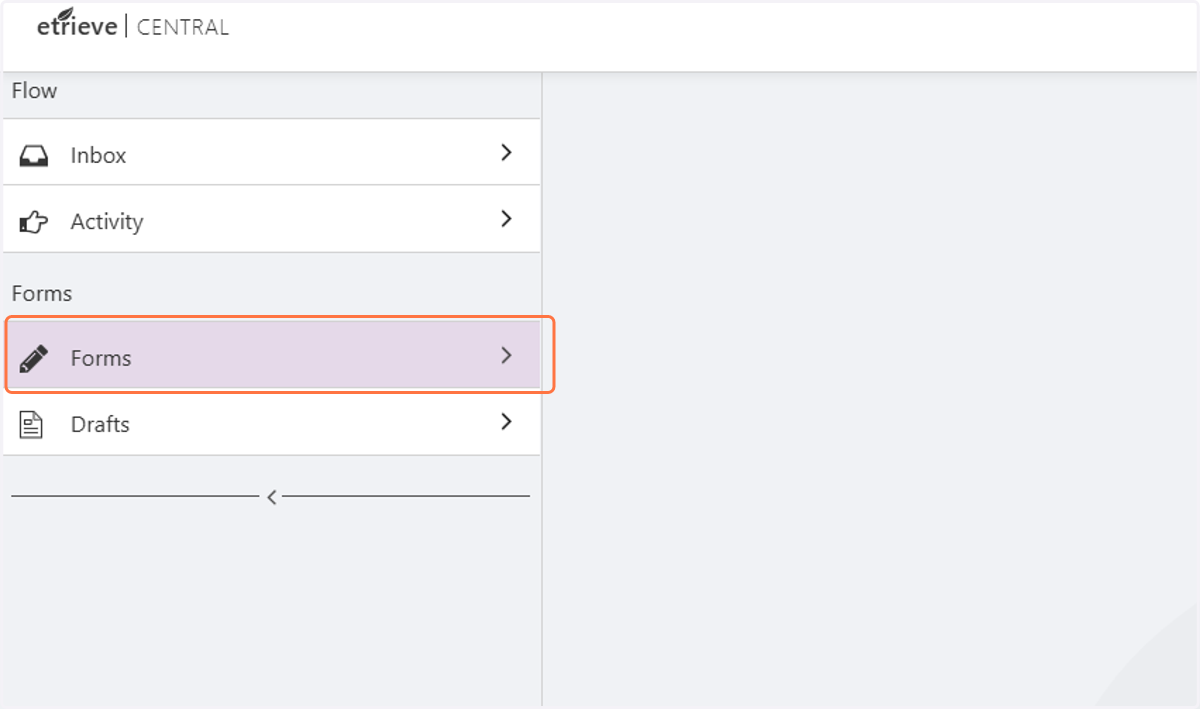
    Find all published Forms under the Forms area
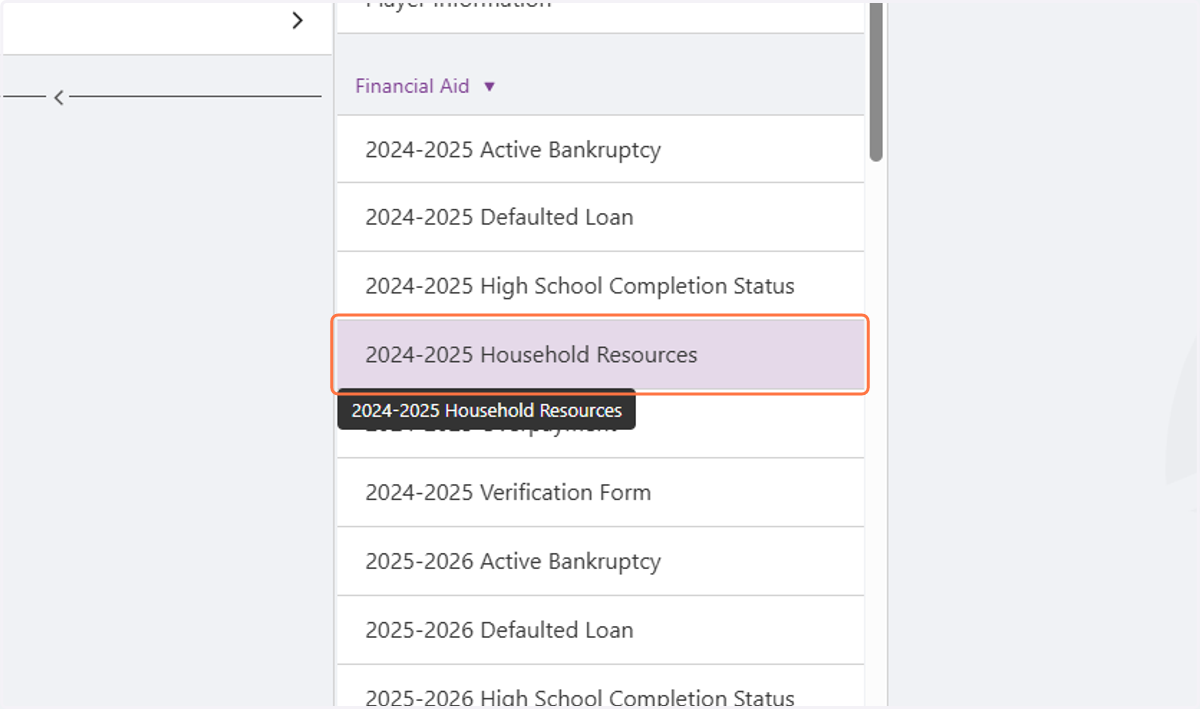
  8. 8. All Forms will list via Department to the right
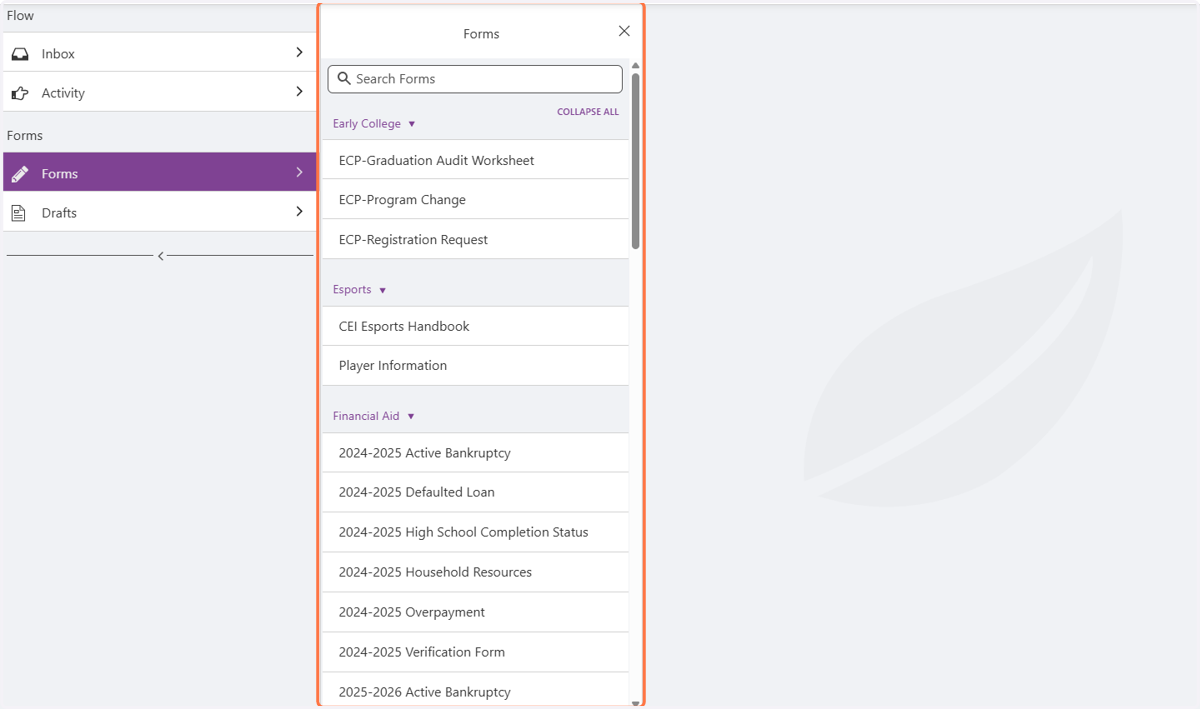
    All Forms will list via Department to the right
  9. 9. Click on the desired form

    Click on the desired form
  10. 10. Fill out the form completely and upload attachments if needed!
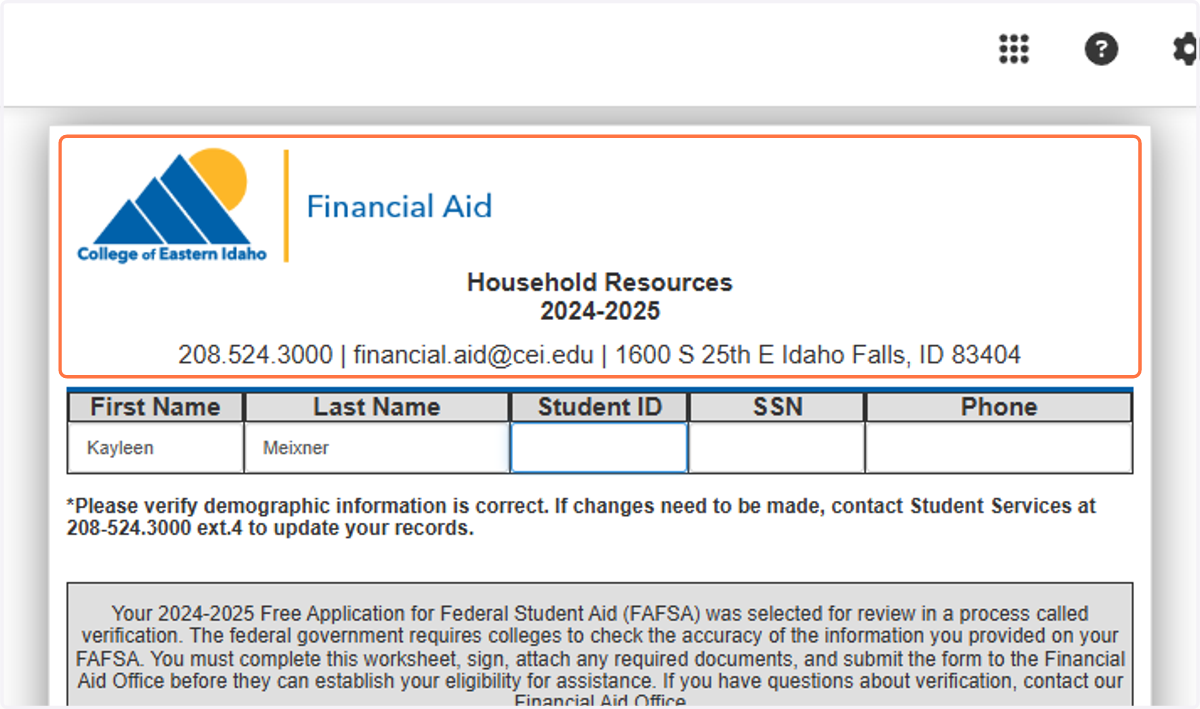
    Fill out the form completely and upload attachments if needed!
  11. 11. Click on Submit. Your form is done and on its way to the next person!
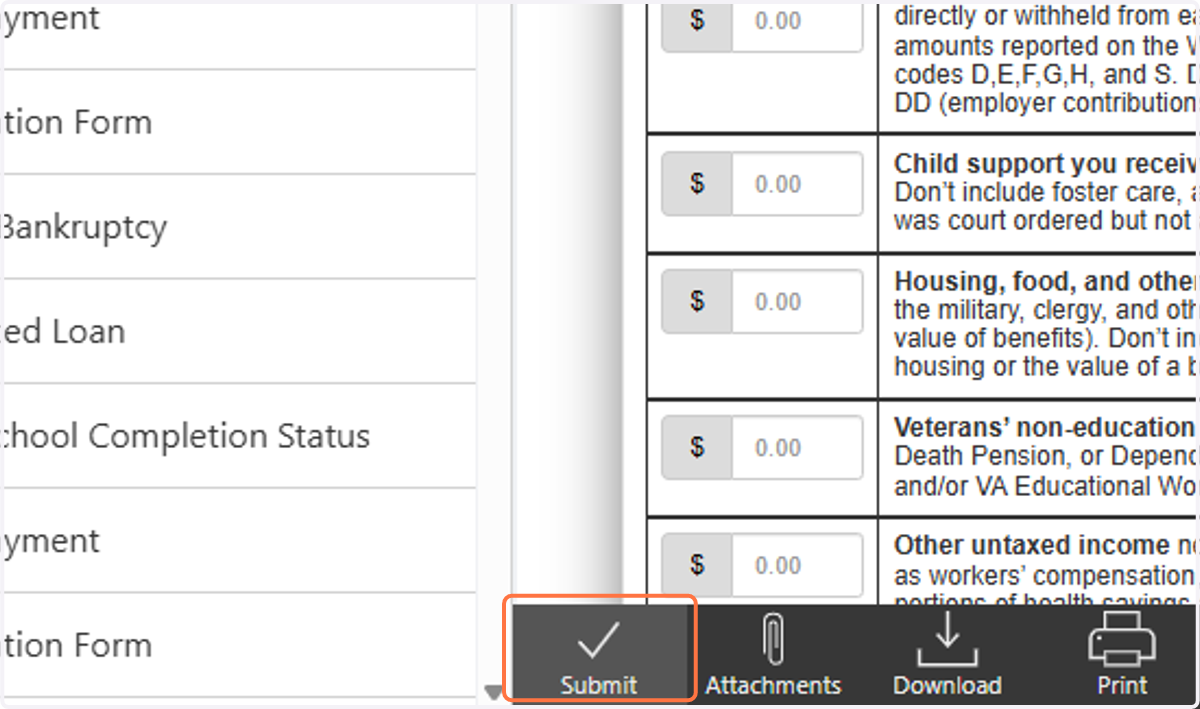
    Click on Submit. Your form is done and on its way to the next person!