Add Open Sprinkler Expansion Board
Aroya
1. Go to app.aroya.io
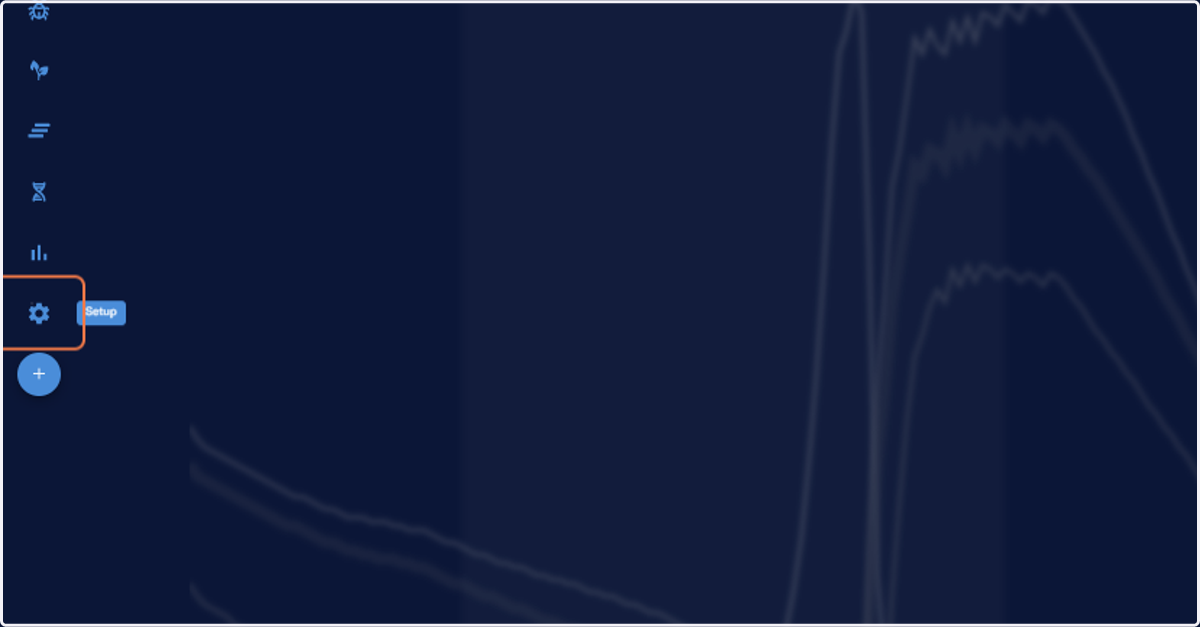
2. Click on Setup
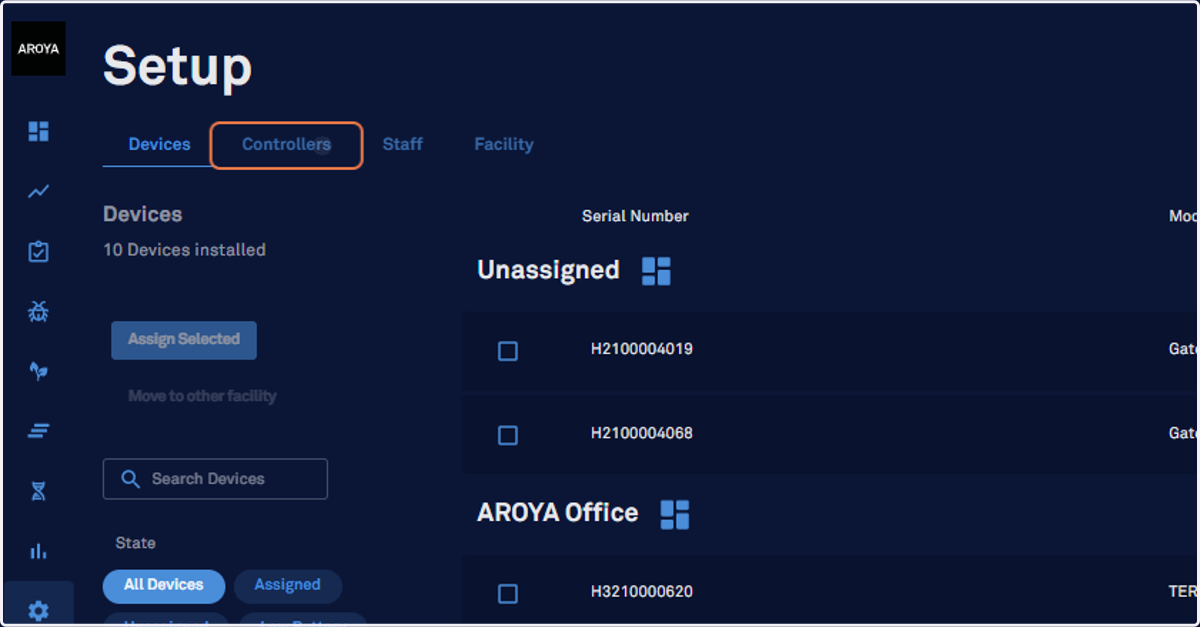
3. Click on Controllers
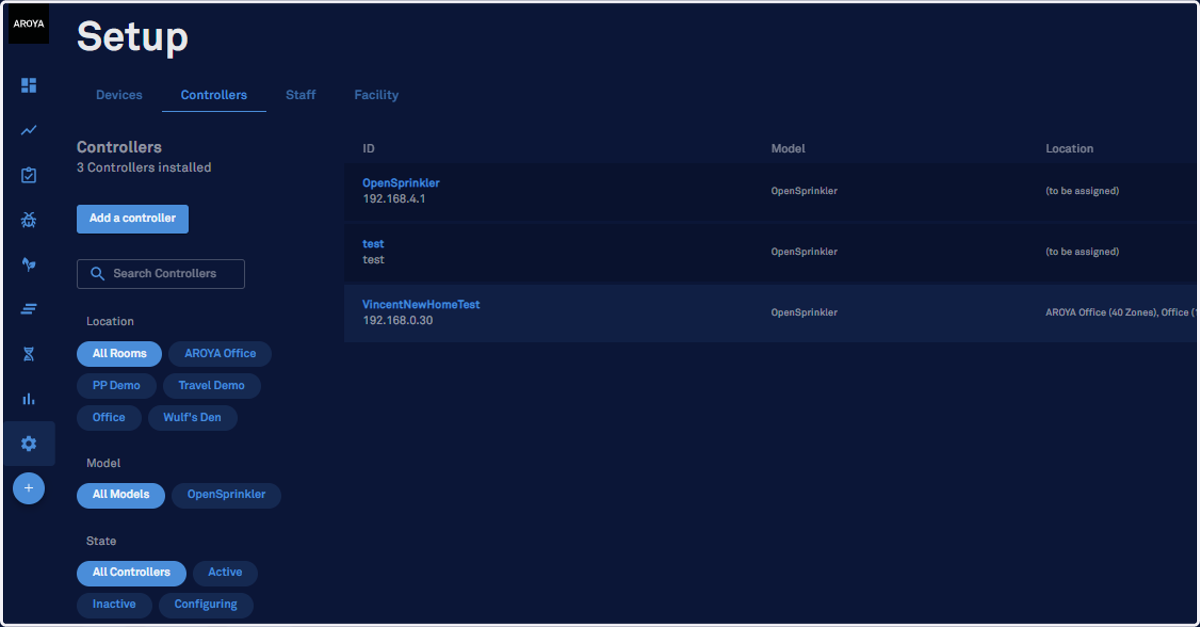
4. Choose controller with expansion(s)
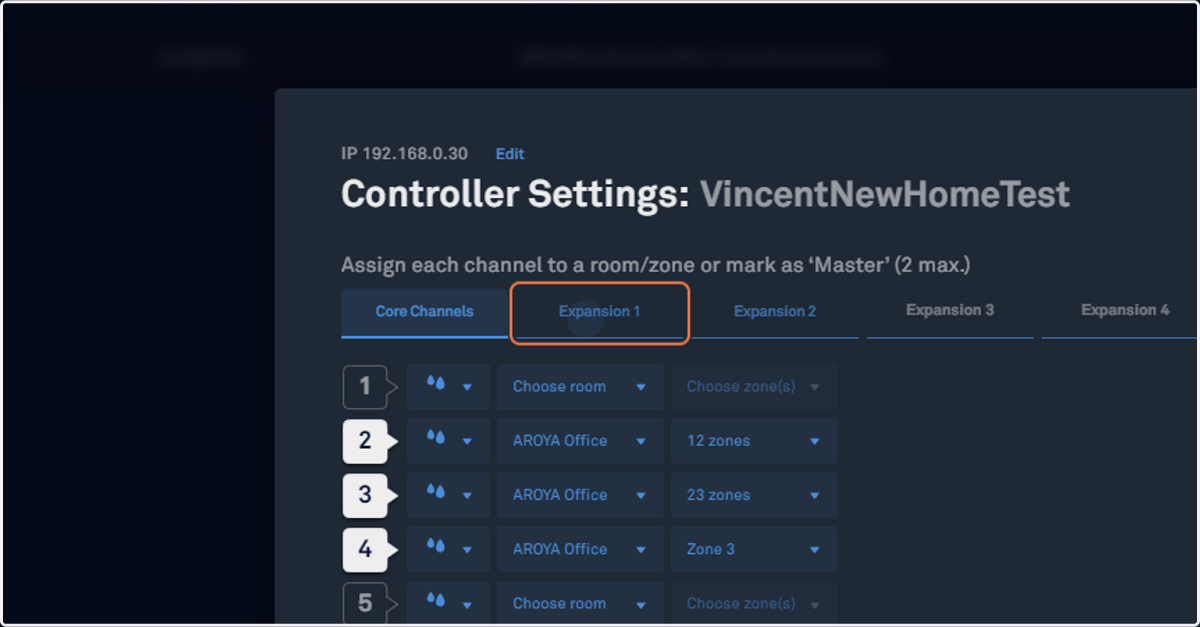
5. Click on the expansion tab
Tip: AROYA will automatically detect and show the expansions that are plugged in to the open sprinkler controller
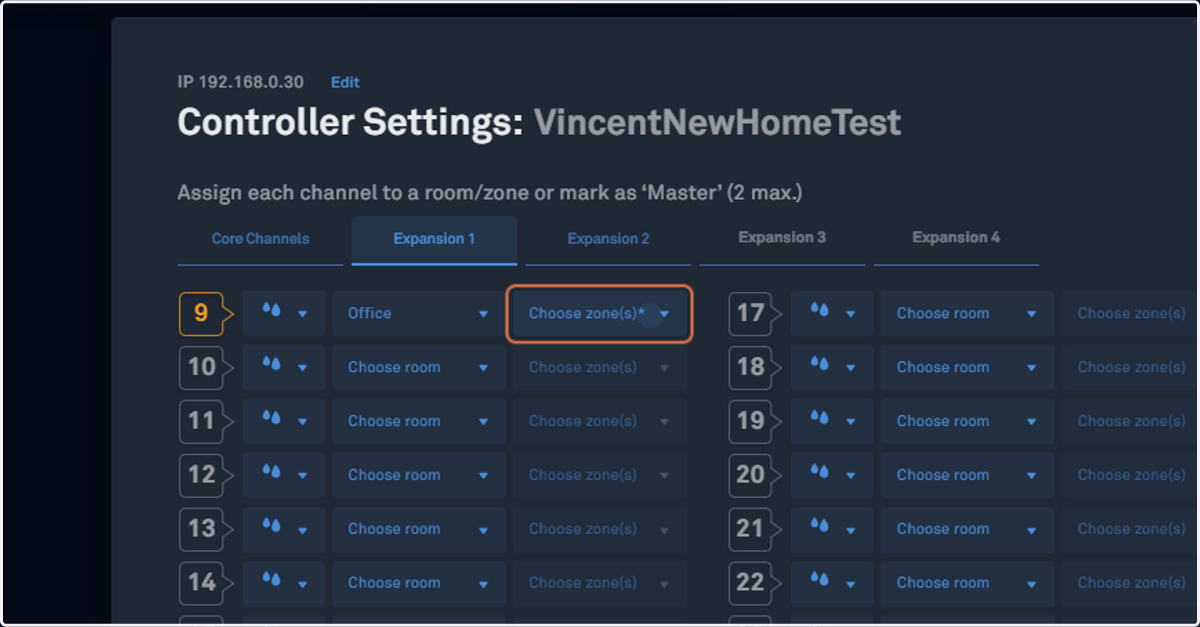
6. Map channels used to the corresponding AROYA room and zone
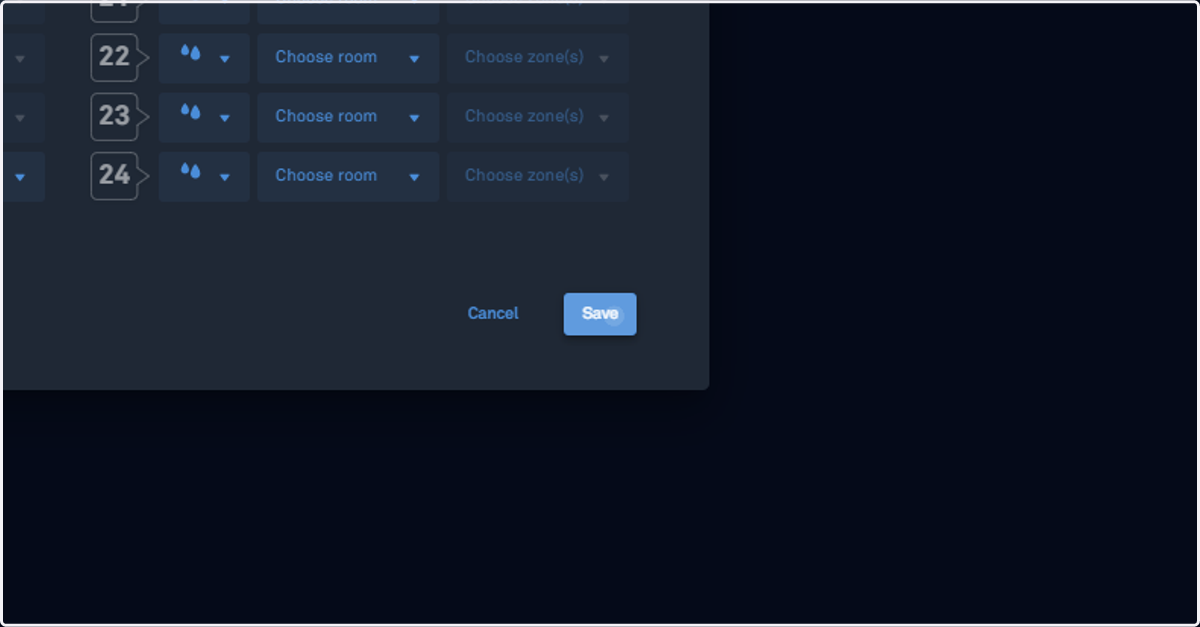
7. Click on Save