Searching for TUx Components Added/Removed on Specific Dates
Chateau
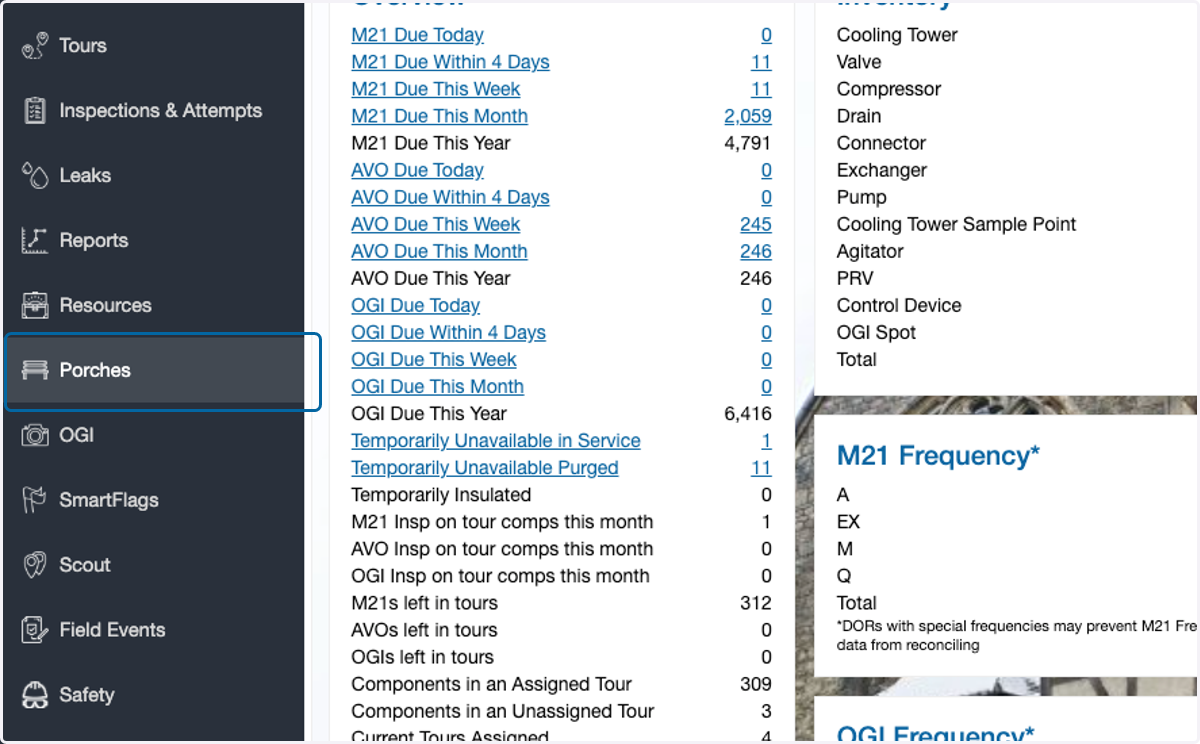
1. Click on Porches
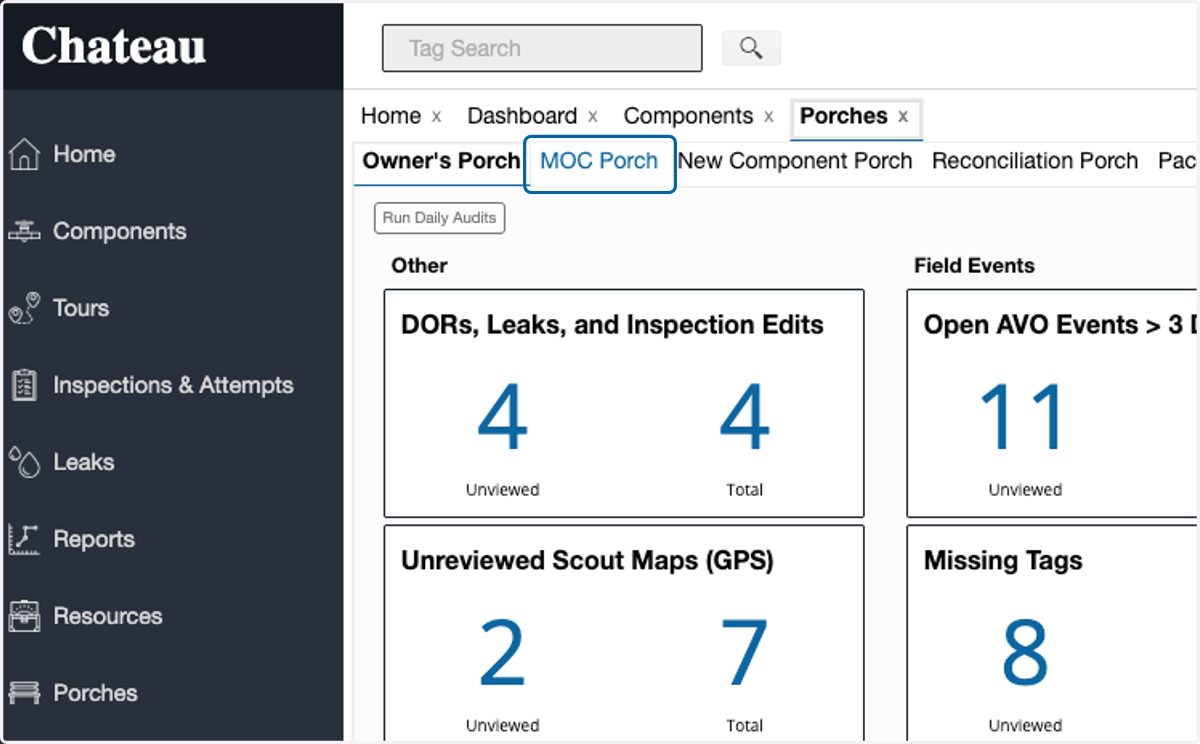
2. Click on MOC Porch
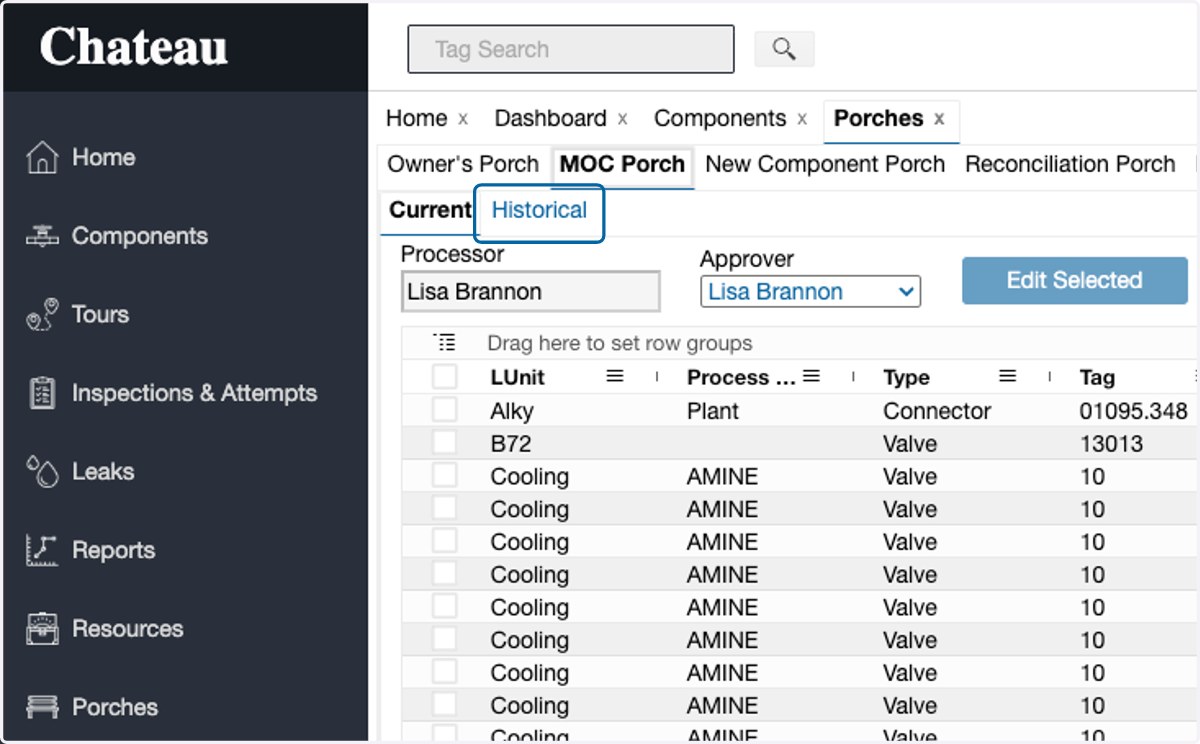
3. Click on Historical
4. Select the preferred review period Start Date
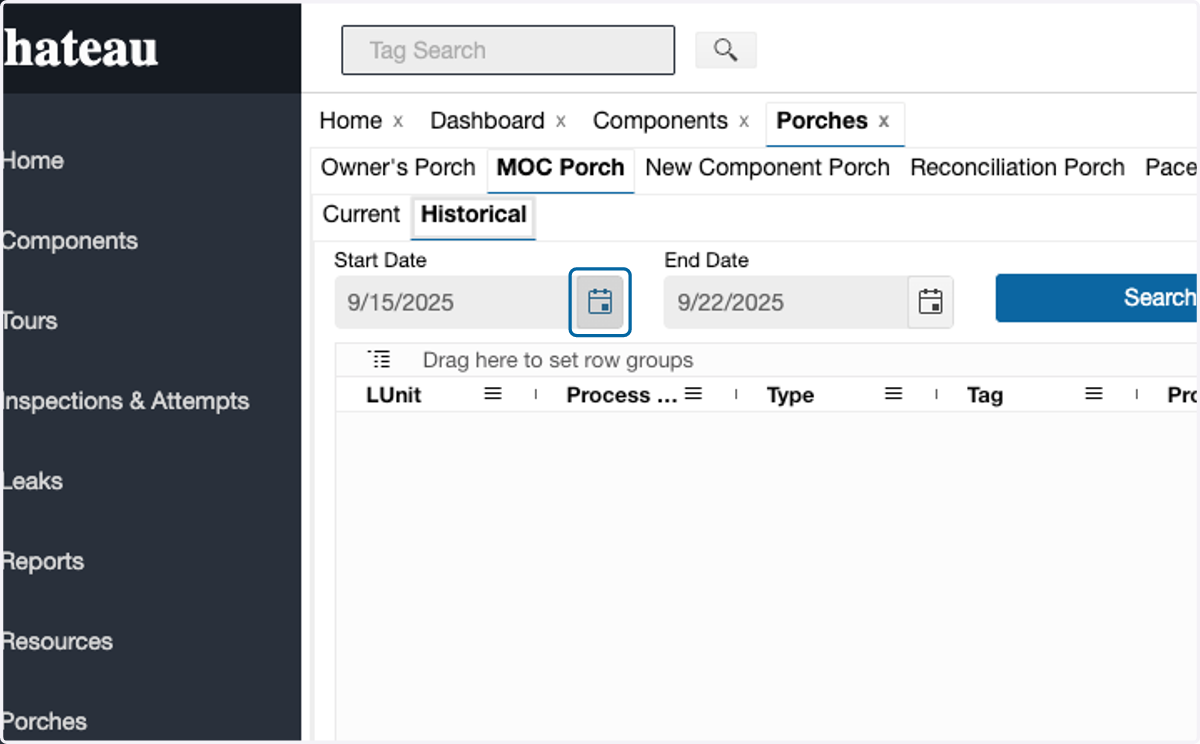
5. Select the preferred review period End Date
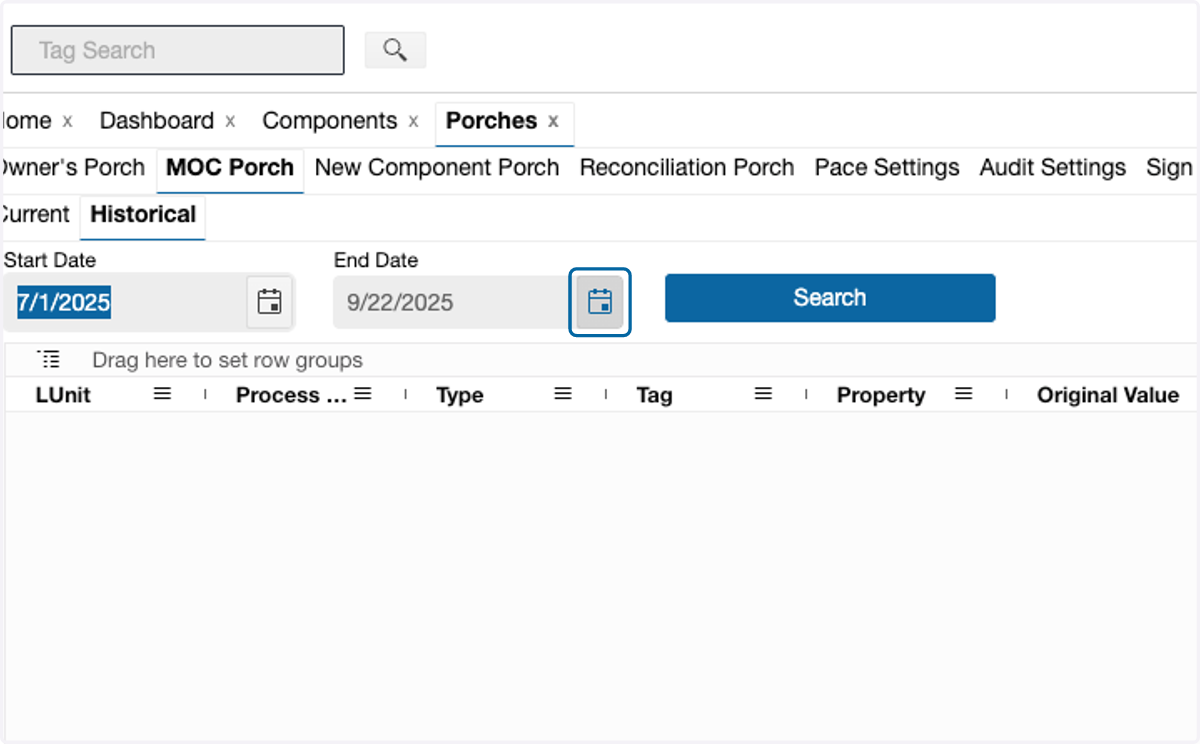
6. Click on Search
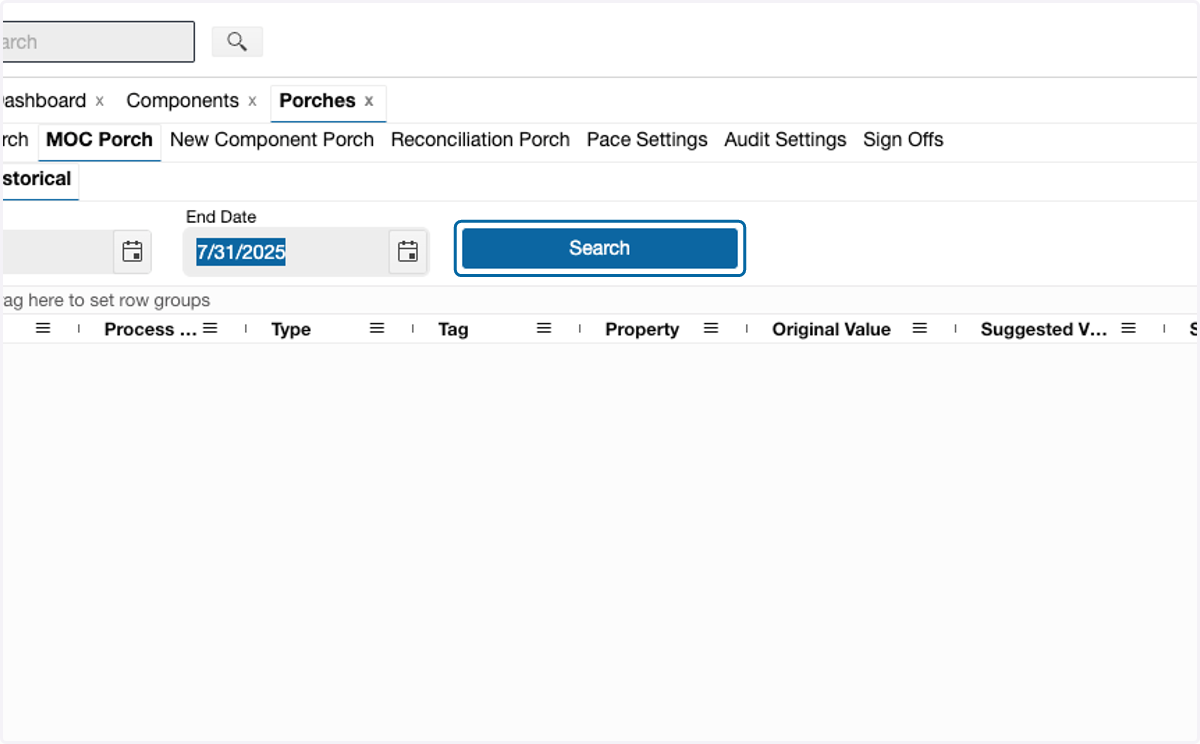
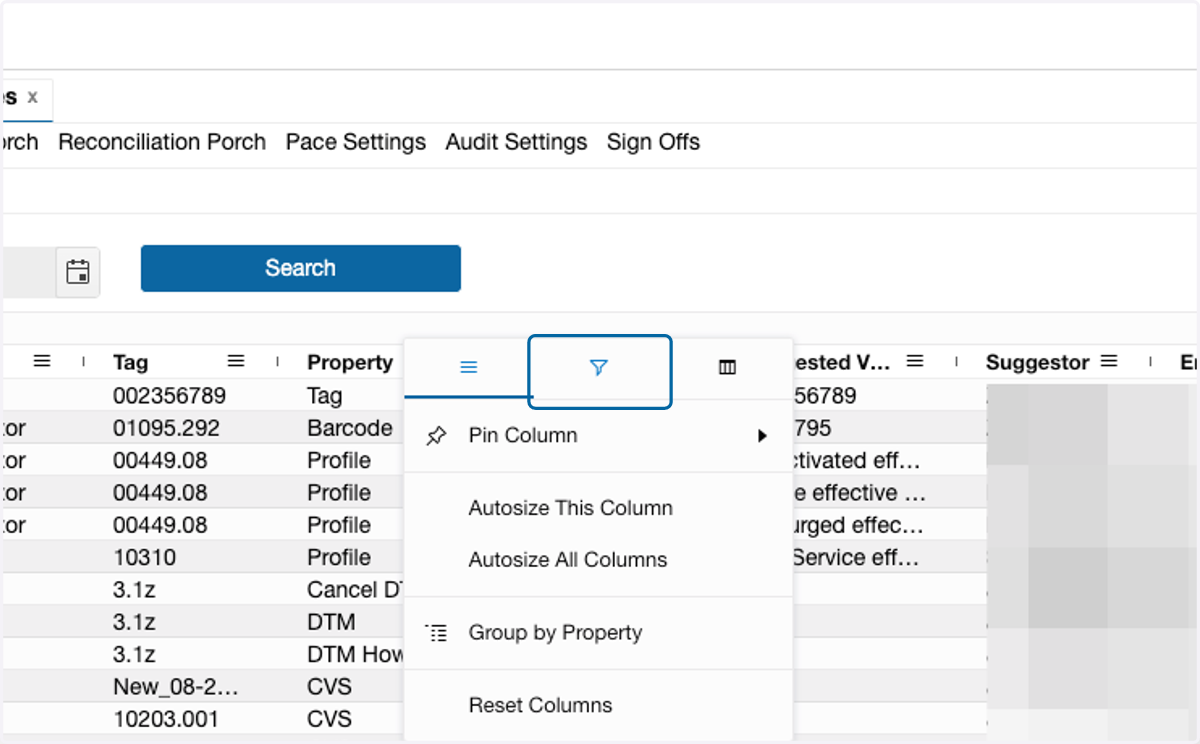
7. Click on the menu field on the Property column
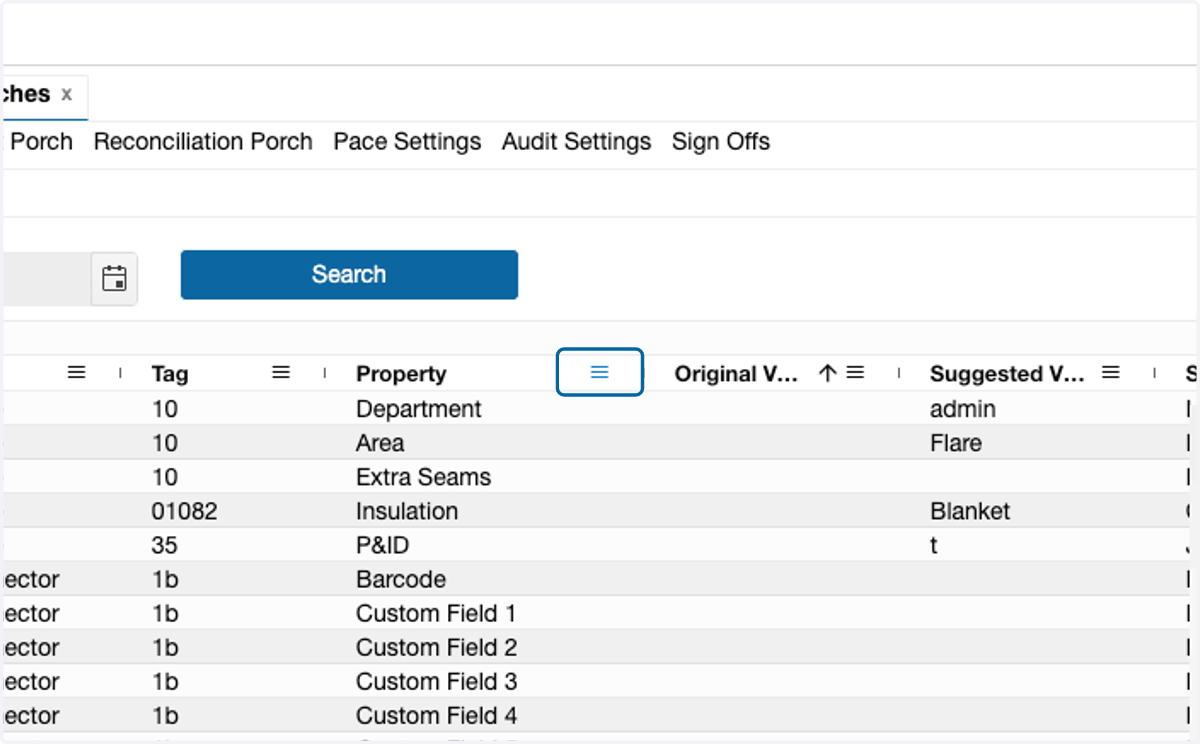
8. Select the filter icon
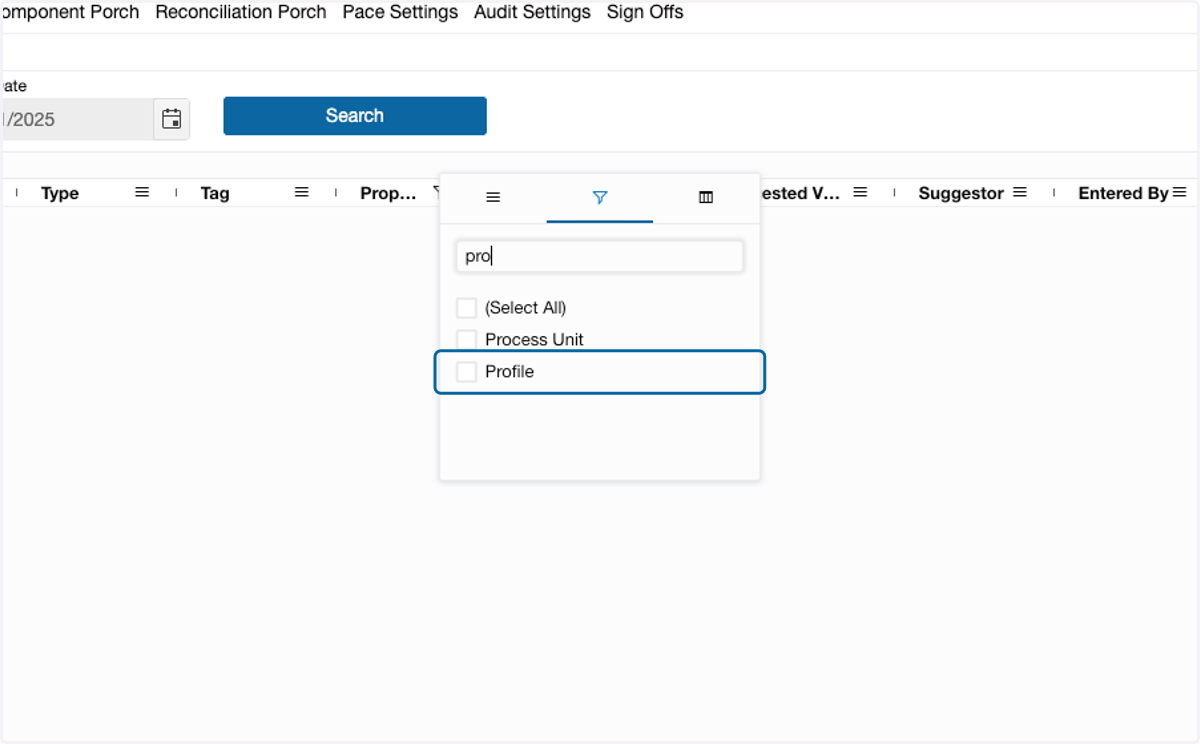
9. Select Profile
Filter for Components removed from TUx
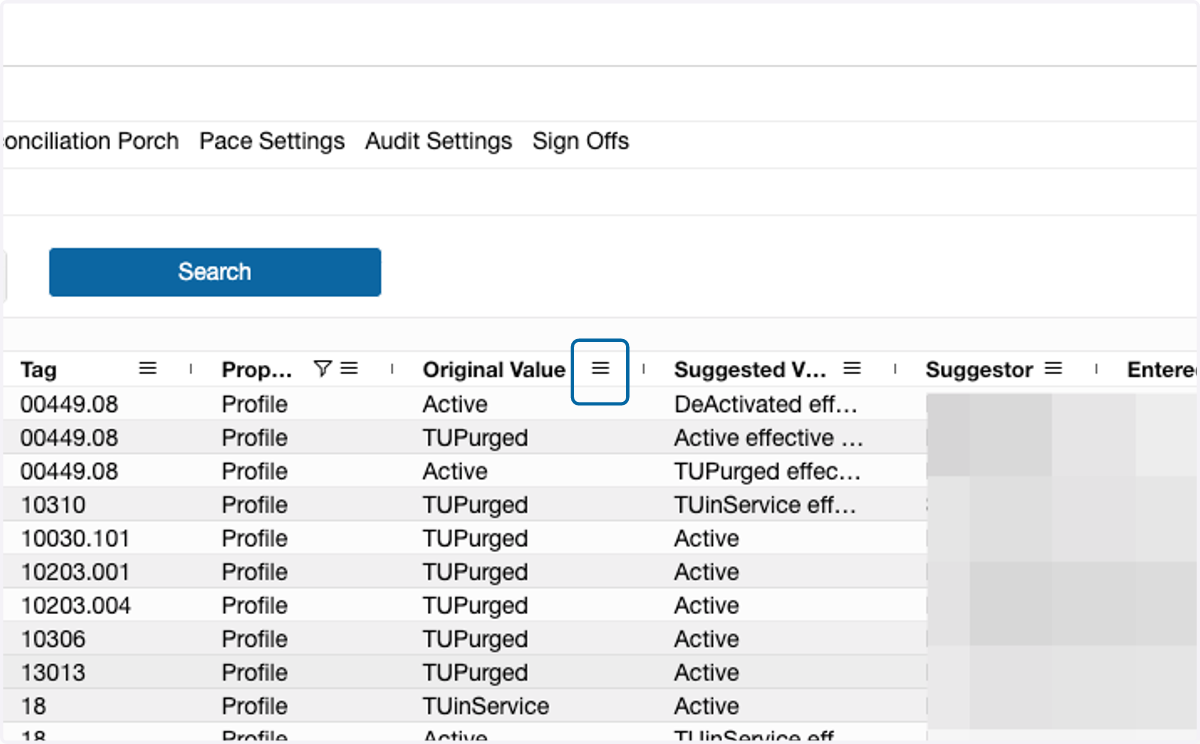
10. To filter components removed from TUx, filter the Original Value column
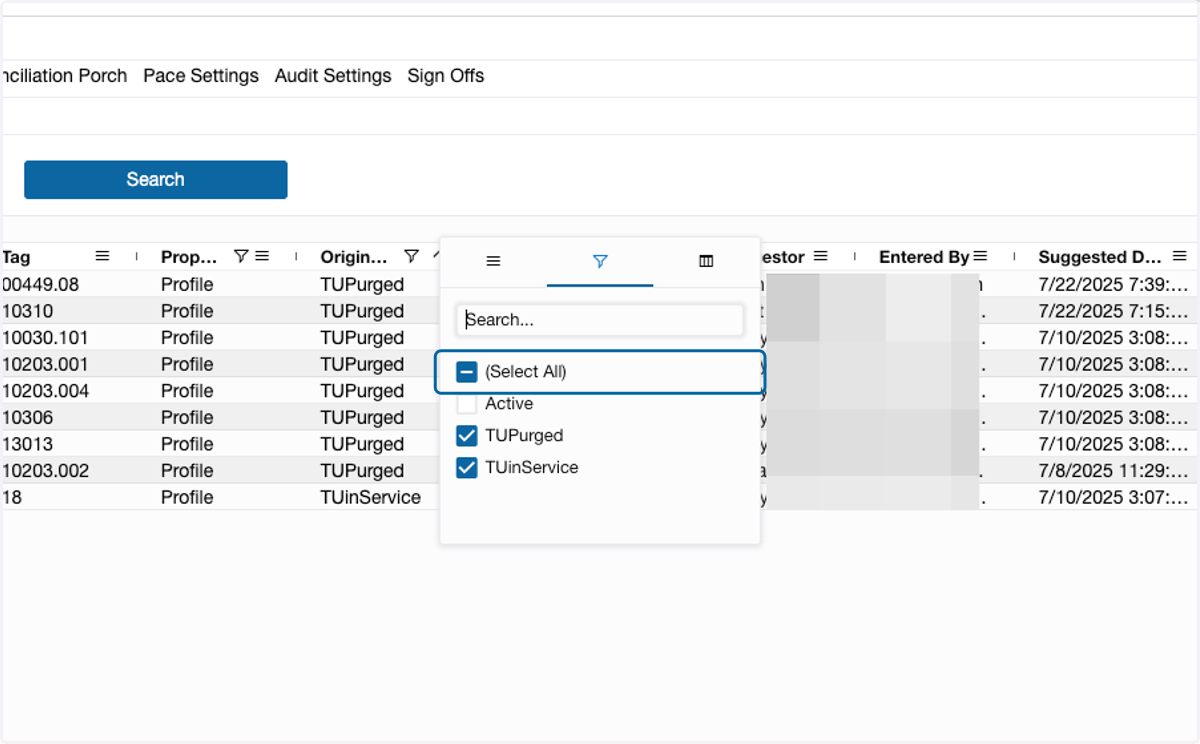
11. Select the TU profiles
Filter for Components Added to TUx
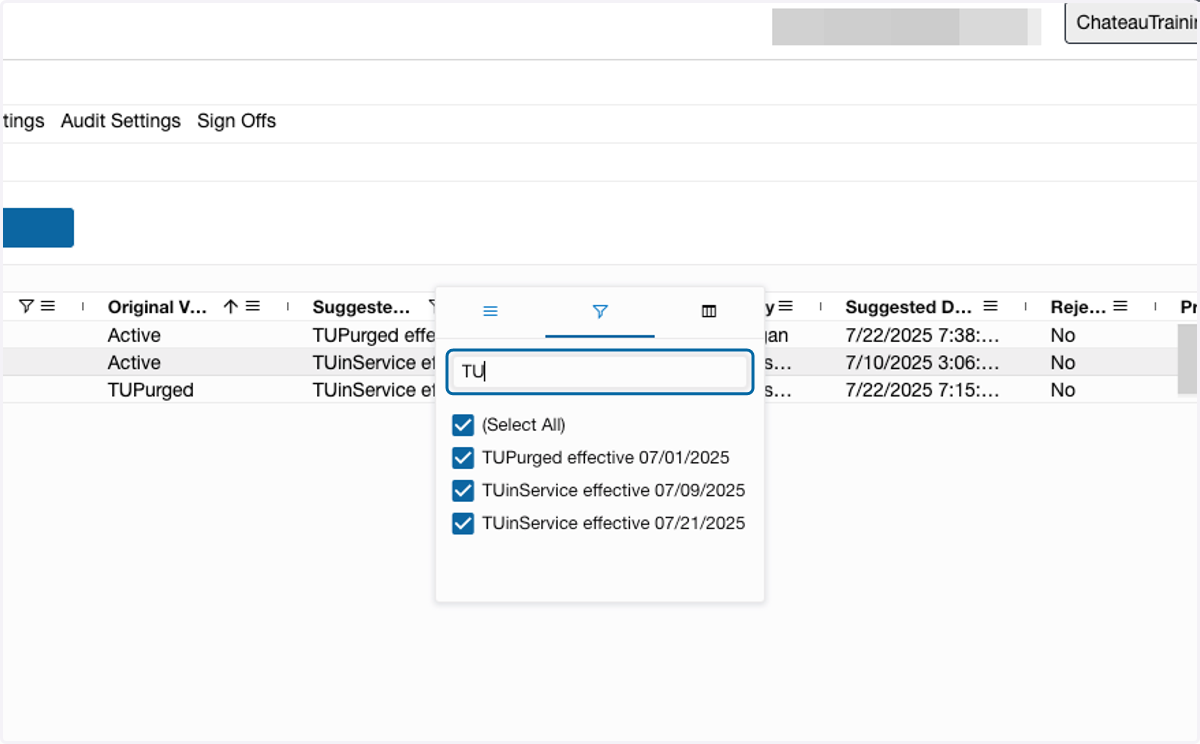
12. To filter for TU profiles added, filter the Suggested Value column
Ensure Original Value column is not filtered
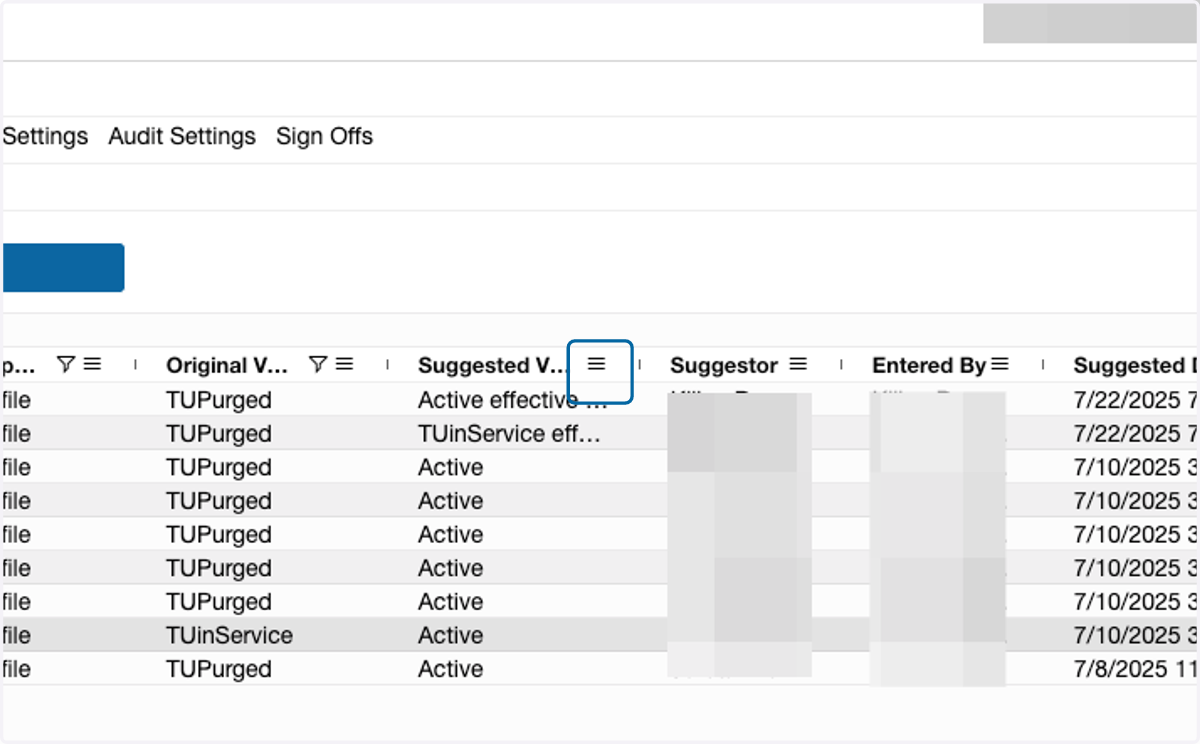
13. Type "TU" in the filter search box
Exporting Results
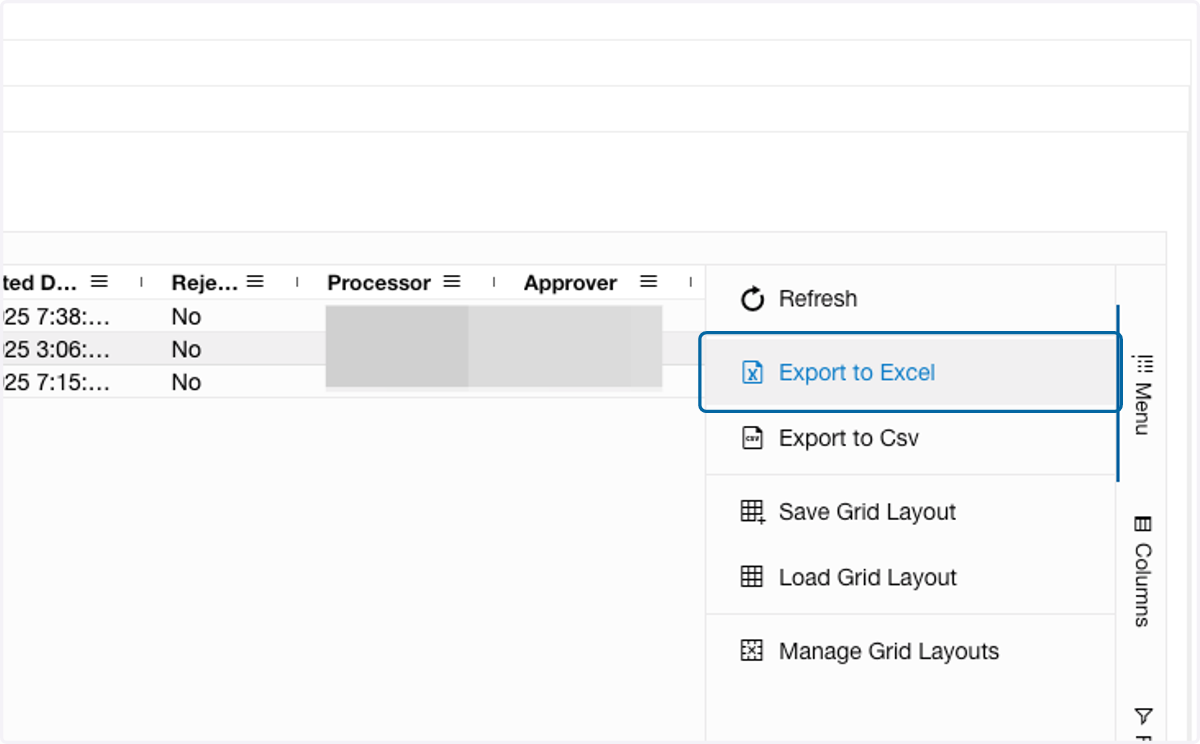
14. To export results, click on the Menu button to the right of the grid
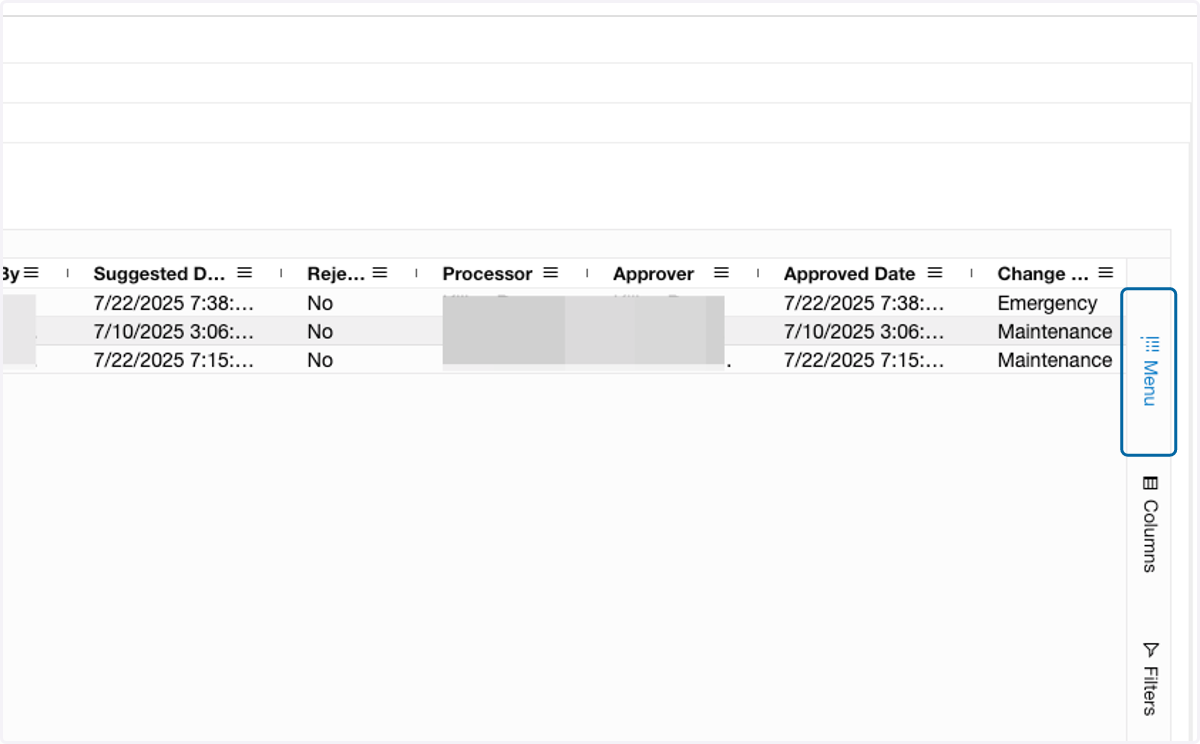
15. Select Export to Excel