Opening a New Accommodations Request
Carevalidate
1. Go to accommodations.carevalidate.com
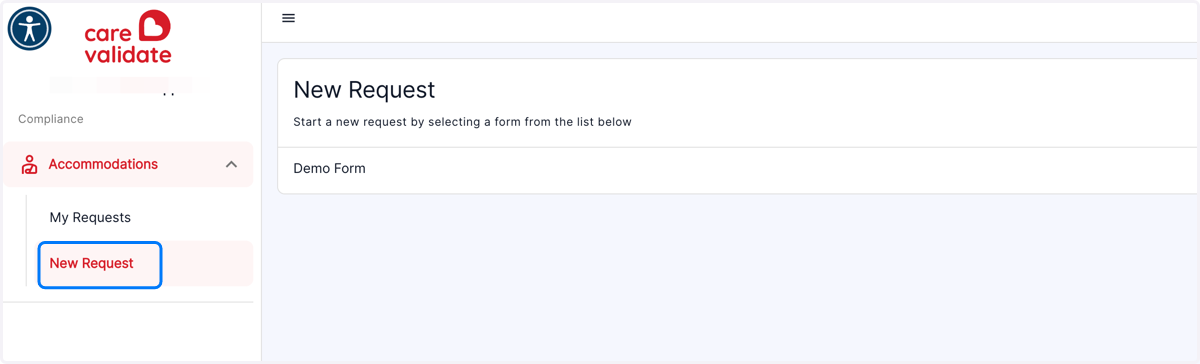
2. Click on New Request
You will be shown a list of Accommodation Request forms that are available to be filled out
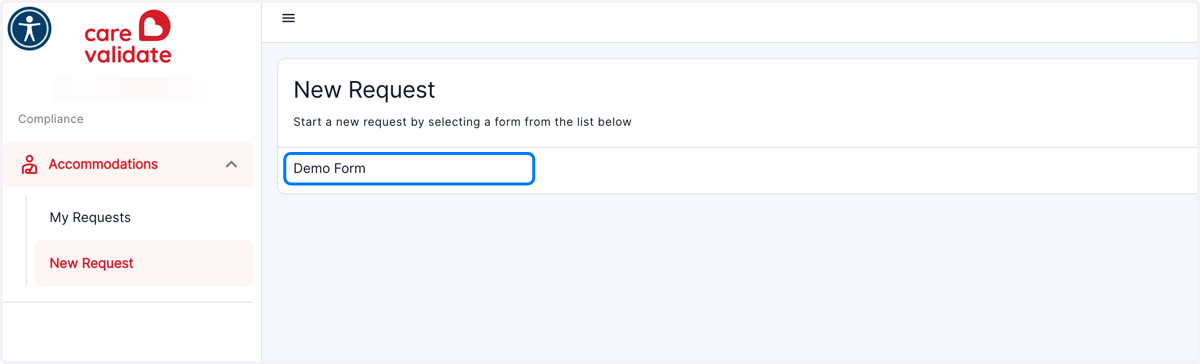
3. Click on the Accommodation Request Form you want to fill out
Carevalidate
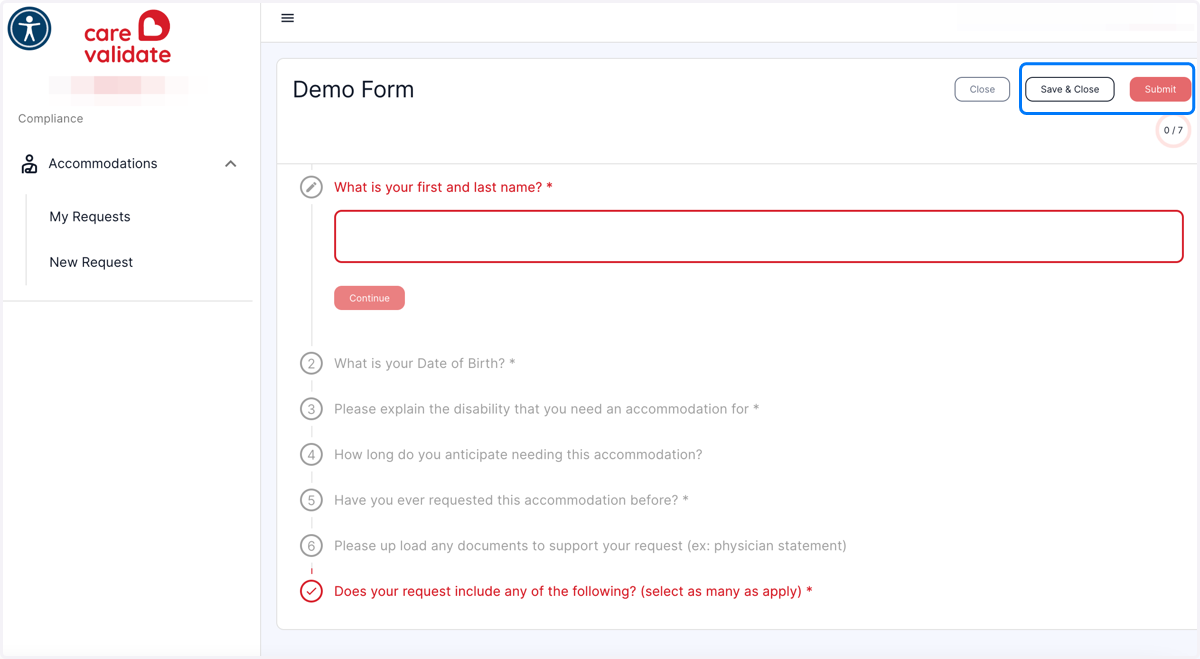
4. Enter your information in each step
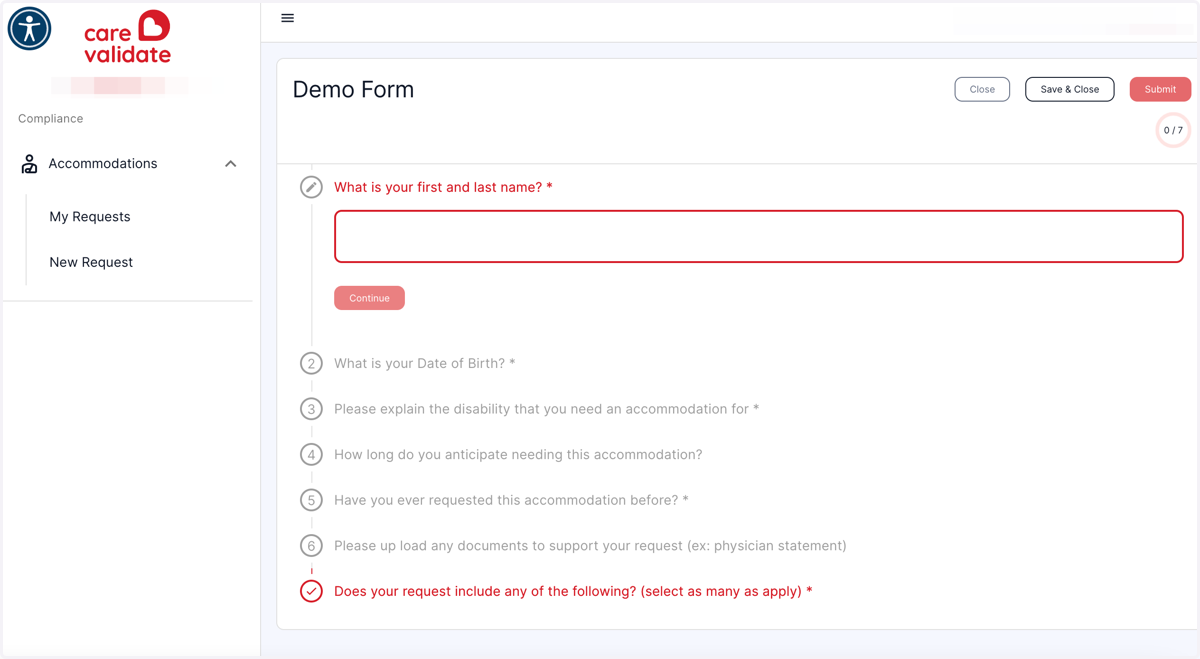
5. You can either Click on Save & Close if you need to stop and then continue. Or Click on Submit when you have completed the form.
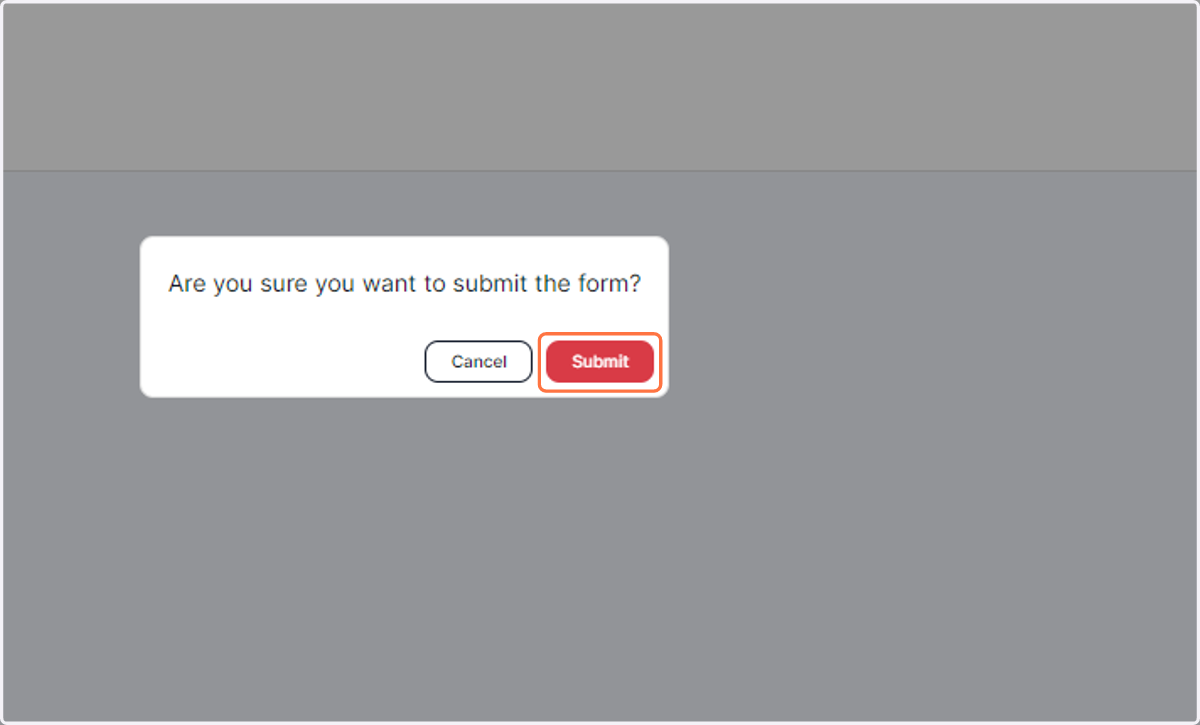
6. Click on Submit to confirm you are ready to submit the form
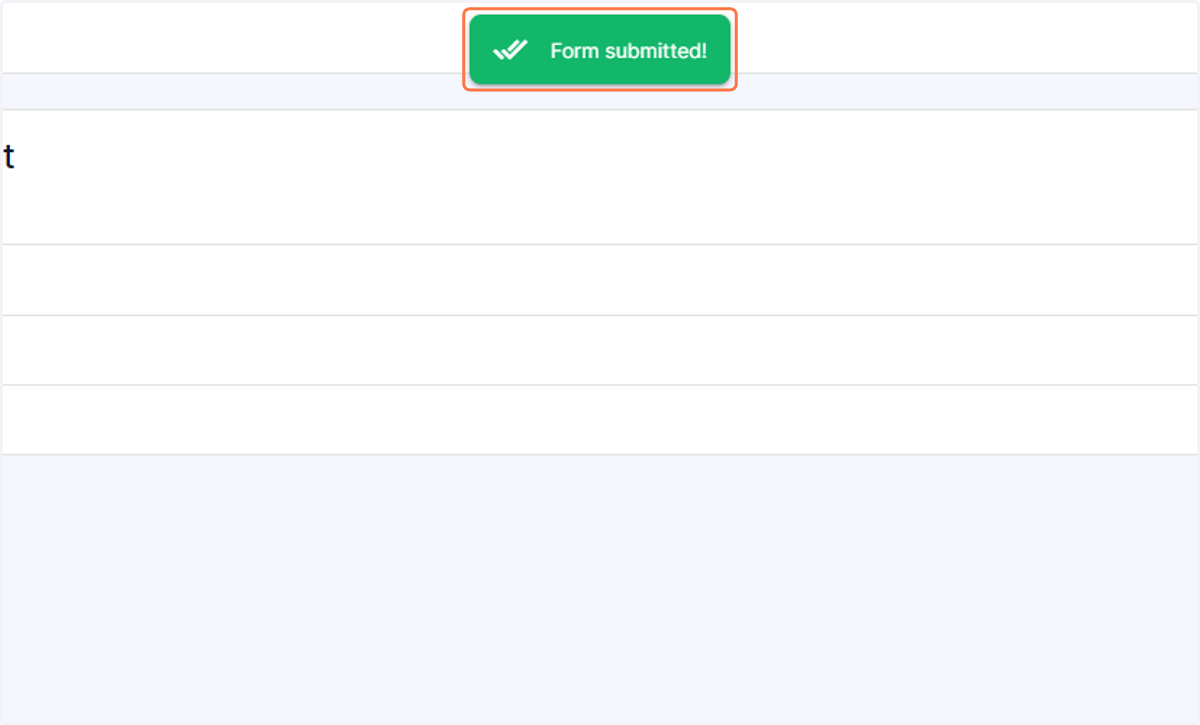
7. You will receive this notification that your form submission was complete, as well as an email stating that it was complete.