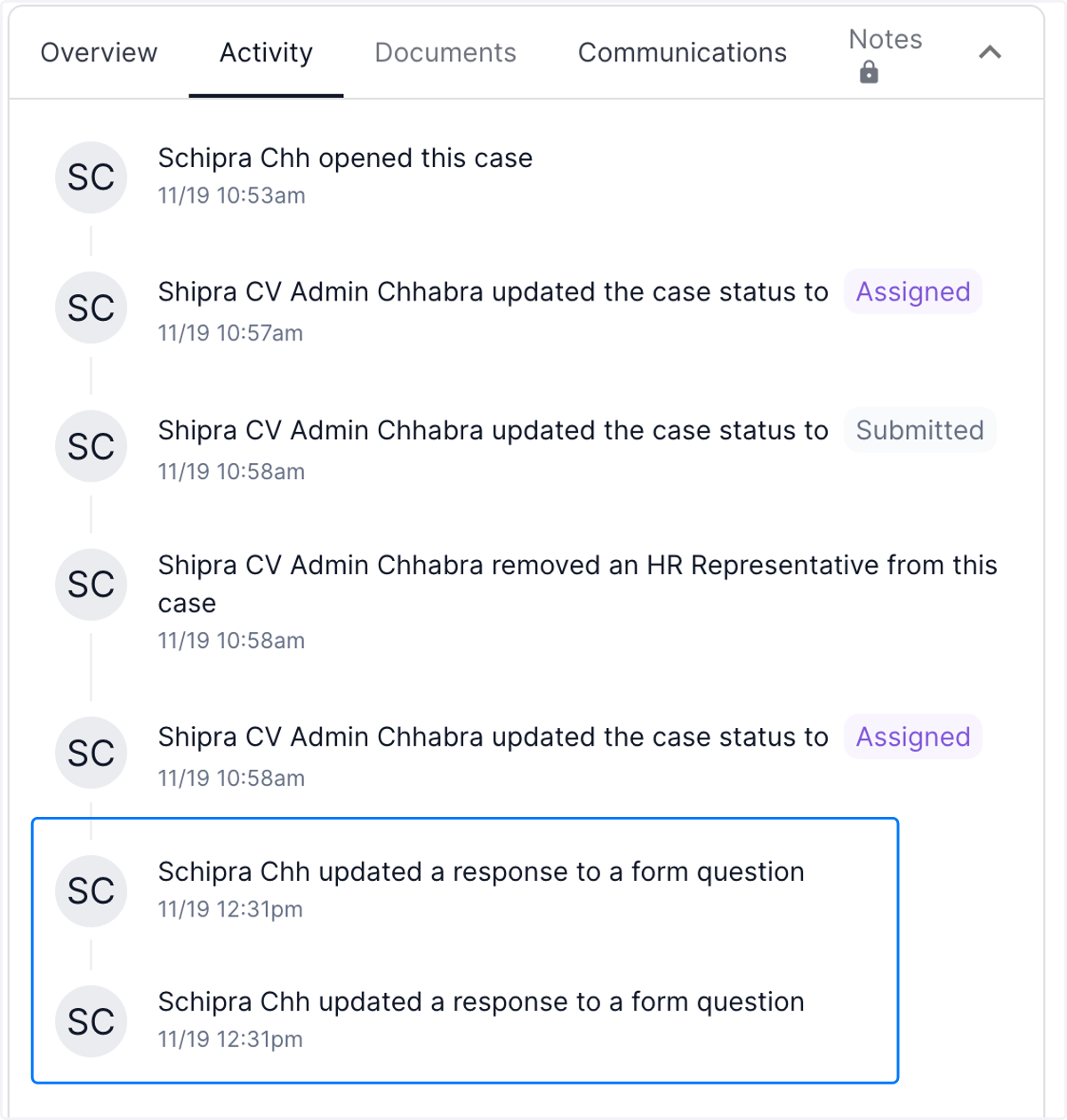
Nov 15th Release Notes - Add activity to activity log when a case form is edited after initial submission
The newly introduced Accommocare feature enables the Review team to track every instance of an employee editing their form responses. This ensures the preservation of data integrity and maintains a comprehensive record of information from the initial submission to the final version
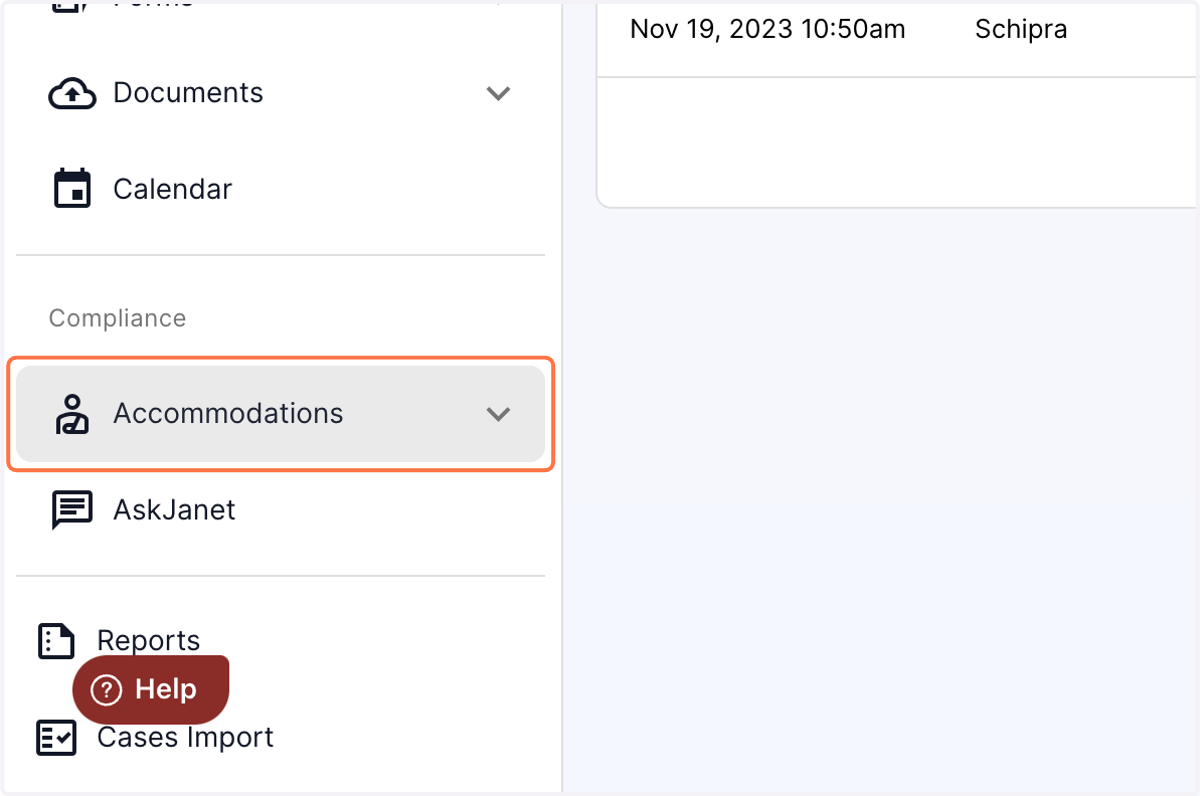
1. Click on the "Accommodations" tab in the left panel of the dashboard
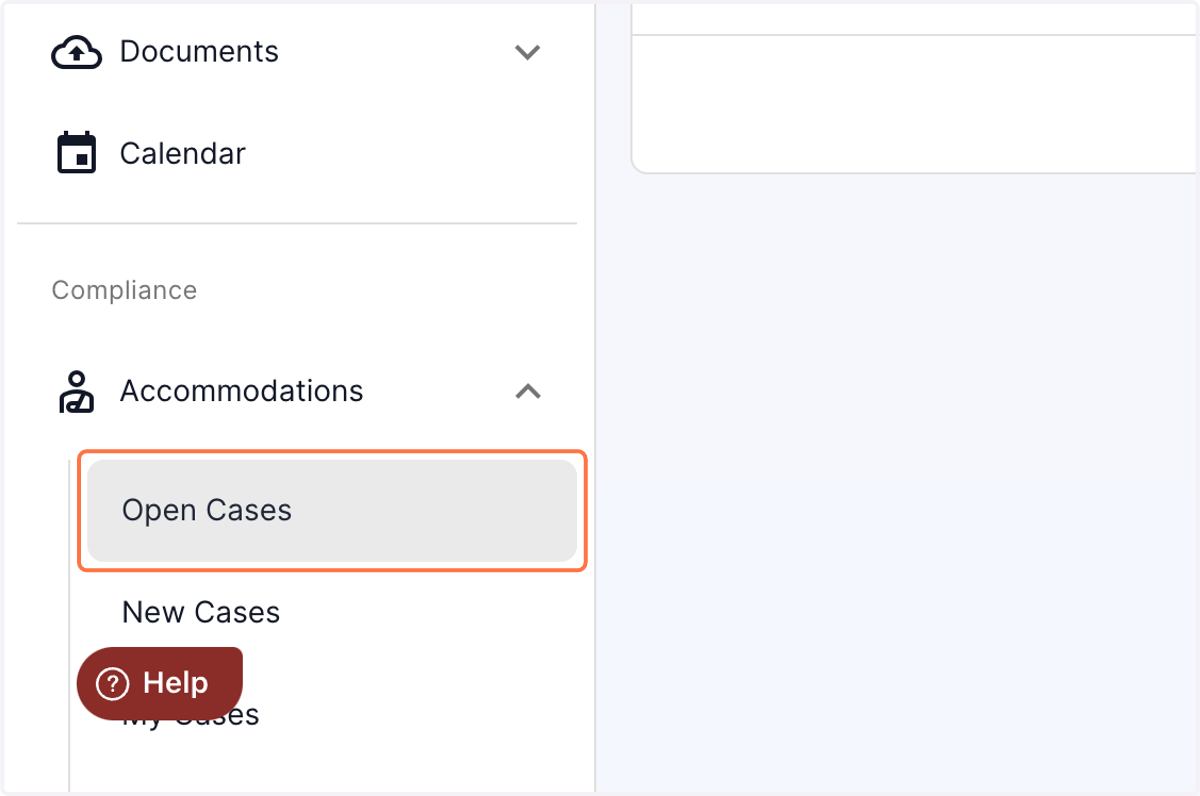
2. Click on Open Cases from the drop down menu
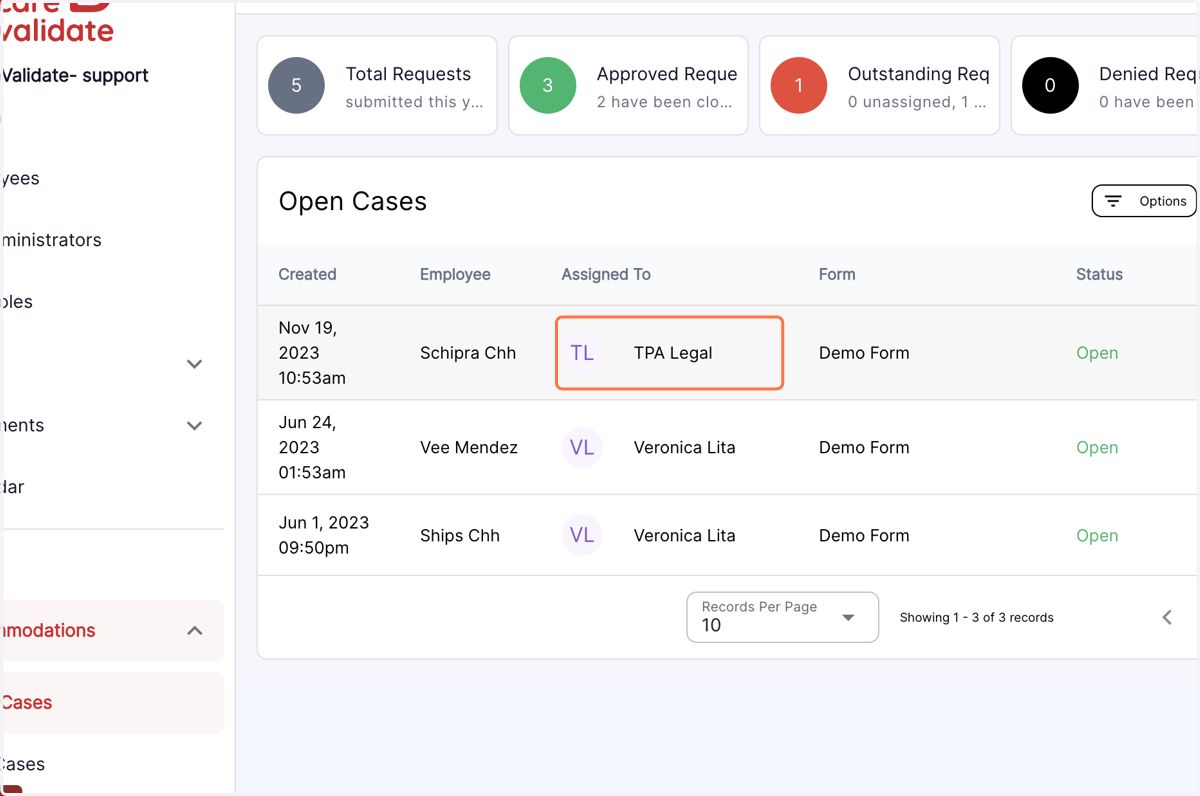
3. Select the desired case
4. Click on Activity from the Menu options
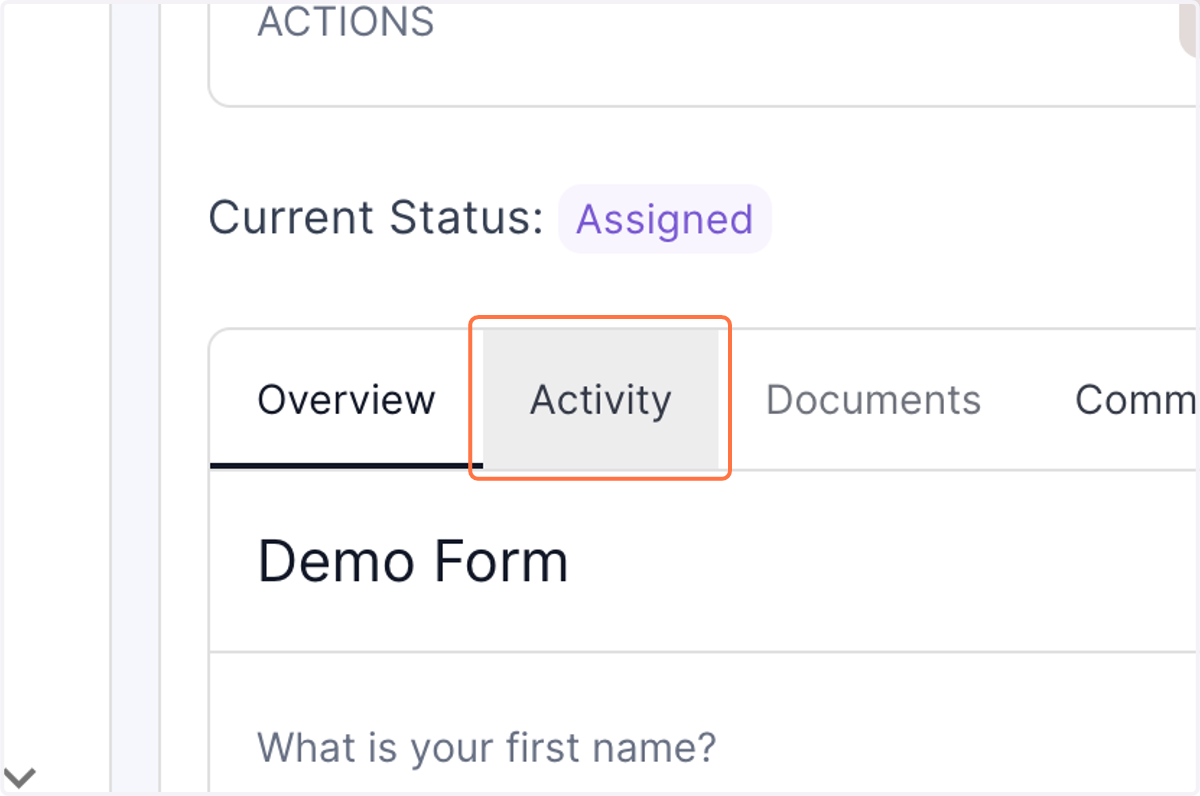
5. In the activity log, you will now be able to view any edits made to the case form by the employees