How to find your membership application if you already have a Certemy account
North American Registry of Midwives
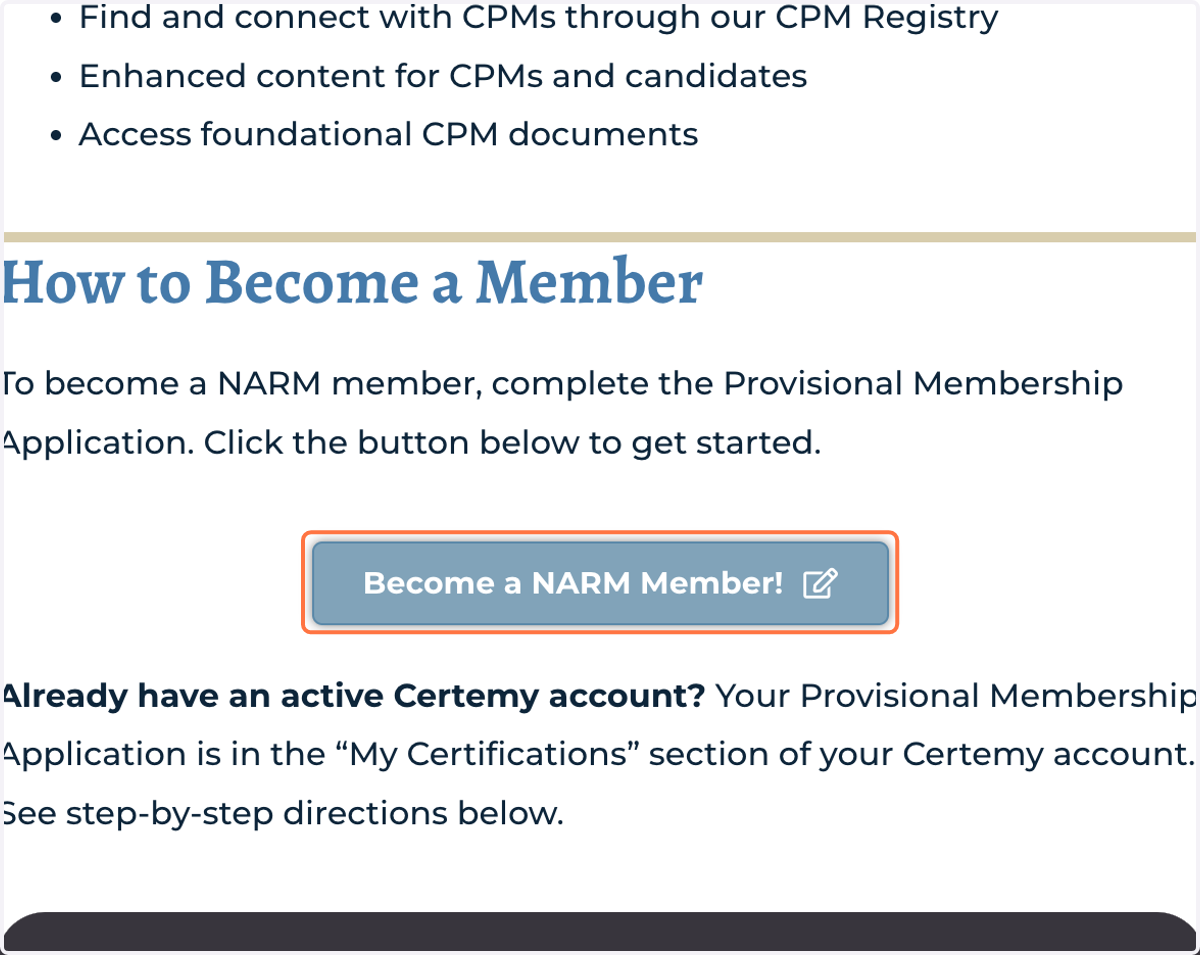
1. Click on Become a NARM Member button.
Clicking on the button adds the membership application to your Certemy account.
Certemy
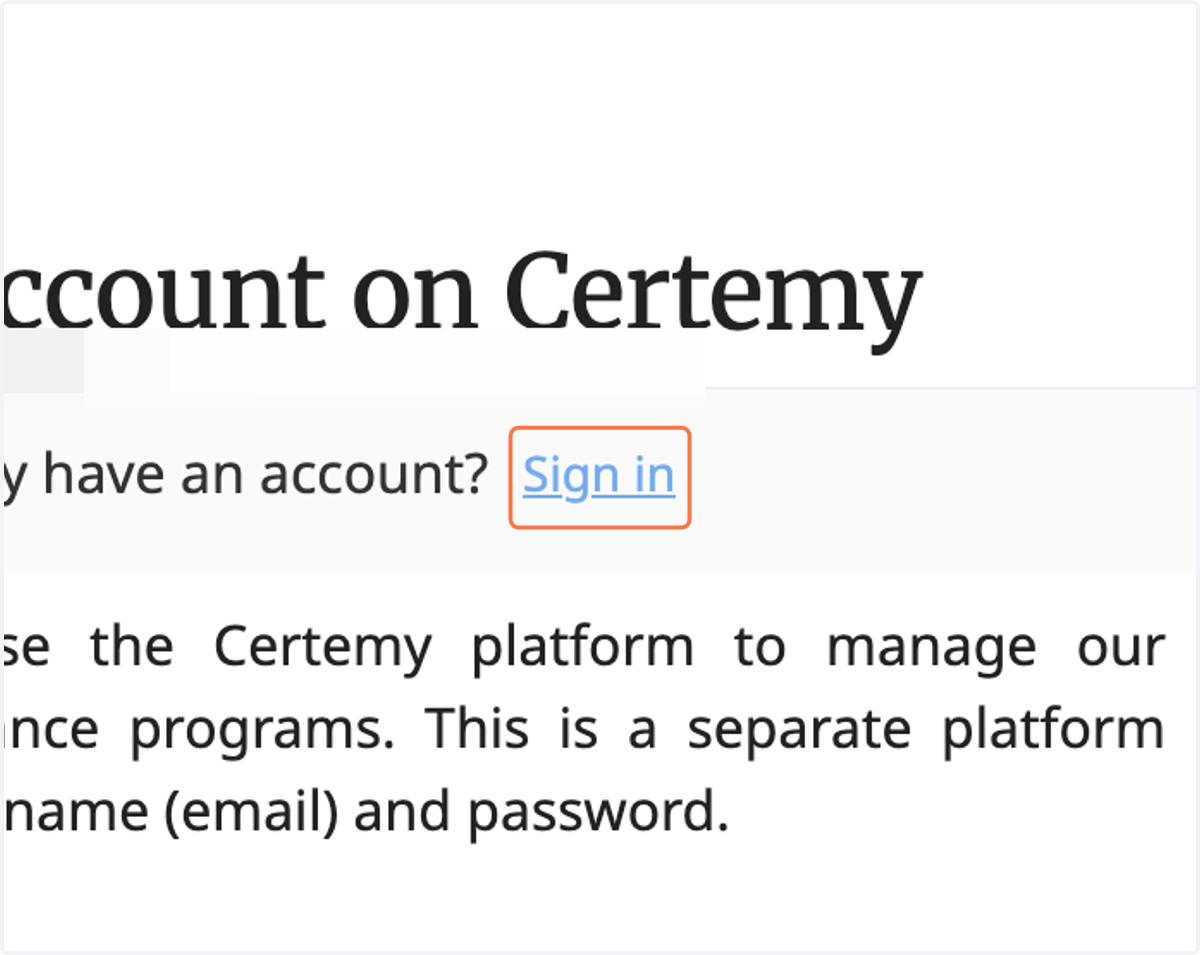
2. Click on Sign in
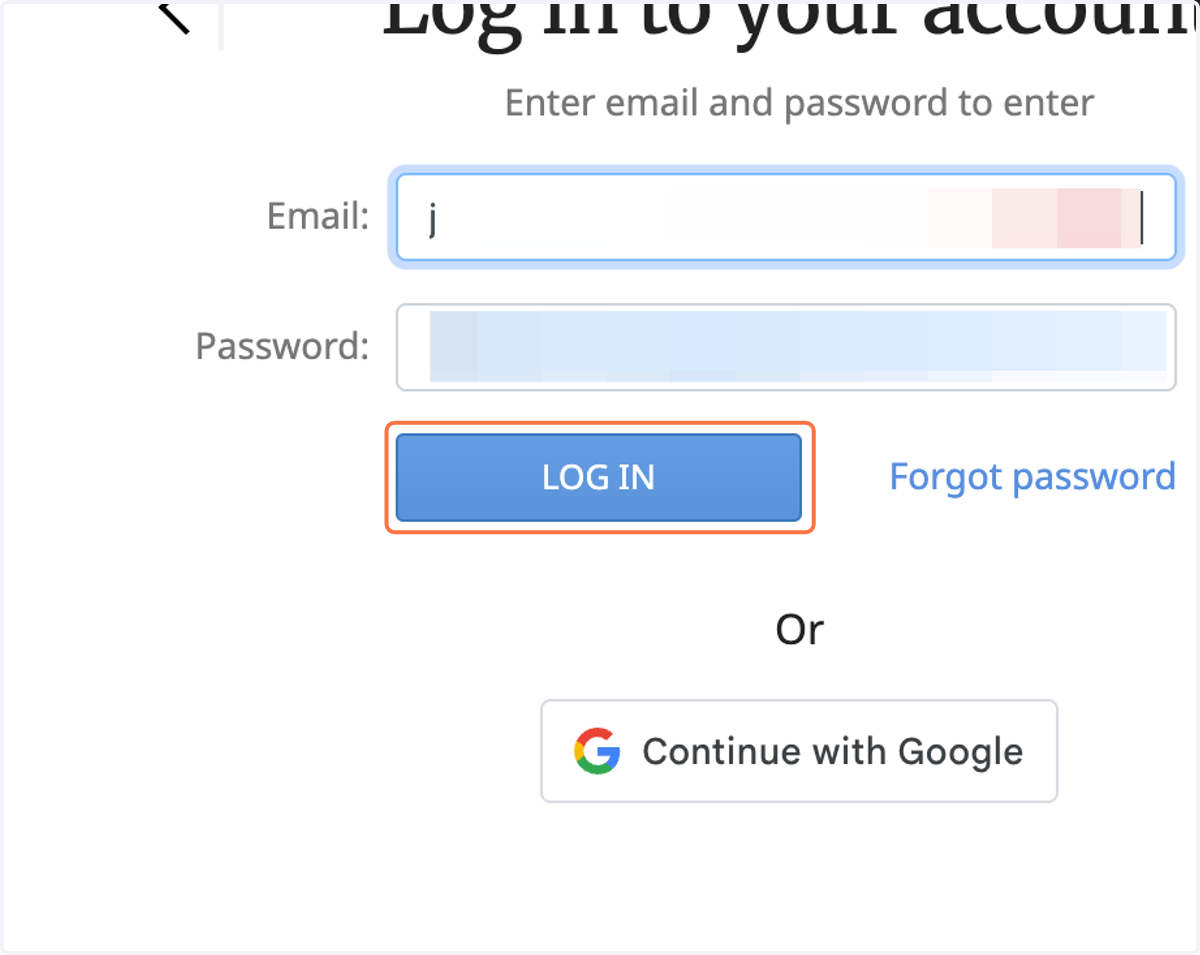
3. Click on LOG IN
4. Click on My Certifications
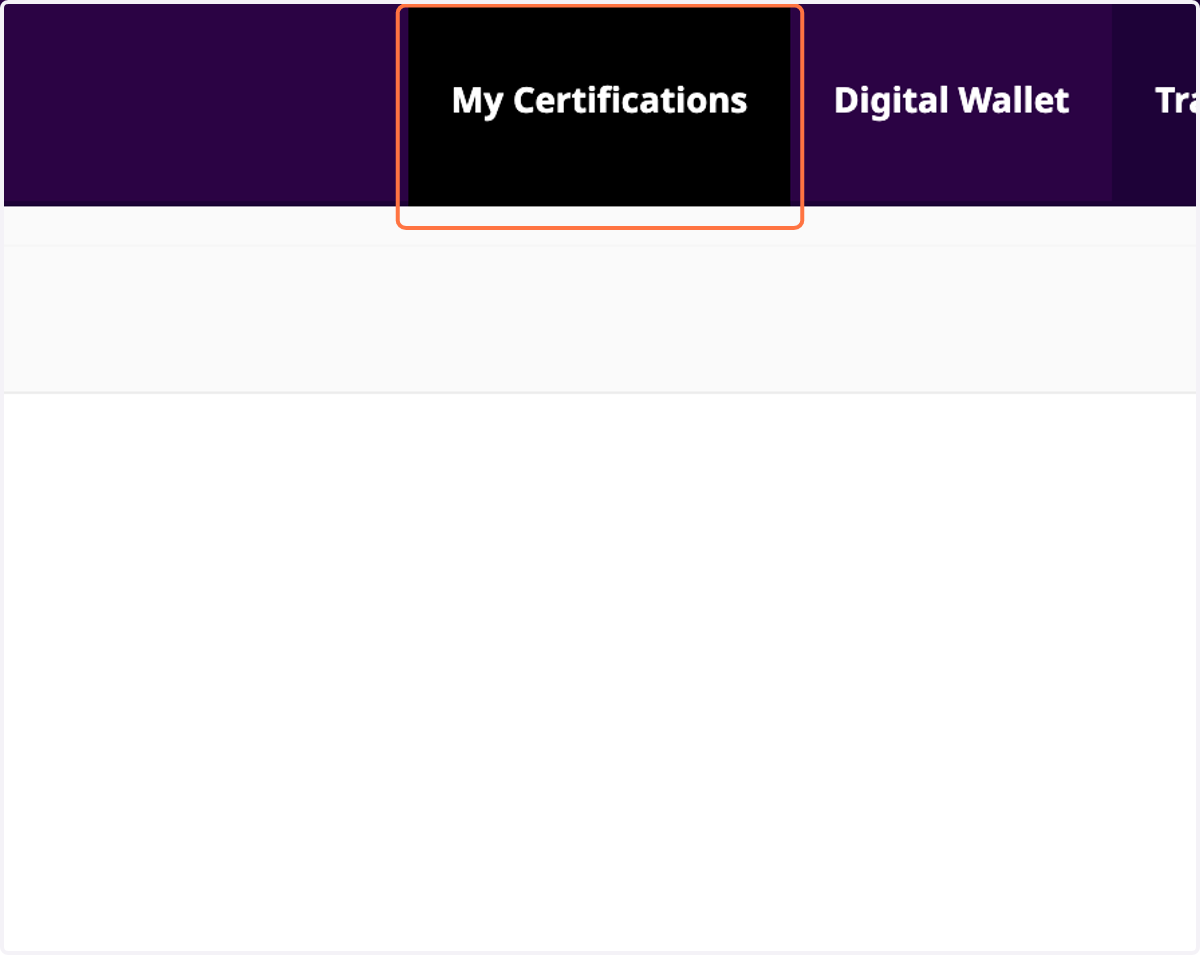
5. Click on Provisional Membership Application [ Current Phase: Provisional Membership Application ]
