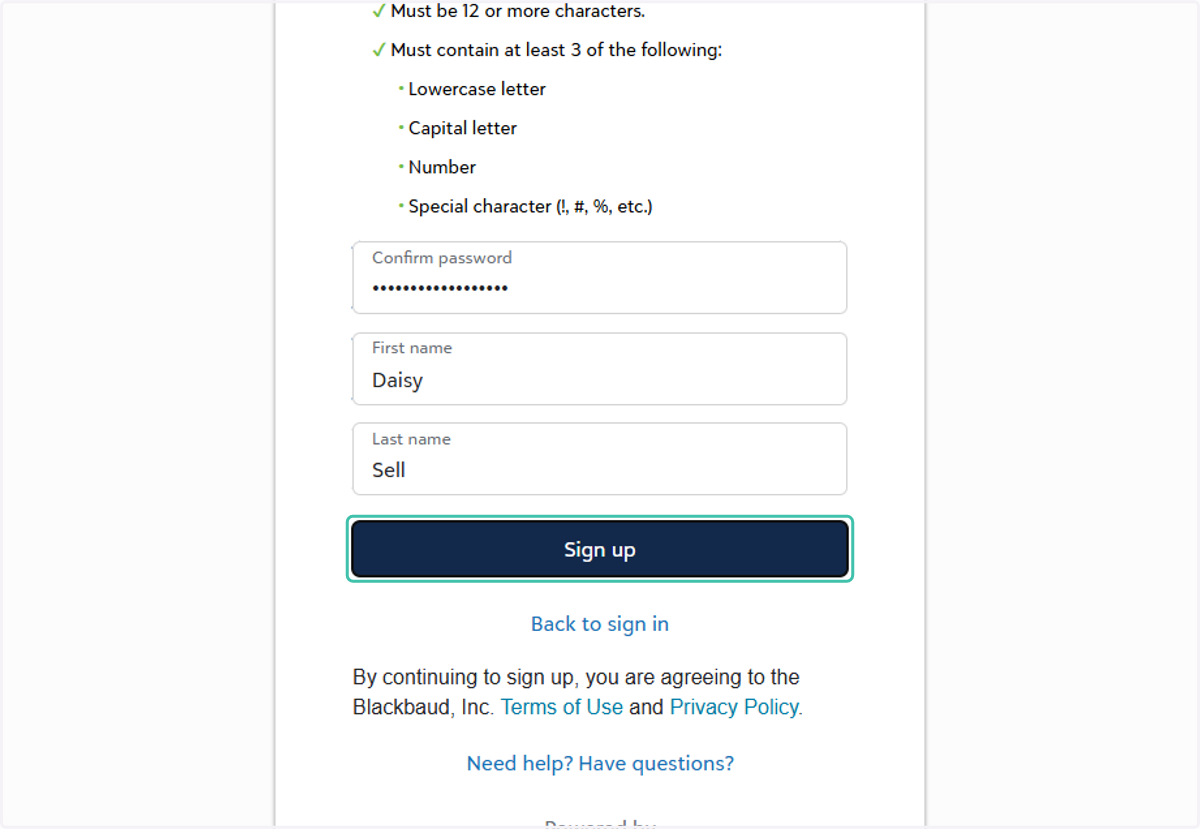
Sign Up for Donor Portal Access
Converge
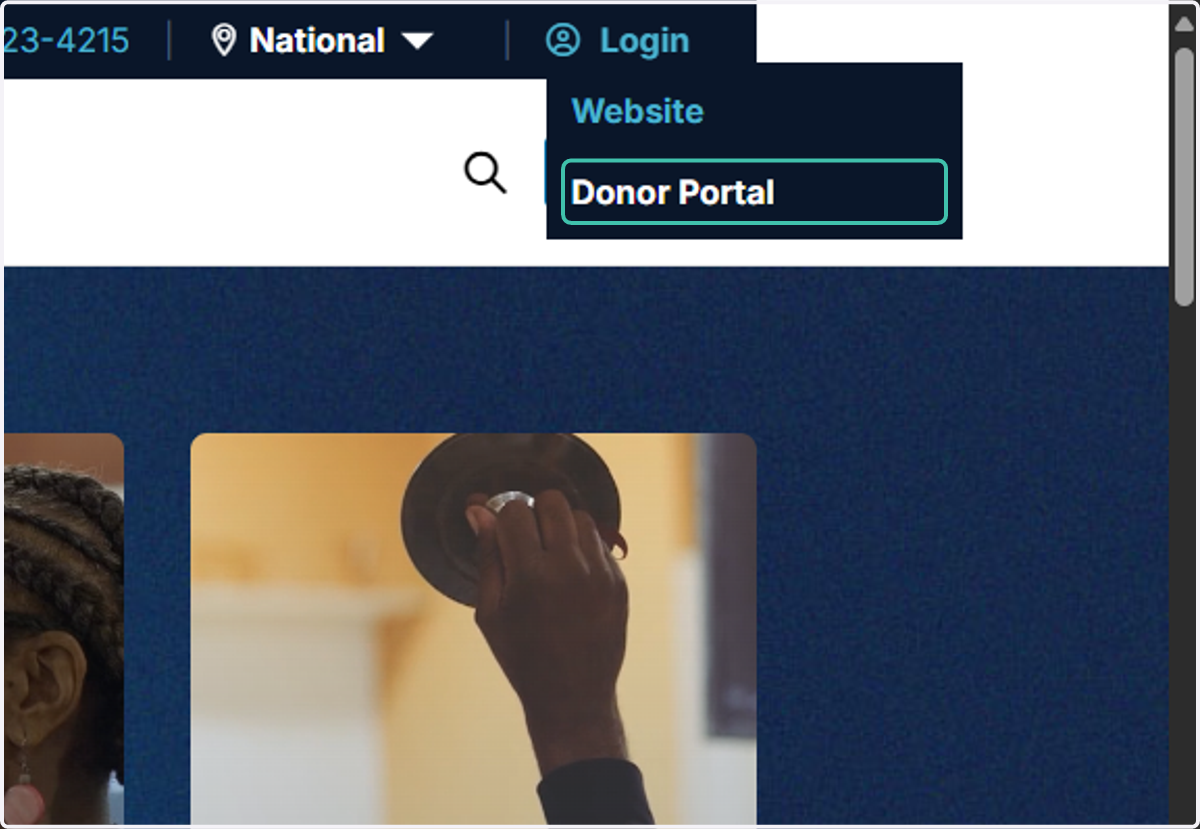
1. Click on Donor Portal
From converge.org, at the top right, hover over Login and choose Donor Portal.
Blackbaud
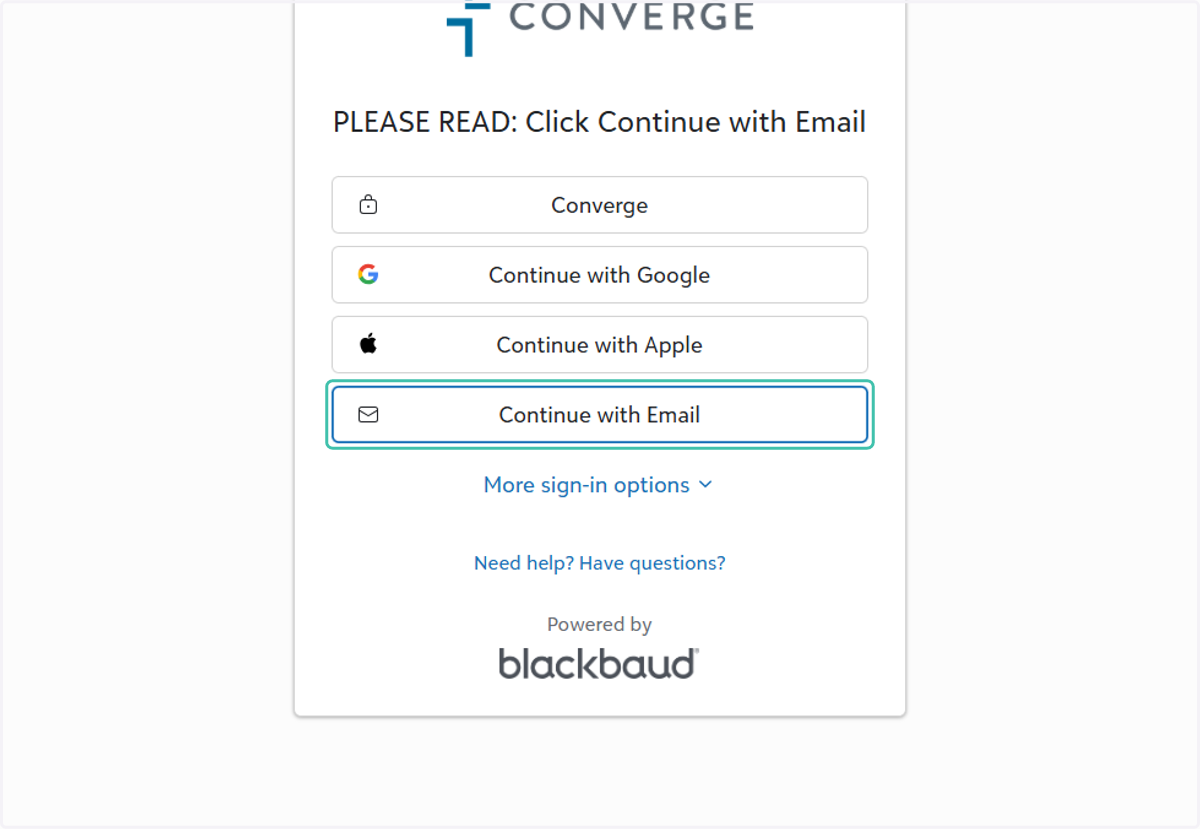
2. Click on Continue with Email
You will be directed to the Converge Donor portal that is hosted by Blackbaud (donorcare.blackbaudportal.com). Click Continue with Email
3. Type your email address
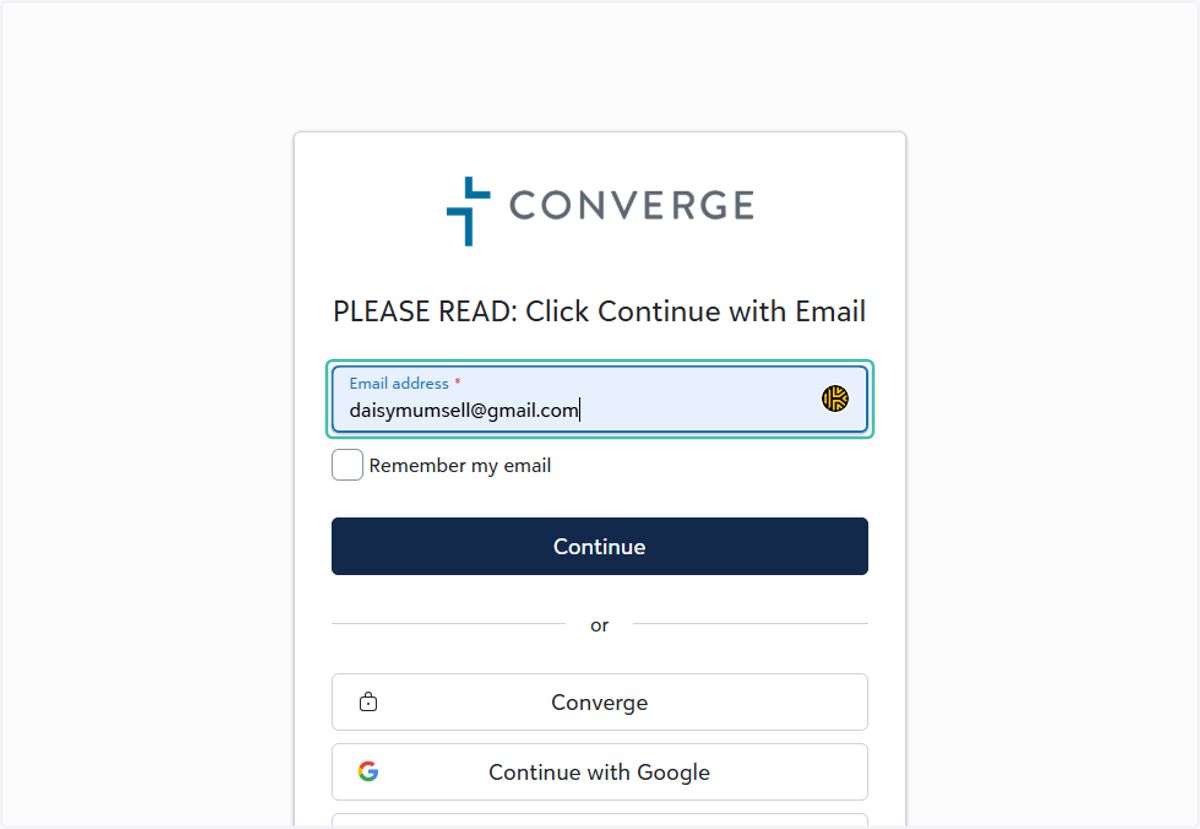
Type your email address. Be sure to use the same email where you received the invitation from Converge to set up an account on the donor portal.
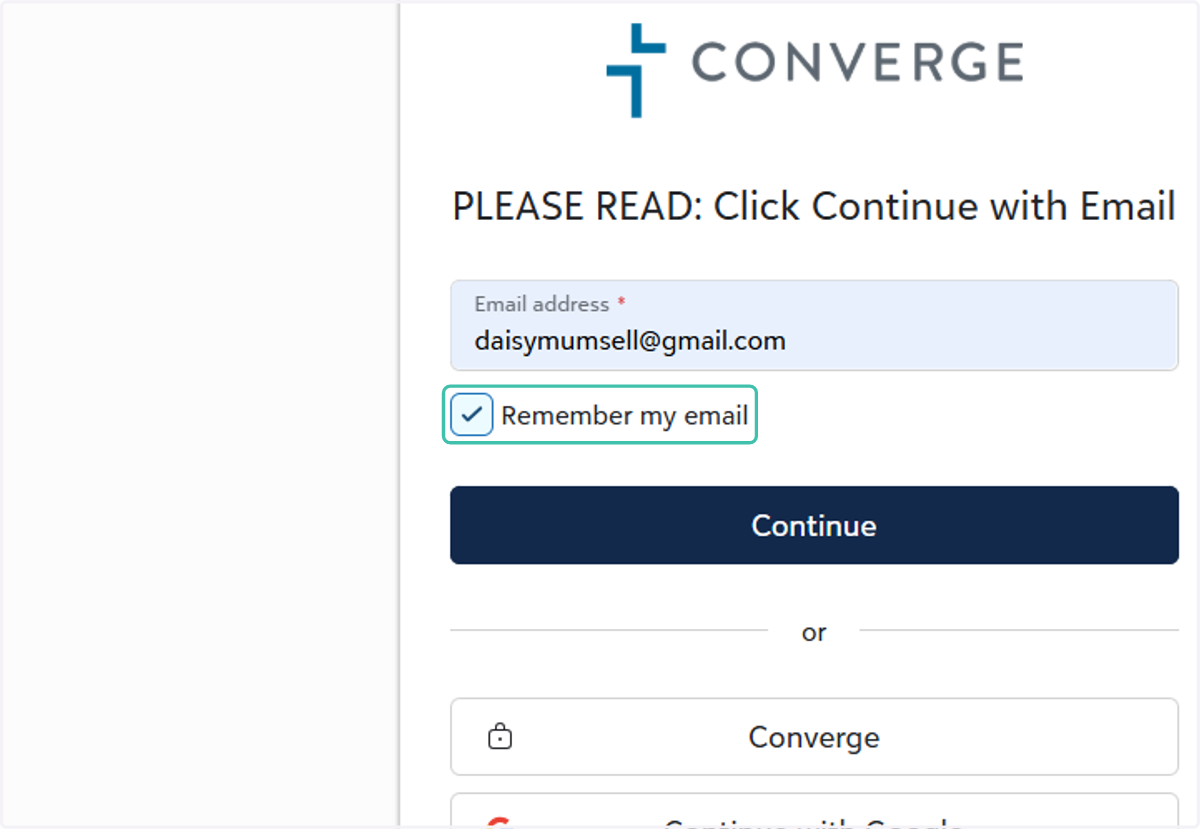
4. Check Remember my email
Optional: Click the Check Remember my email checkbox so your browser will automatically enter your email address in the future. Don't select this option on public or shared computers.
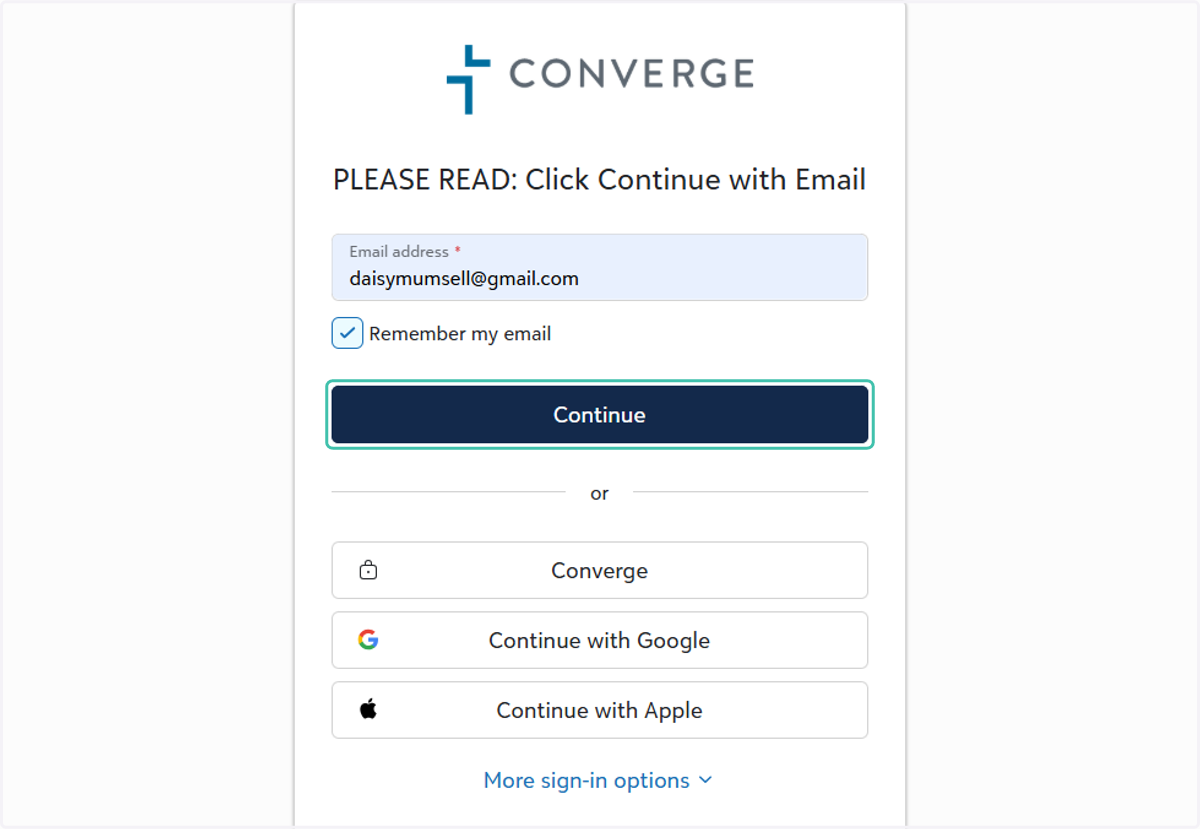
5. Click on Continue
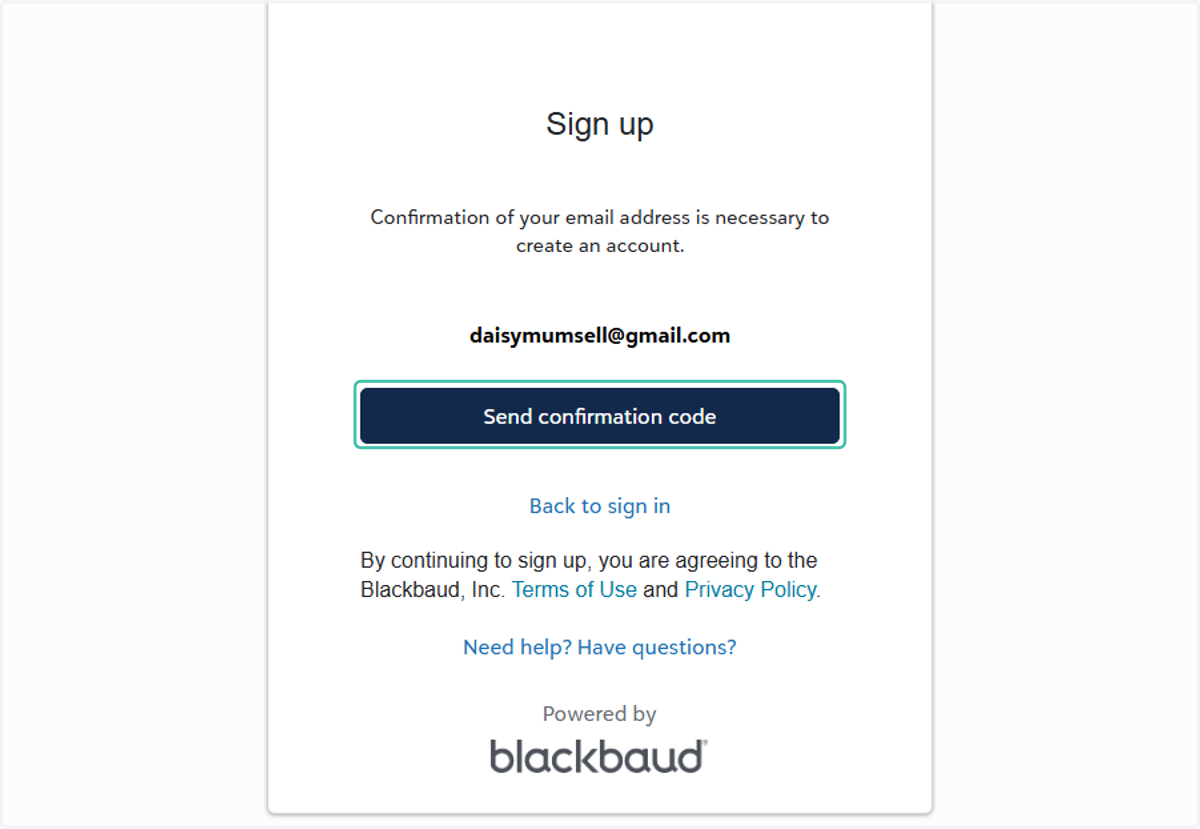
6. Click on Send confirmation code
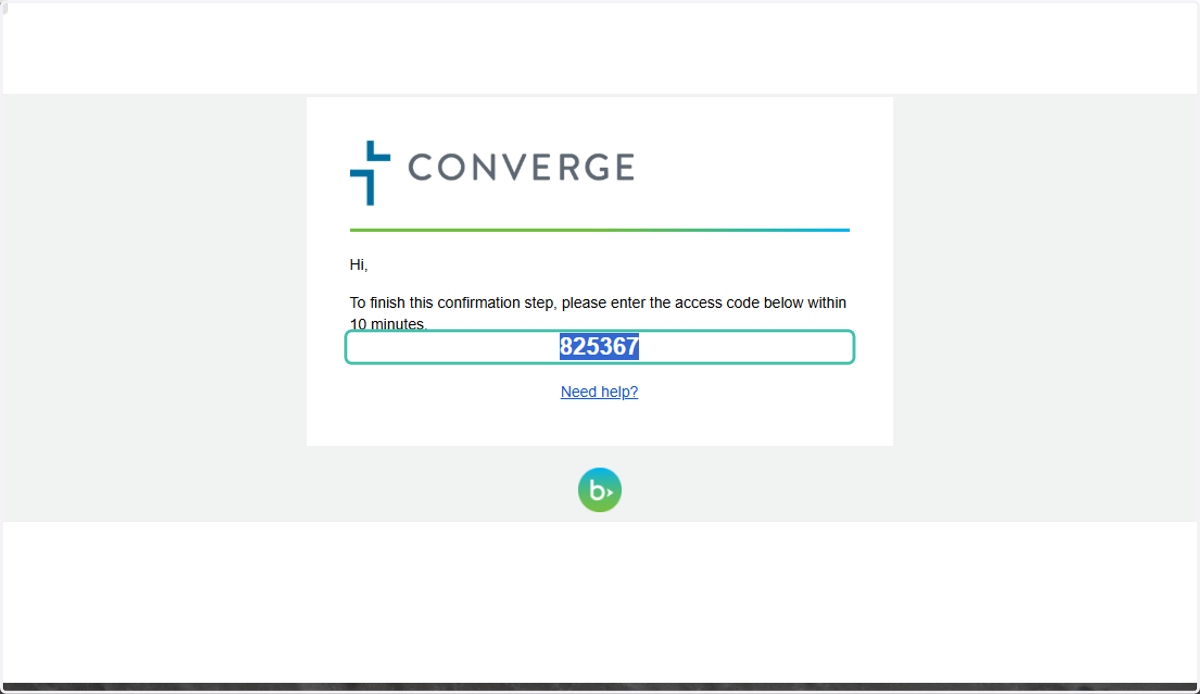
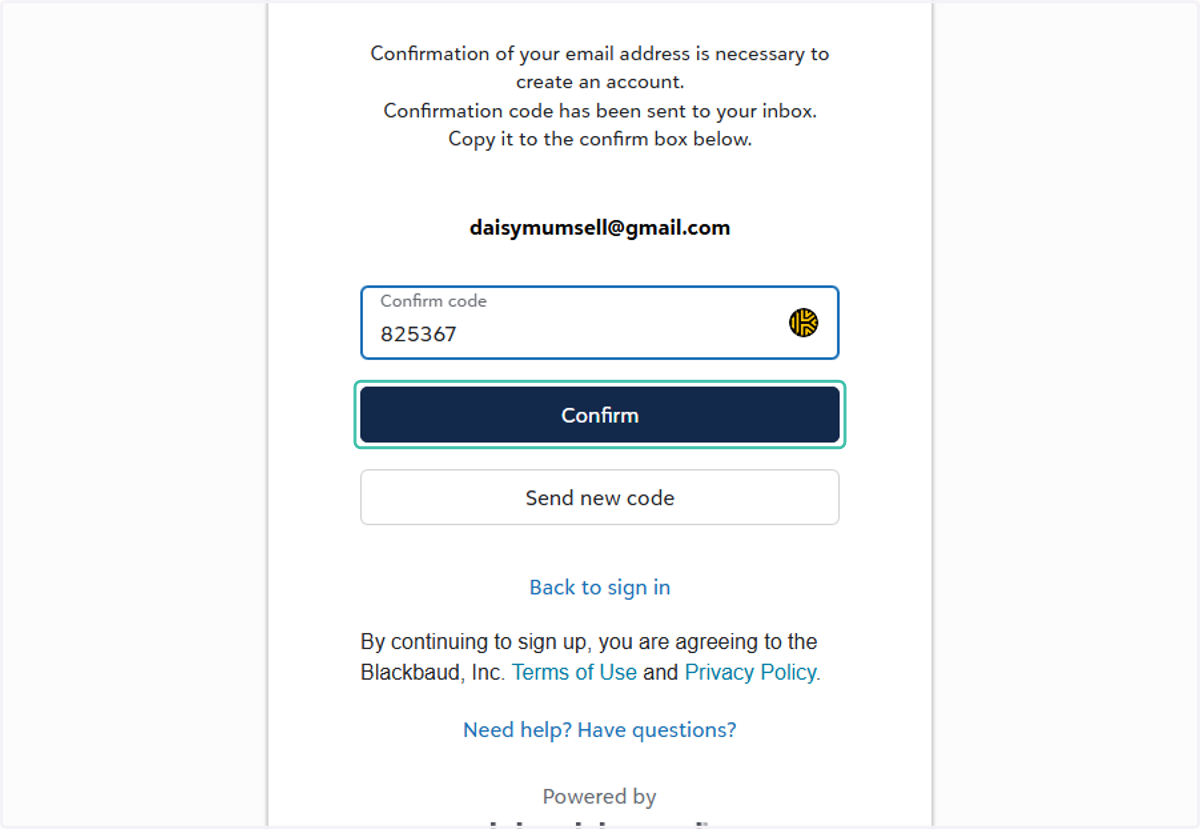
7. Enter the confirmation code
Enter the confirmation code sent to your email.
Blackbaud
8. Click on Confirm
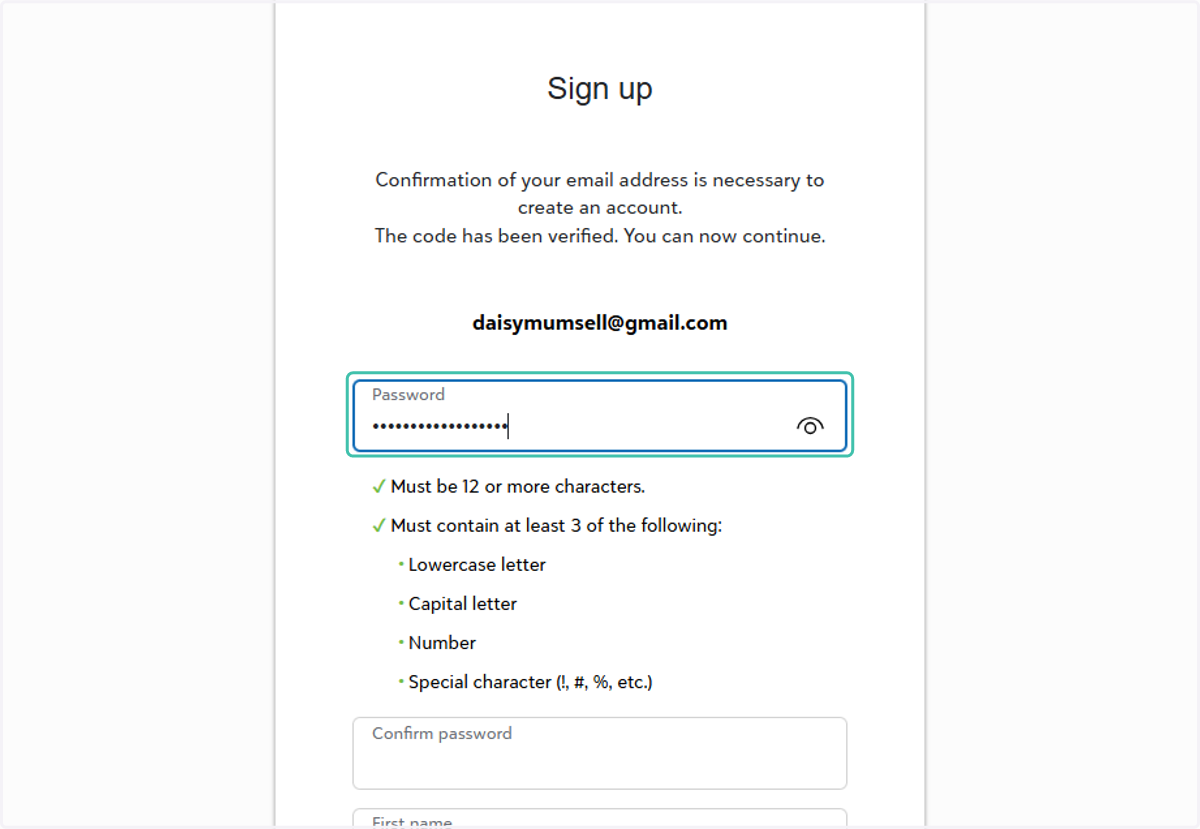
9. Enter a password for your new account
On the Sign up screen, enter a password.
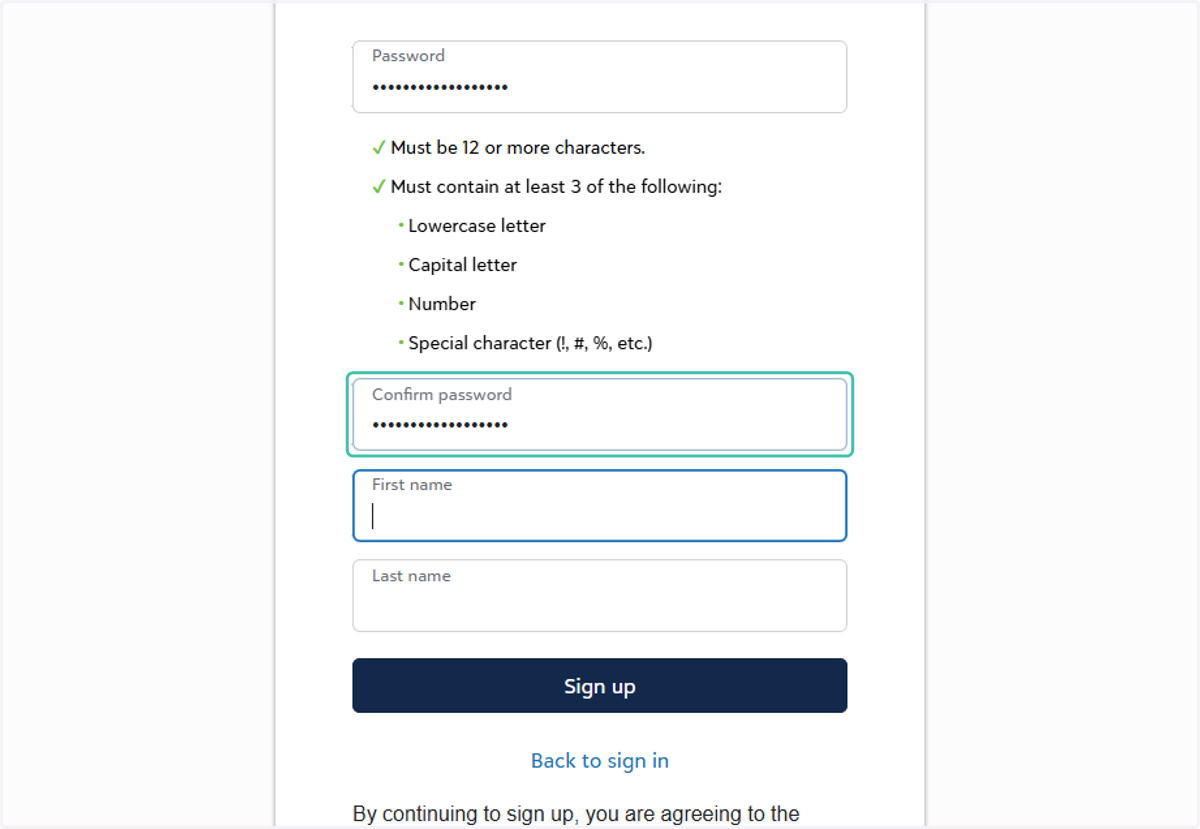
10. Enter Password in Confirm Password
Enter the password again to confirm it was typed correctly.
11. Enter you first name.
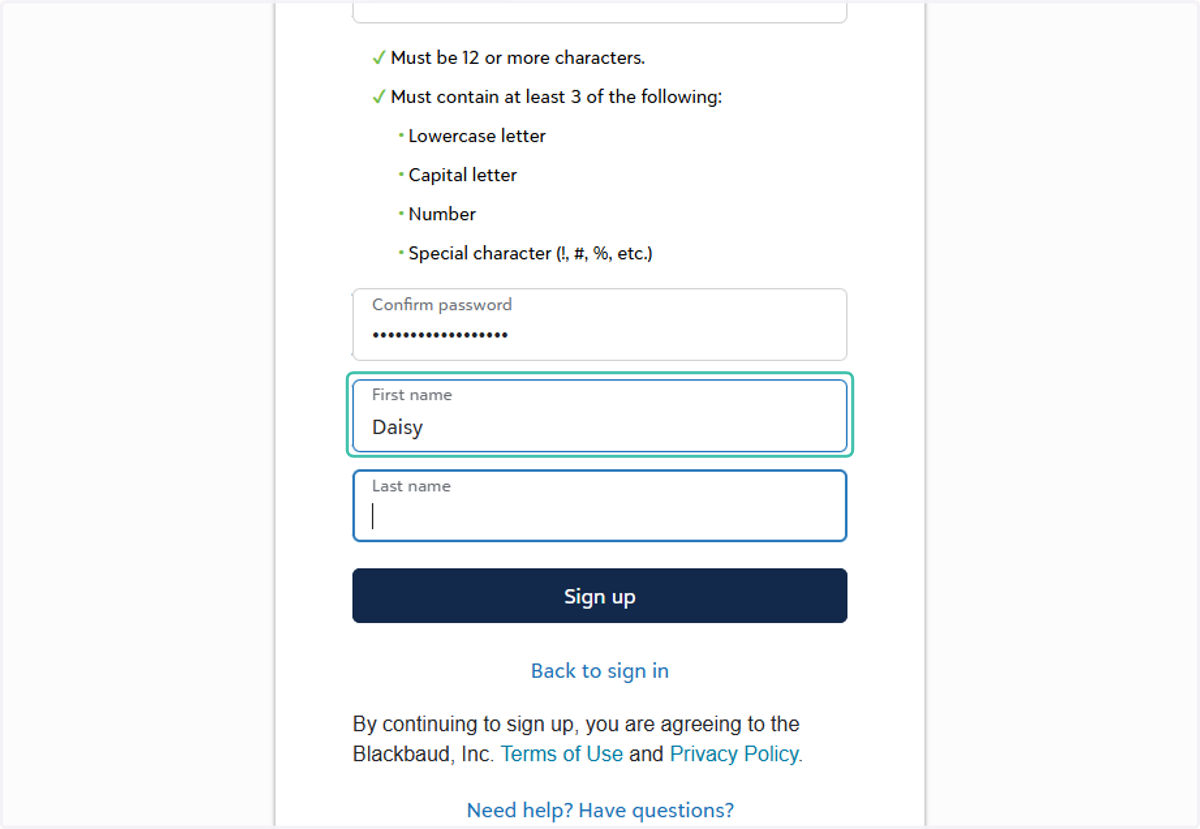
12. Enter your last name.
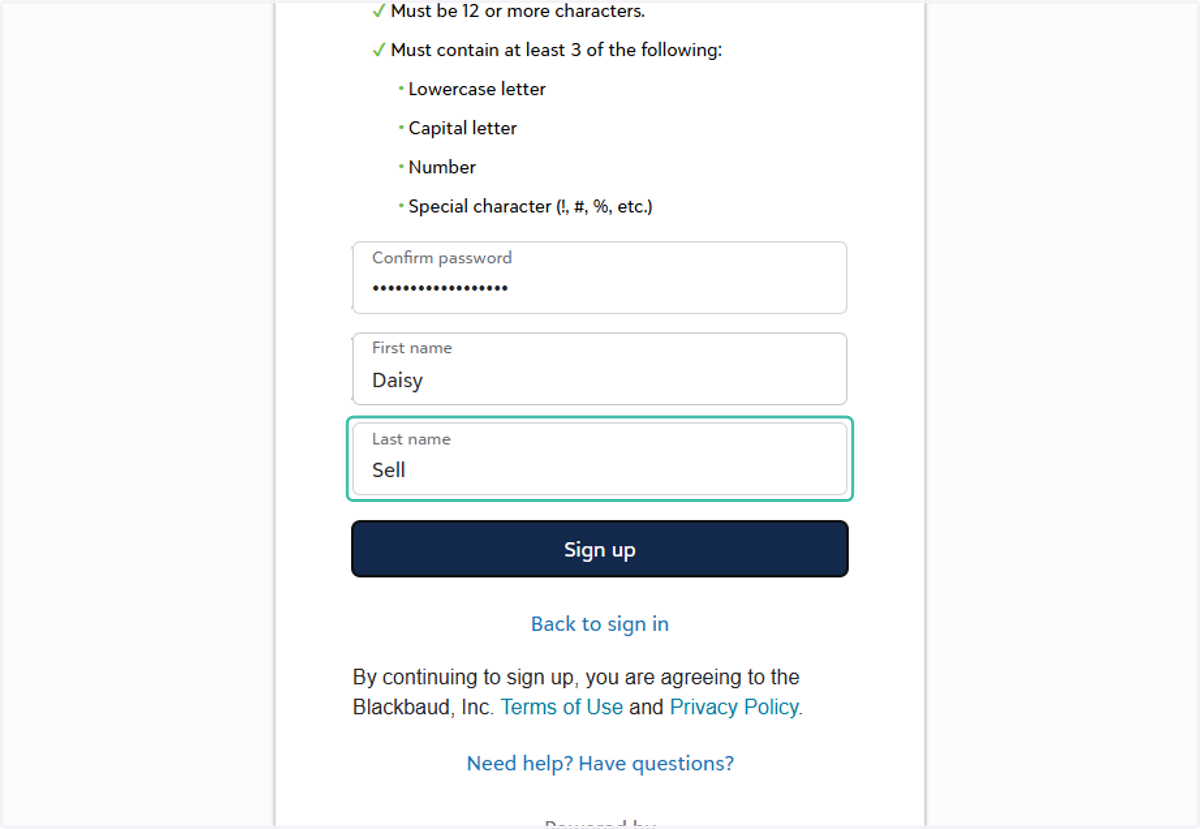
13. Click on Sign up