How to login
This tutorial shows you how to login to your GPsurgery.net website. You can use the tutorial at your own pace by clicking the Next button below.
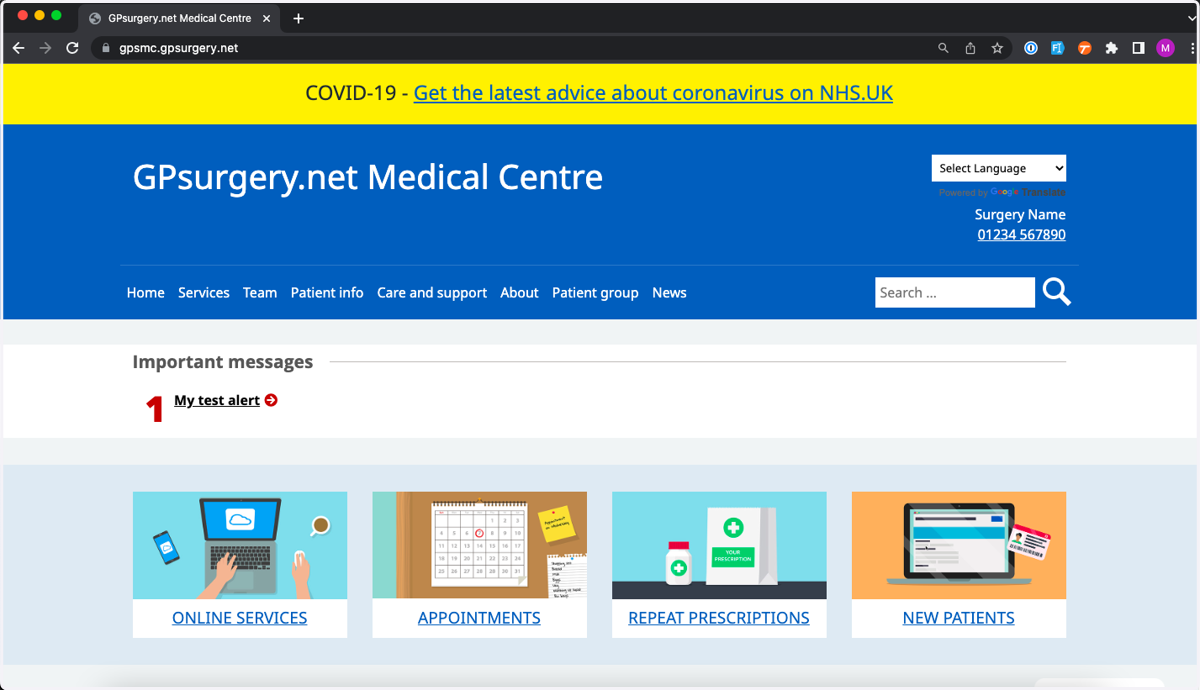
1. Navigate to the homepage of your website.
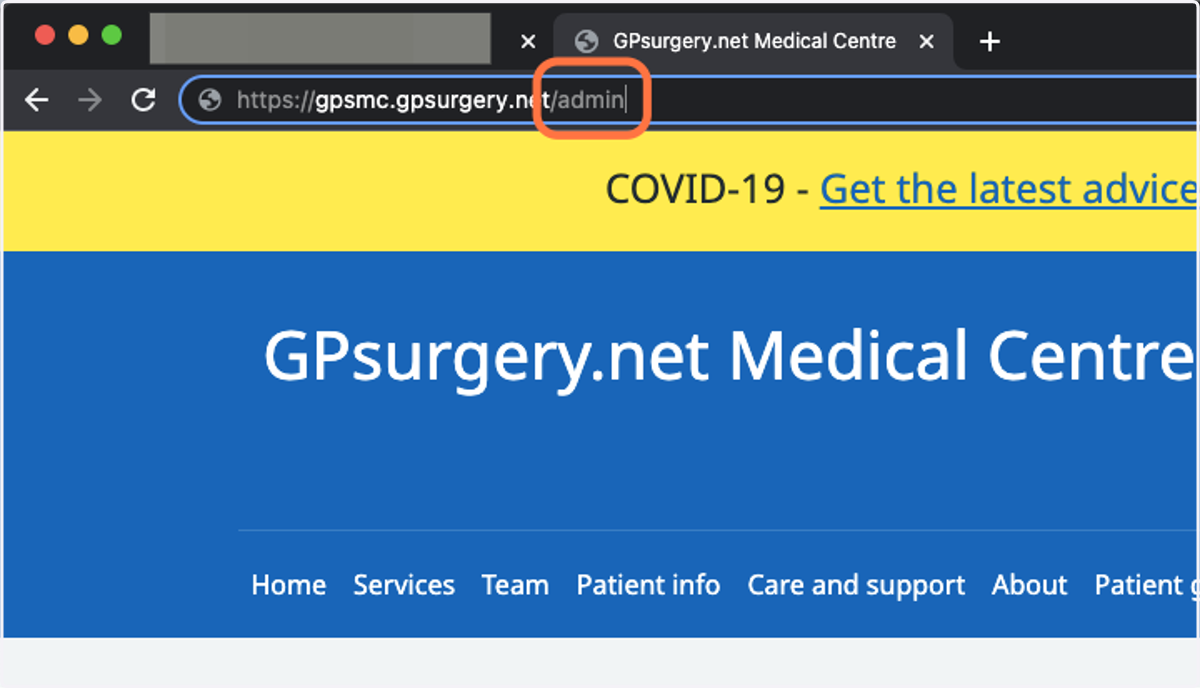
2. In the address bar, add /admin to the end of your website address.
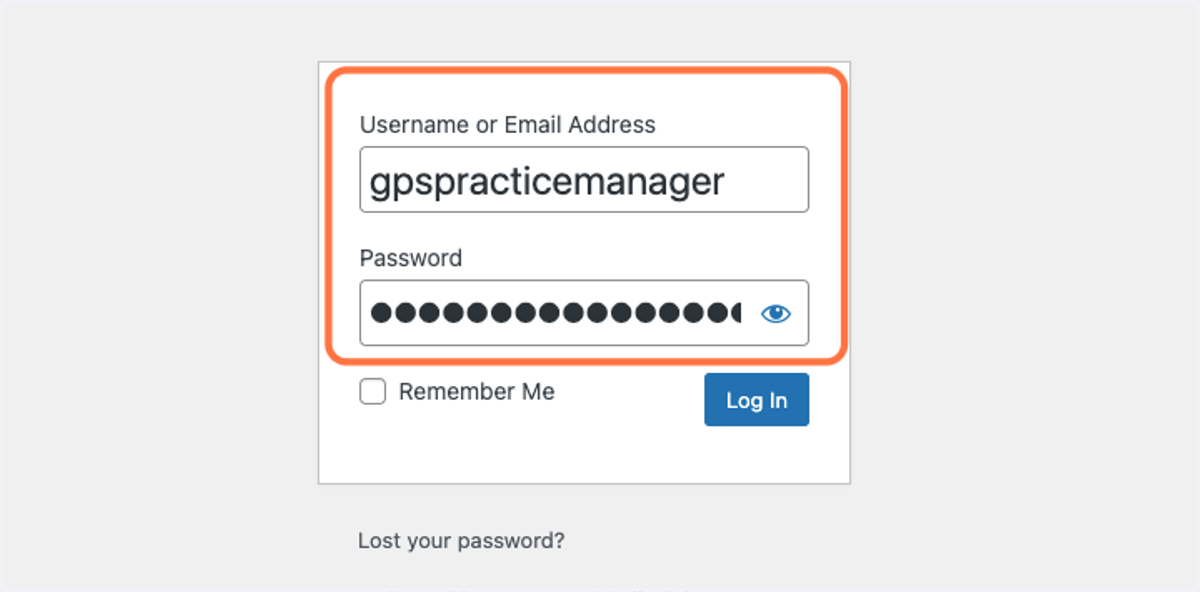
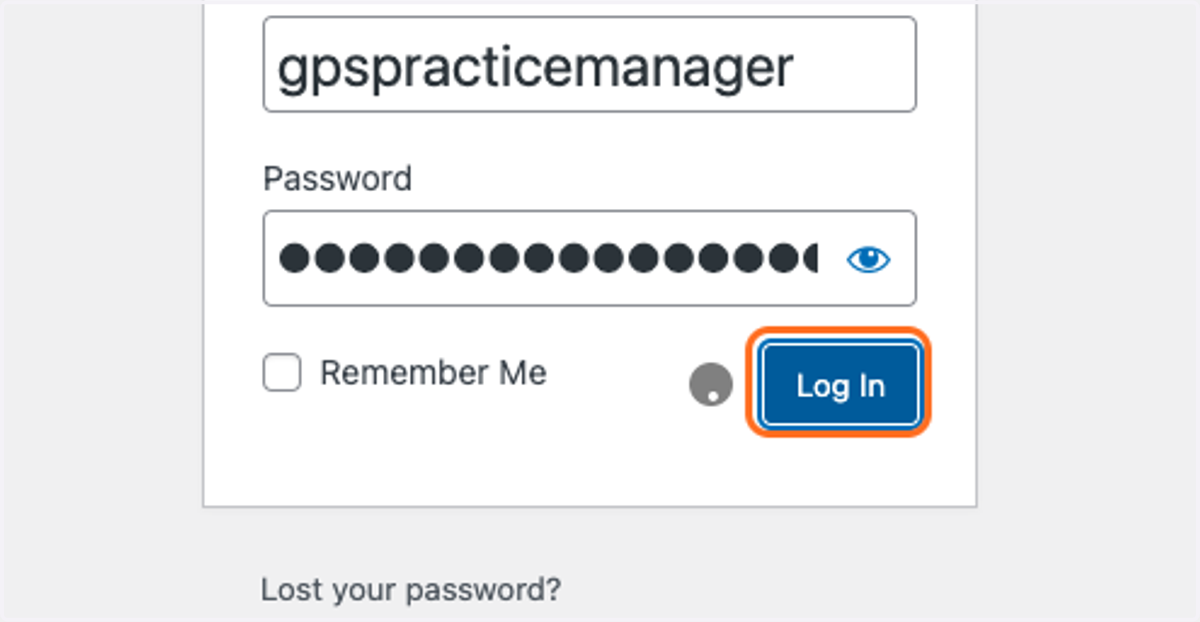
3. Enter your NHS email address in the Username field, and your password.
Your password should have been supplied in an email. Follow this link for instructions if you have lost your password.
4. Click the blue Log In button.
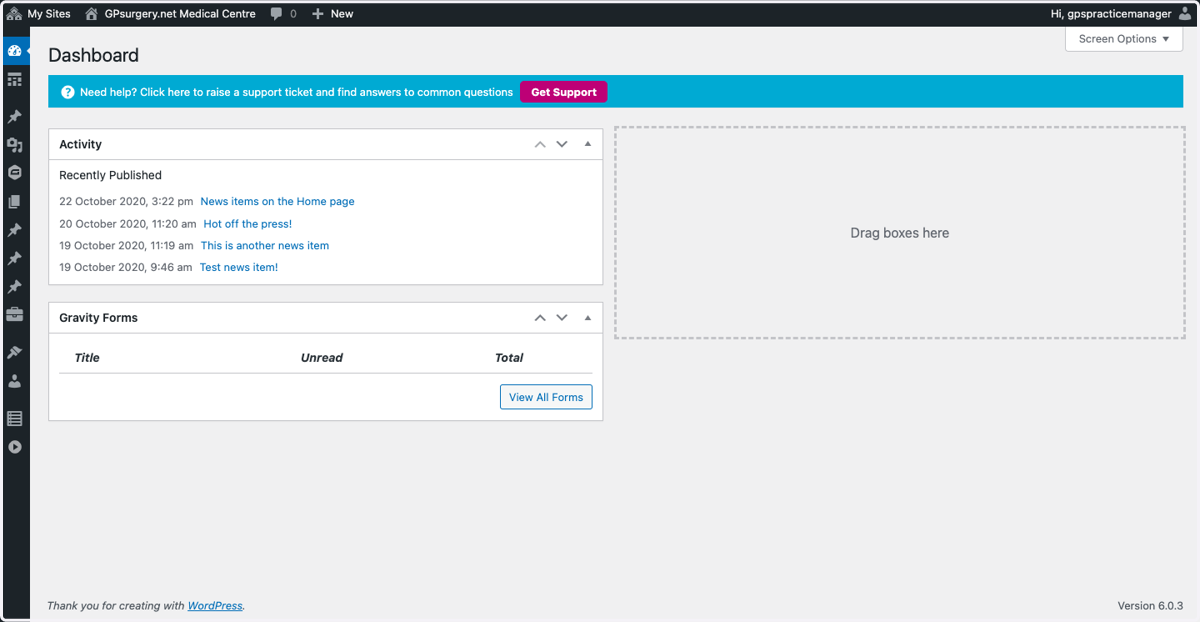
5. If your details are correct, you should be brought to your dashboard.