Creating a Special Committee
Interfolio
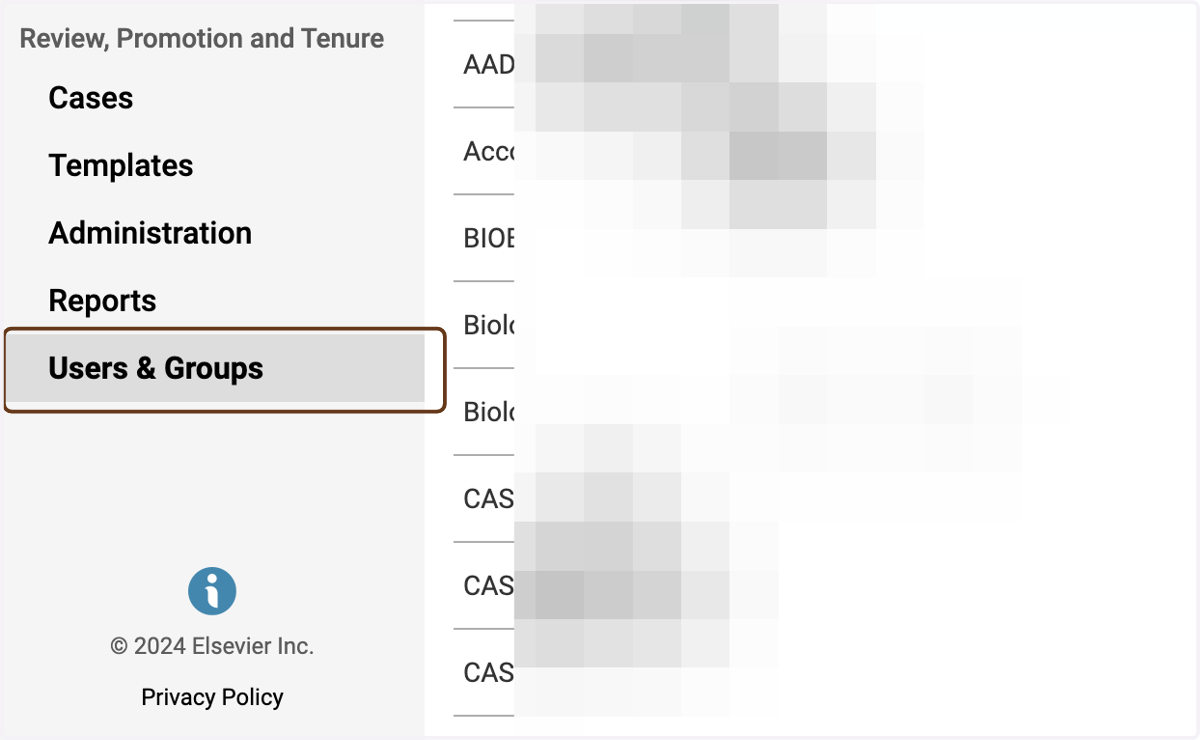
1. Click on Users & Groups
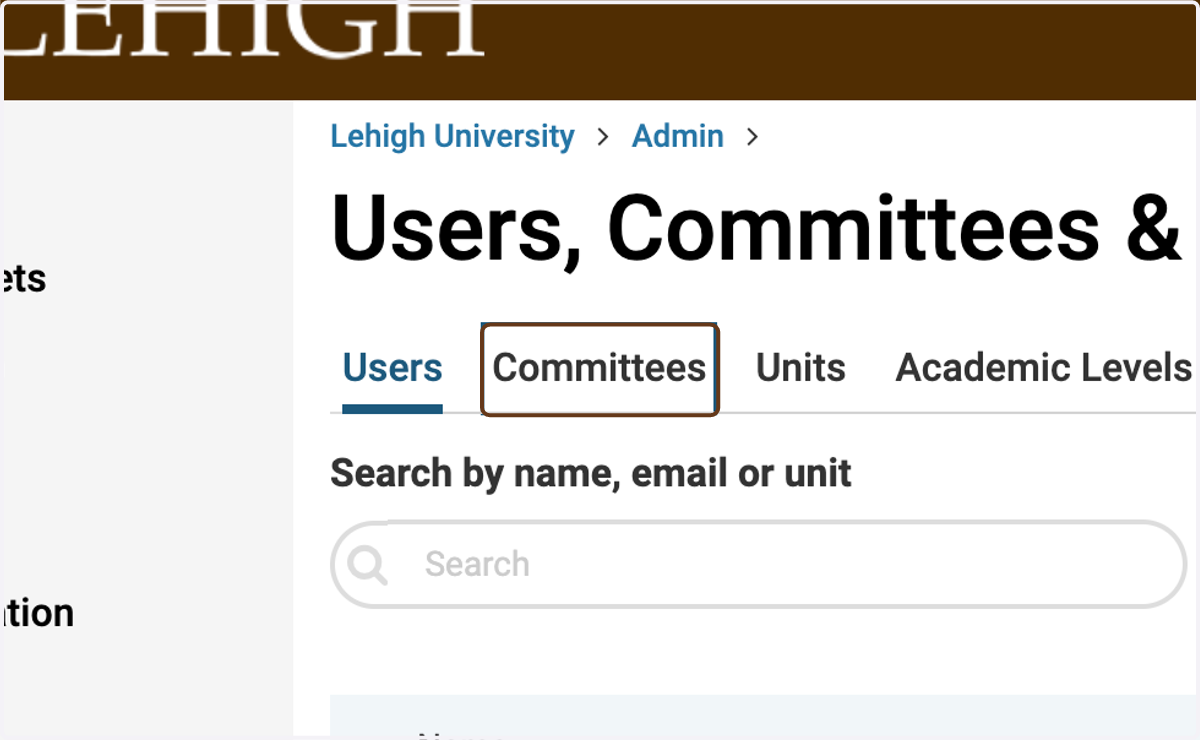
2. Click on Committees
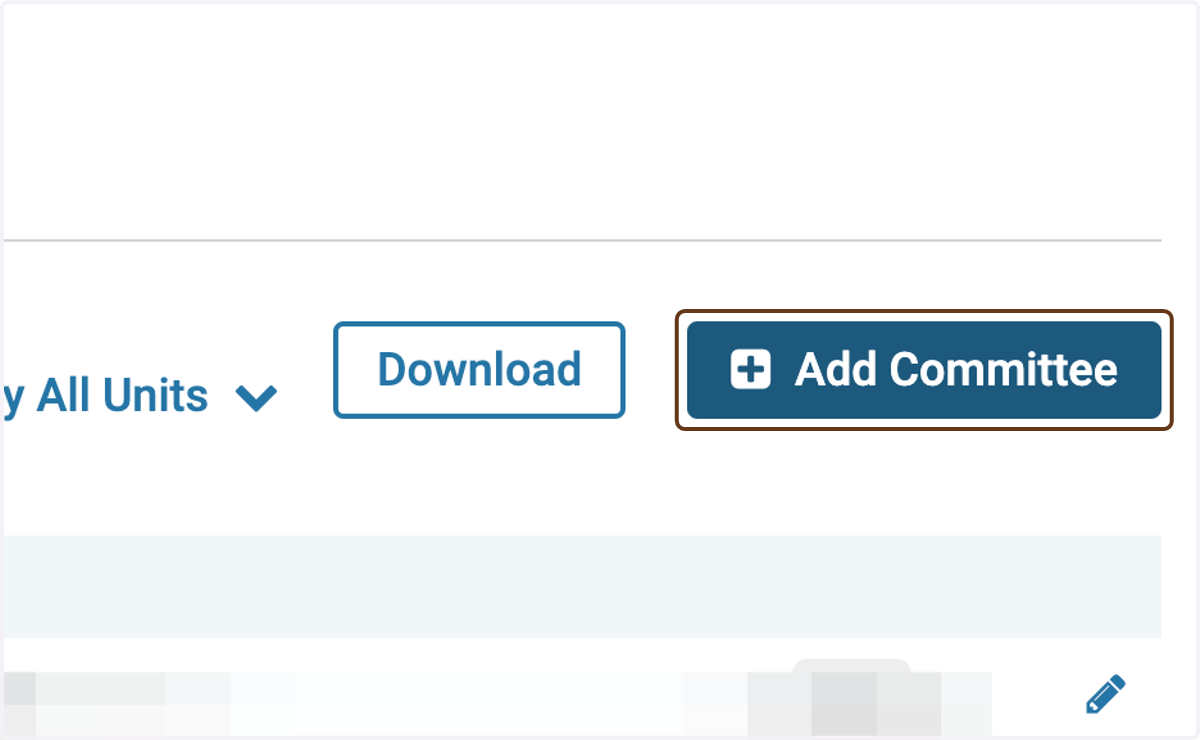
3. Click on Add Committee
4. Type the name of the committee
Use the naming convention "[Faculty Name] Special Committee"
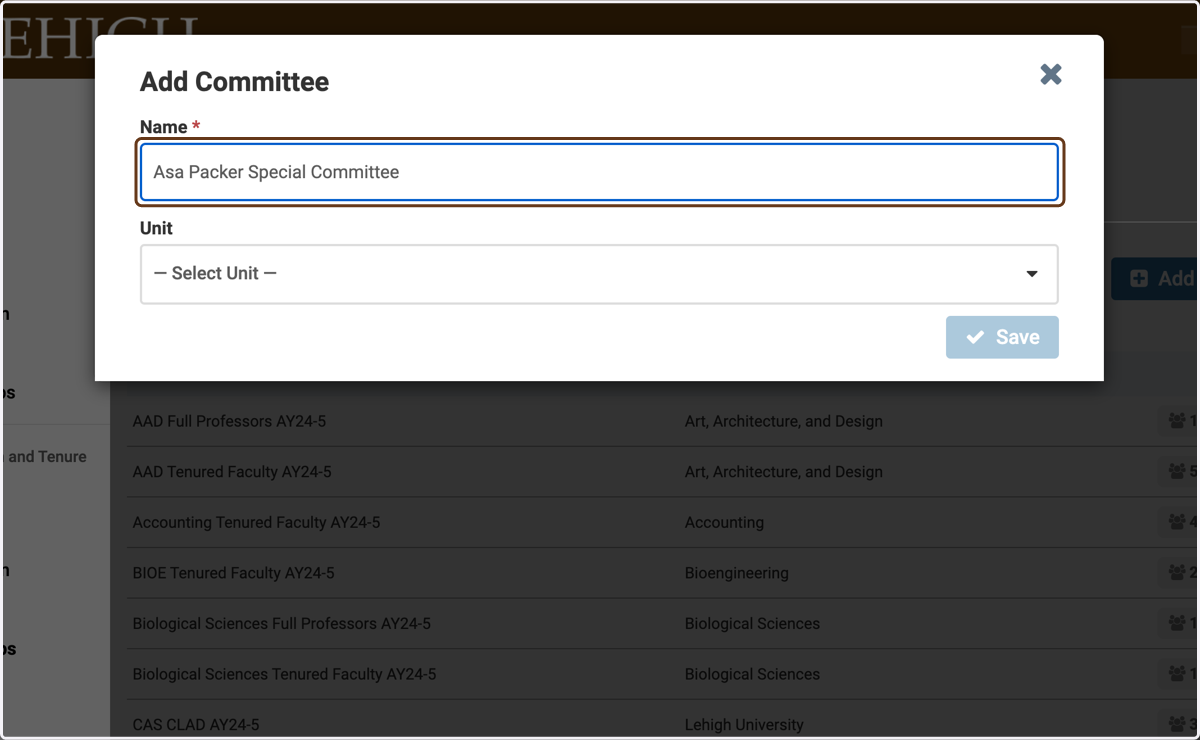
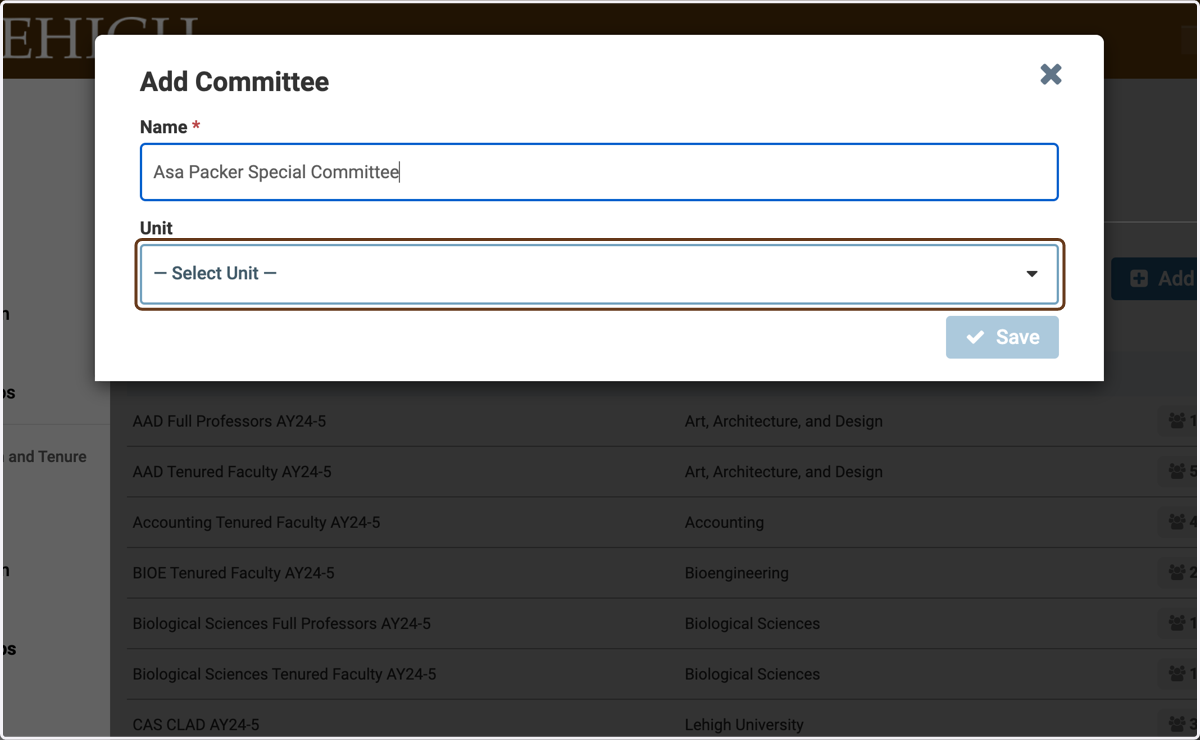
5. Click on Select Unit
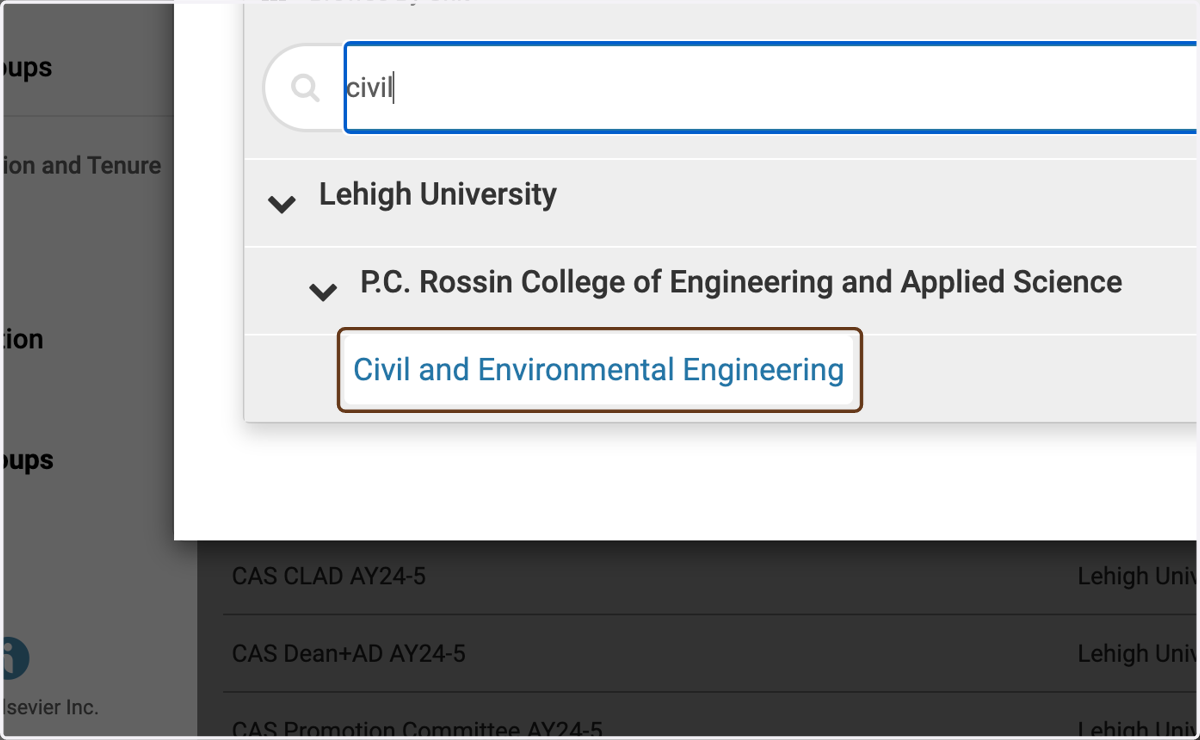
6. Choose the unit for the committee
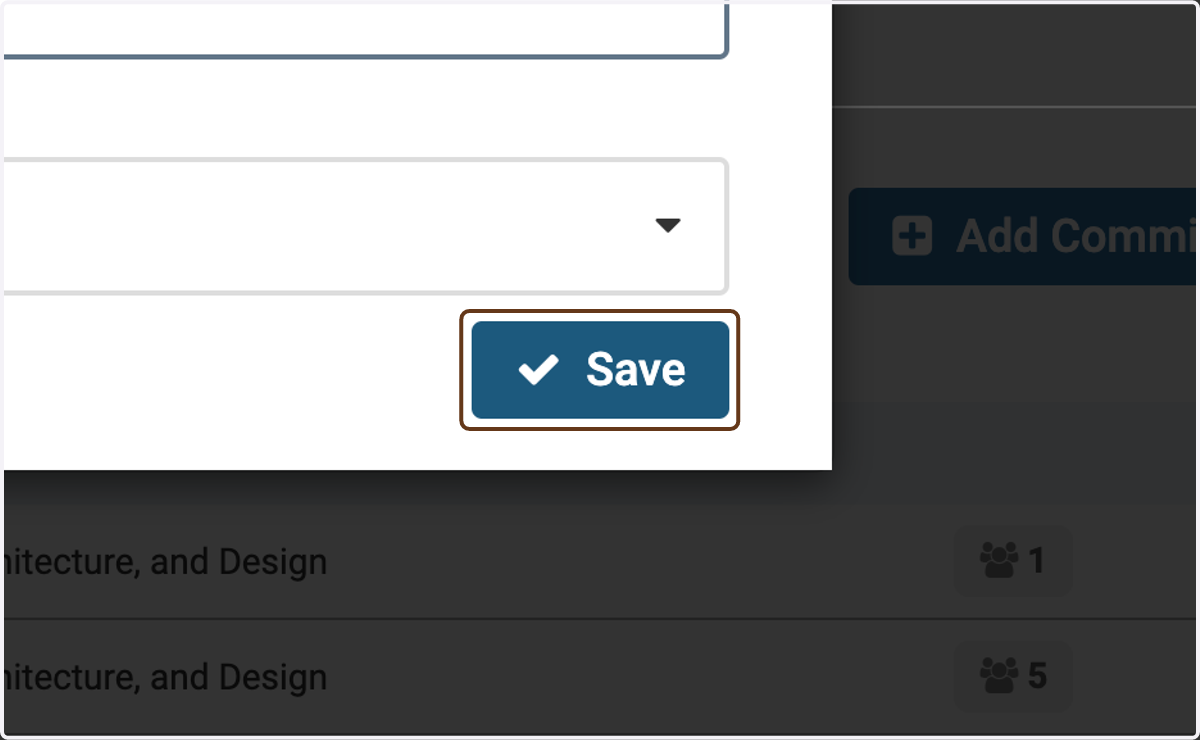
7. Click on Save
8. Choose the faculty members for the committee
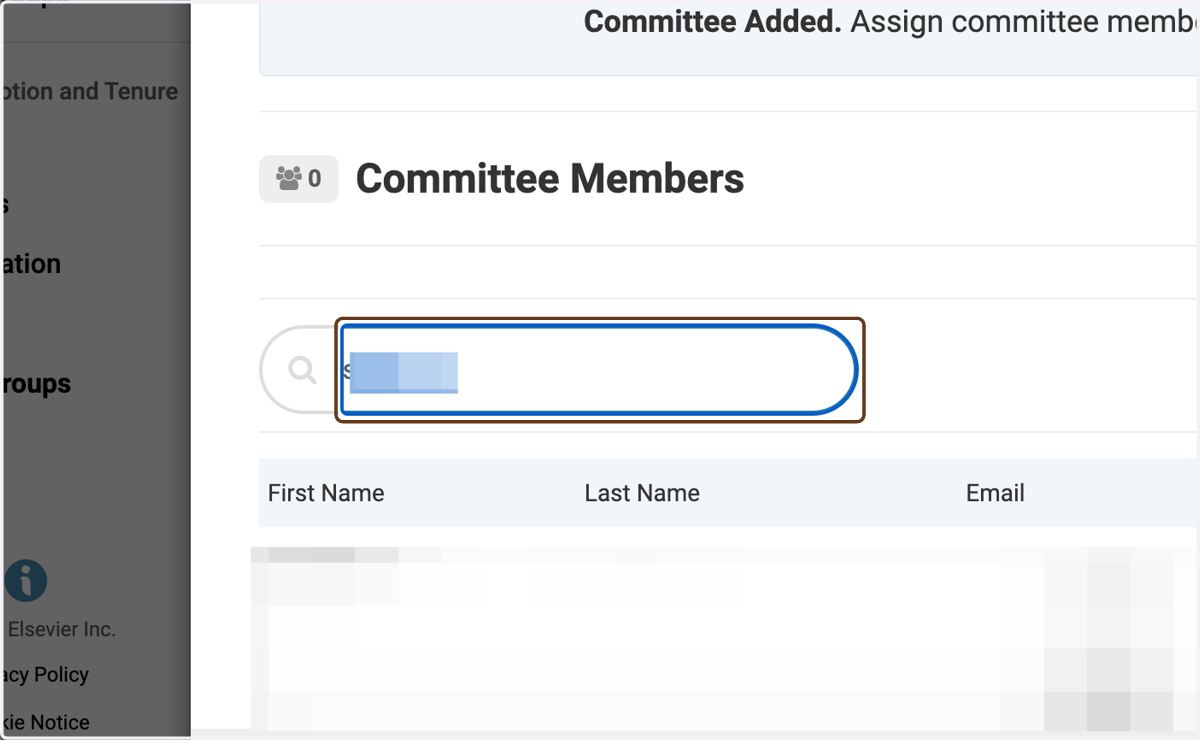
9. Click on Add

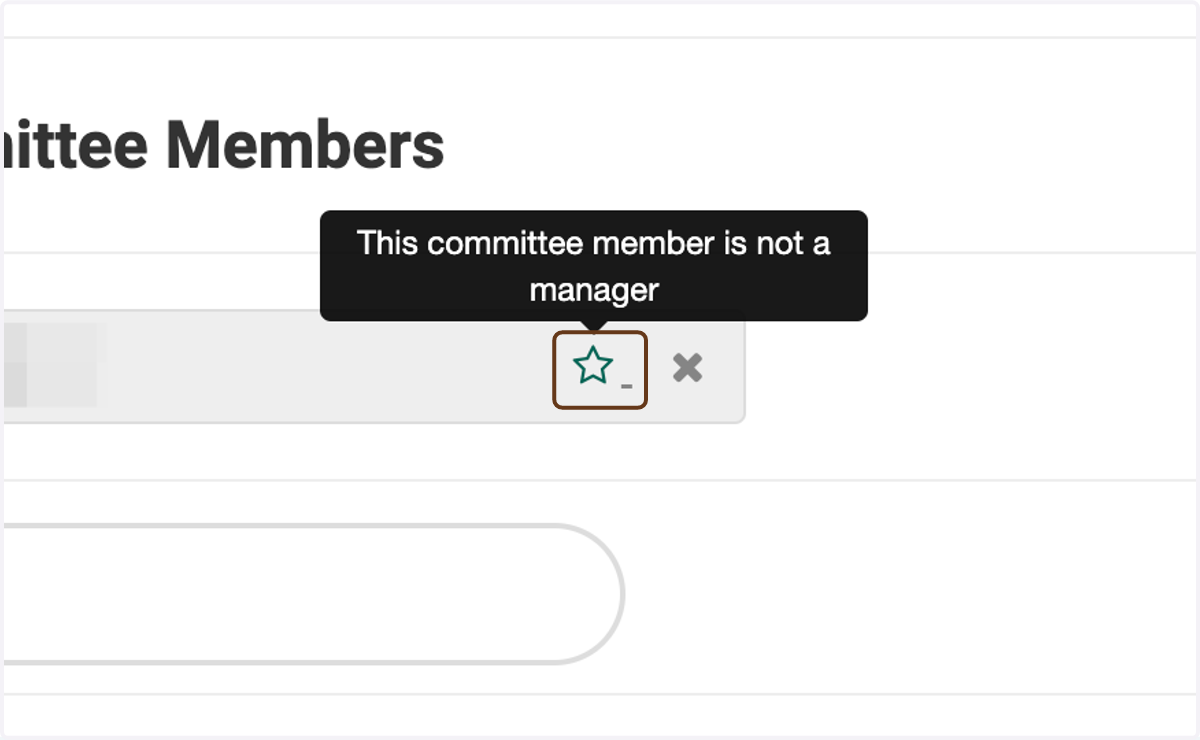
10. Toggle the green star next to a name to toggle whether they are a Committee Manager
A Committee Manager has certain privileges within Interfolio that committee members do not have. The main one in this case is the ability to move the case forward to the next step (or backward to the previous one).
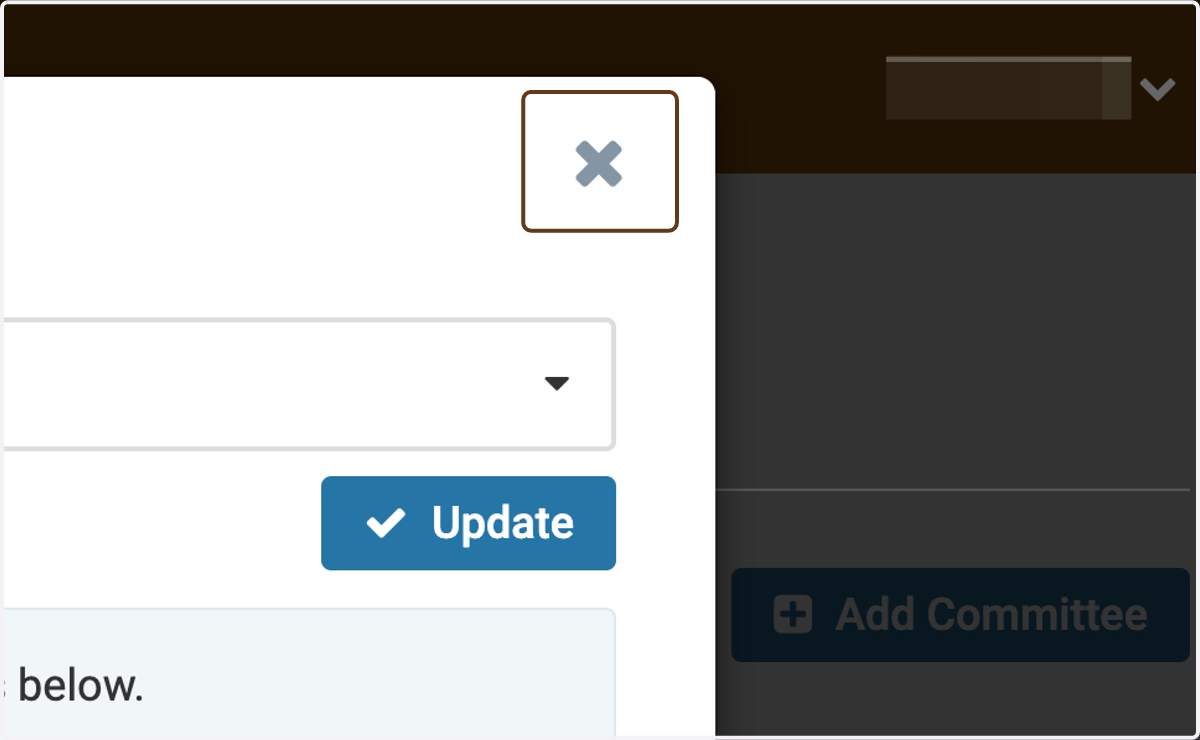
11. Close the window when you are finished
(You do not need to click Update unless you change the committee name or unit.)