How to Add a Card to the Pet Owner Profile and Use it to Pay an Invoice
How to Add Card to the Pet Owner Profile
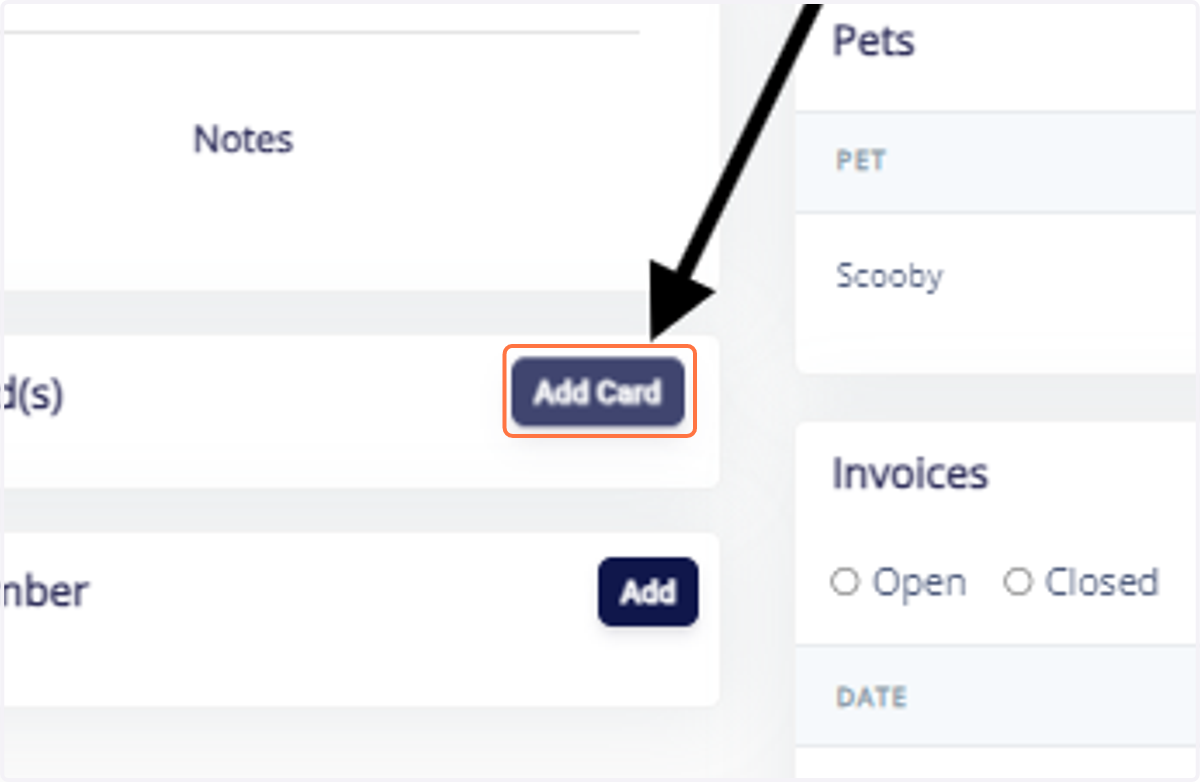
1. Go to the Particular Pet Owner page and Click on "Add Card".
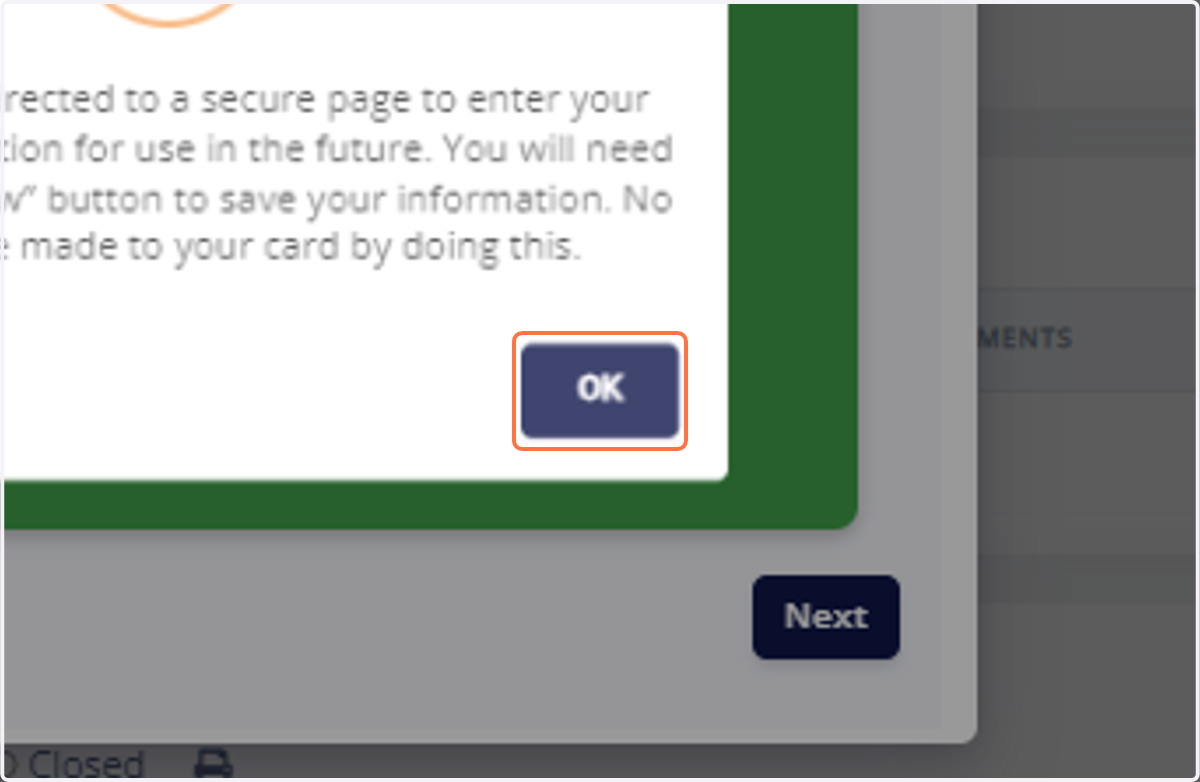
2. Click on OK.
3. Type the Card Number.
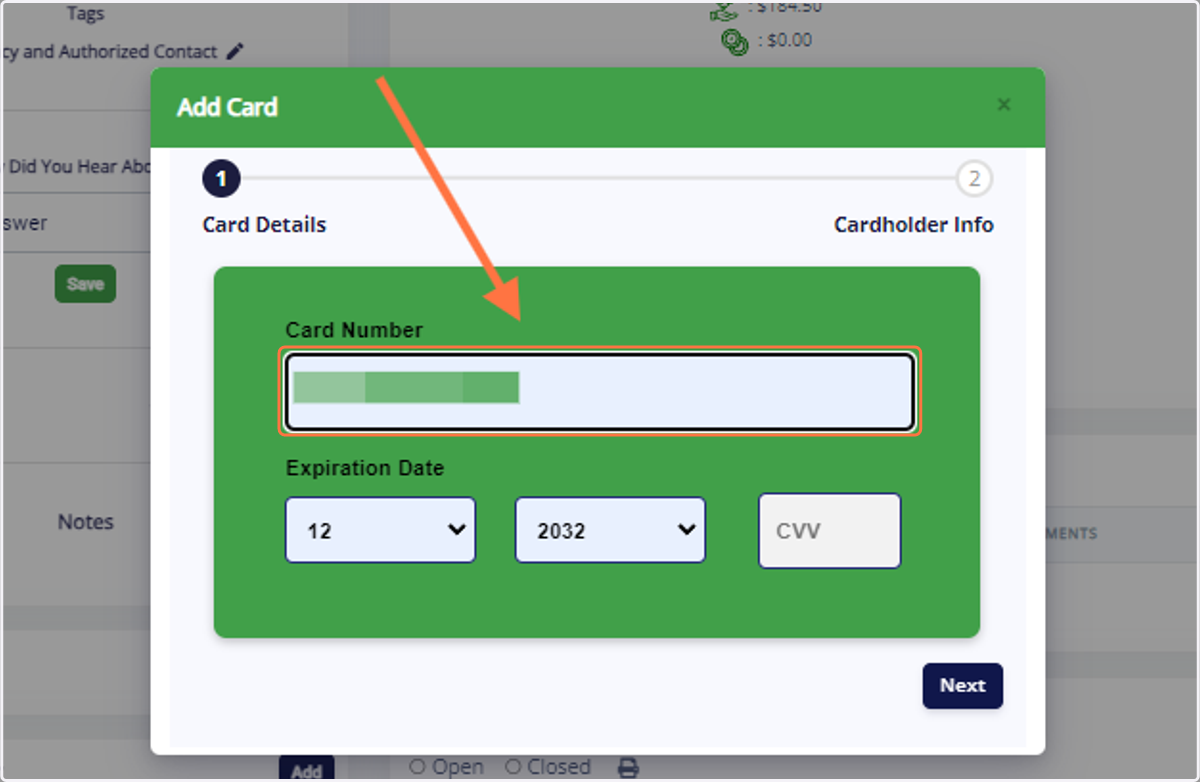
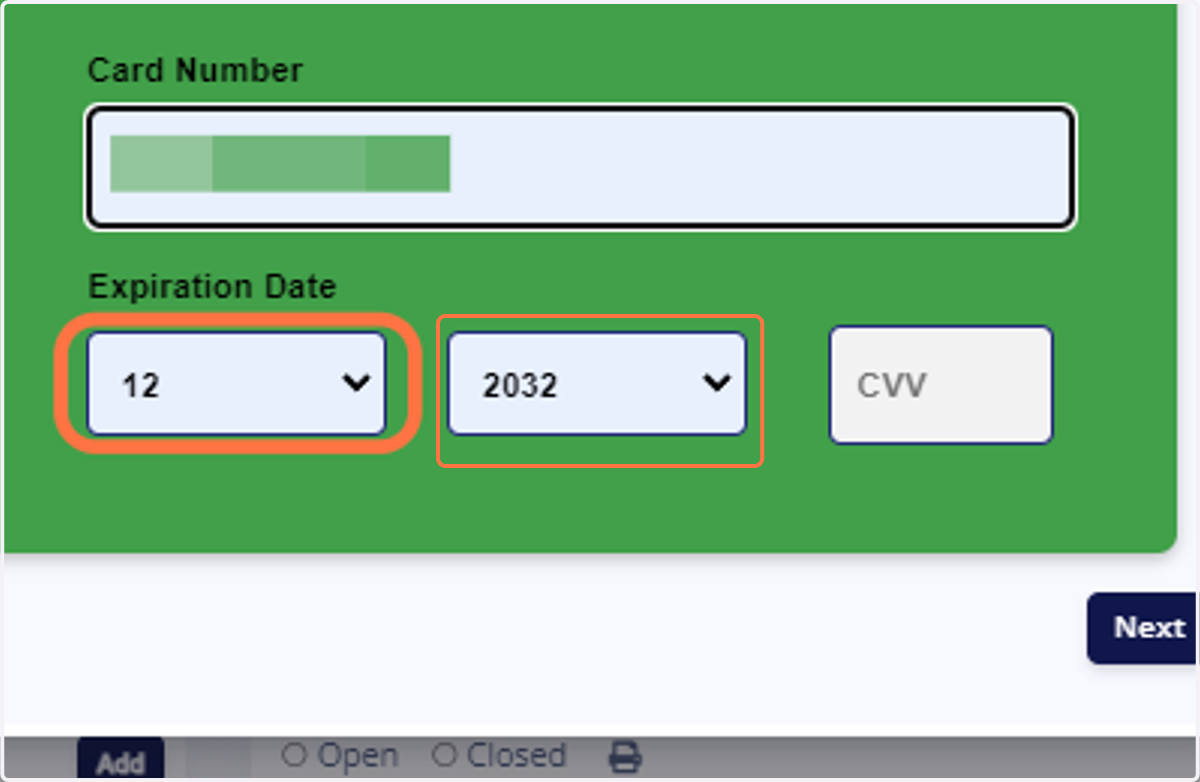
4. Select the Expiration Month and Year.
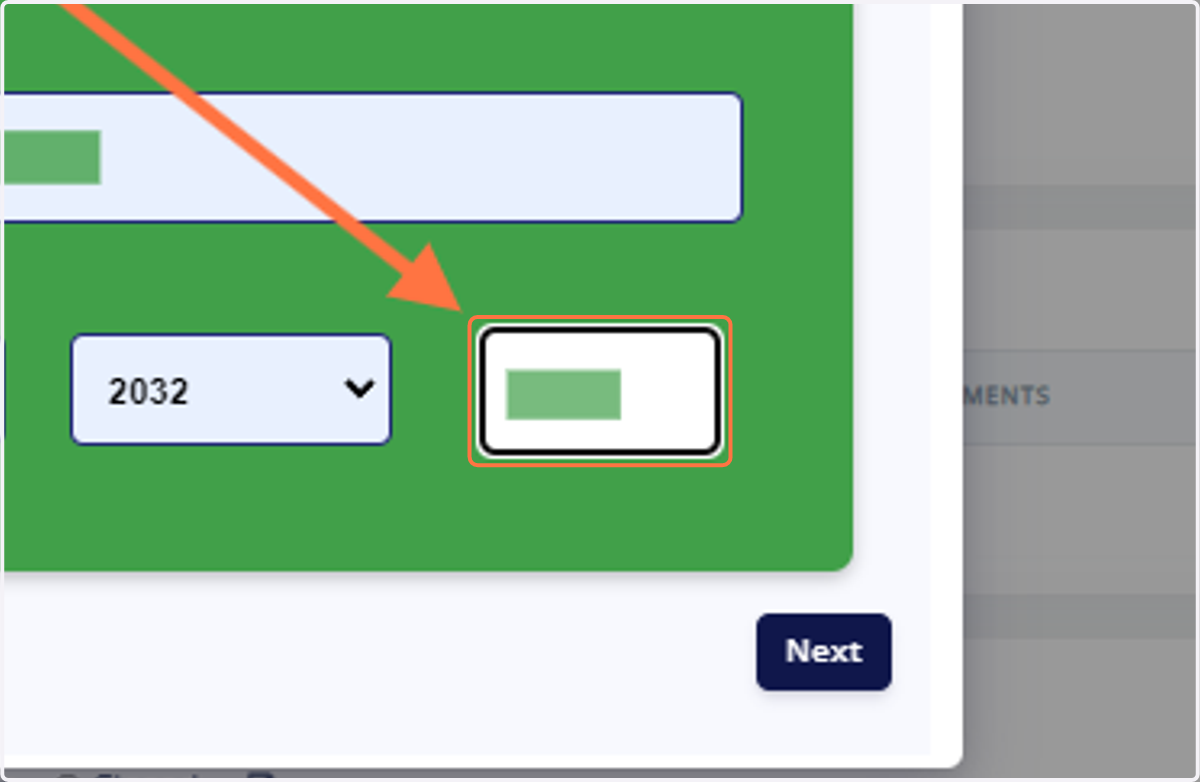
5. Type the CVV number.
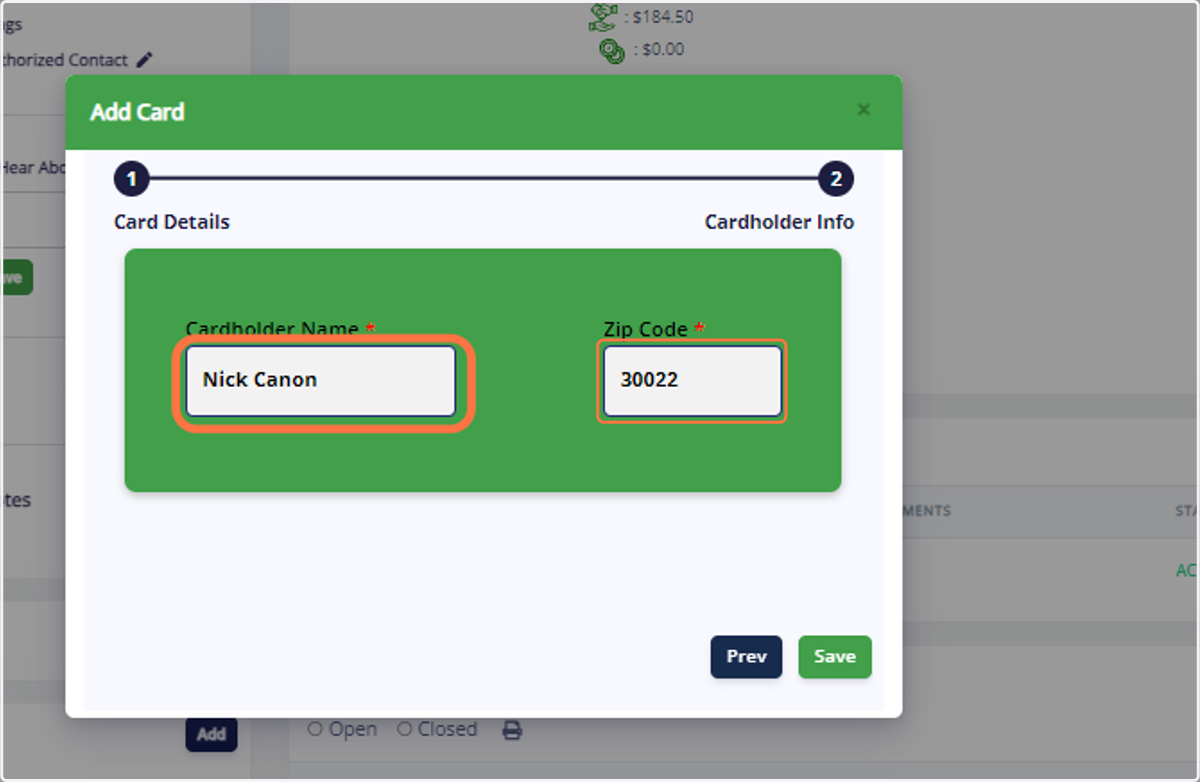
6. Type the Cardholder Name and Zip Code.
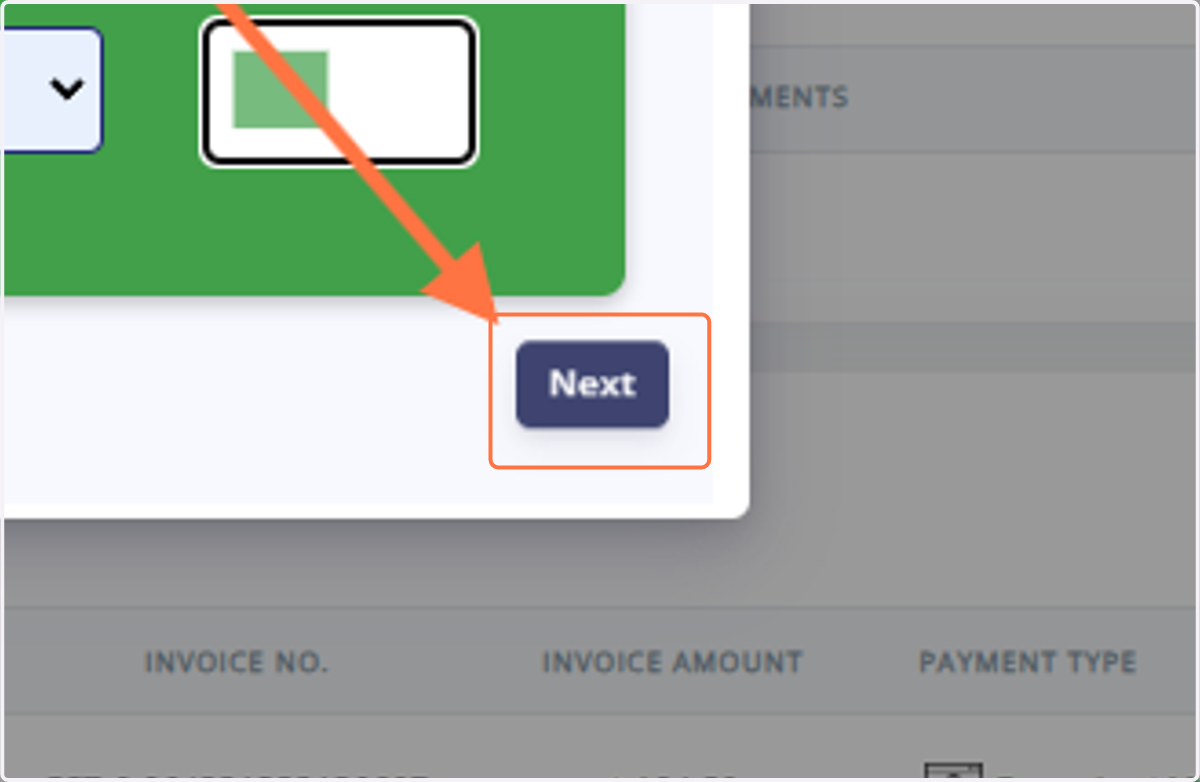
7. Click on "Next".
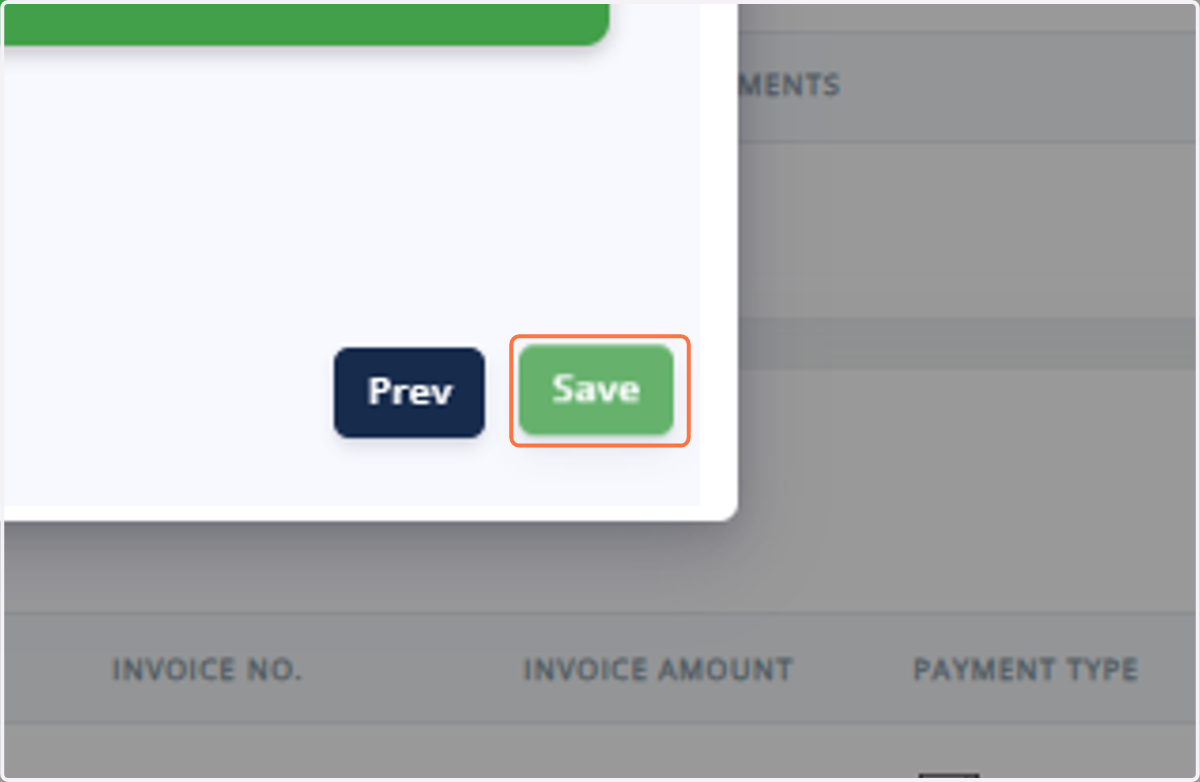
8. Click on "Save".
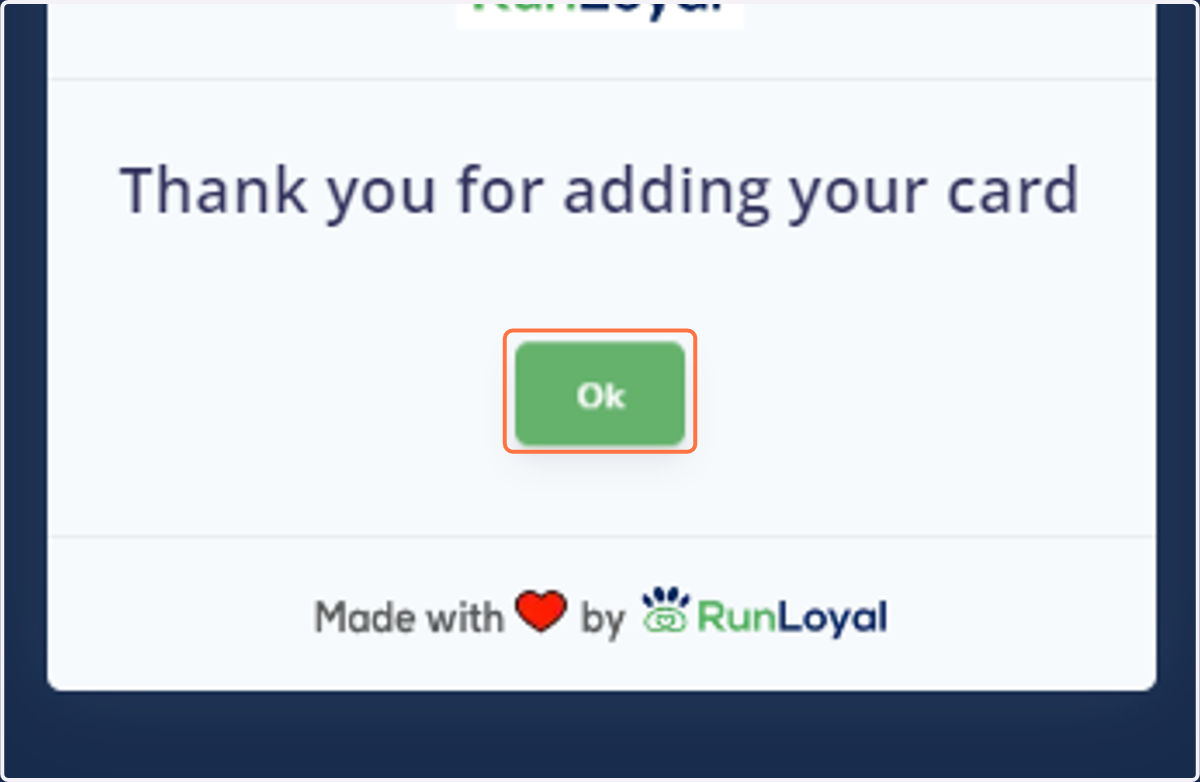
9. Now, the card has been added to the Pet Owner page. Click on OK.
How the Saved Card is Used While Paying an Invoice
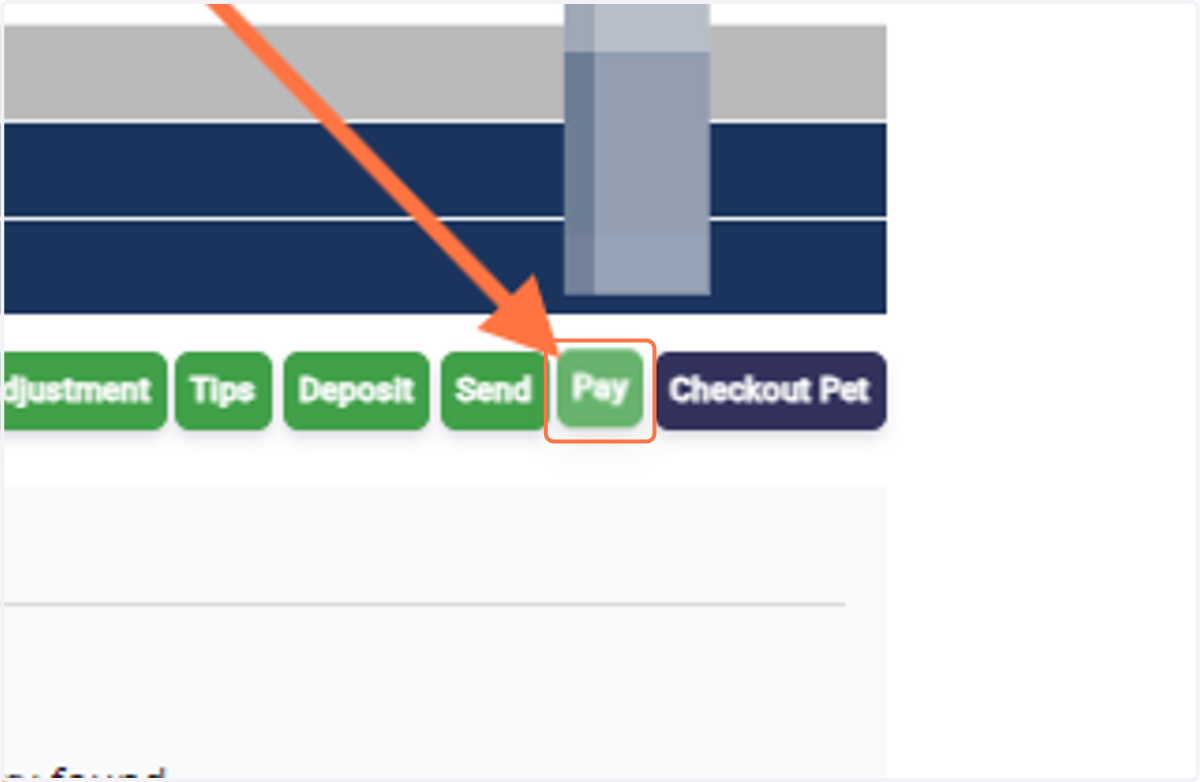
10. Go to the particular invoice of that pet owner and Click on "Pay" at the bottom.
11. Click on "Card - Saved".
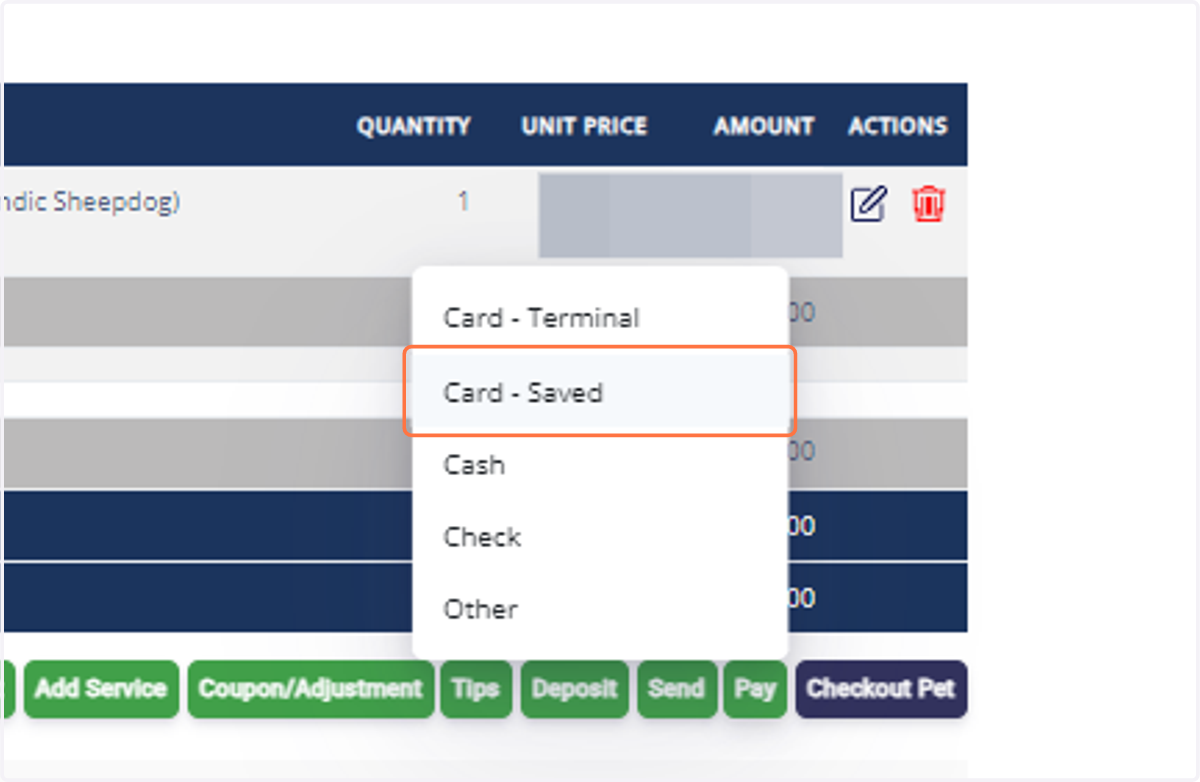
12. Select the saved card from the list.
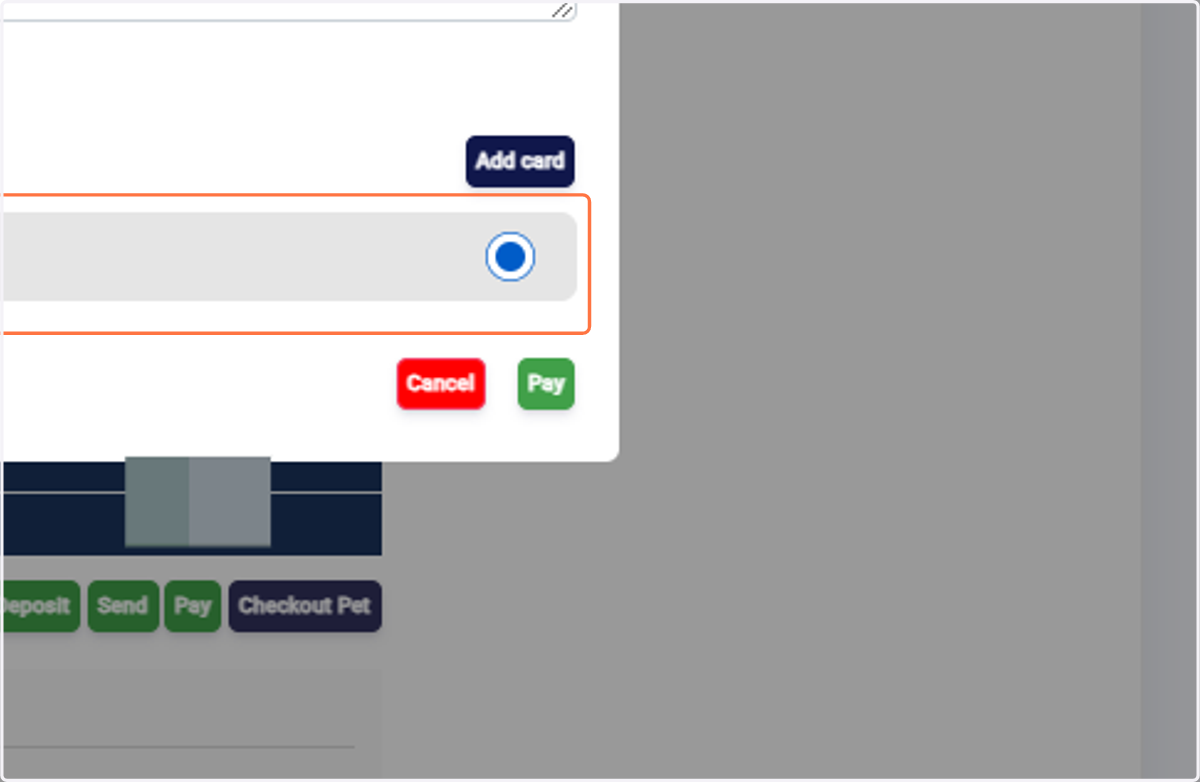
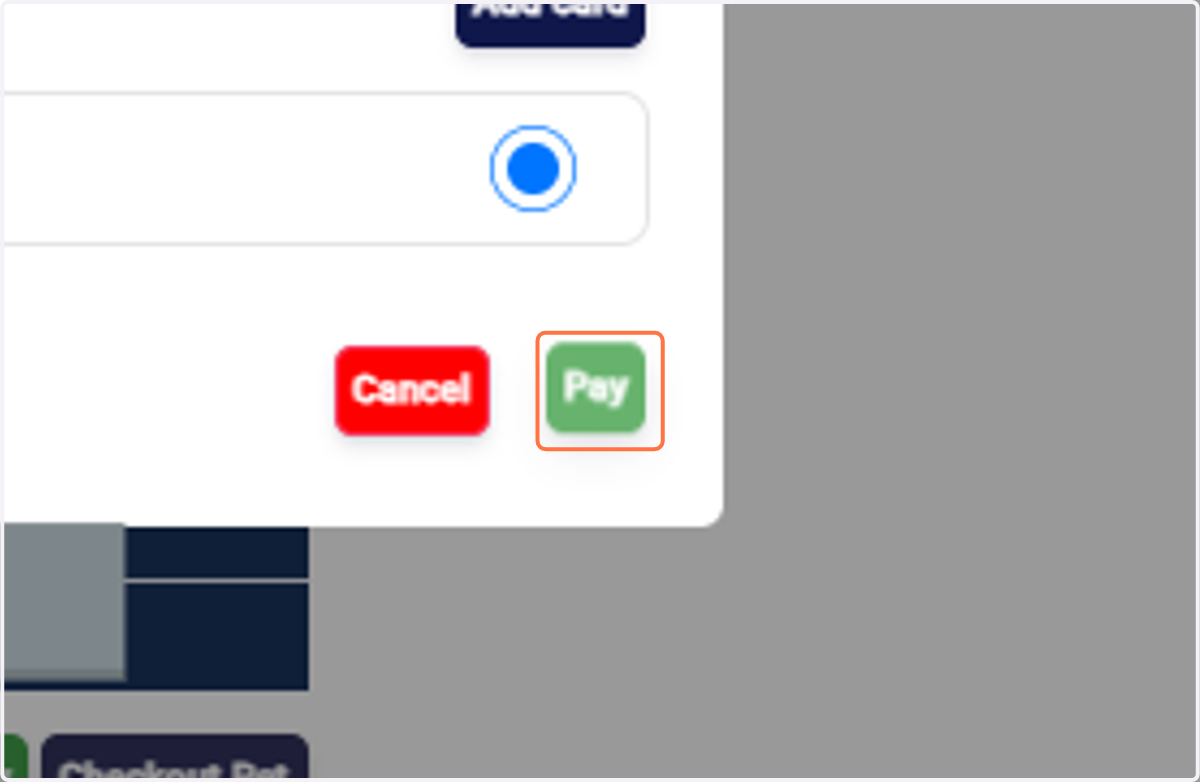
13. Click on "Pay".
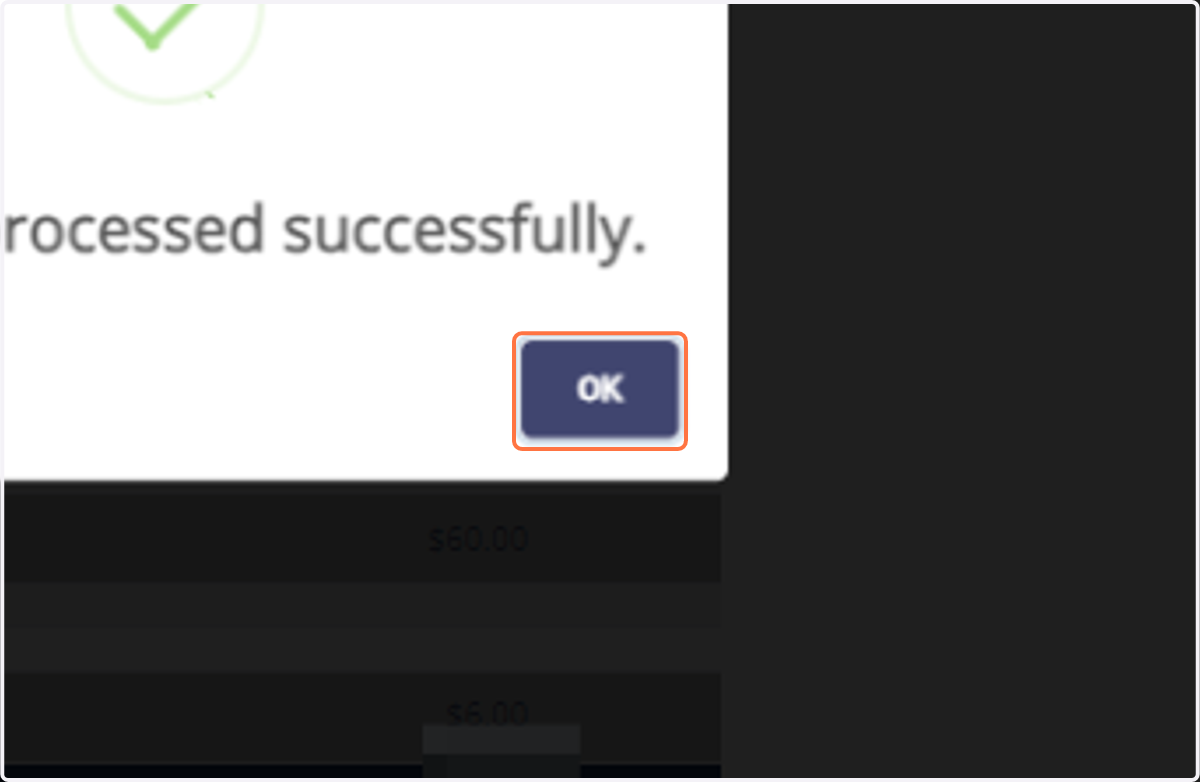
14. The payment has been processed successfully. Click on OK.