Aetna Senior Supplemental
Home
1. Login to the Aetna Senior Supplemental Portal
https://www.aetnaseniorproducts.com/ssi/index.html
Username: macinsurance01
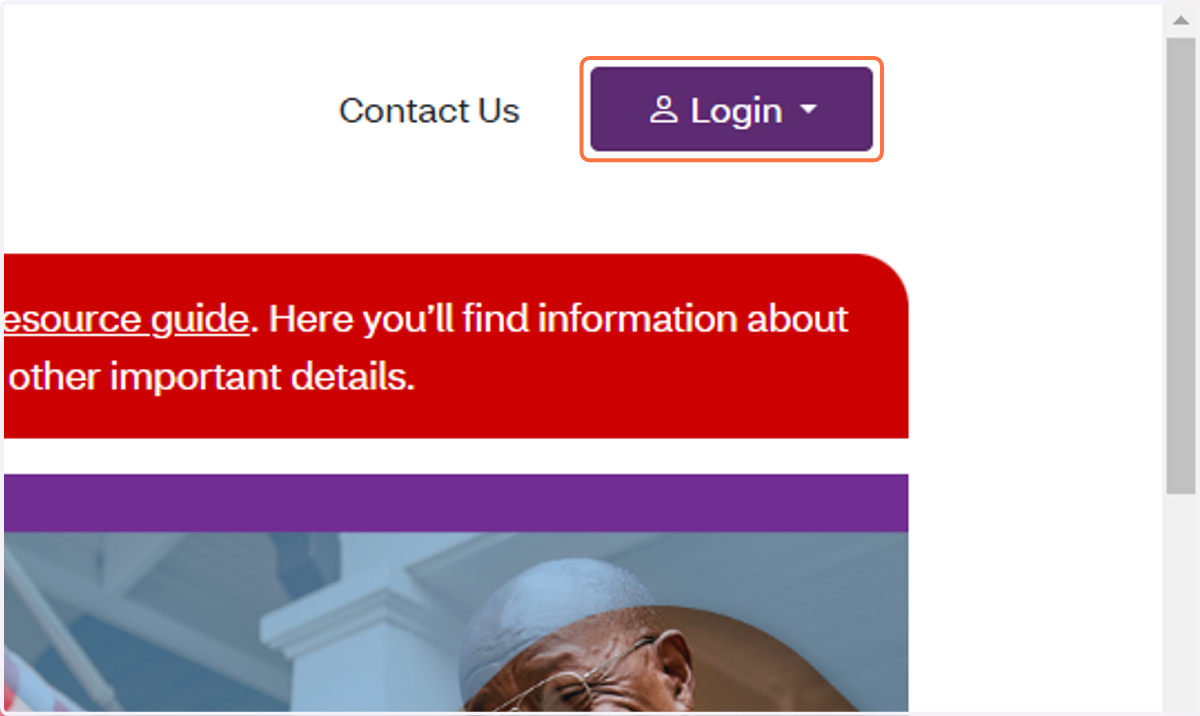
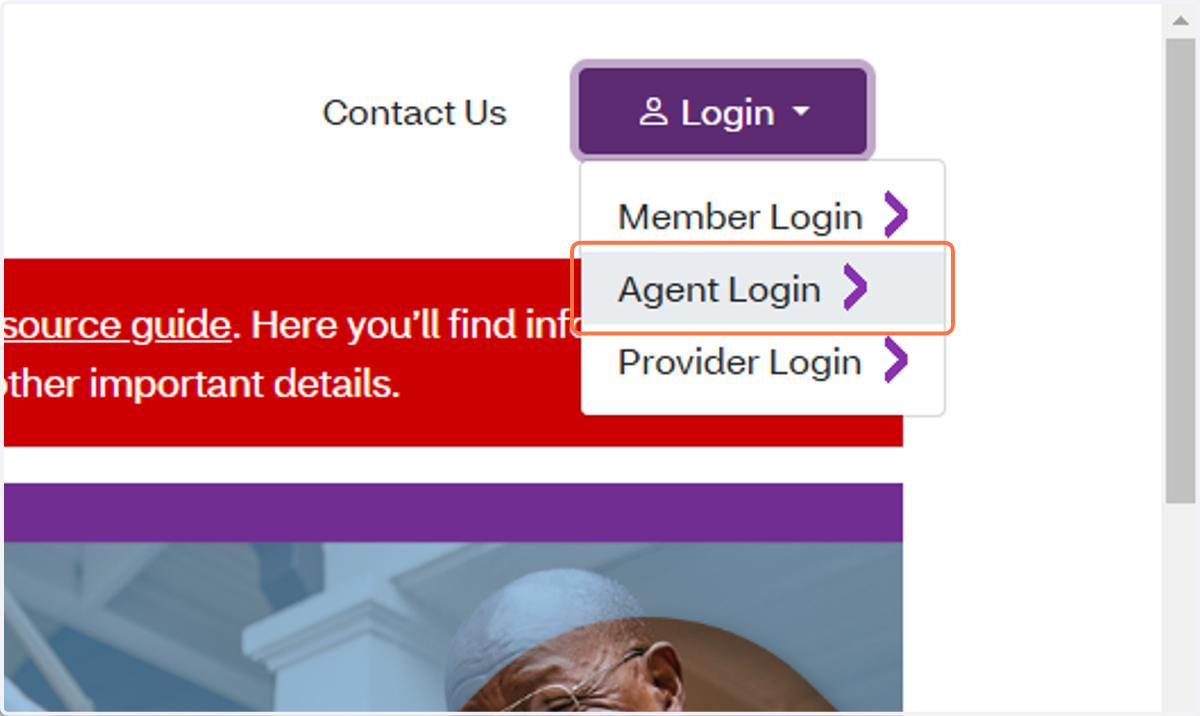
2. Click on Agent Login
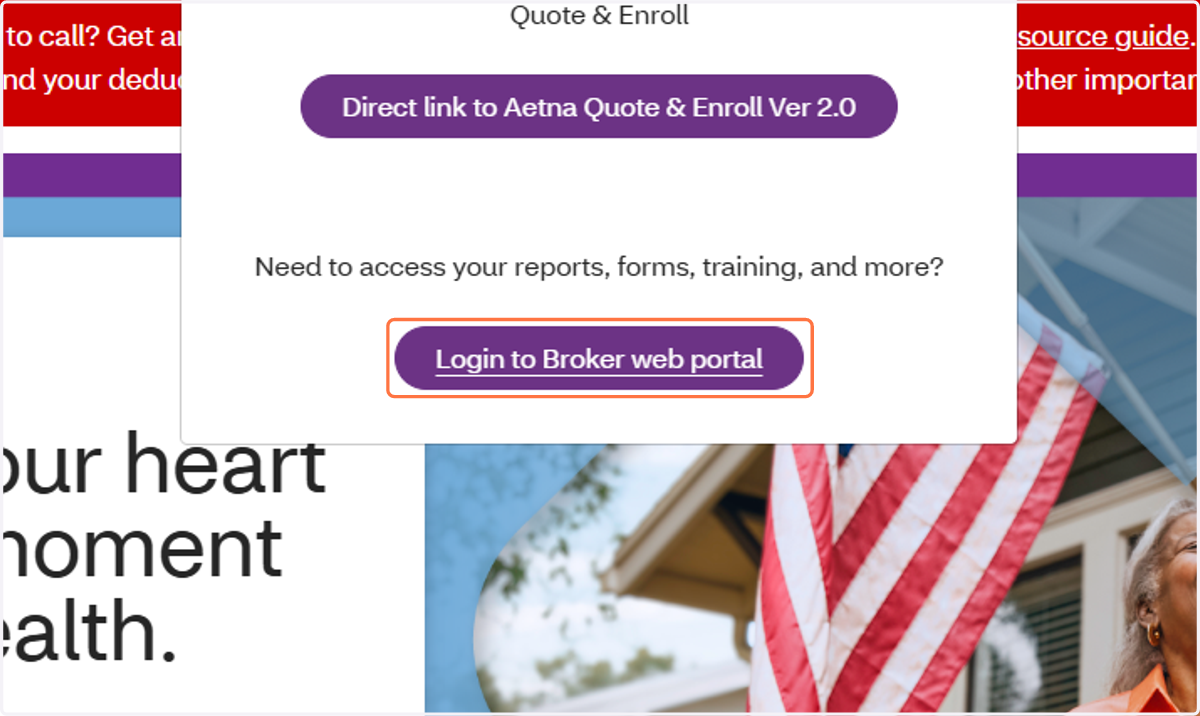
3. Click on Login to Broker web portal
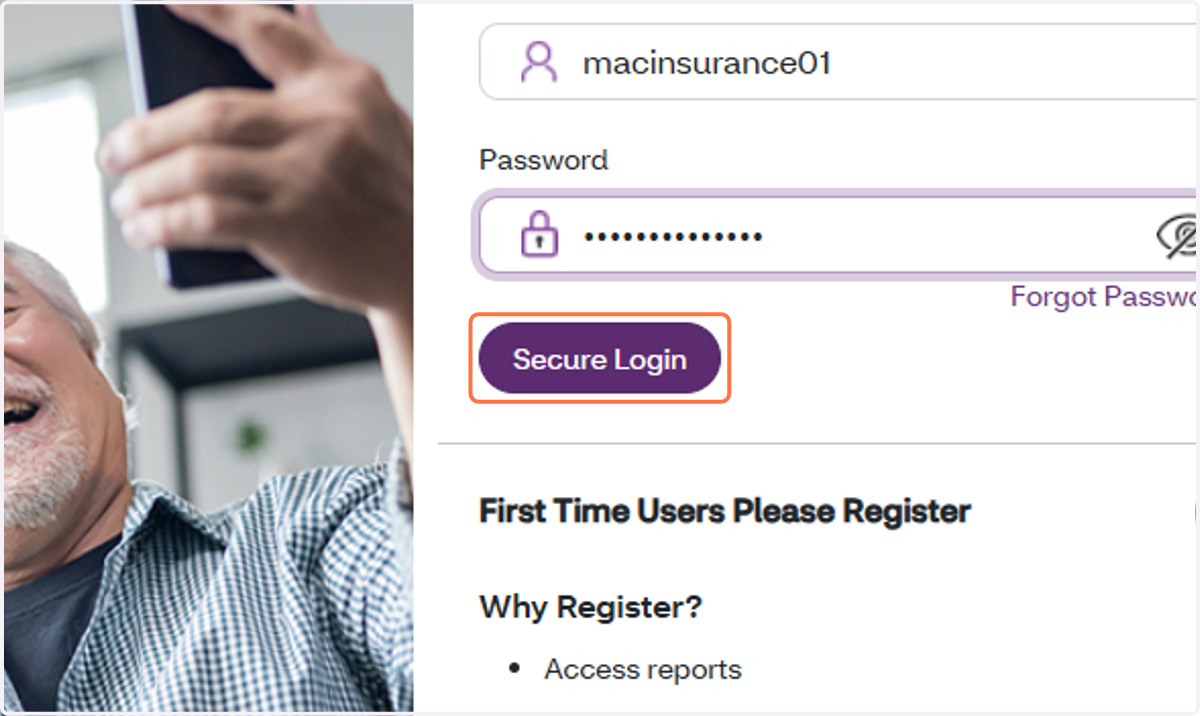
4. Click on Secure Login
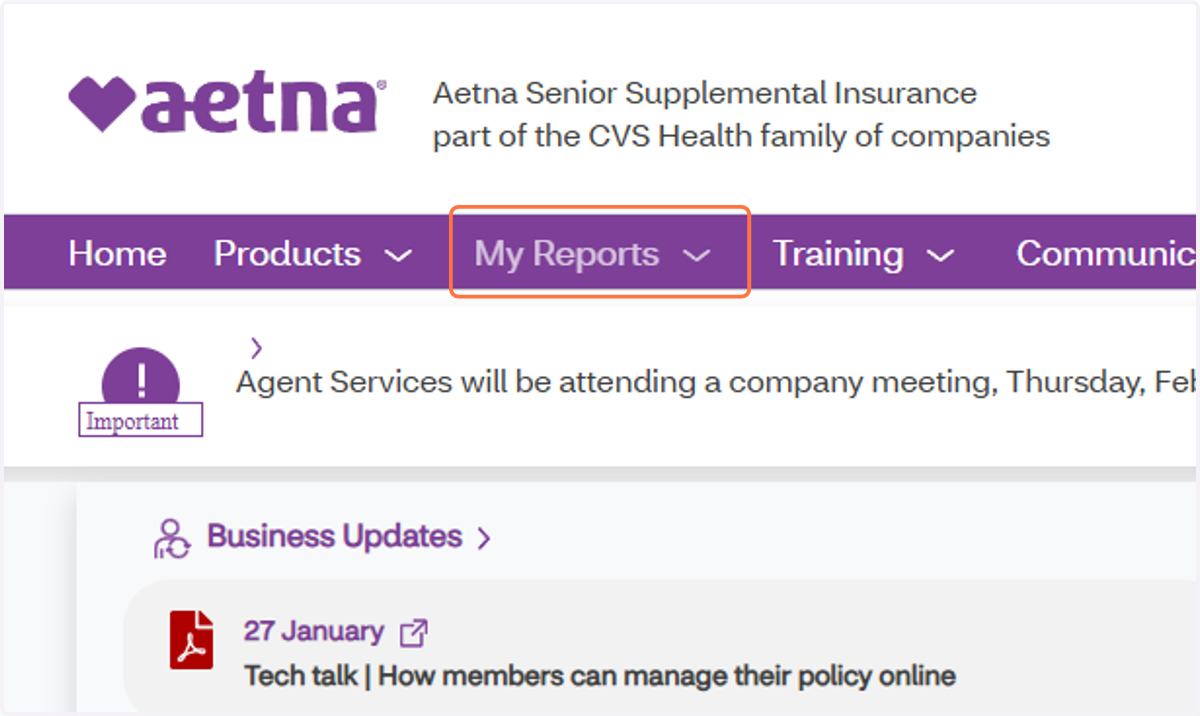
5. Click on My Reports
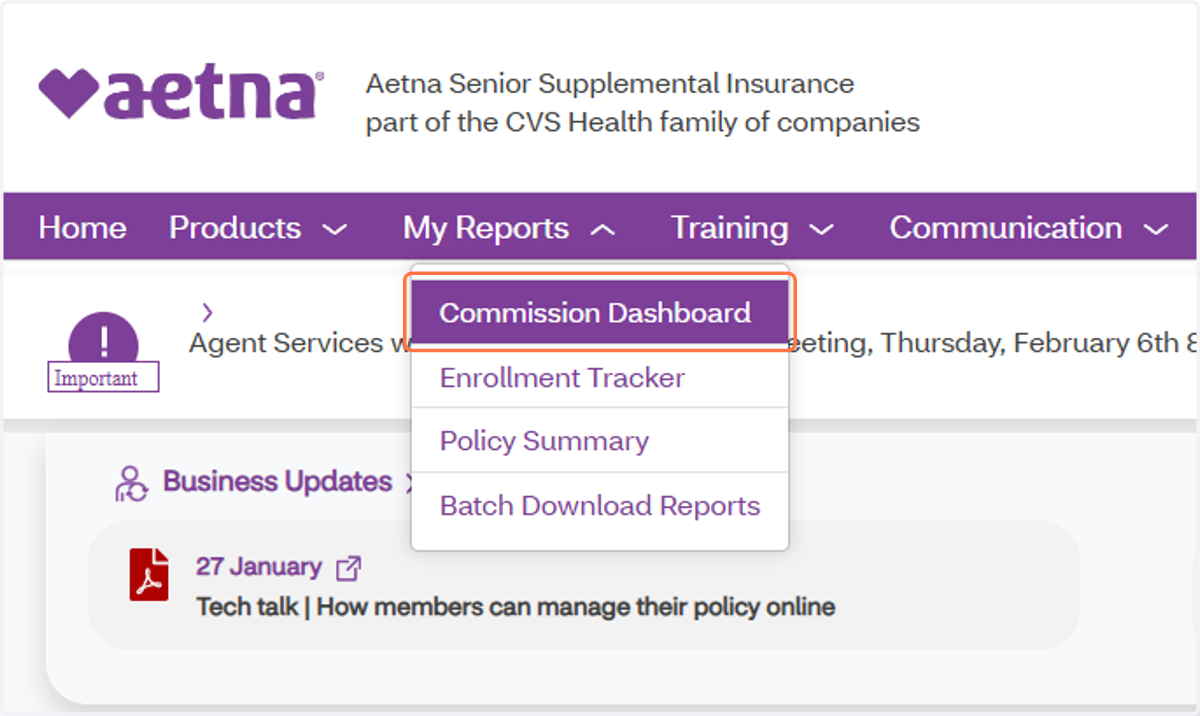
6. Click on Commission Dashboard
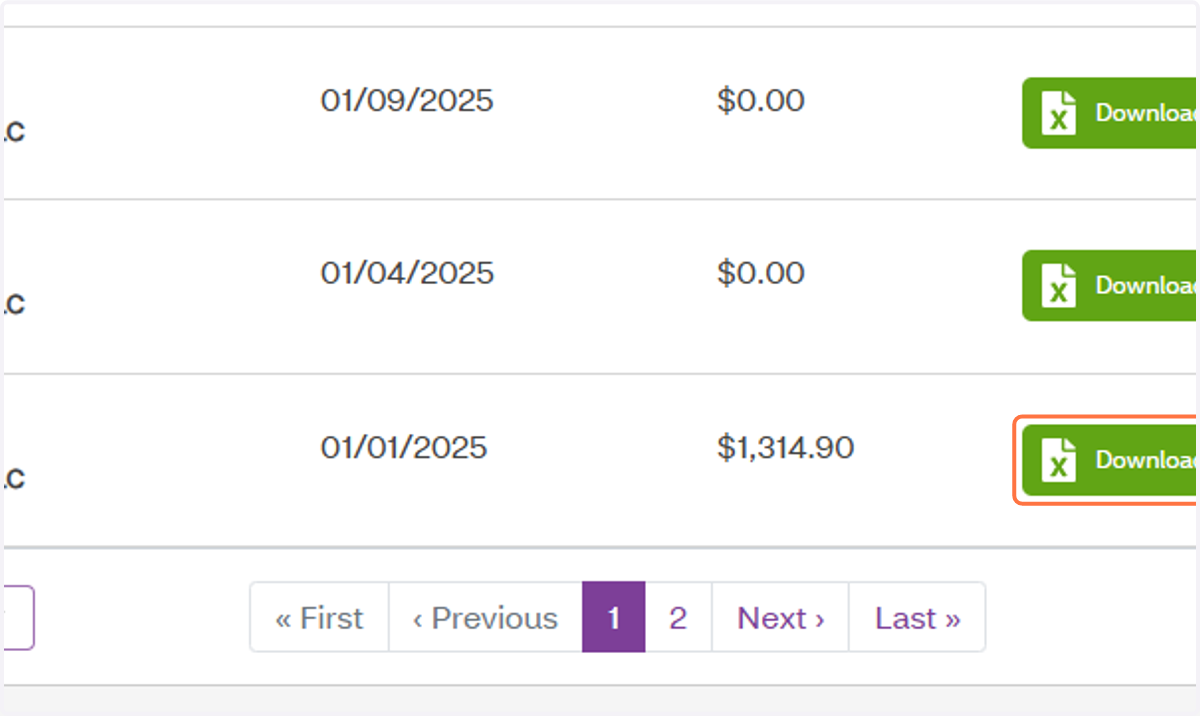
7. Click on Download Excel
8. Save file in Google Drive
The Folder is in the MAC Insurance Shared folder > Commission Statements
BE SURE TO NAME THE DOCUMENT ---> COMPANY_STATEMENT DATE
This Example would be AetnaSup_01.01.2025