Subscribing to RoomPriceGenie
RoomPriceGenie
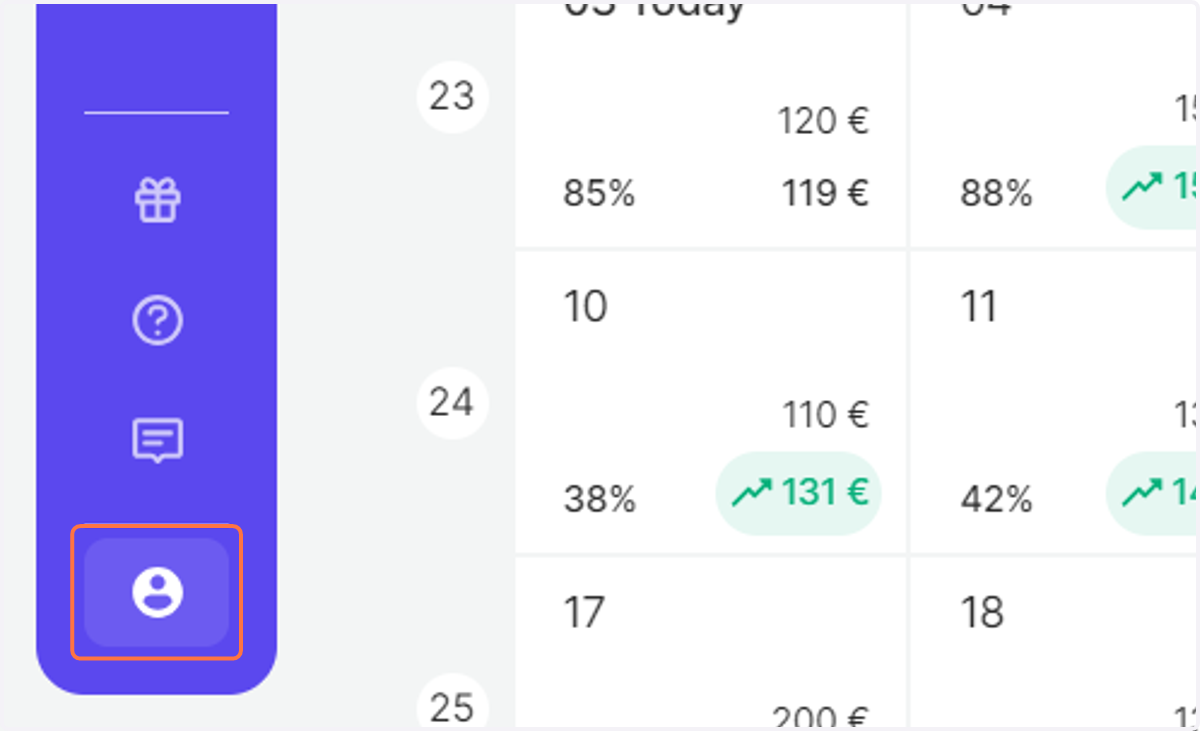
1. Log in to RoomPriceGenie and click on Account Settings.
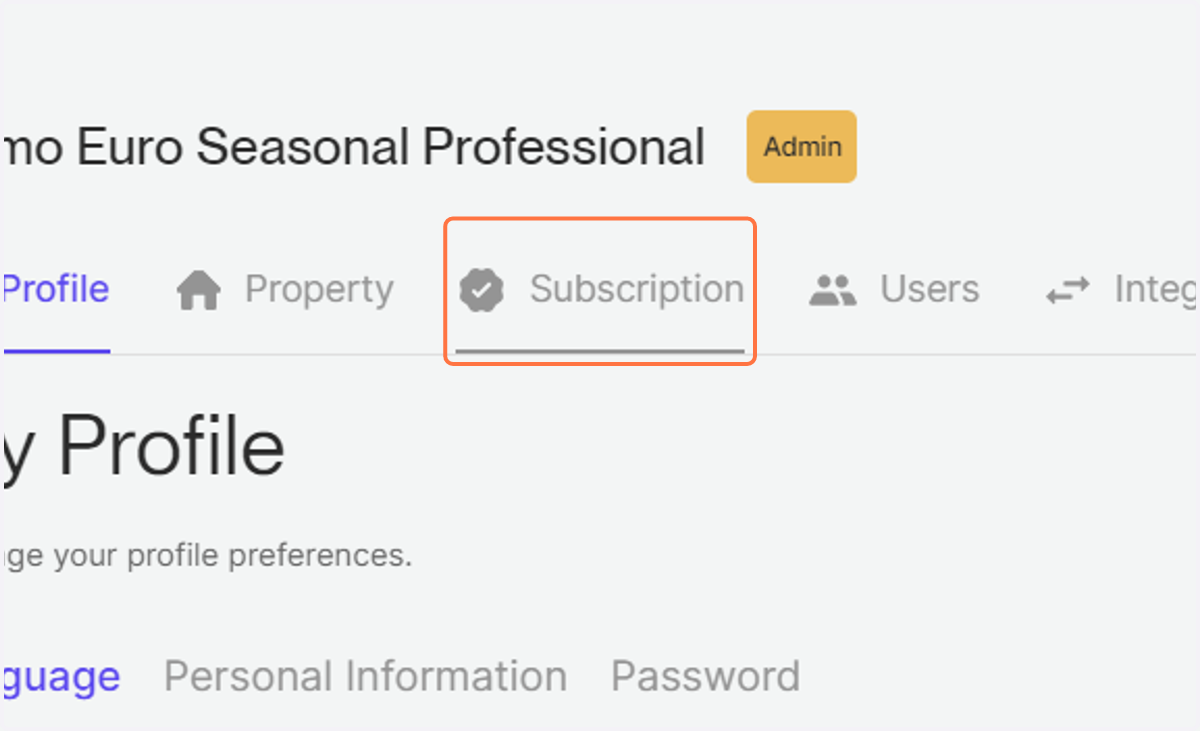
2. Click on Subscription
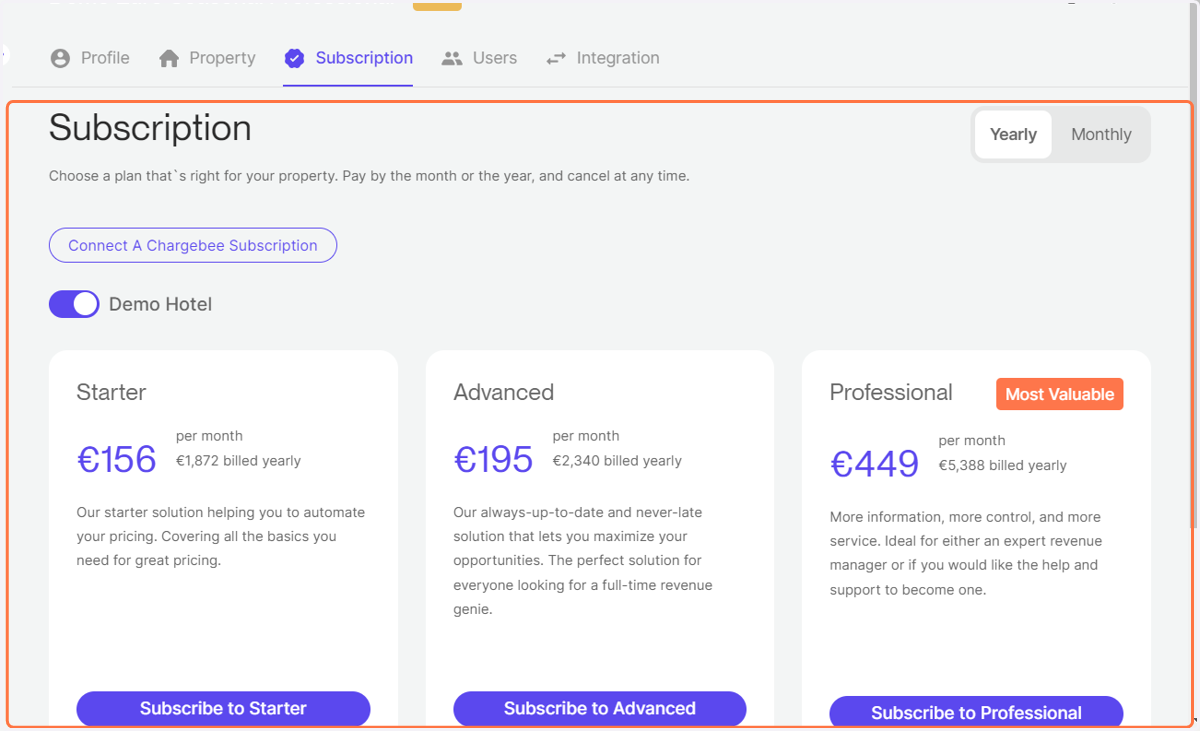
3. Compare the features and choose the appropriate plan for your property.
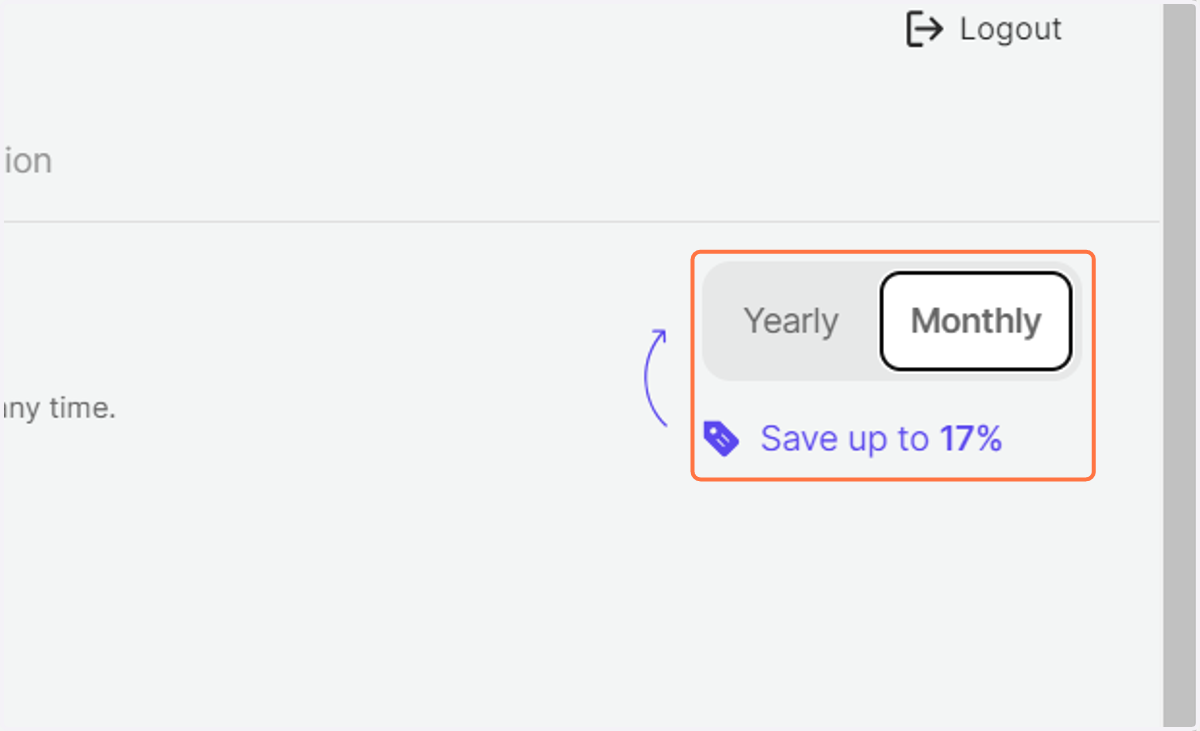
4. Choose between a monthly and a yearly subscription plan. NOTE: Paying annually will always come with a discount.
5. Click Subscribe and complete the payment process. Thats it.