What approvals are and where to find them
Approvals are available for various things within Engagifii. The most common is for class registrations.
Head to your Engagifii Workspace
In this walk-through, we'll be going over where to find approvals, and looking at statuses of those approvals
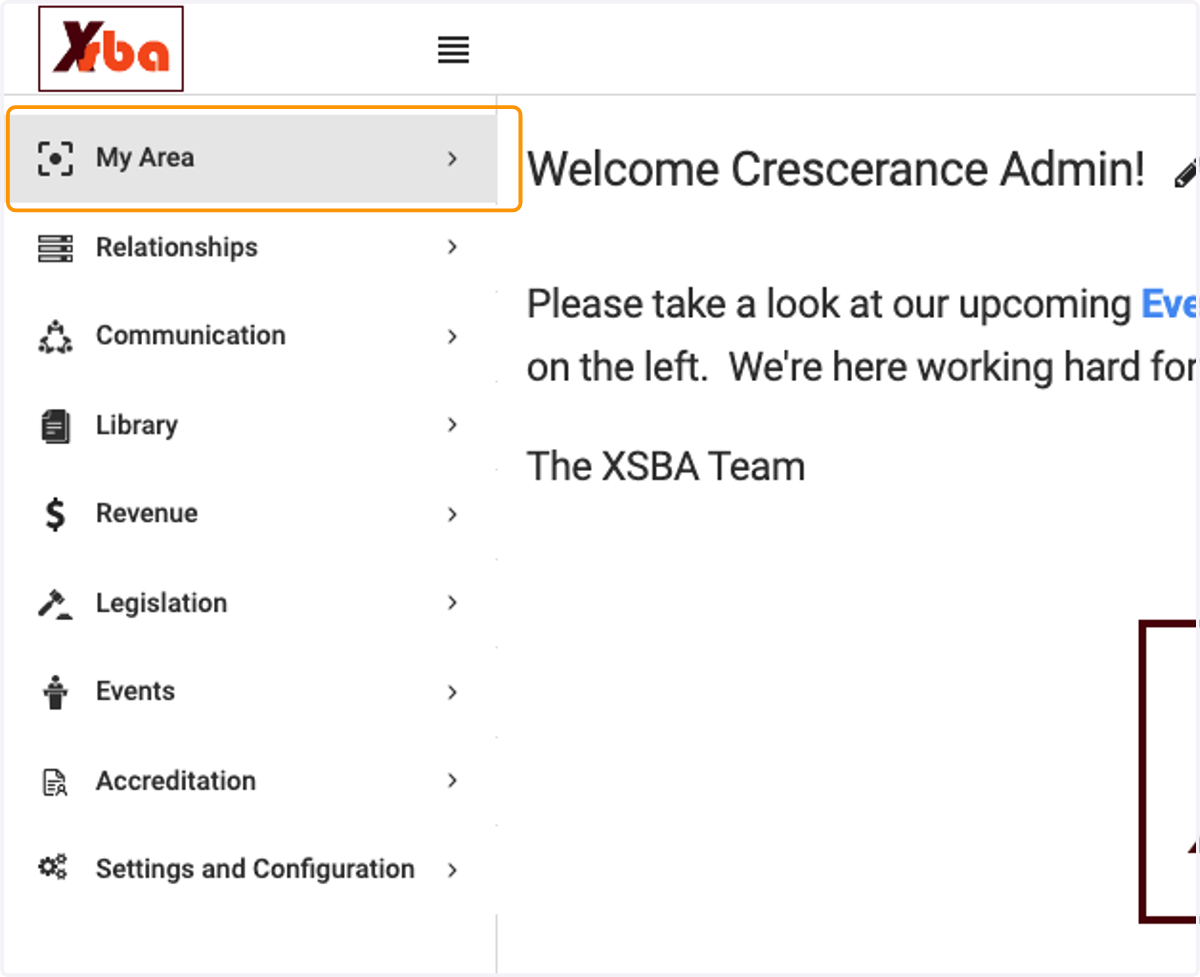
1. Click on My Area
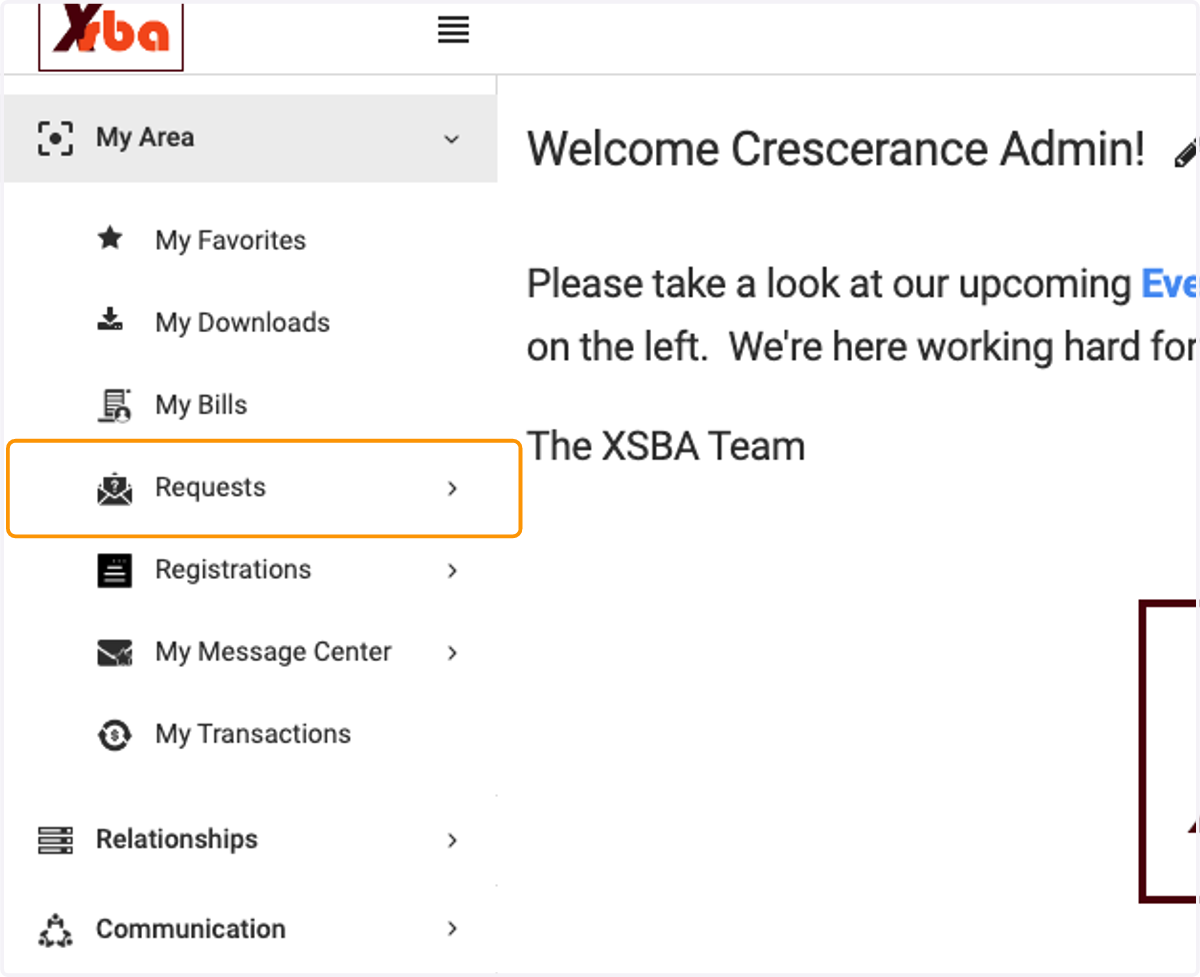
2. Click on Requests
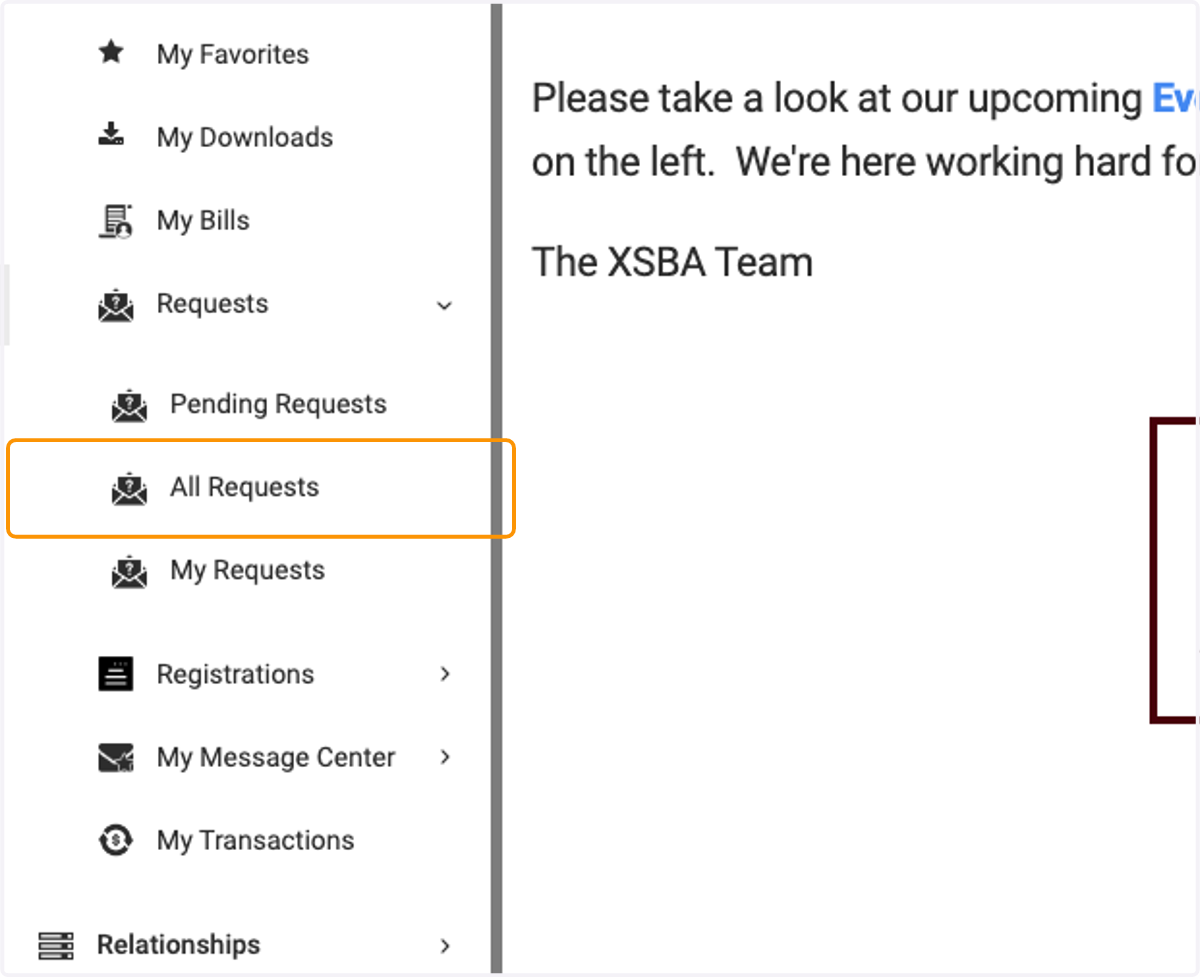
3. First, let's look at all of the approval requests available, click on All Requests
4. In the header section is the list of all of the options available (yours may include additional ones)
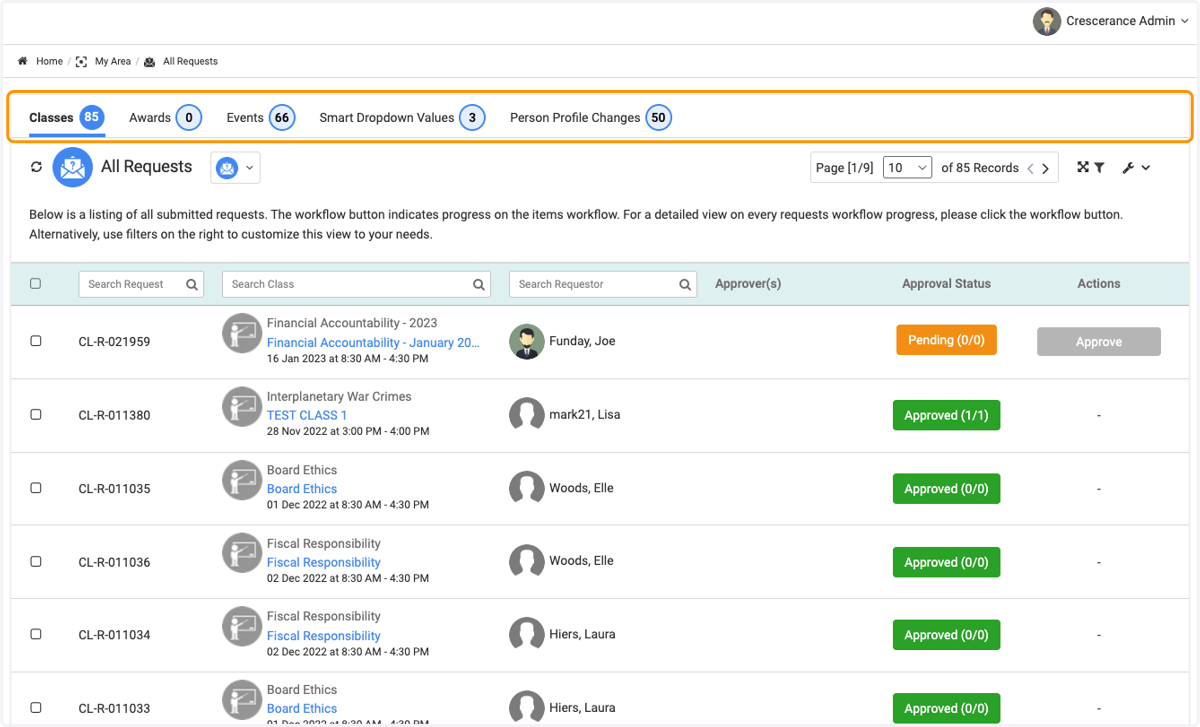
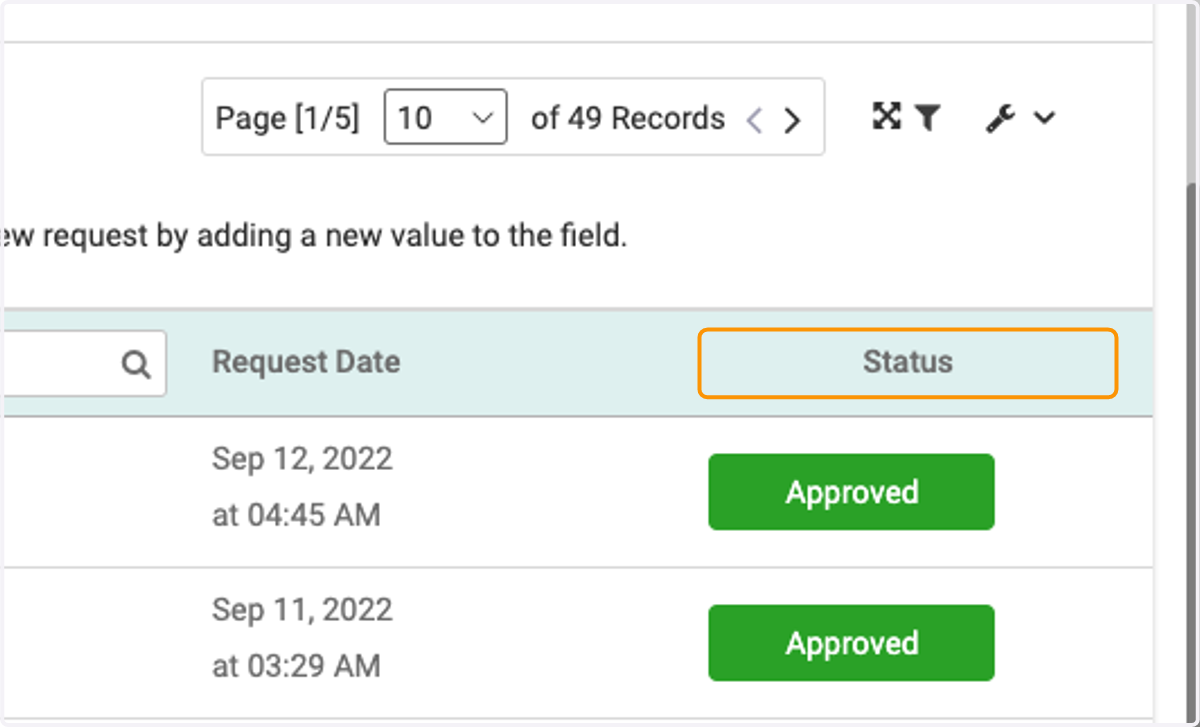
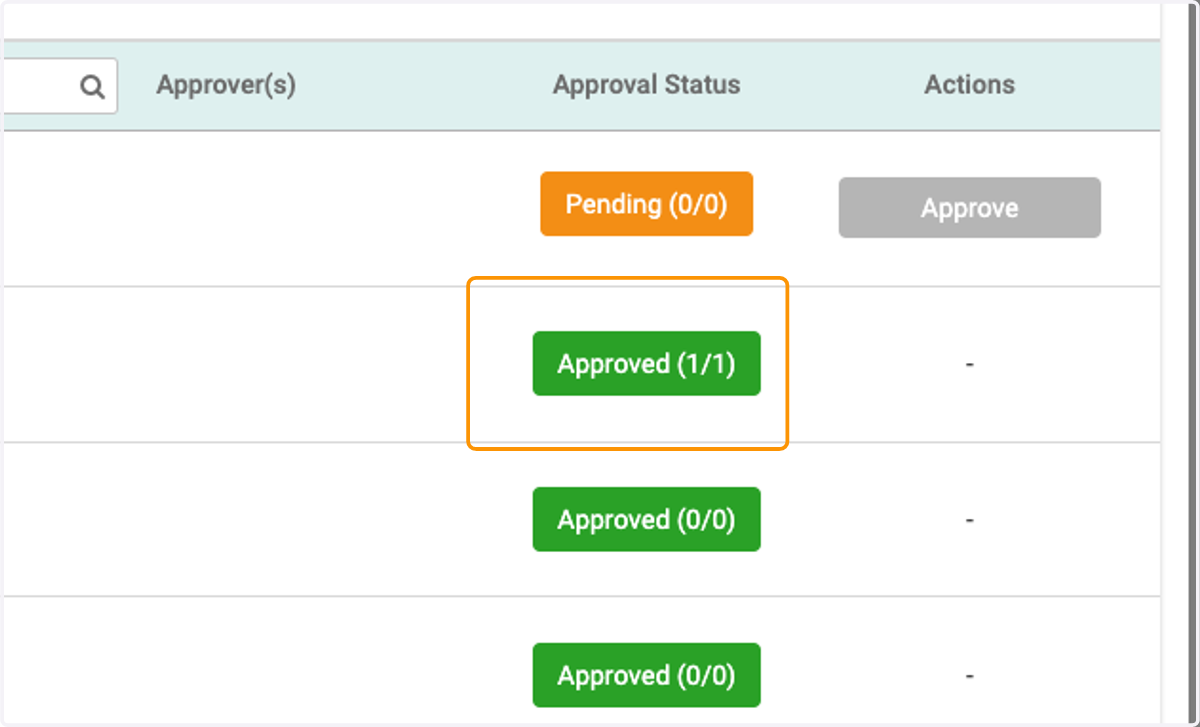
5. Under the Approval Status column, you'll be able to see if a request is Approved, Pending or Denied
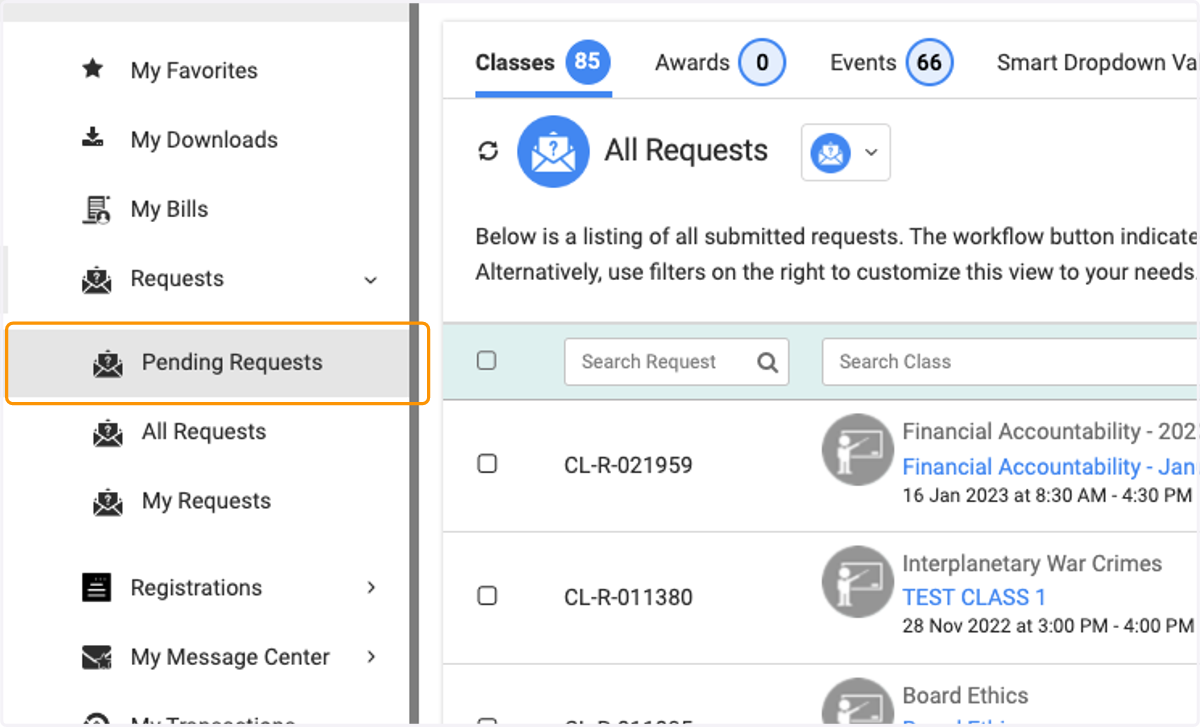
6. Now, let's look at just the Pending requests (meaning there is still action to be done on these). Click on Pending Requests
7. You'll see here, under the Approval Status column, that all of these have 1 or more approval steps pending.
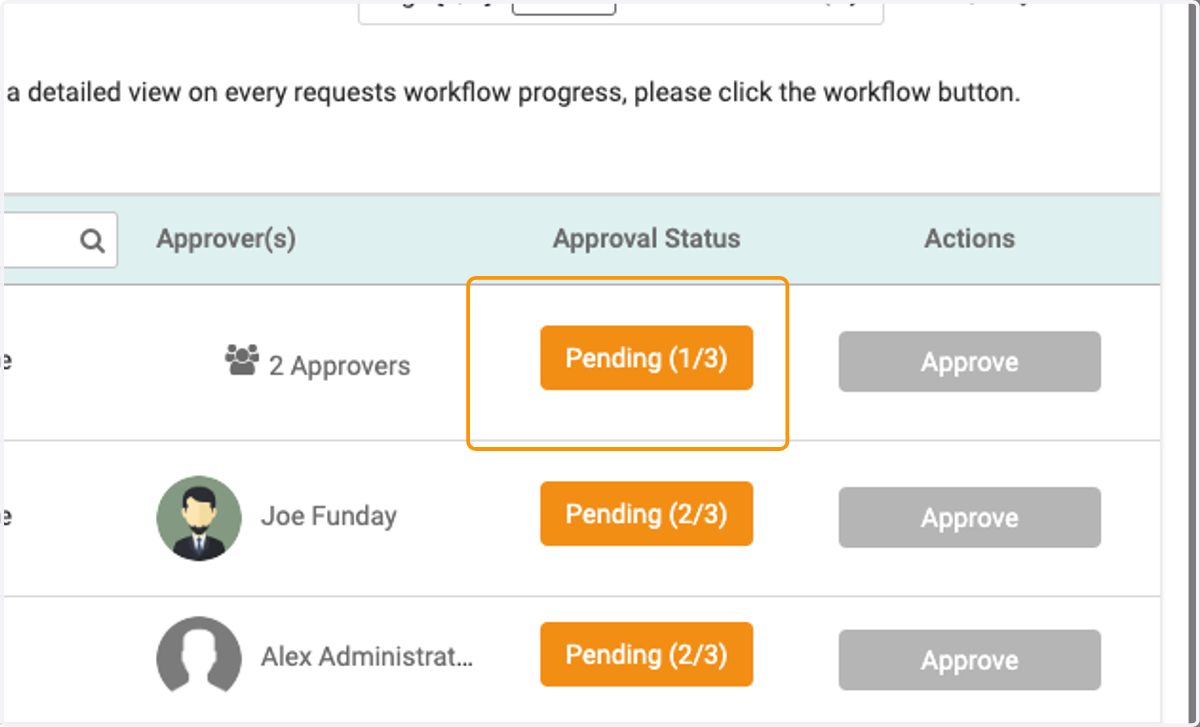
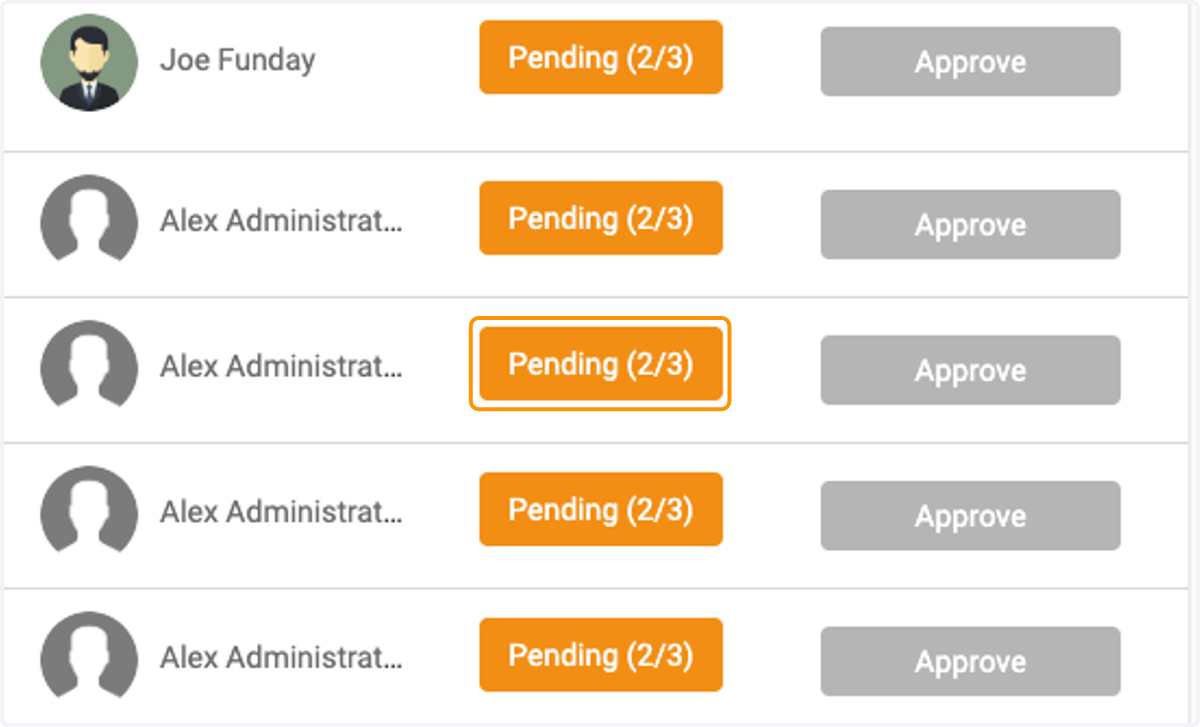
8. Clicking on the Pending box will bring up the steps still pending
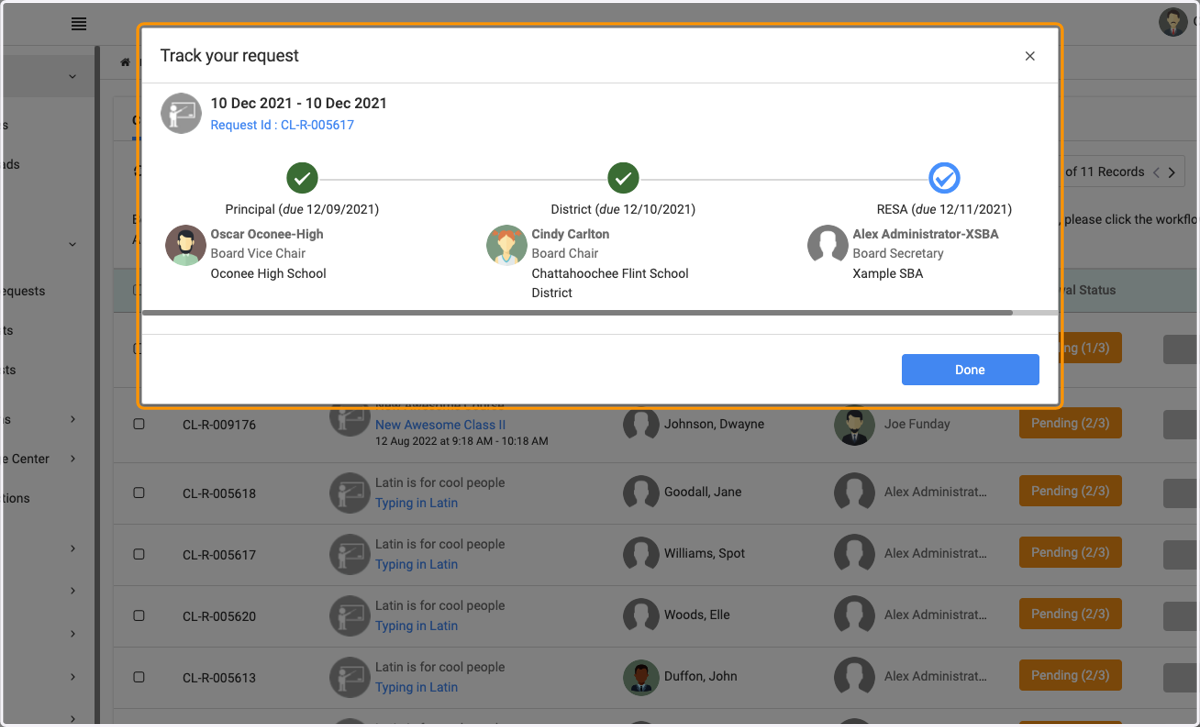
9. In this box you'll see all of the steps in place for this particular request. A green check mark means that the request has been approved at that step. A blue check mark means that it is still pending action
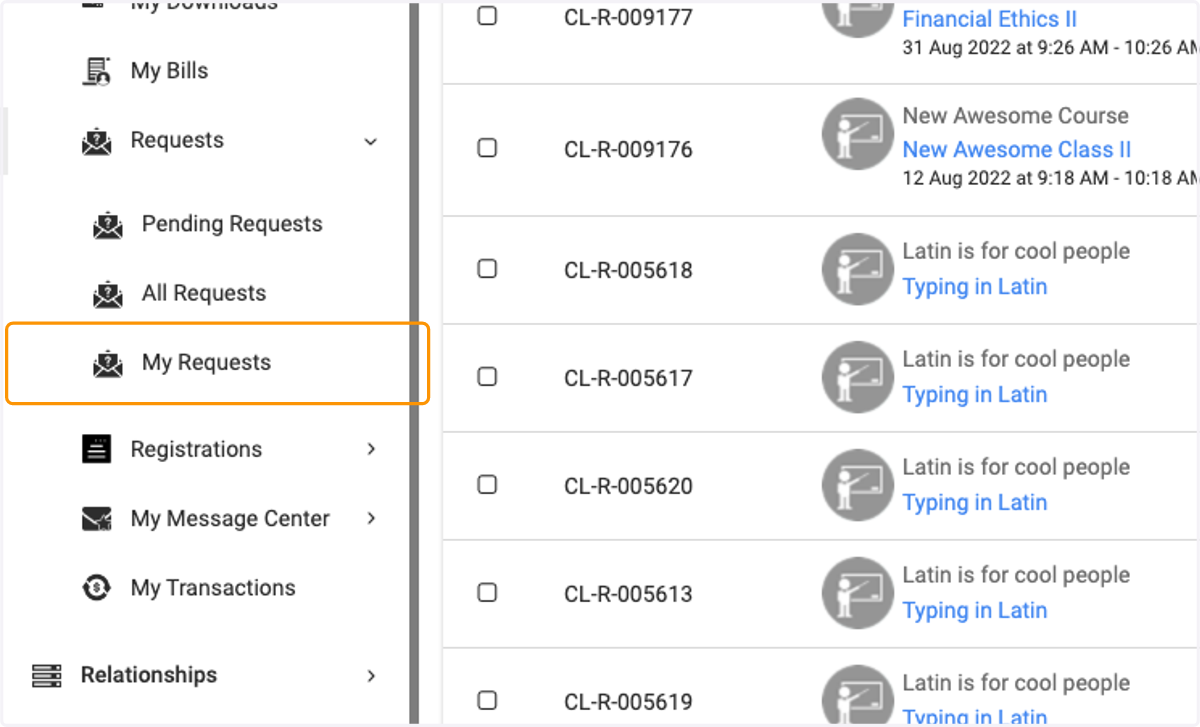
10. Next we have My Requests, this will display all of the requests you have sent through to be approved
11. The Status column will display what state your request is in