User Assignment: User Notification
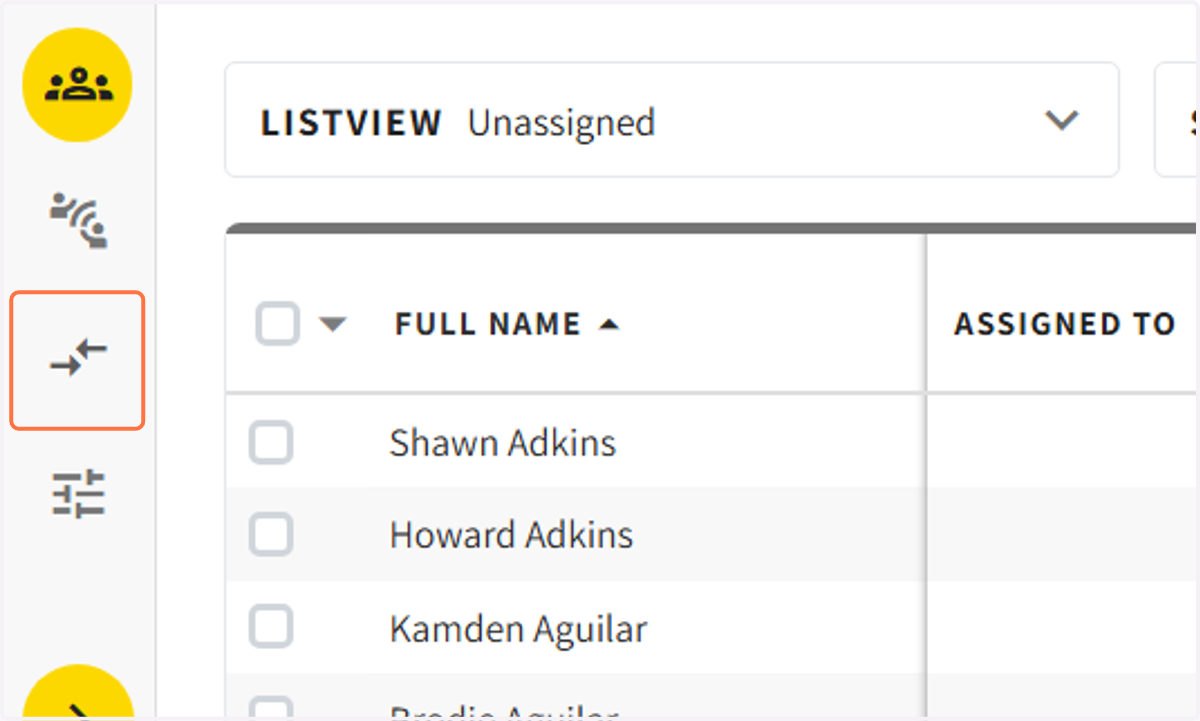
1. Click on the 'ASSIGNMENTS' tab on the guide bar
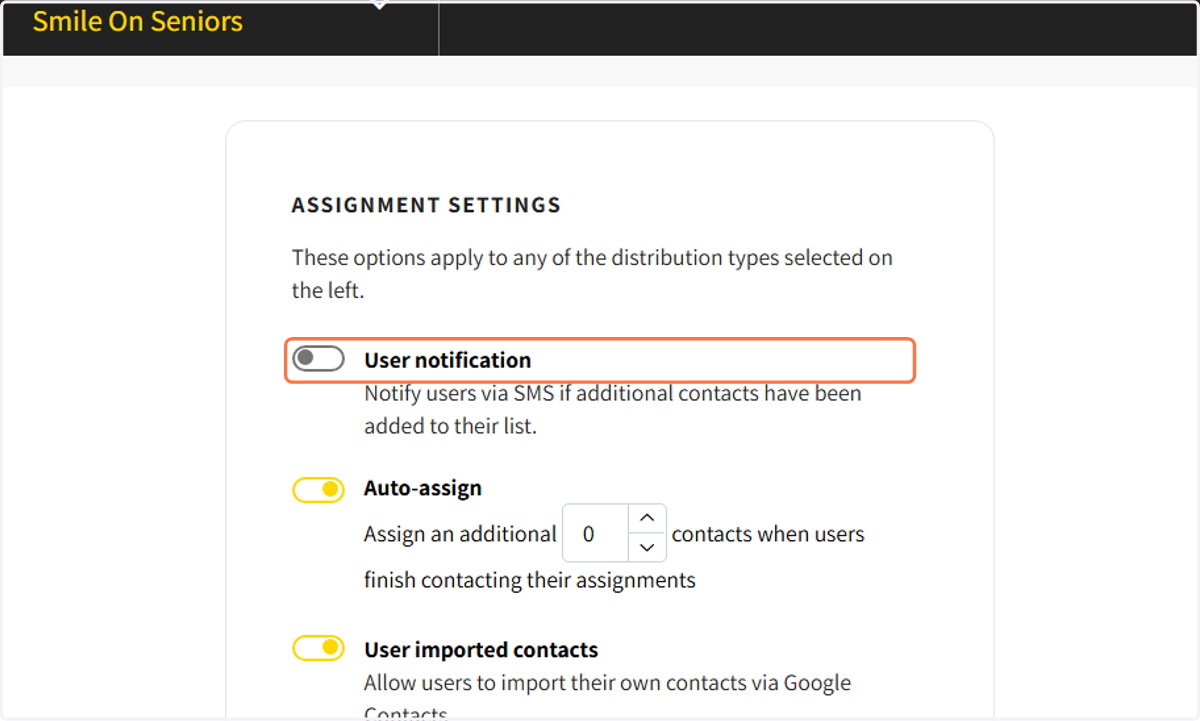
2. After selecting a contact allocation type turn on the 'User notification' bar
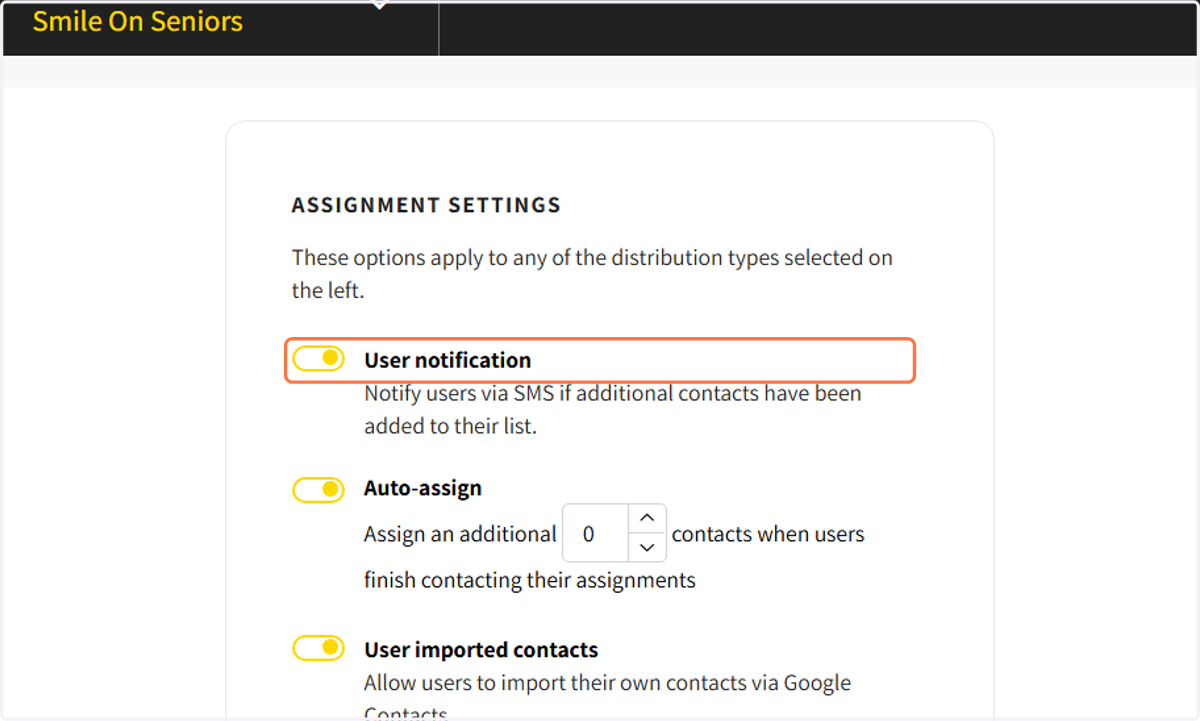
3. 'User notification' allows users to receive a SMS when new contacts are added to their list
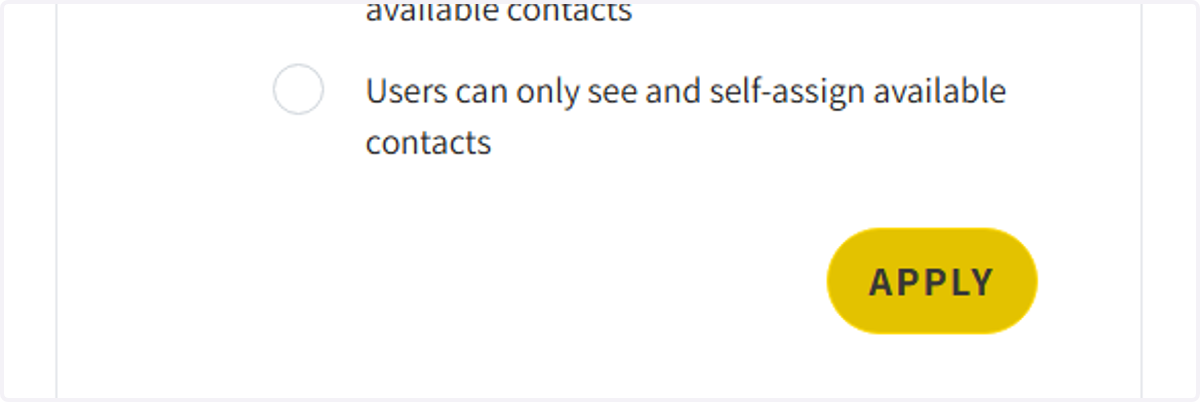
4. Select 'APPLY' to apply assignment