Send your Users Their Contact Lists
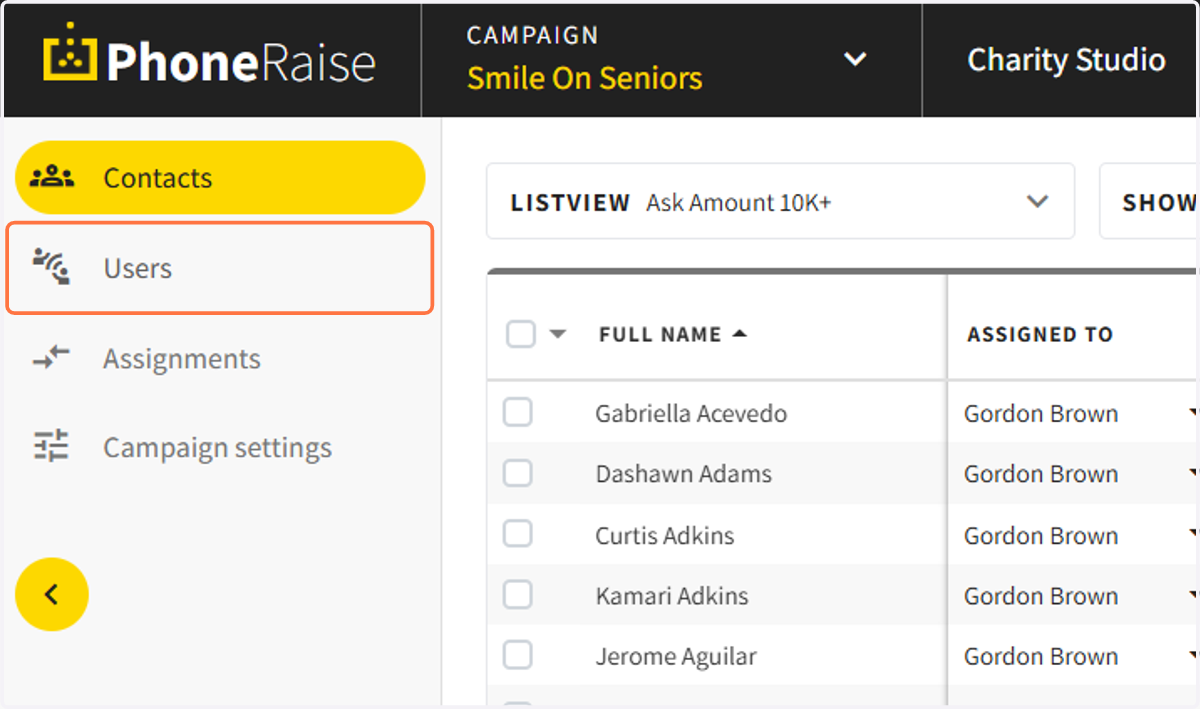
1. Click on Users
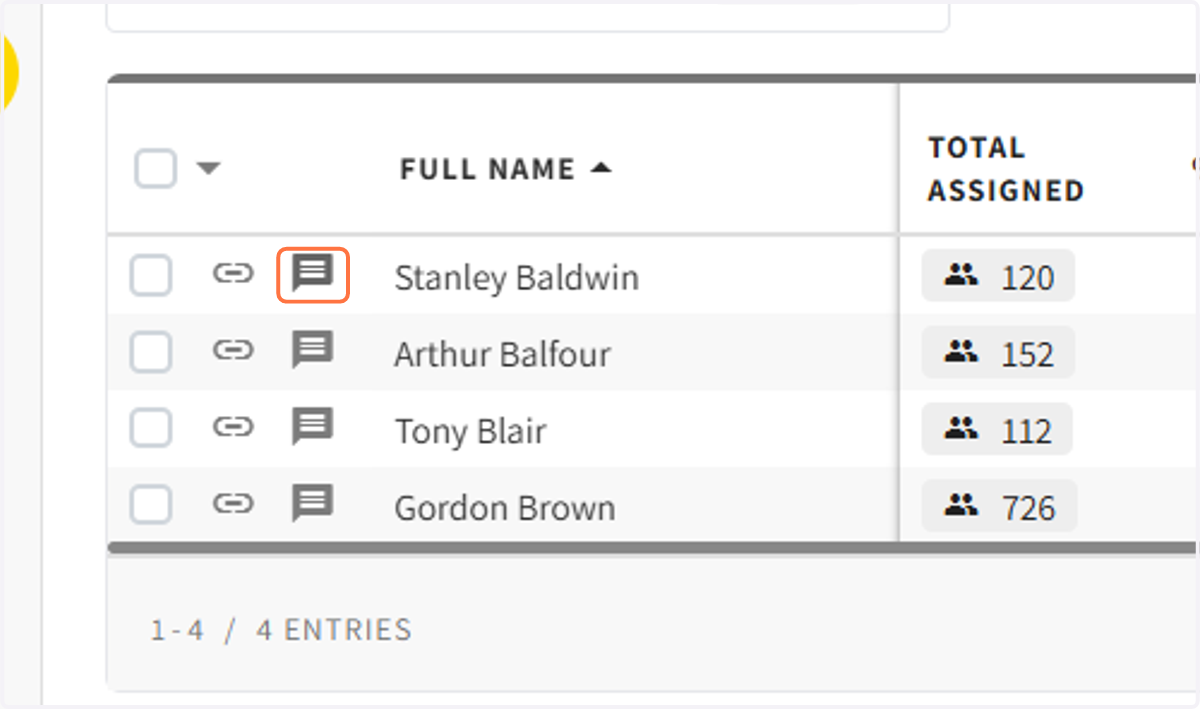
2. Click on the message icon next to the name you want to send the list to
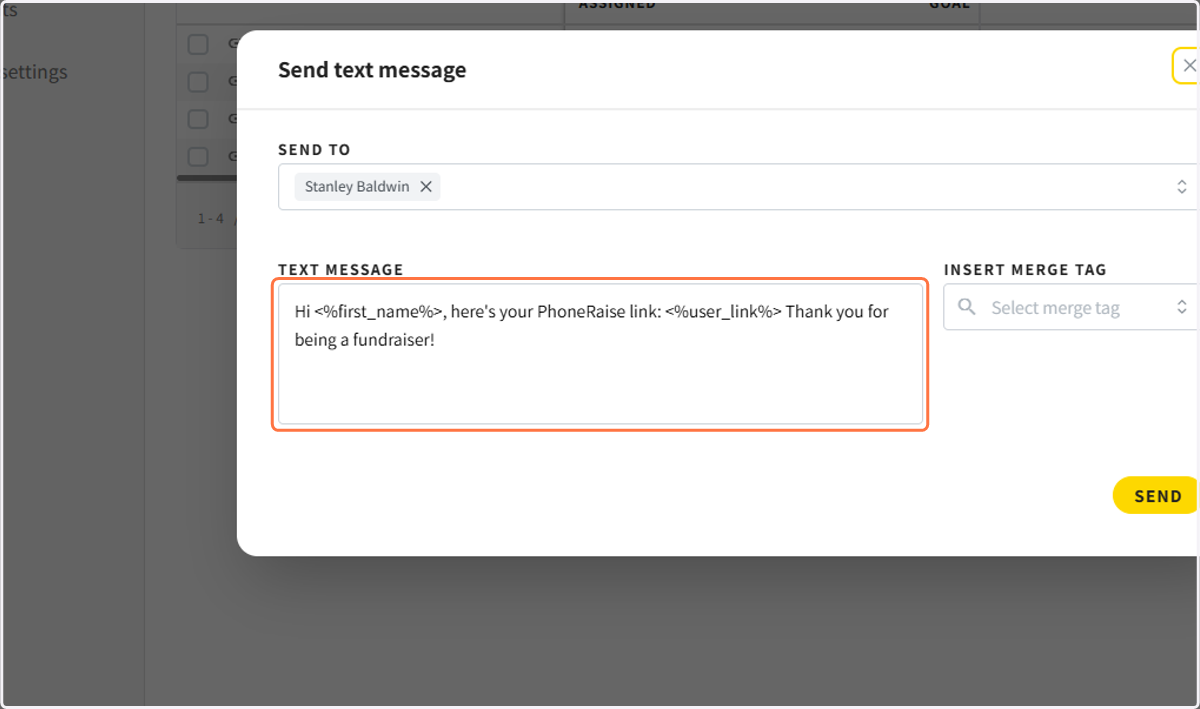
3. Edit the message you would like to send
Make sure to live the User Link merge tag in the message.
4. Click on Send text message…
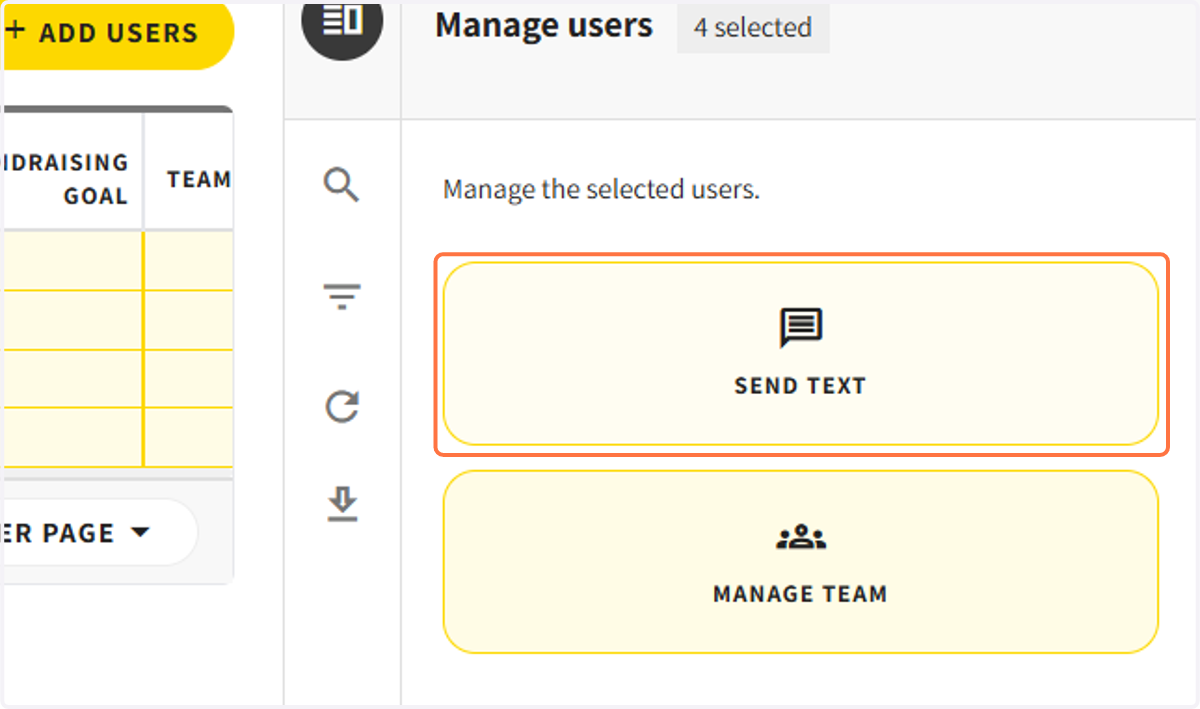
To send lists to multiple users at the same time
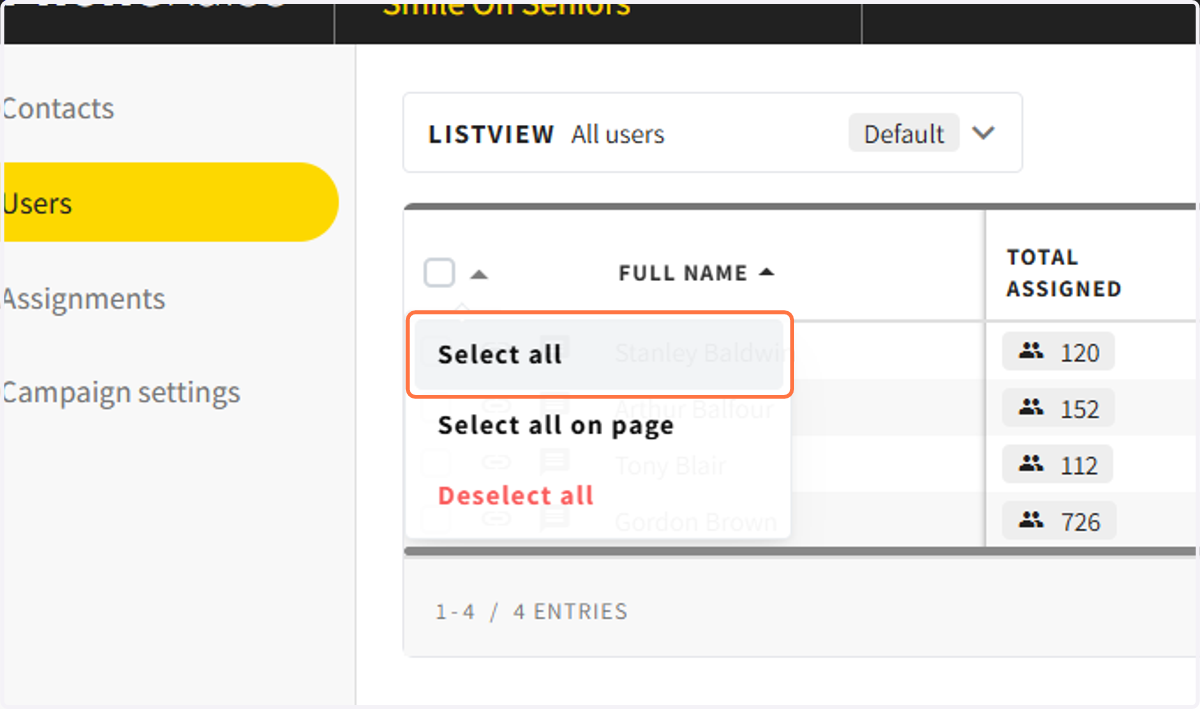
5. Select All or select multiple users
6. Click on send text on the right sidebar