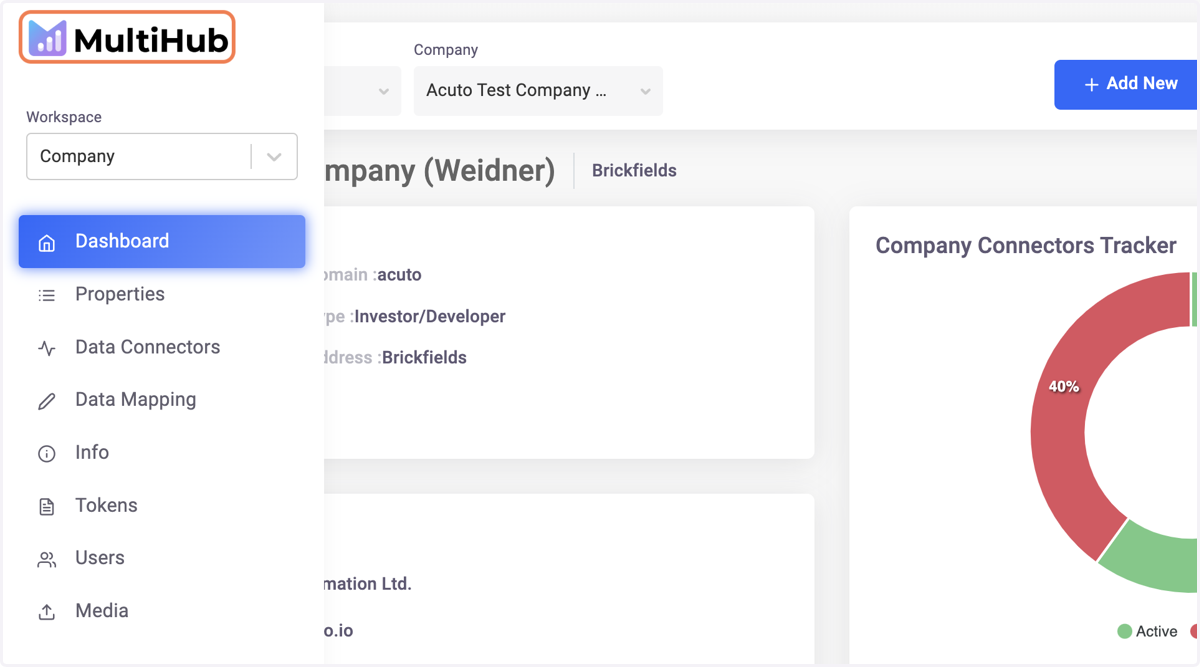
How to Set Up Your MultiHub Account
1. Go to your gmail account
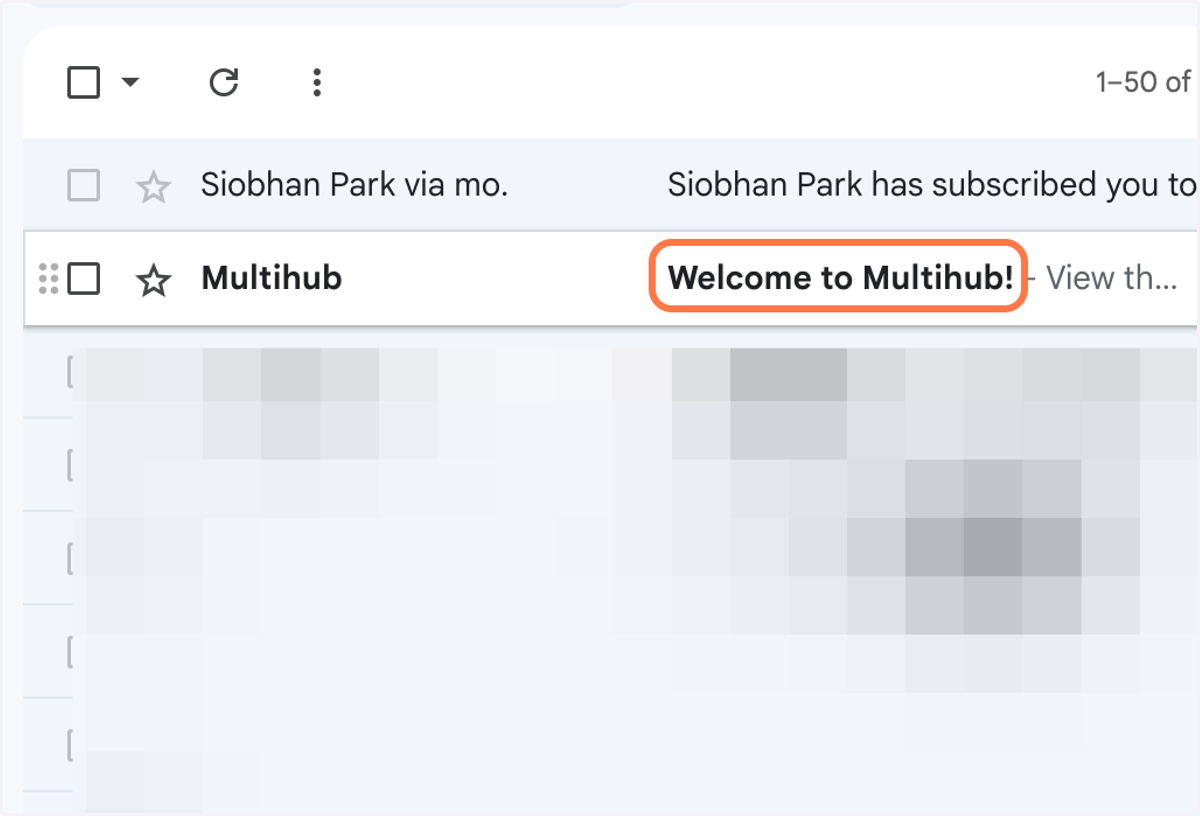
2. Click on the Welcome to Multihub! account invitation email
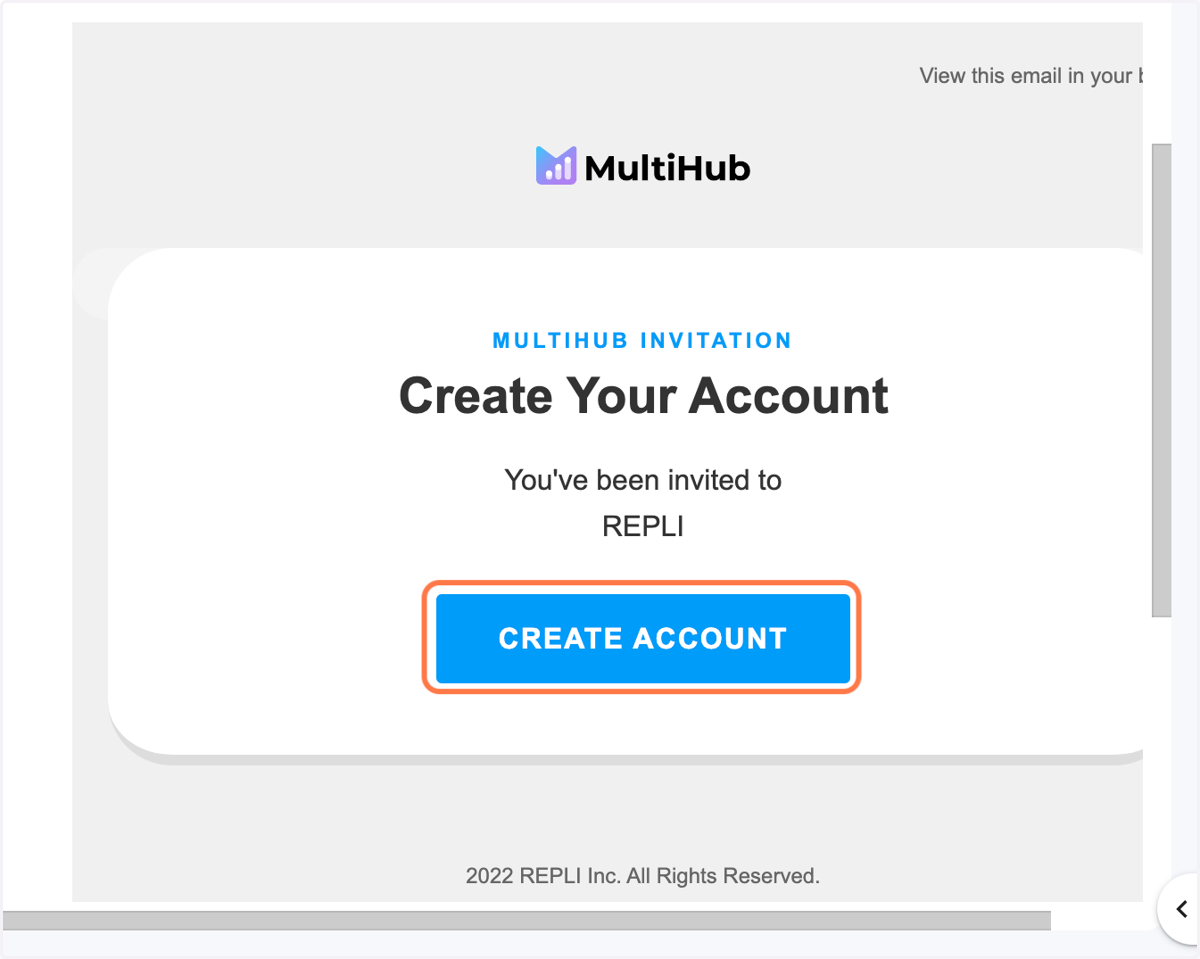
3. Click on CREATE ACCOUNT
Multihub
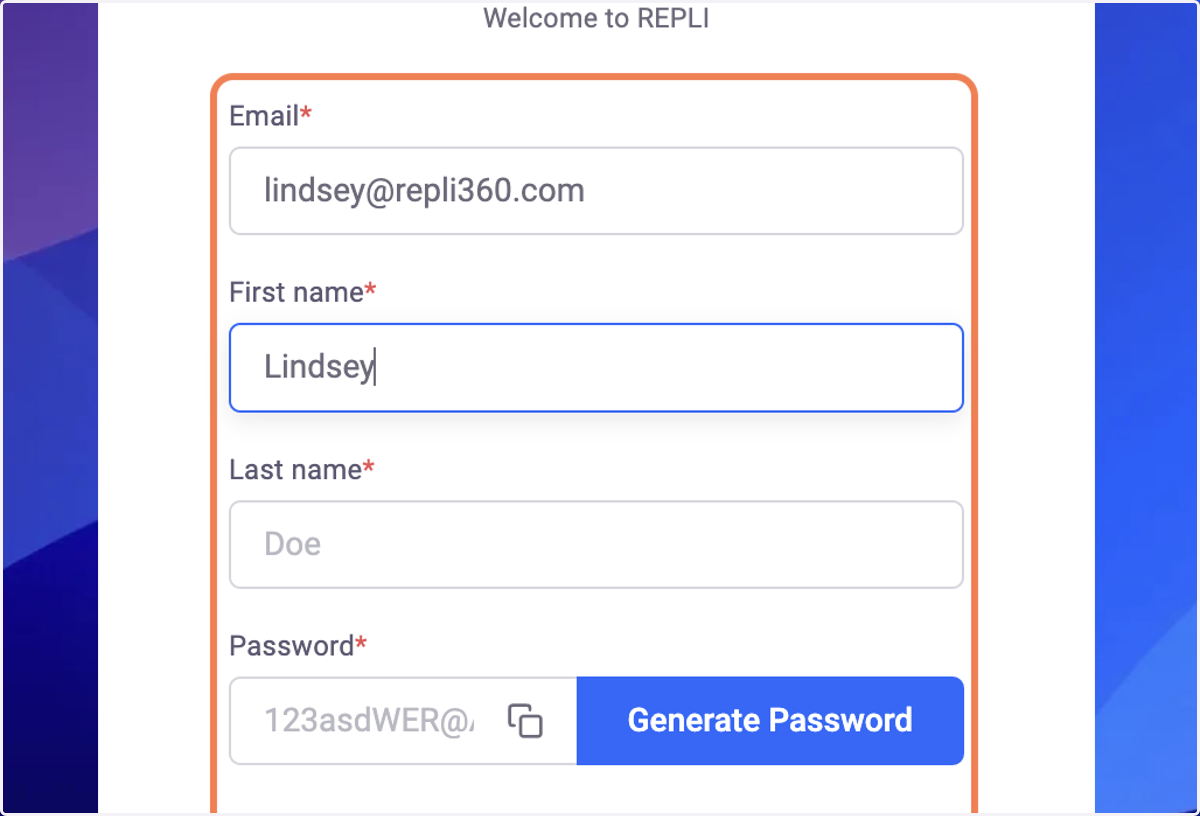
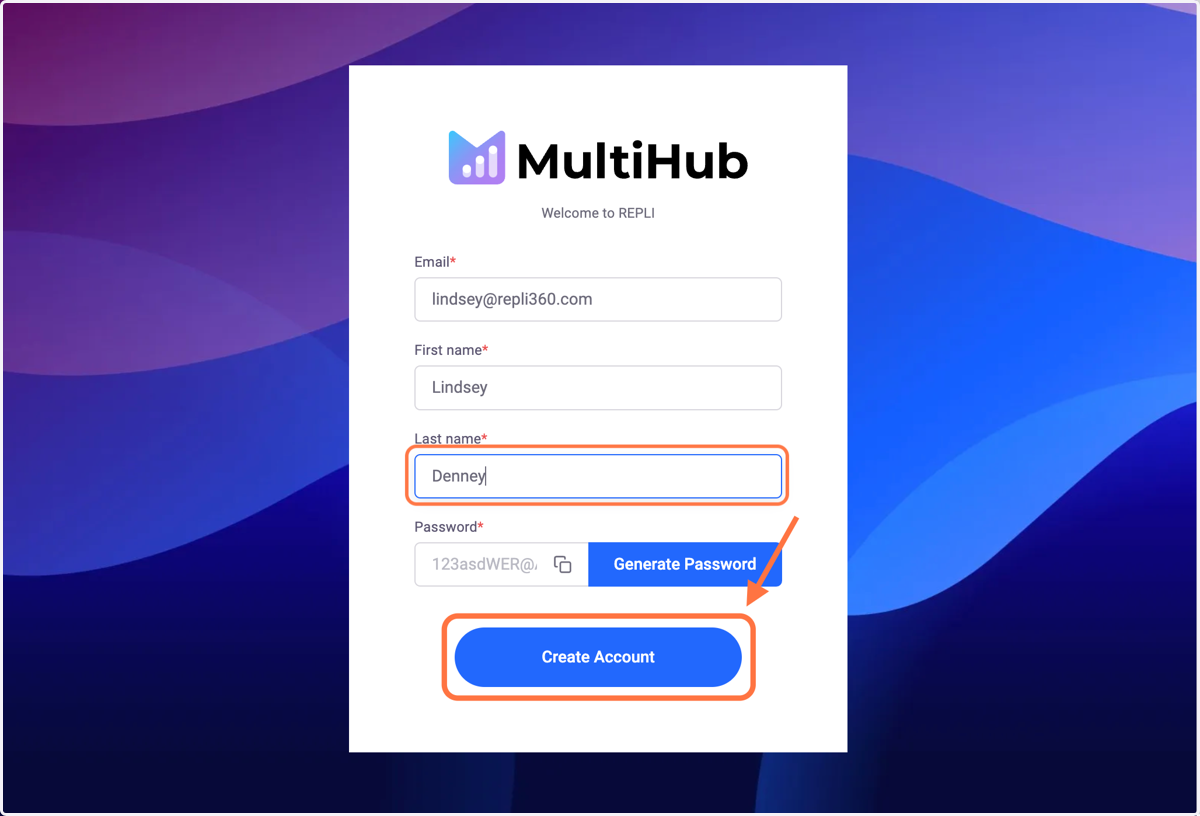
4. Type in your First and Last name and desired password
5. Click Create Account
6. You're in! Welcome to MultiHub