How to install our Remote Support Software on a Mac
1. Click here
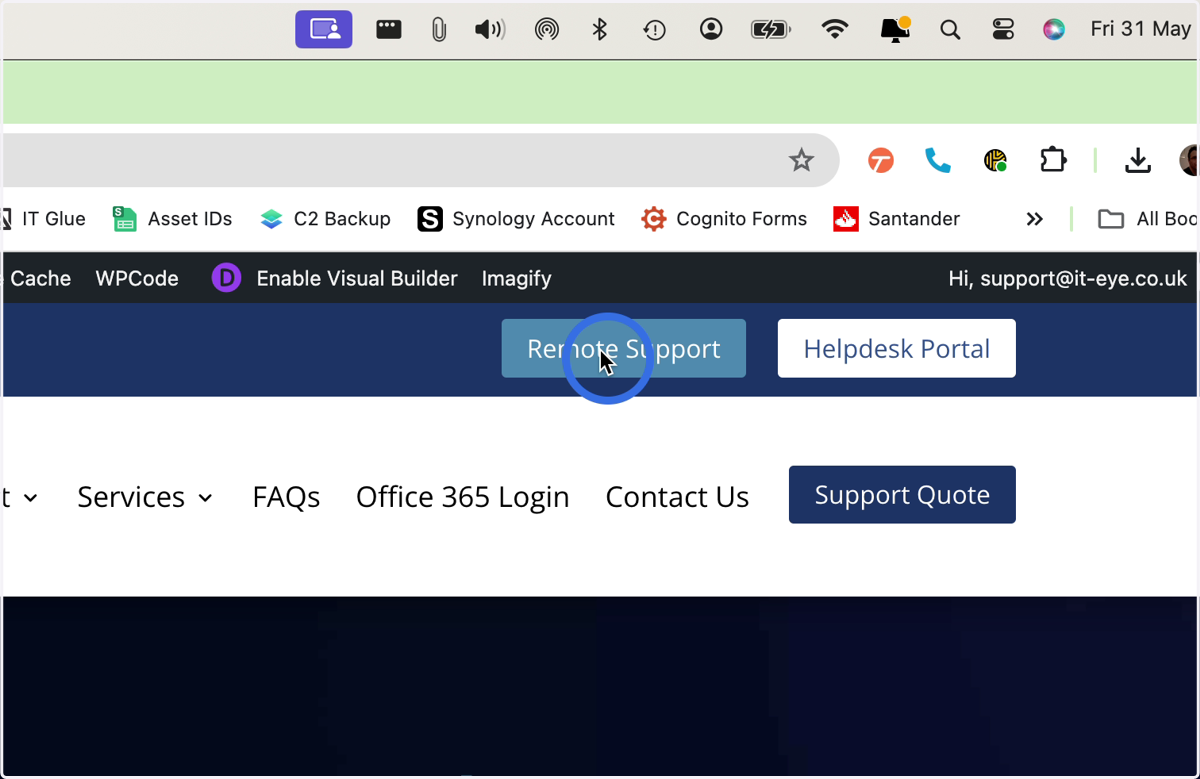
2. Click here
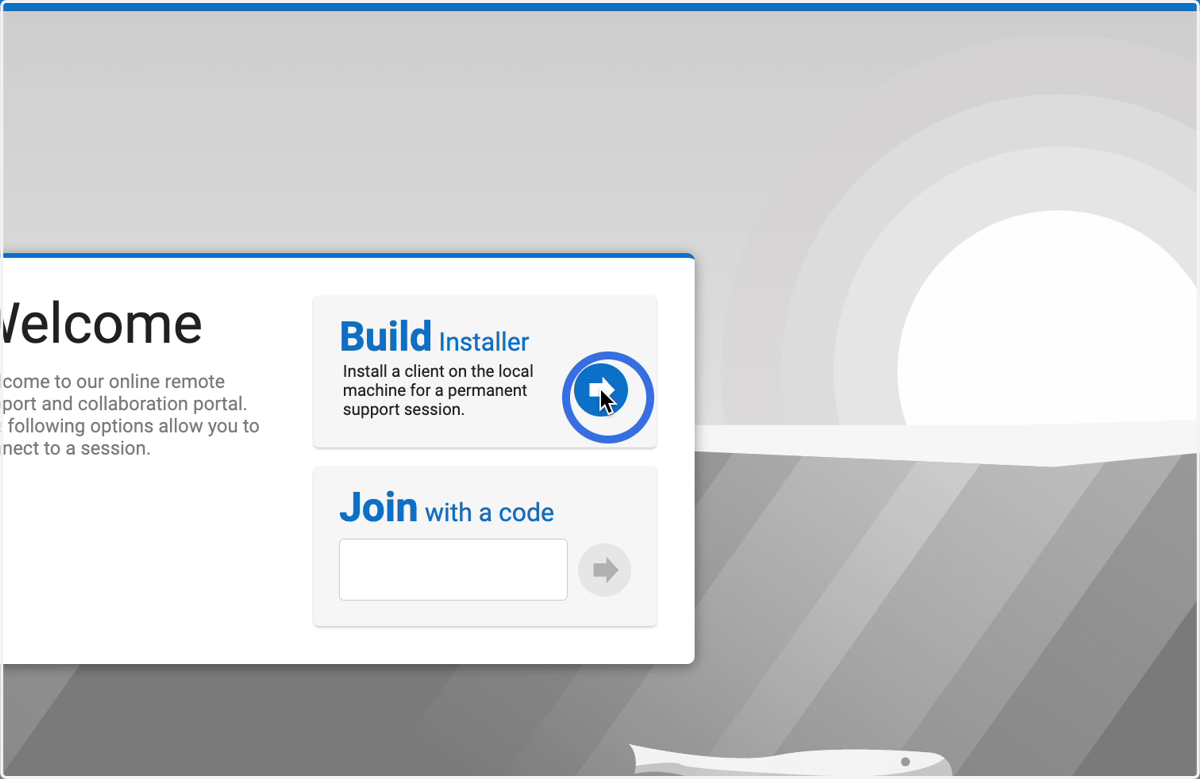
3. Click here
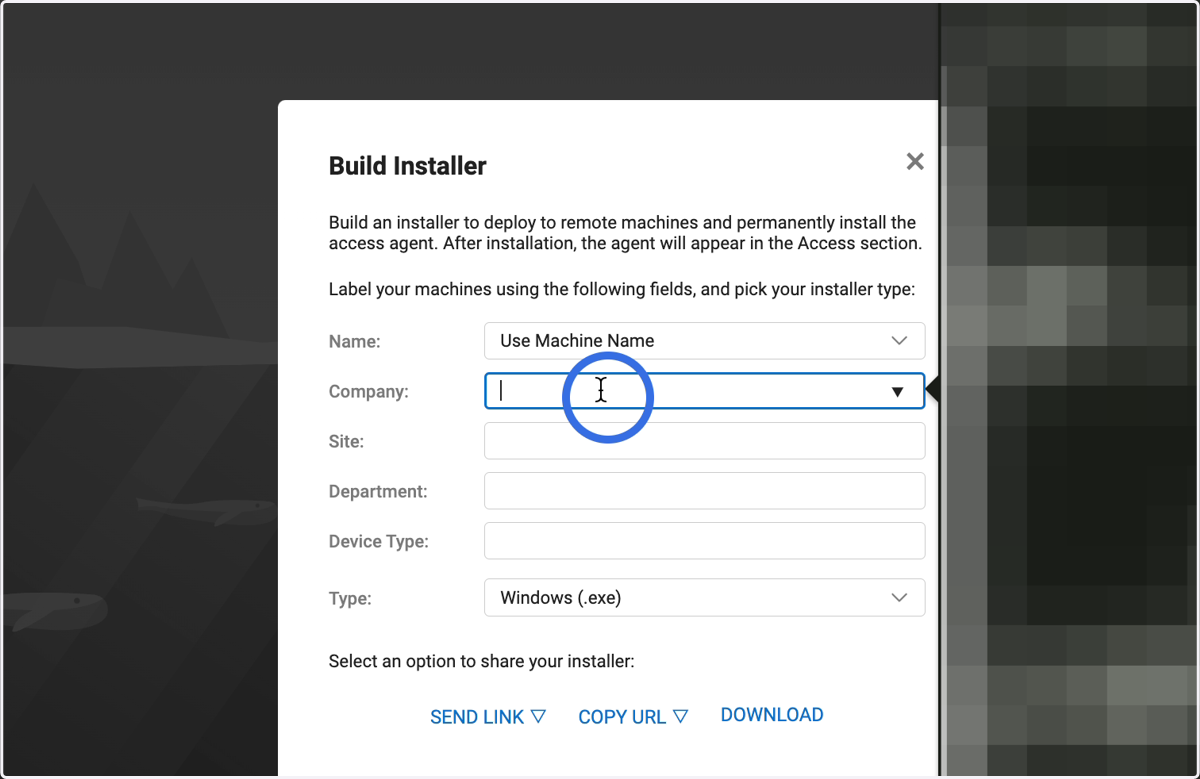
4. Enter your company name
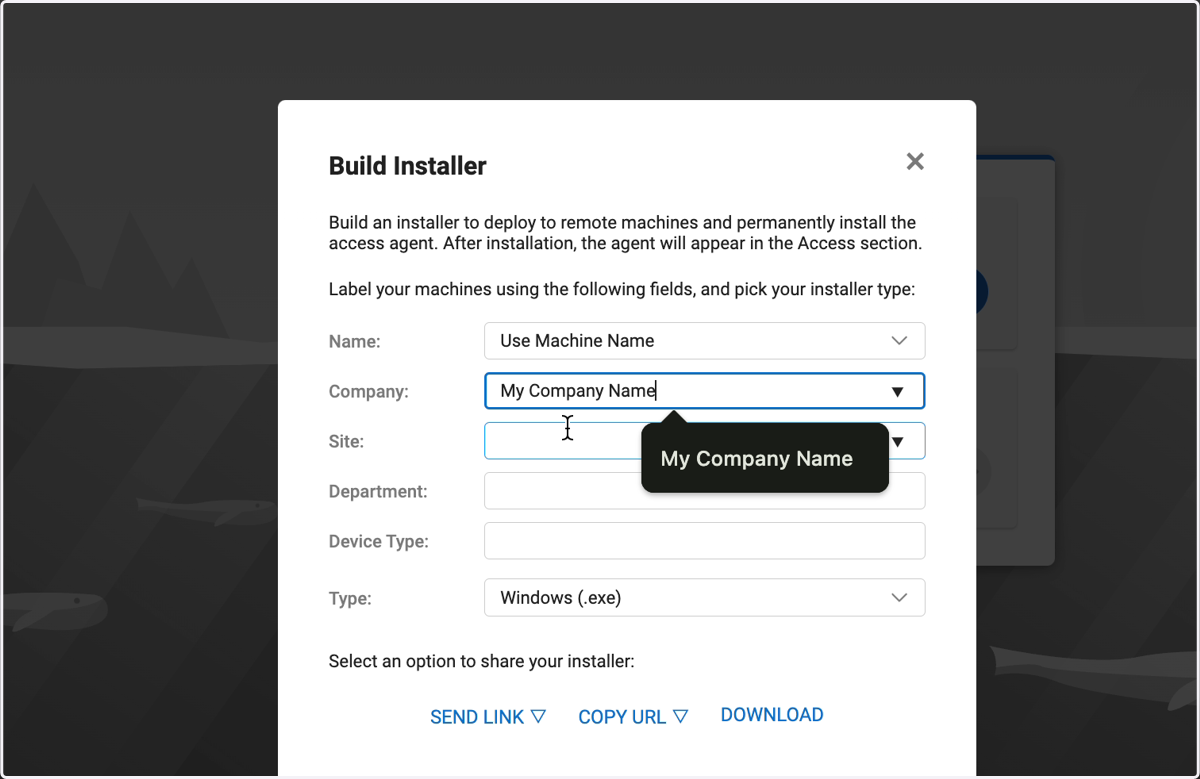
5. Click here
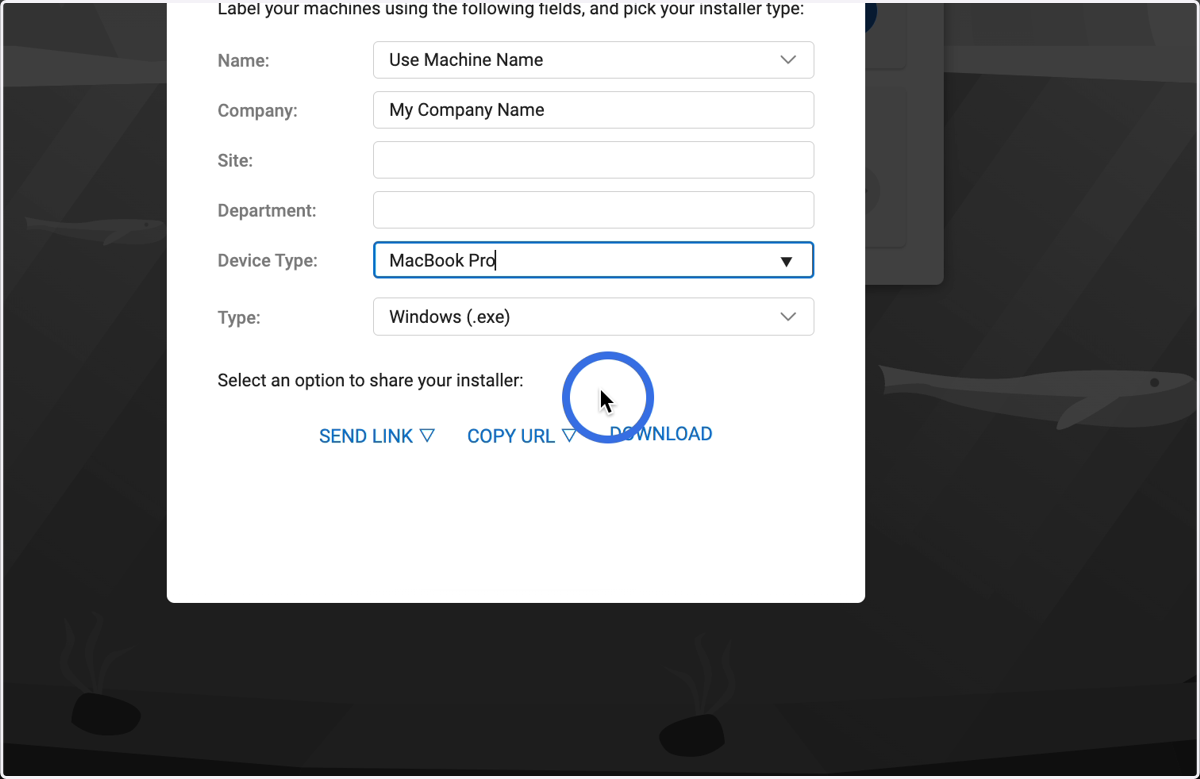
6. Change Type to Mac OS x
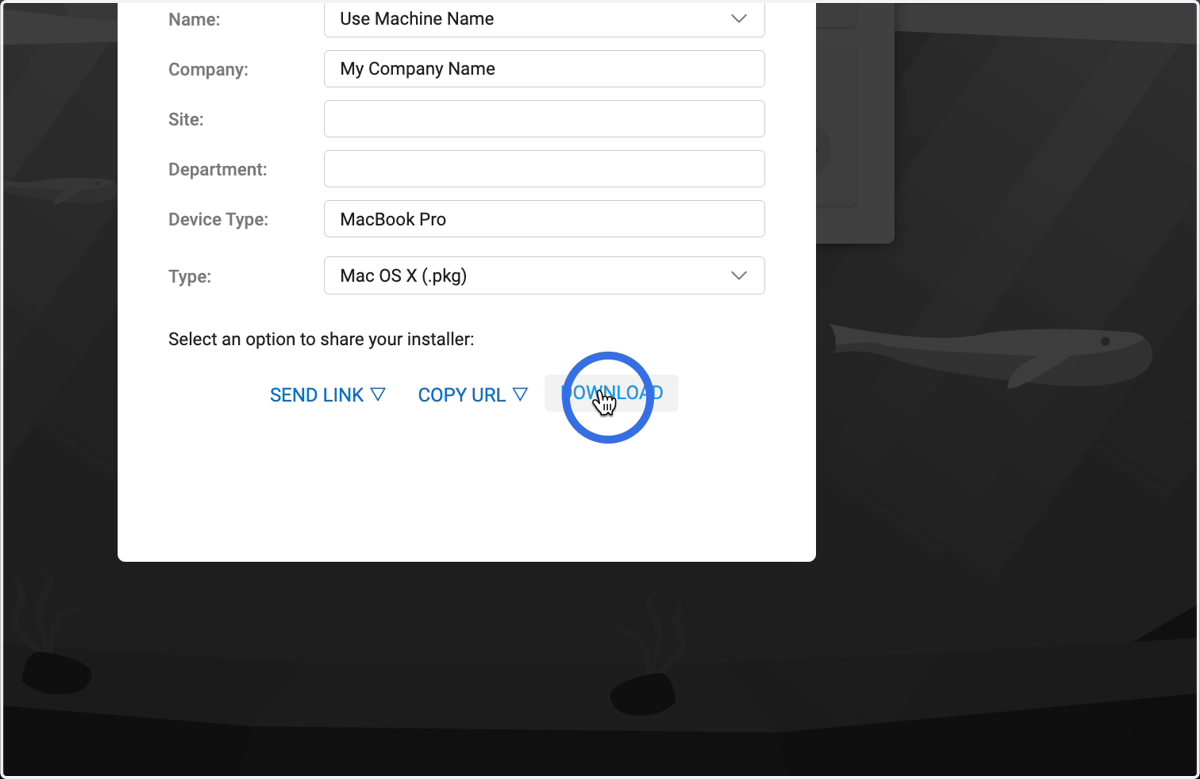
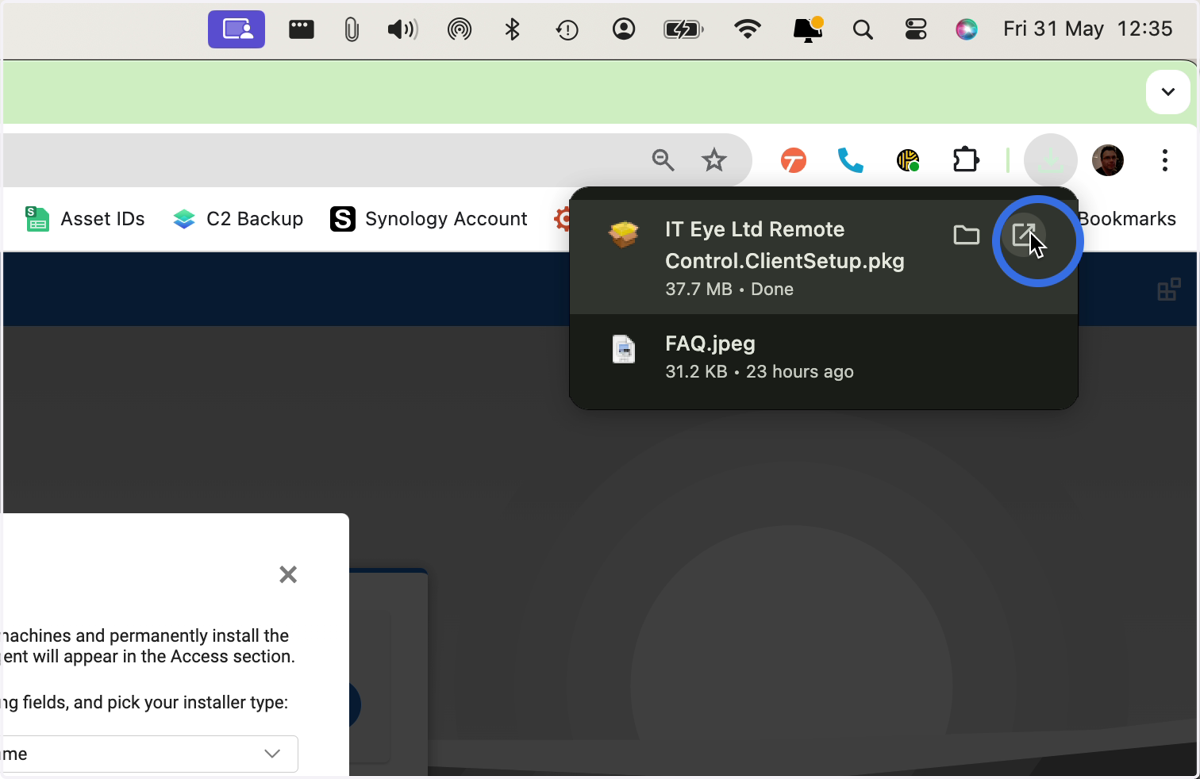
7. Click here or open from your Downloads
8. This warning is expected
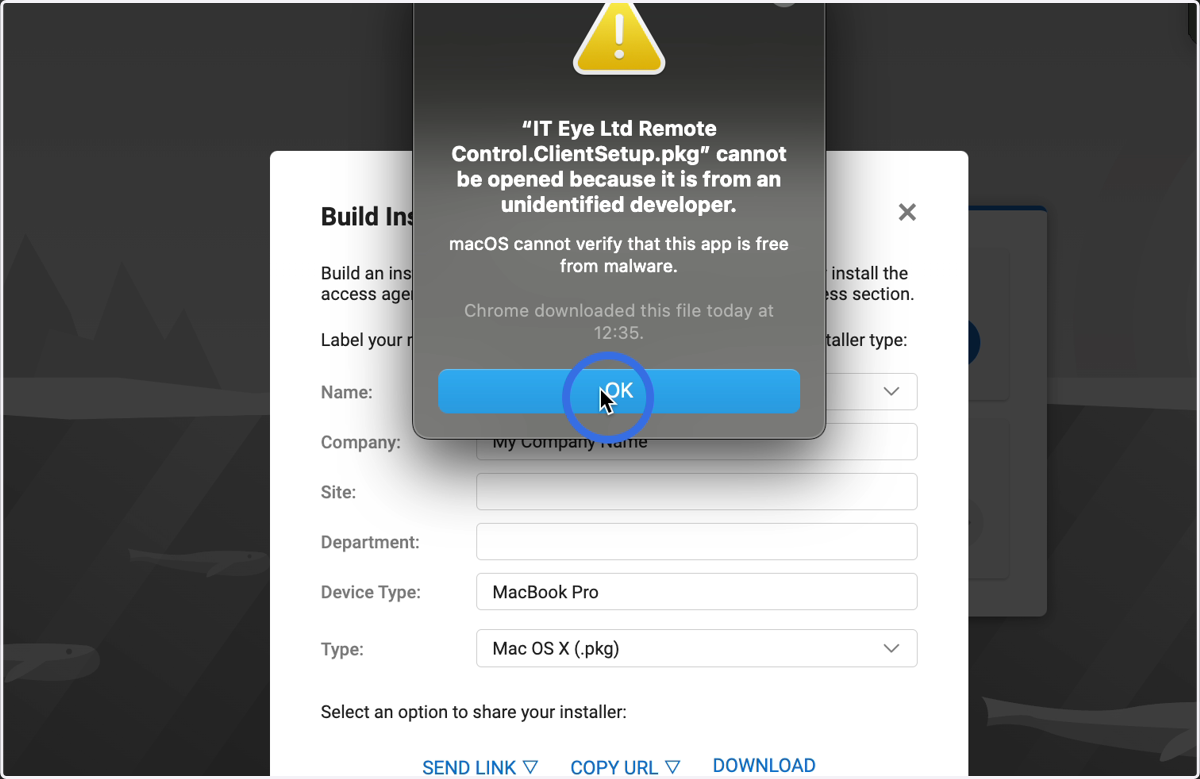
9. Go to System Preferences
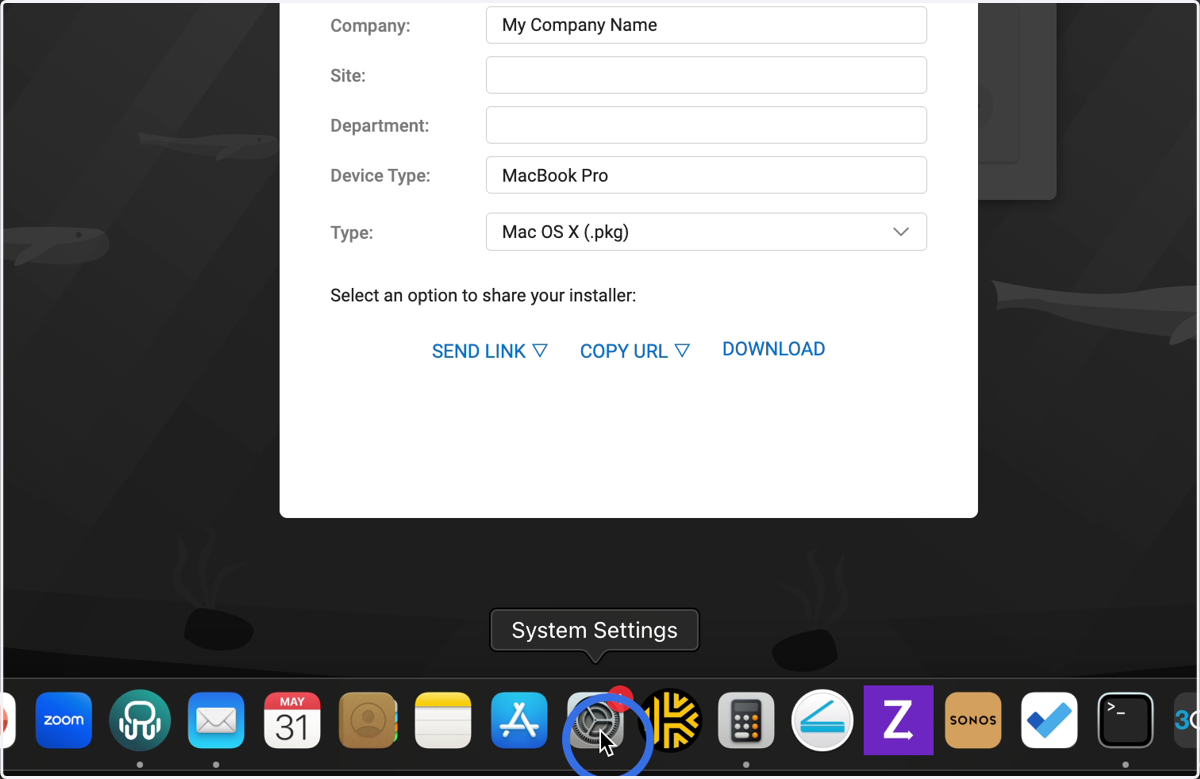
System Settings
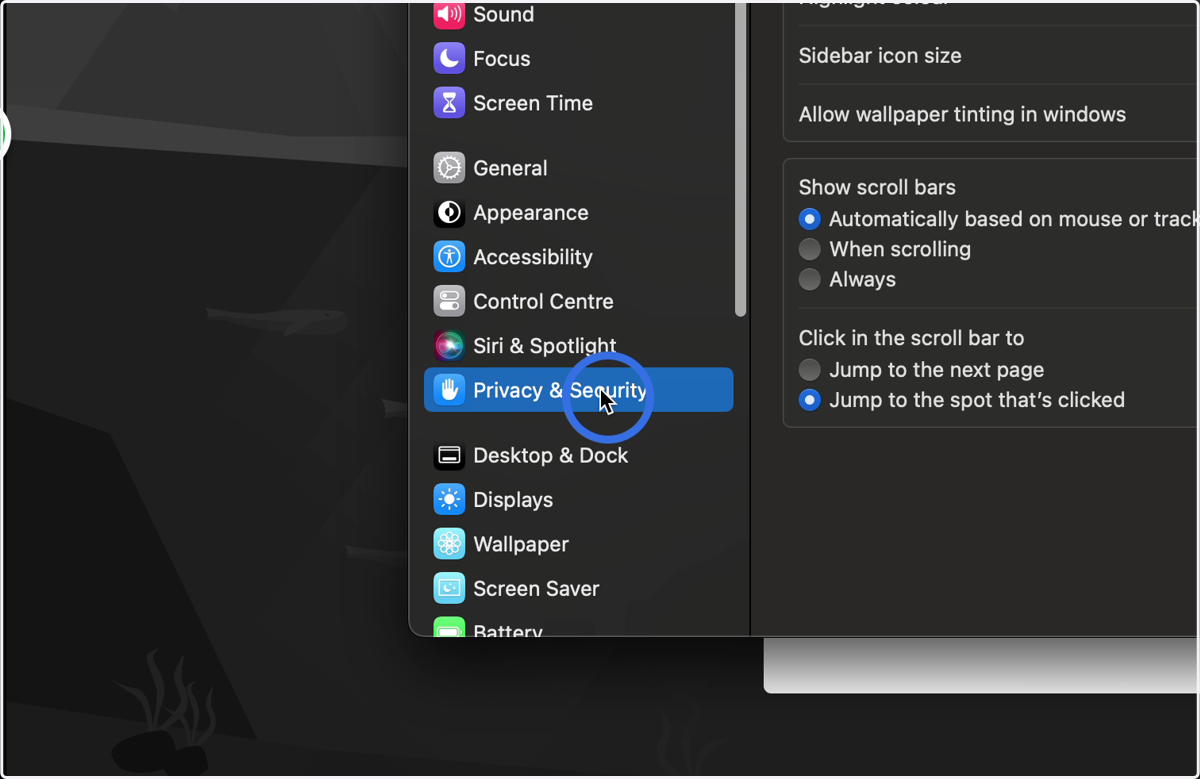
10. Click here
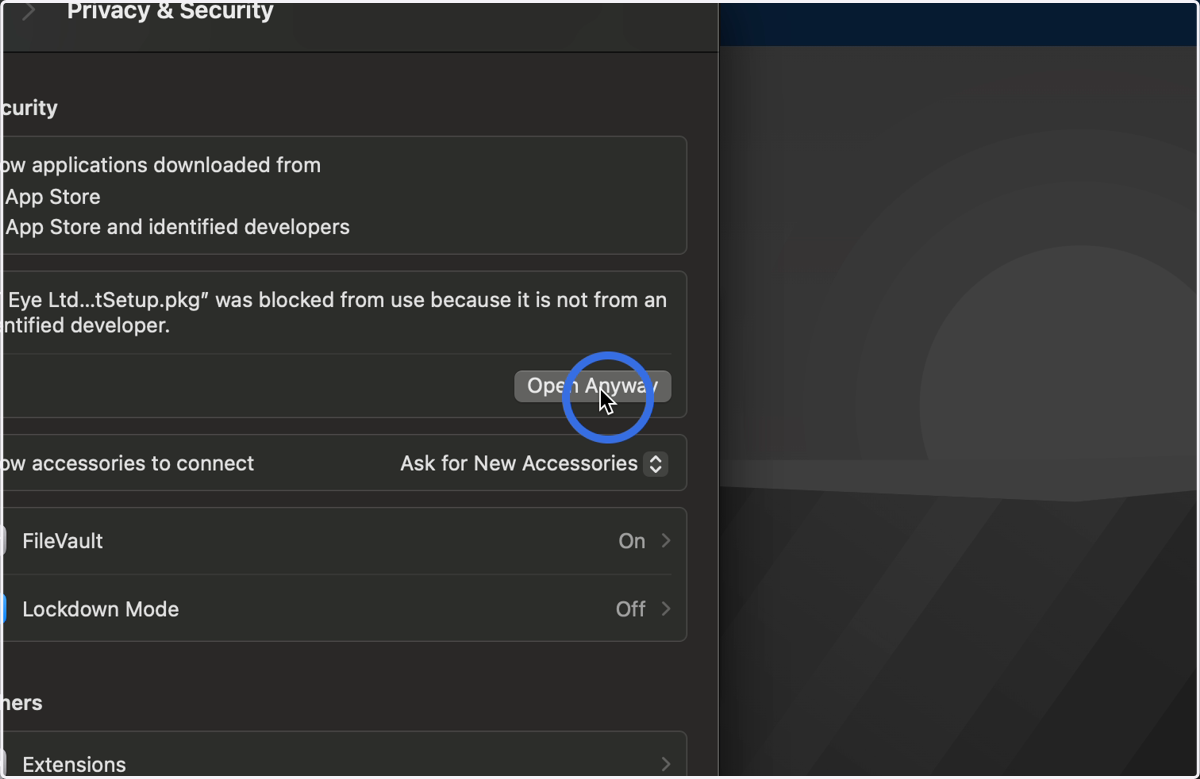
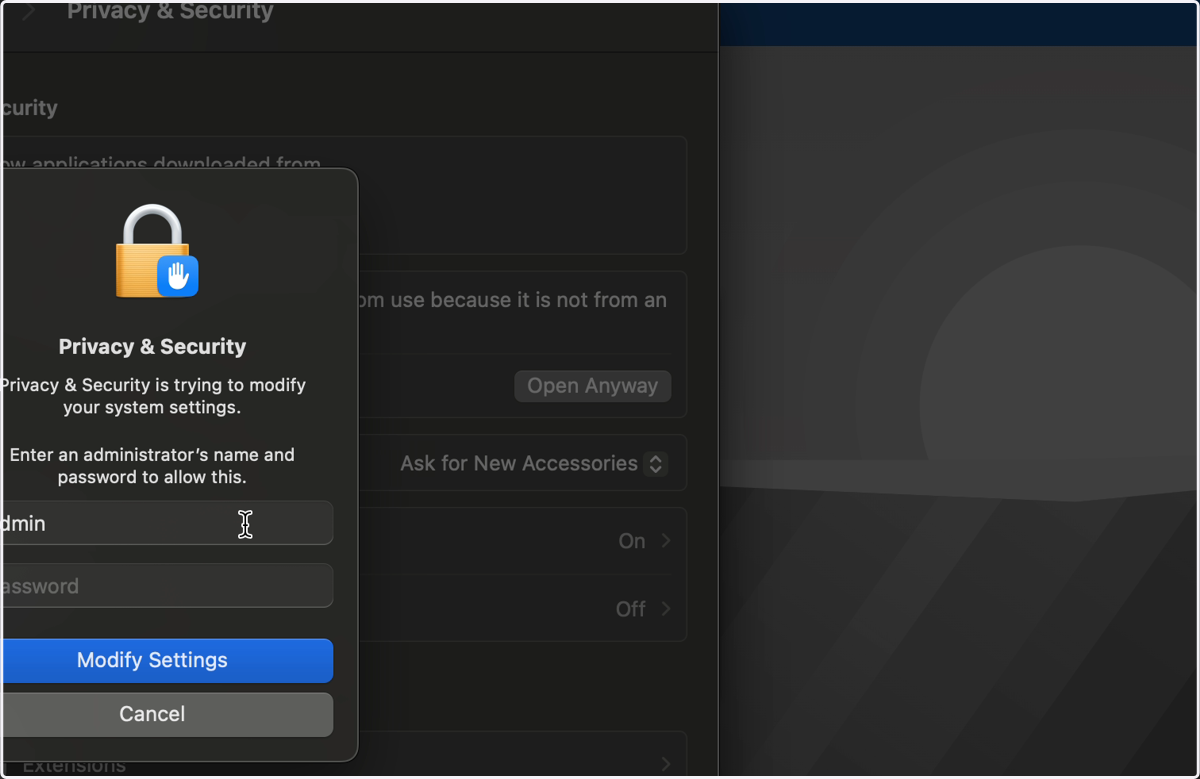
11. Scroll to the bottom and click Open Anyway
12. Enter your Admin credentials
13. Click here
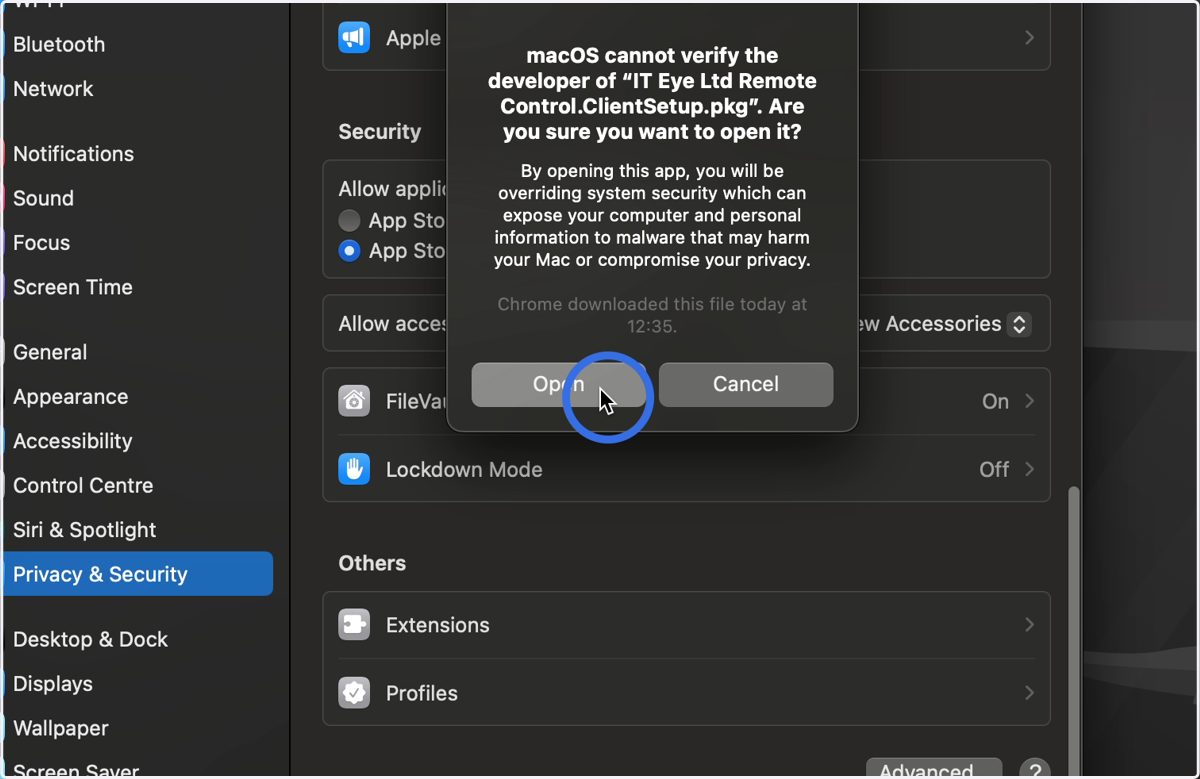
Installer
14. Click here
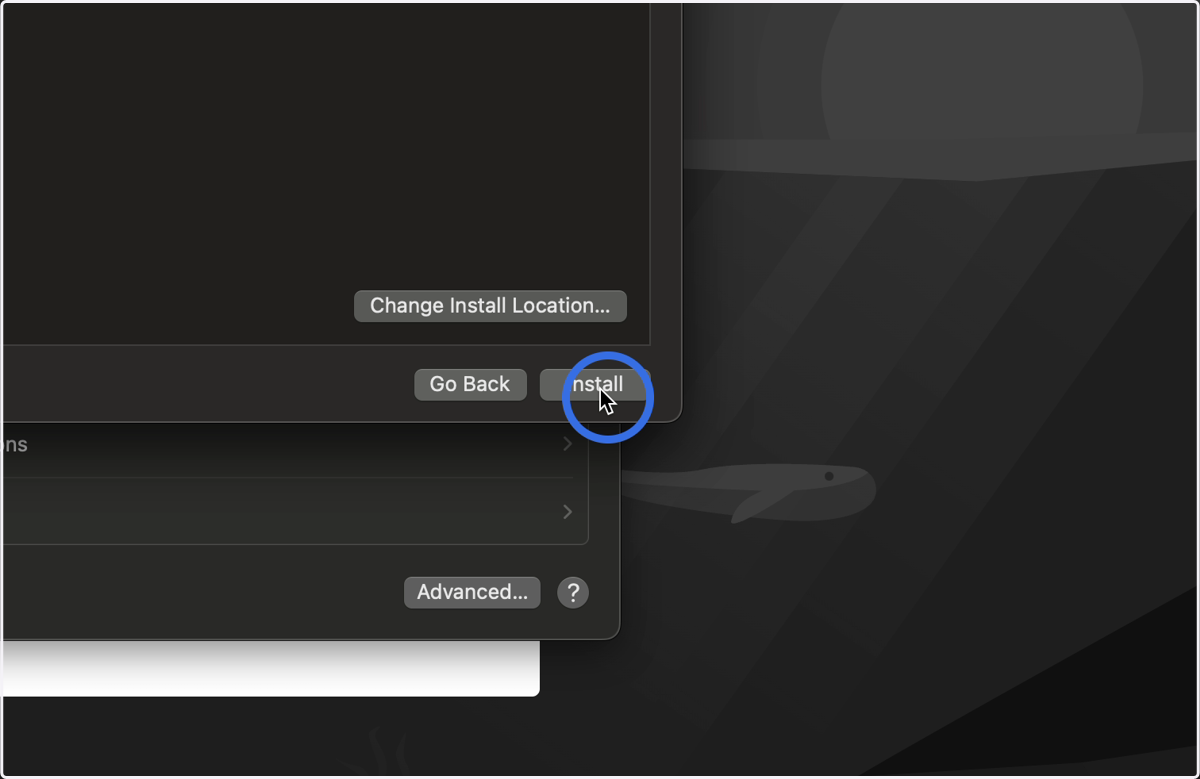
SecurityAgent
15. You may be prompted again for your Admin details
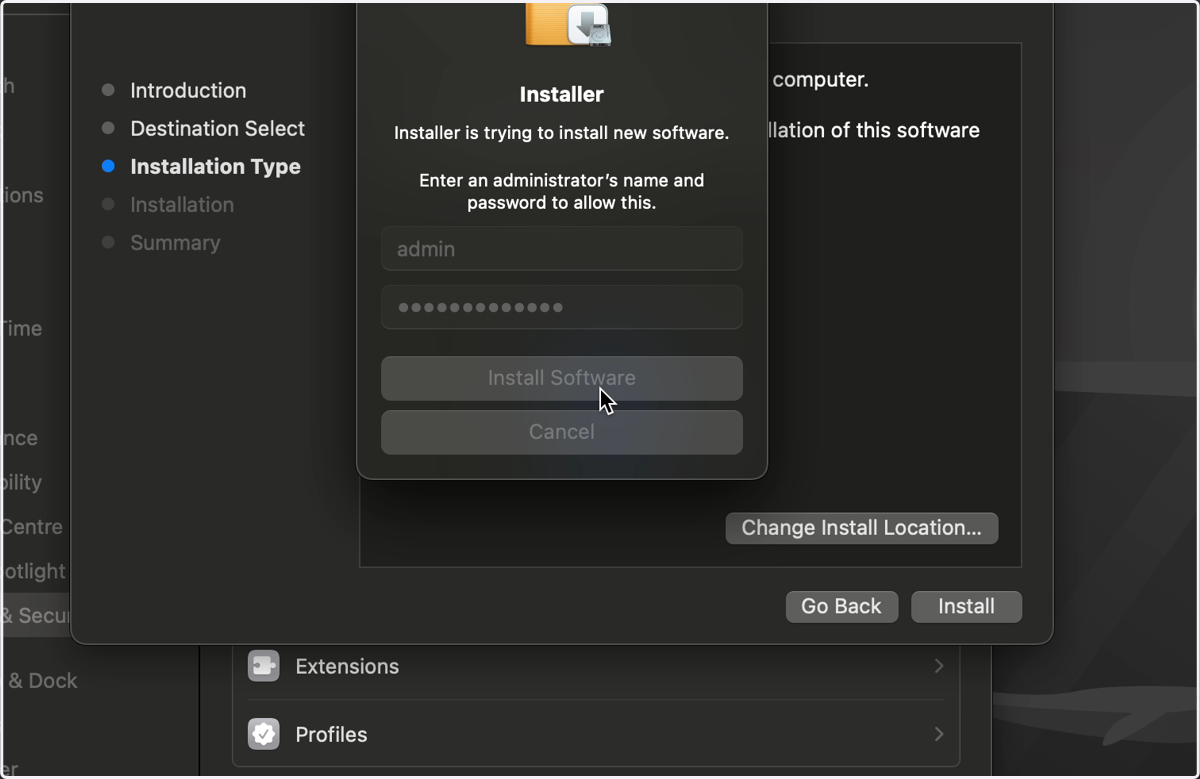
Installer
16. Click here
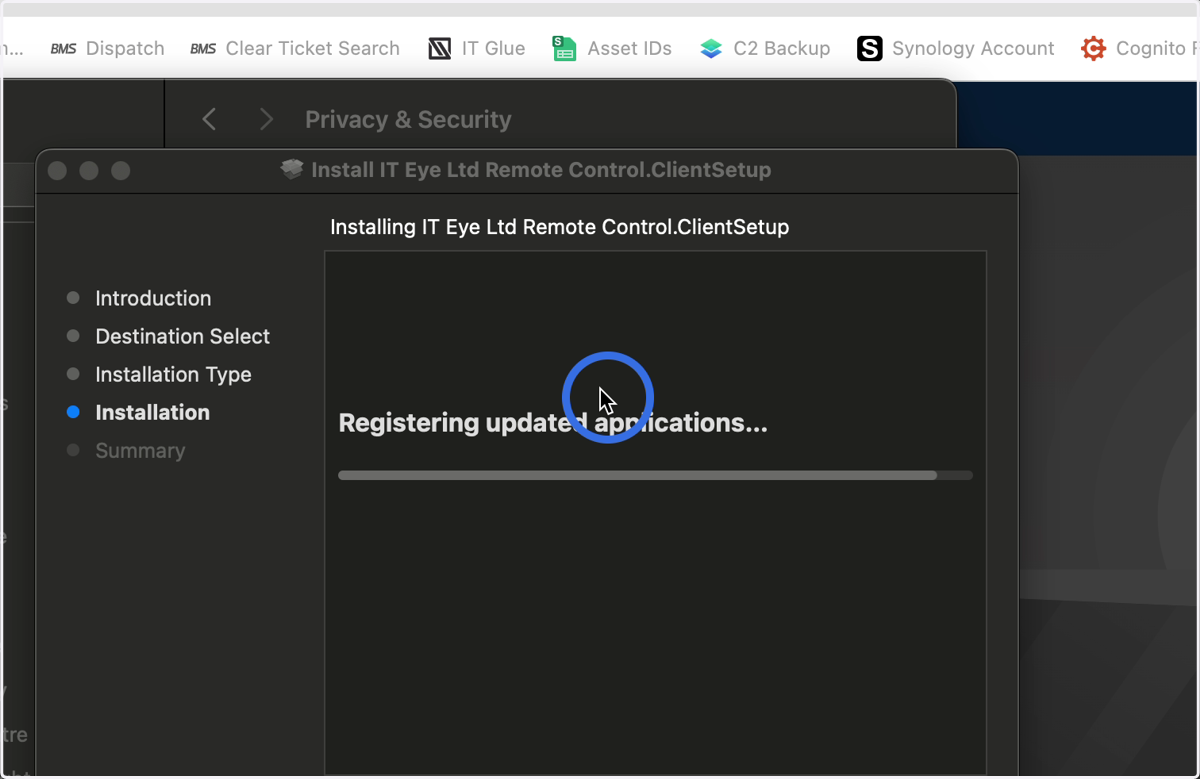
17. Click here
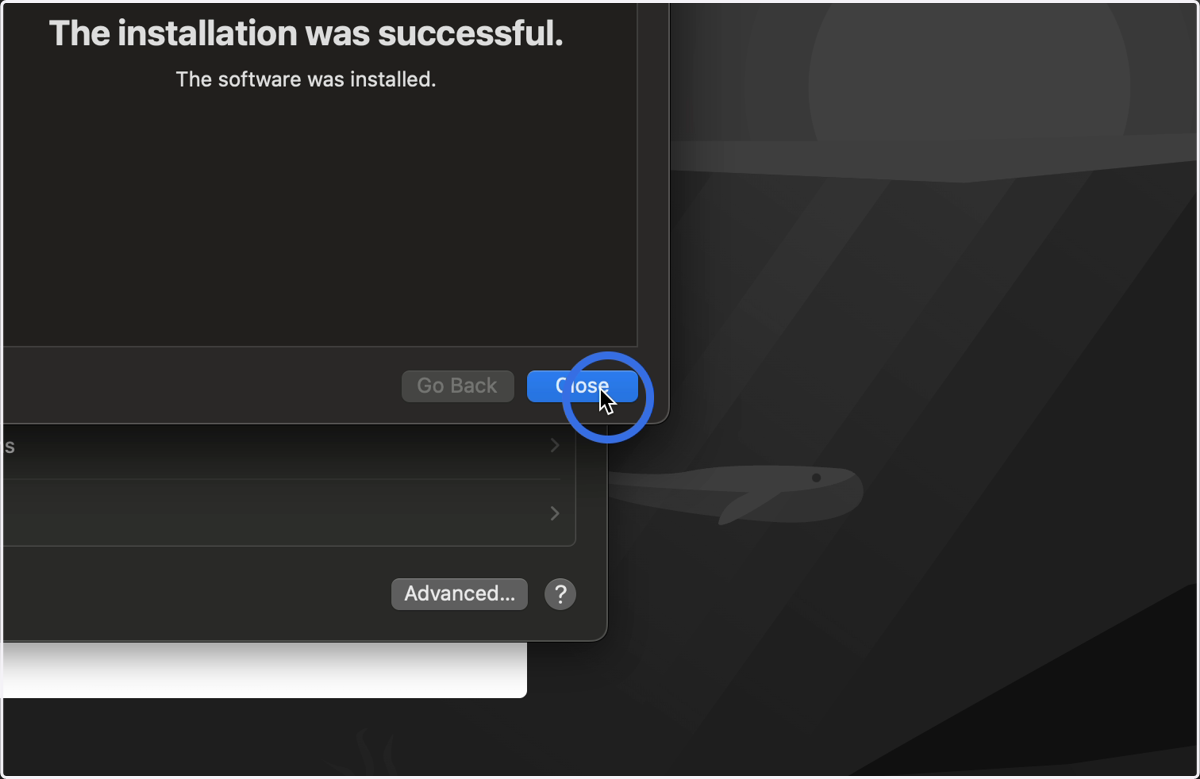
18. Click here
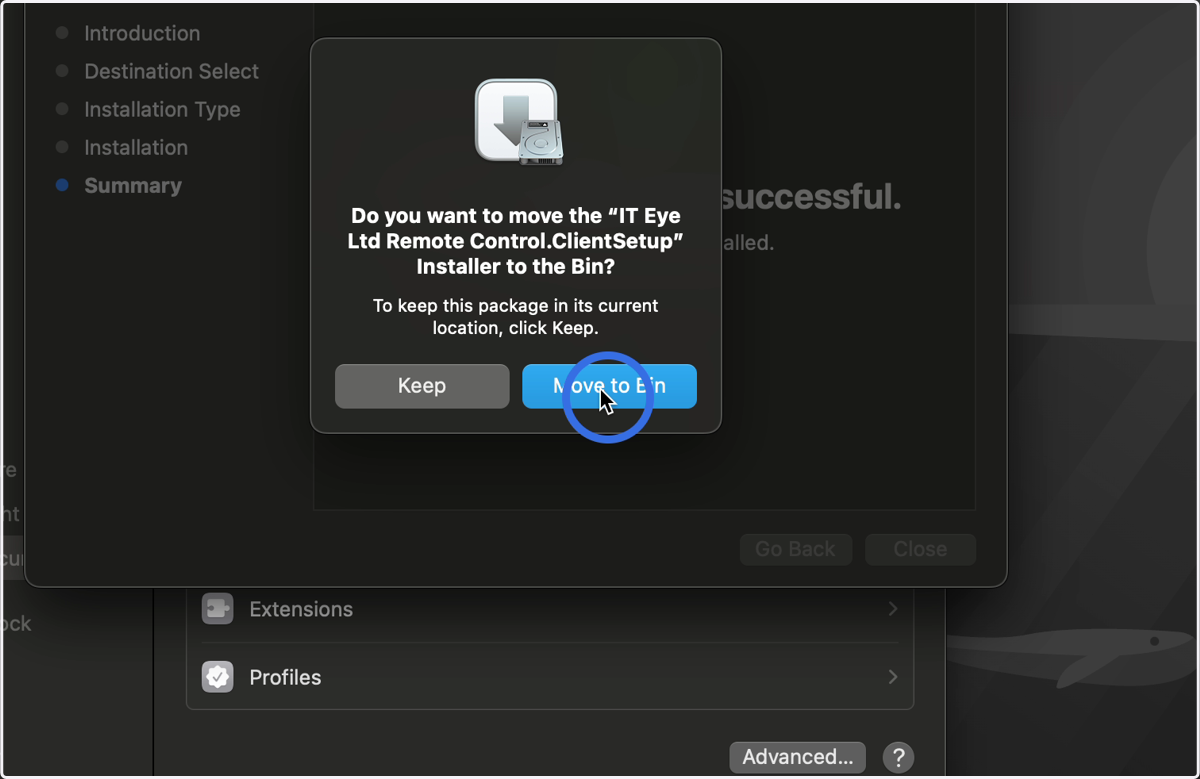
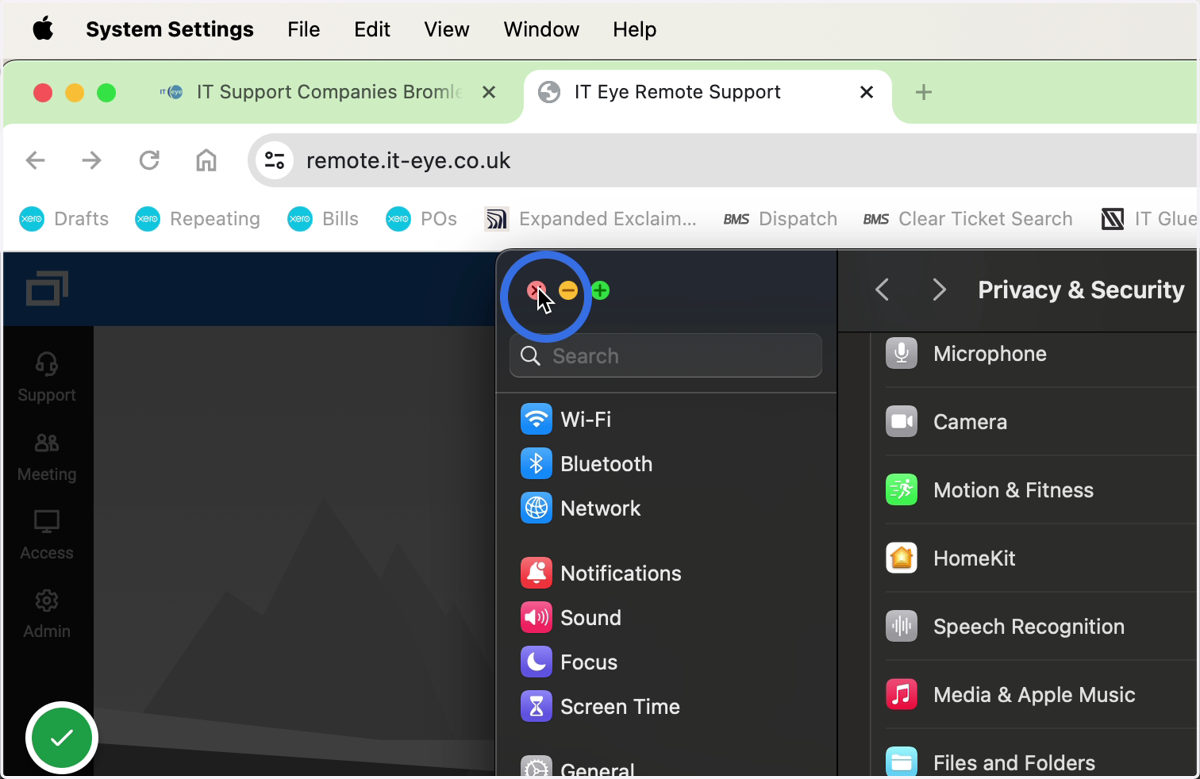
System Settings
19. Click here
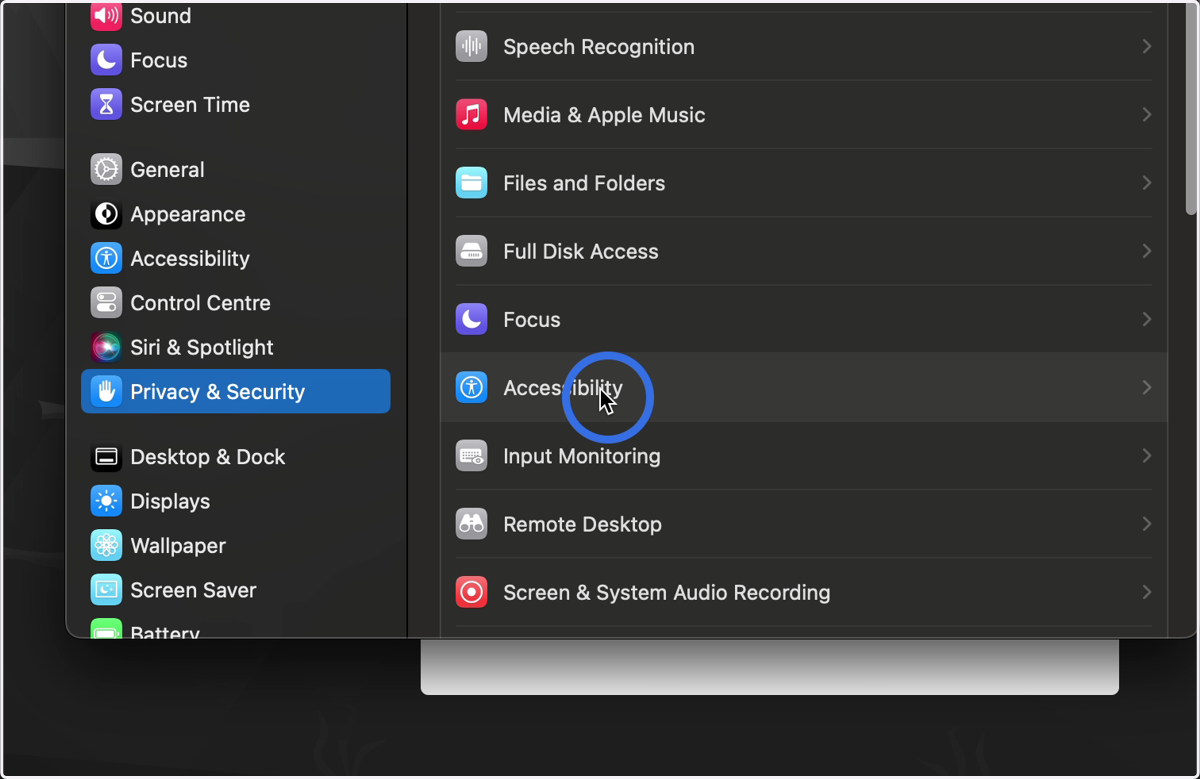
20. Click here on Connectwise Control
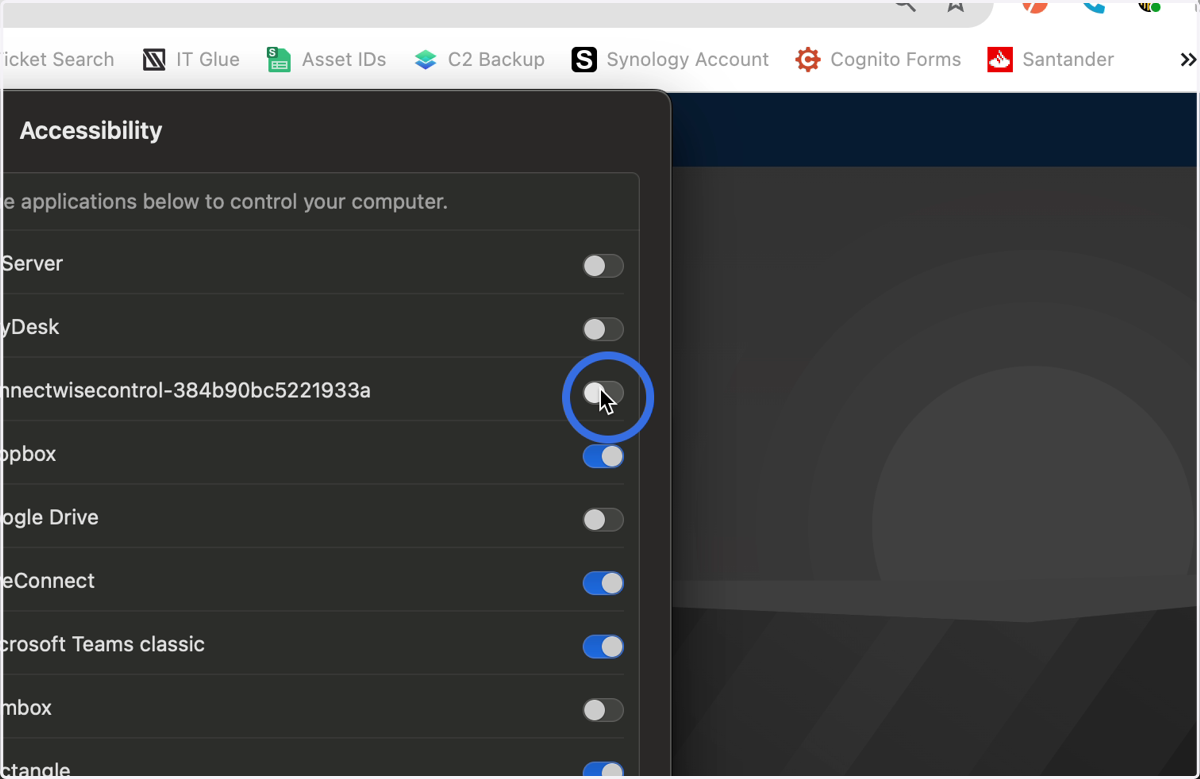
21. Click here
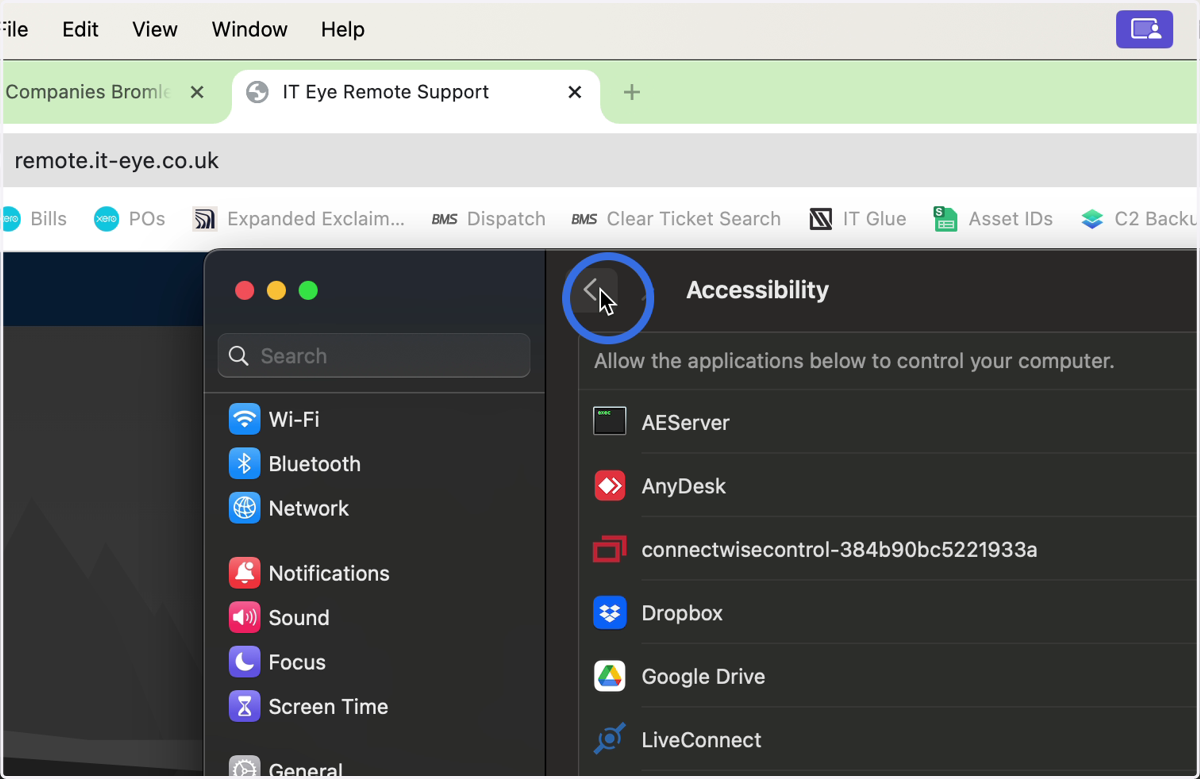
22. Click here
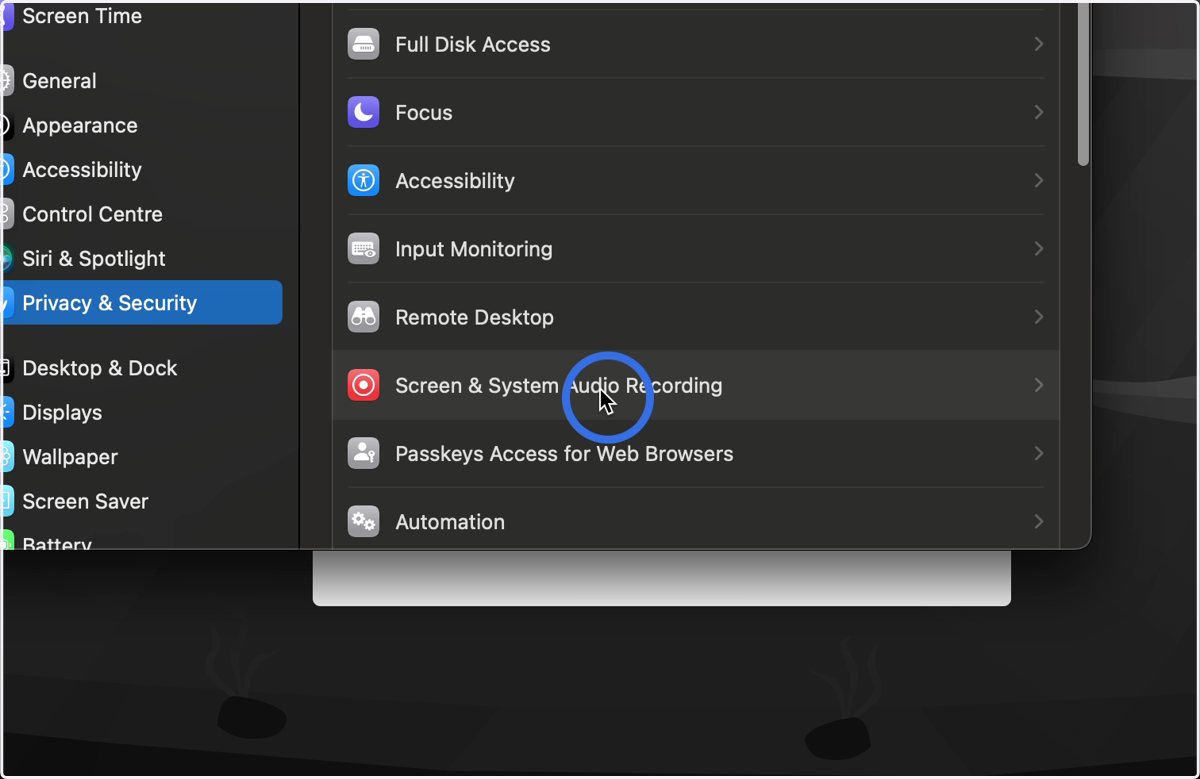
23. Click on ConnectWise Control
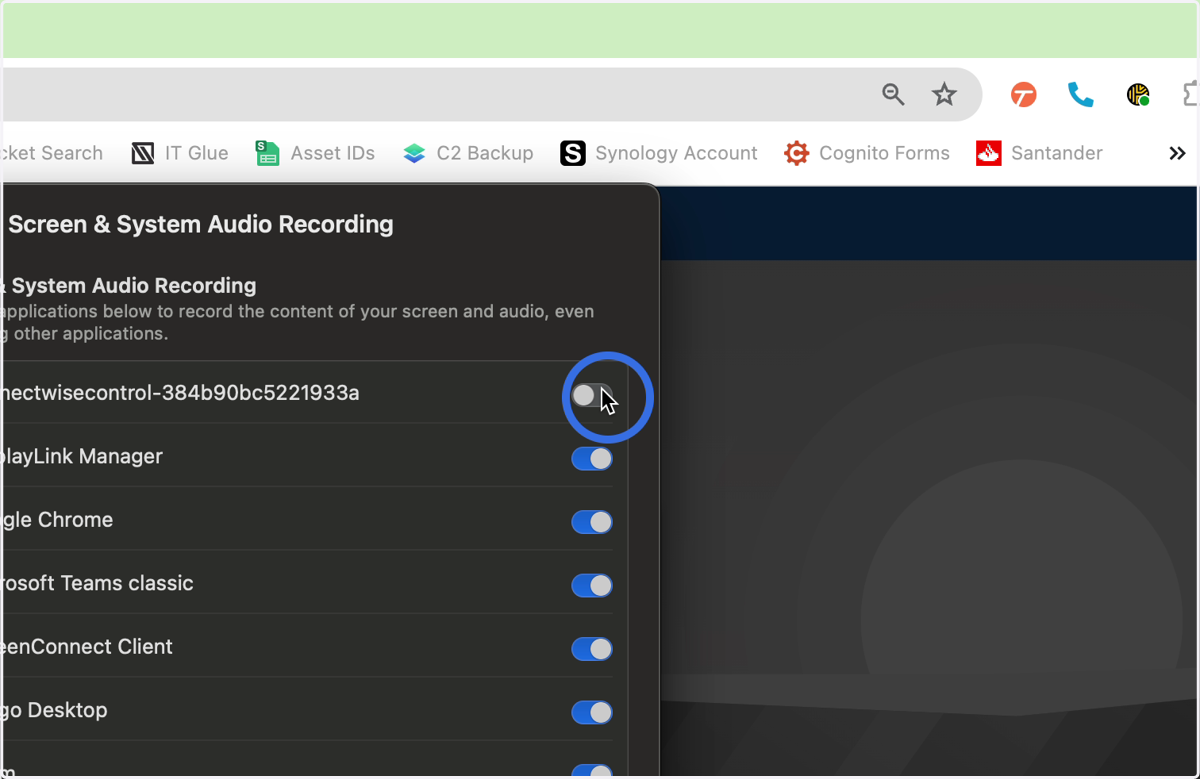
24. Click to exit