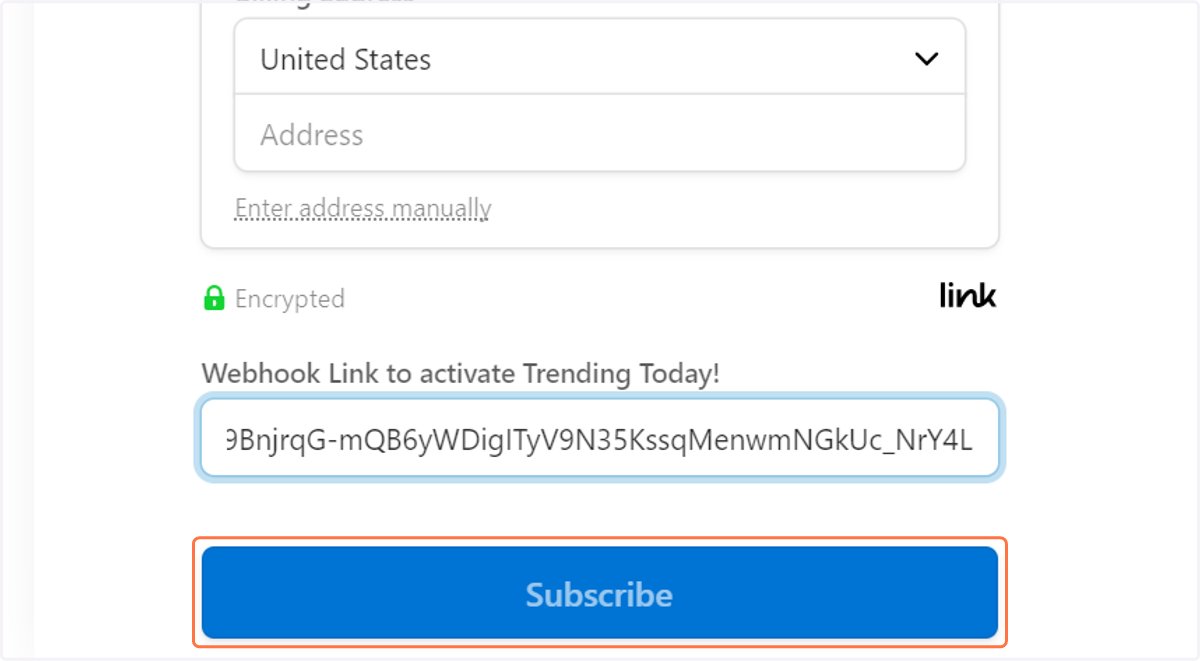
Steps to Subscribe to Trending Today! with Discord
Trendingtoday
1. Go to www.trendingtoday.app
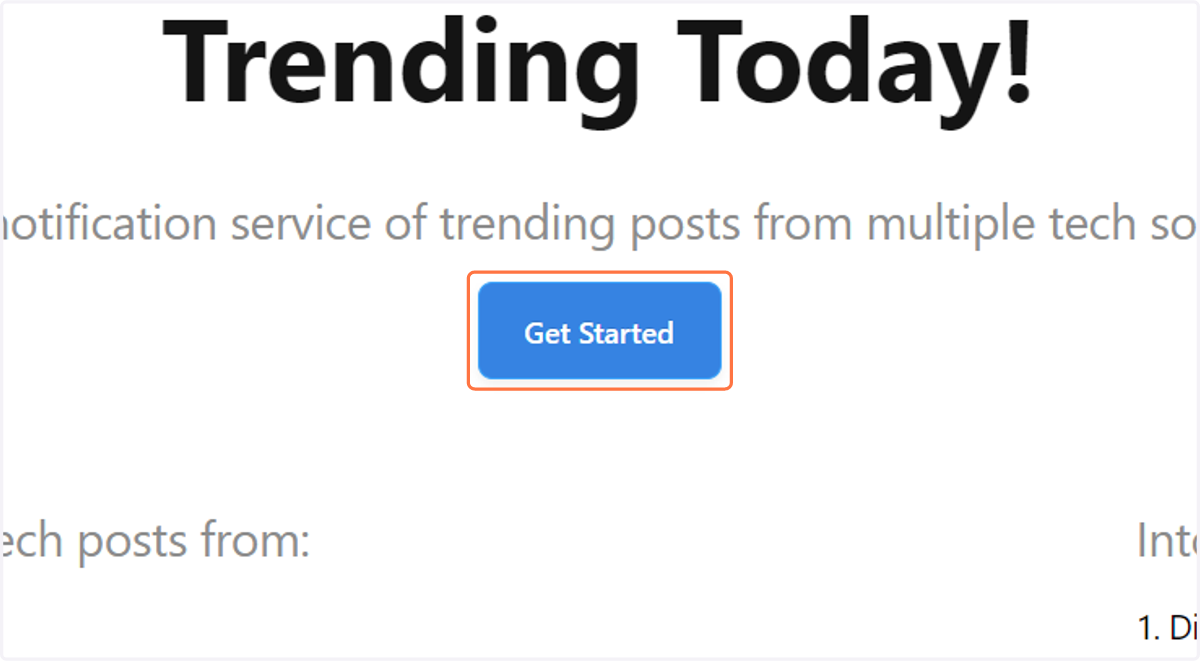
2. Click on Get Started
Discord
3. Go to discord.com
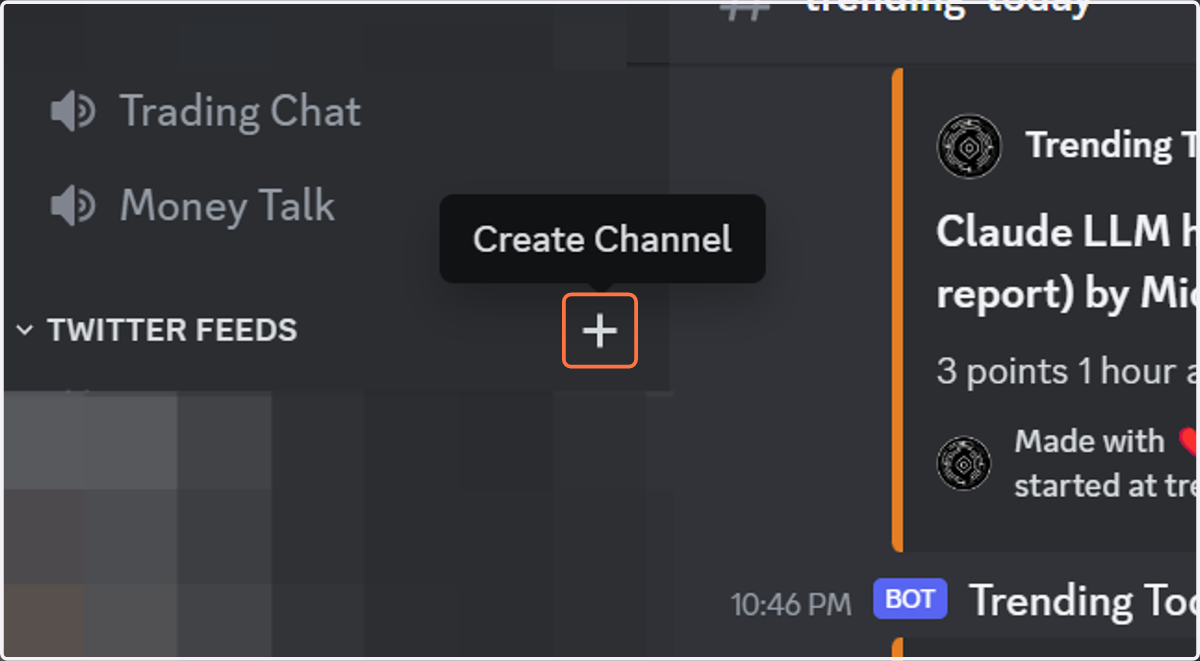
4. Click on Create Channel
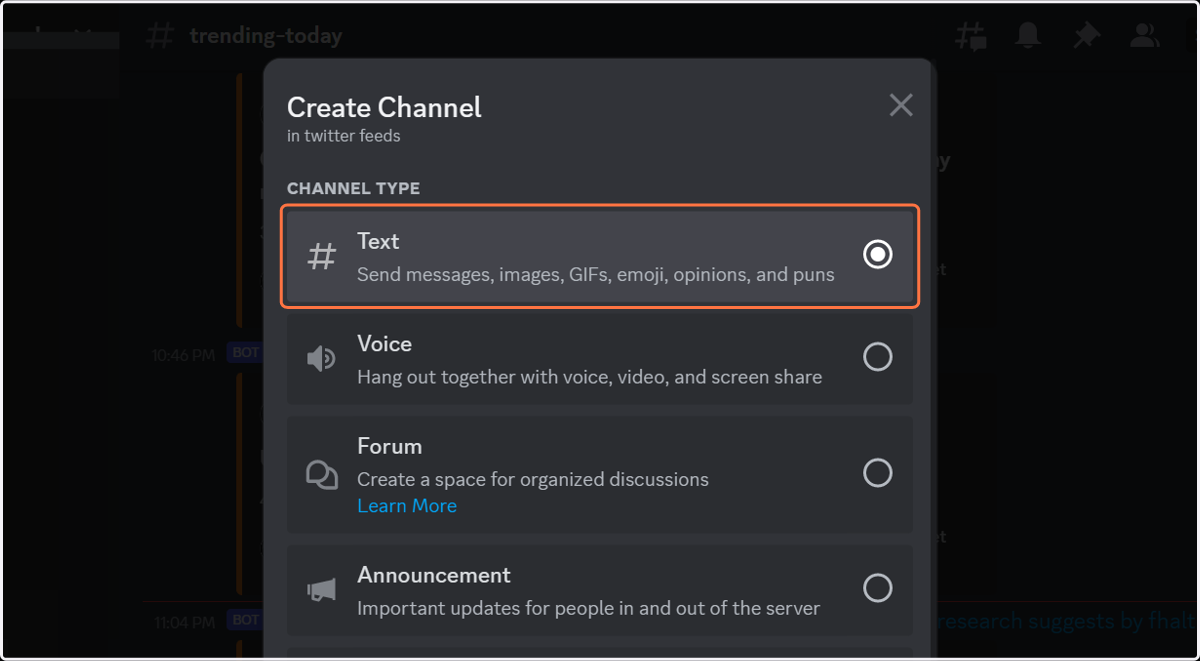
5. Click on Text Channel
6. Type "trending-today-example"
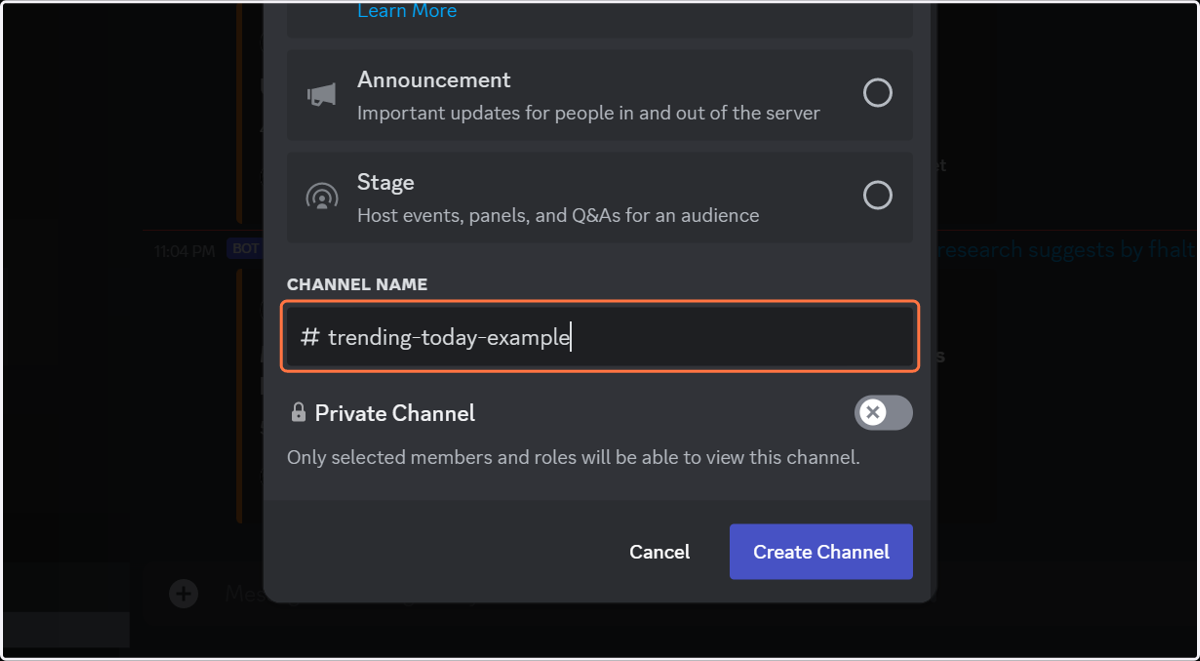
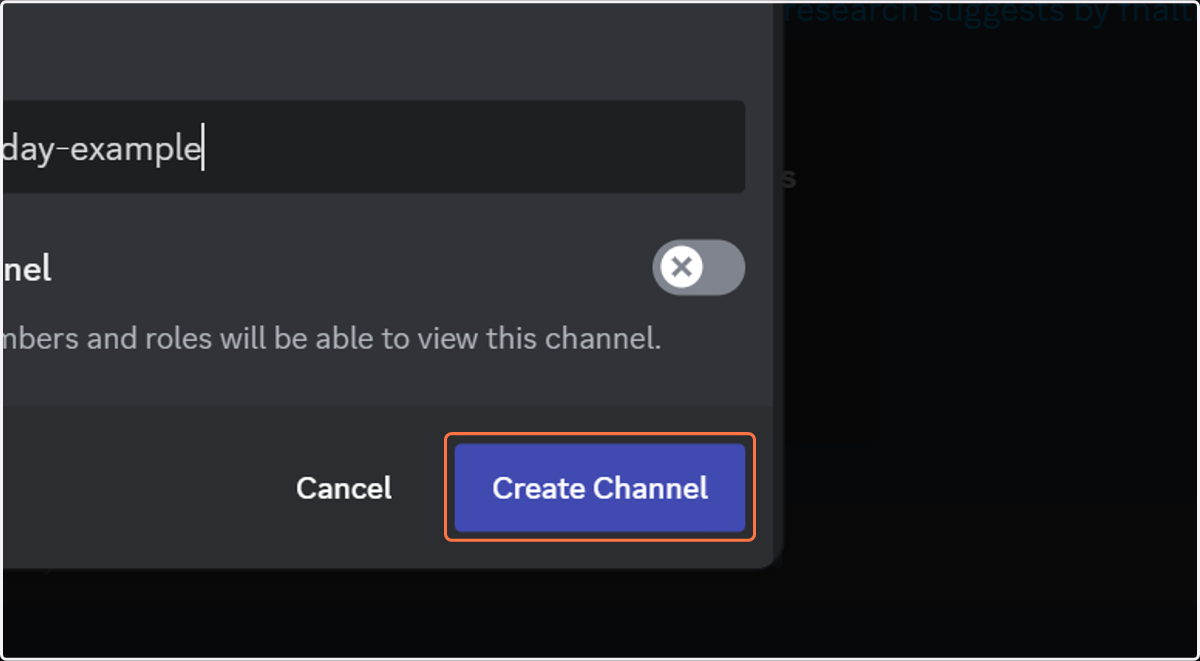
7. Click on Create Channel
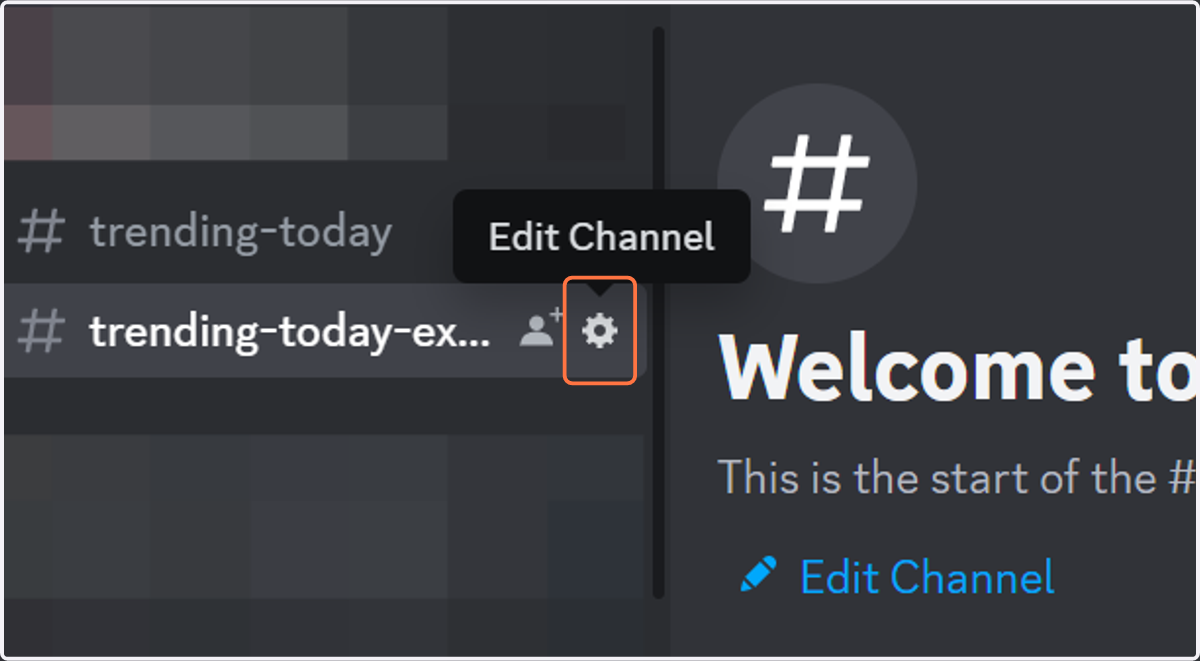
8. Click on Edit Channel
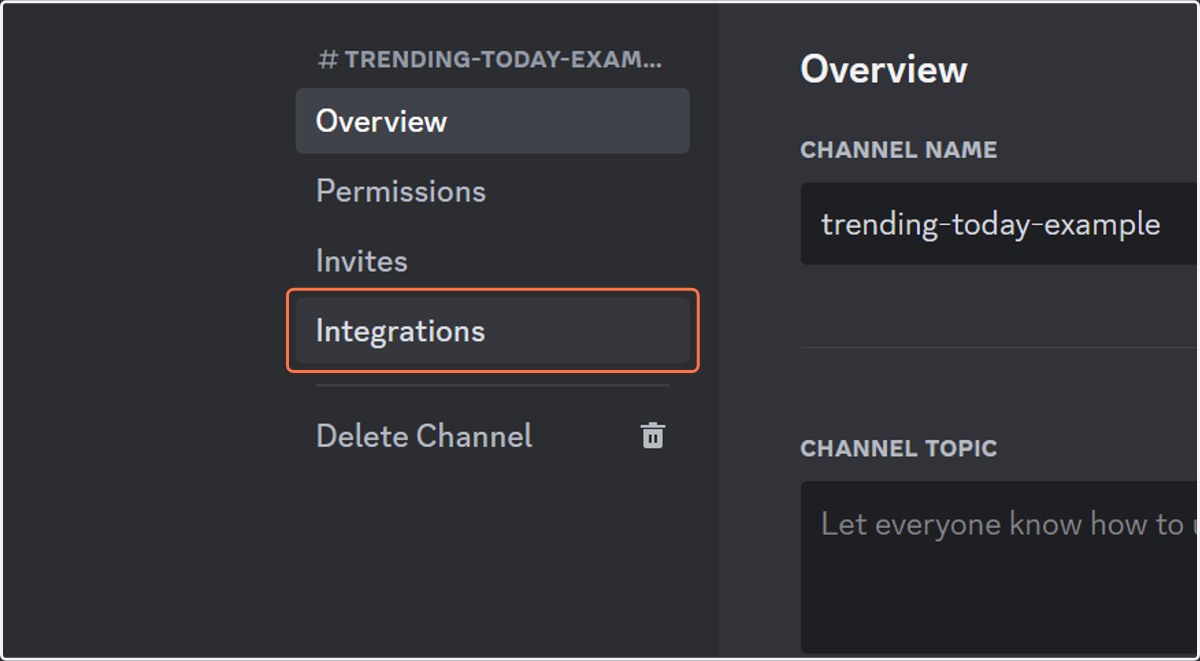
9. Click on Integrations
10. Click on Create Webhook

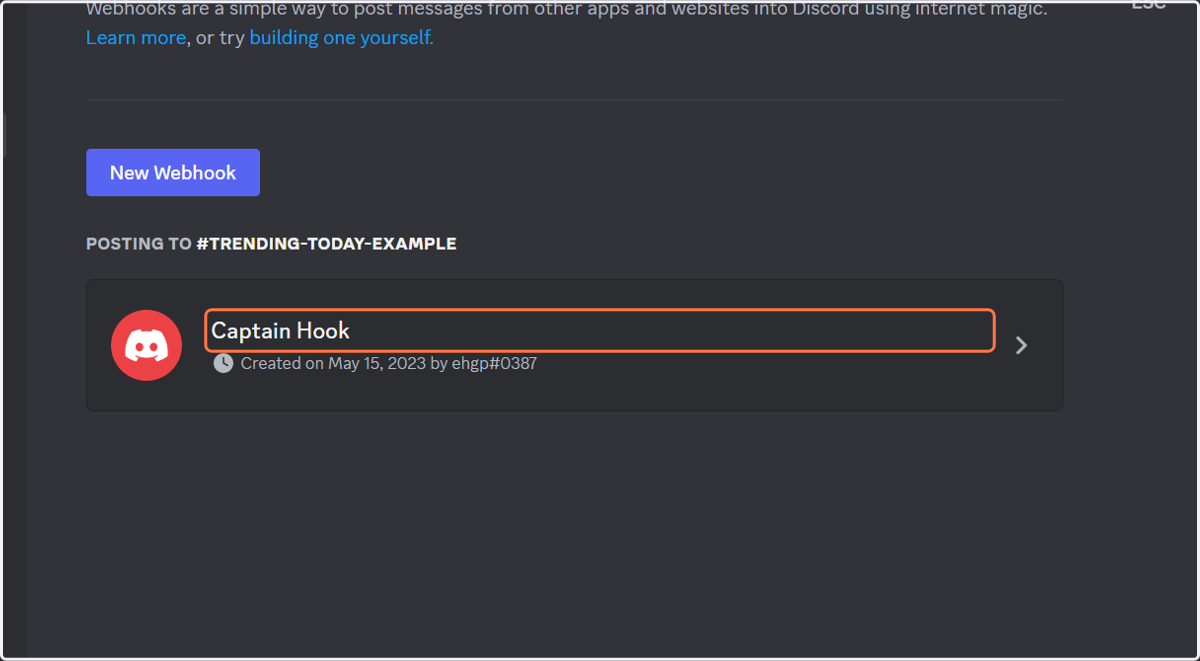
11. Click on Captain Hook
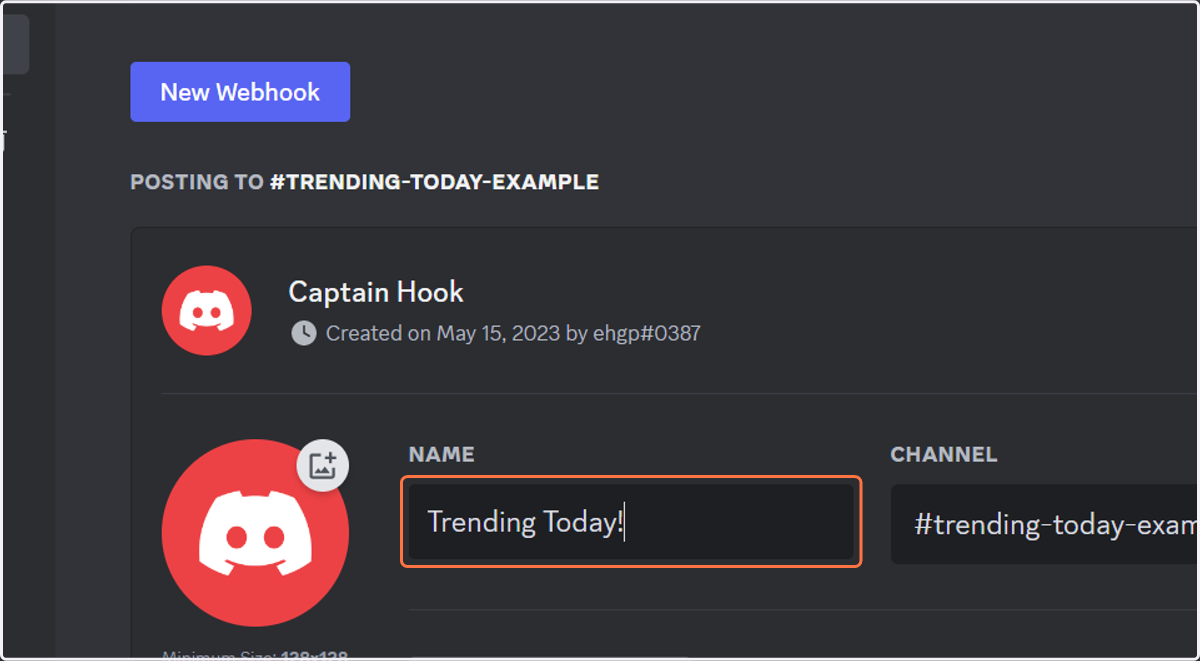
12. Type "Trending Today!"
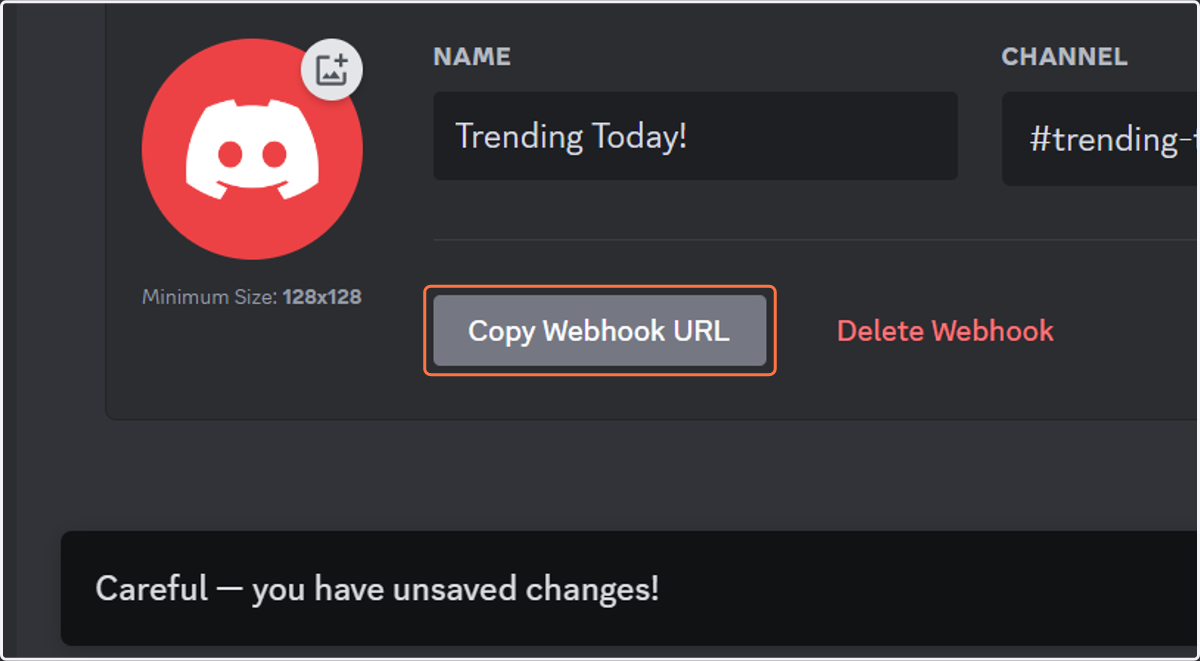
13. Click on Copy Webhook URL
14. Copy text area
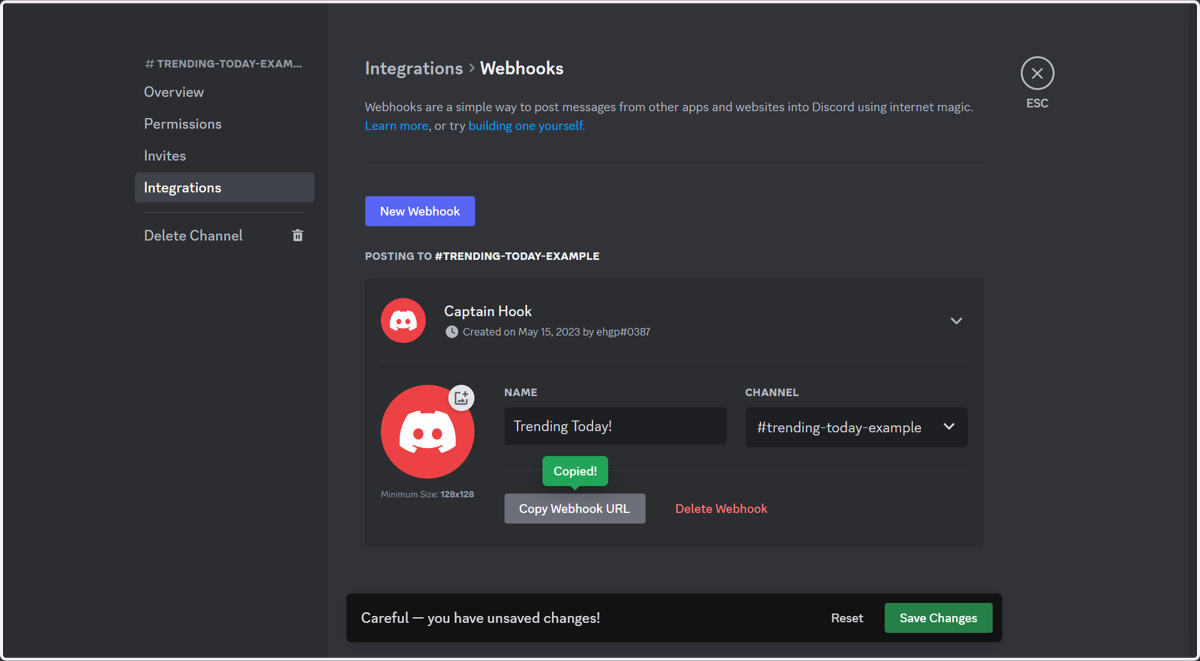
15. Click on Save Changes
16. Click on Close
Trendingtoday
17. Go to www.trendingtoday.app
18. Click on Buy Now
Stripe
19. Paste input
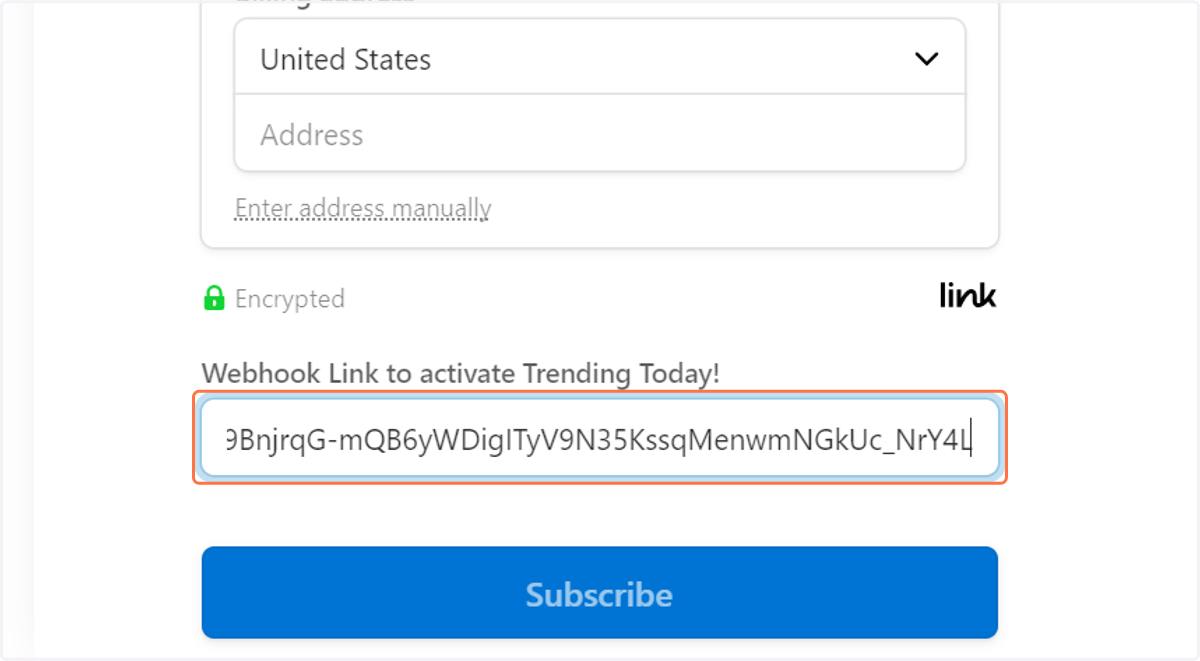
20. Click on Subscribe…