Understanding the Learning Purpose
Use this Tango Guide to walk through all stages of the FTV Tools.
Verso
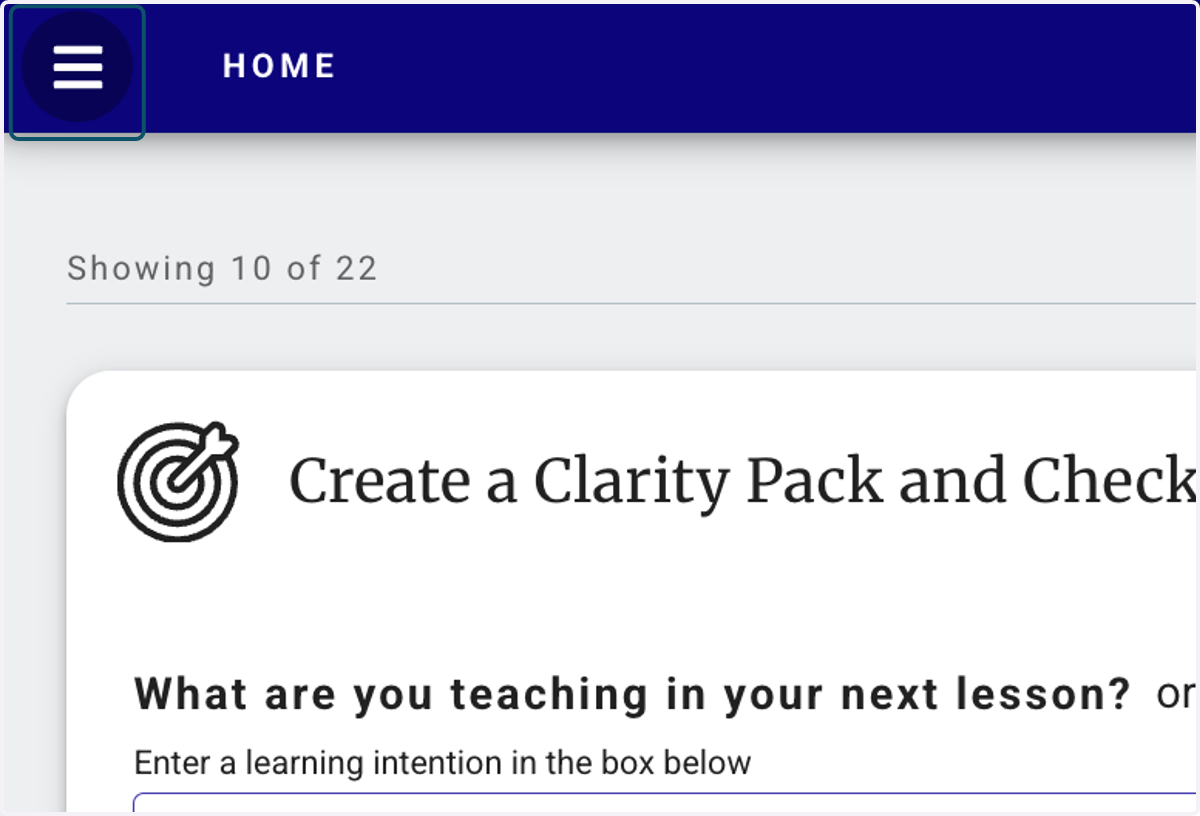
1. Click on Open main menu
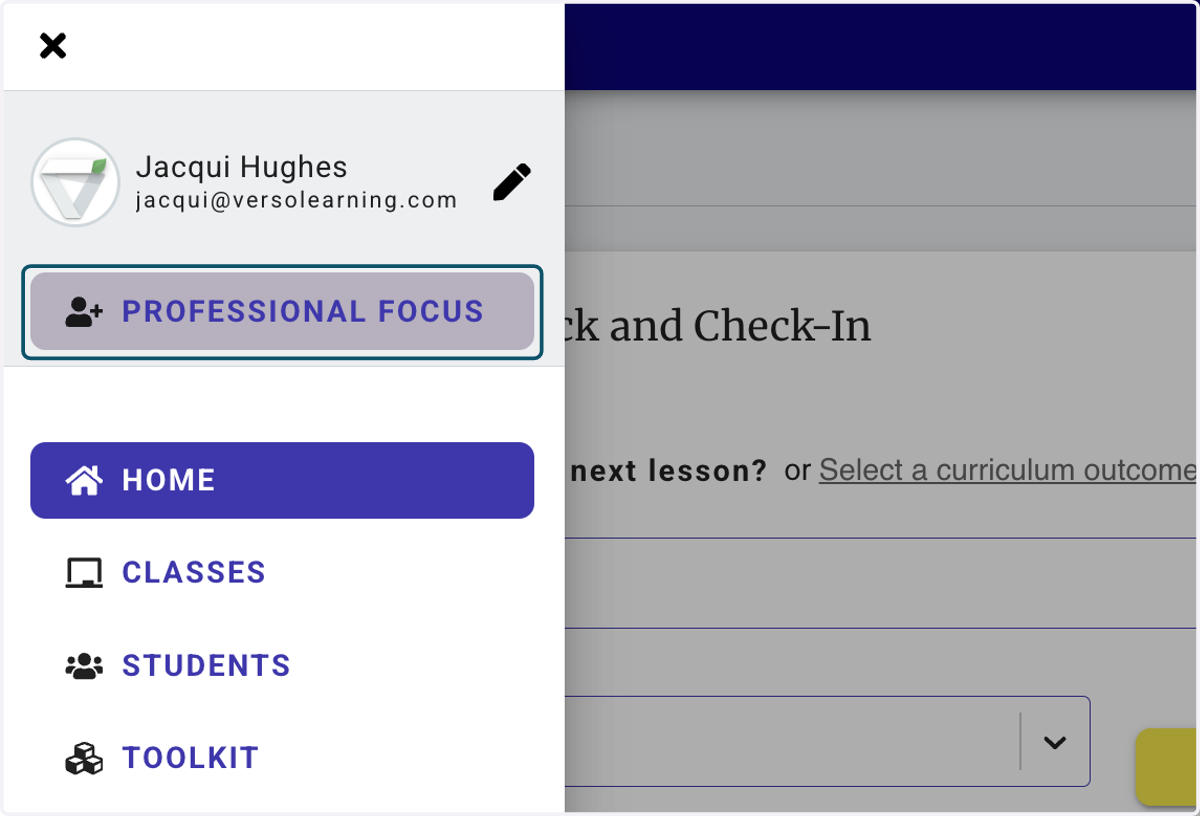
2. Click on PROFESSIONAL FOCUS
3. Click on Understanding the Learning Purpose…
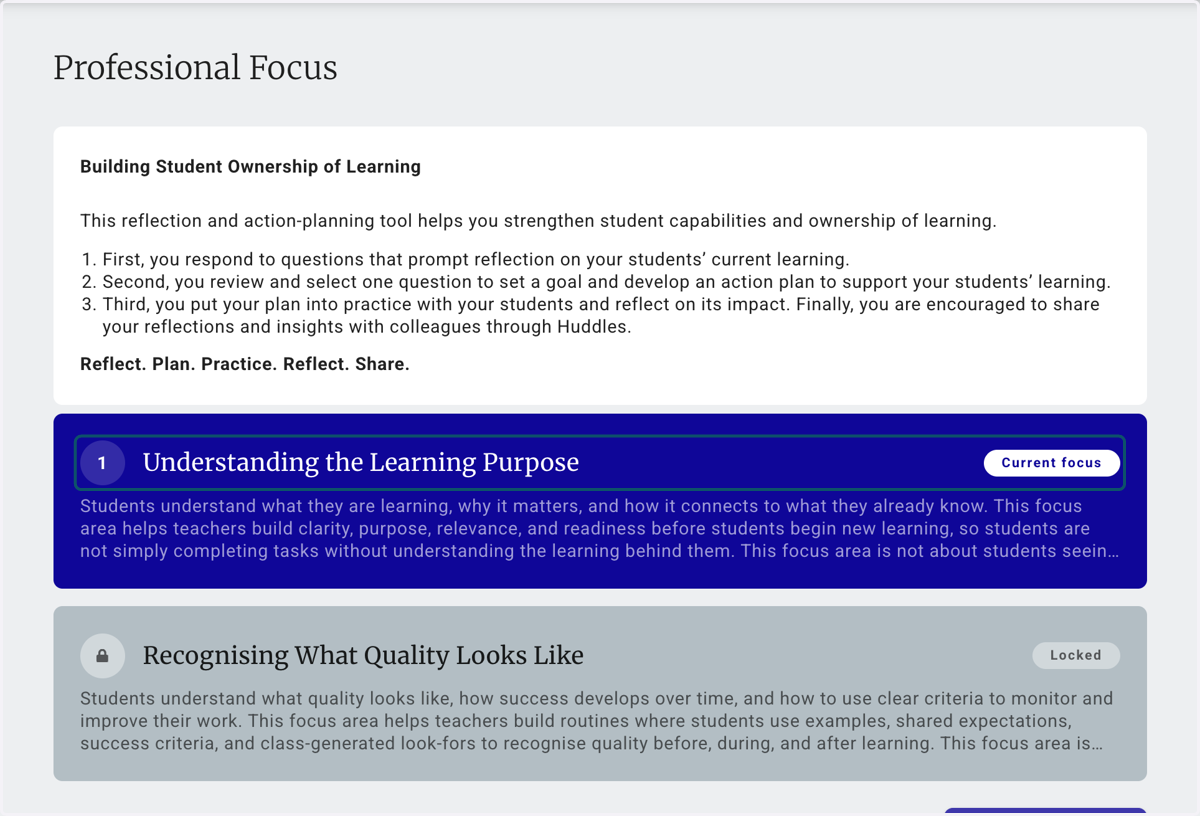
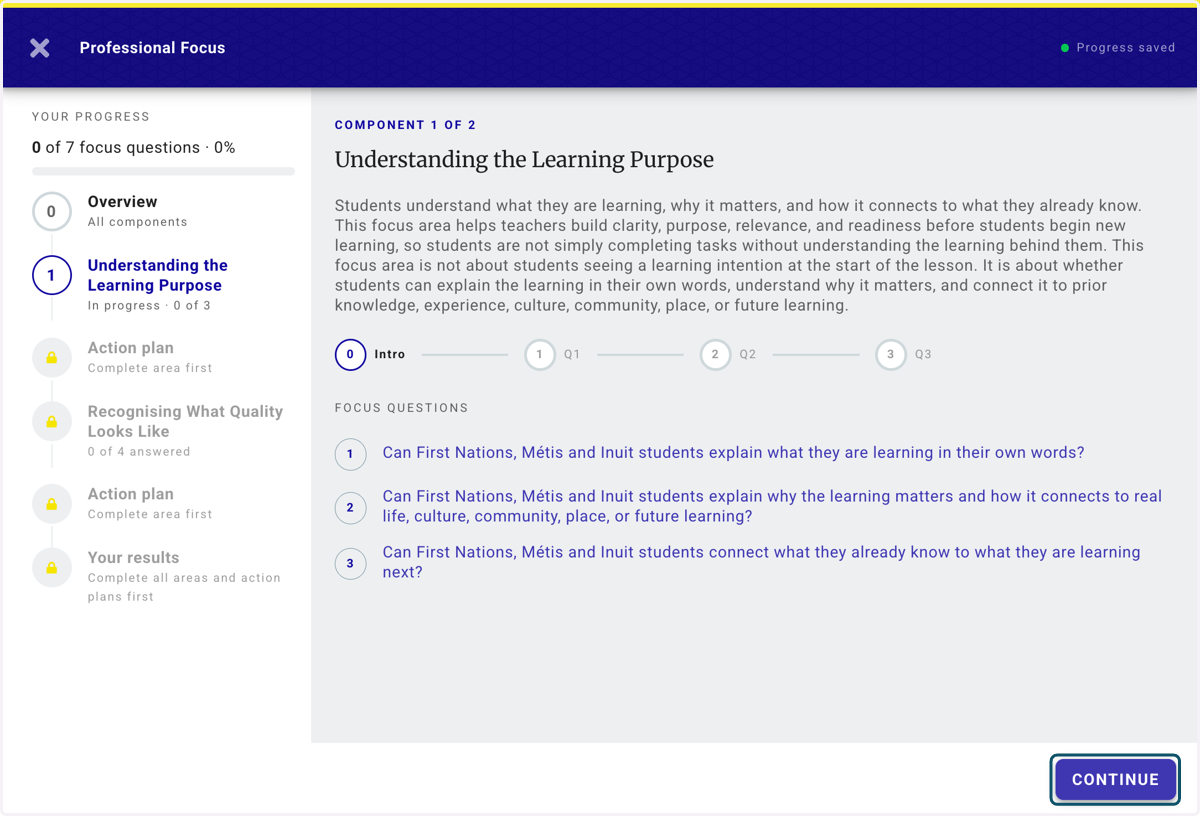
4. Read the overview of the component
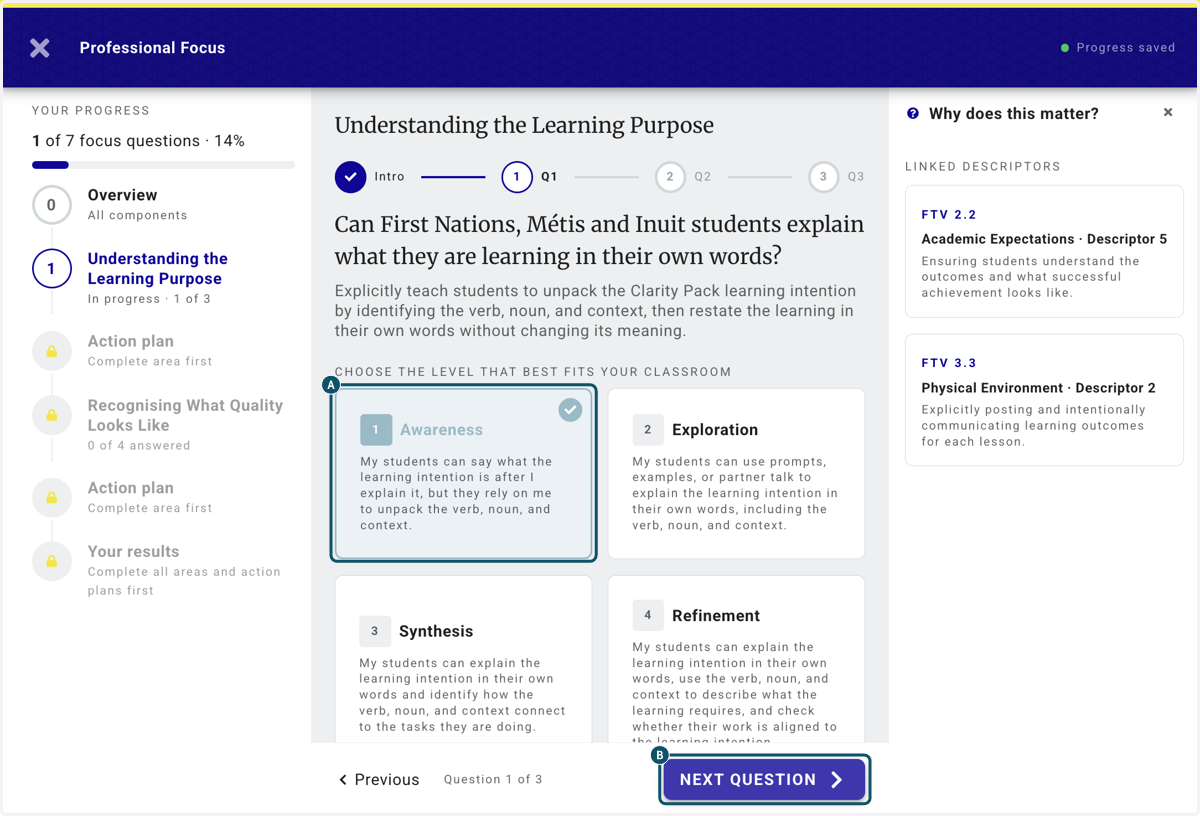
5. A. Answer the question
5. B. Click on NEXT QUESTION
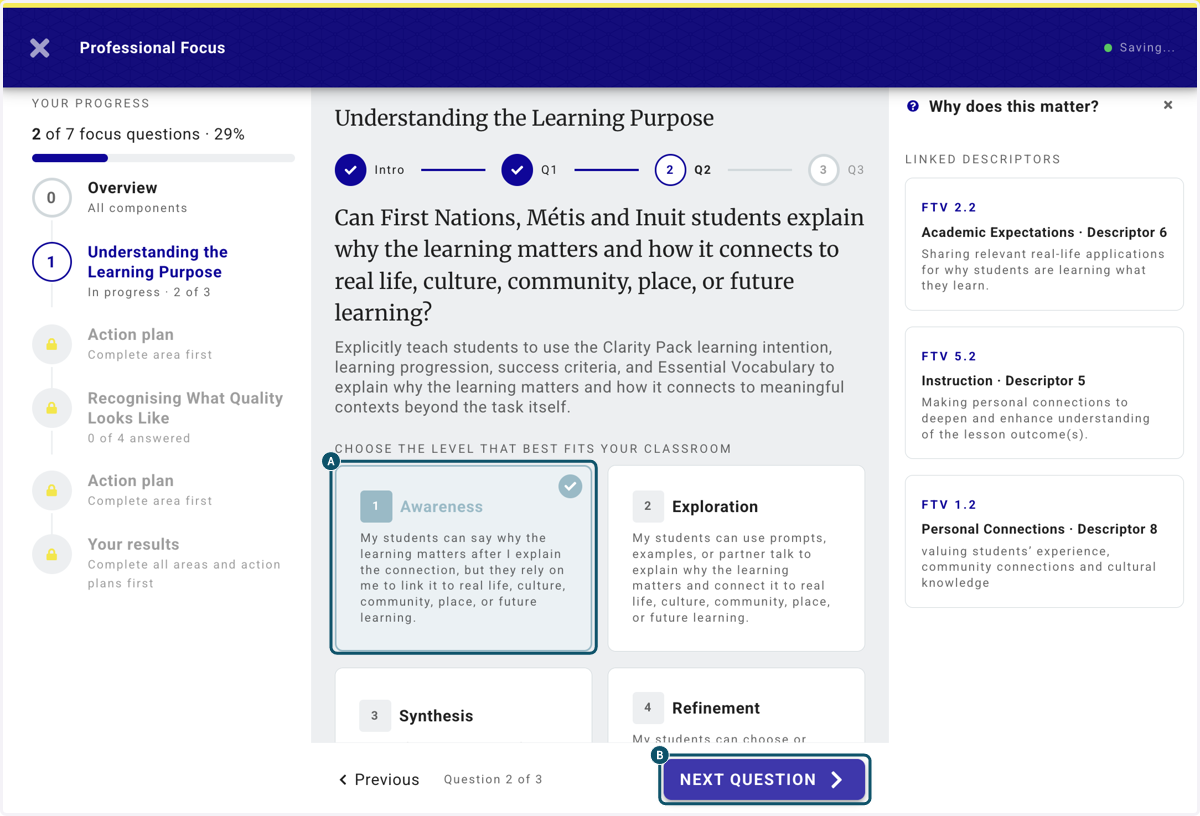
6. A. answer all the questions accurately
6. B. Click on NEXT QUESTION
7. A. Review you answers
7. B. Click on GET STARTED to launch your plan
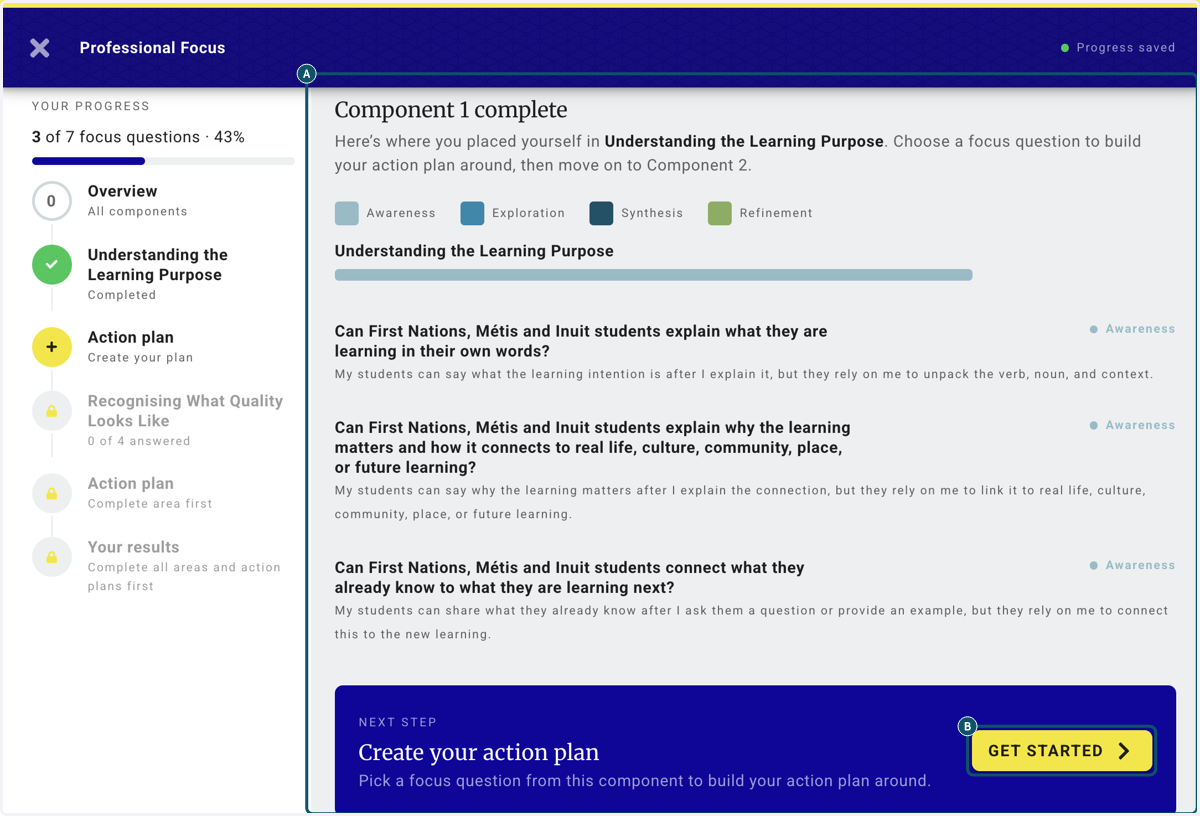
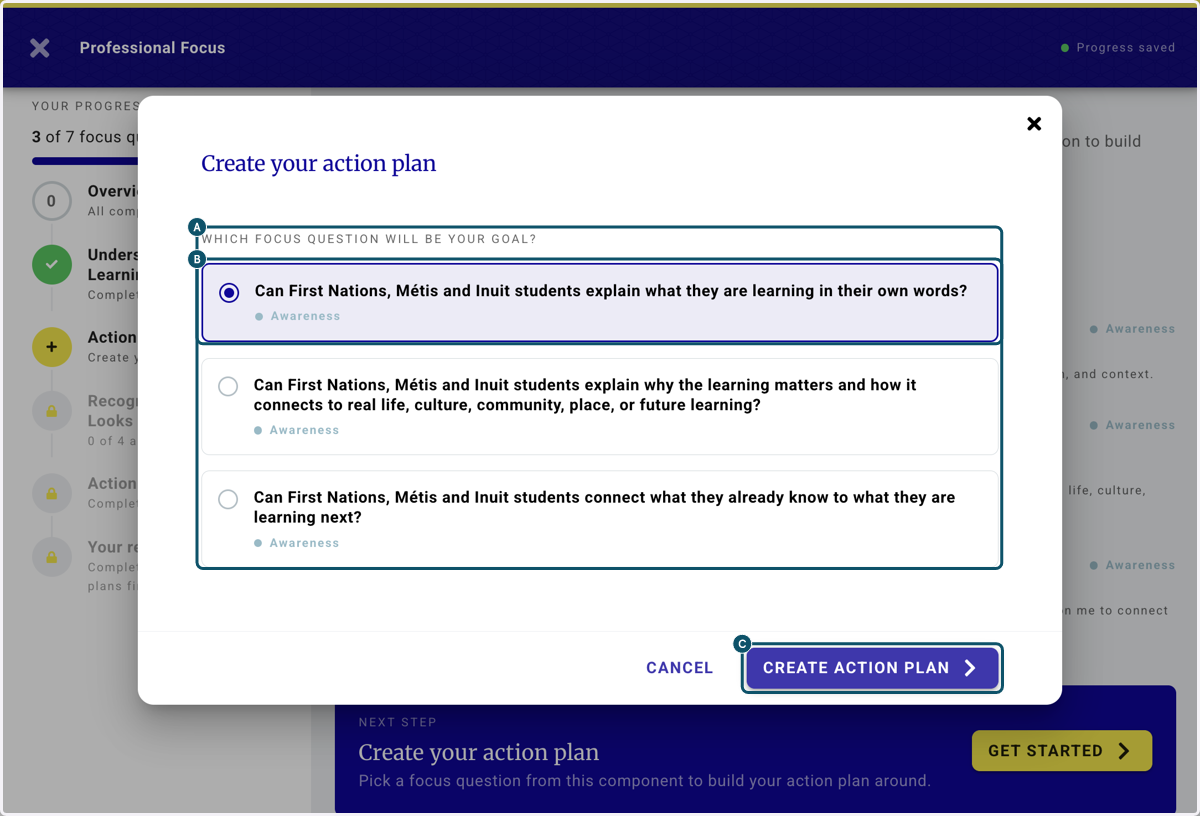
8. A. Select the question focus you think you need to work on first
8. B. Click on CREATE ACTION PLAN
8. C. Click on CREATE ACTION PLAN
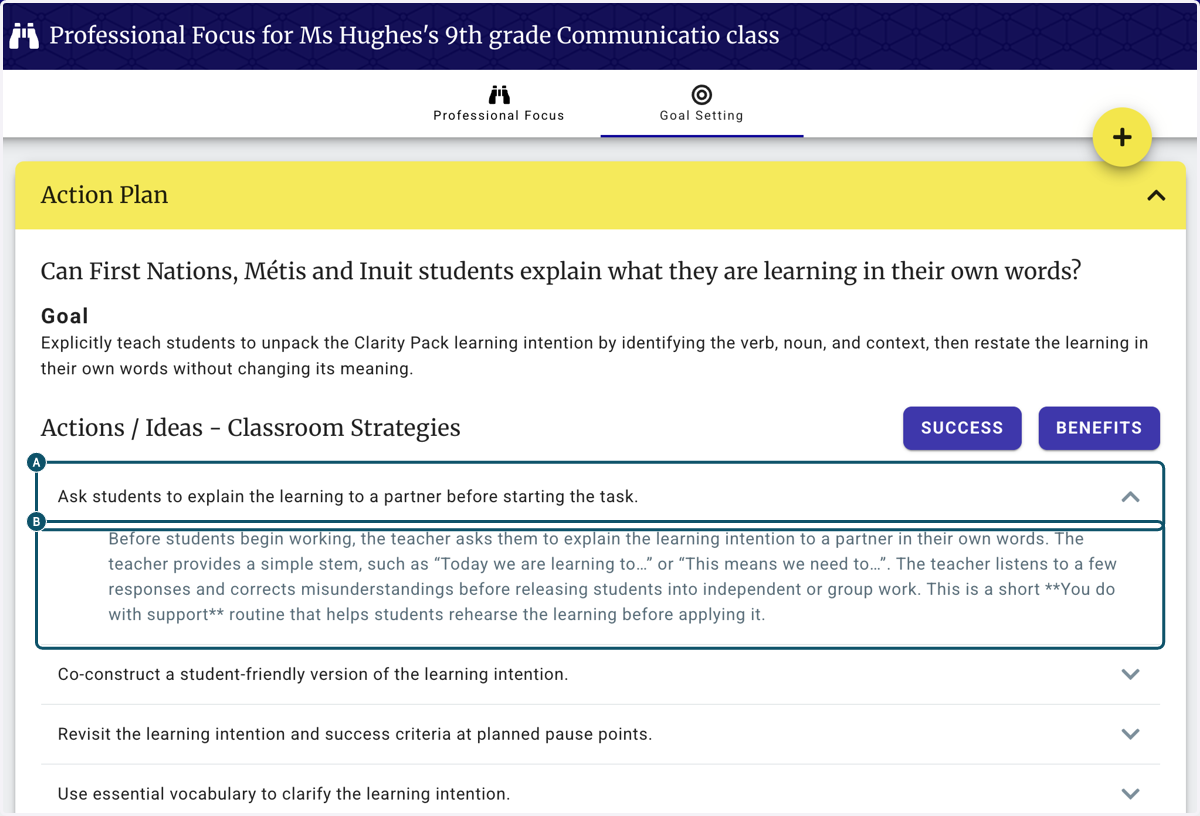
9. A. Within the action plan you can read the Classroom Actions (strategies)
9. B. Click on Before students begin working, the teacher asks them to explain the learning intention to a partner in their own words. The teacher provides a simple stem, such as “Today we are learning to…” or “This means we need to…”. The teacher listens to a few responses and correct…
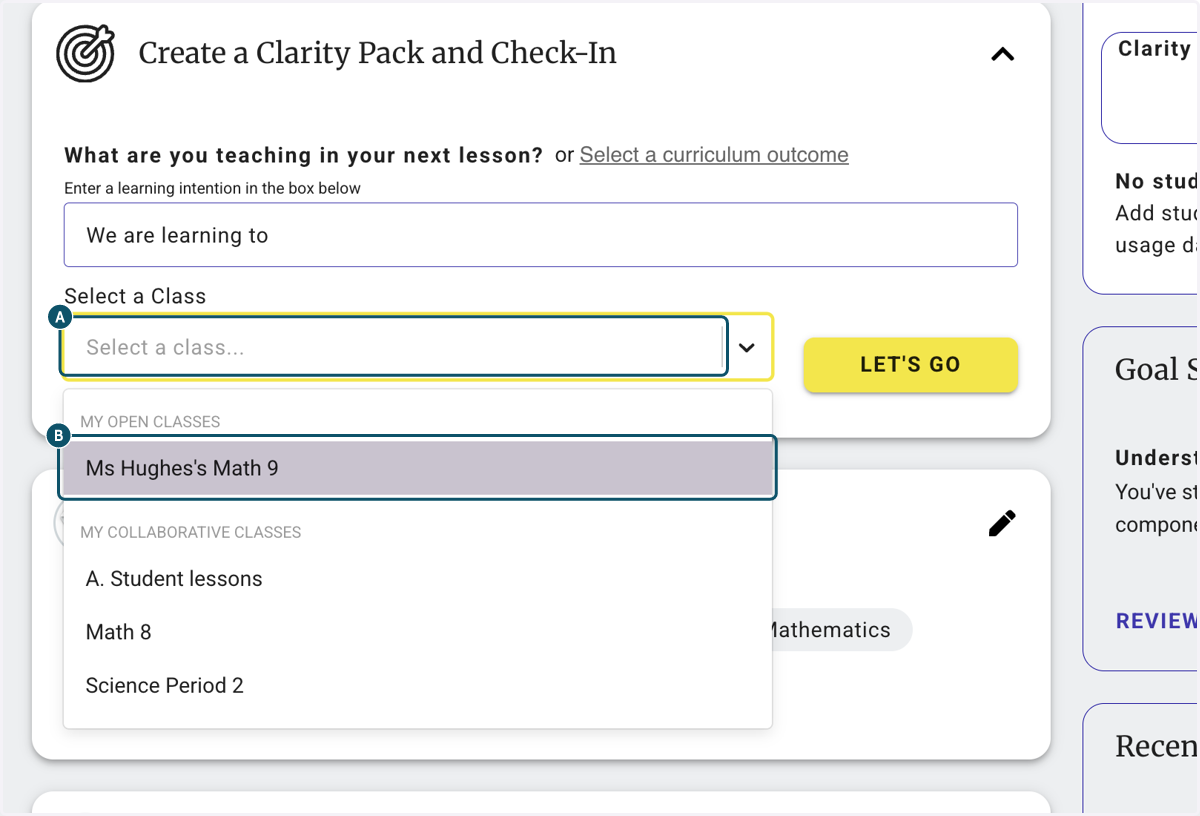
10. A. Back on the Homepage, begin creating a Clarity Pack
10. B. Select a Class, and
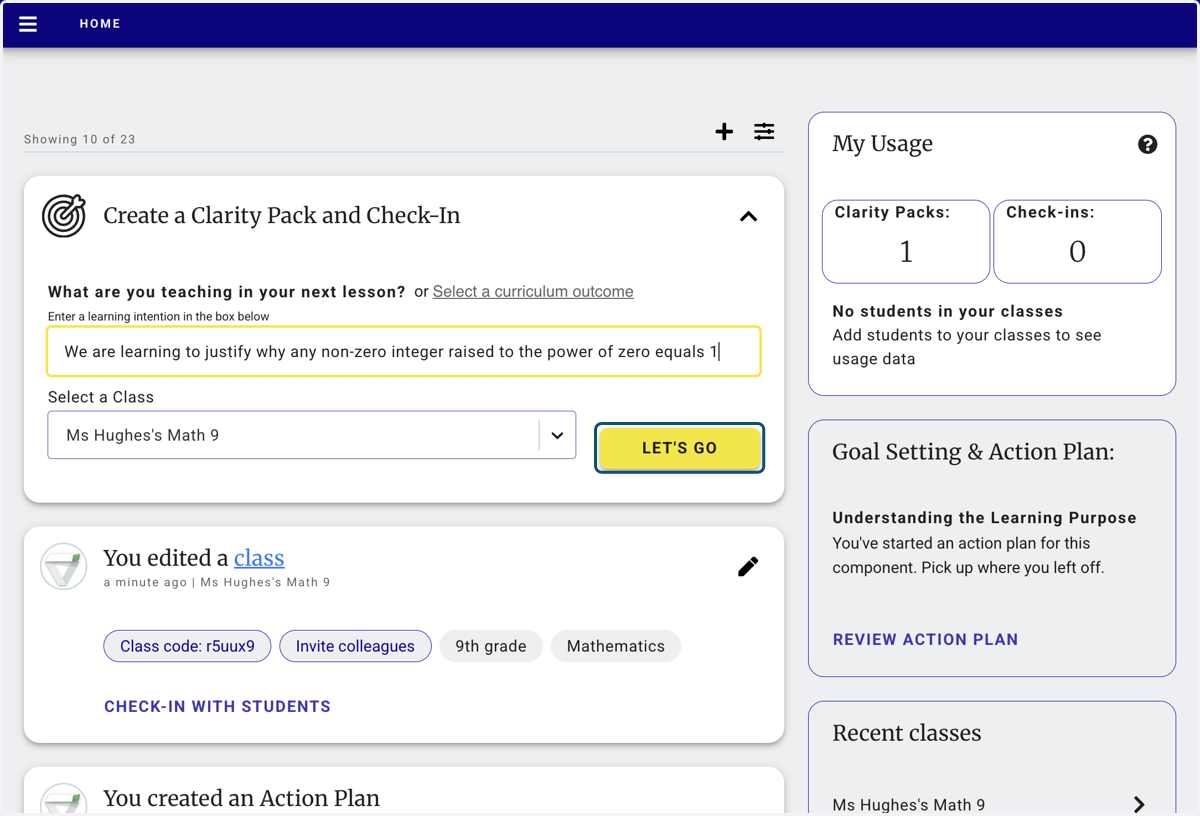
11. Enter your learning Intention
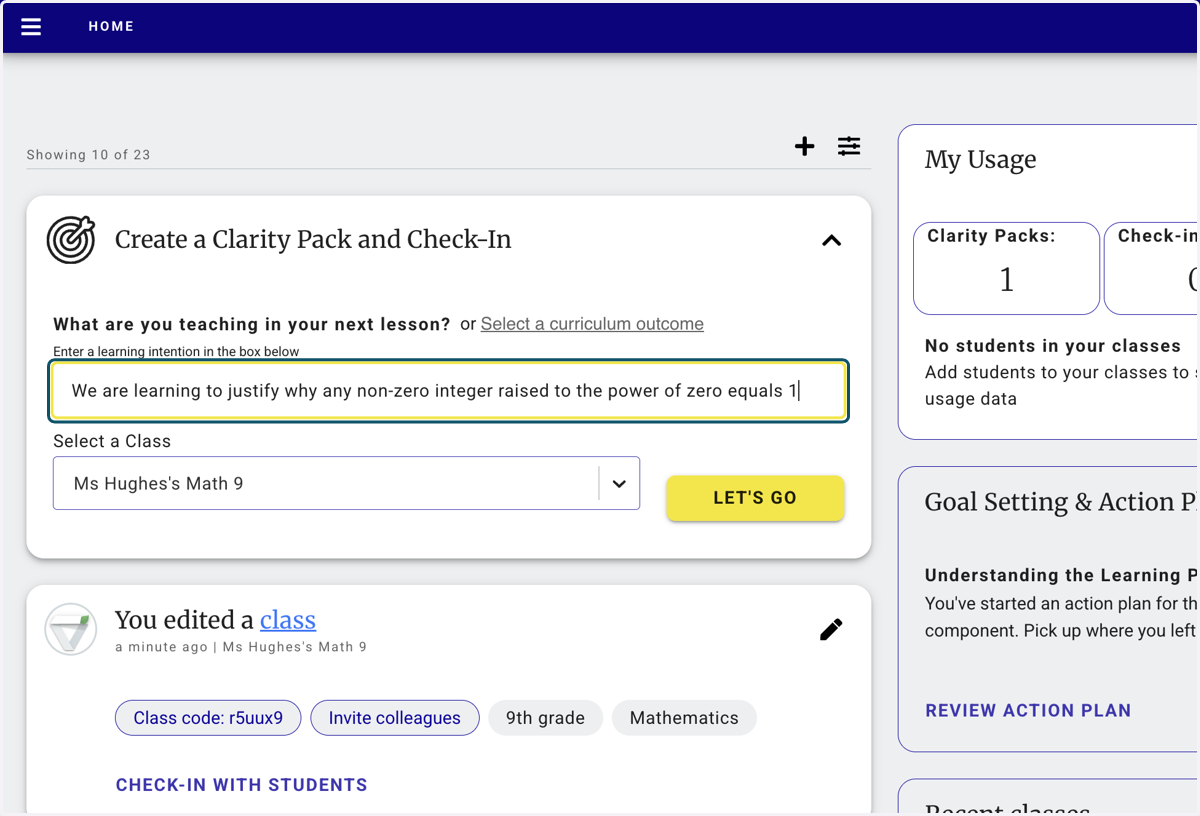
12. Click on LET'S GO to start the magic...
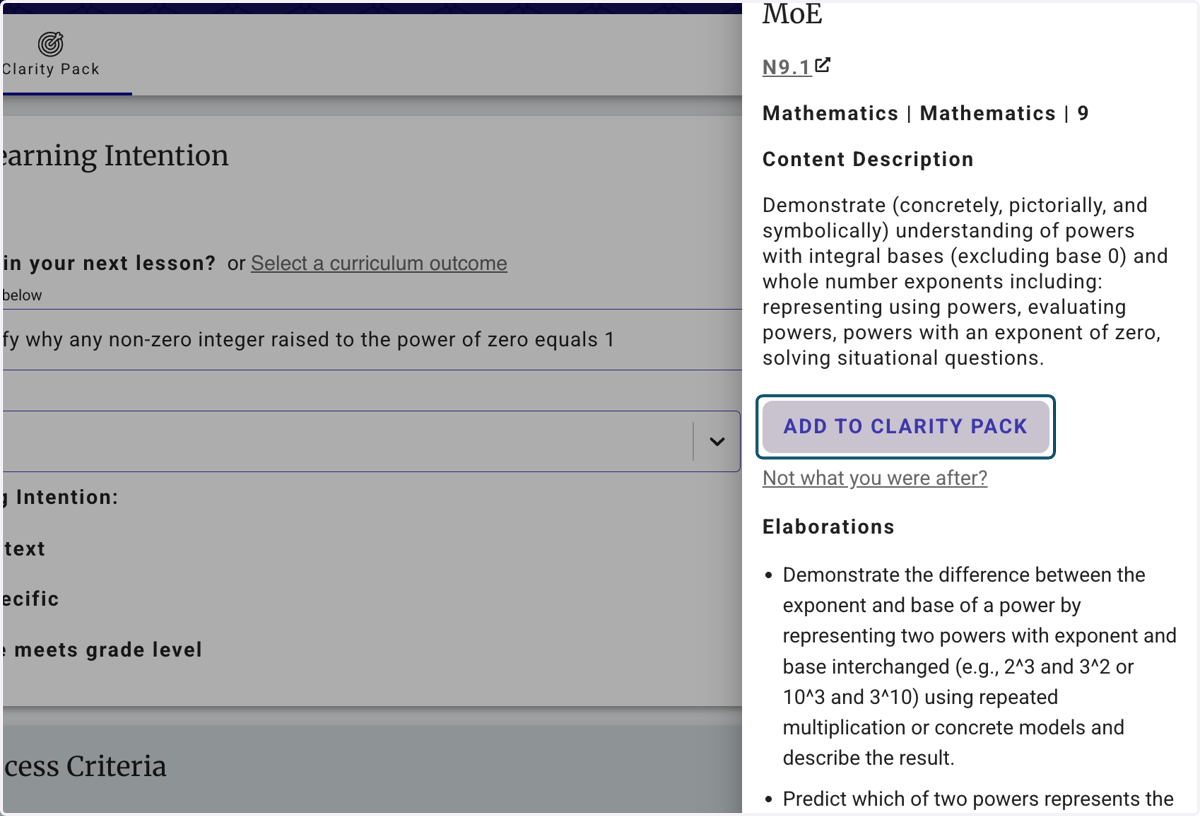
13. The Curriculum link will slide in from the right. Click on ADD TO CLARITY PACK if the outcome matches your lesson objective
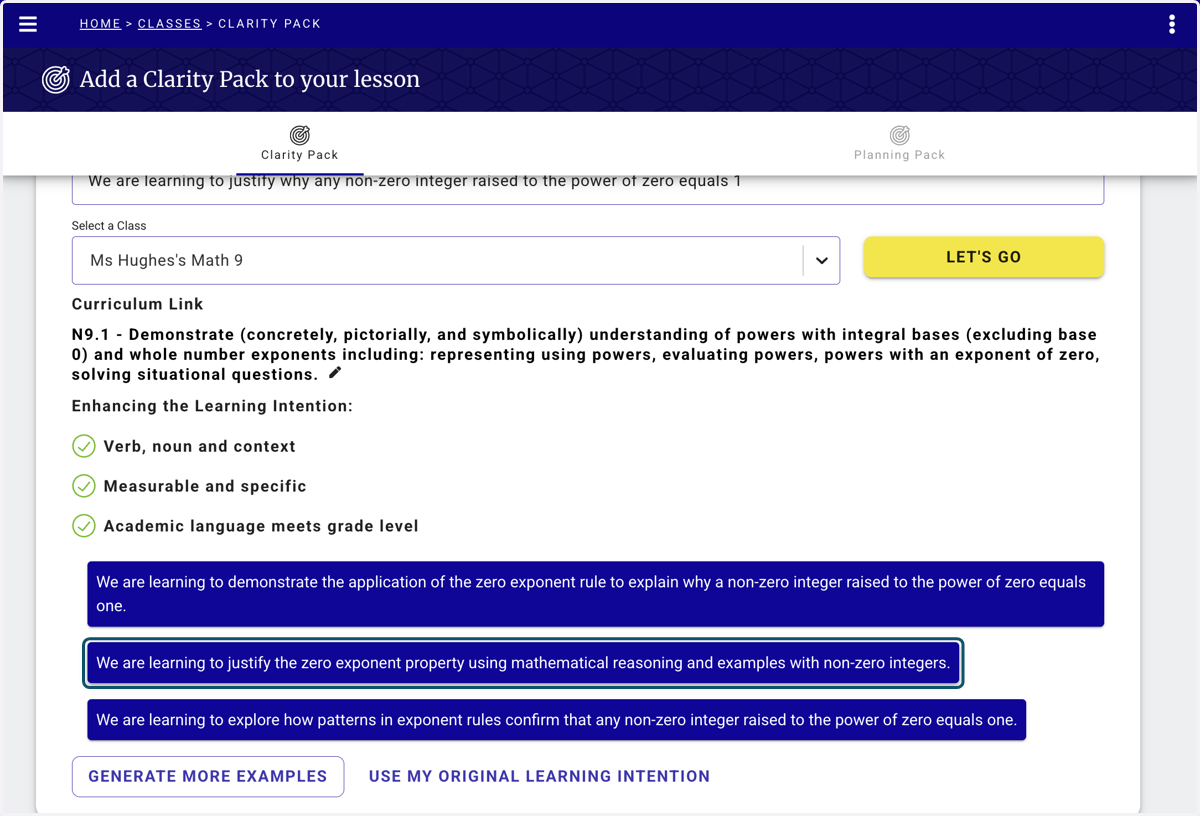
14. Select a student facing learning intention that best suits you lesson
You can load more examples or write your own
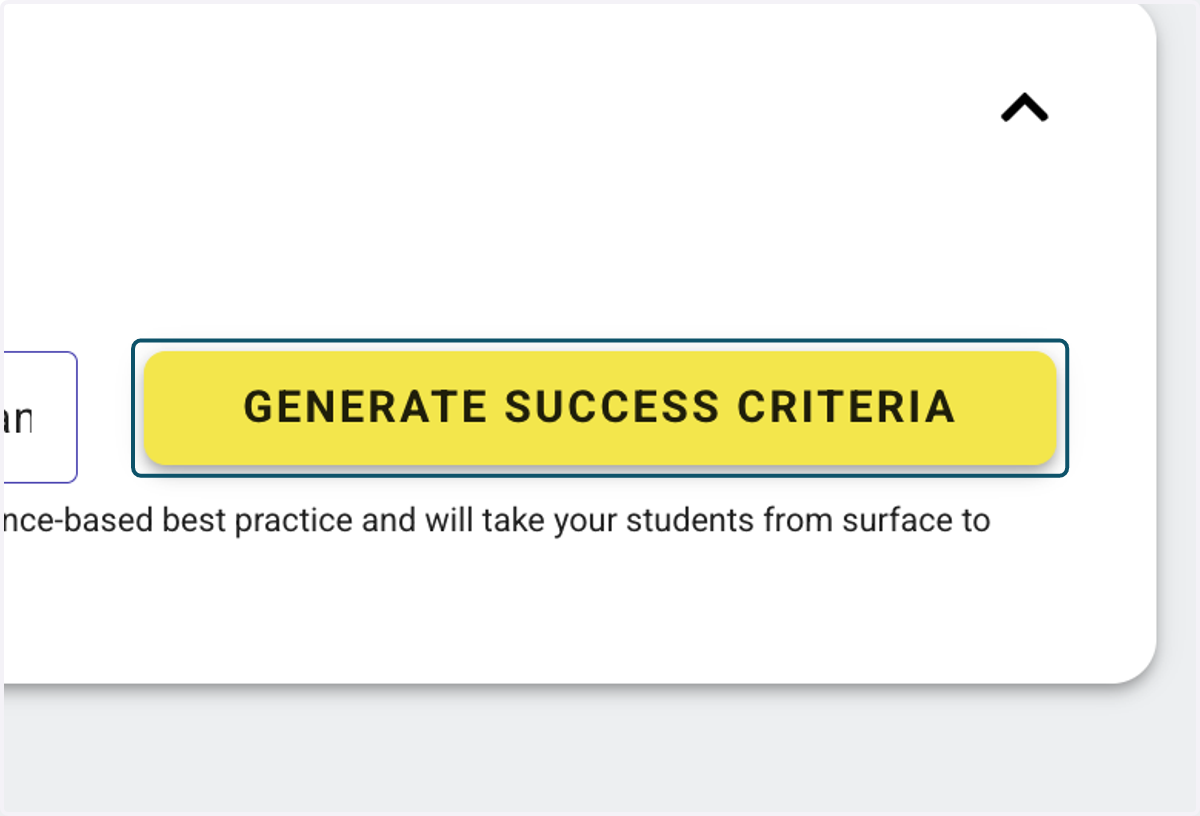
15. Click on GENERATE SUCCESS CRITERIA
16. Click on SAVE AND EDIT to build your Clarity Pack
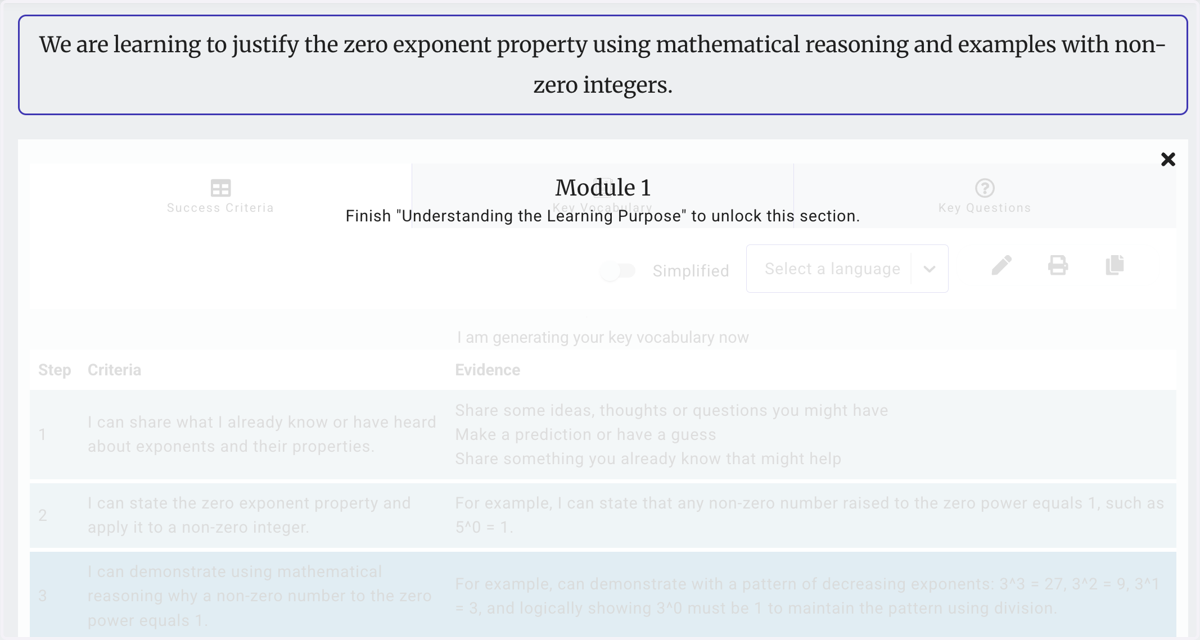
17. The Clarity Pack
Your first pack is your is designed to help you focus on the Learning Intention
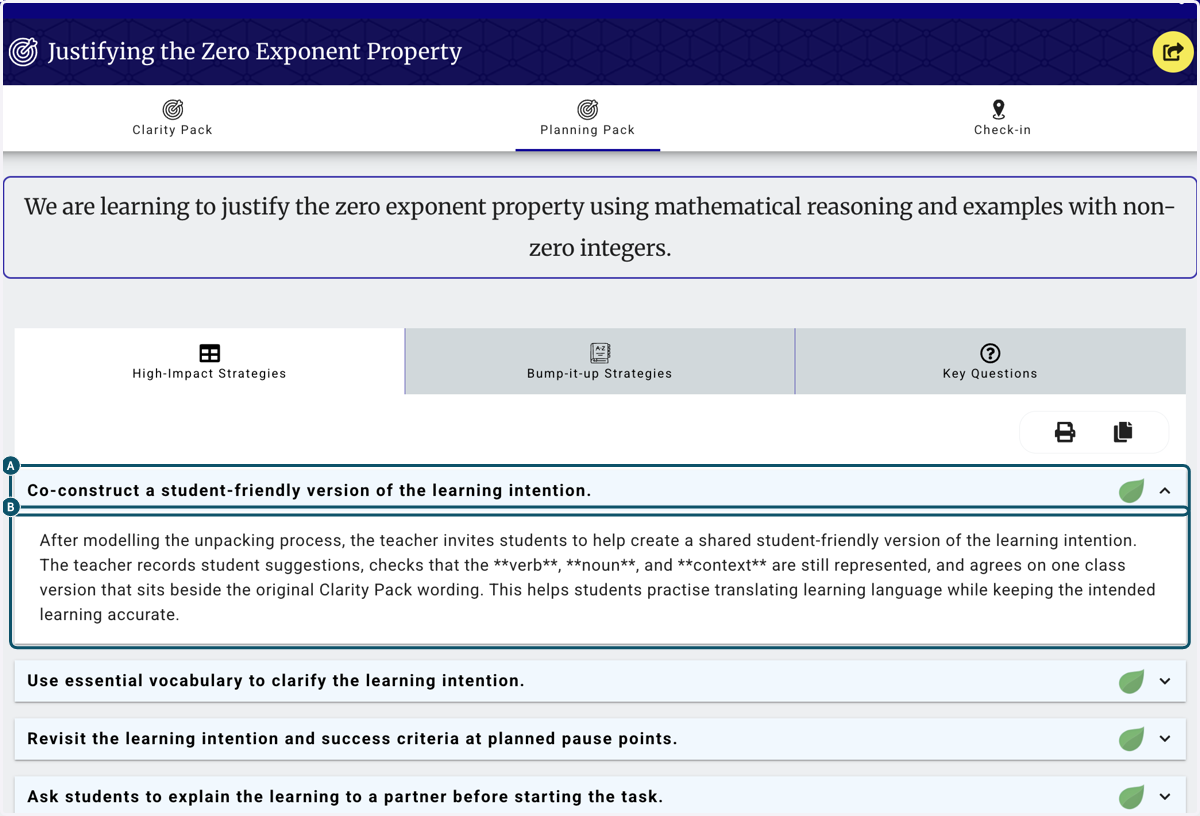
18. A. Click on the Planning Pack show the lesson focused Strategies to support your goal
18. B. Click on After modelling the unpacking process, the teacher invites students to help create a shared student-friendly version of the learning intention. The teacher records student suggestions, checks that the **verb**, **noun**, and **context** are still represented, and agrees …
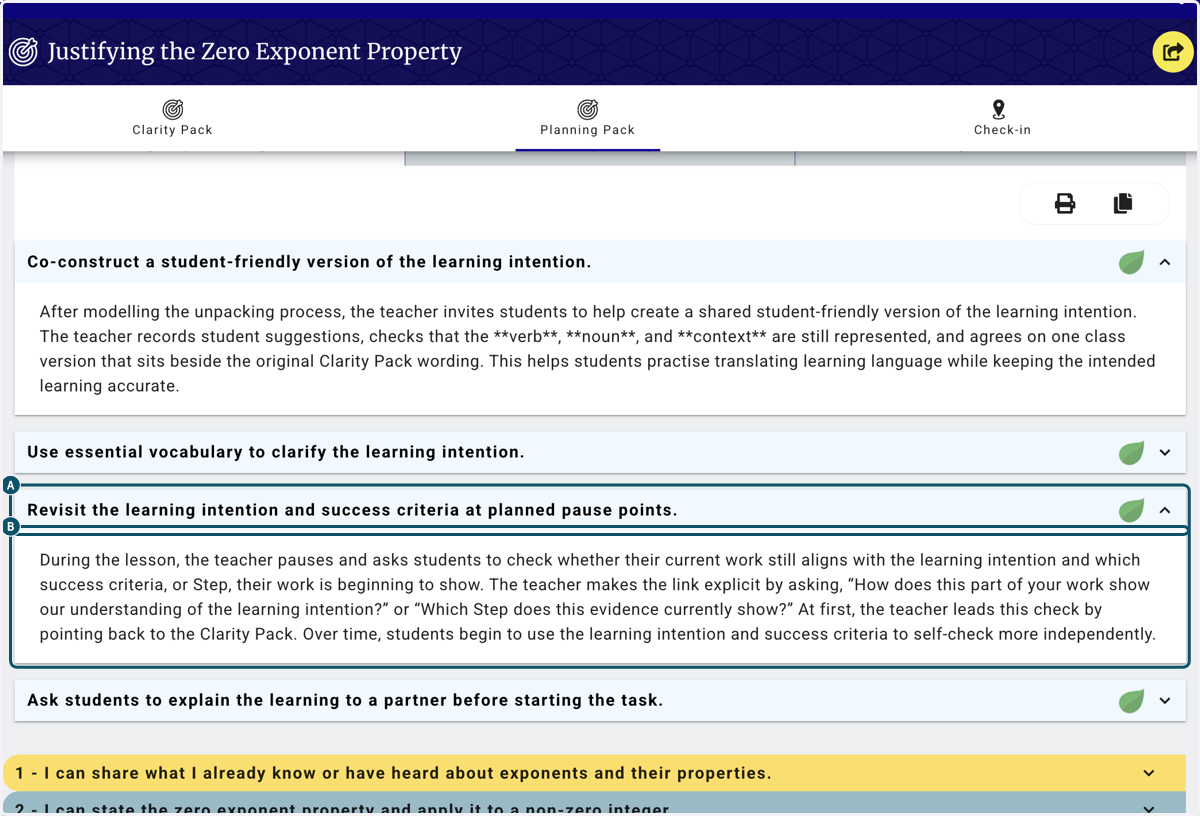
19. A. Click on the heading to expand the detail
19. B. Click on During the lesson, the teacher pauses and asks students to check whether their current work still aligns with the learning intention and which success criteria, or Step, their work is beginning to show. The teacher makes the link explicit by asking, “How does this part o…
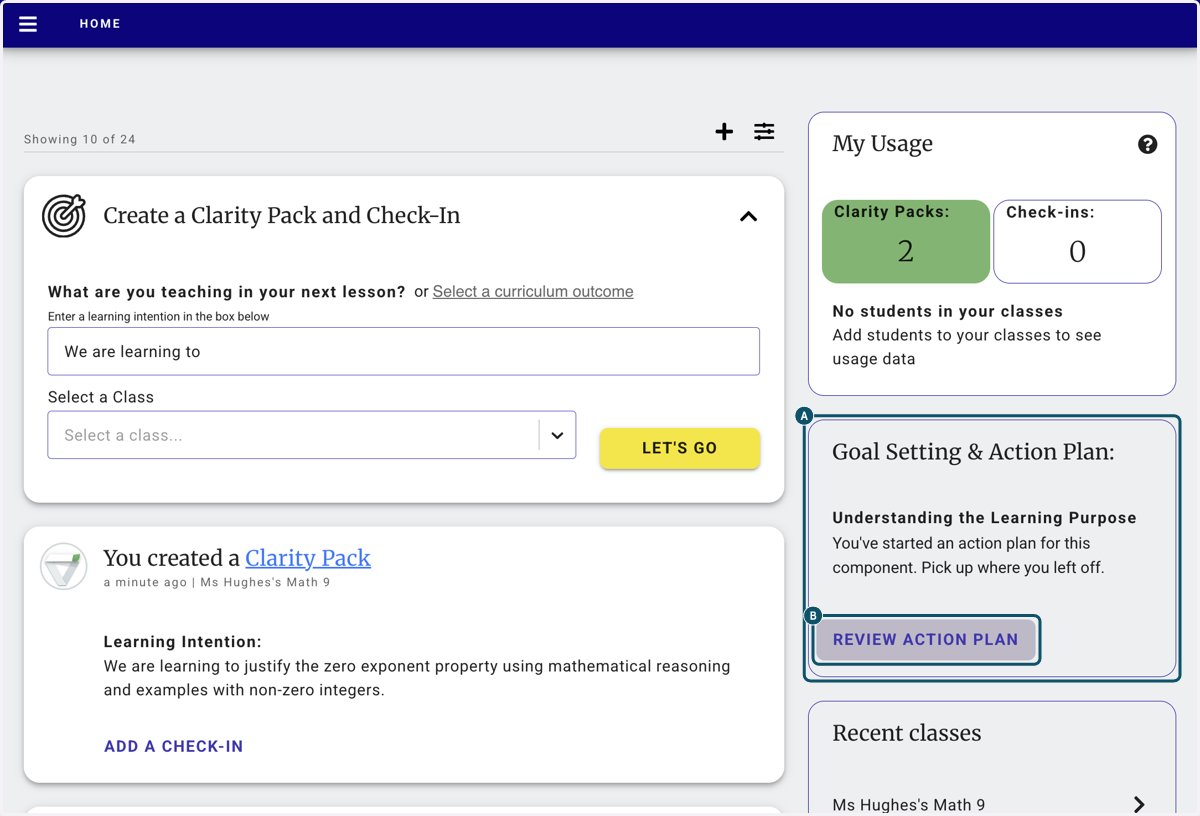
20. A. Click on Goal Setting & Action Plan:…
20. B. Click on REVIEW ACTION PLAN
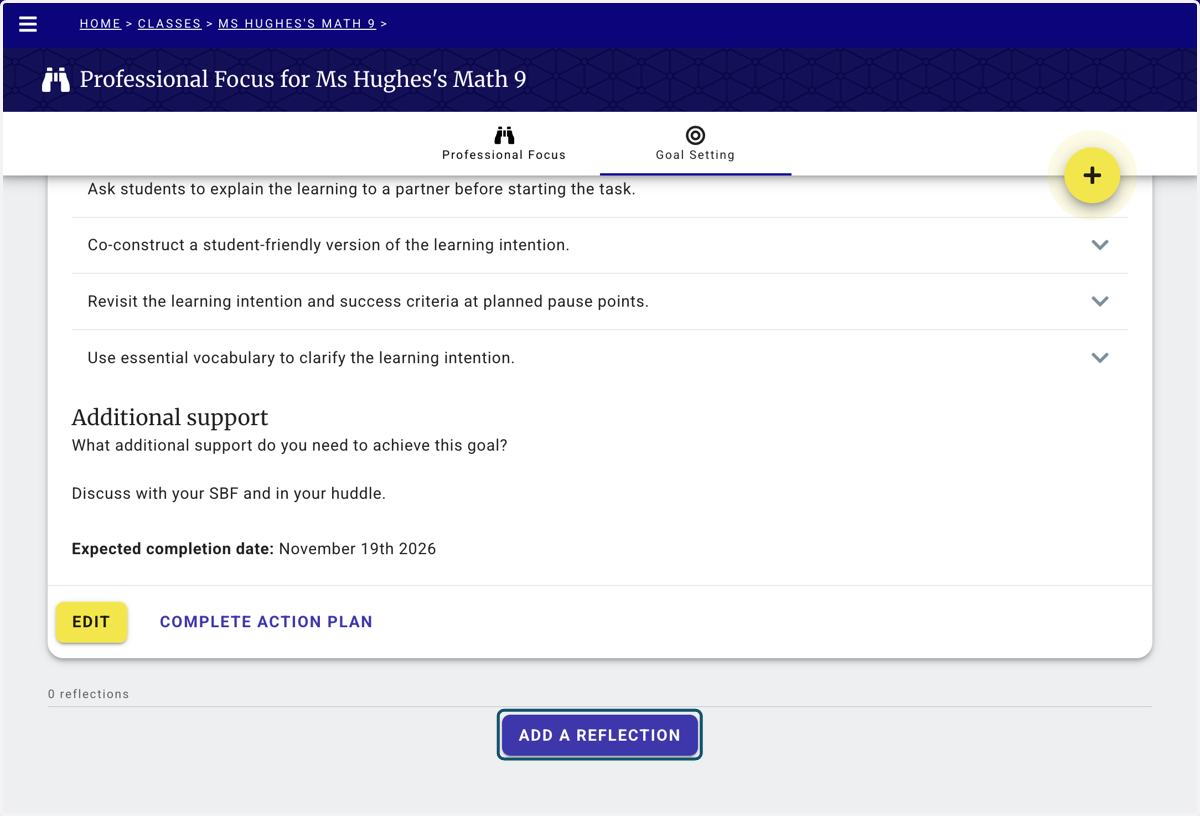
21. At the bottom of your Action Plan. Click on ADD A REFLECTION
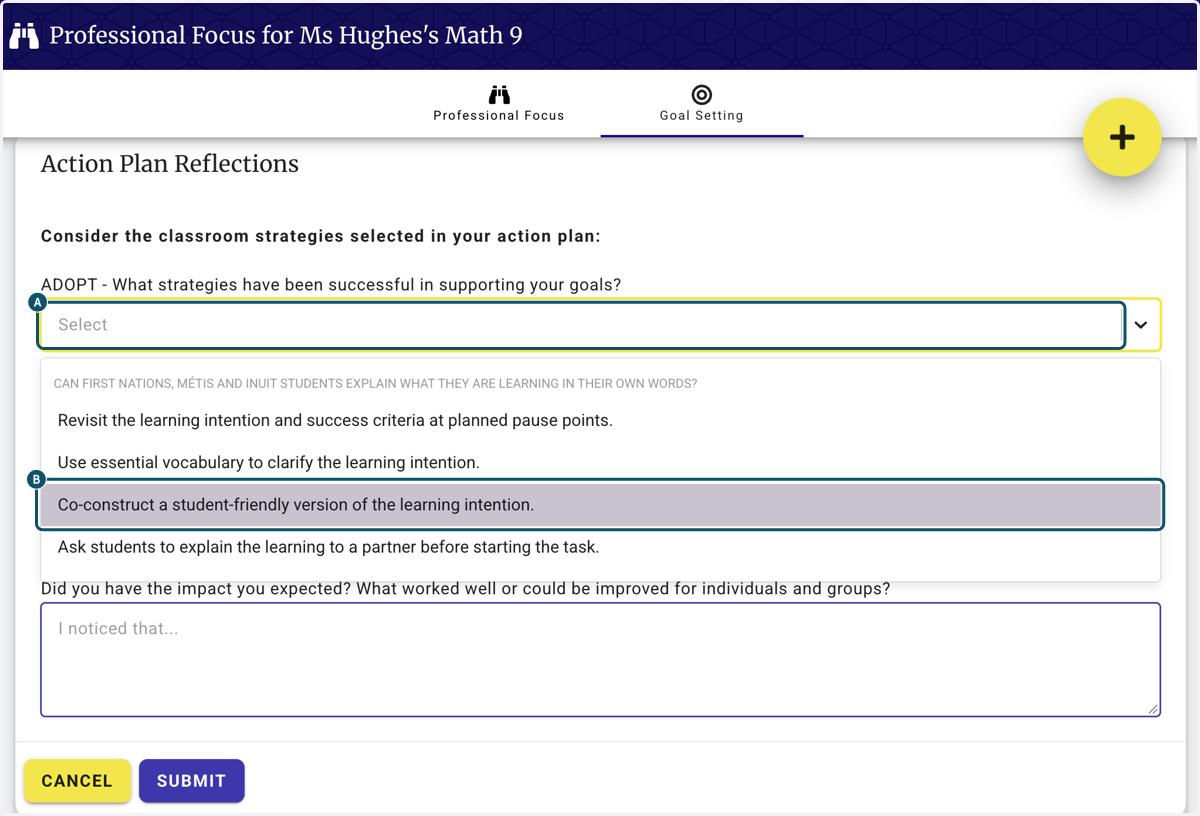
22. A. To make a reflection, you can adopt, adapt or abandon one of the strategies that you've tried.
22. B. on Co-construct a student-friendly version of the learning intention.
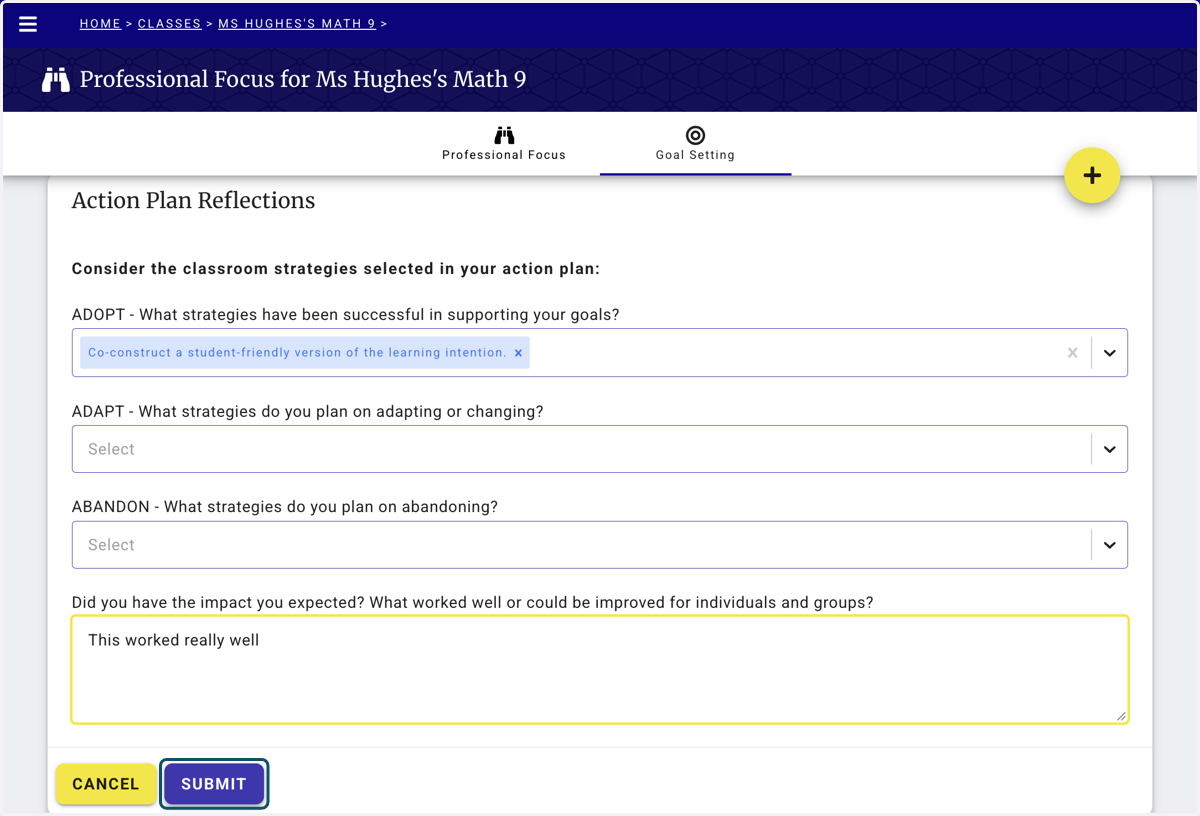
23. Add a statement about the impact you had, you can use these notes in your Huddle groups. Then click submit.
24. When you're ready... COMPLETE ACTION PLAN
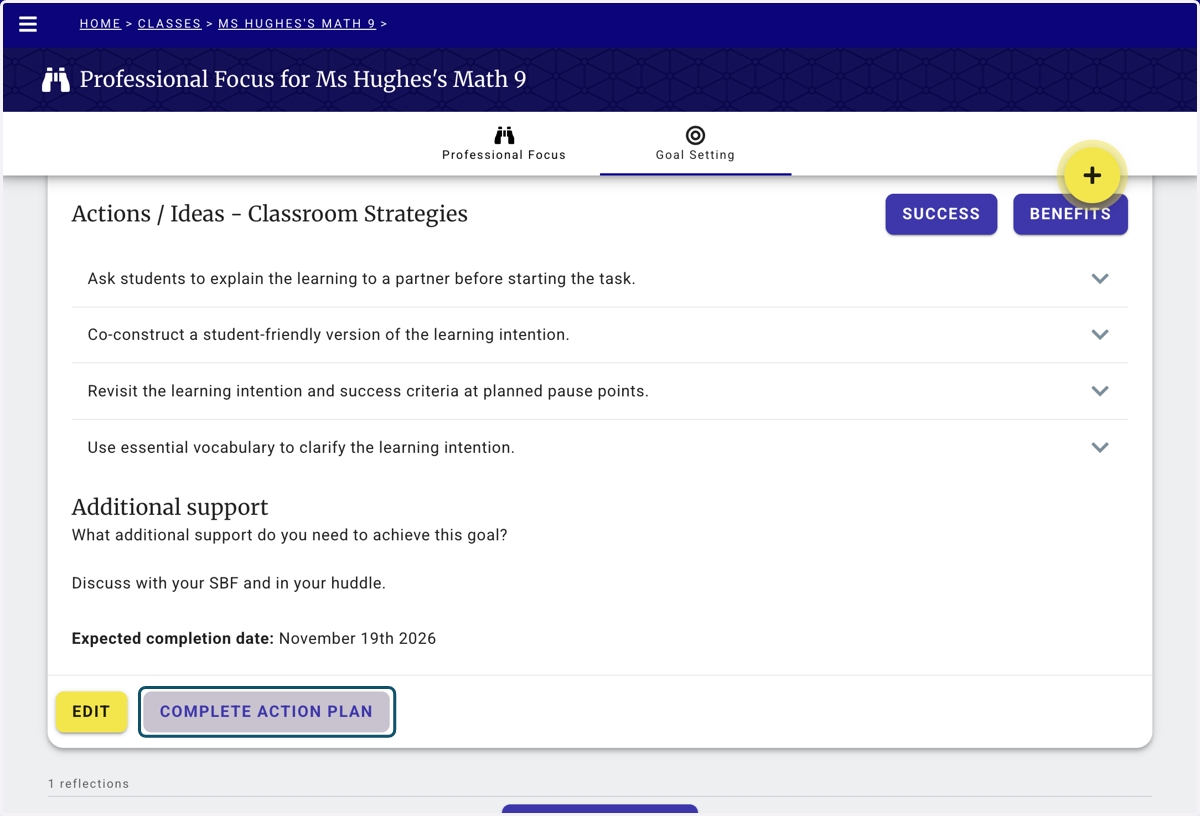
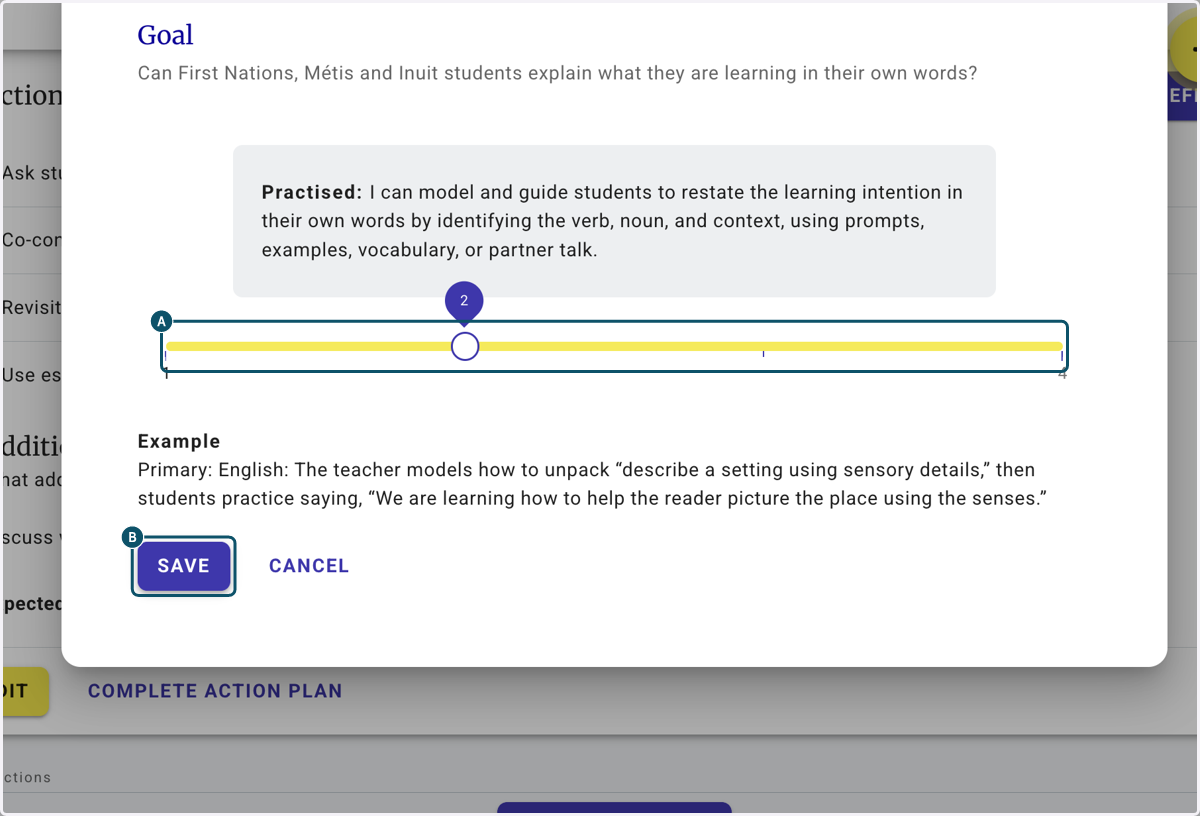
25. A. Use the slider to select where you think you are on your journey.
25. B. Click on SAVE