Rooms Setup in RoomPriceGenie

RoomPriceGenie

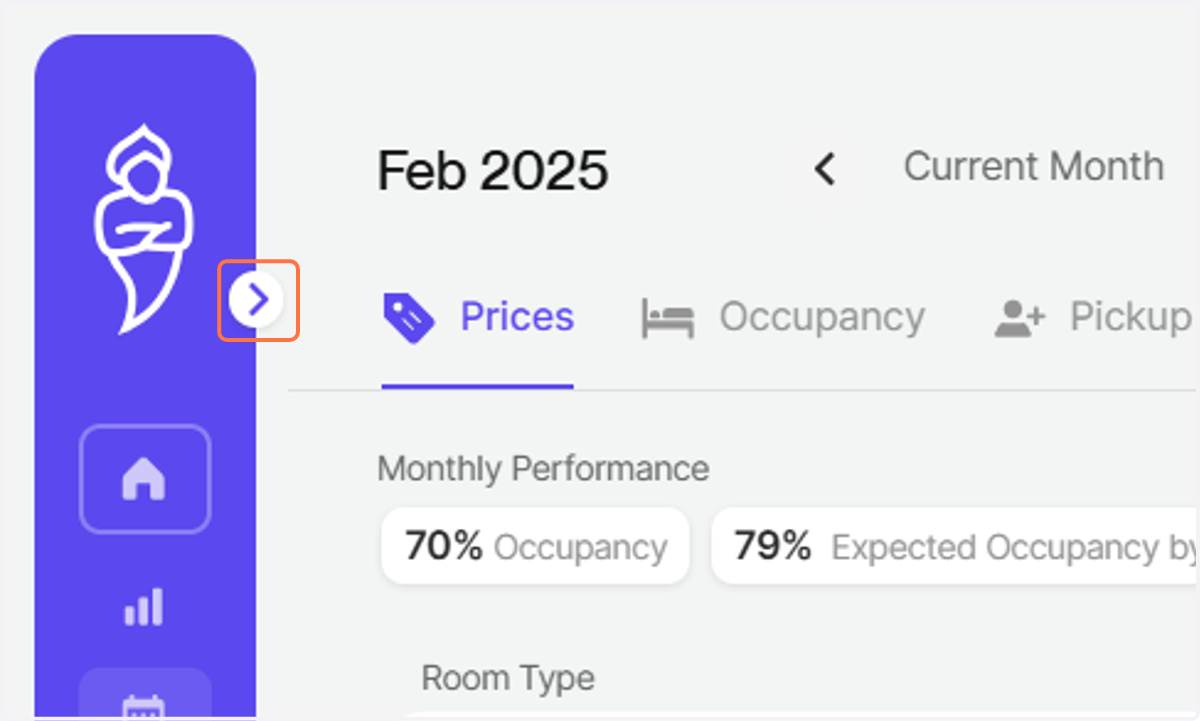
  1. 1. Click on Open sidebar

    Click on Open sidebar
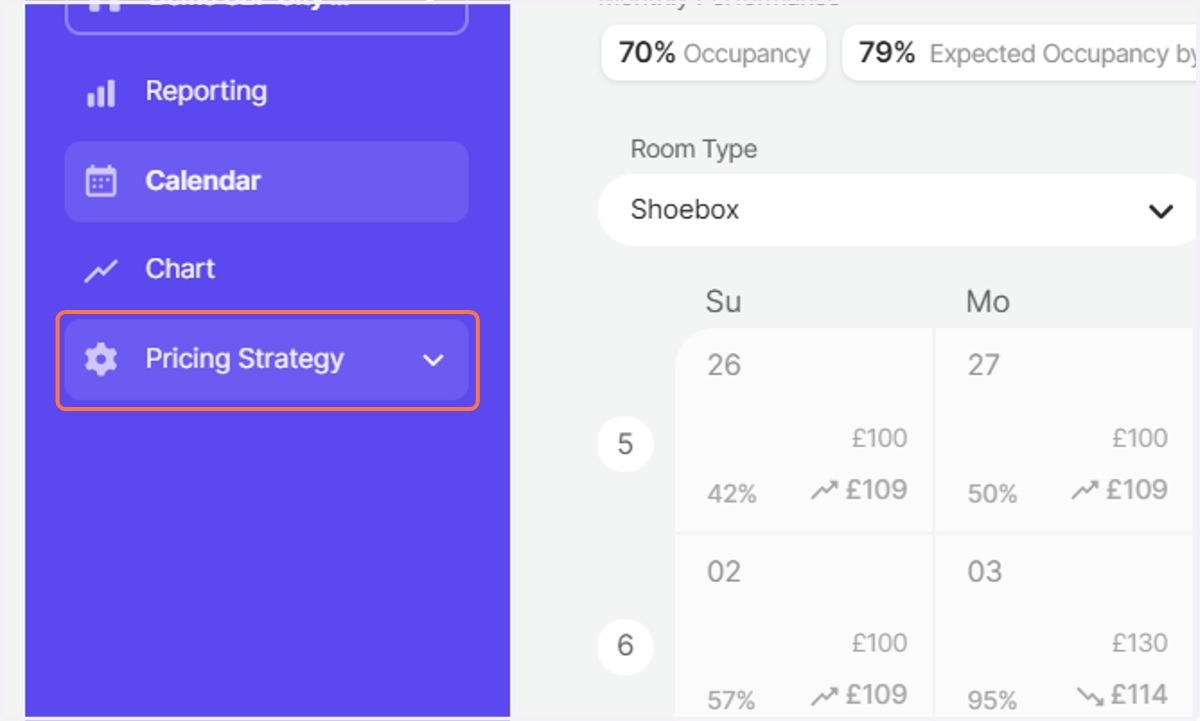
  2. 2. Click on Pricing Strategy

    Click on Pricing Strategy
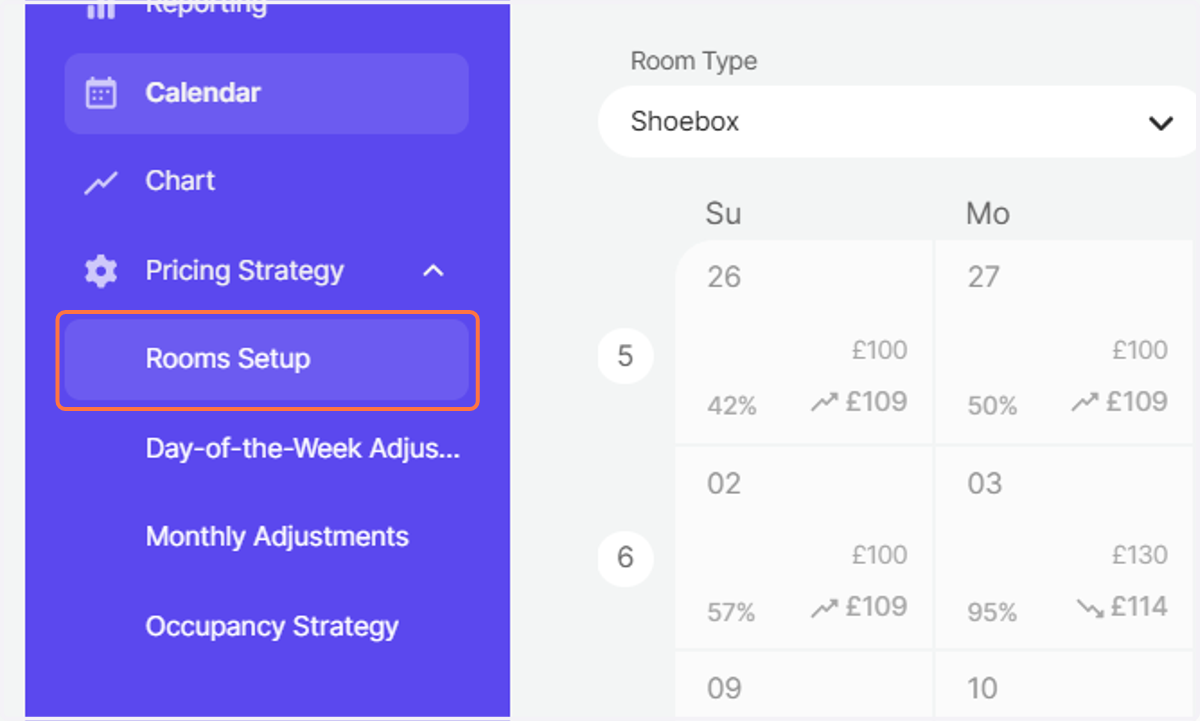
  3. 3. Click on Rooms Setup

    Click on Rooms Setup
  4. 4. Click on the reference room that you want to edit
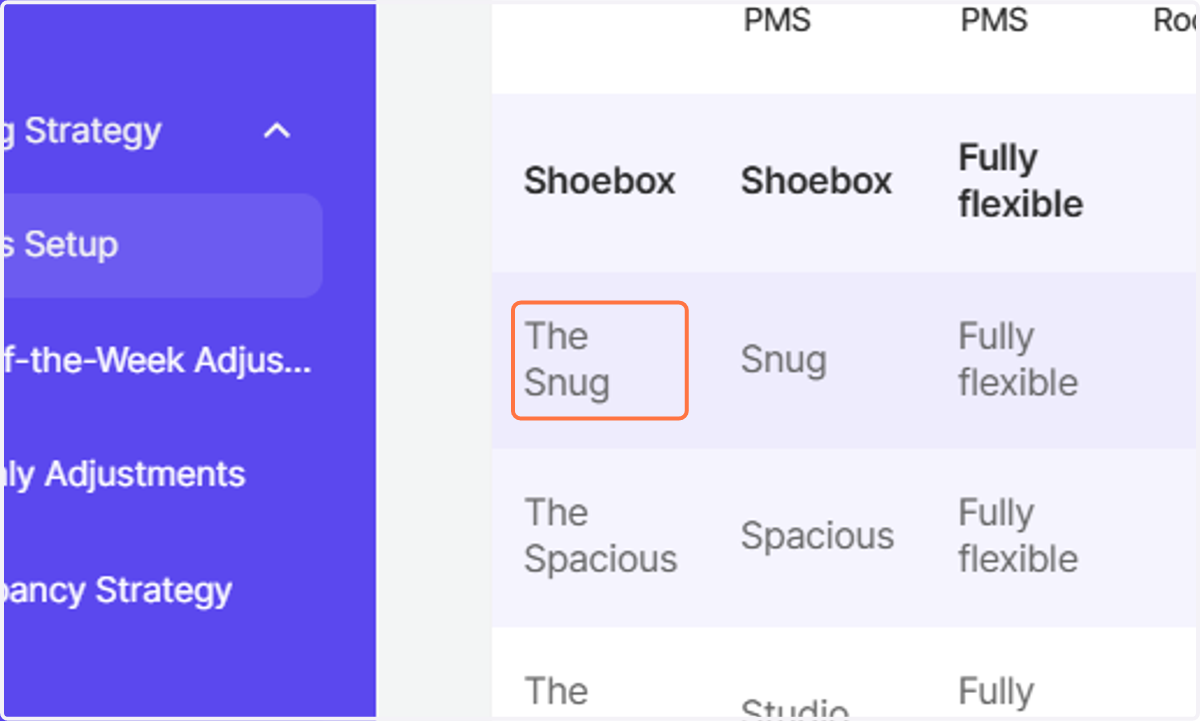
    Click on the reference room that you want to edit
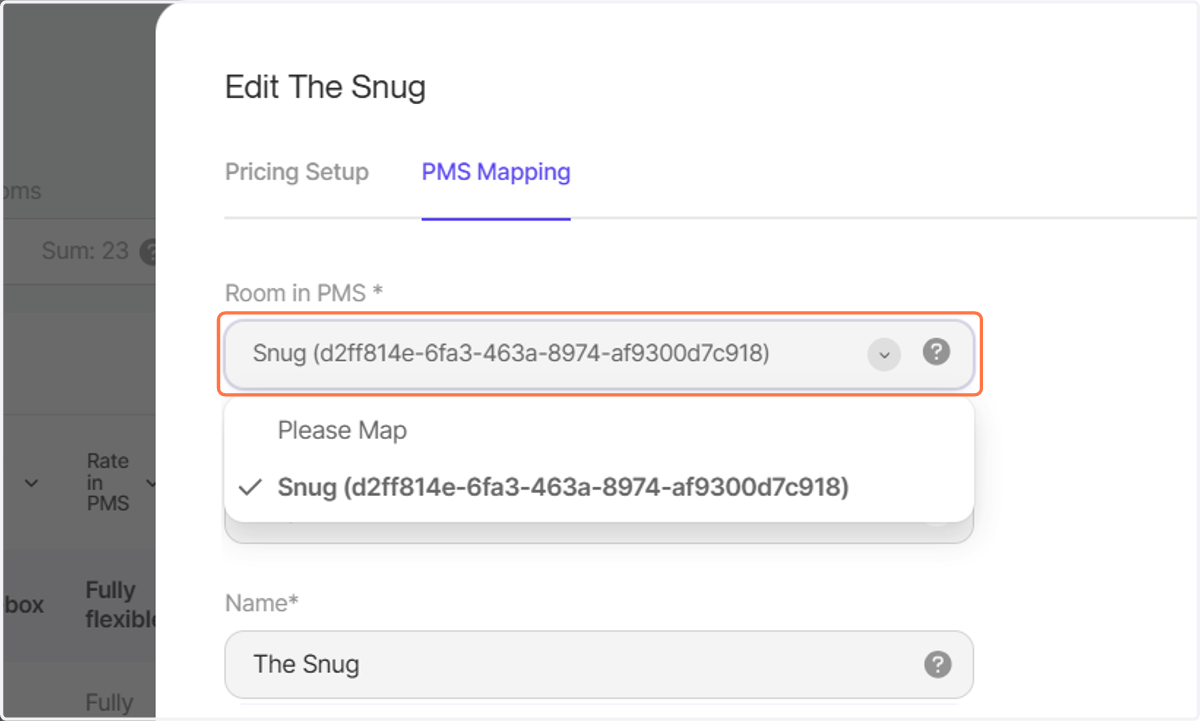
  5. 5. Click on PMS Mapping to make changes
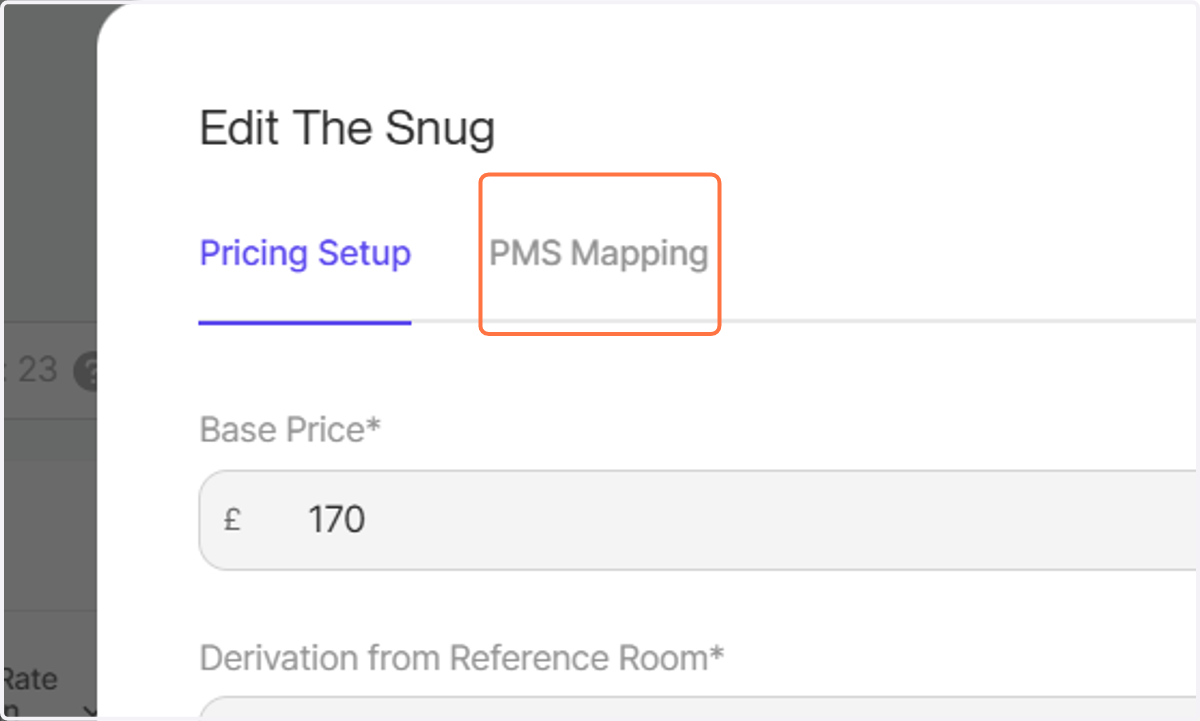
    Click on PMS Mapping to make changes
  6. 6. You can select Room in PMS

    You can select Room in PMS
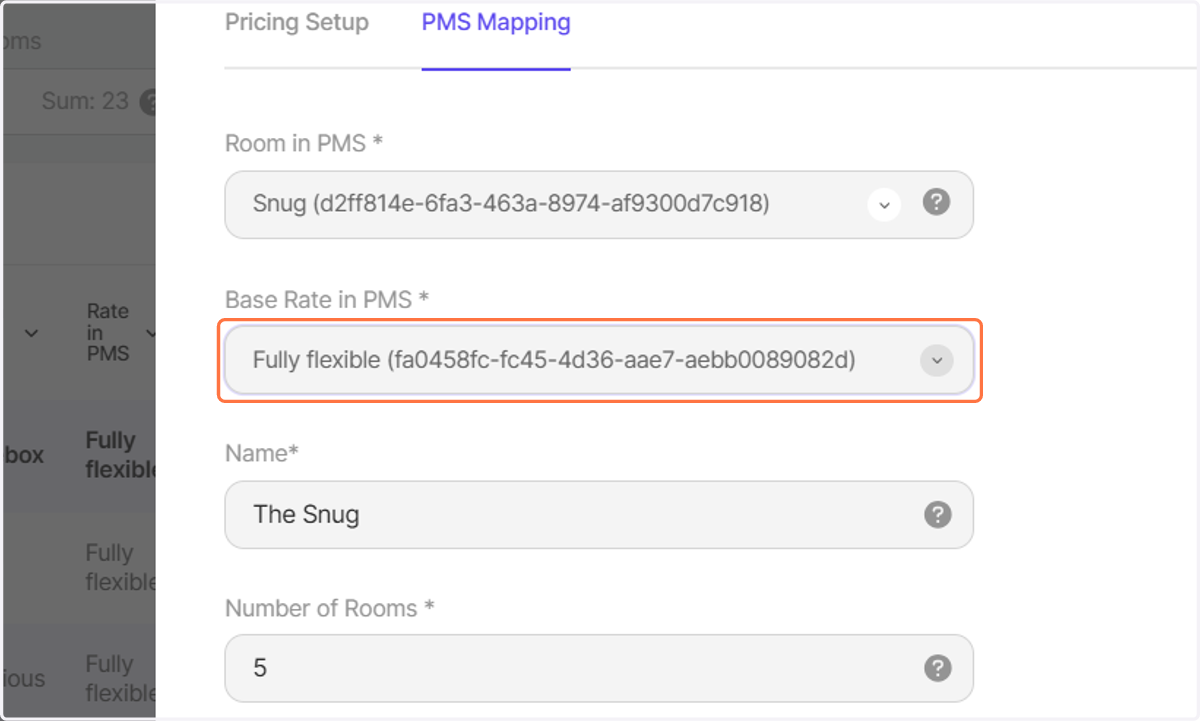
  7. 7. You can select Base Rate in PMS

    You can select Base Rate in PMS
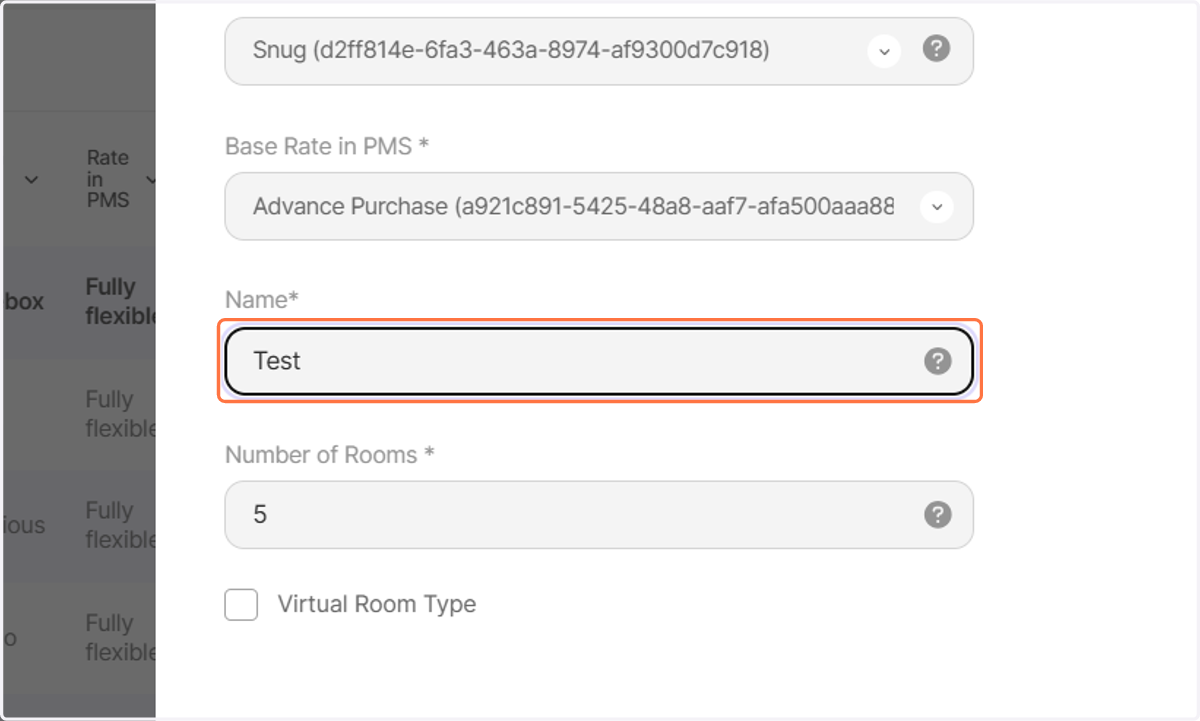
  8. 8. Click on Advance Purchase (a921c891-5425-48a8-aaf7-afa500aaa880)
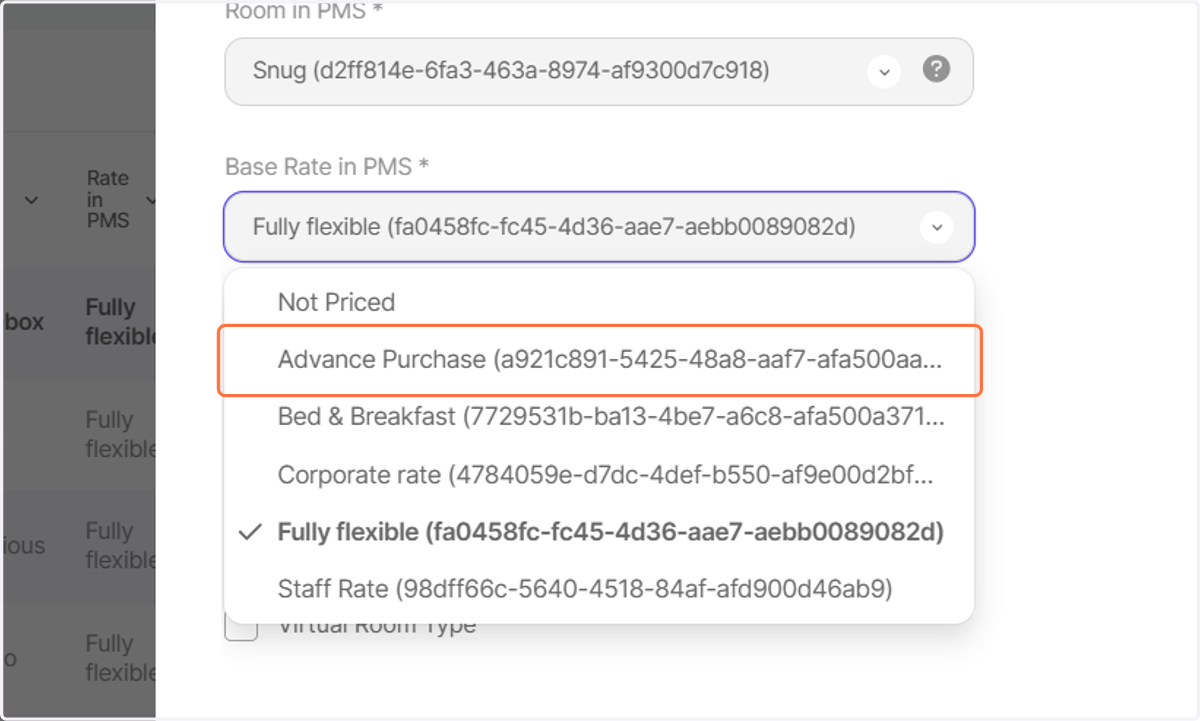
    Click on Advance Purchase (a921c891-5425-48a8-aaf7-afa500aaa880)
  9. 9. You can change the Name

    You can change the Name
  10. 10. and you can change the Number of Rooms
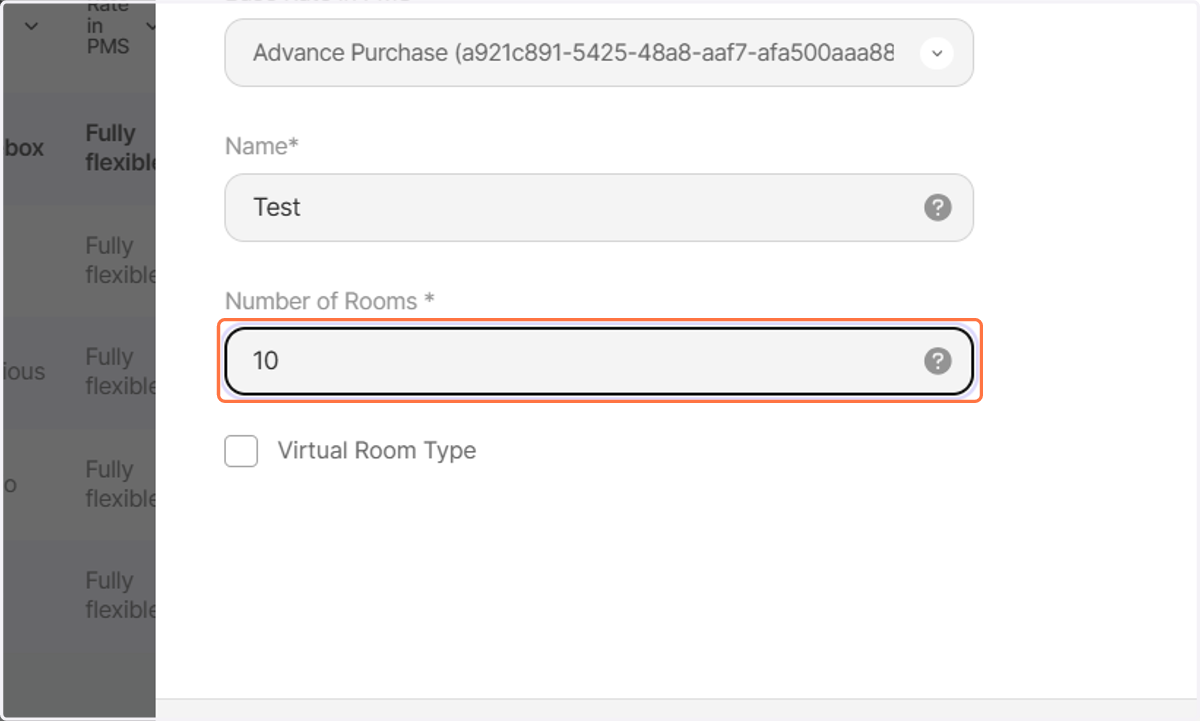
    and you can change the Number of Rooms
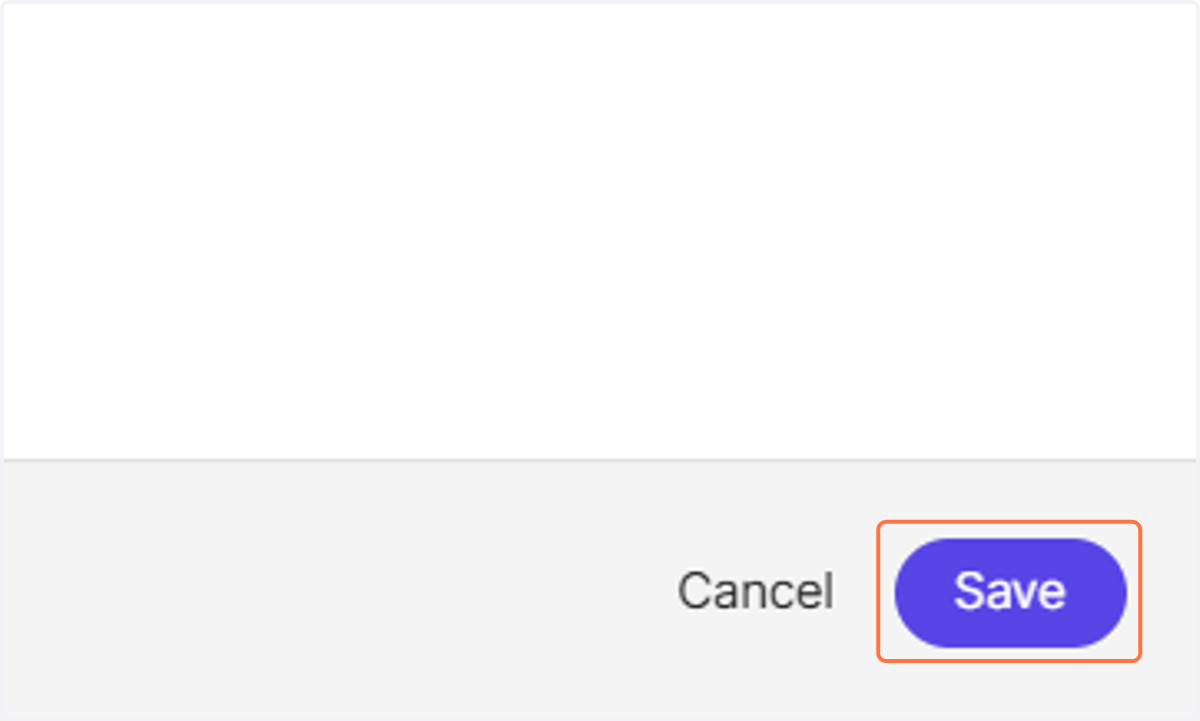
  11. 11. Ensure to click on Save

    Ensure to click on Save