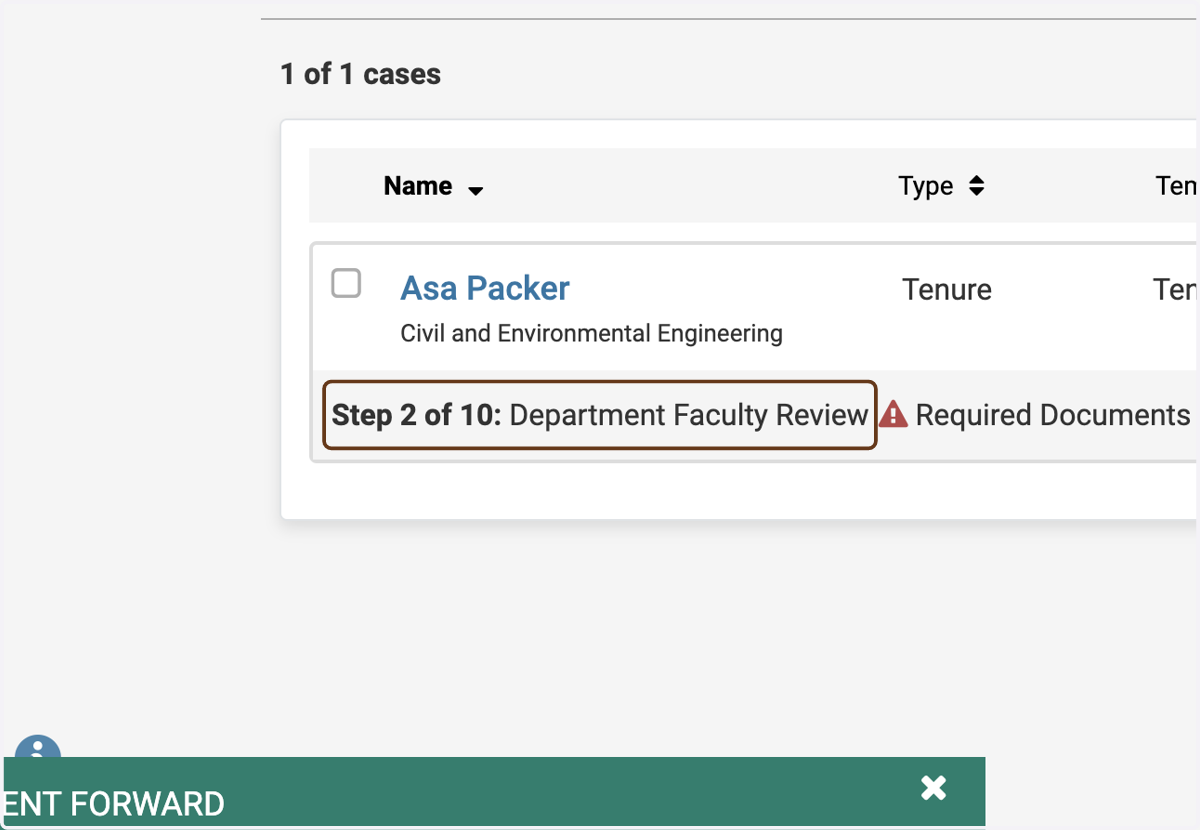
Moving the Case to Step 2
The steps below will show you how to move a review case from Step 1: Department Chair Documents to Step 2: Department Faculty Review.
Interfolio
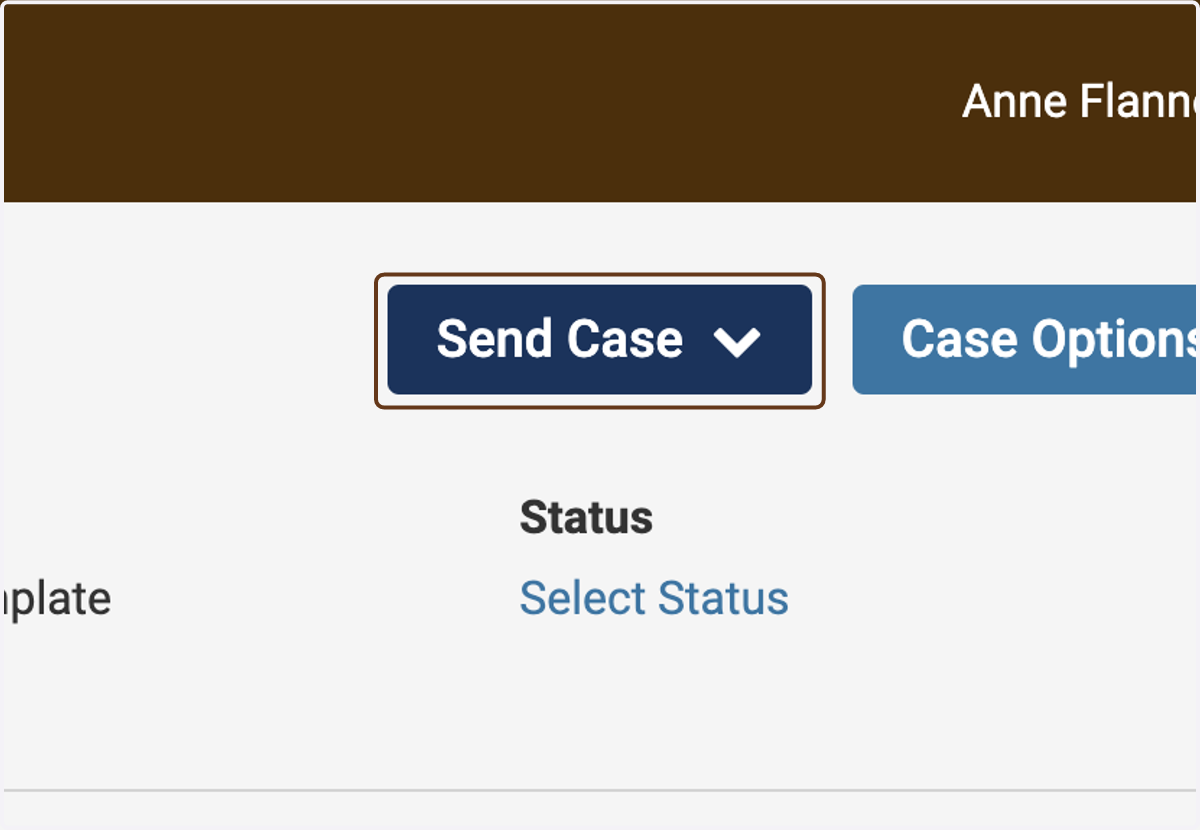
1. Click on Send Case
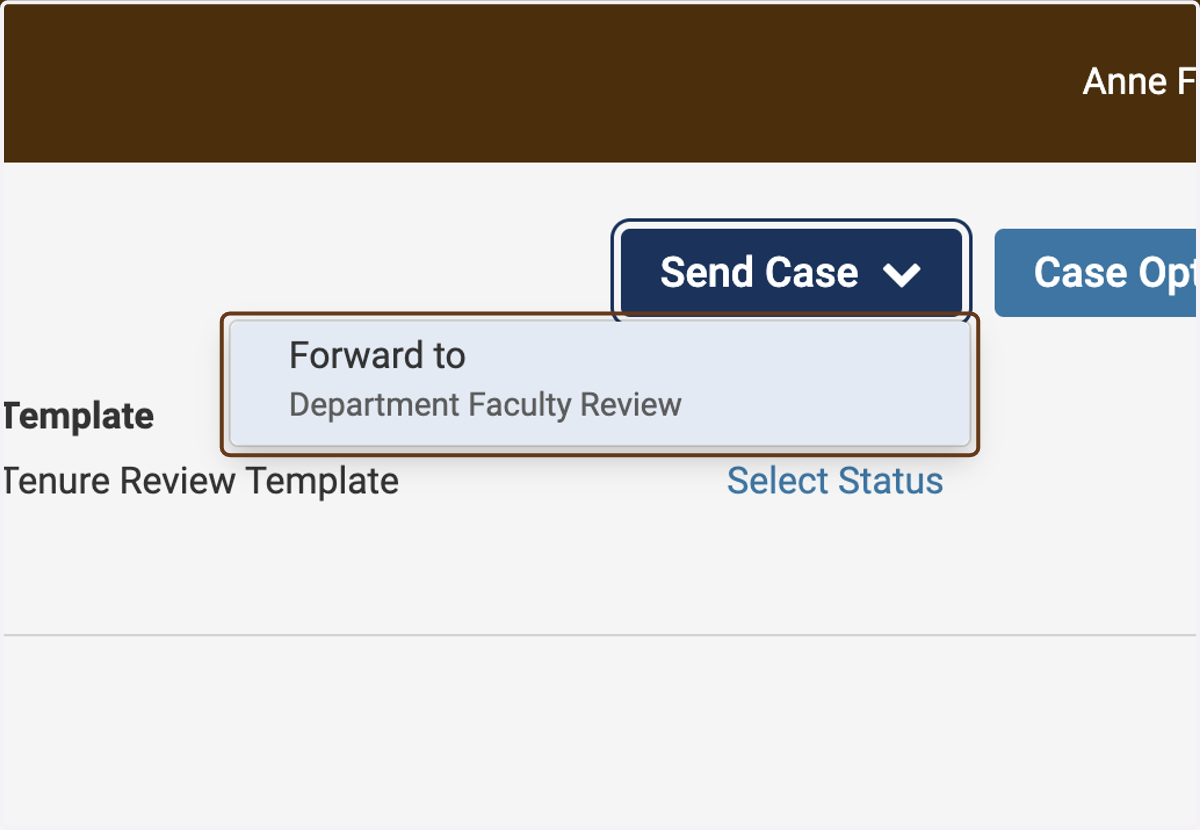
2. Click on Forward to Department Faculty Review
3. Customize the email notifying faculty members
Interfolio will send email to the faculty in the department who are participating in the review, notifying them that the case is ready. You can customize the email here.
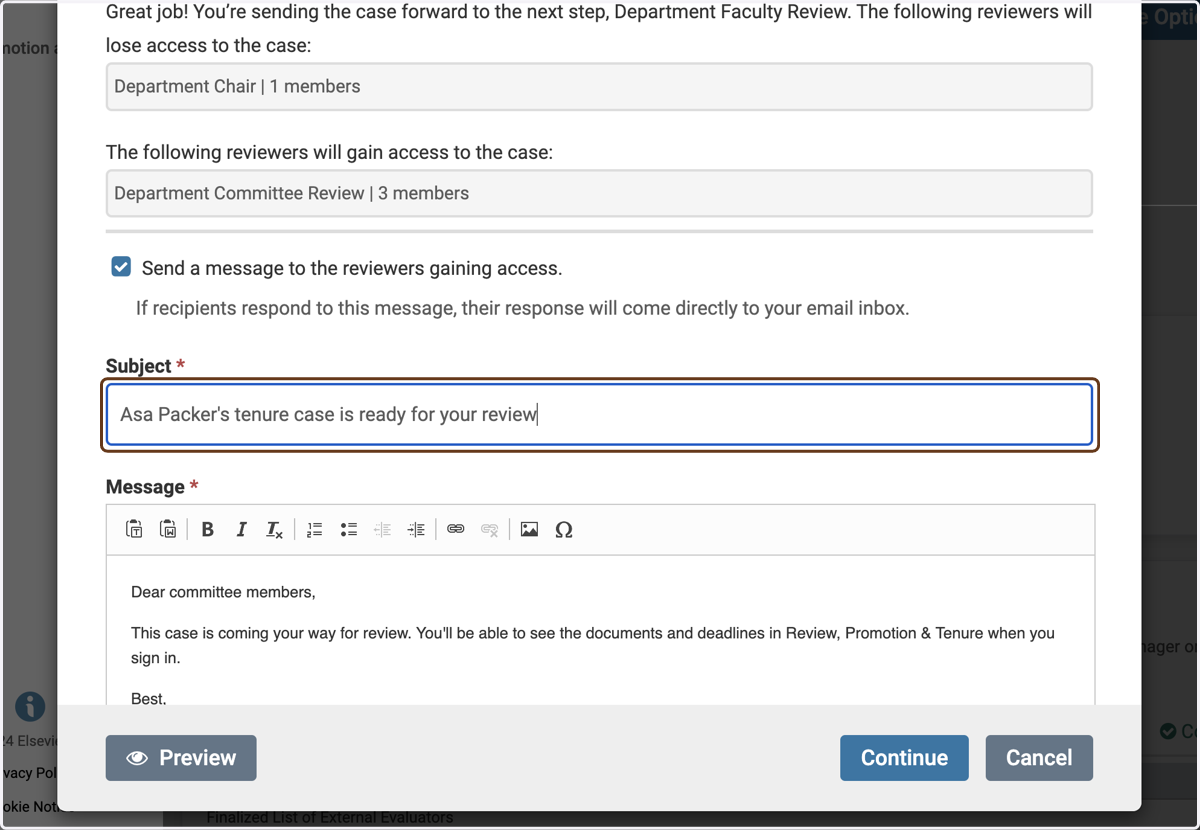
4. Click on Continue
5. Back in the list of Cases, you'll now see that the case is at Step 2