How to Create Purchase Orders in Odoo - iLines iProcurement
Odoo
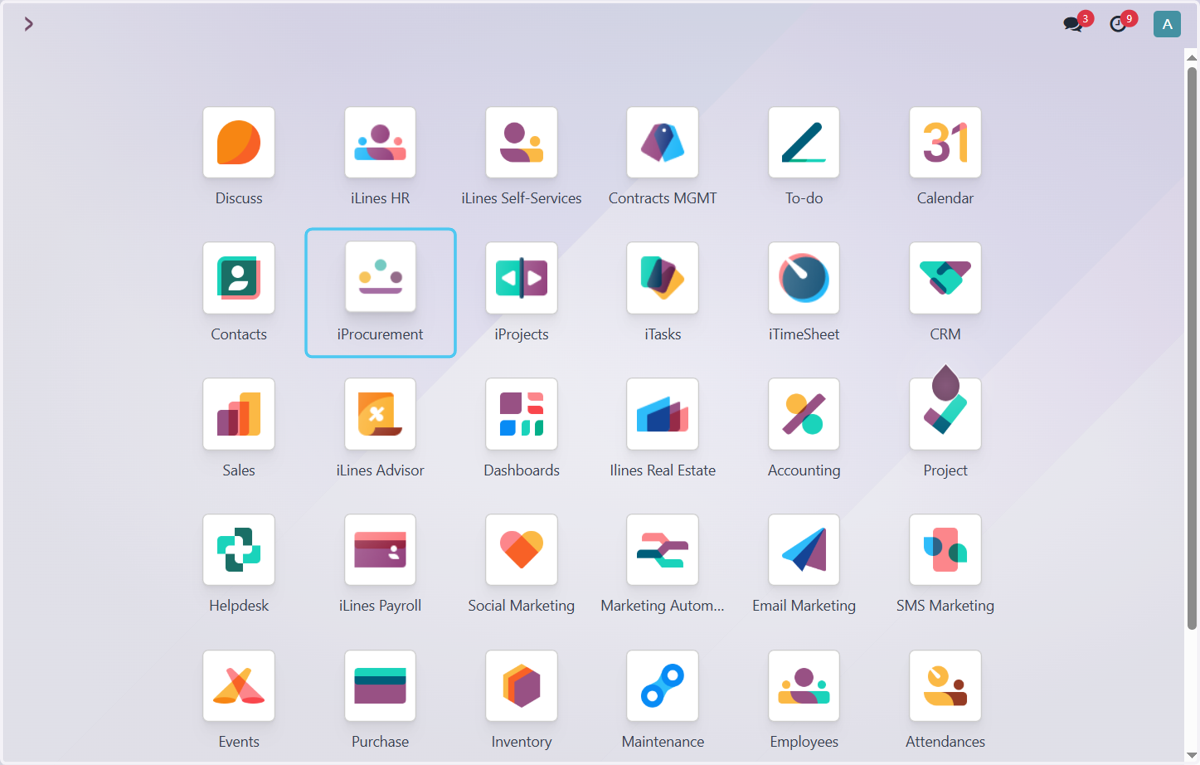
1. Click on iProcurement
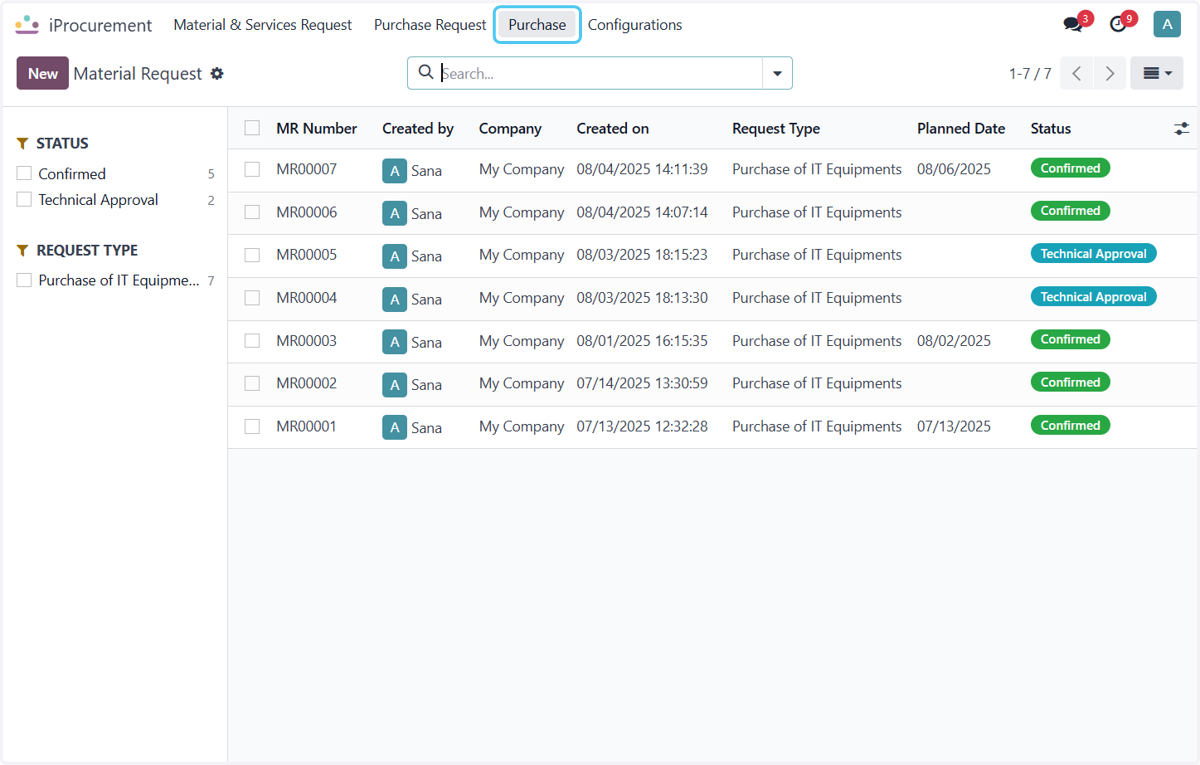
2. Click on Purchase
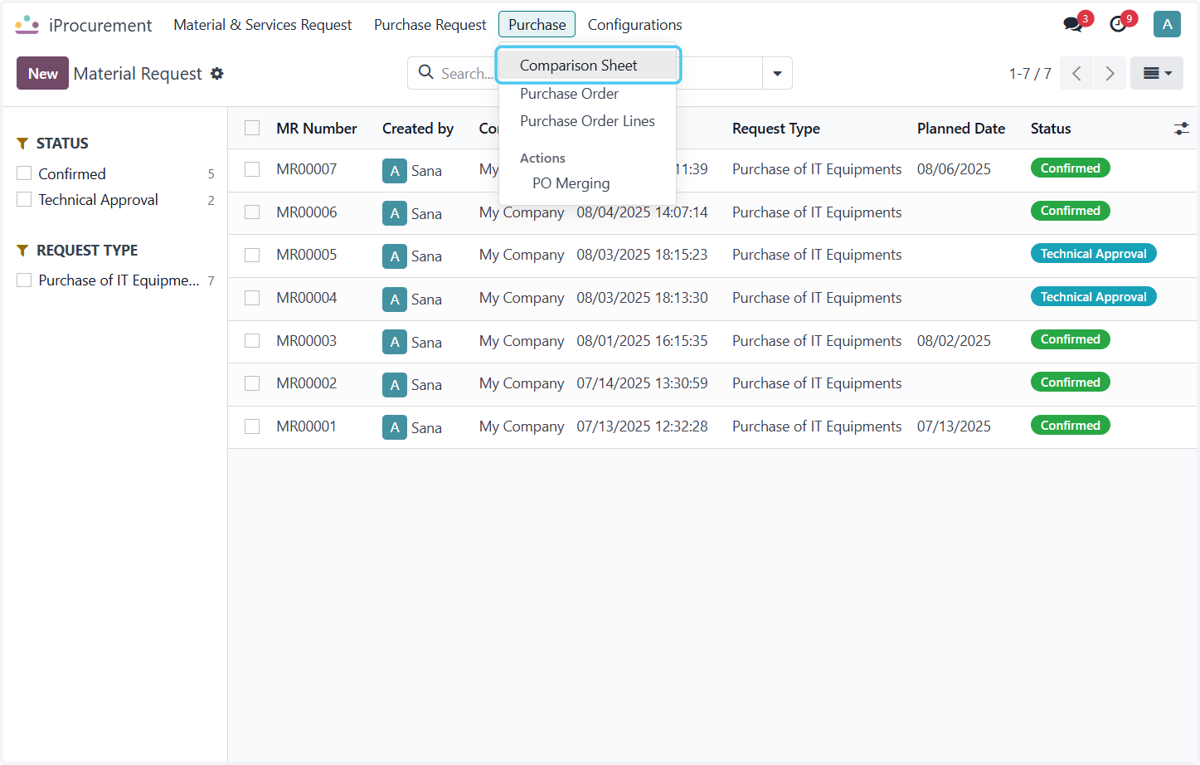
3. Click on Comparison Sheet
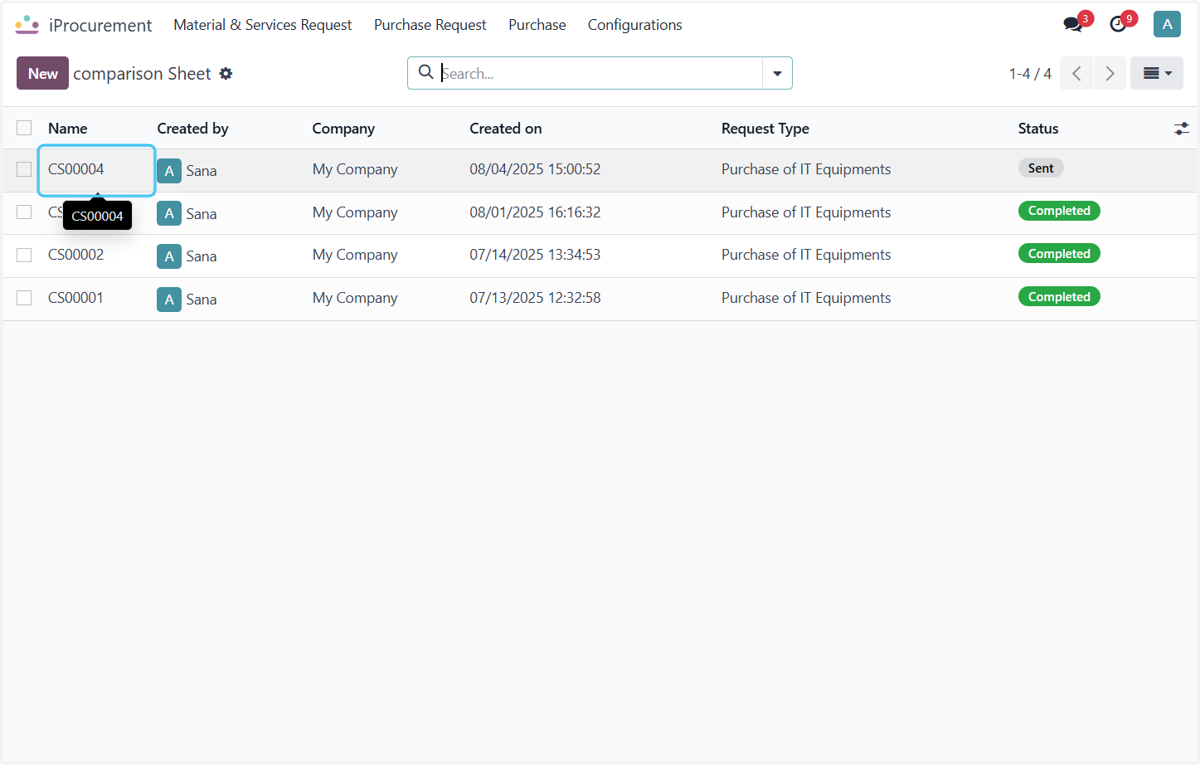
4. Click on CS00004
Select the CS of Which You want to Create po
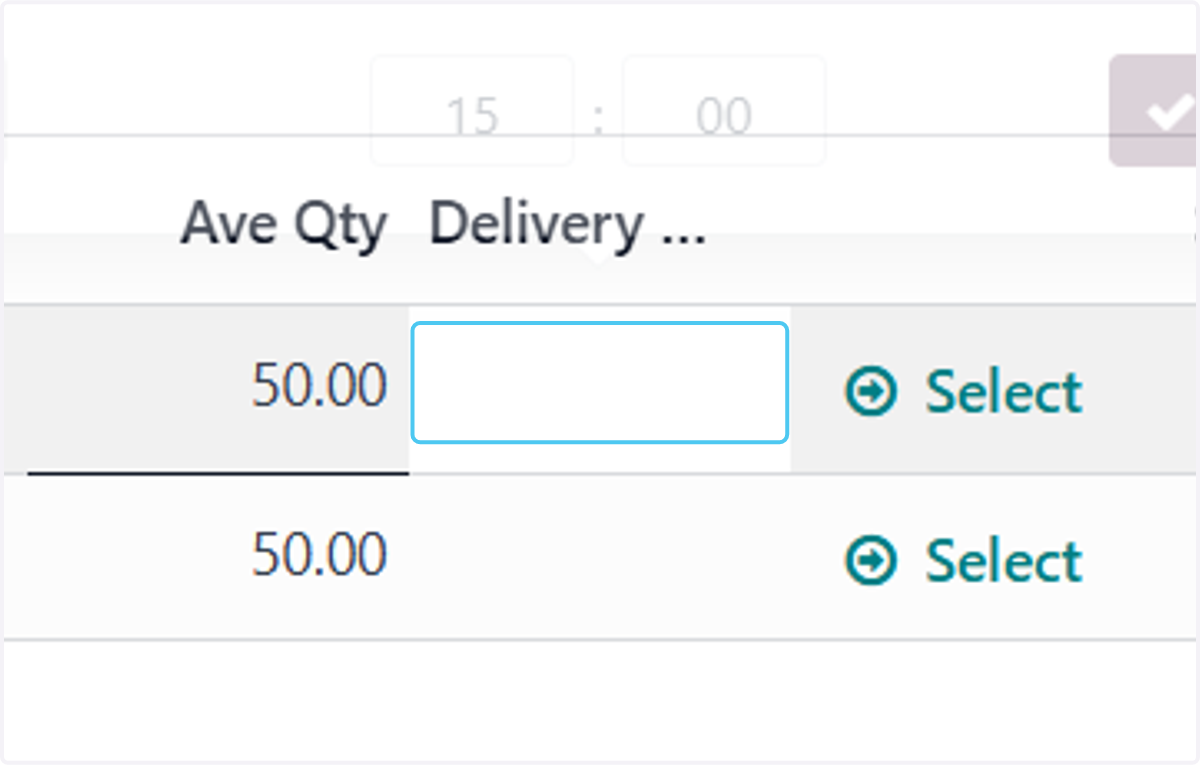
5. Click on Delivery Date
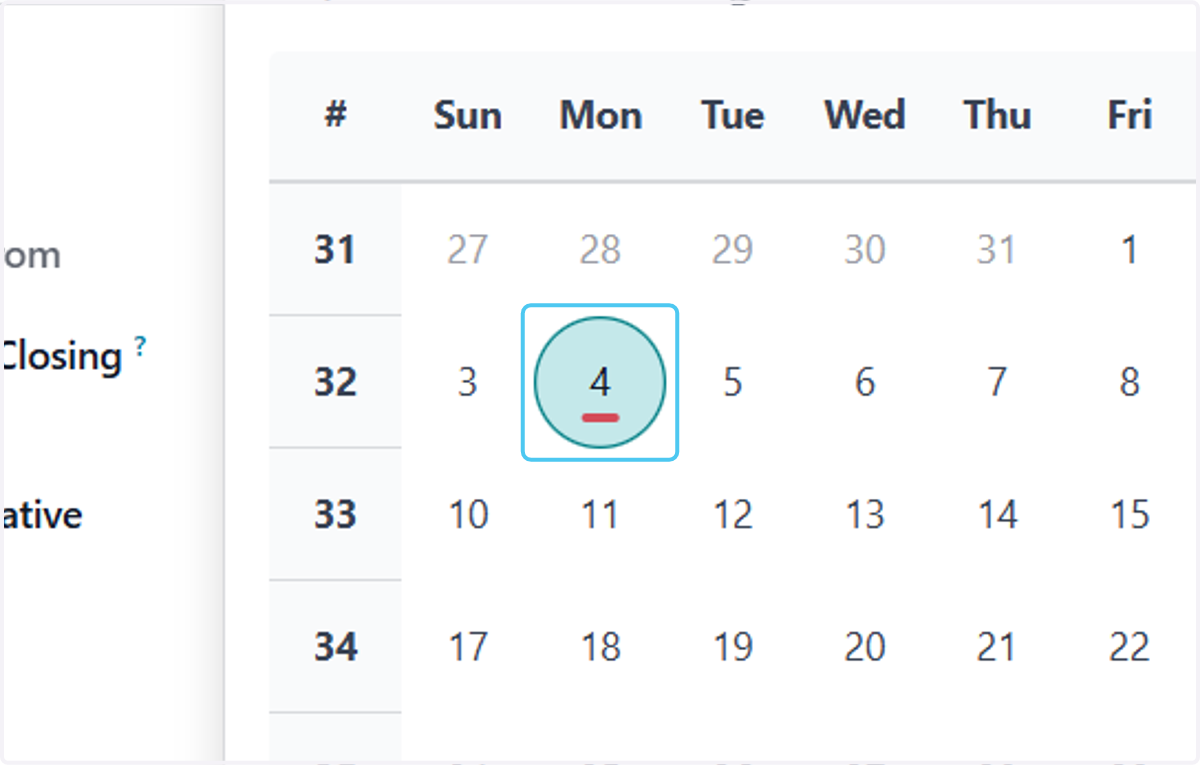
6. Click on Select date of Delivery
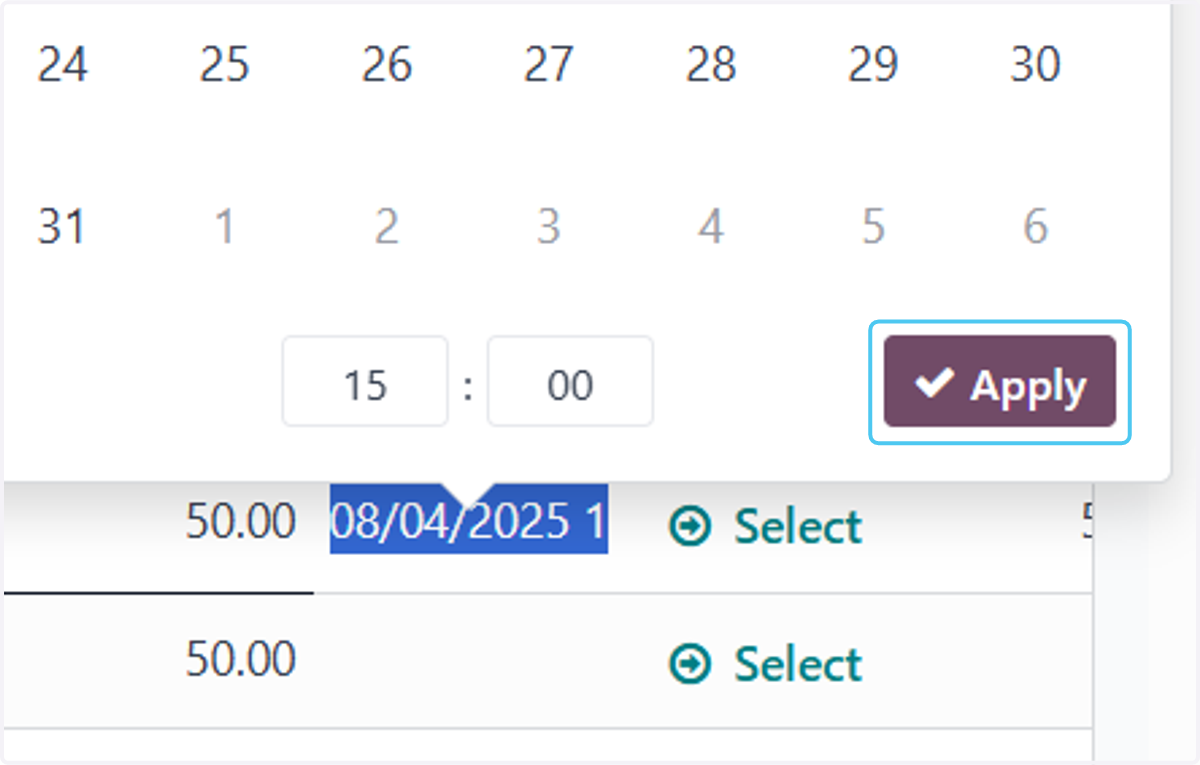
7. Click on Apply
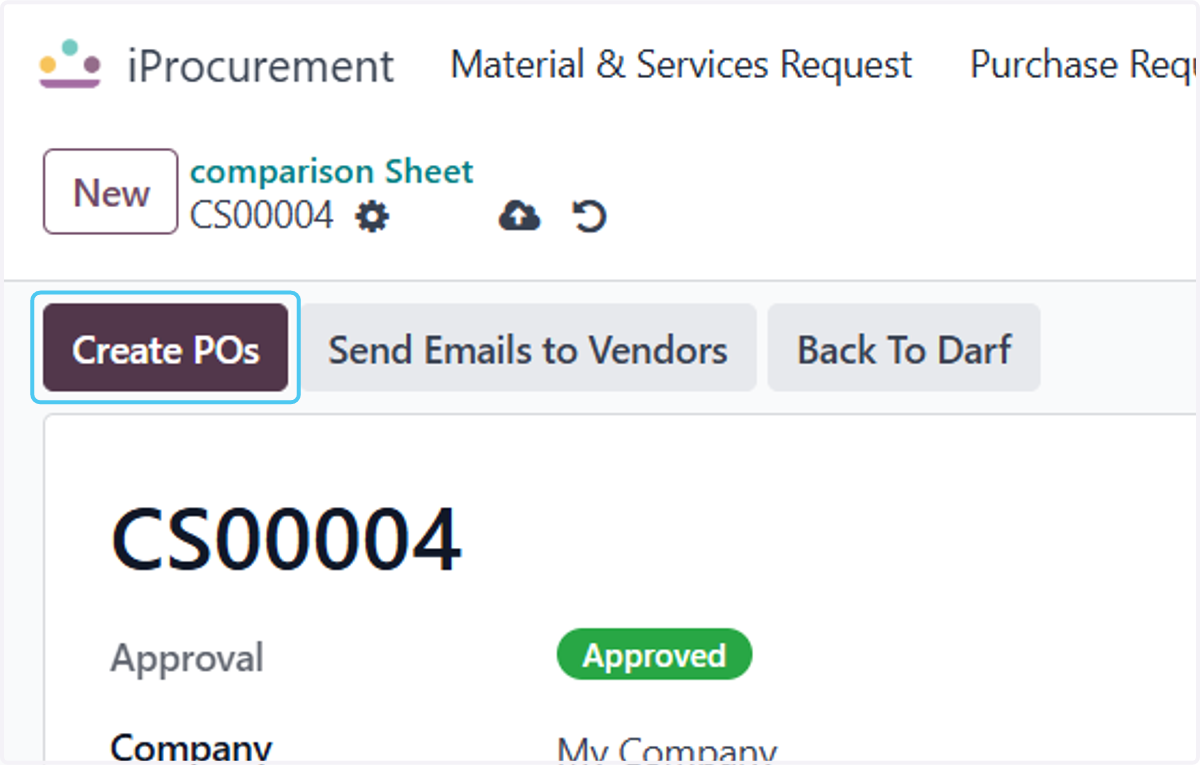
8. Click on Create POs
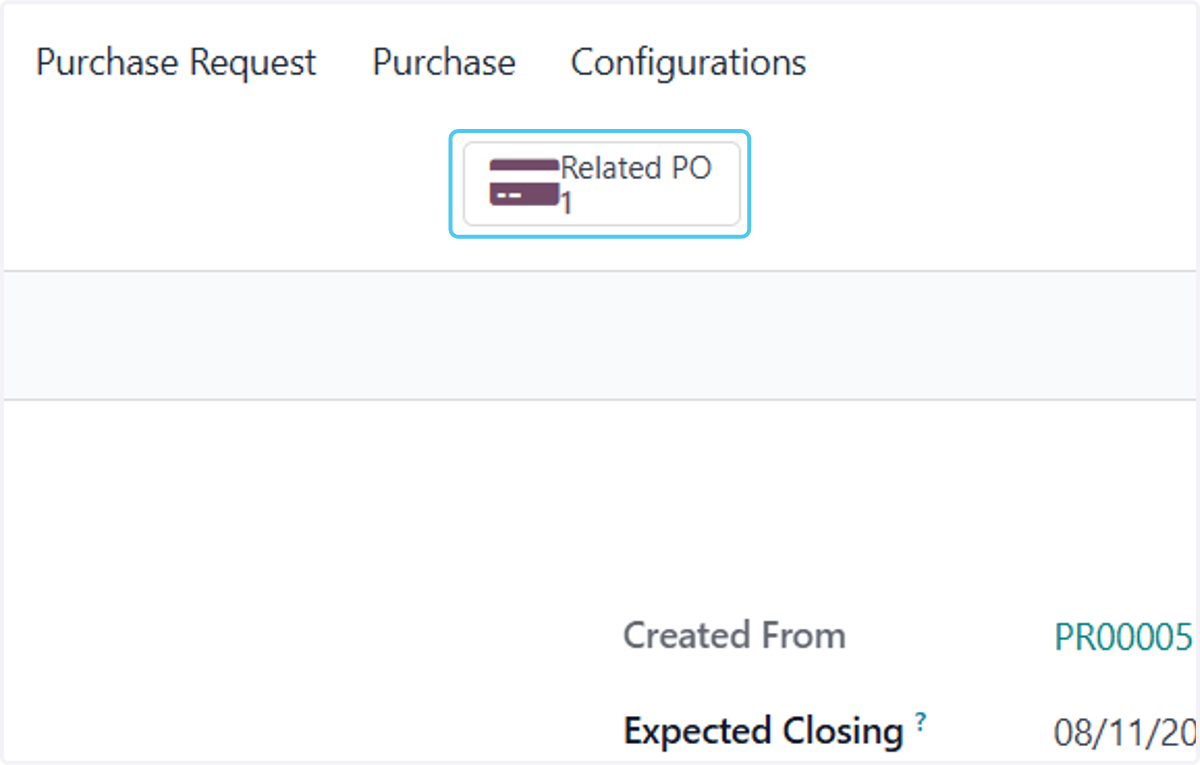
9. Click on Realted PO
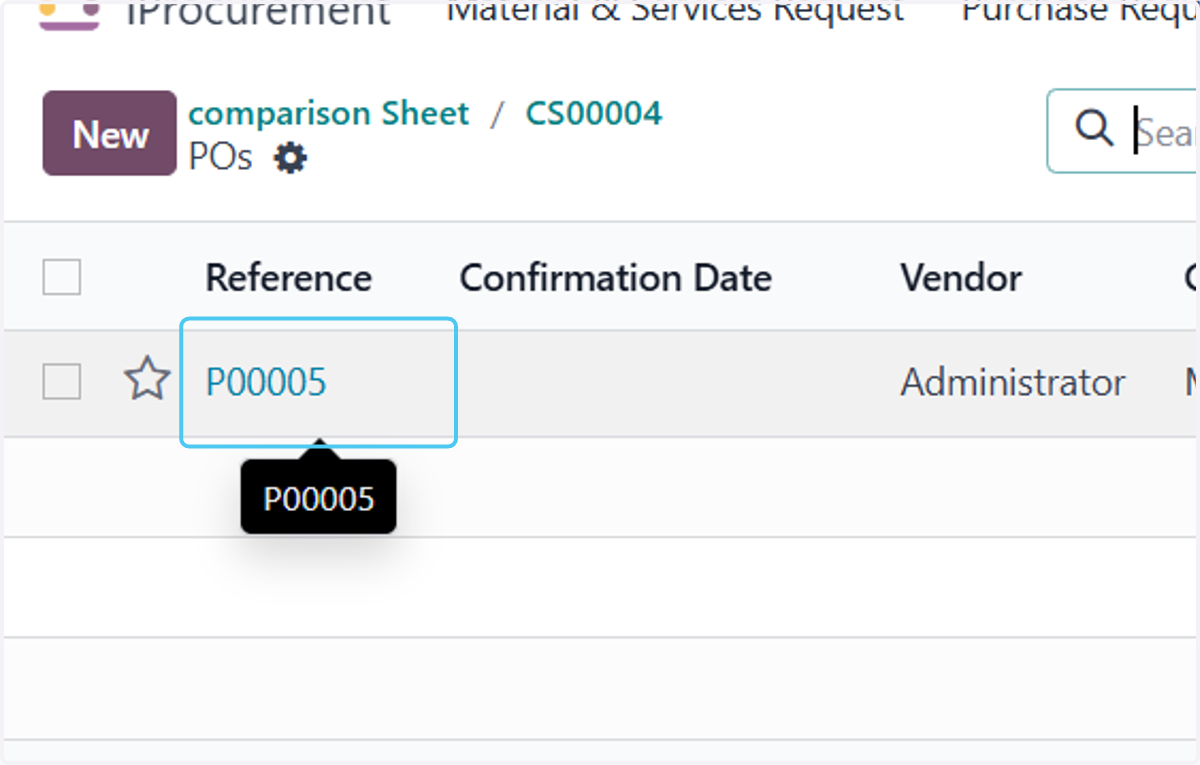
10. Click on P00005
open the PO
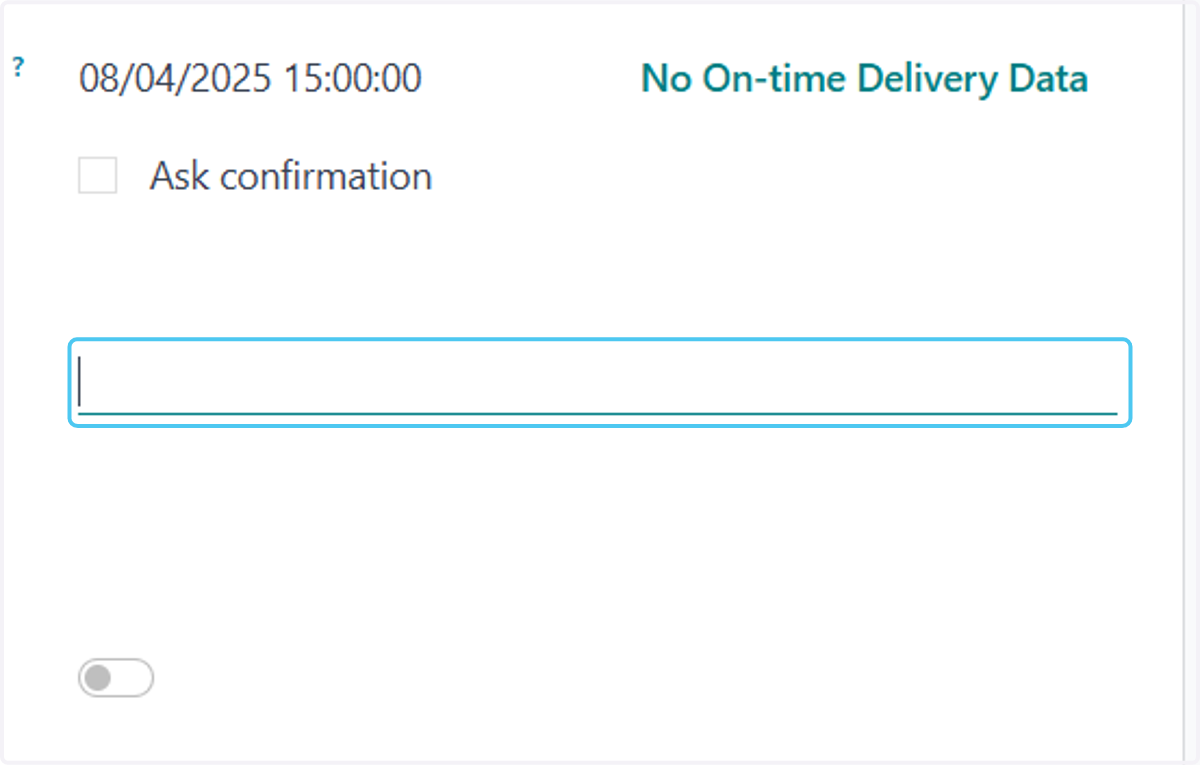
11. Enter Details of Receiver
Enter the Contact person details
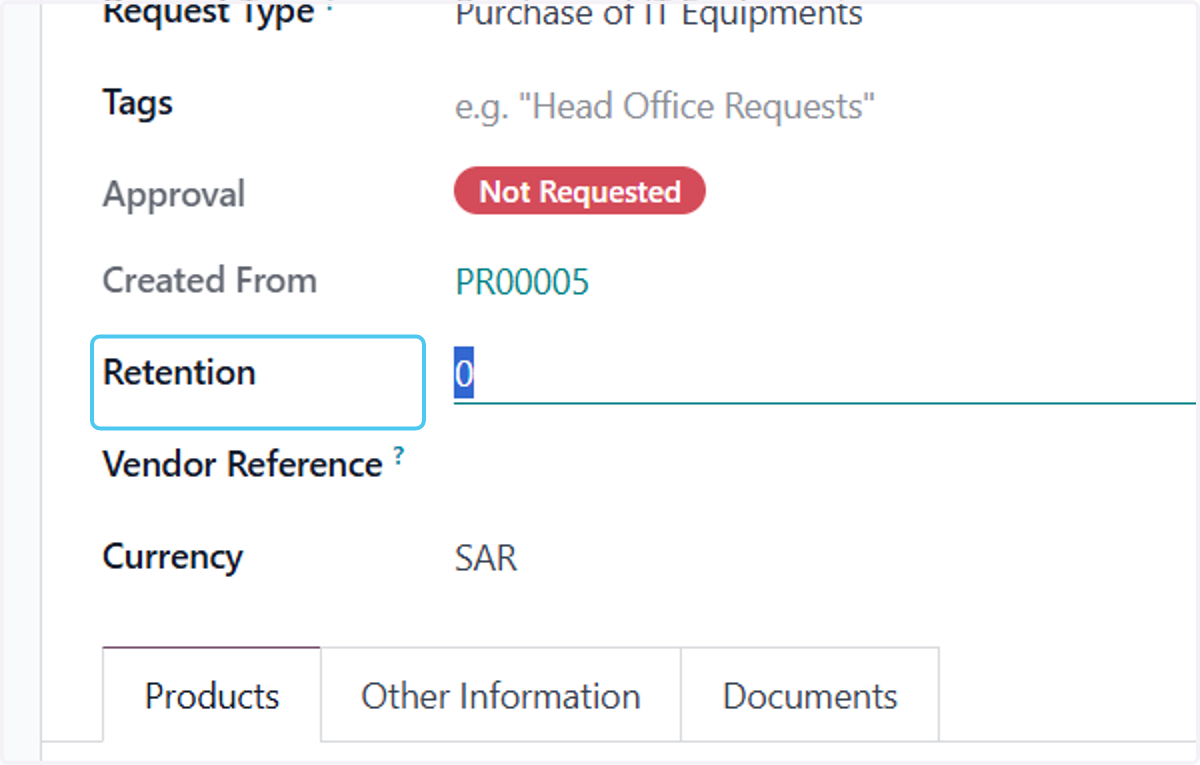
12. Click on Retention
Add the retension if you want
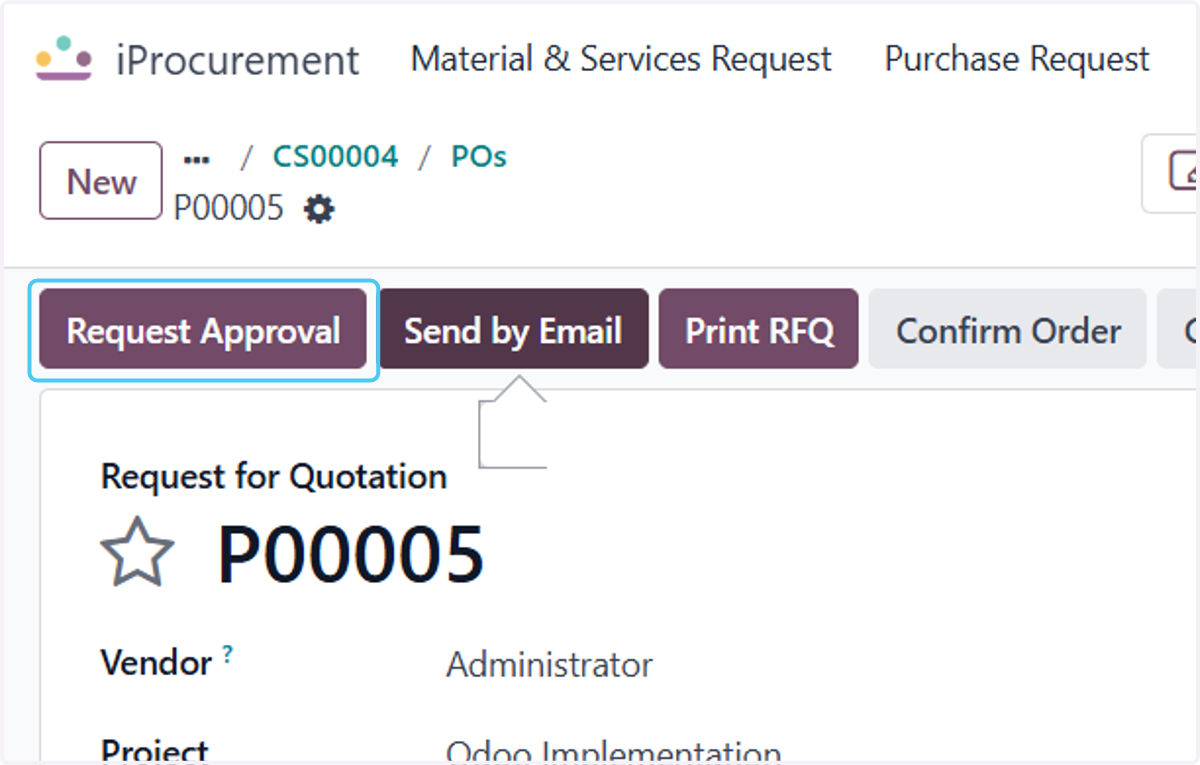
13. Click on Request Approval
After entering the details Click on the Approvals
14. Click on First Approval
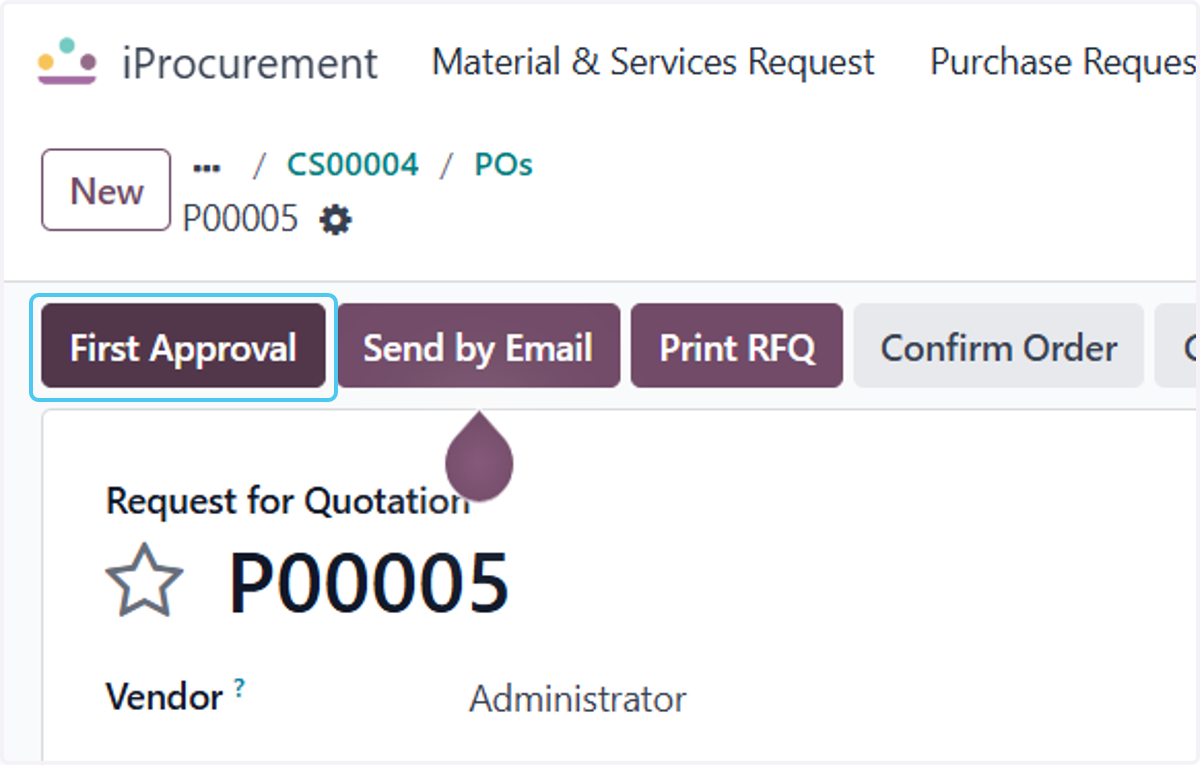
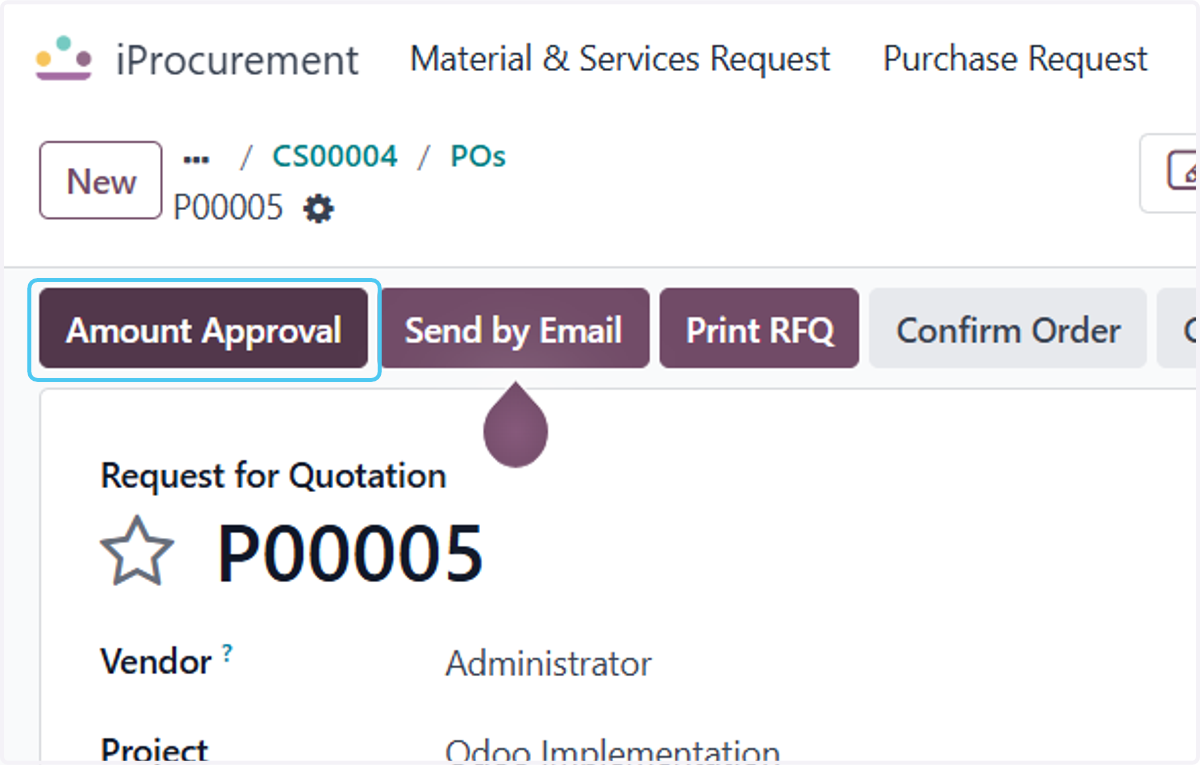
15. Click on Amount Approval
Once the approval are completed the Po is Approved and Ready for the Receiveing Product.