How To Configure the Scrap Request Approvals-iLines iProcurement
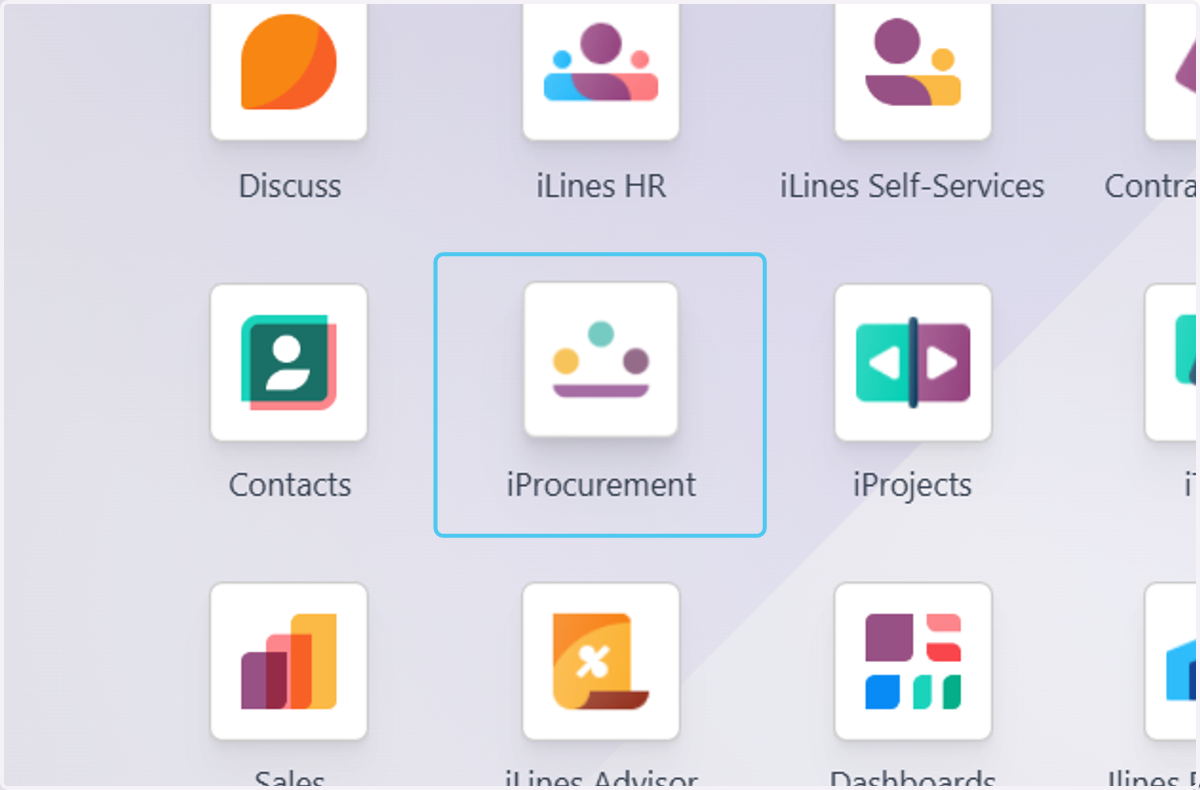
1. Click on iProcurement
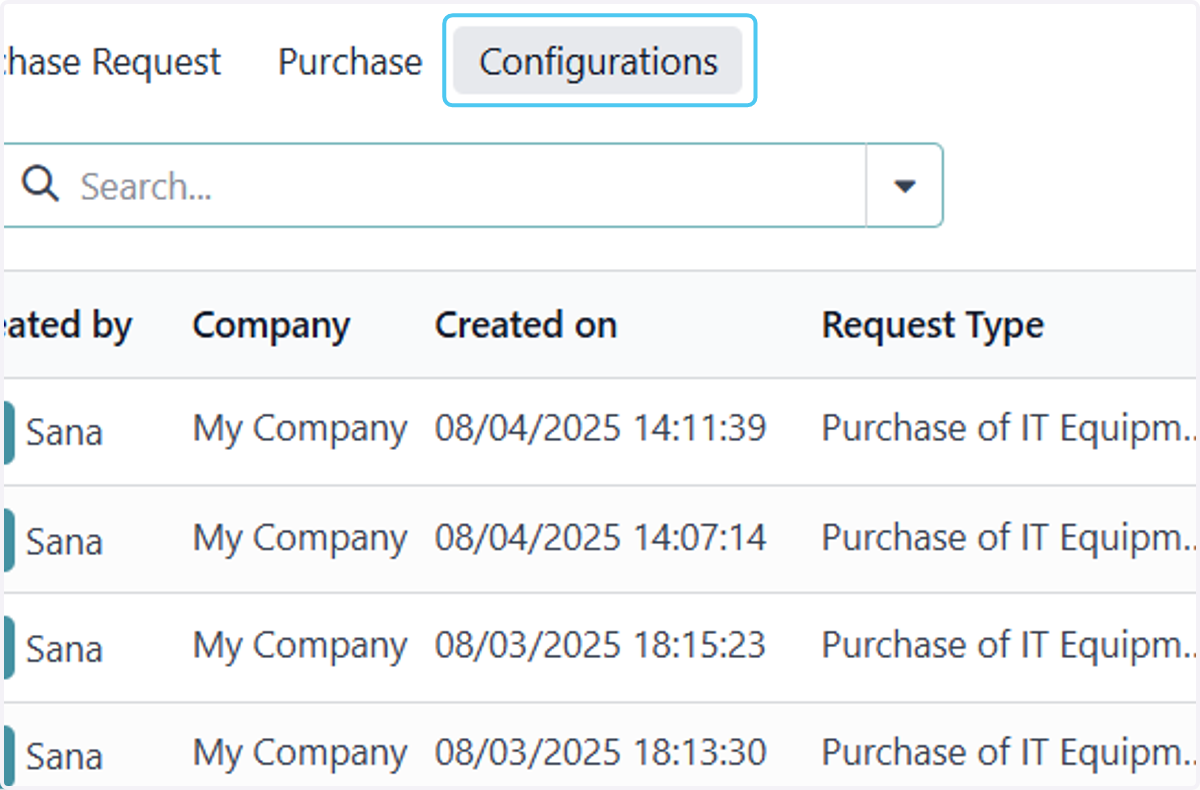
2. Click on Configurations
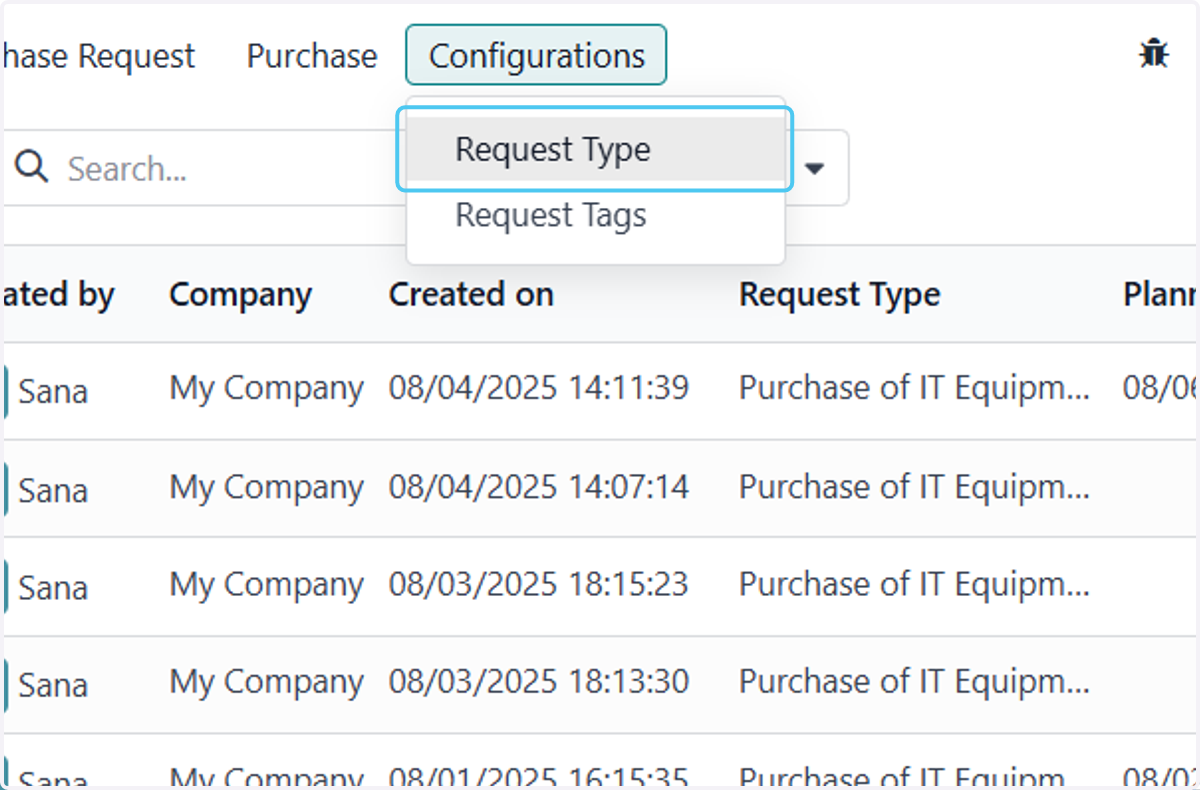
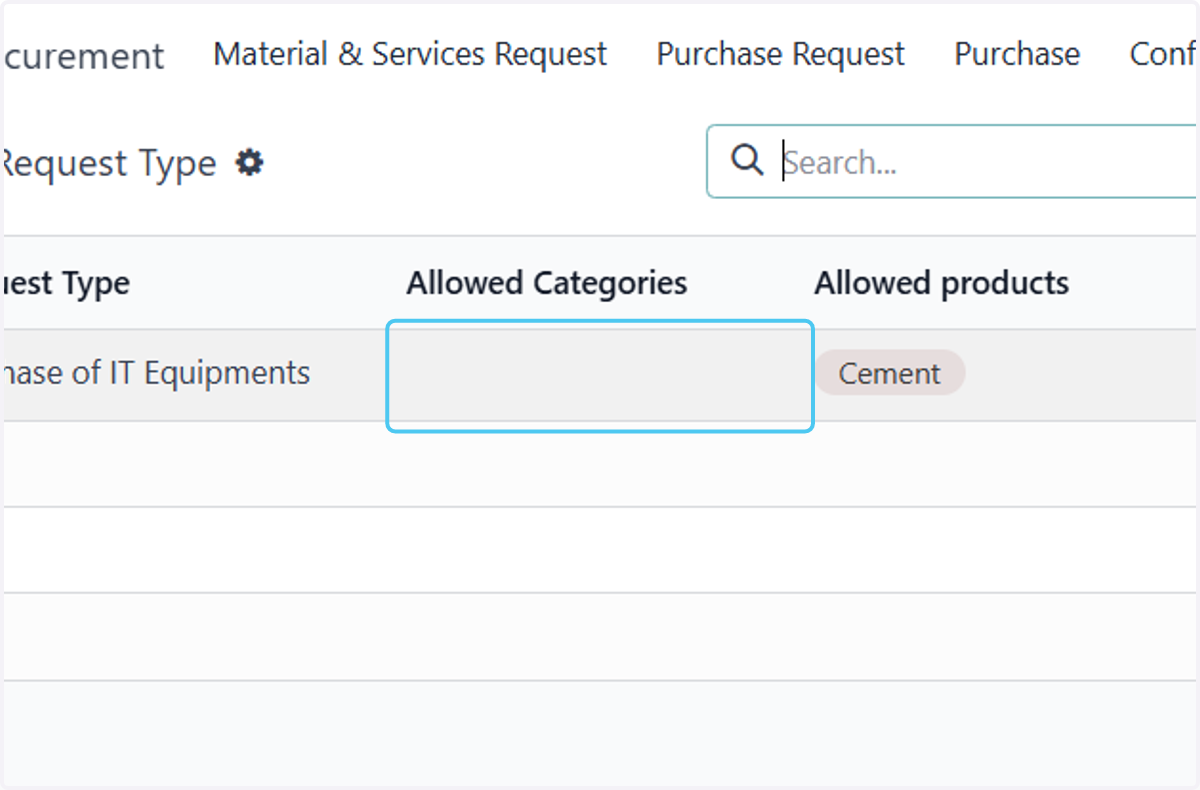
3. Click on Request Type
4. Click on Purchase of IT Equipments…
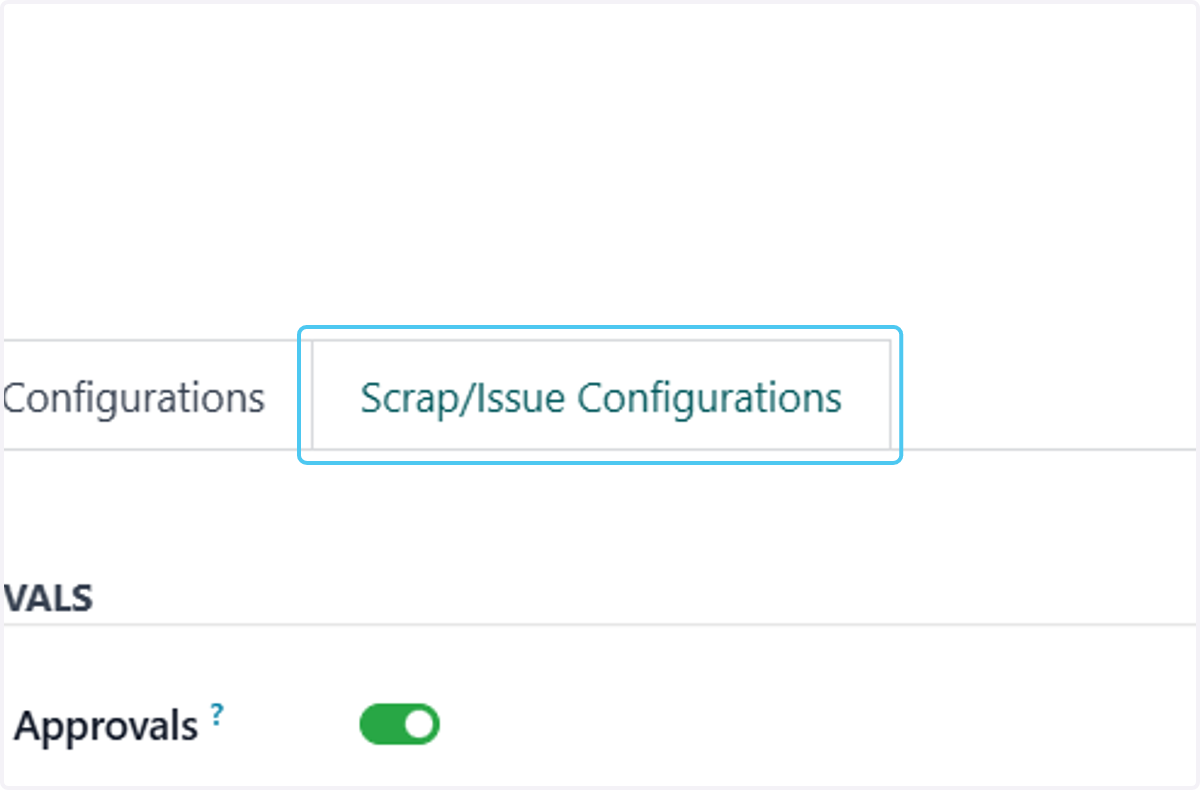
5. Click on Scrap/Issue Configurations
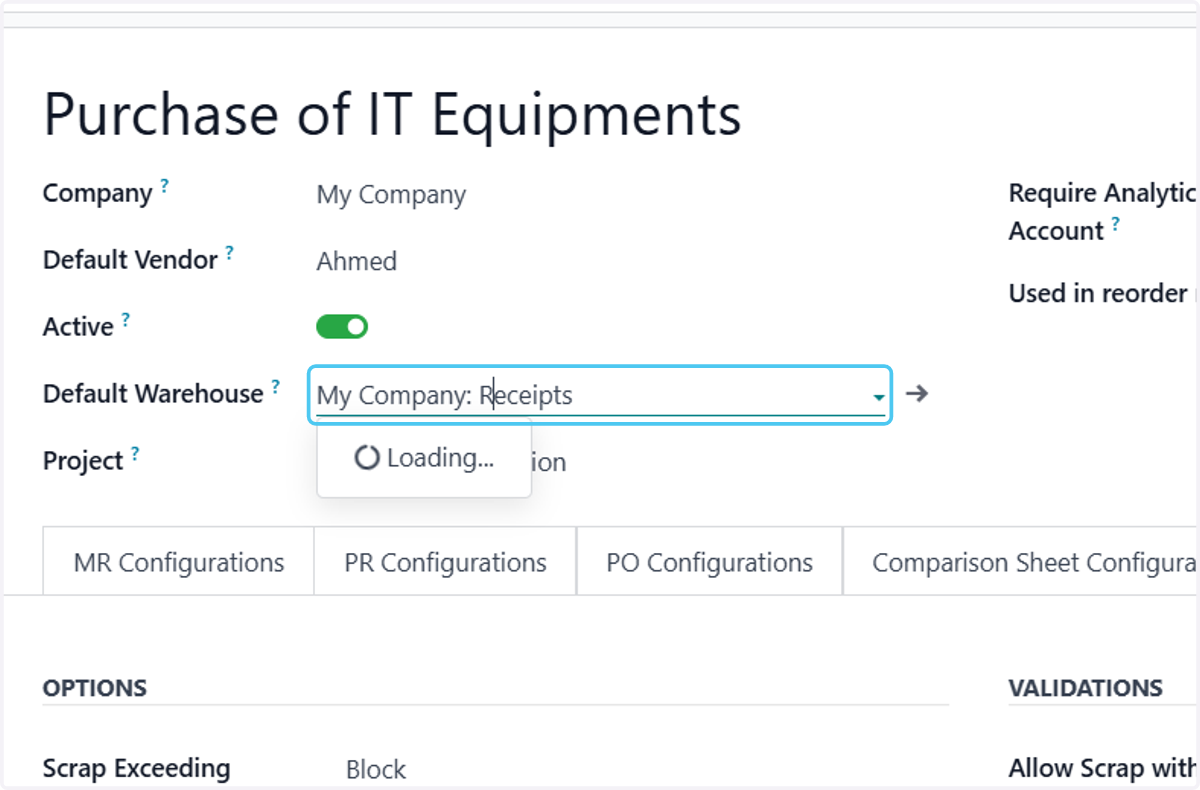
6. Click on Default Warehouse. And Slect the Warehouse for Scrap
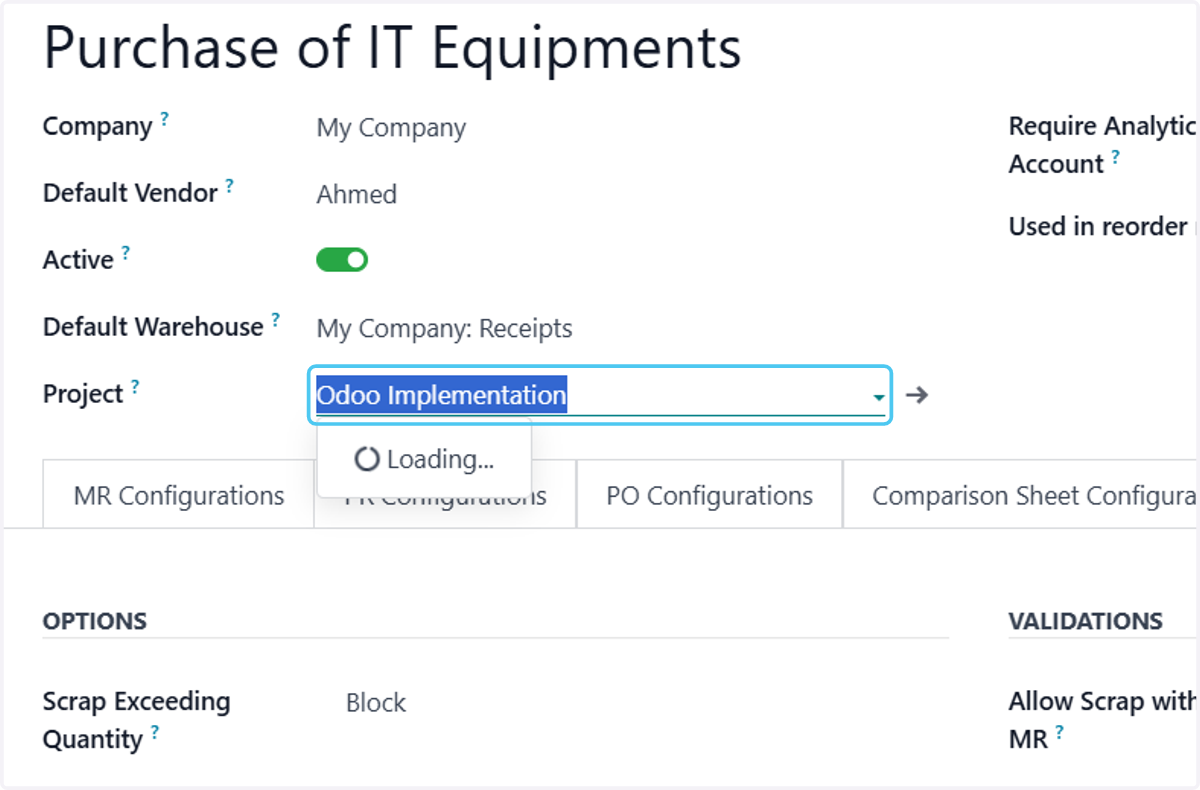
7. Click on Project?.And Select The Project if Any
8. Select the Option for the Scarp Request
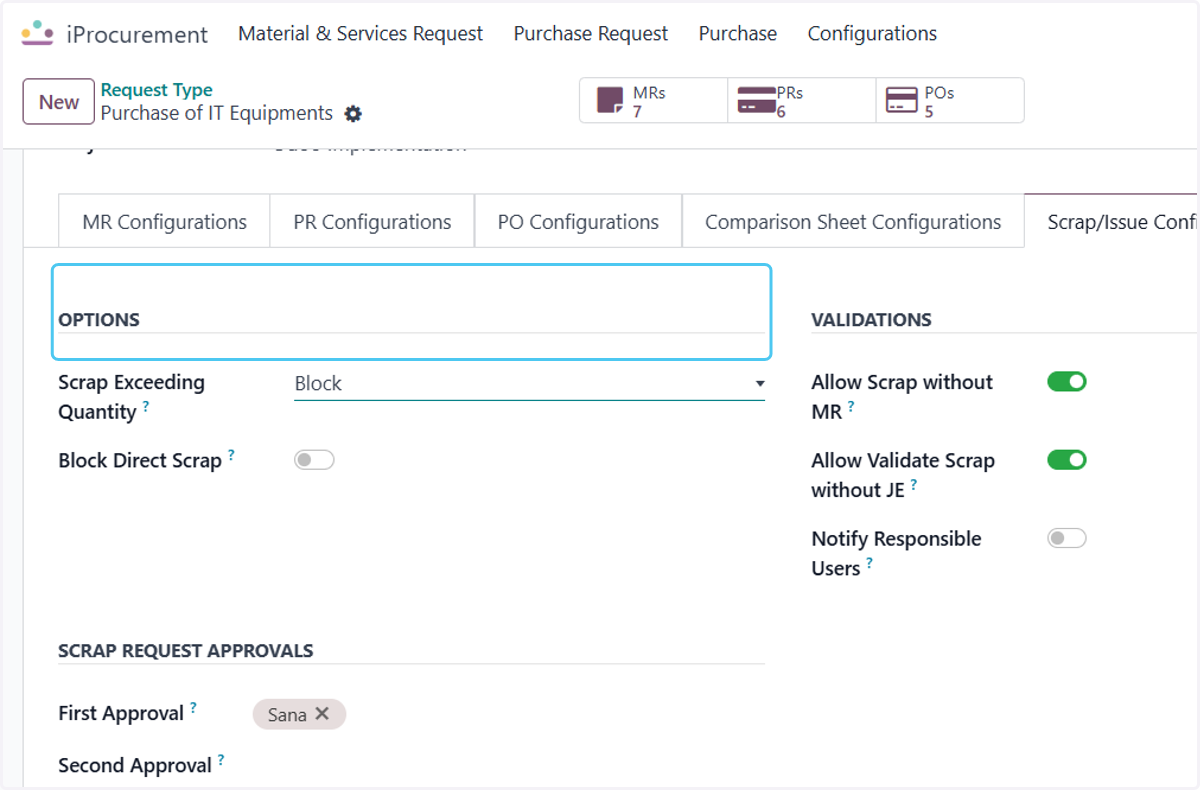
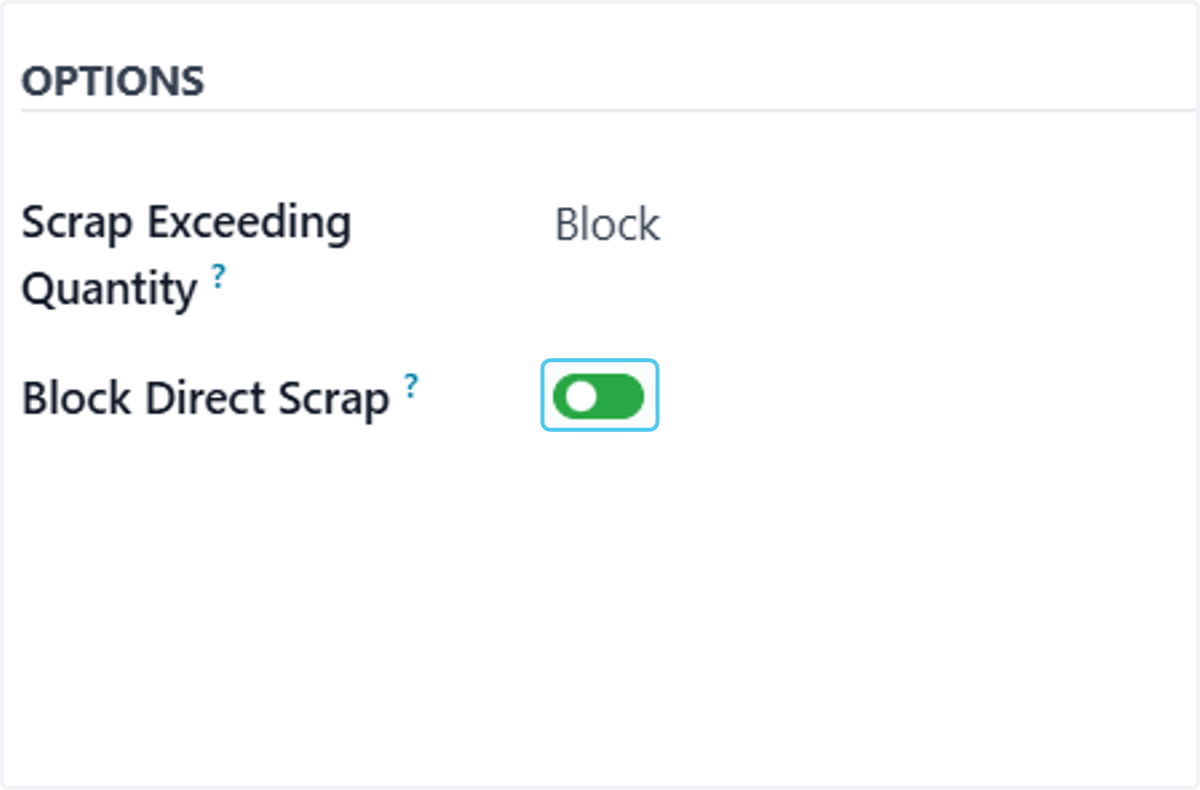
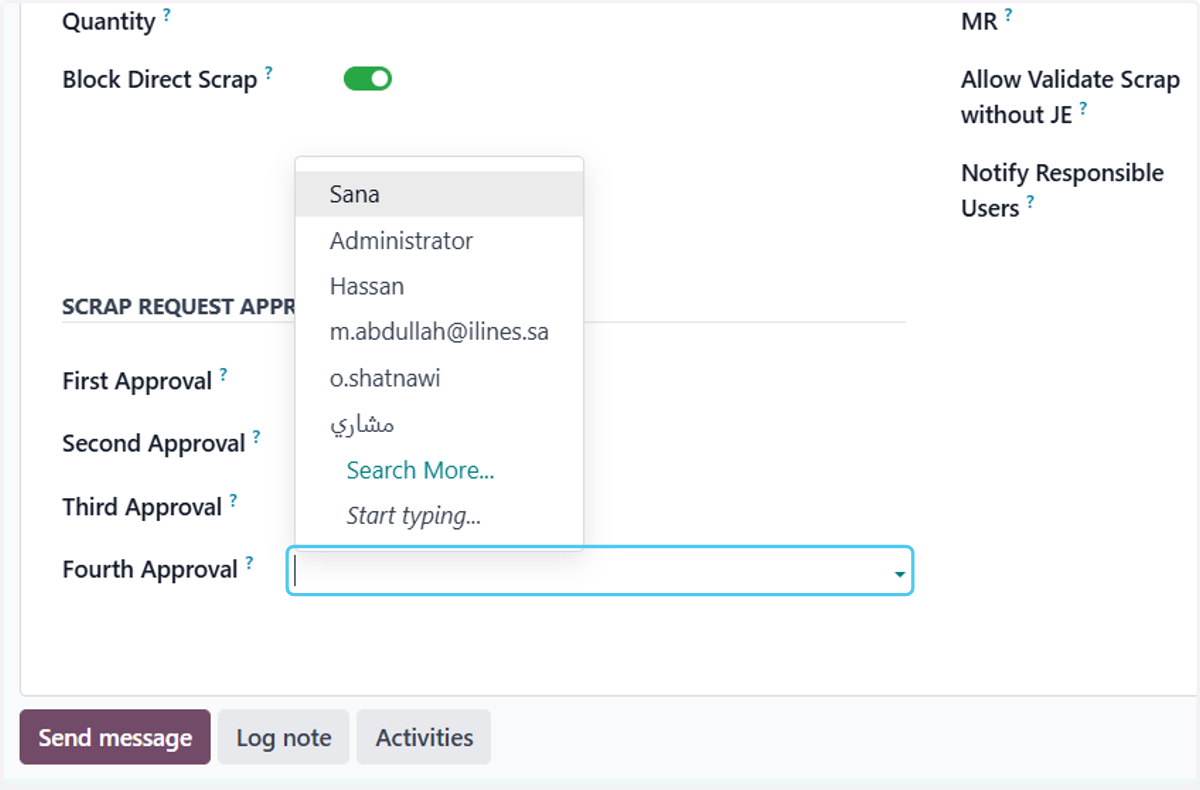
9. Check Block Direct Scrap? User can Block the direct Scrap by enabling this button
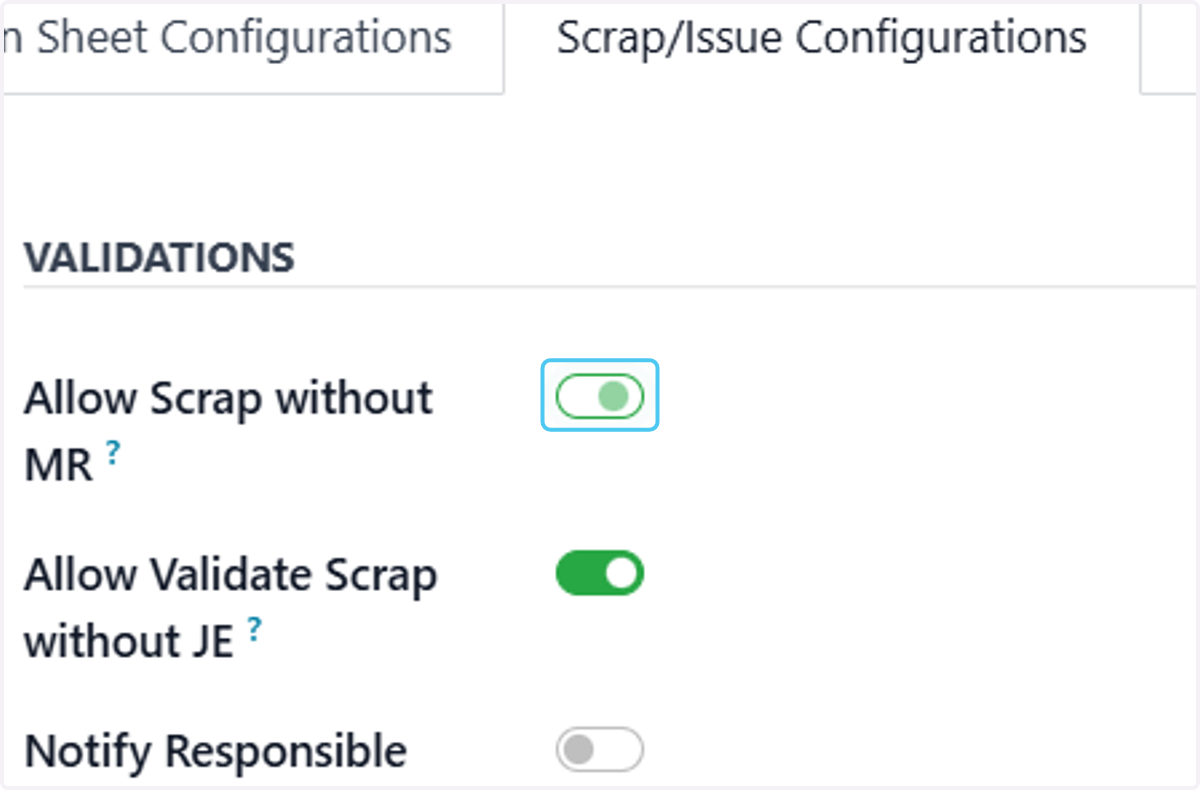
10. Uncheck Allow Scrap without MR? user can Allow the Scrap without JE by enabling this button
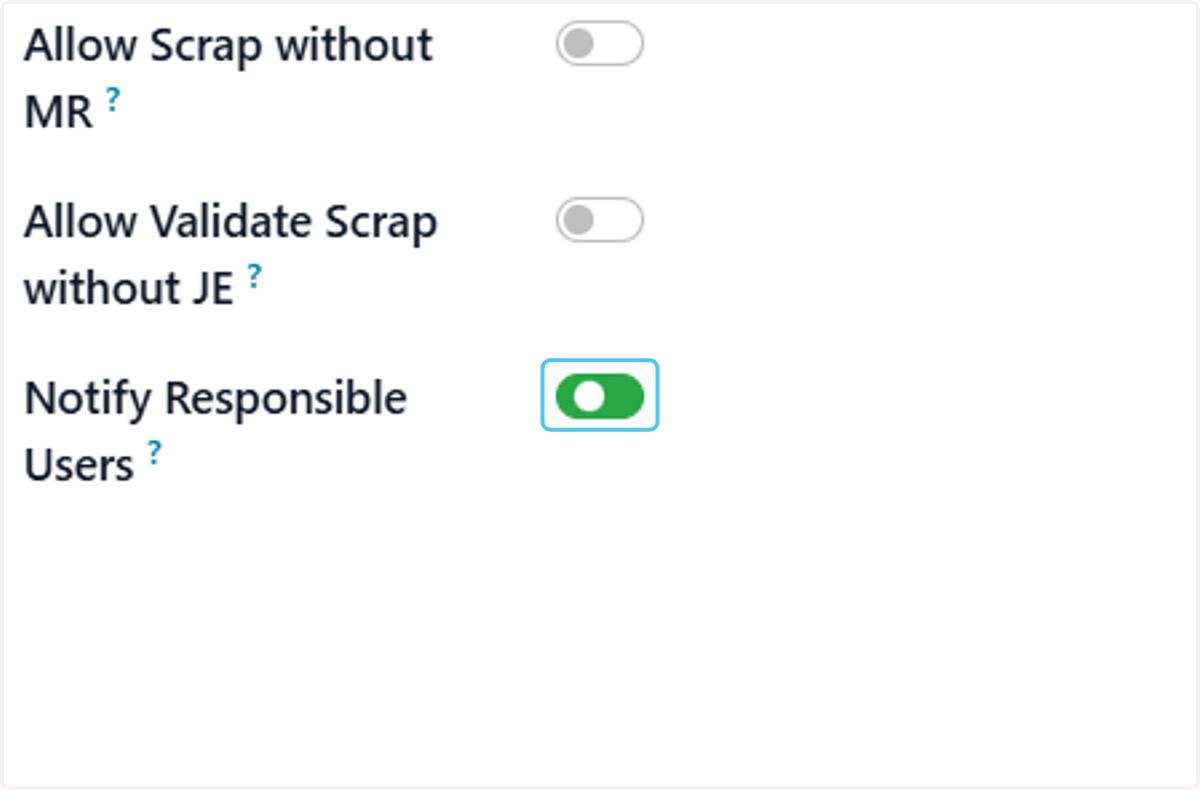
11. Check Notify Responsible Users? User can Notify the Responsible Person on Scrap request by enabling this button
12. Click on First Approval? User can Add the employee for approving the Scrap Request in this menu.
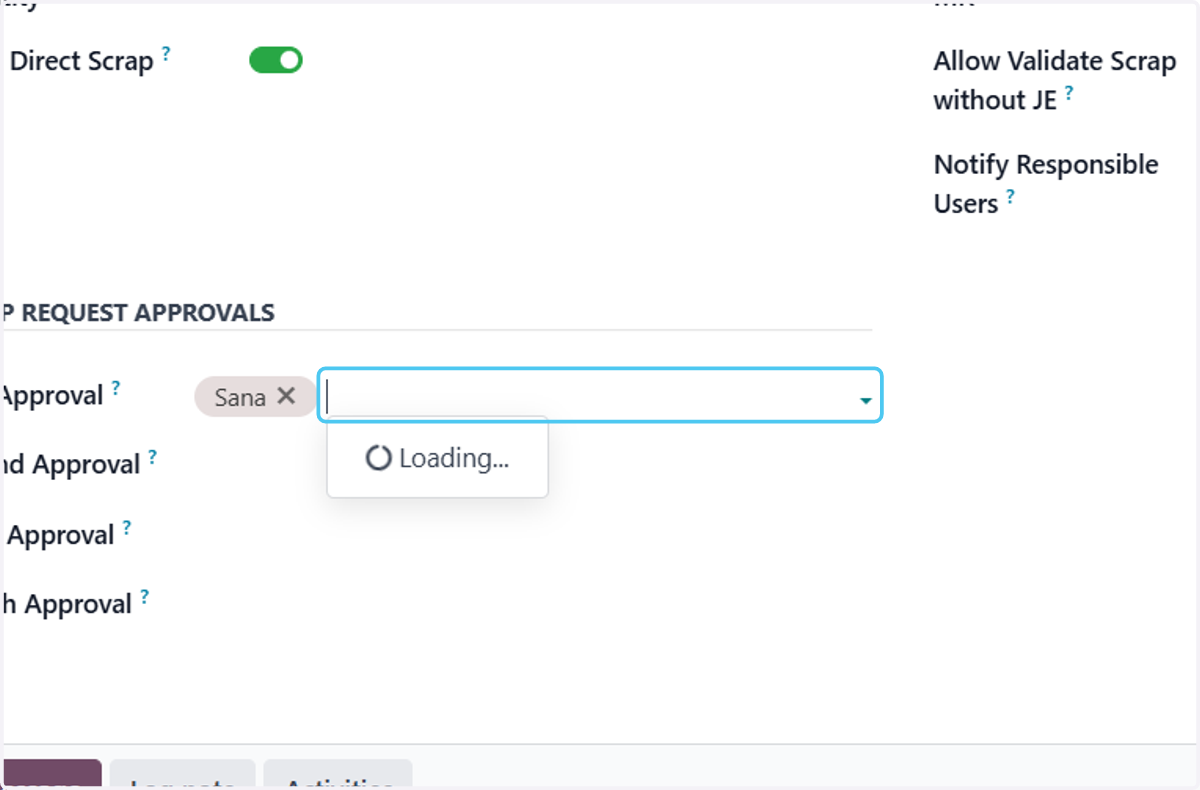
13. Click on Second Approval? to add Second approving person
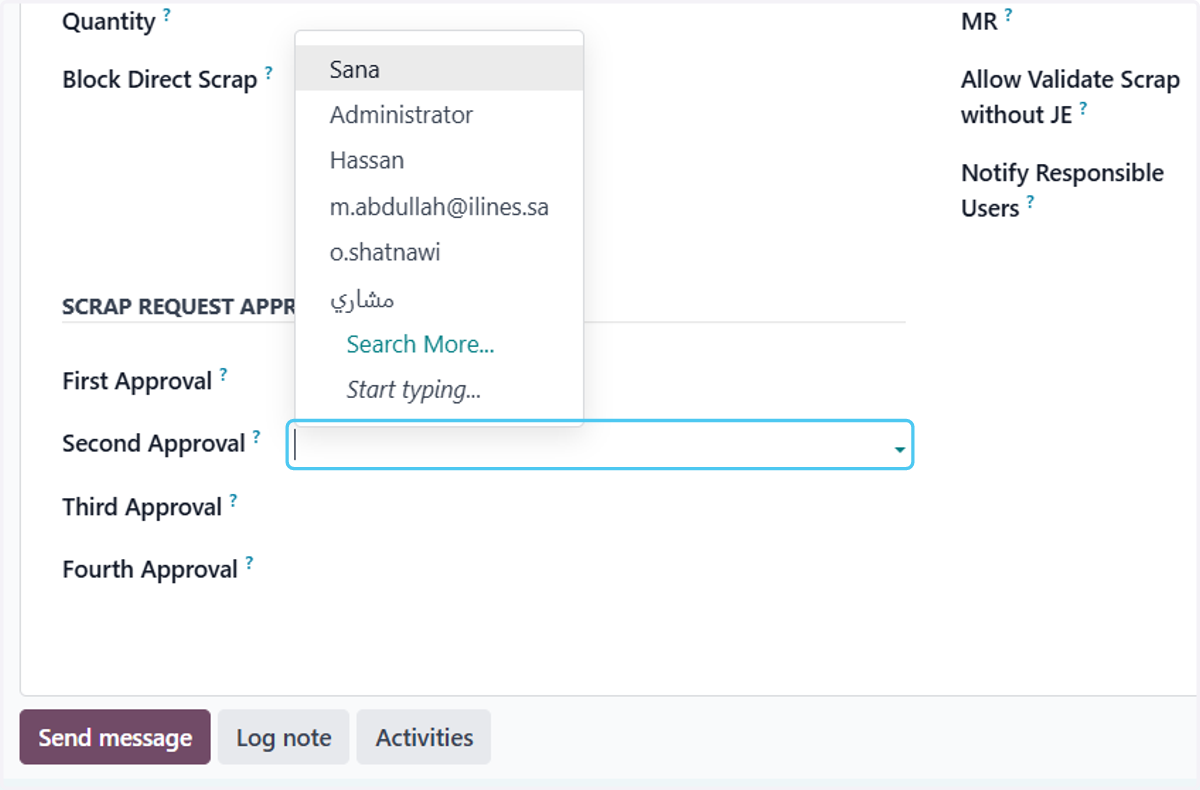
14. Click on Second Approval?
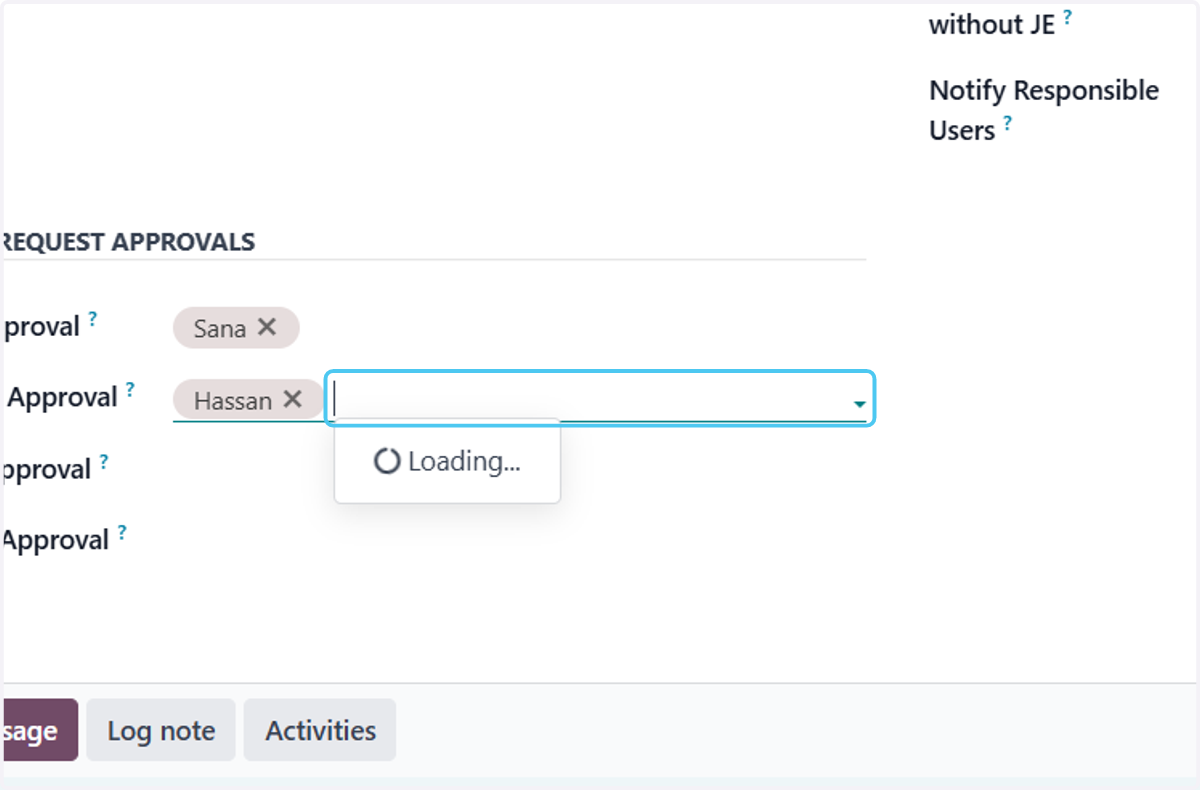
15. Click on Third Approval?
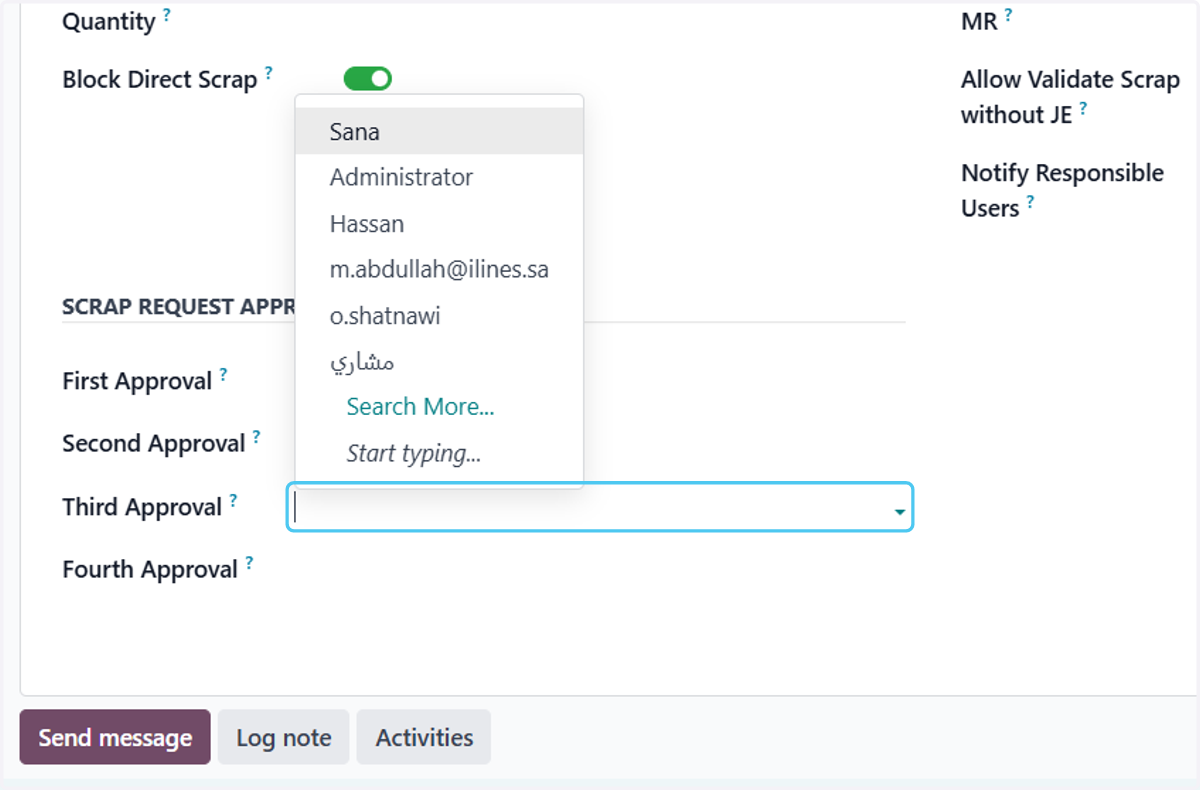
16. Click on Fourth Approval?
17. Click on Save manually