How to Register for the Customer Portal
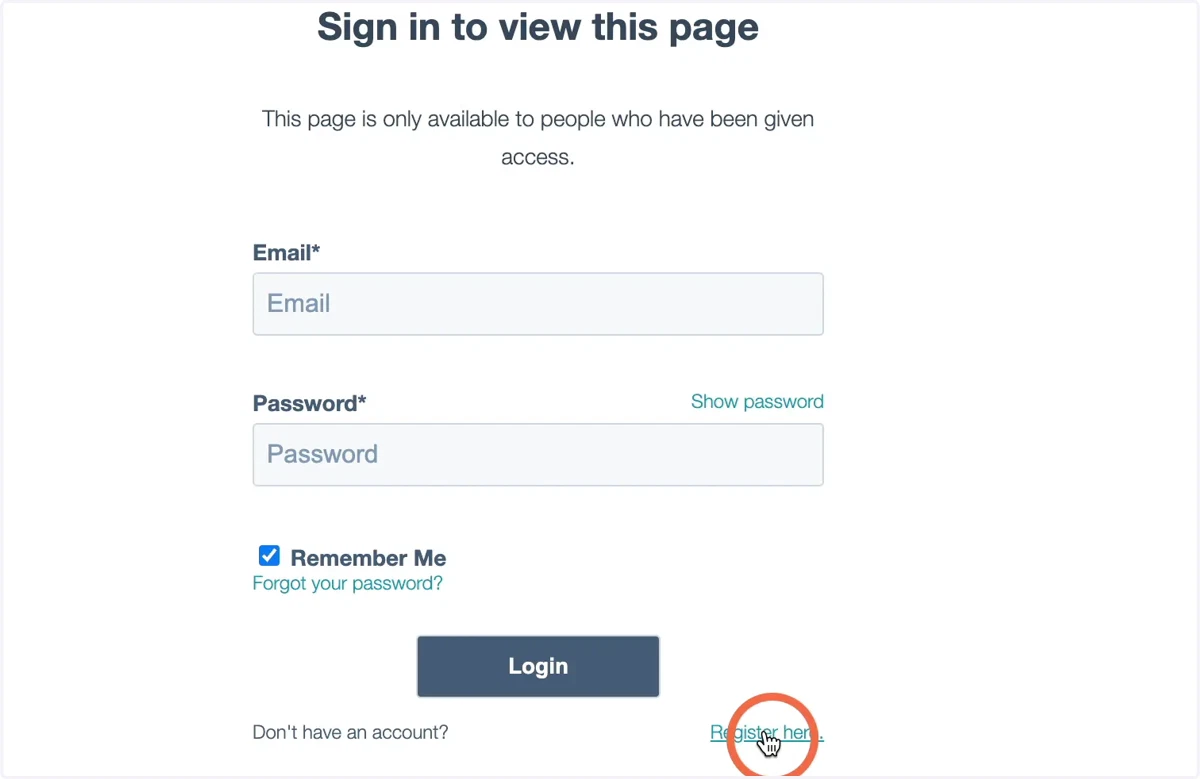
1. On the sign-in page, click Register Here
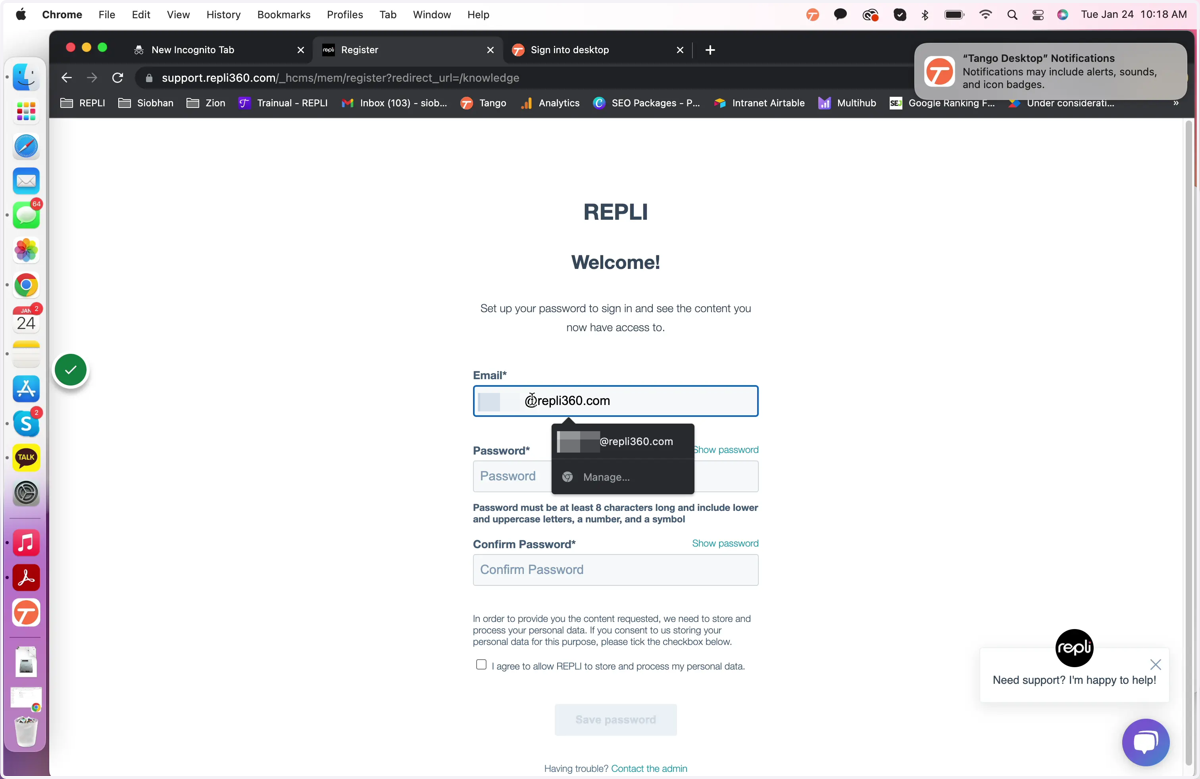
2. Add your email address
This must be the email address associated with your support tickets
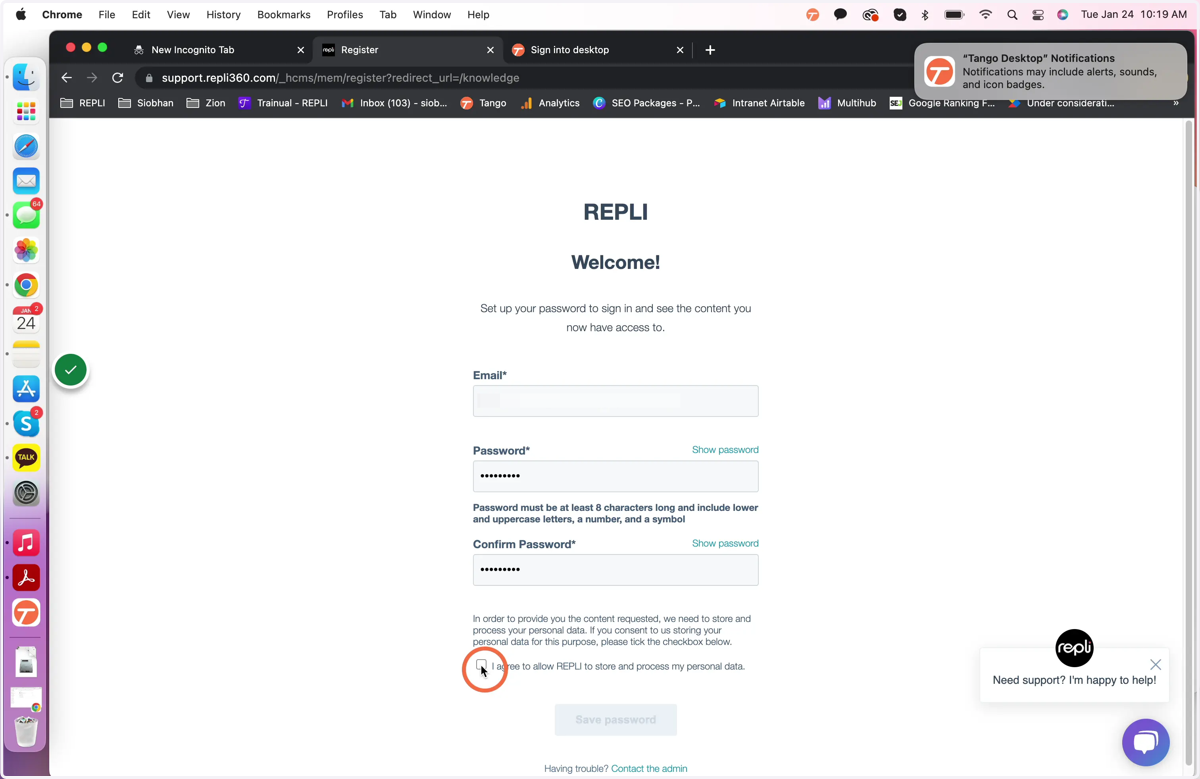
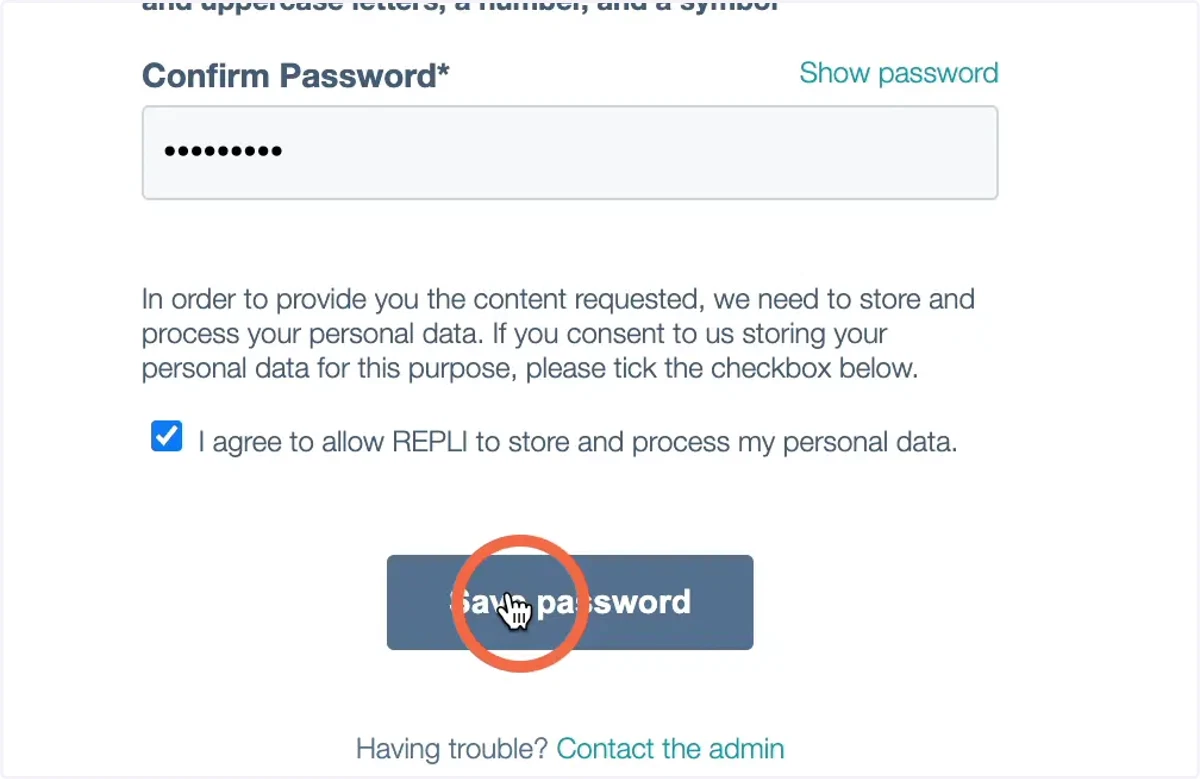
3. Add your password and agree to the terms and conditions
Repli360
4. Click Save Password
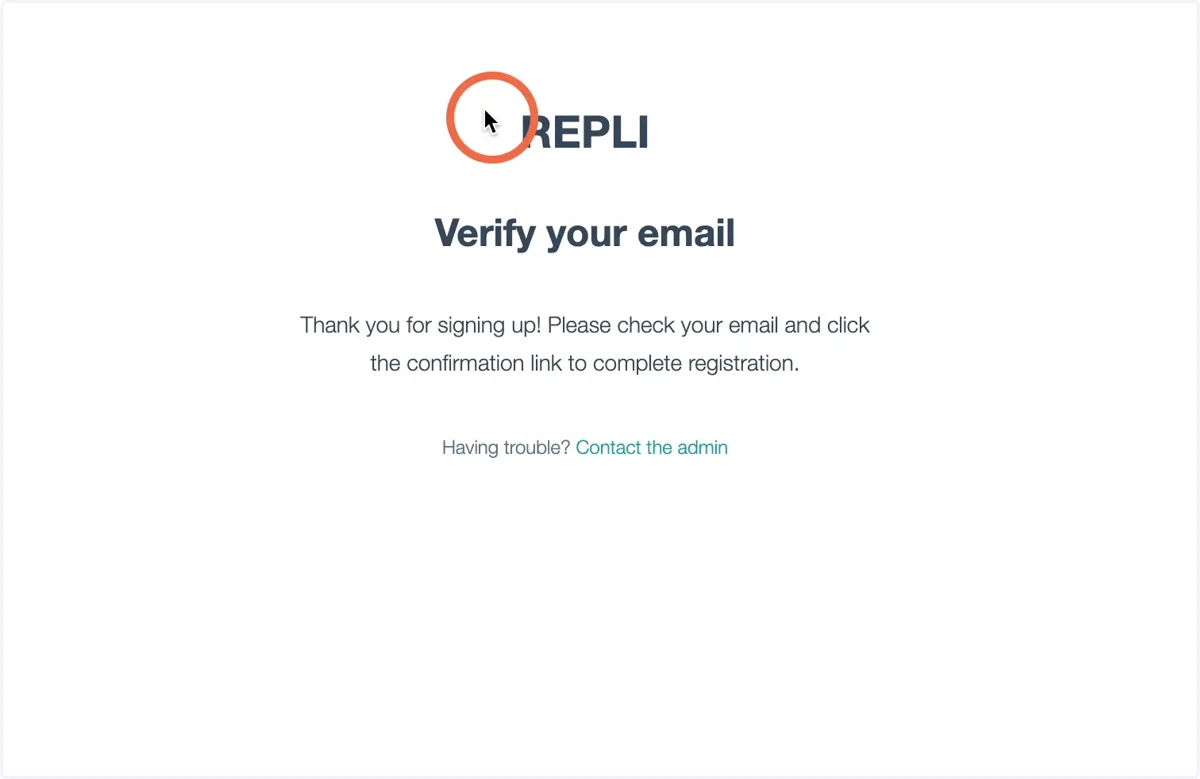
5. You will receive an email to verify your email address. Please click the confirmation link to complete your registration.