How to Customize the Workspace Appearance
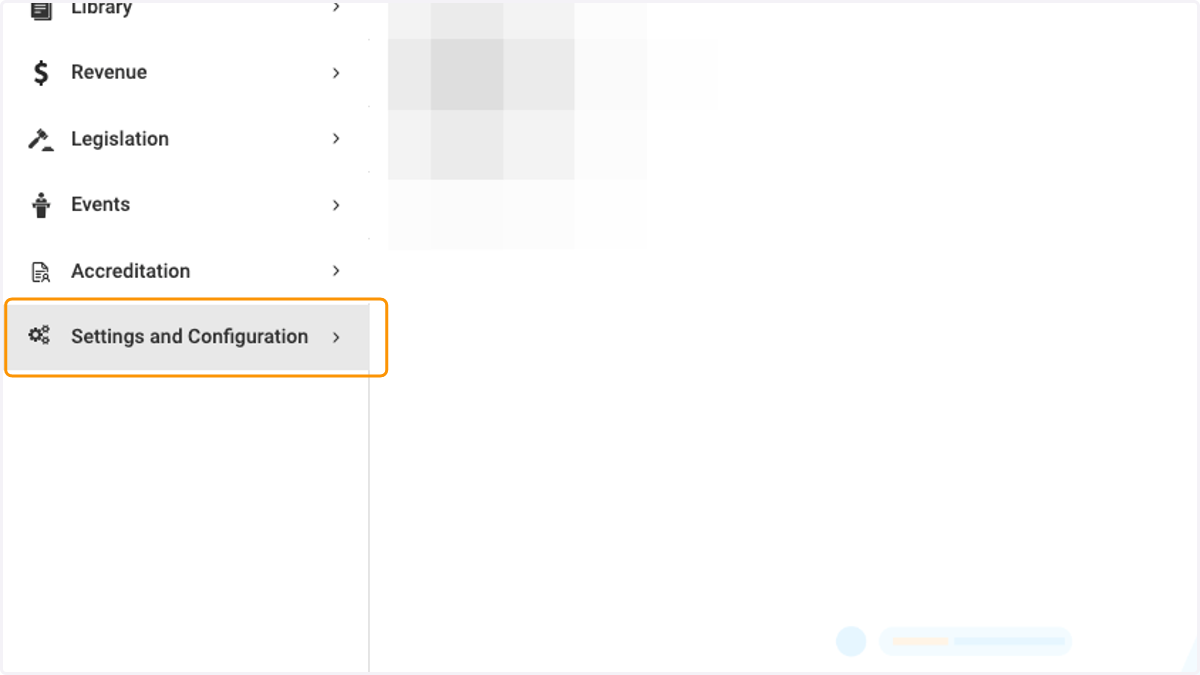
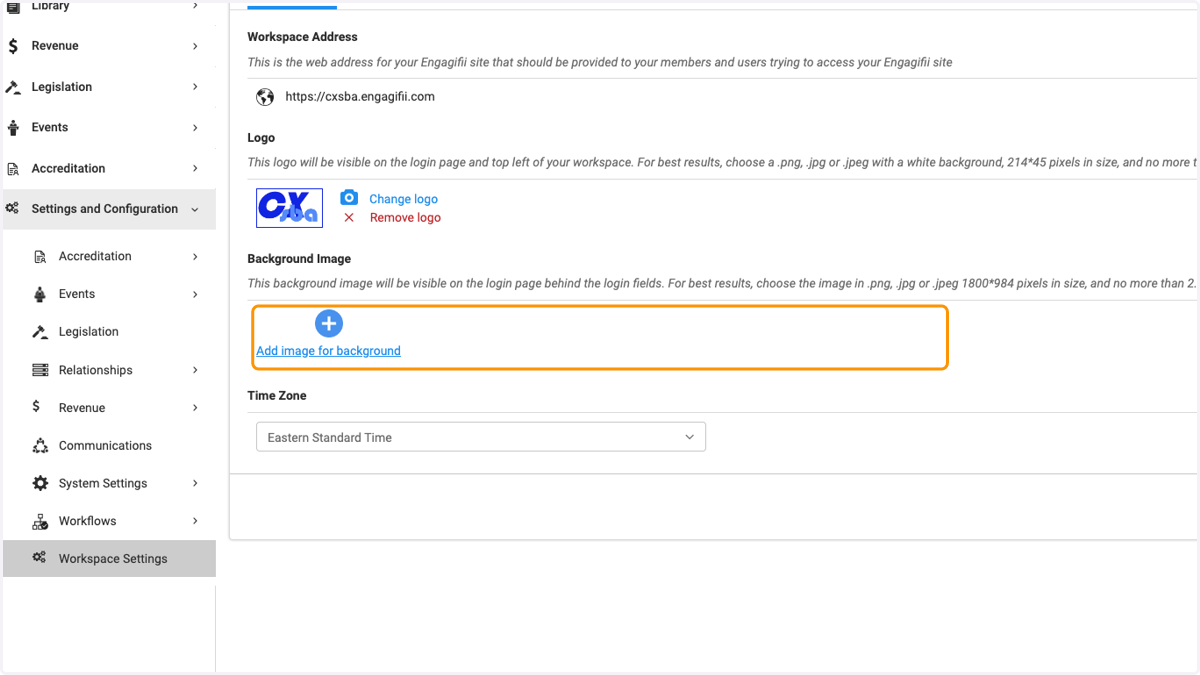
1. Click on Settings and Configuration
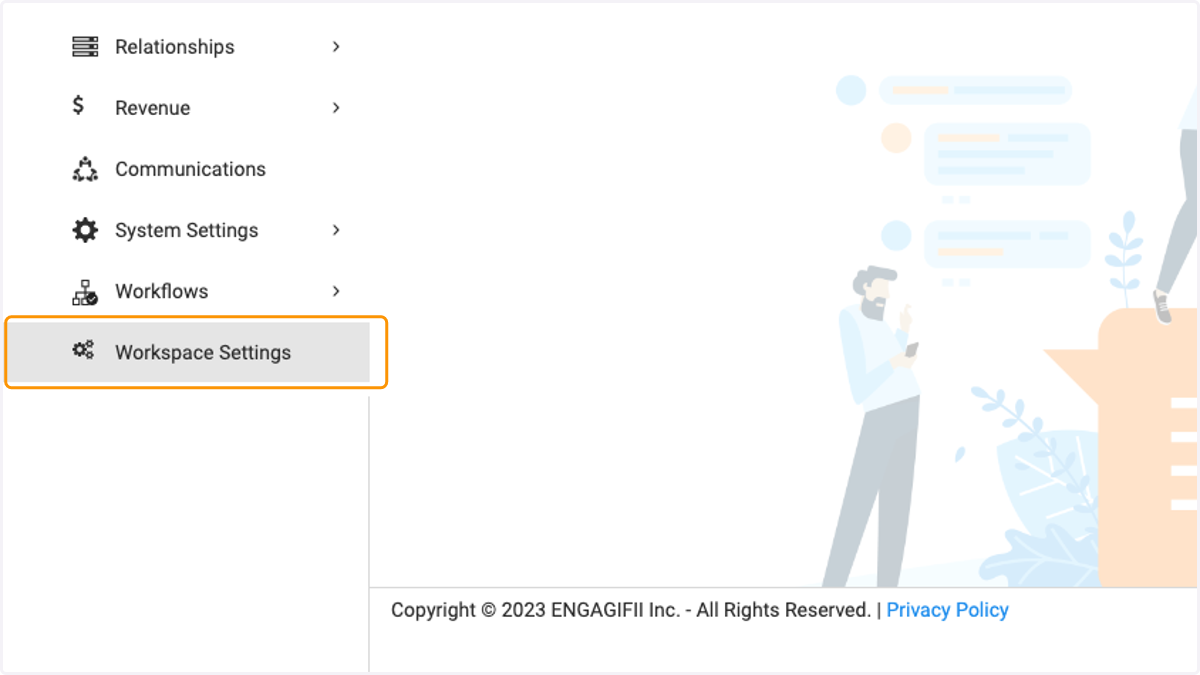
2. Click on Workspace Settings
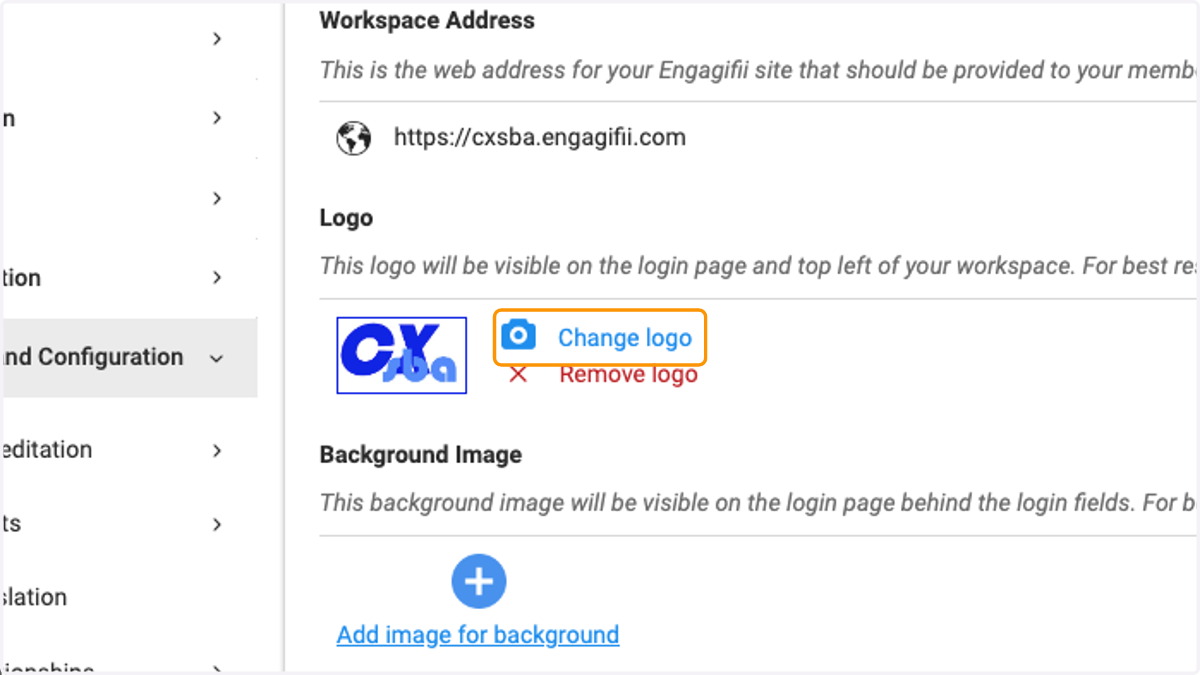
3. Click on Change logo to add a new logo to your workspace
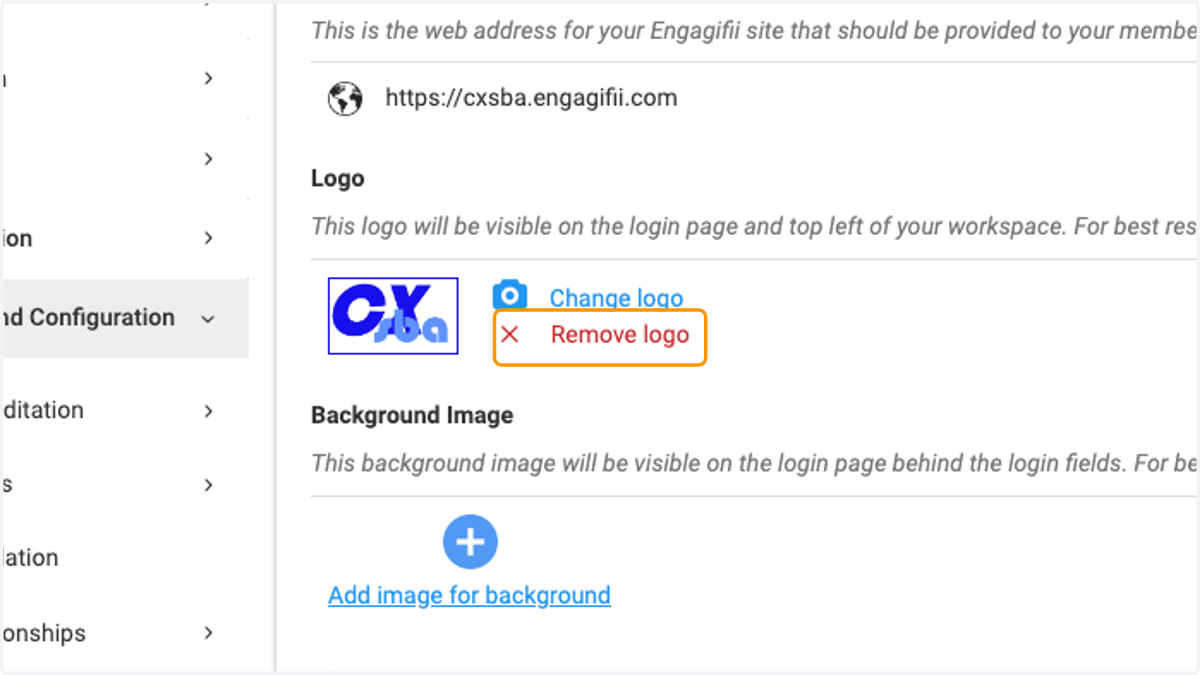
4. Click on Remove logo to remove the logo from your workspace
5. To change the background image, click on Add image for background…
6. Click on Save when you are finished making your udpates