Editing a User Profile - Updating Line Manager and Cost Centre - Connect Platform
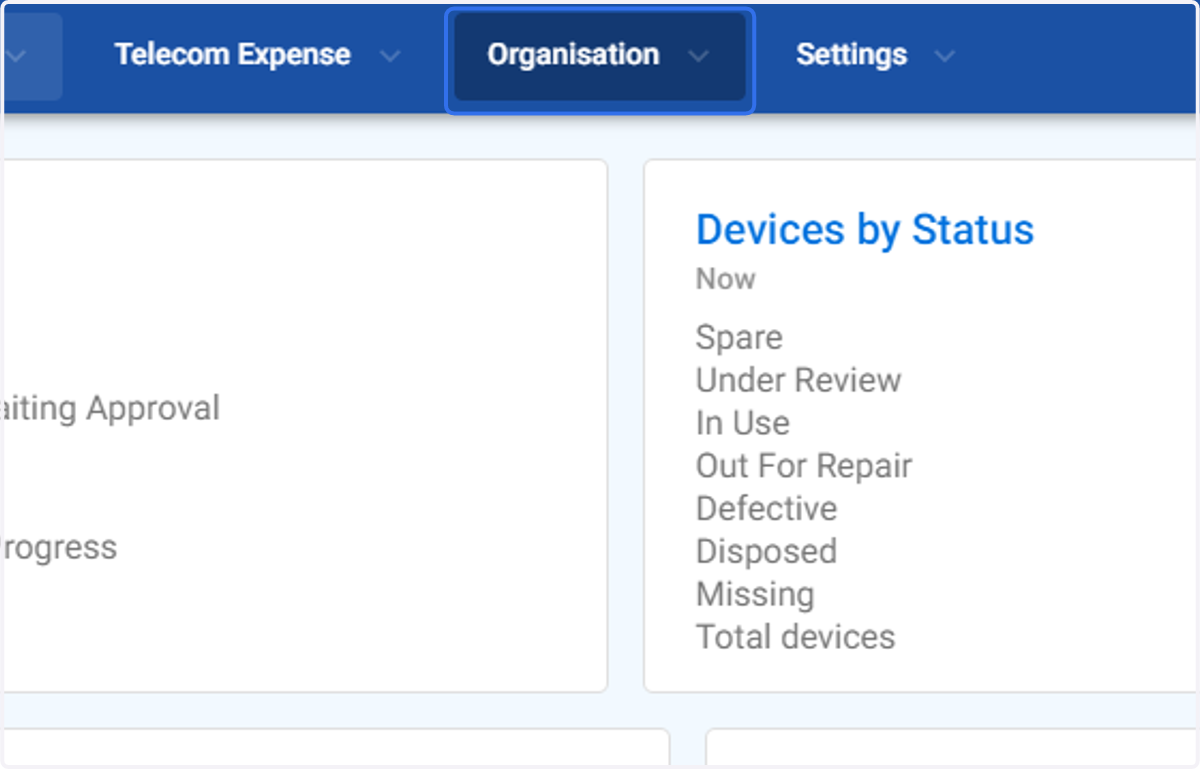
1. Click on Organisation
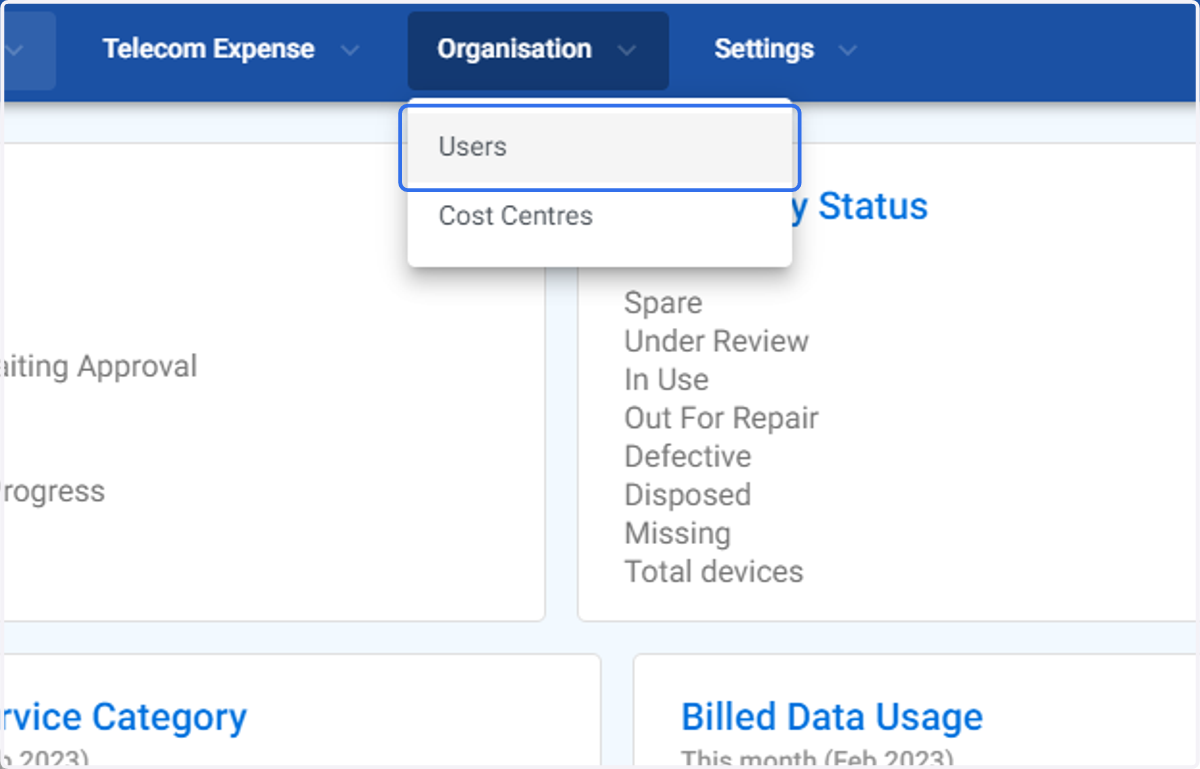
2. Click on Users
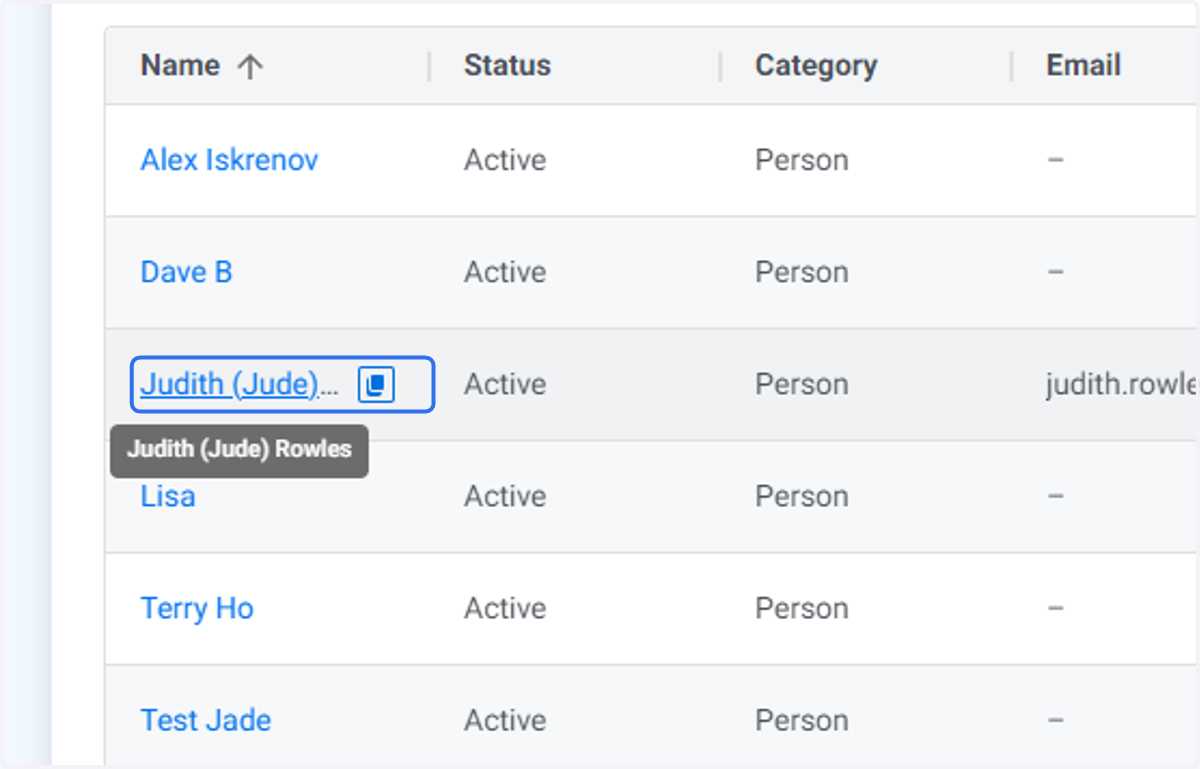
3. Click on the user you wish to update
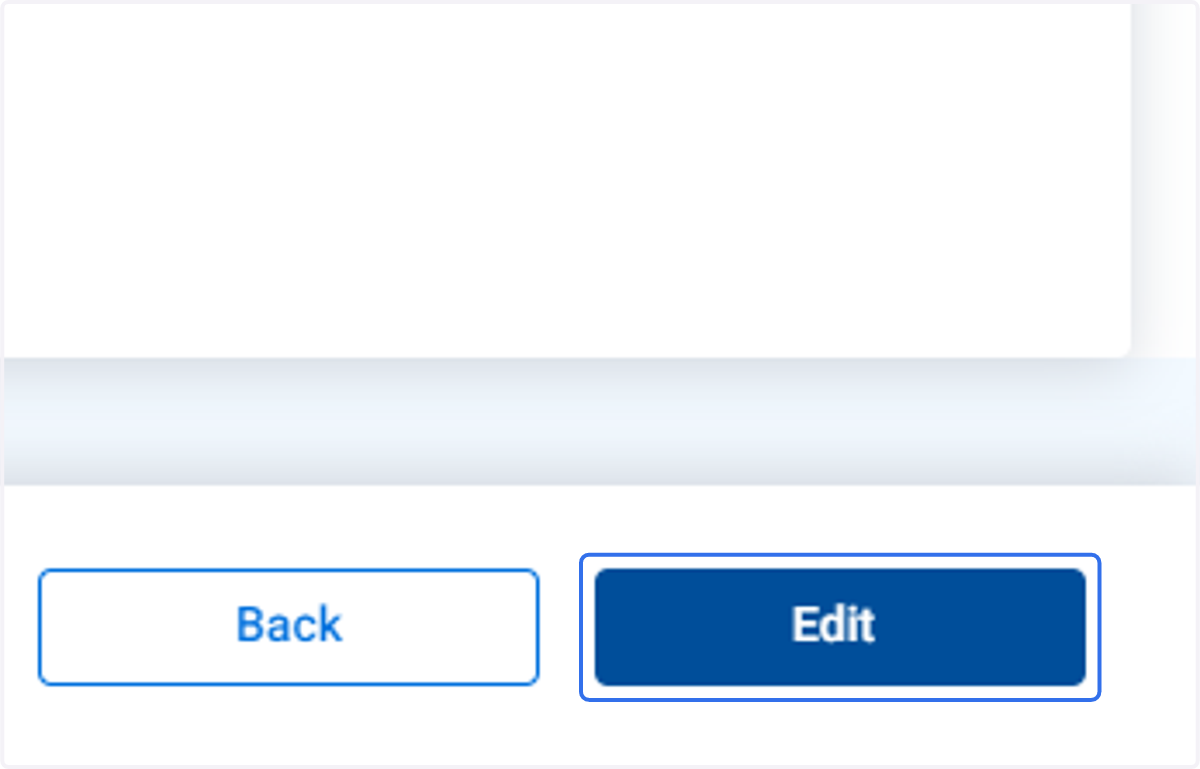
4. Click on Edit
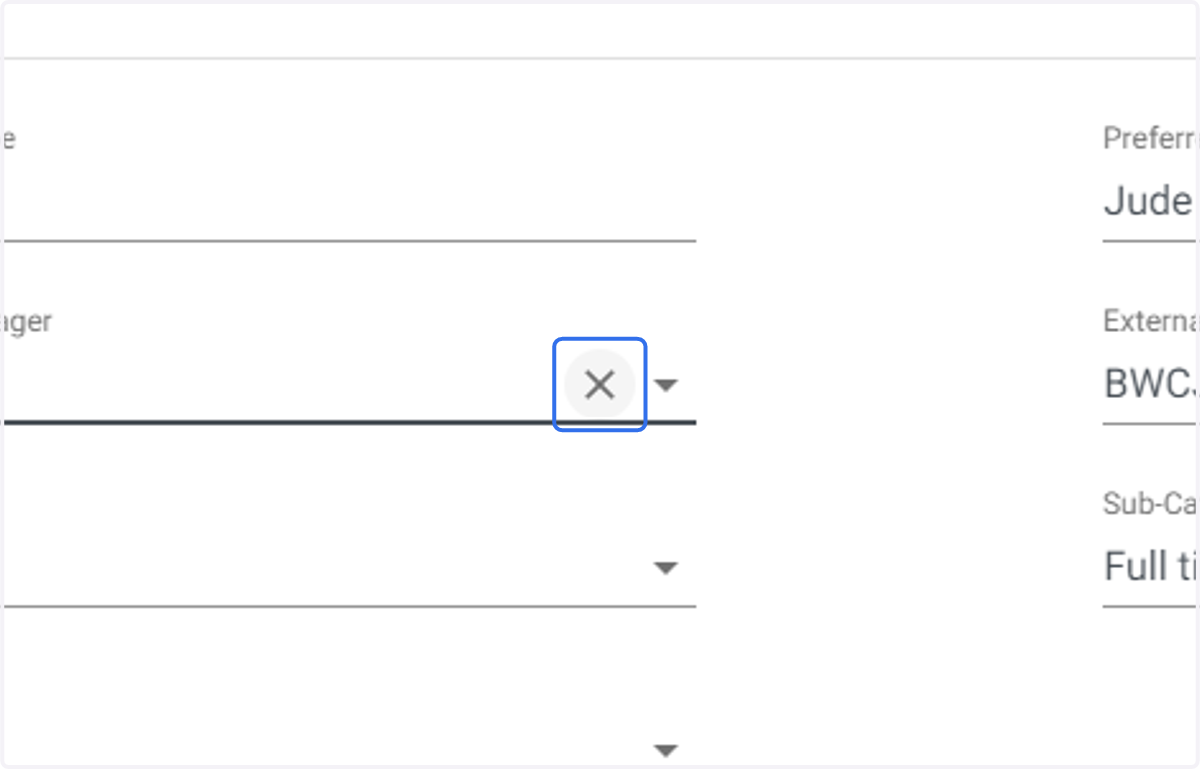
5. Click on the clear icon for the Line Manager
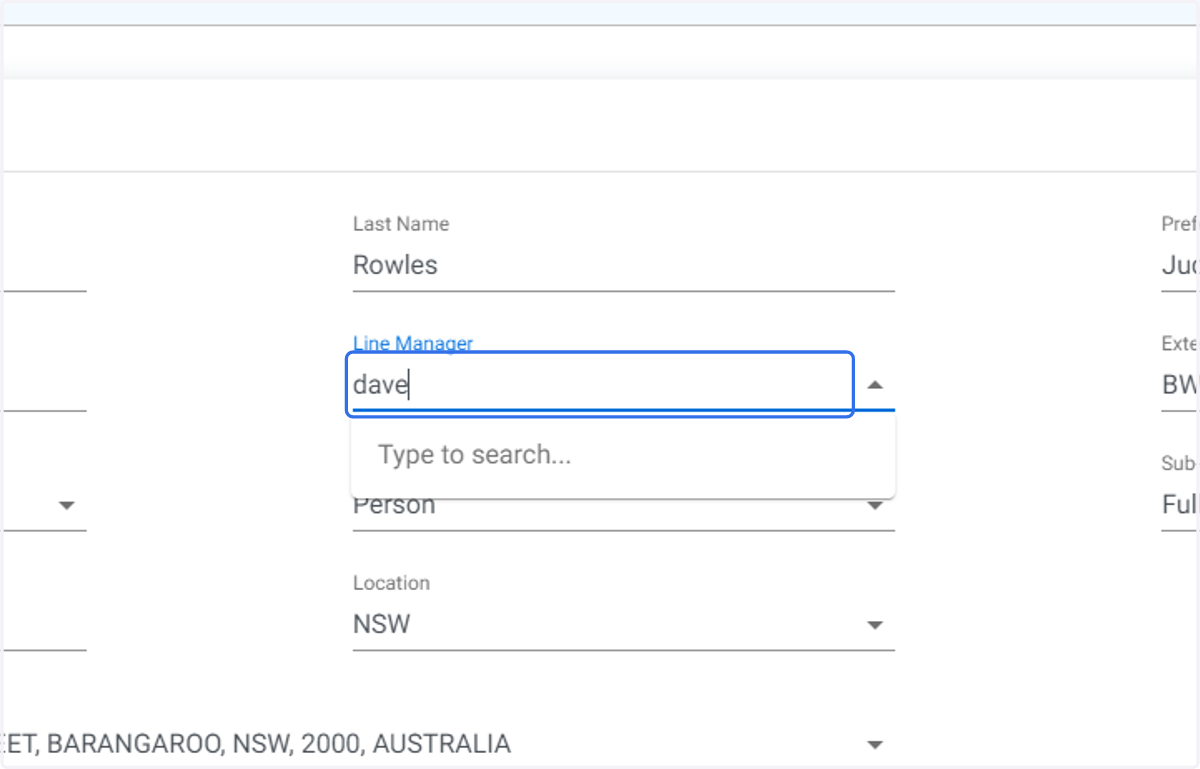
6. Type in the name of the line manager to narrow the existing user list.
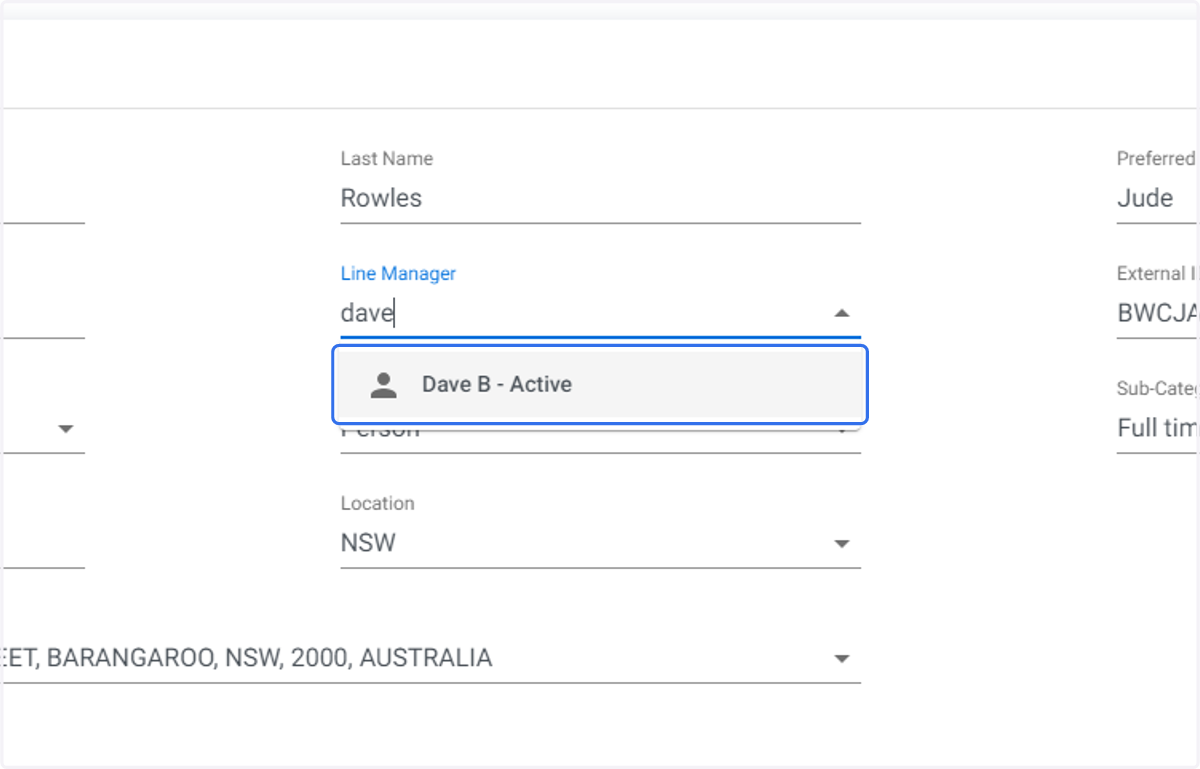
7. Click on the required line manager
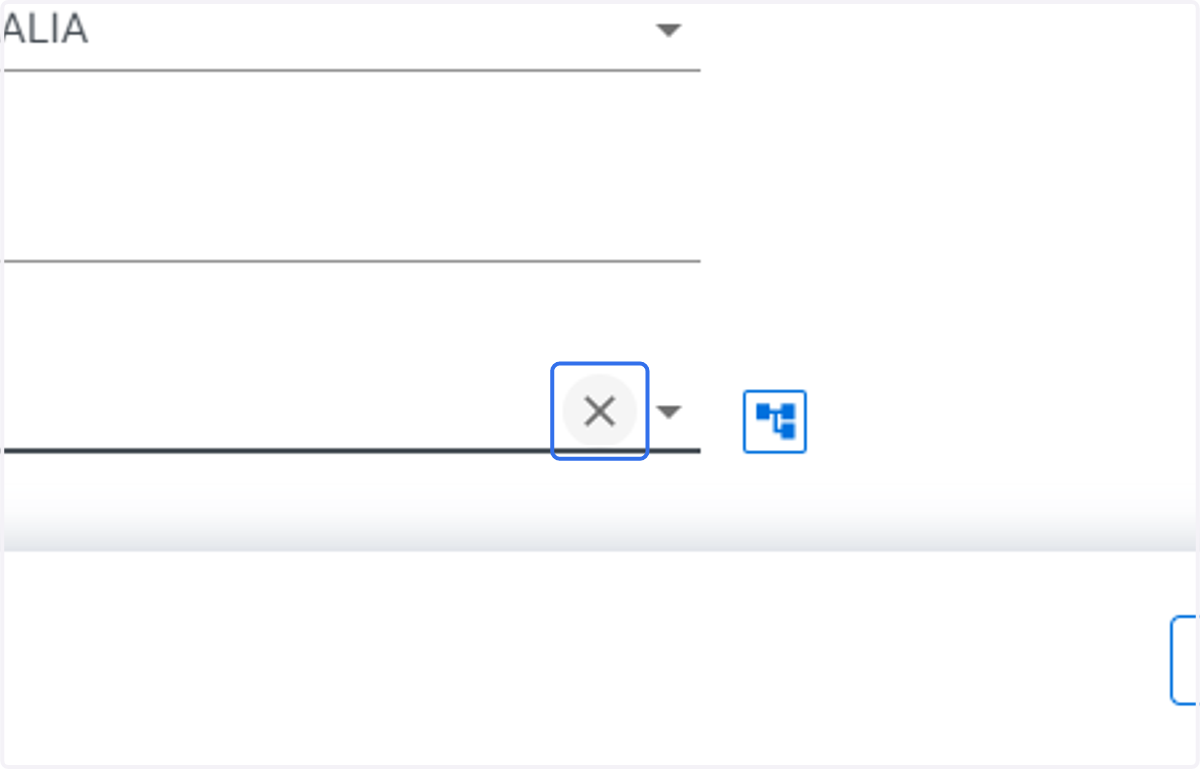
8. Click on the clear icon for the Cost Centre you wish to update.
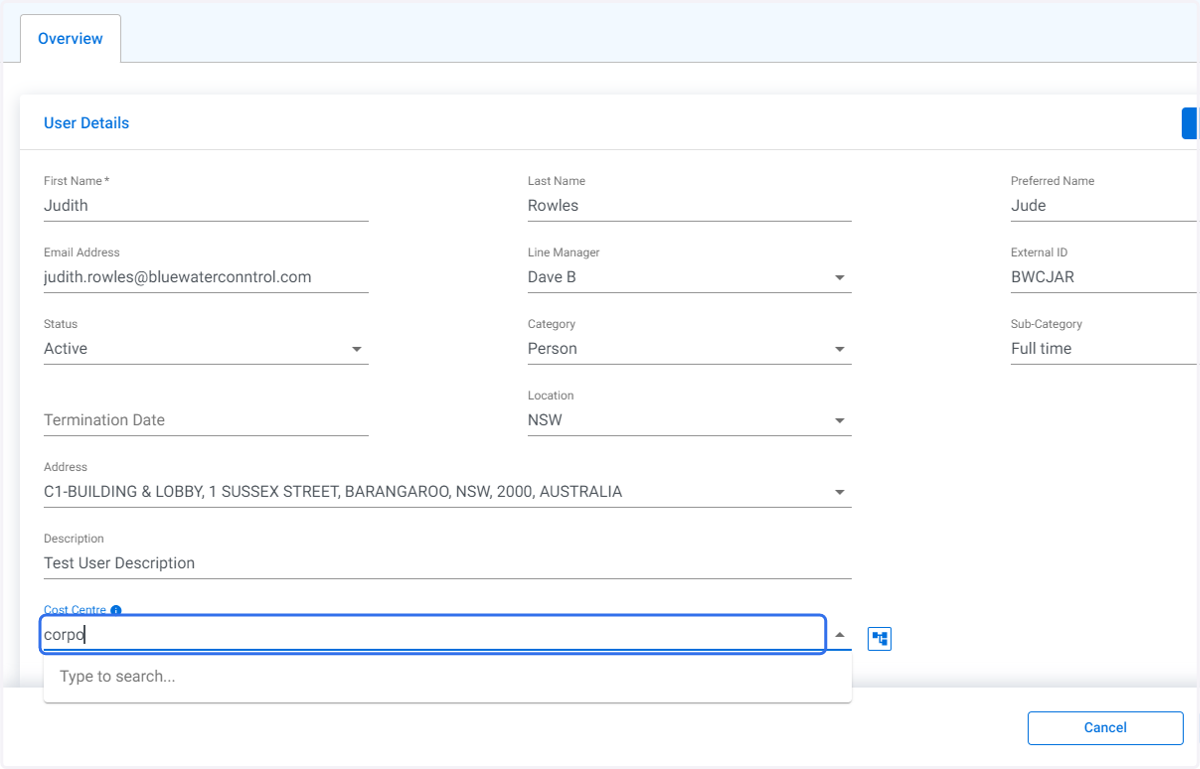
9. Type in the name of the required cost centre to narrow the list.
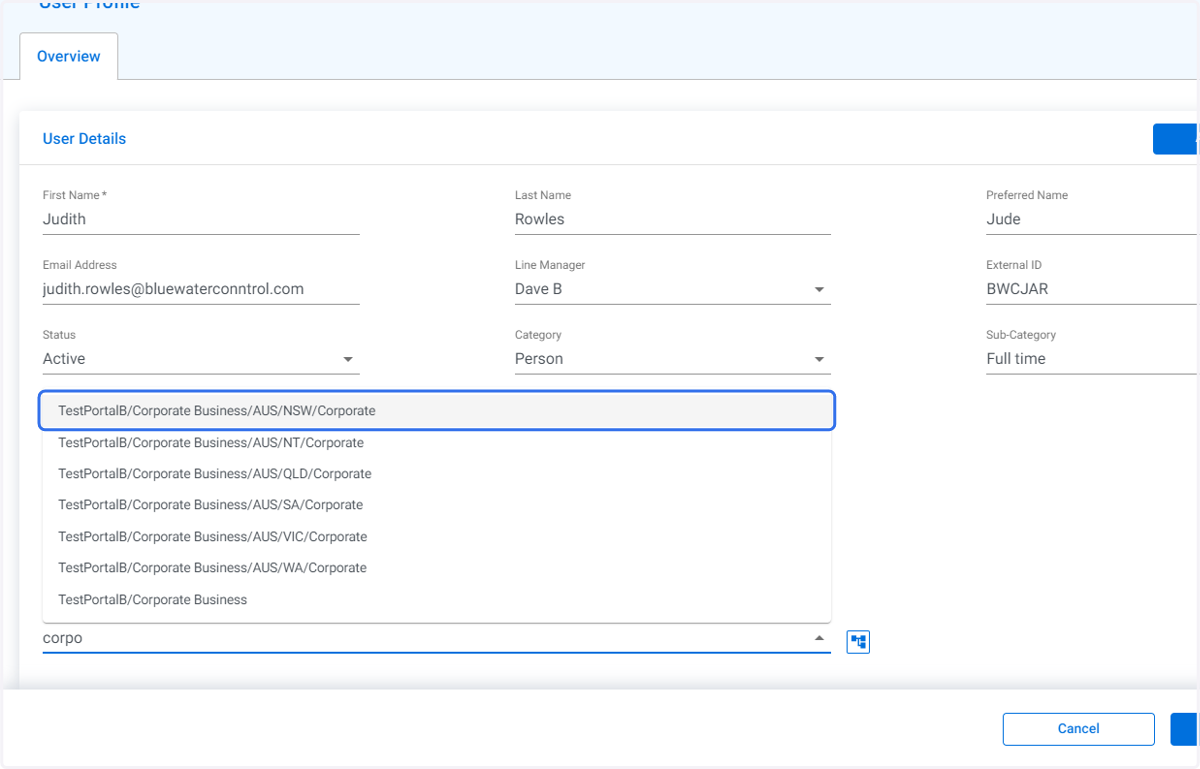
10. Click on the required cost centre
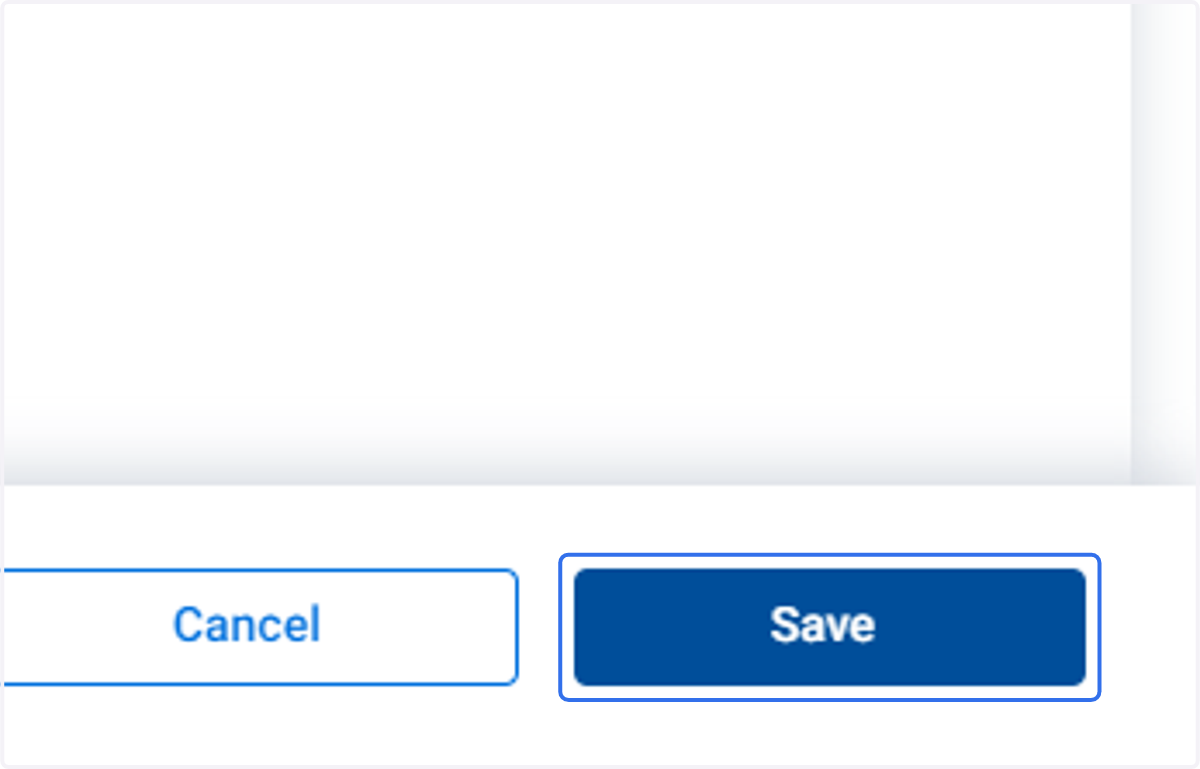
11. Click on Save