Creating a TUx Verification/Audit Tour
Chateau
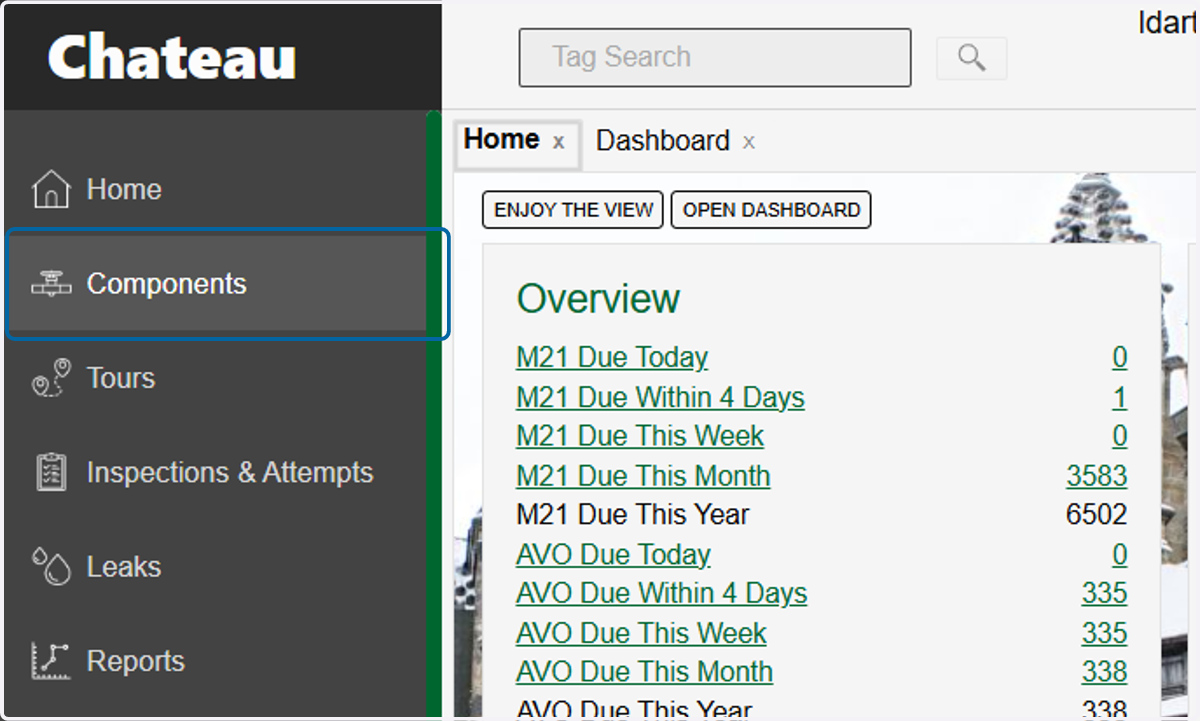
1. Click on Components
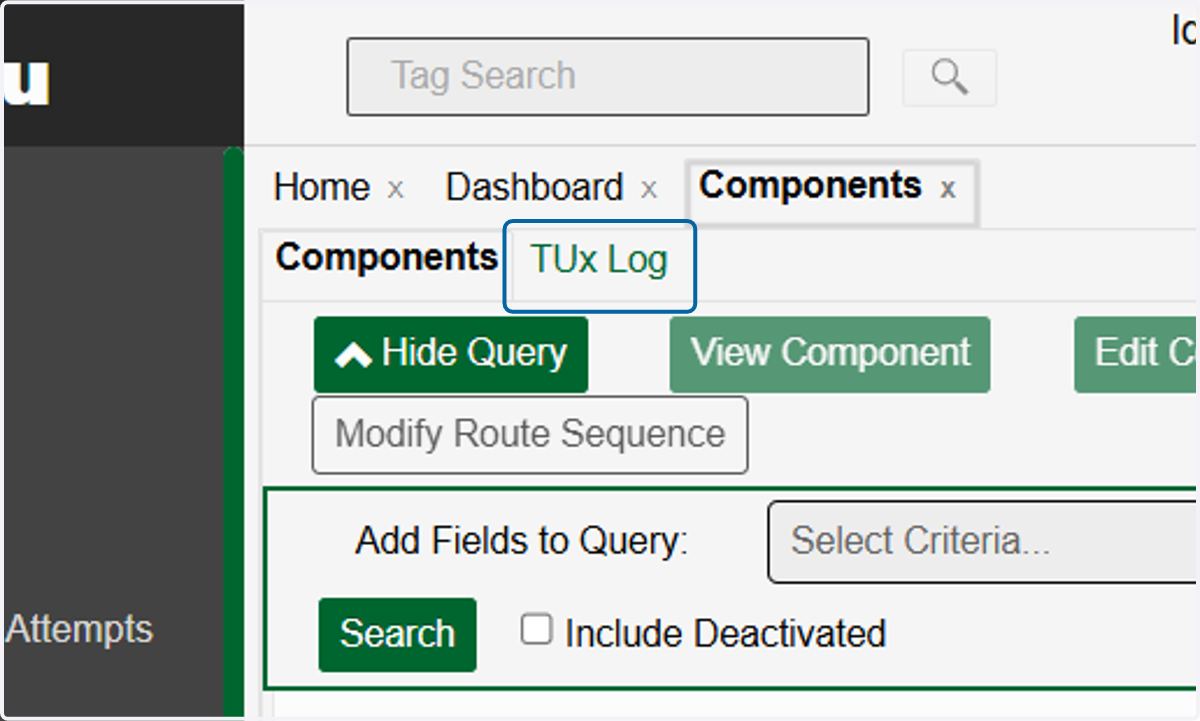
2. Click on TUx Log
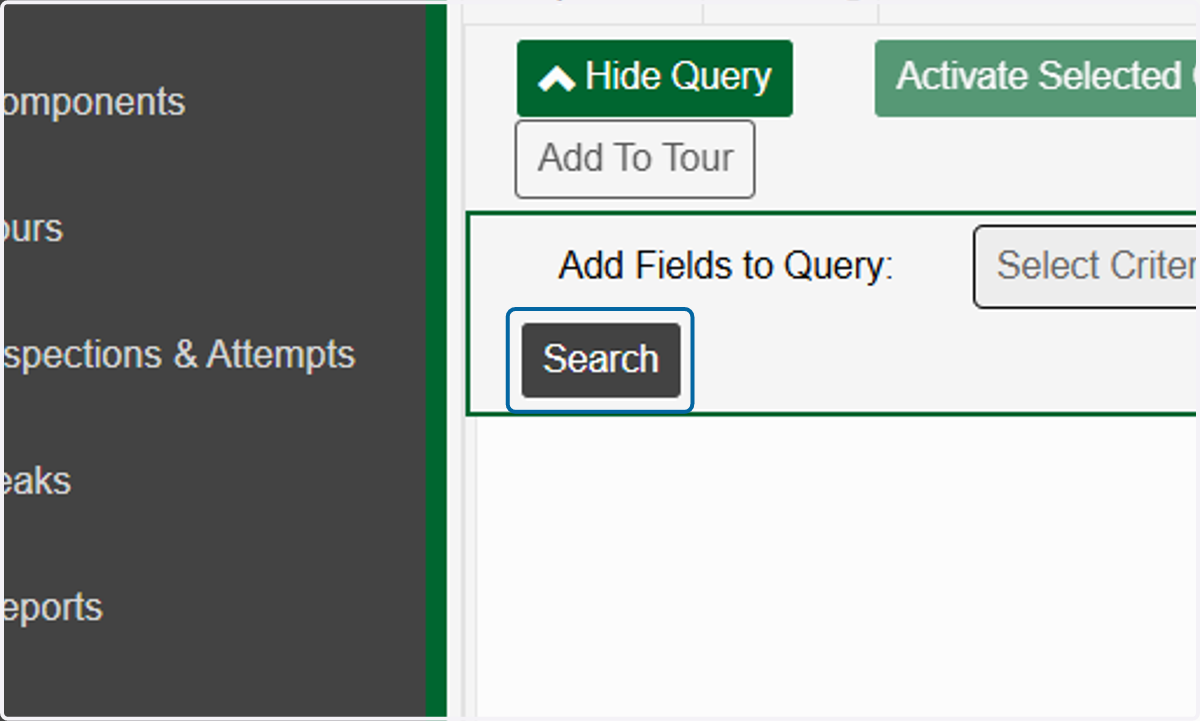
3. Build a query or just click on Search to bring up all TUx components
4. Select the components you want to put in the TUx tour
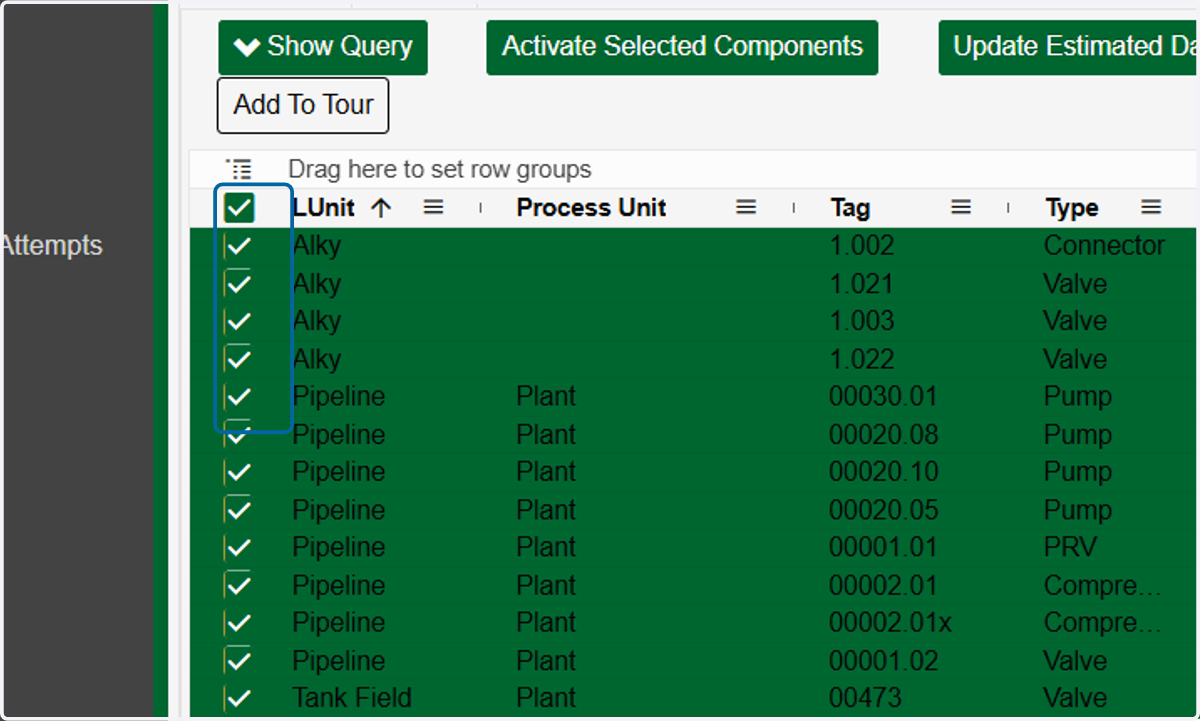
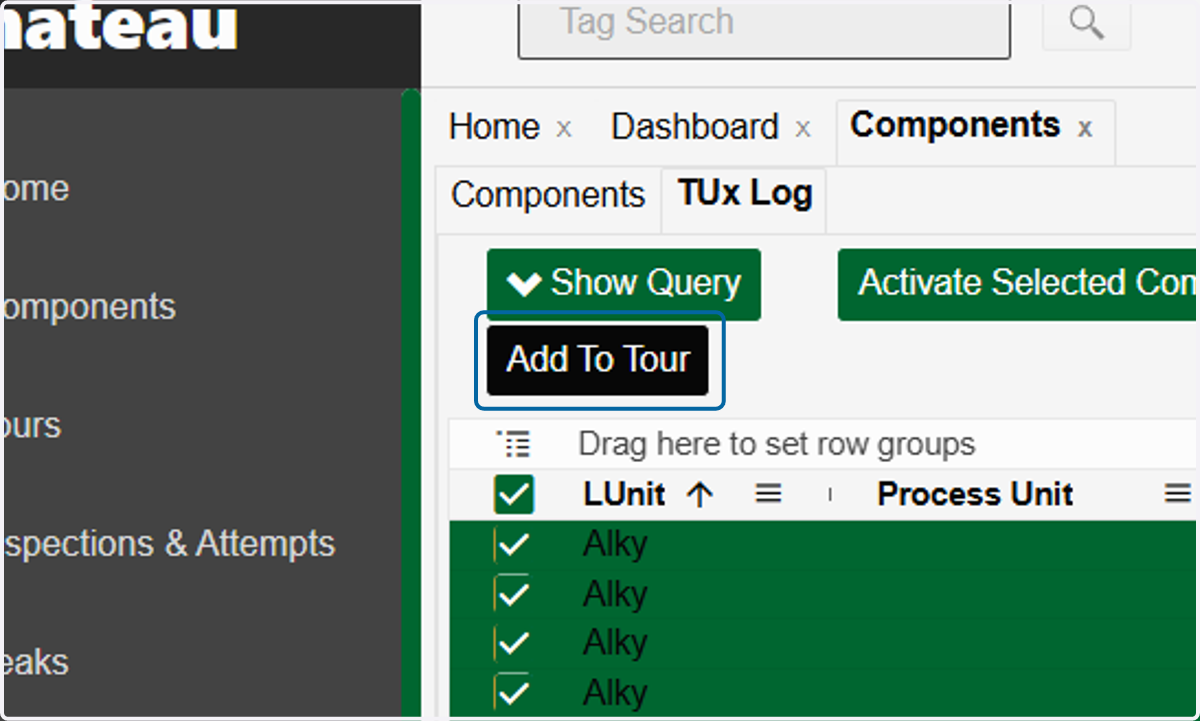
5. Click on Add To Tour
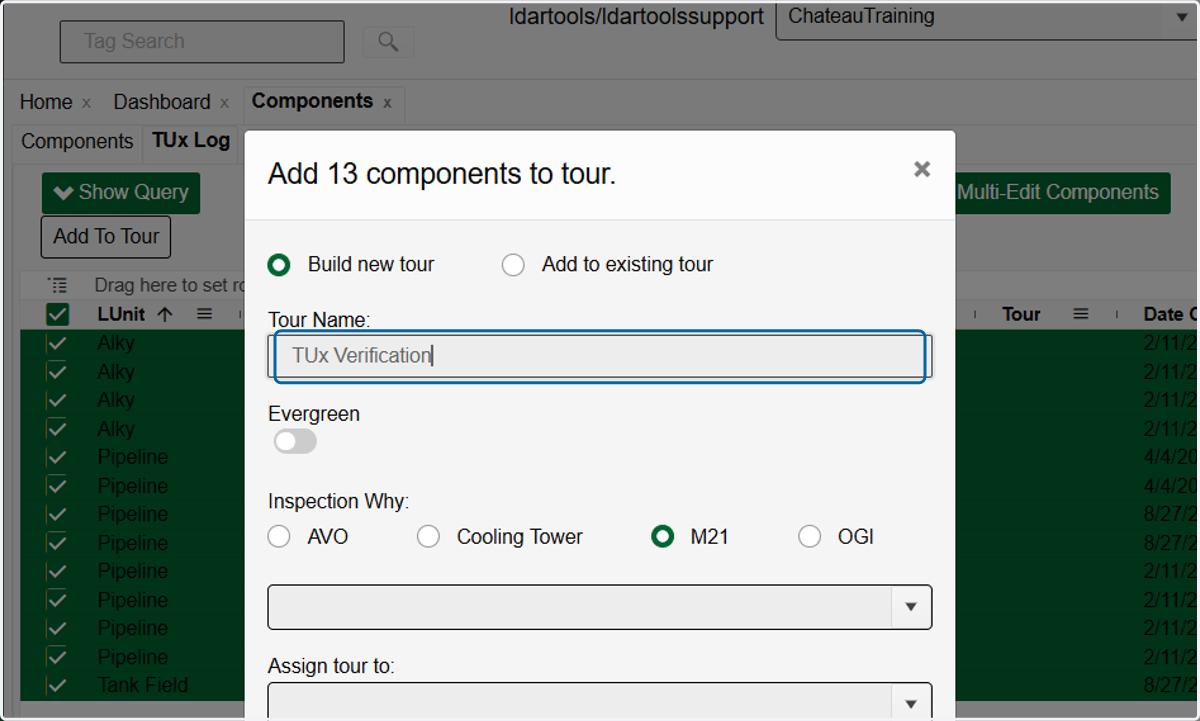
6. Type in the name of your tour
7. Choose the appropriate Inspection Why
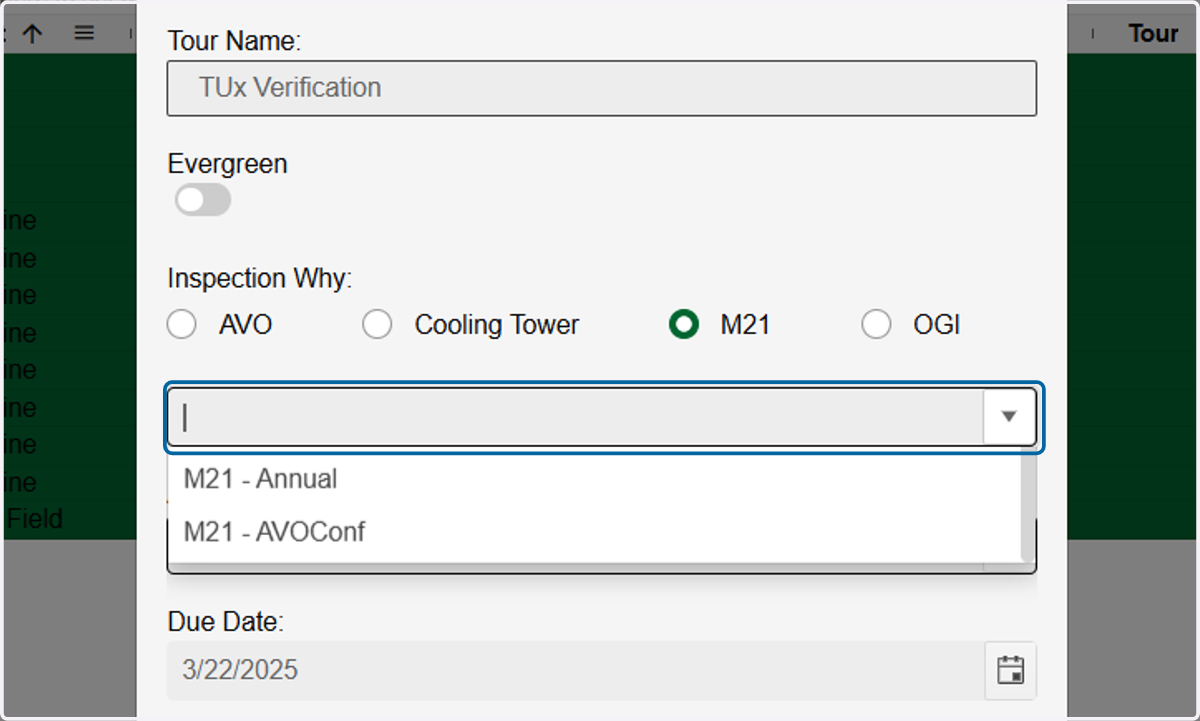
8. Choose a Due Date. If not an Evergreen tour, this will be the date the tour will be automatically deleted once passed.
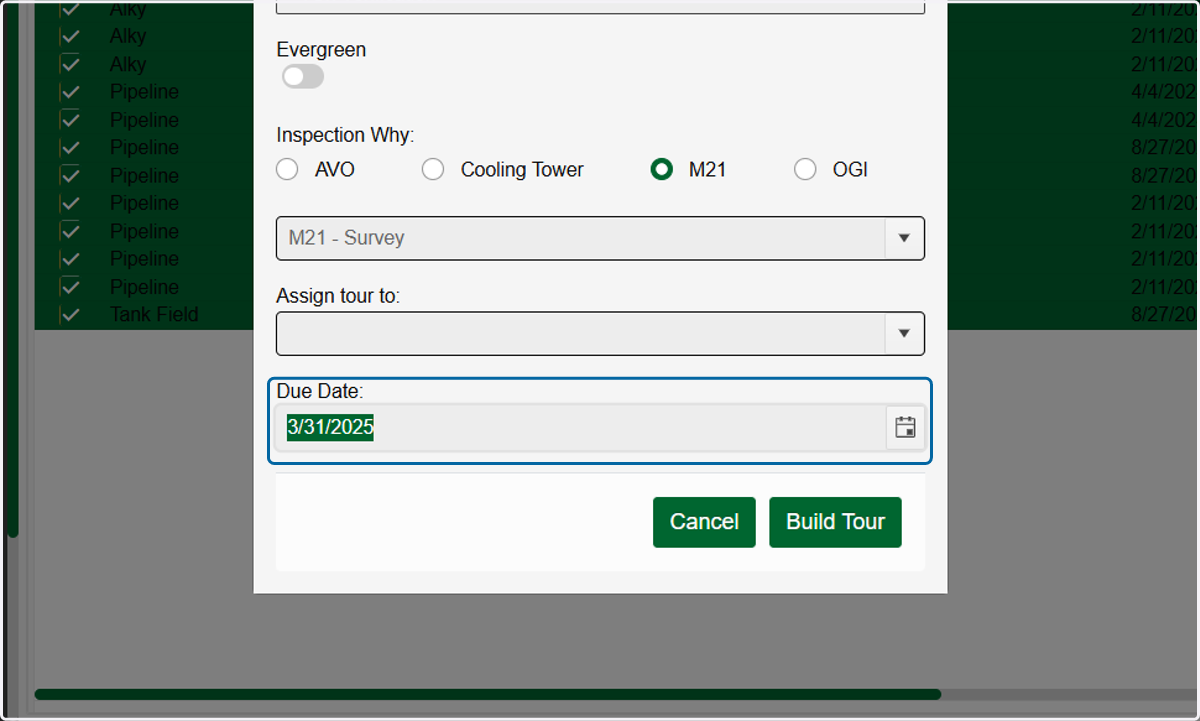
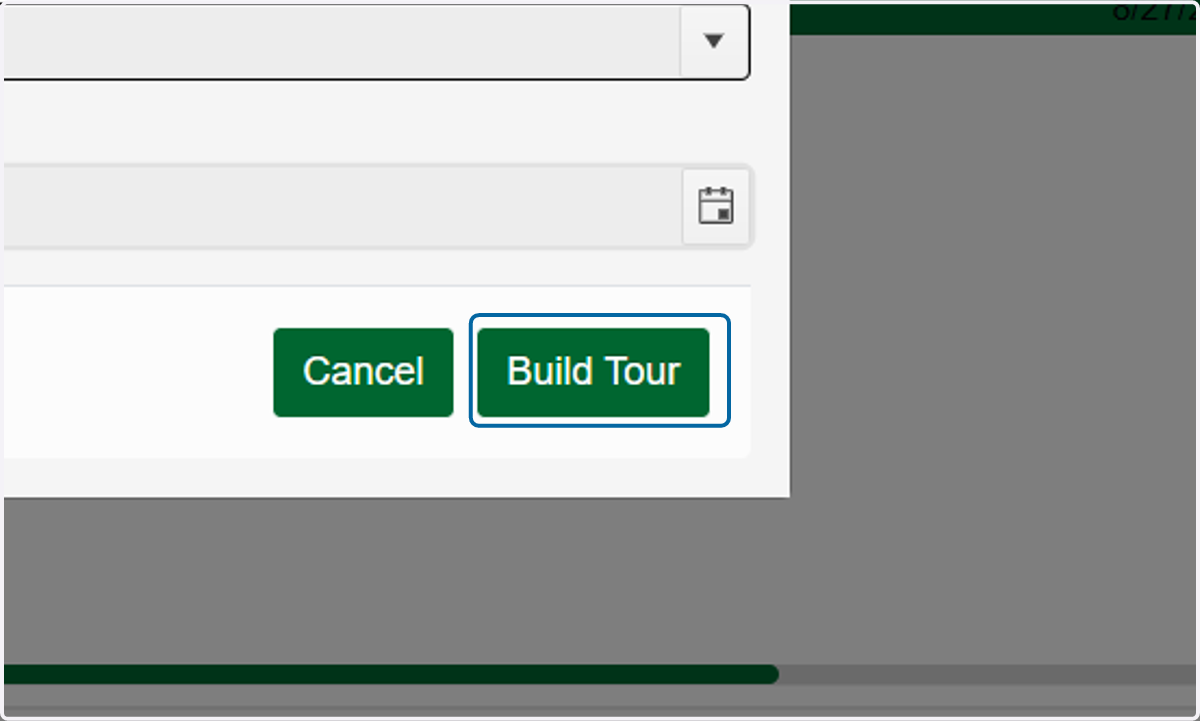
9. Click on Build Tour