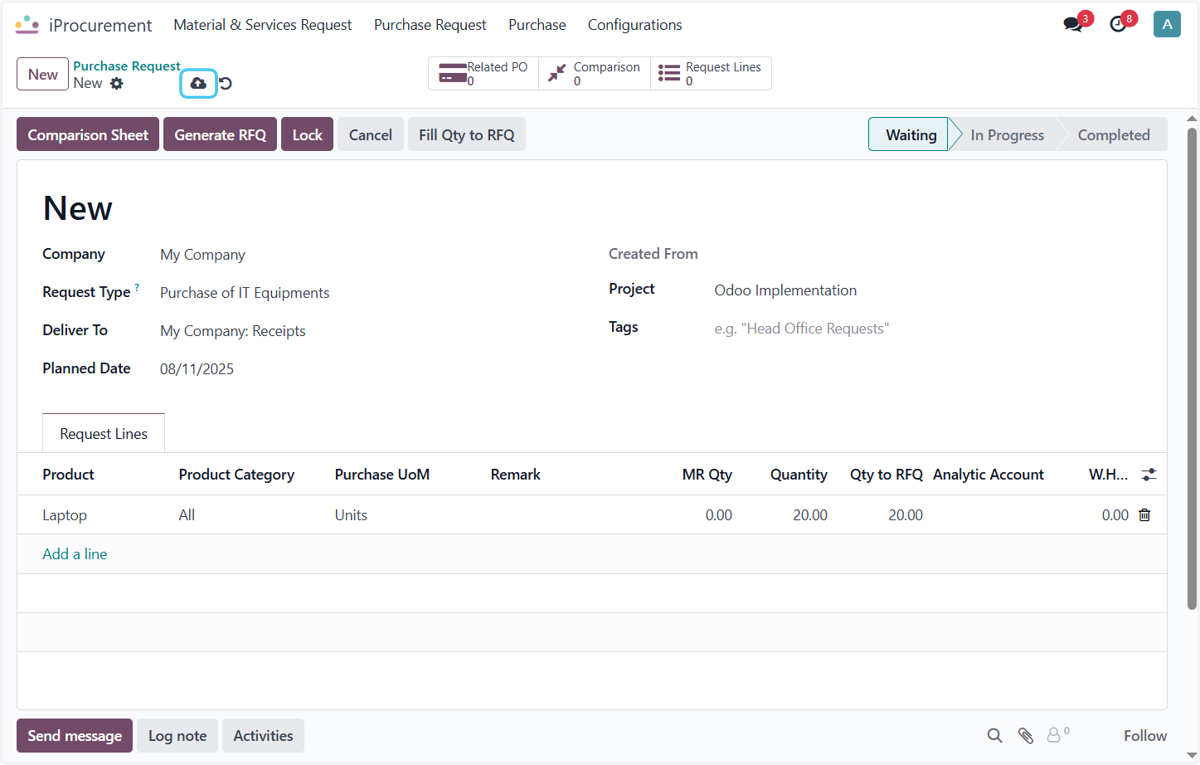
How to Create Purchase Request in Odoo - iLines iProcurement
Odoo
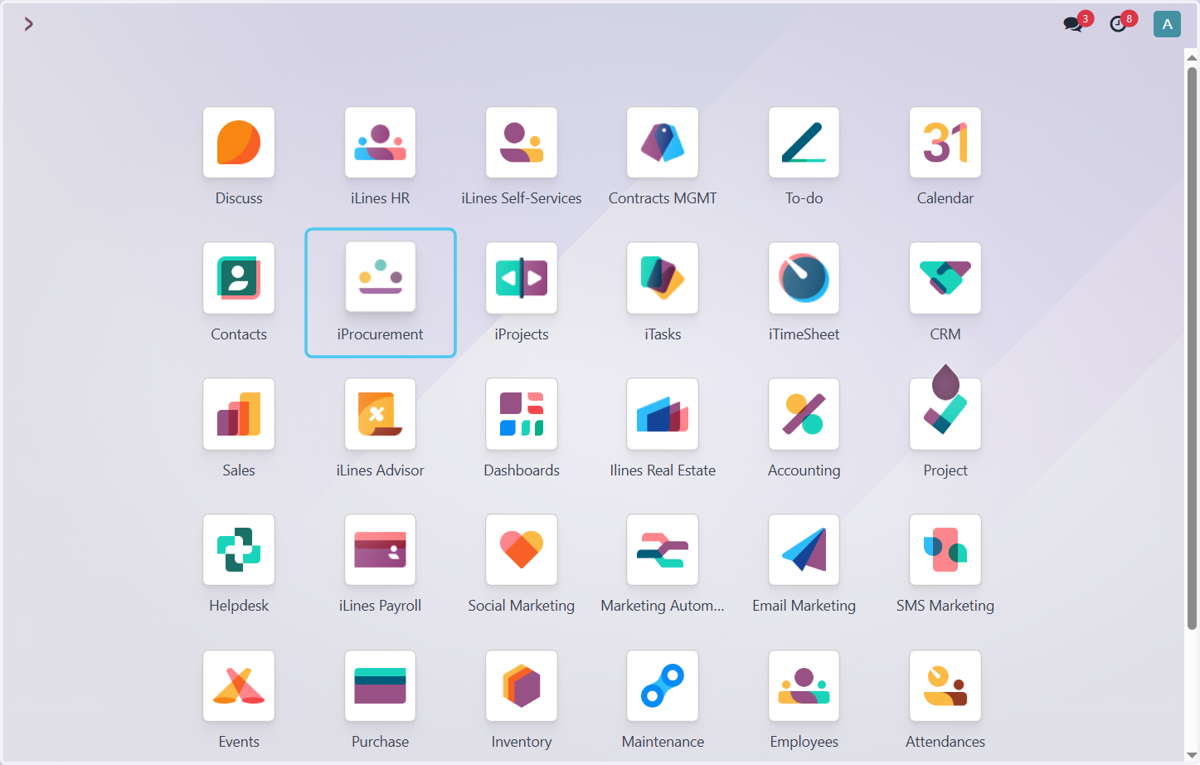
1. Click on iProcurement
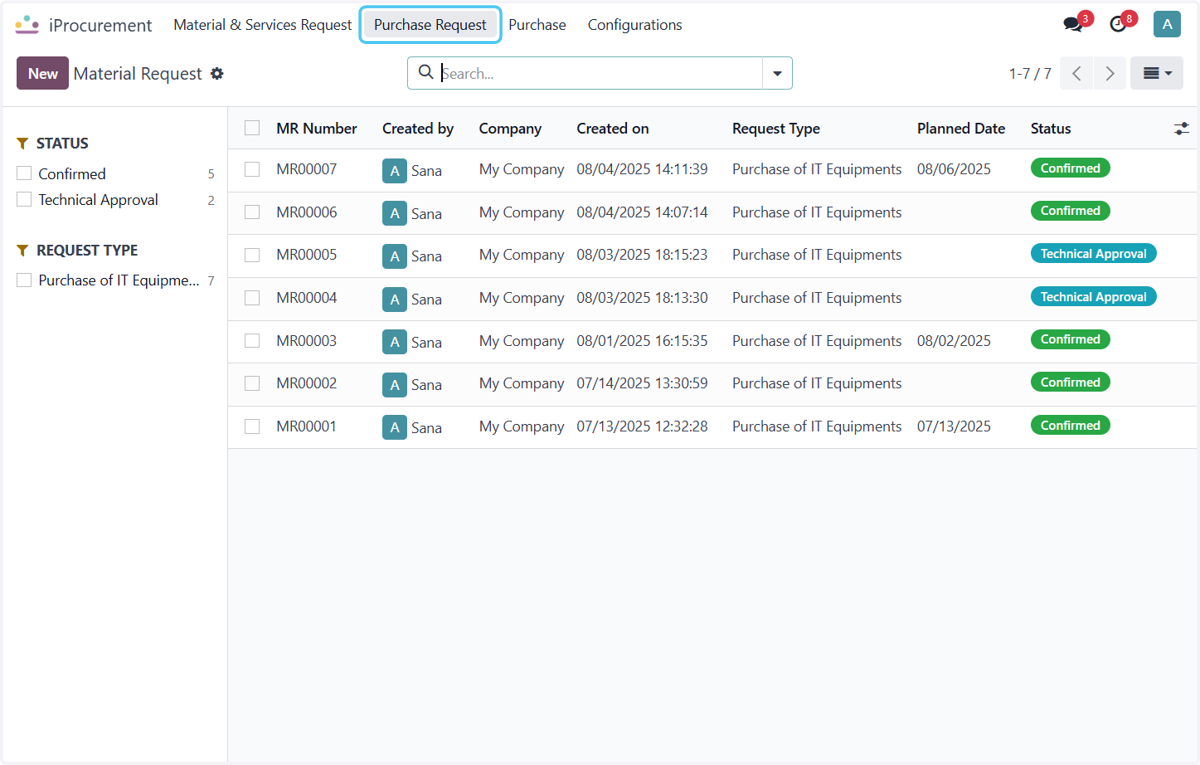
2. Click on Purchase Request
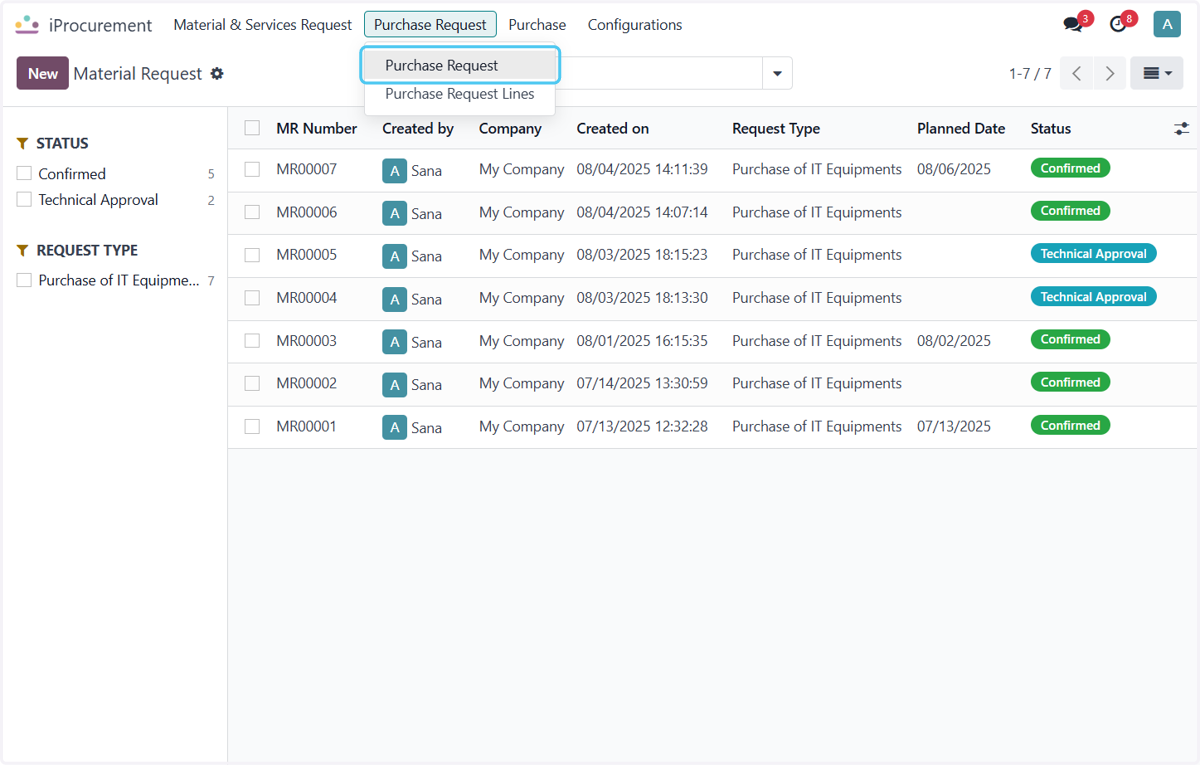
3. Click on Purchase Request
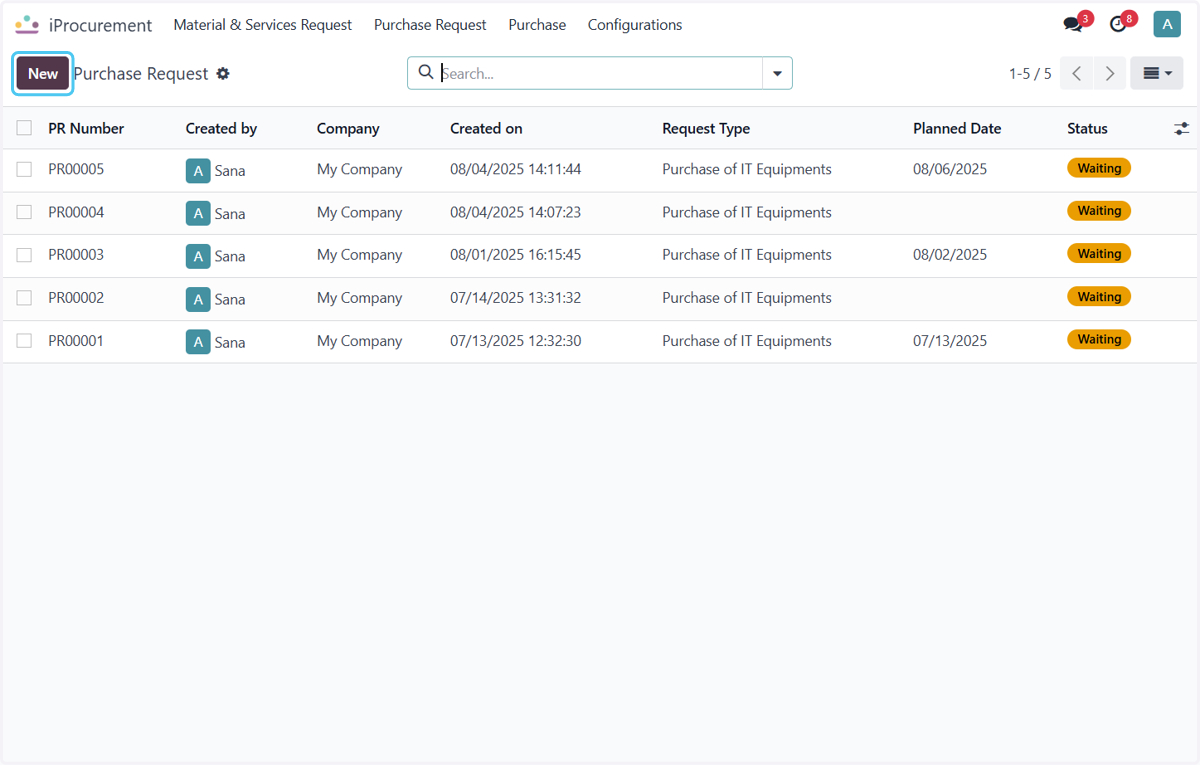
4. Click on New
Click on New Button to create New Purchase Request
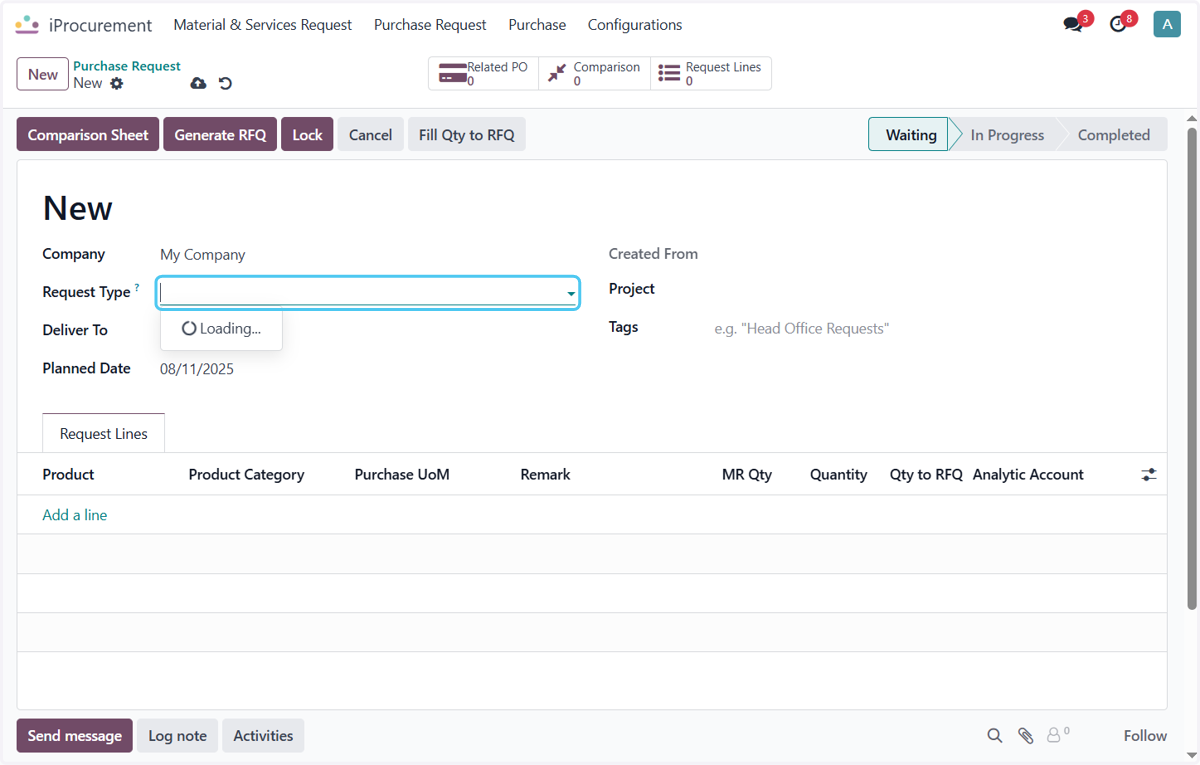
5. Click on Request Type?
Select the Request Type for the Product
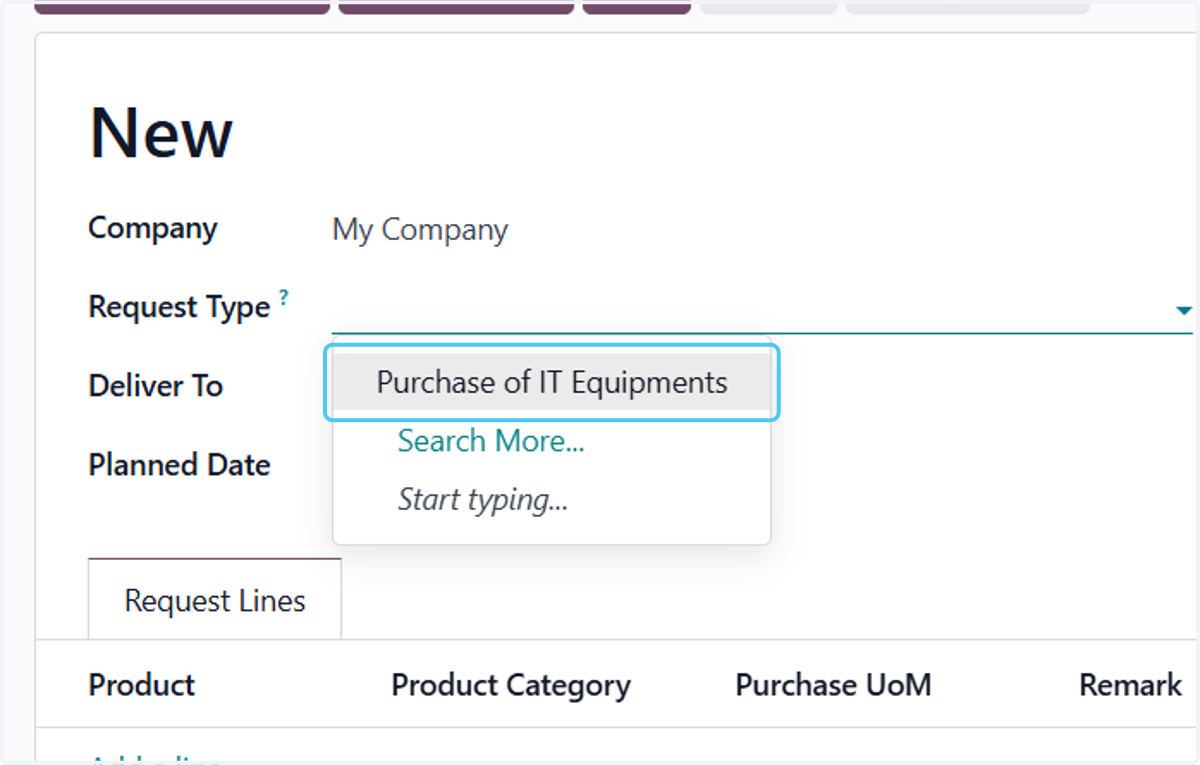
6. Click on Purchase of IT Equipments
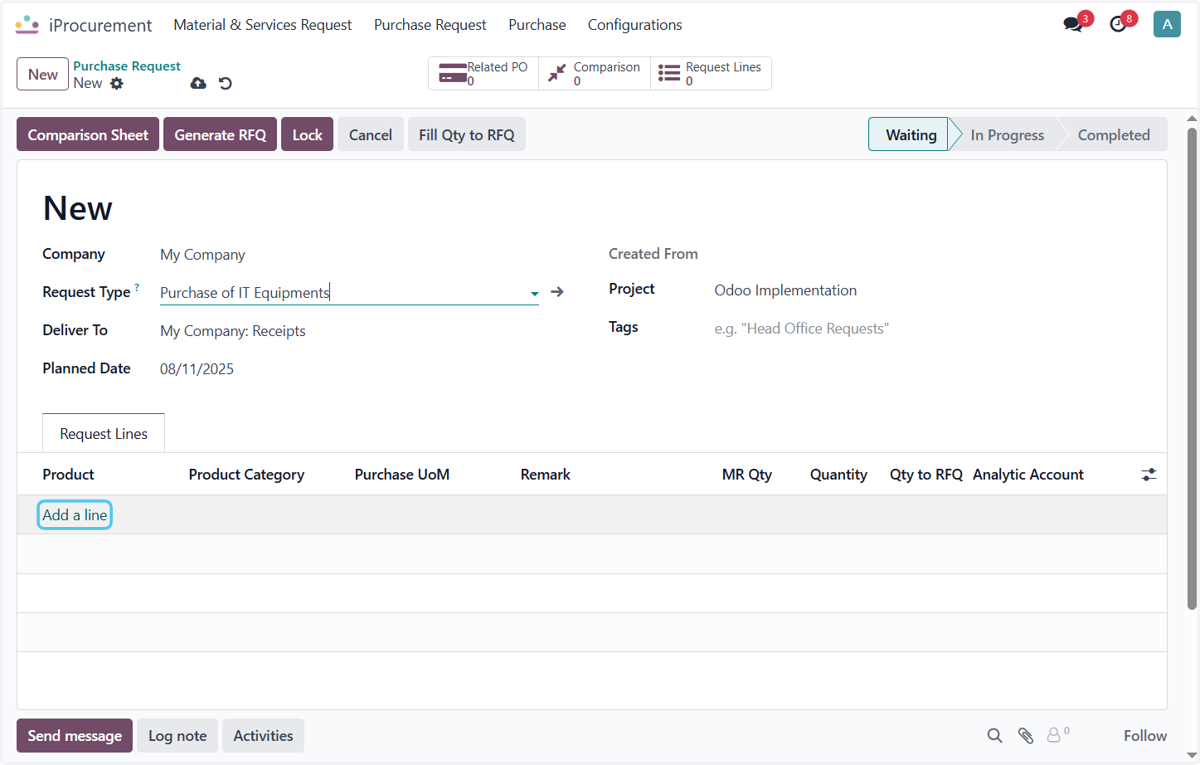
7. Click on Add a line
Click on Add line to add the Product
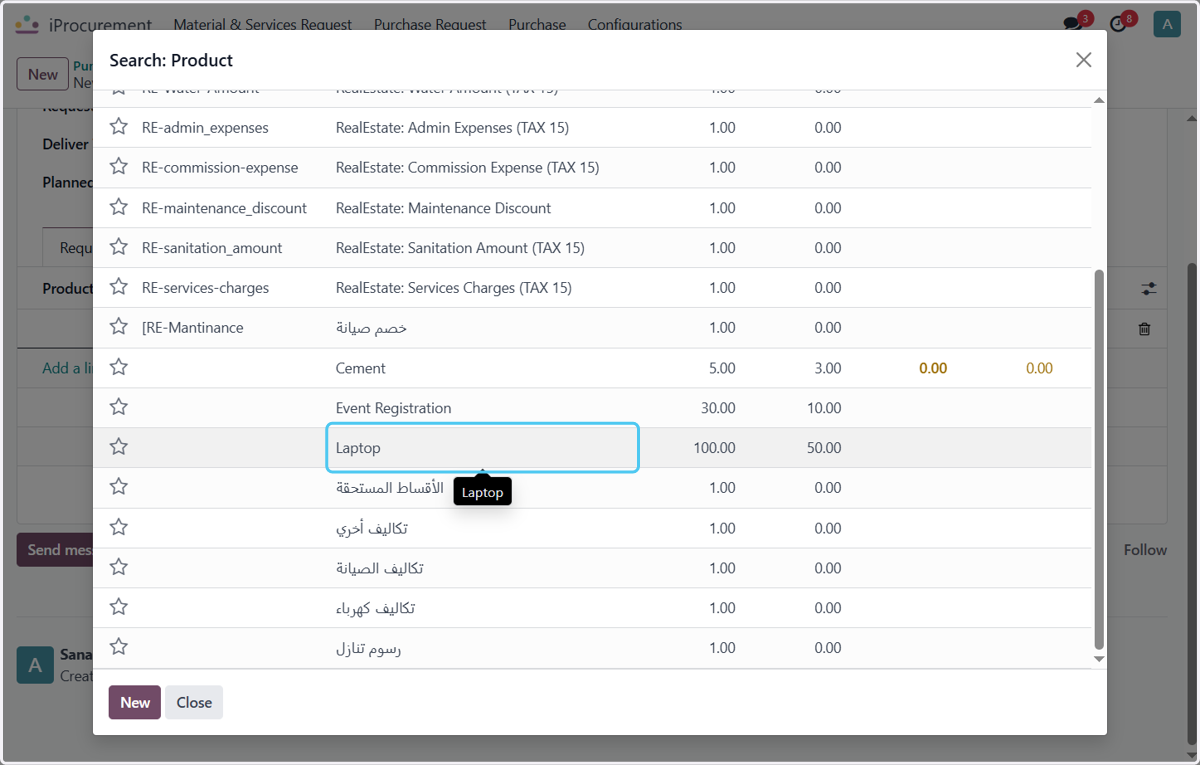
8. Click on Laptop
Select the Product
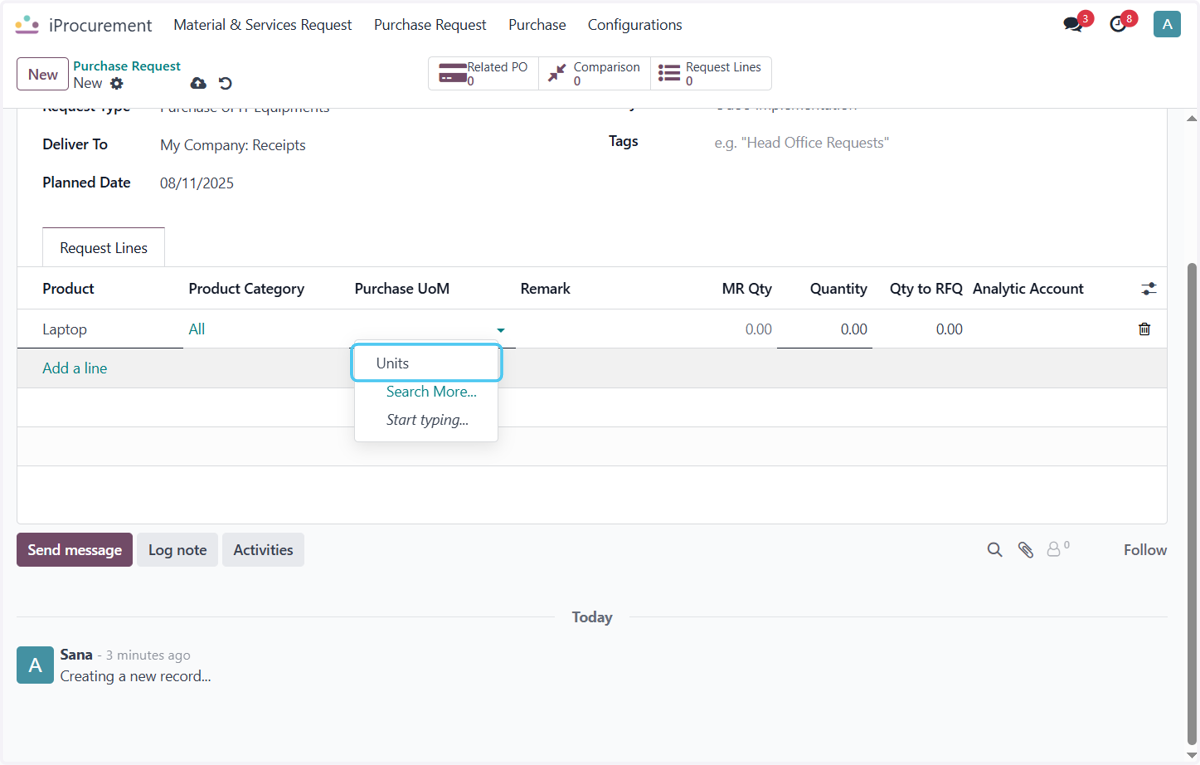
9. Click on Units
Select the Purchase uint of Measure of the Product.
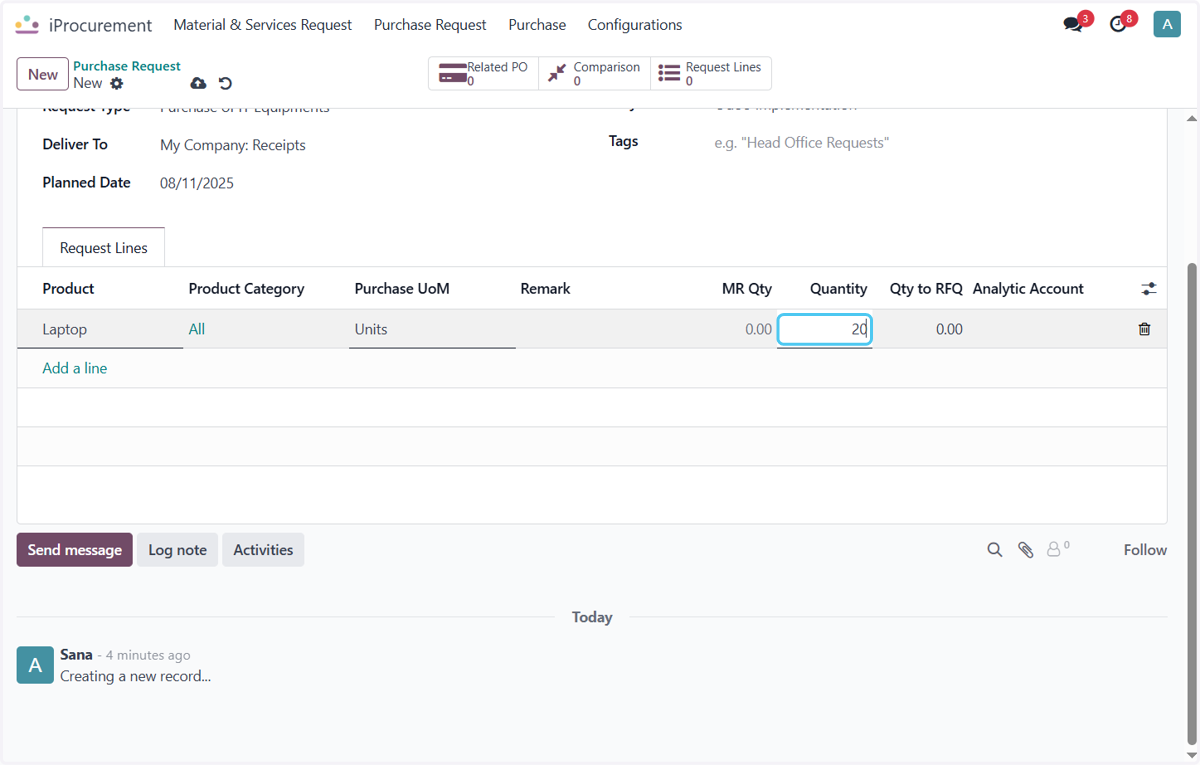
10. Type "20"
Enter the Product Quantity
11. Click on Save manually
After the Product data is filled the Final Step is to Save the Pr and Pr is created.