Navigating as Leo Scott - your demo student
Banqer High
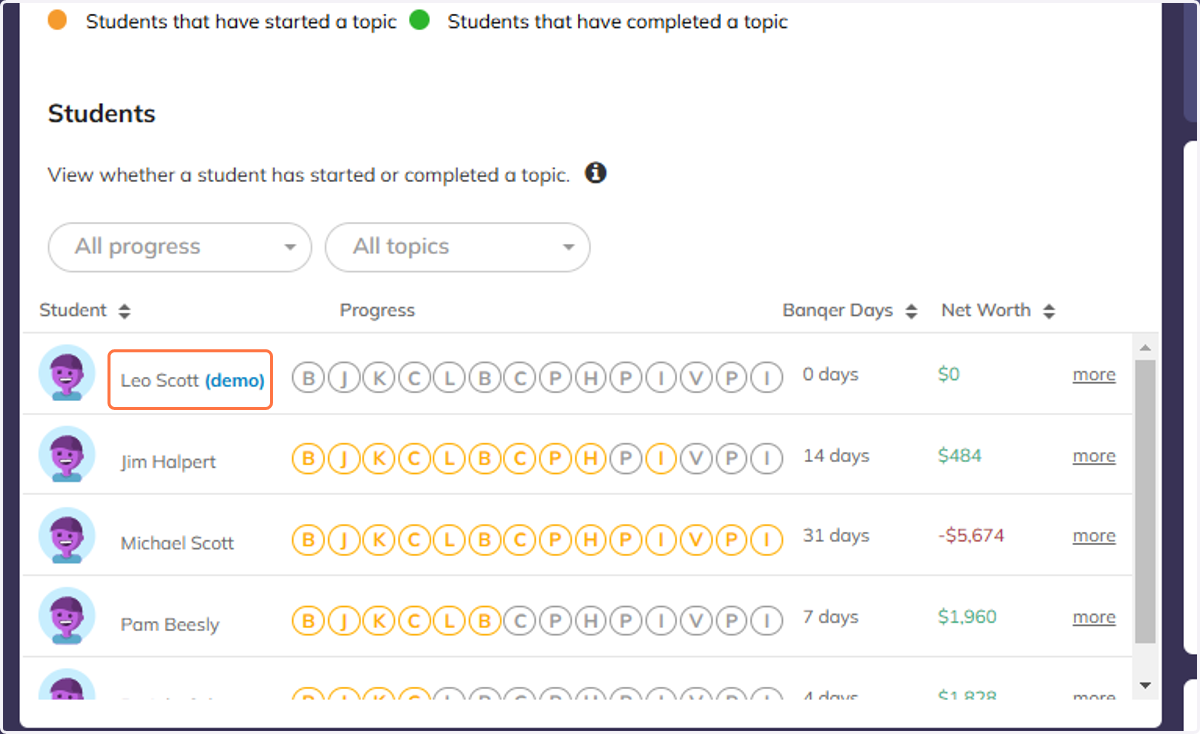
1. Click on Leo Scott (demo) from your Class Overview section.
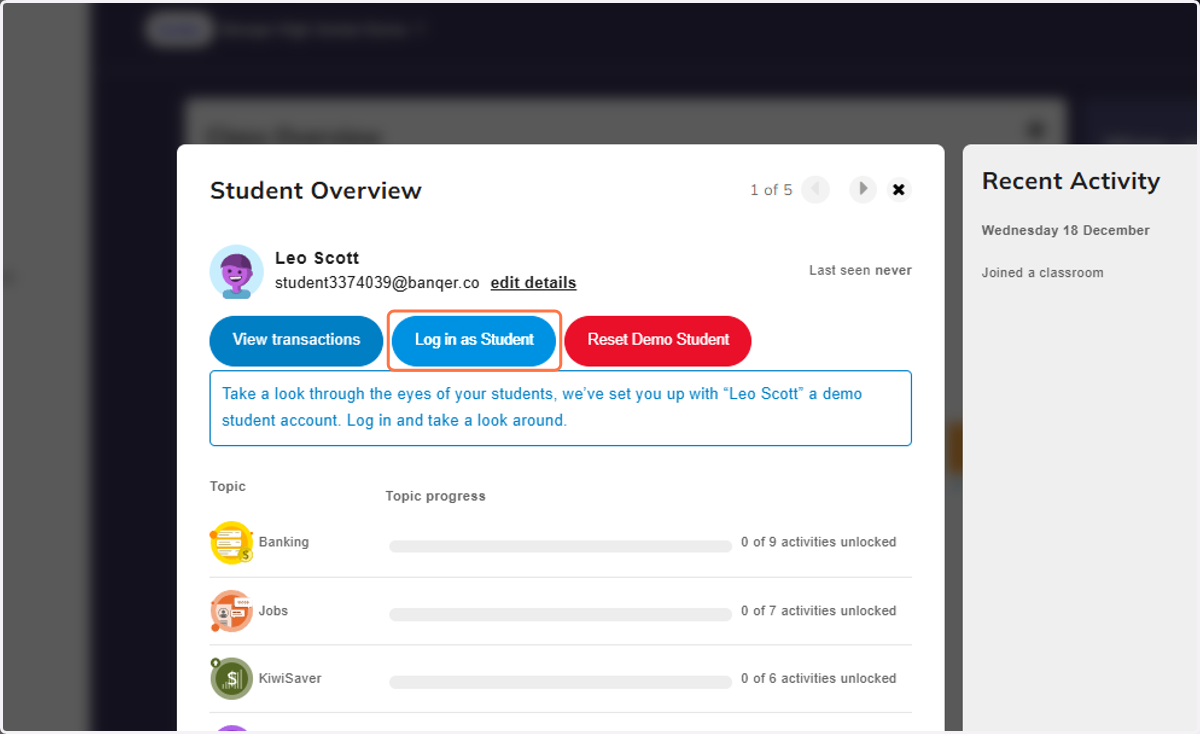
2. Click on Log in as Student
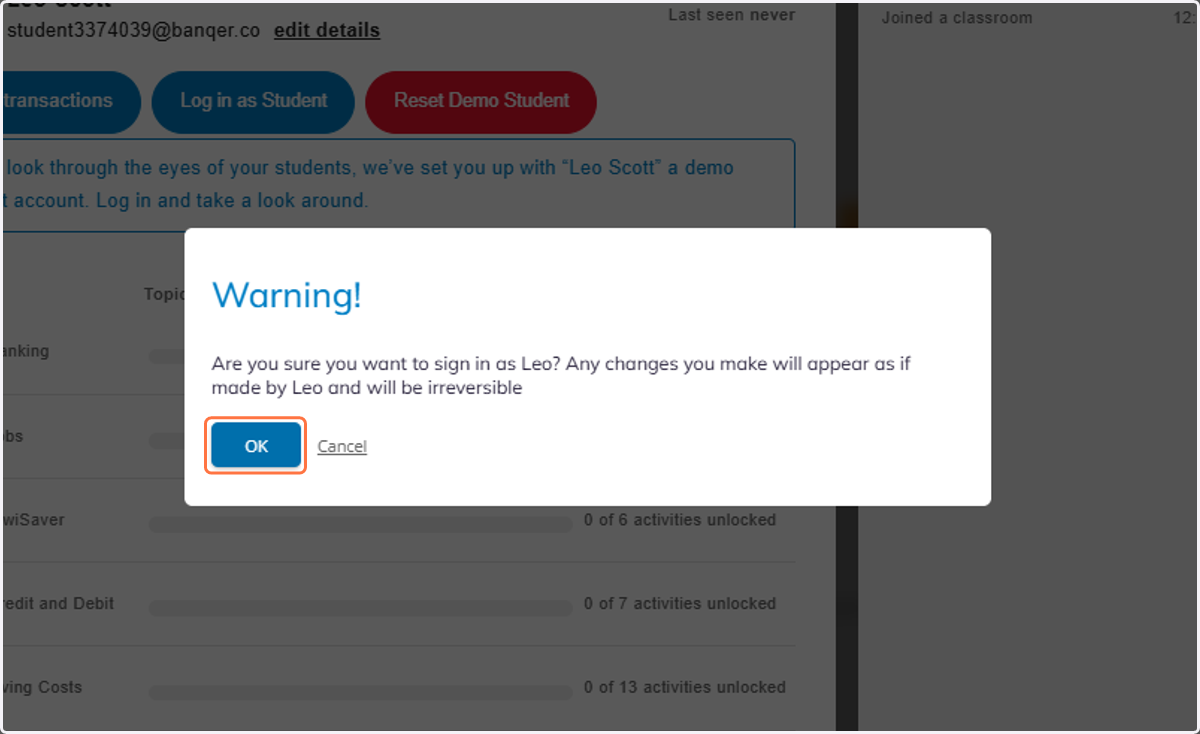
3. Click on OK.
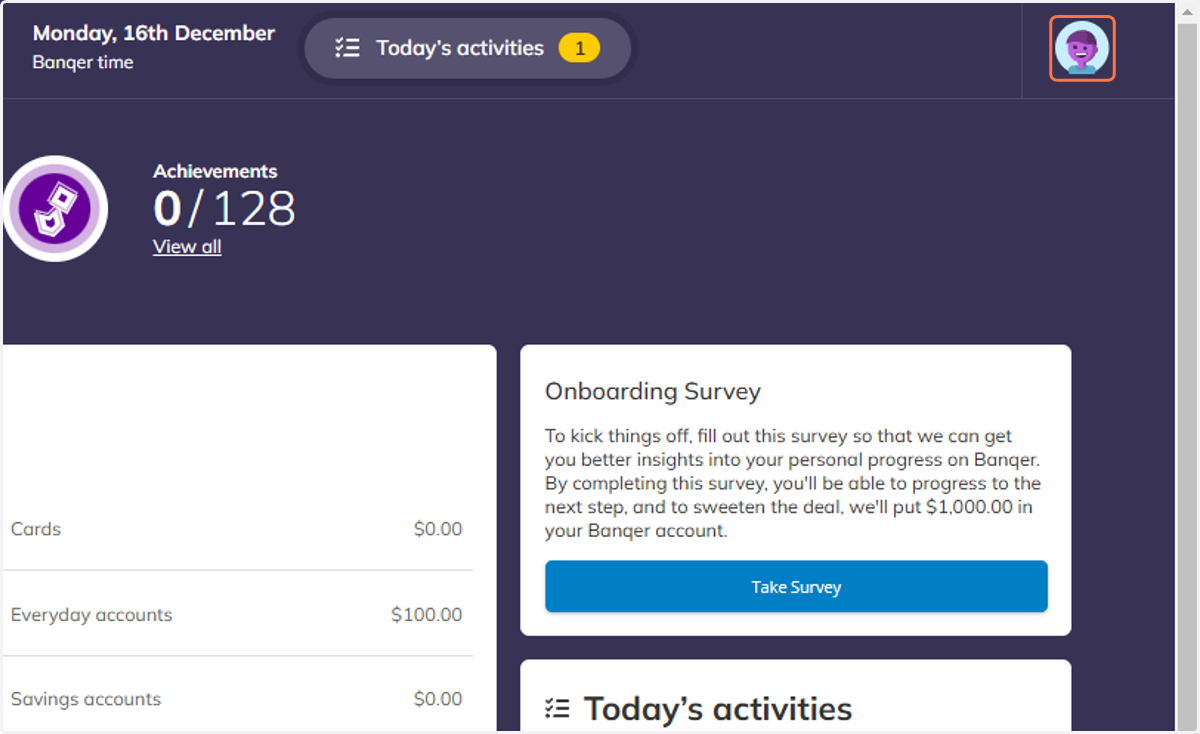
4. You can now view and navigate through Banqer from a student view.
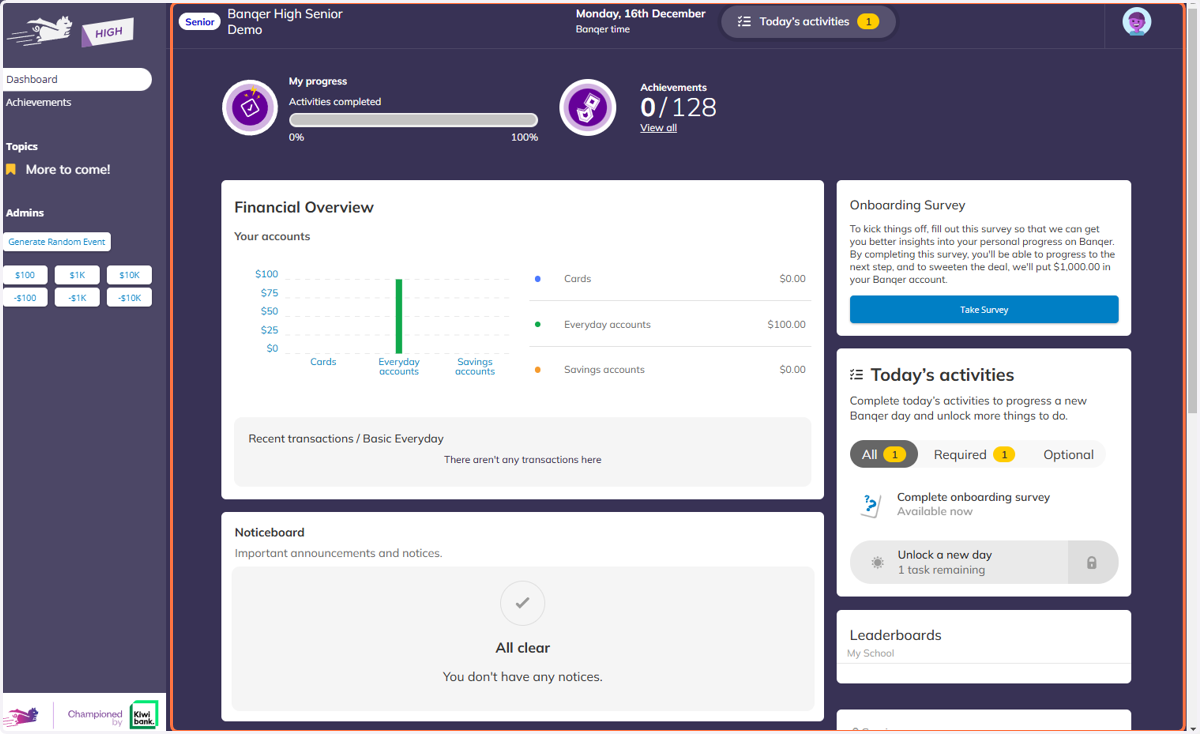
5. To log out, click on the profile icon in the top right hand corner.
6. Click on Log out.
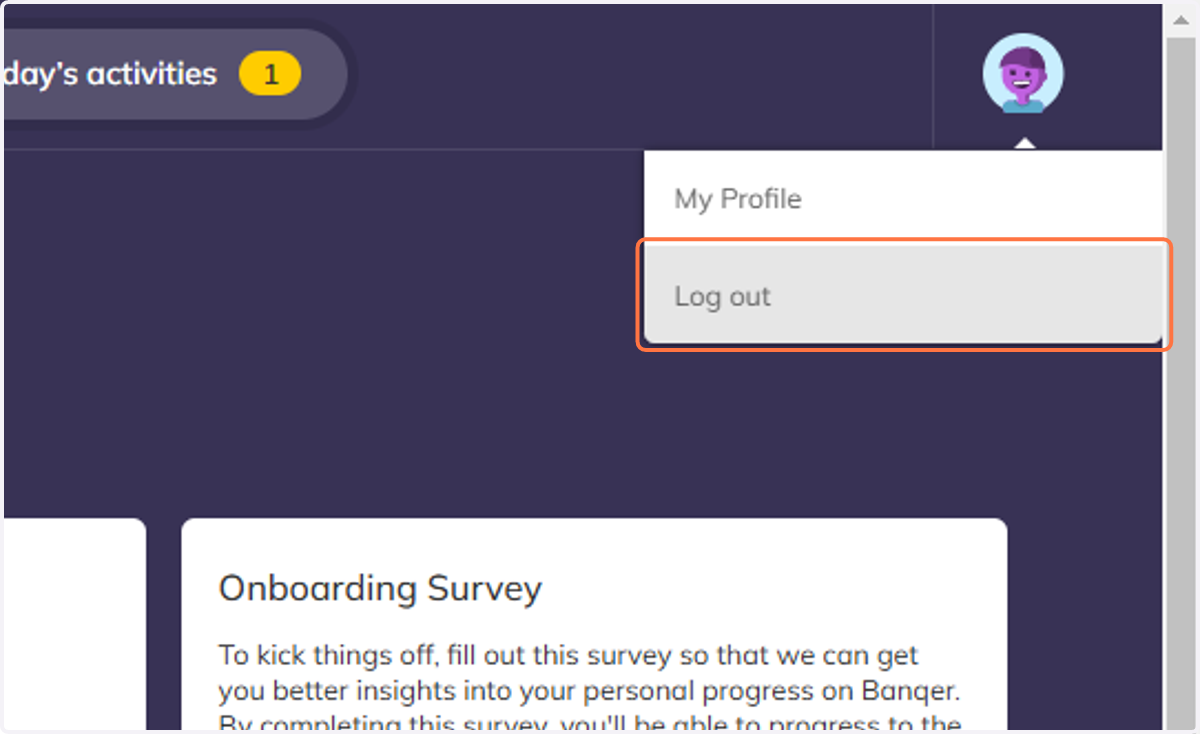
7. This will take you straight back into the Teacher view.
