Step-by-Step Registration for any Carde.io Play Network
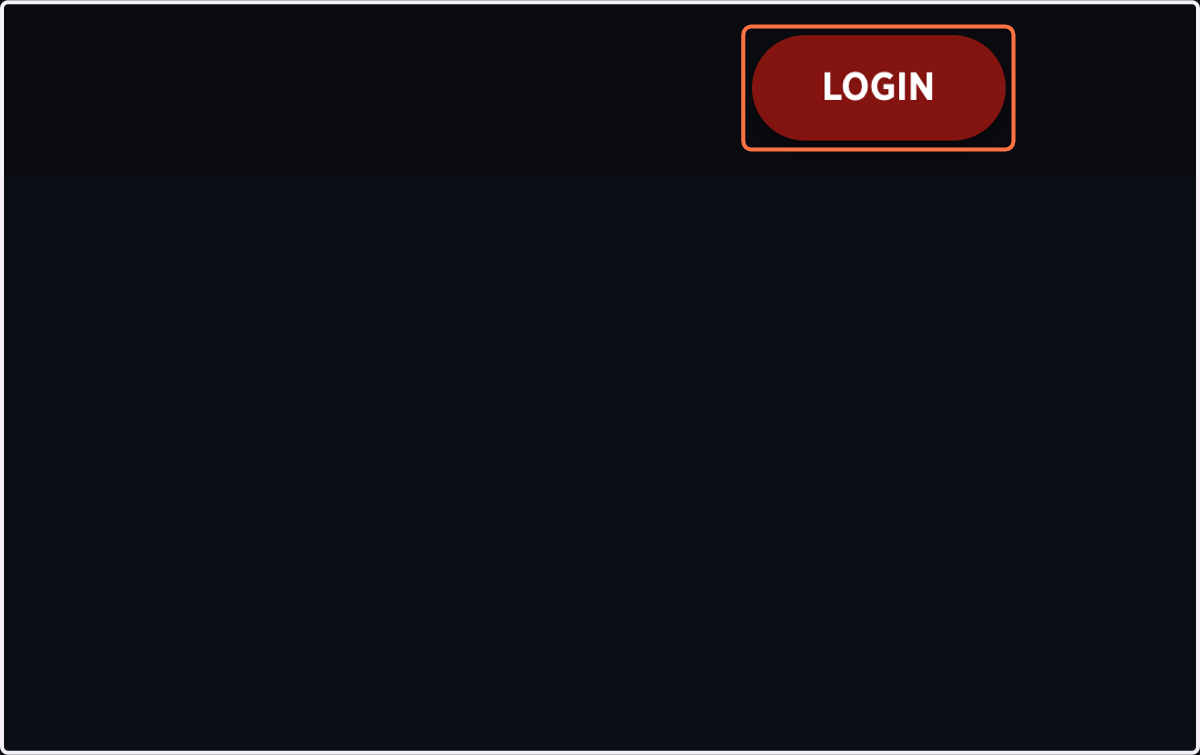
1. Click on LOGIN on the Play Network you are planning to use

2. Click on Sign up or continue with google to use your google account
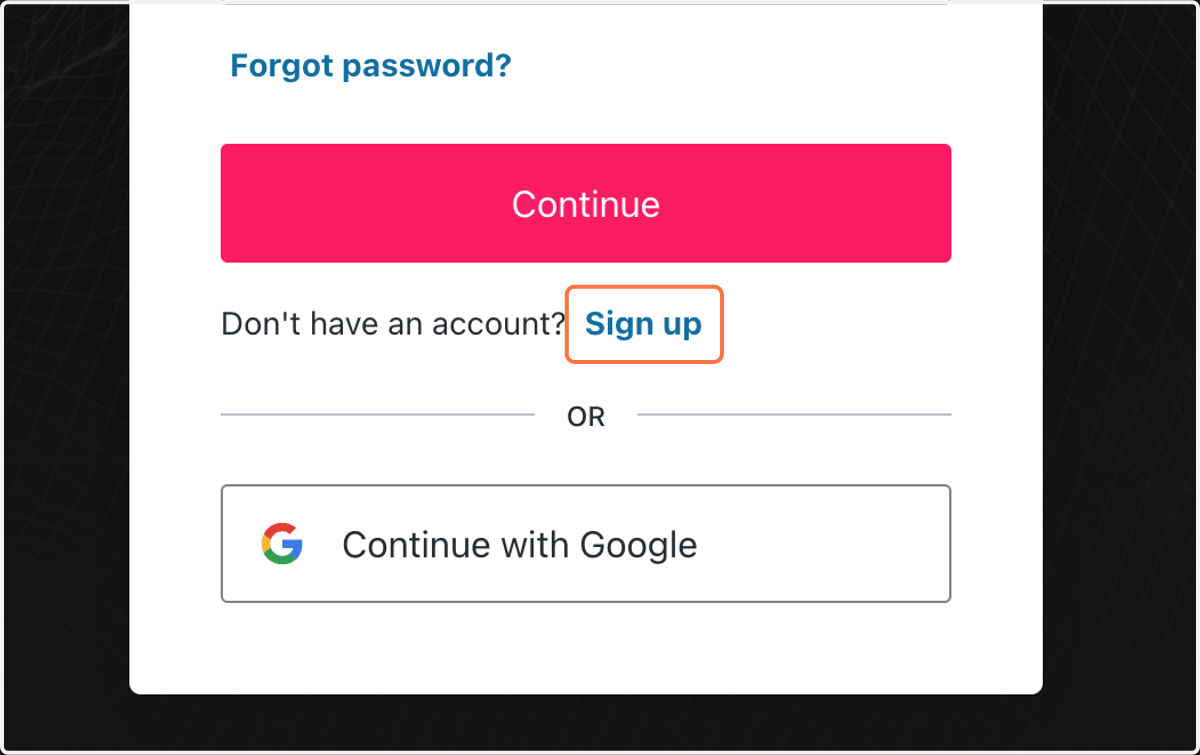
If using Google, click on the account you want to use
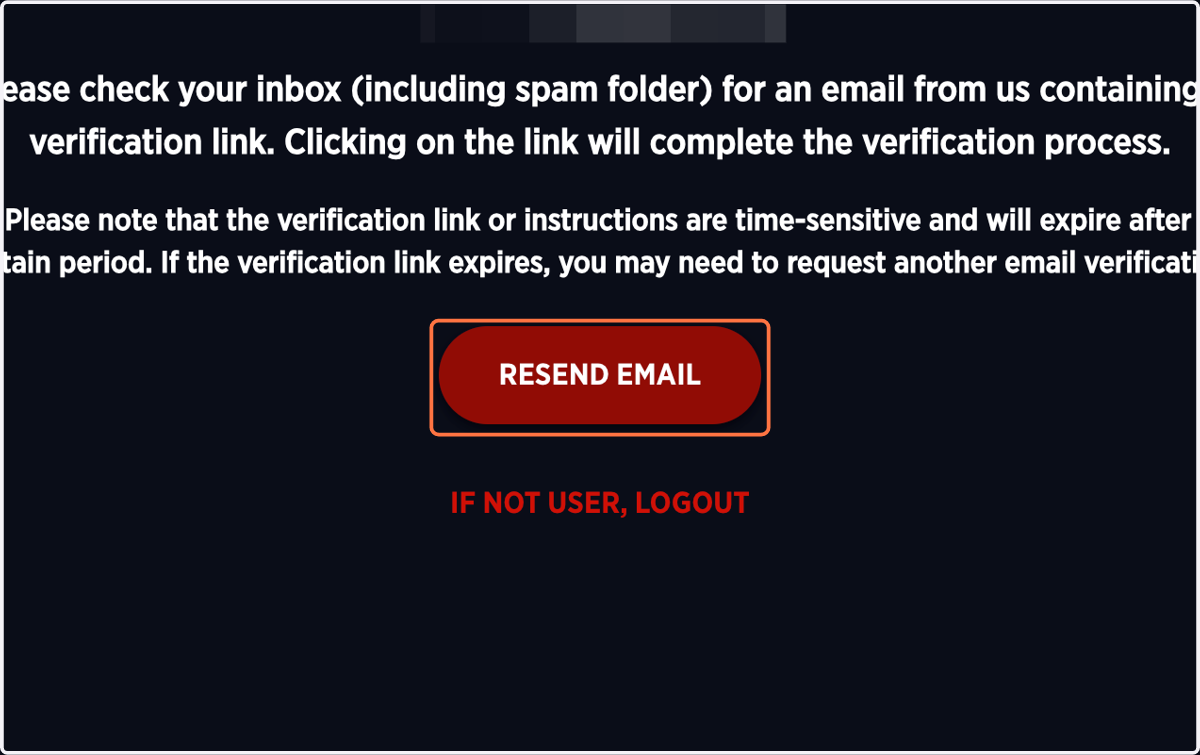
3. If you sign-up without google you should receive an email, if you did not get an email click on RESEND EMAIL
Check the spam folder if the email is not showing up in your inbox
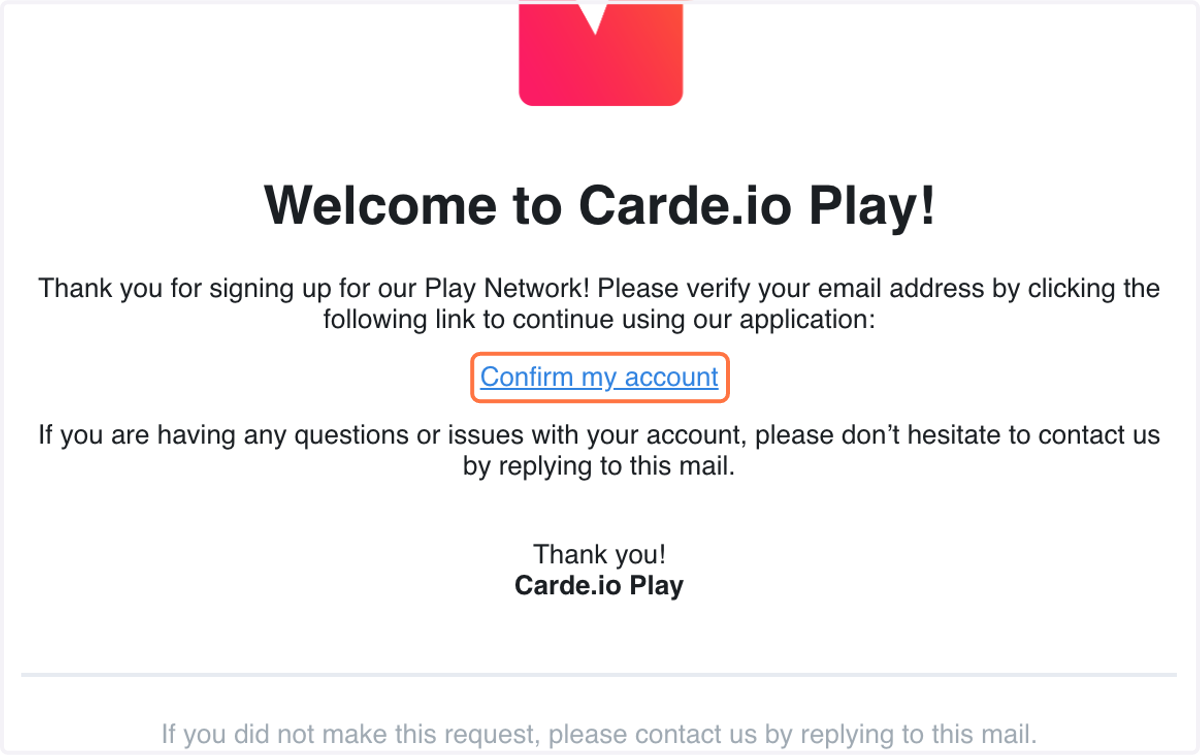
4. Click on Confirm my account to confirm your email
5. Go back to the PlayNetwork and log into your newly created account
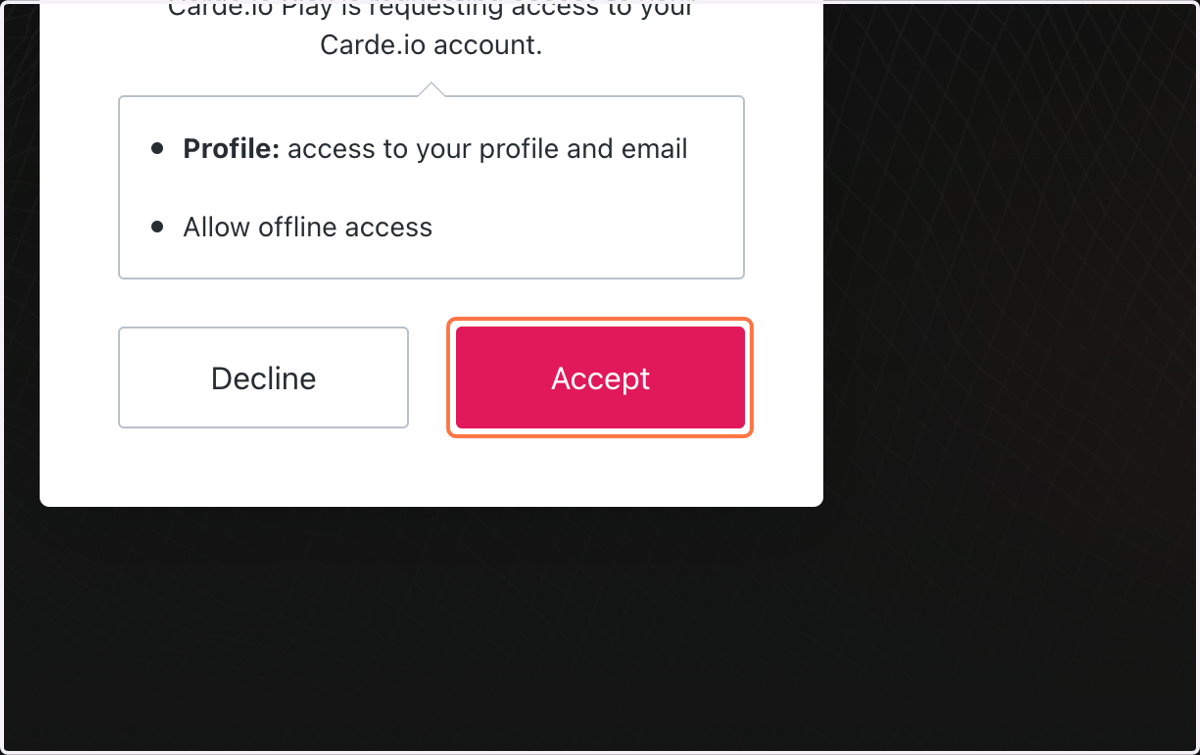
6. Click on Accept to accept terms
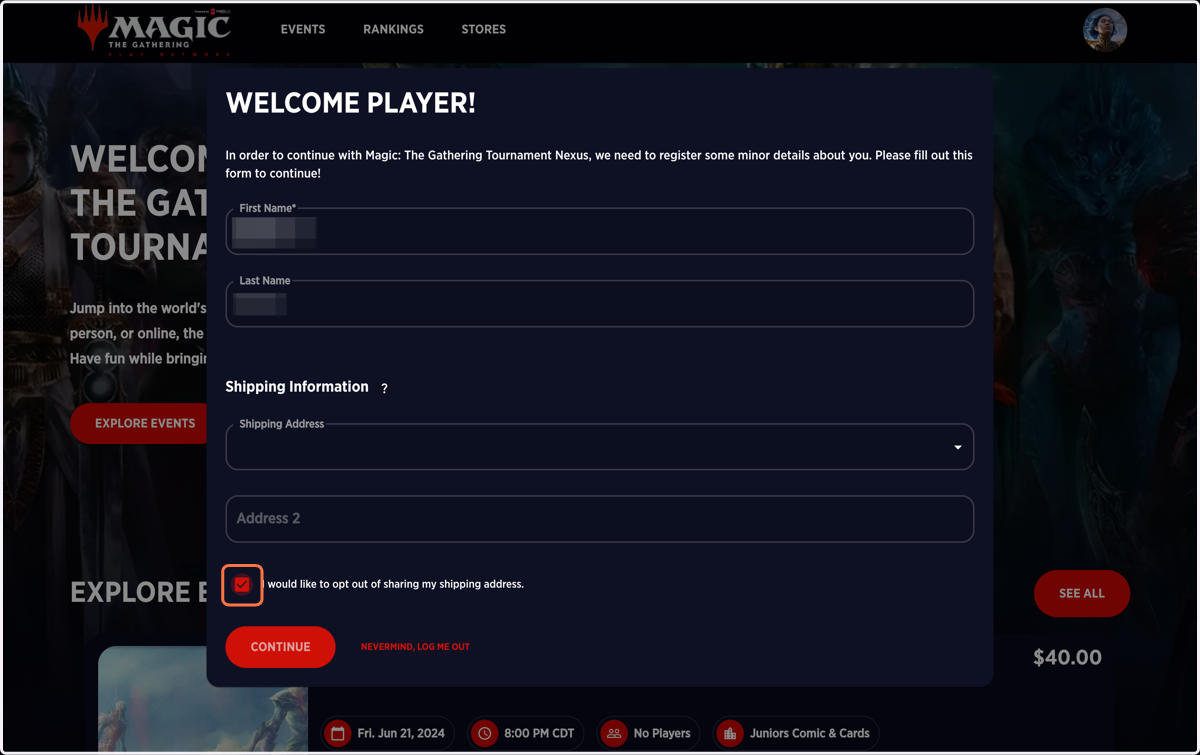
7. Fill out the form, only your first name is required, then continue to finish account set-up
If you are planning on using the reward store we recommend inputing your last name and address, otherwise you can click the opt out button
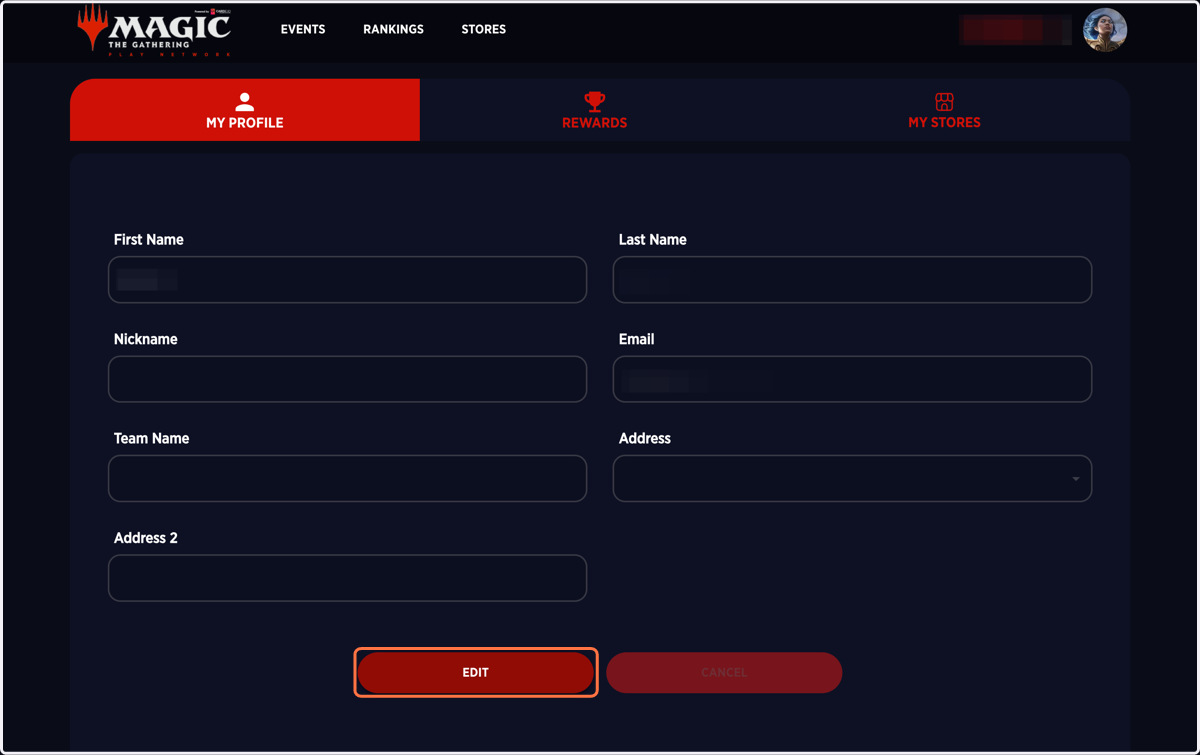
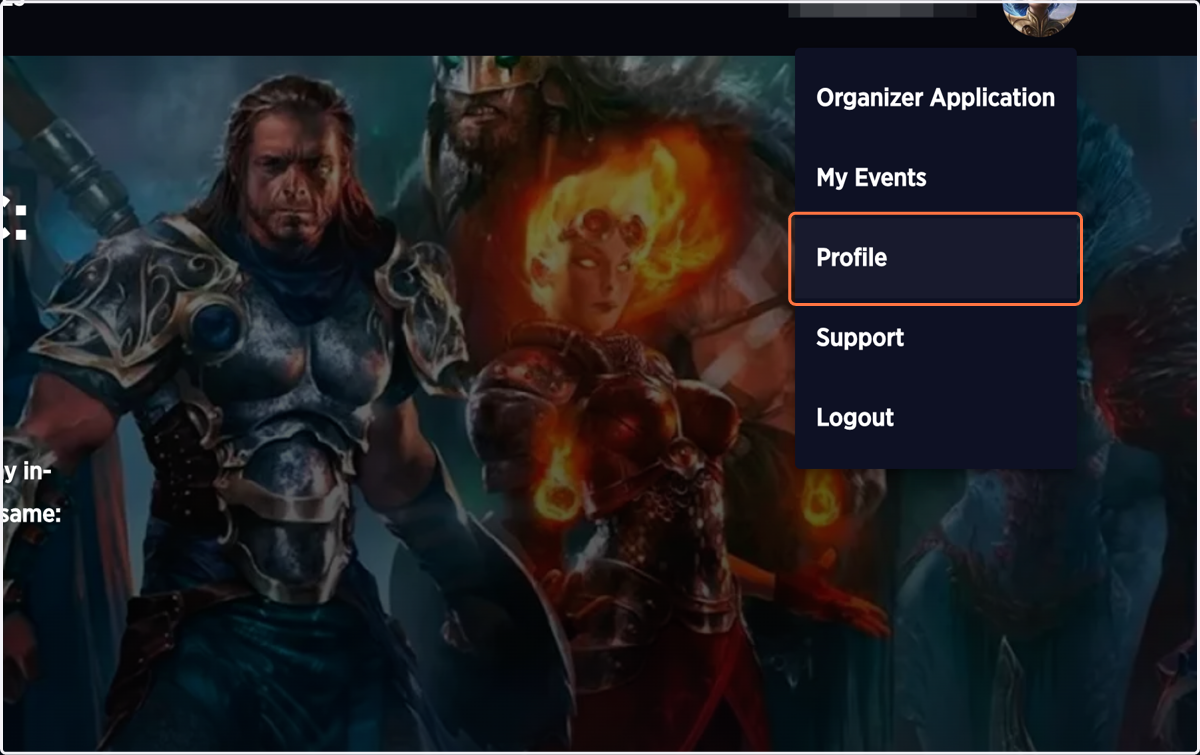
8. To make any changes to your profile, click on you name on the top right, then click Profile
9. Scroll to the bottom then click edit to change any field