How to create a Master account in Blueberry Copy
Blueberry. | My Accounts
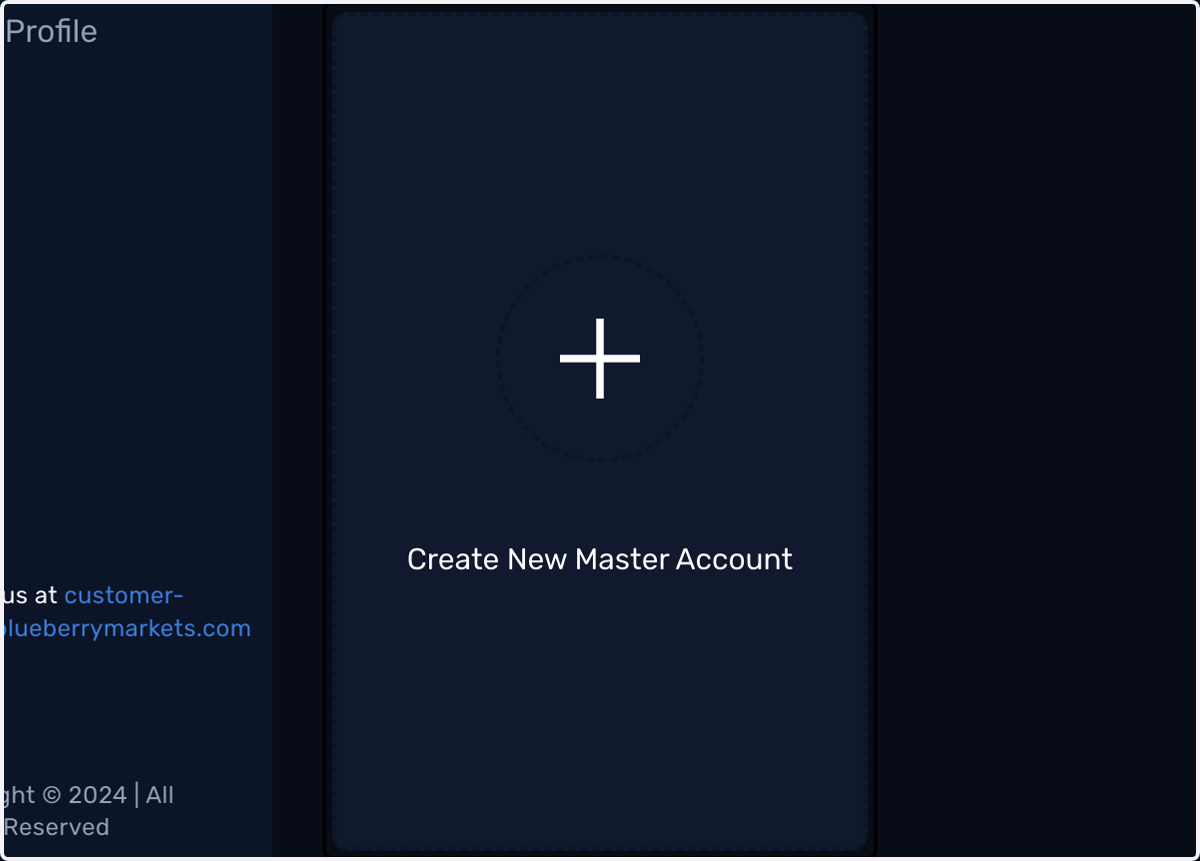
1. Click on Create New Master Account
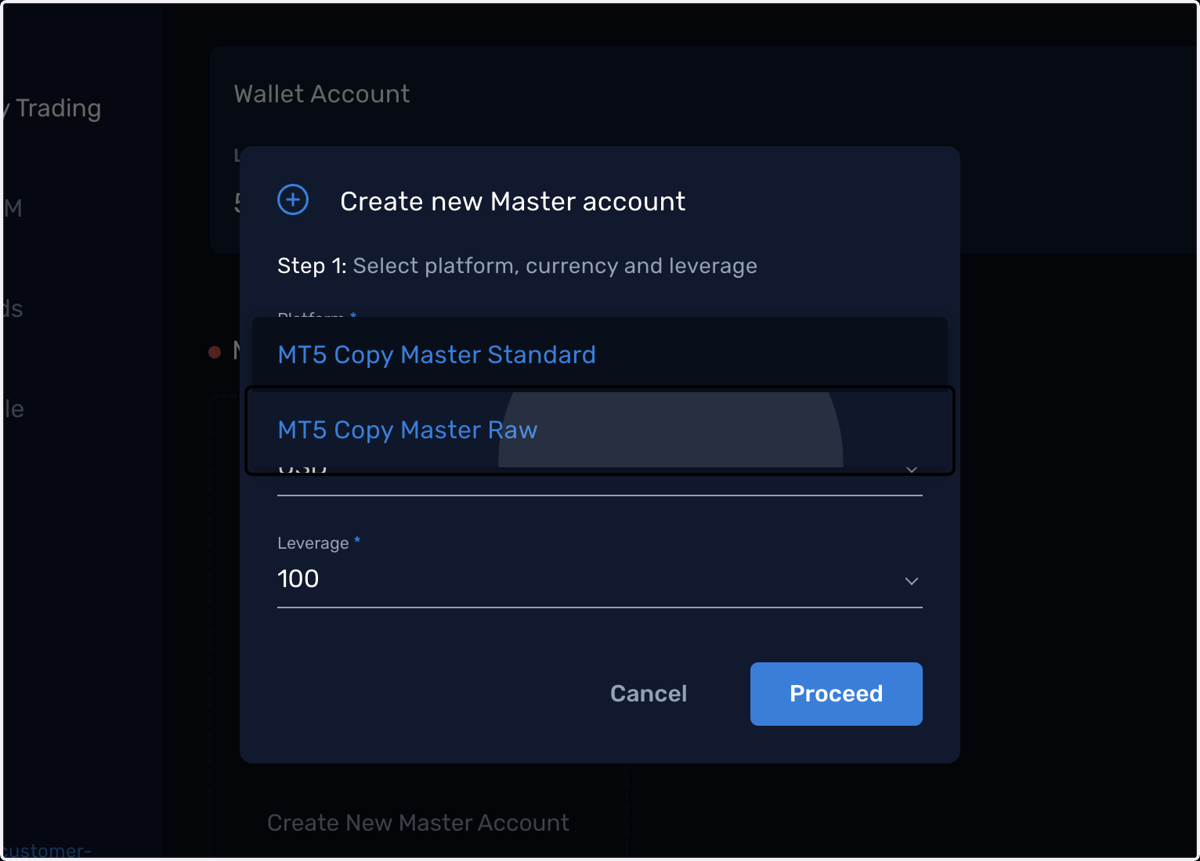
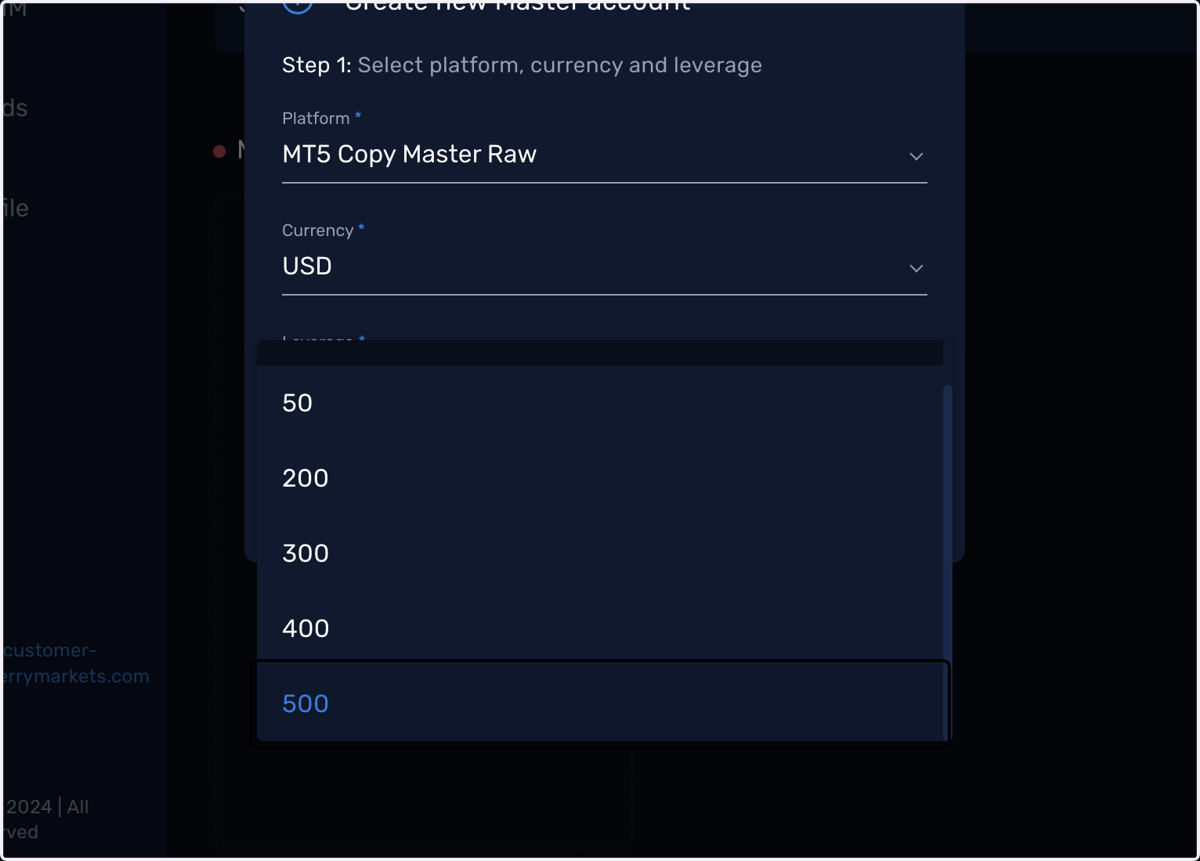
2. Select your preferred account type
3. Select your preferred Currency
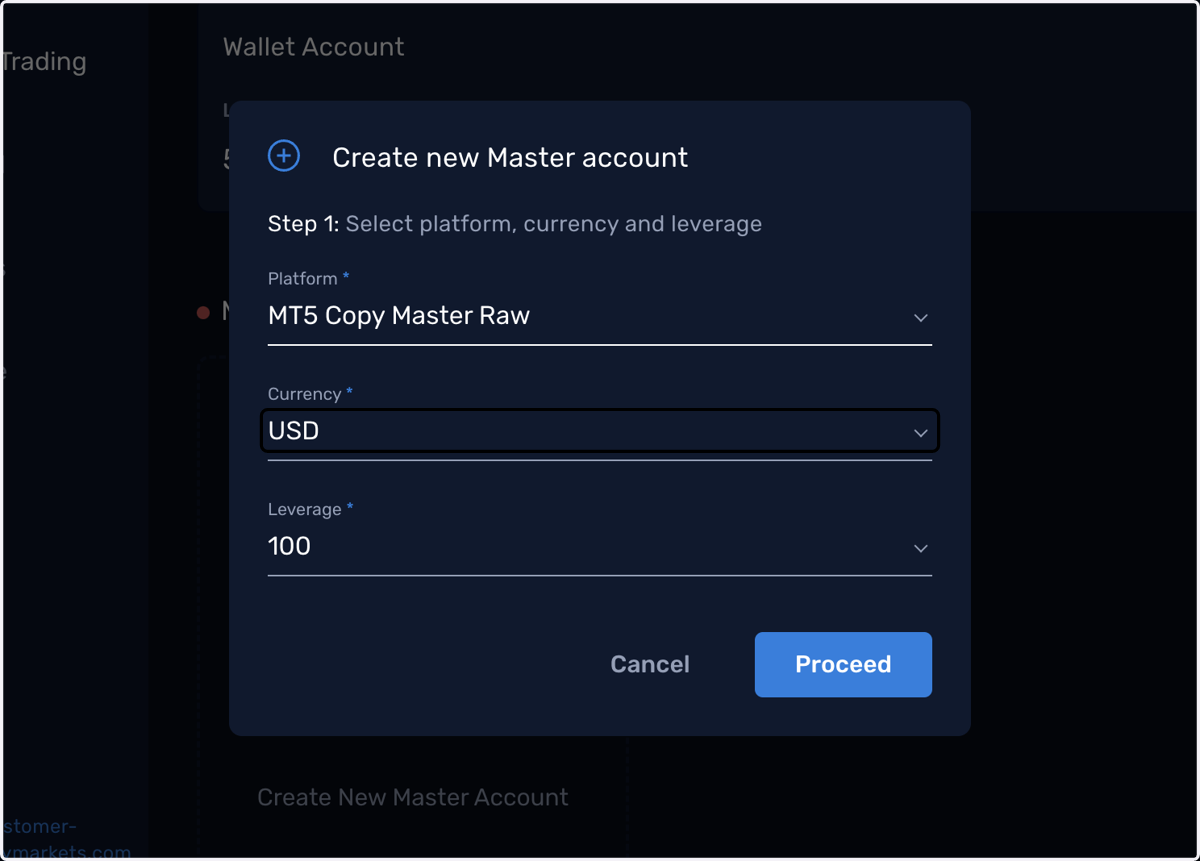
4. Select your preferred Leverage
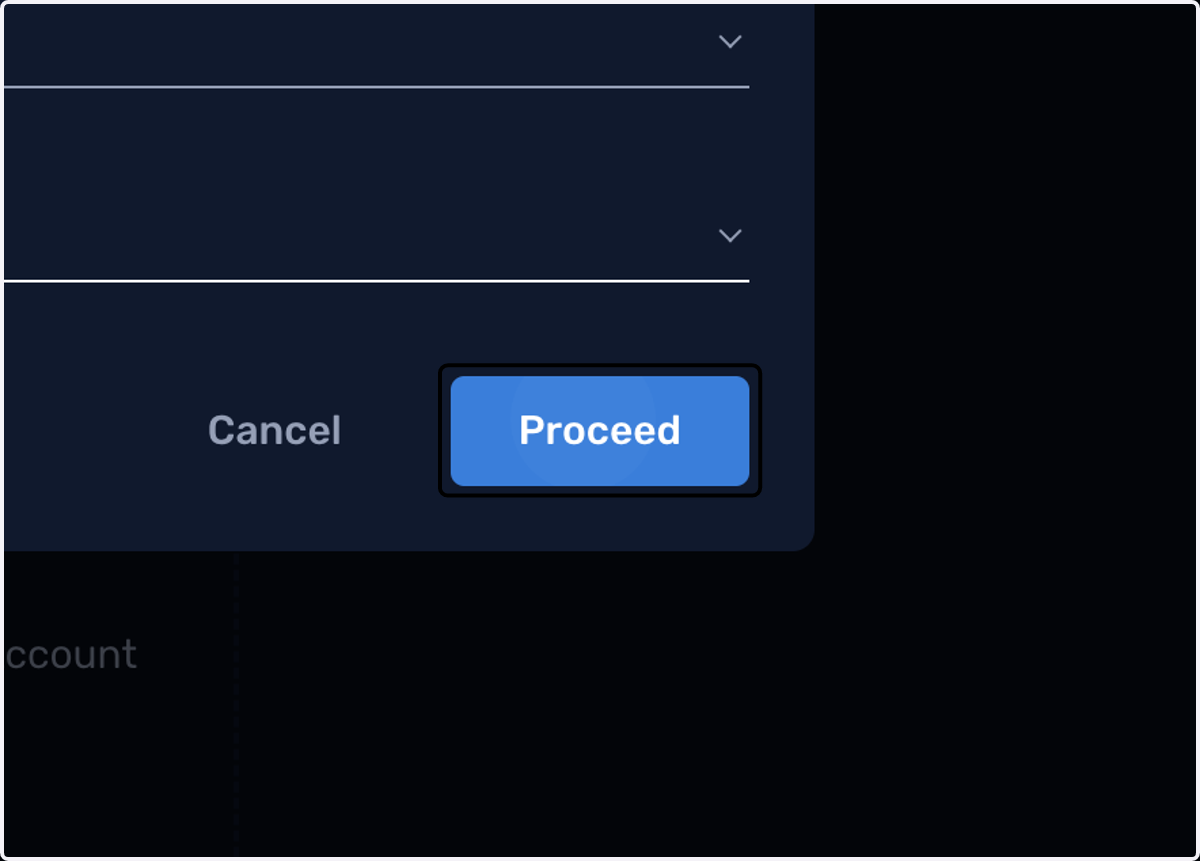
5. Click on Proceed
6. The account will be created shortly
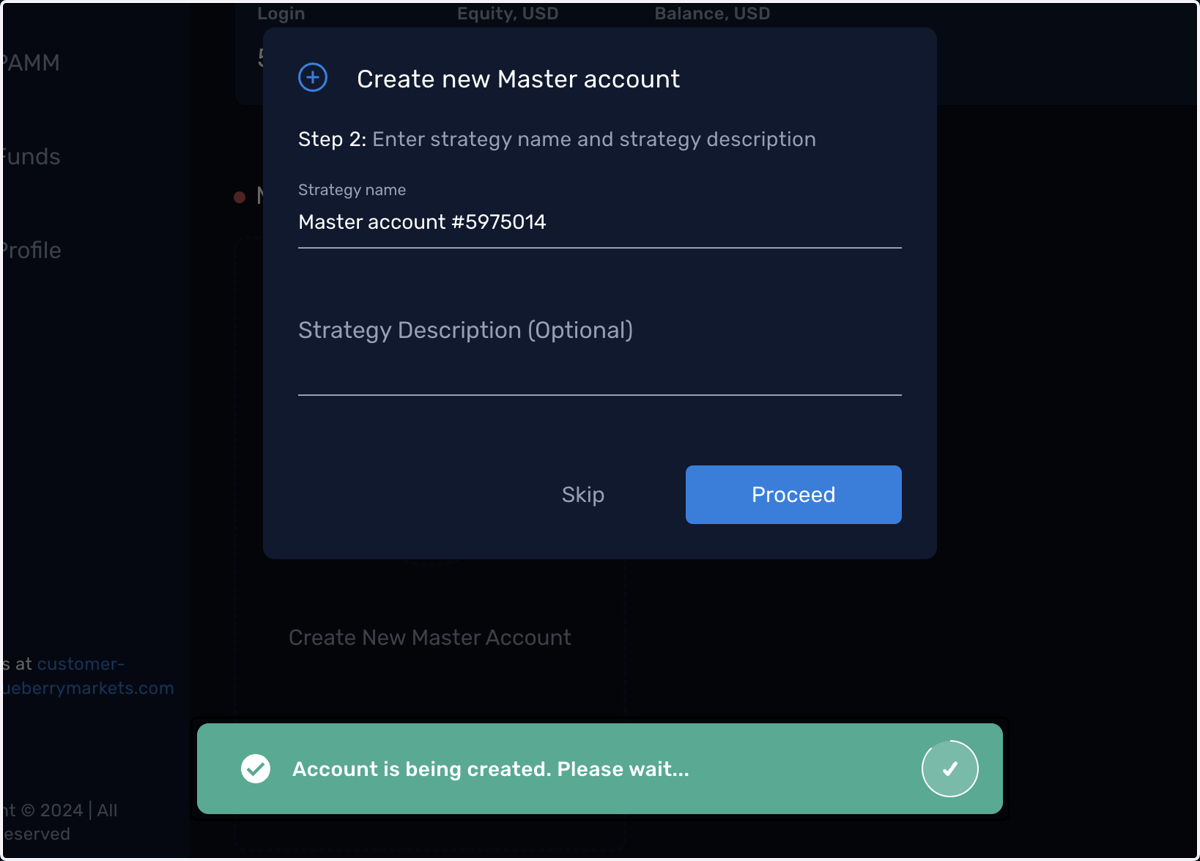
7. Name your strategy
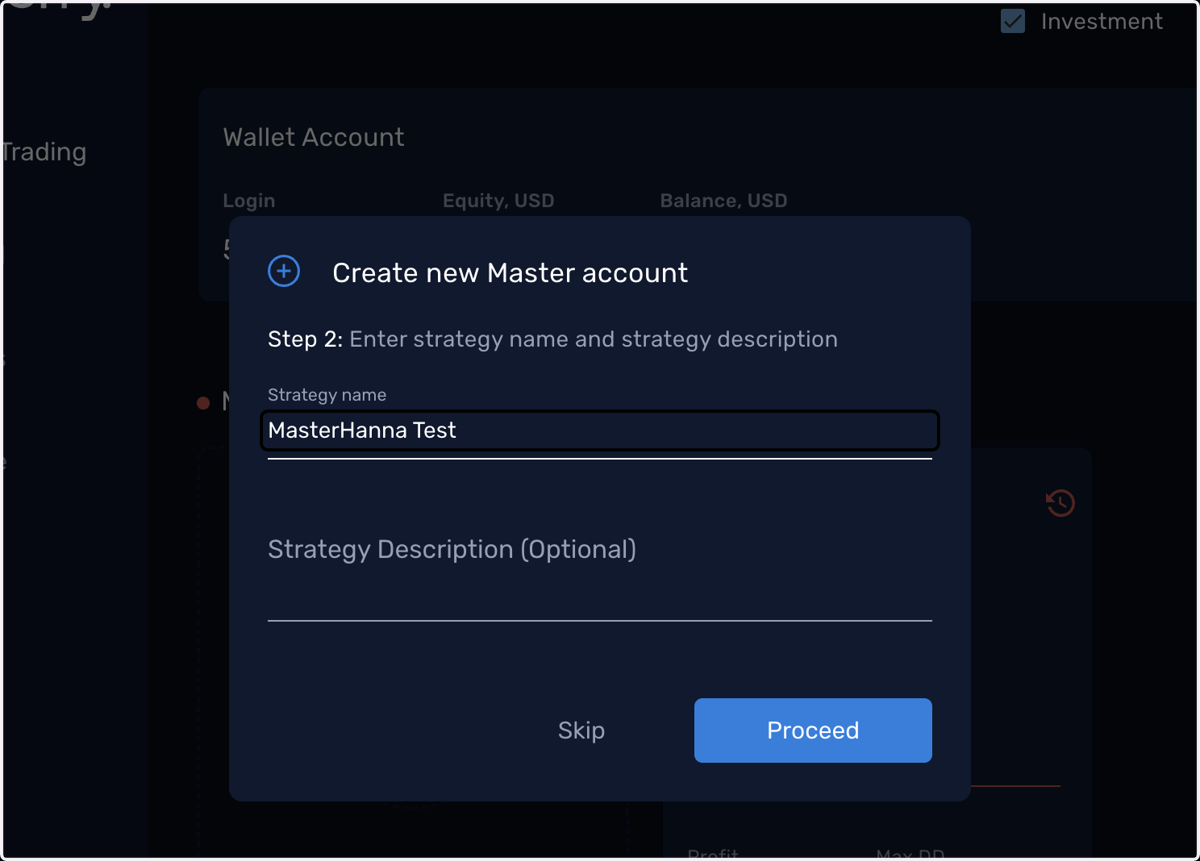
8. Enter your strategy's description
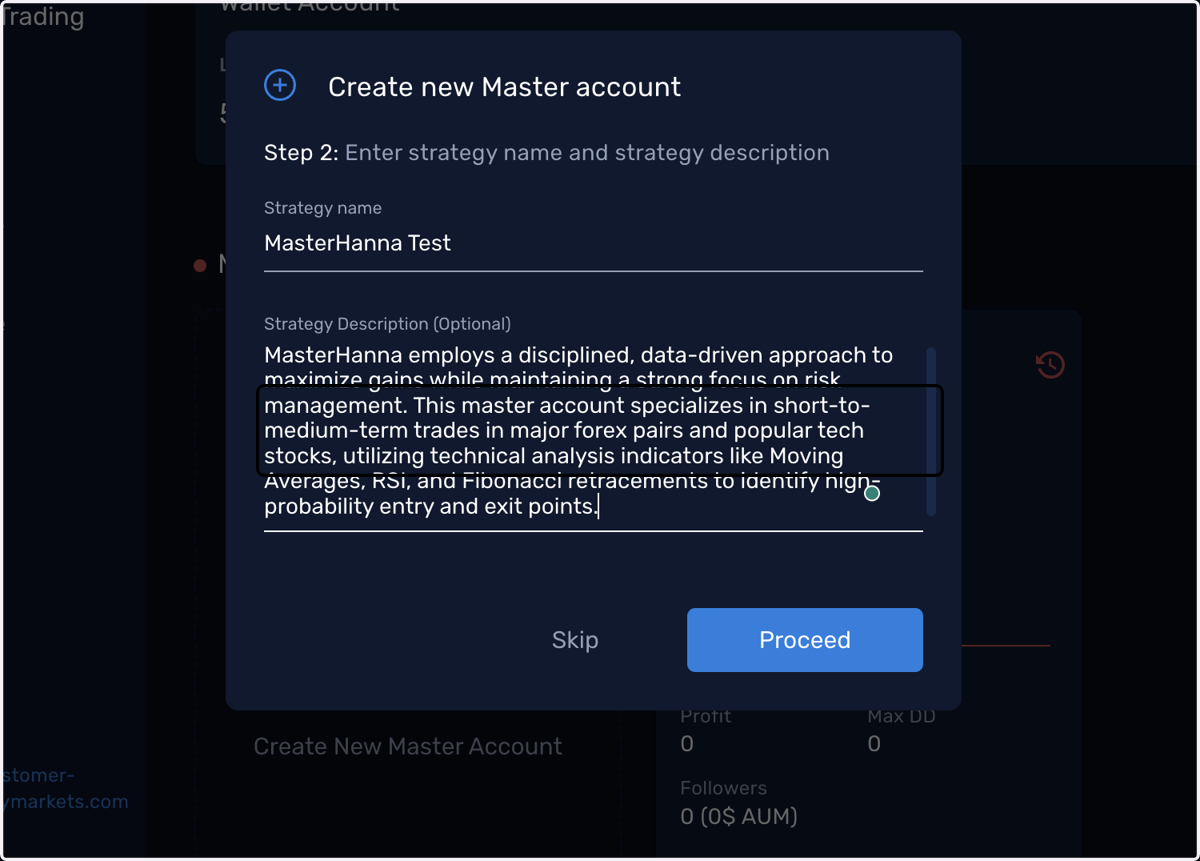
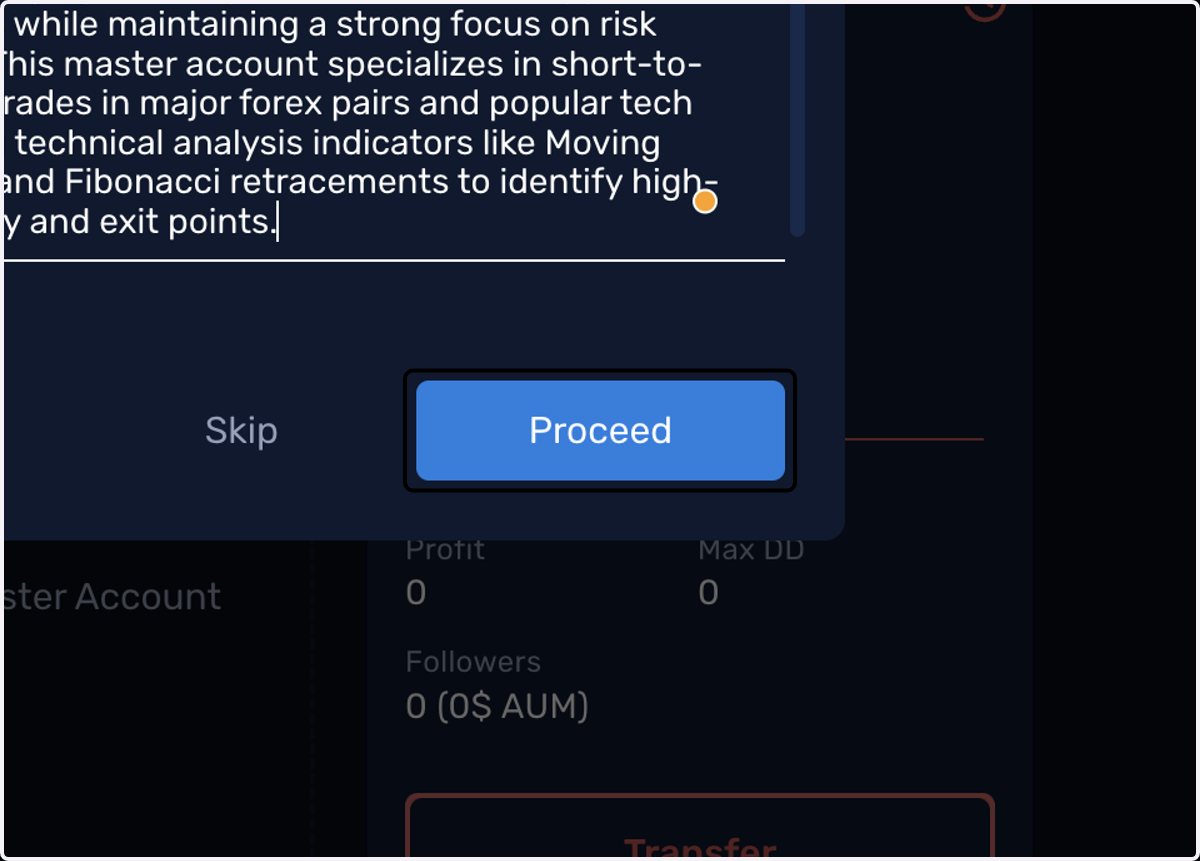
9. Click on Proceed
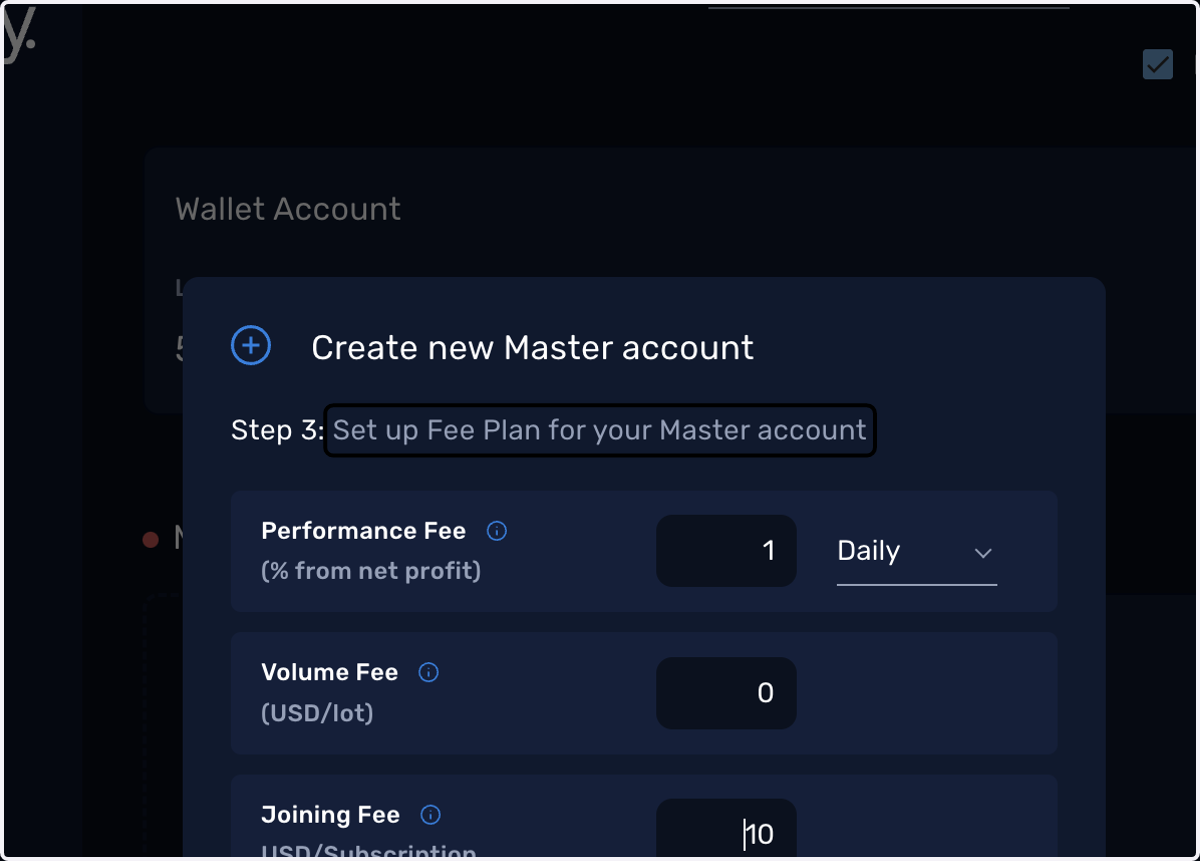
10. Set up your Fee Plan
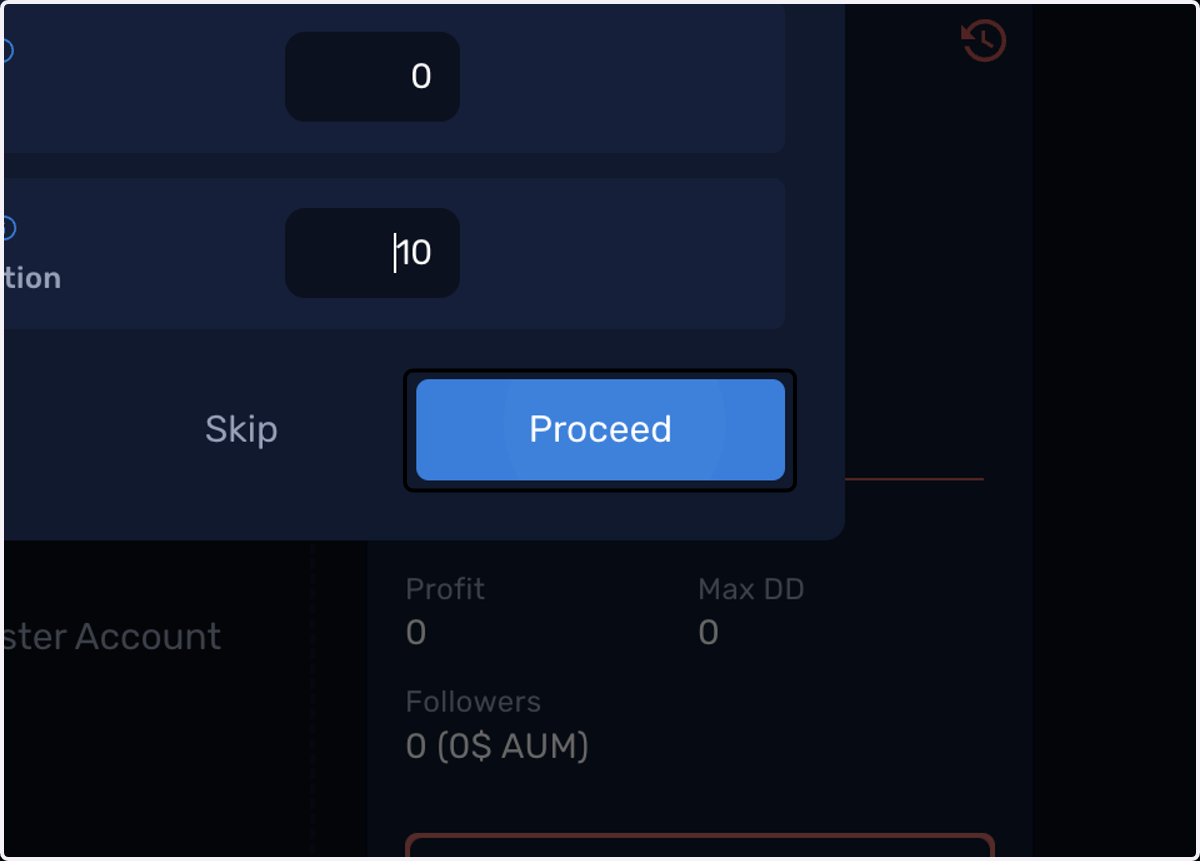
11. Click on Proceed
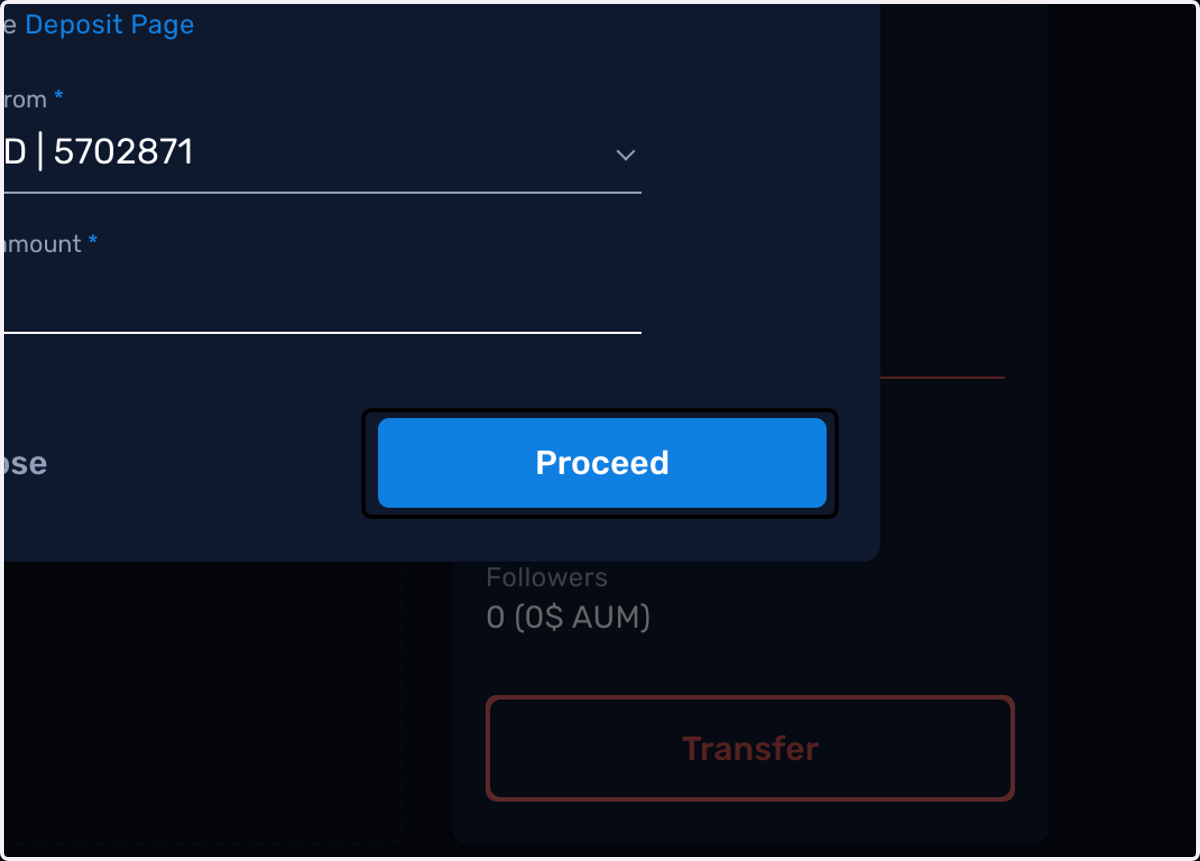
12. Fund your new Master account by transferring from your wallet
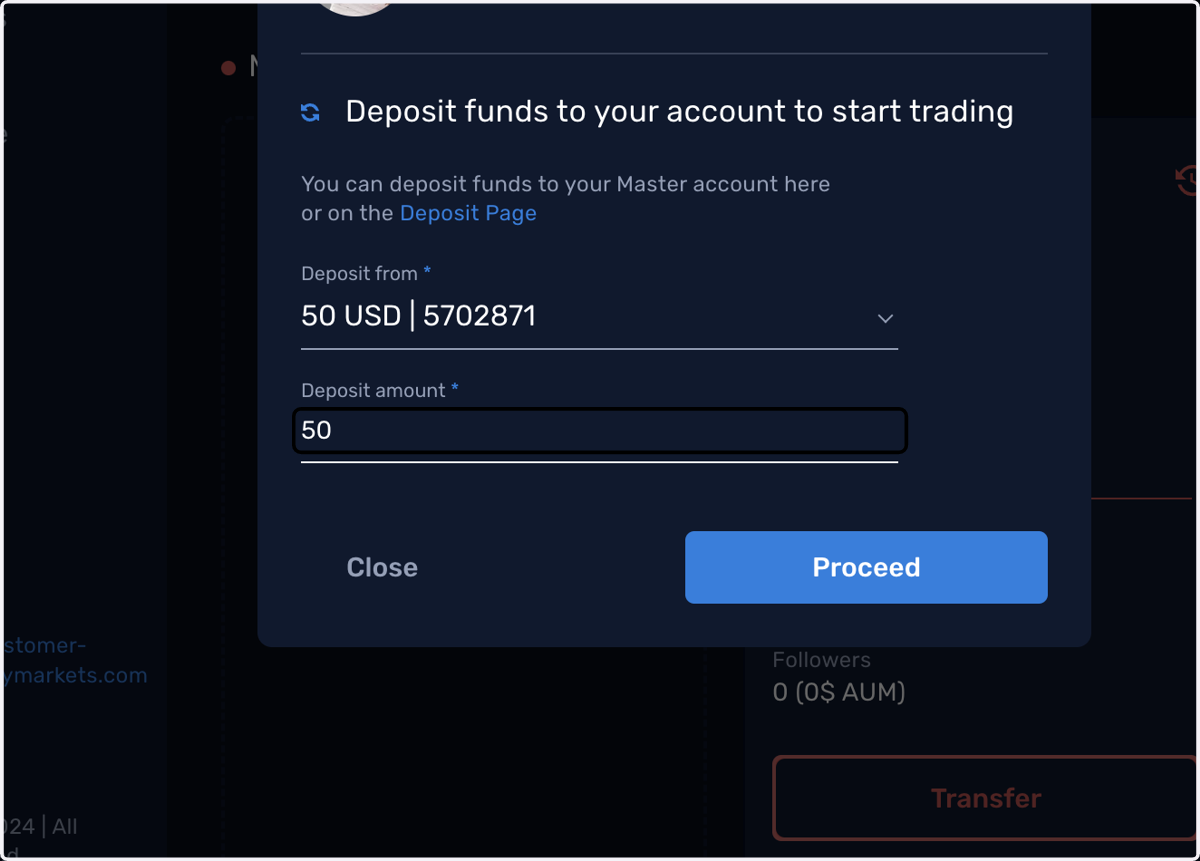
13. Click on Proceed