Setting Up an Empower Hope AI Account for NeoCare Palliative and Hospice

Empower Hope AI

  1. 1. Click on , create an Account today and manage your Empower Hope team. View team dashboards and documents and manage permissions.
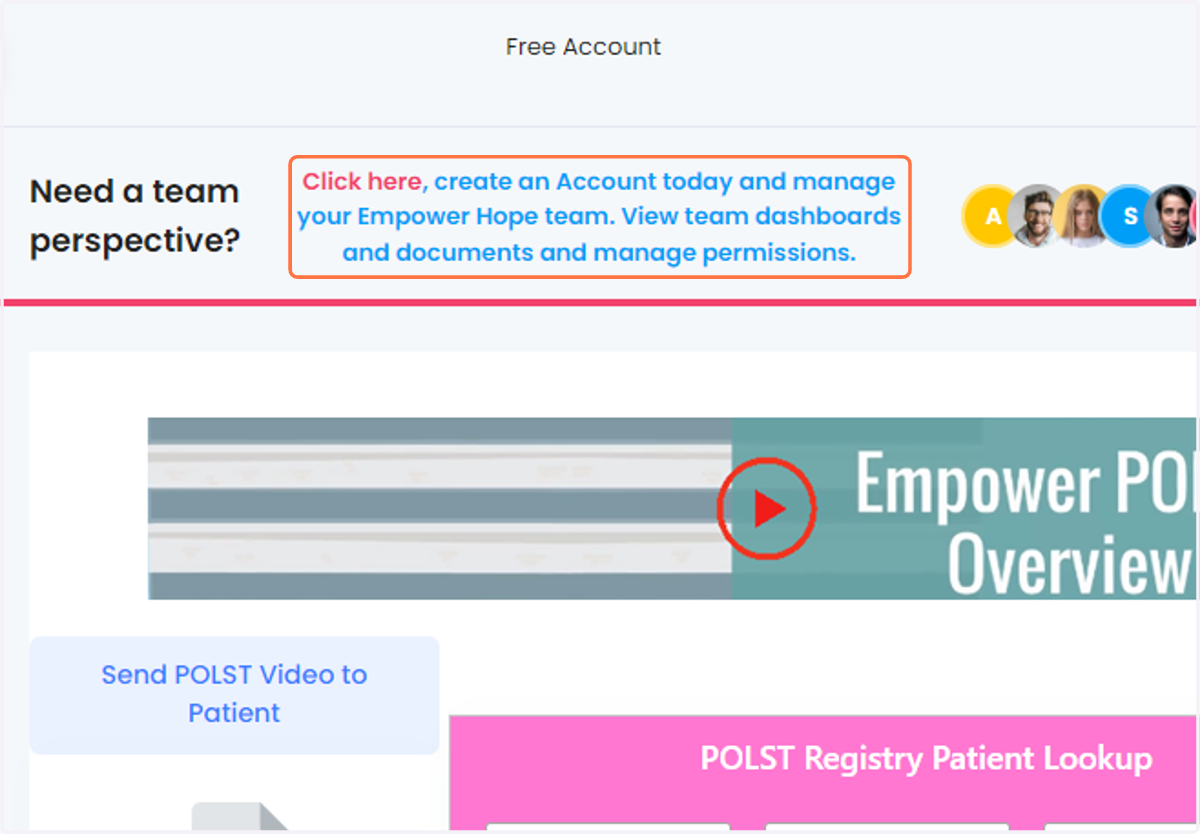
    Click on , create an Account today and manage your Empower Hope team. View team dashboards and documents and manage permissions.
  2. 2. Select Corporate Provider account - corporate email domain required
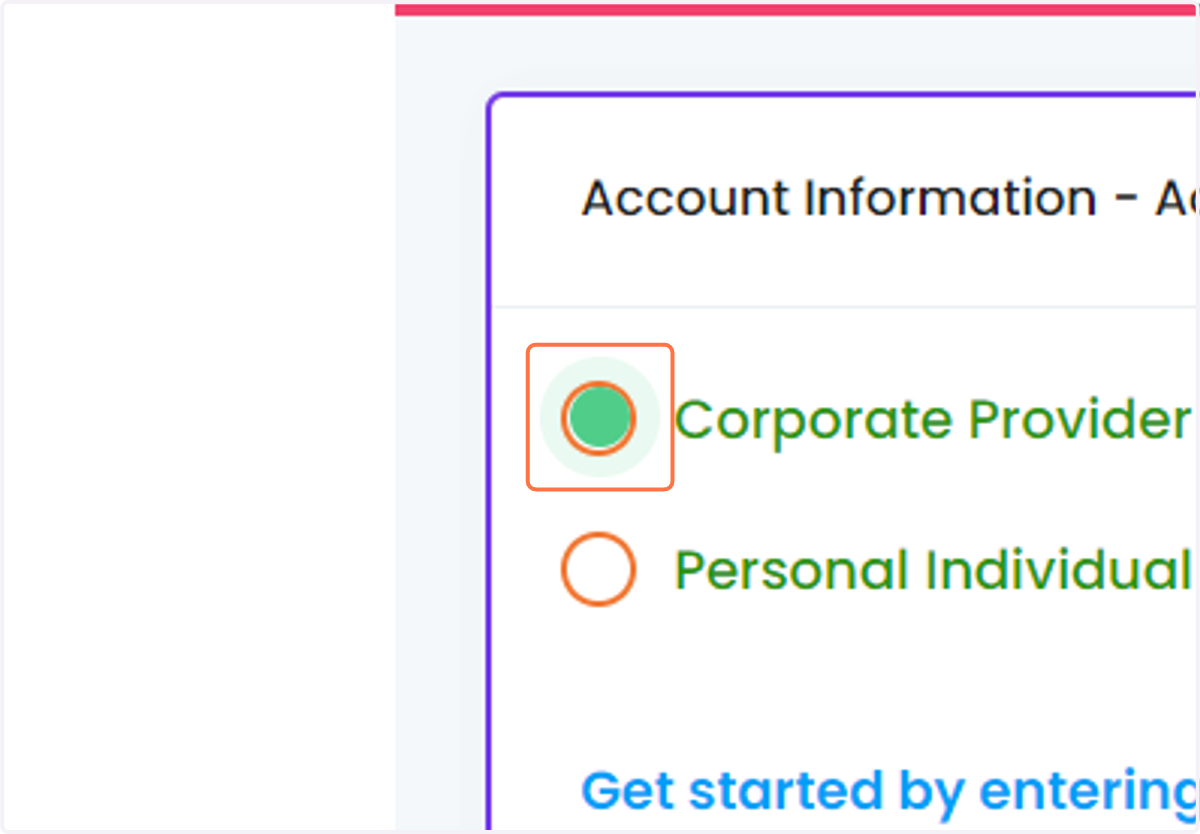
    Select Corporate Provider account - corporate email domain required
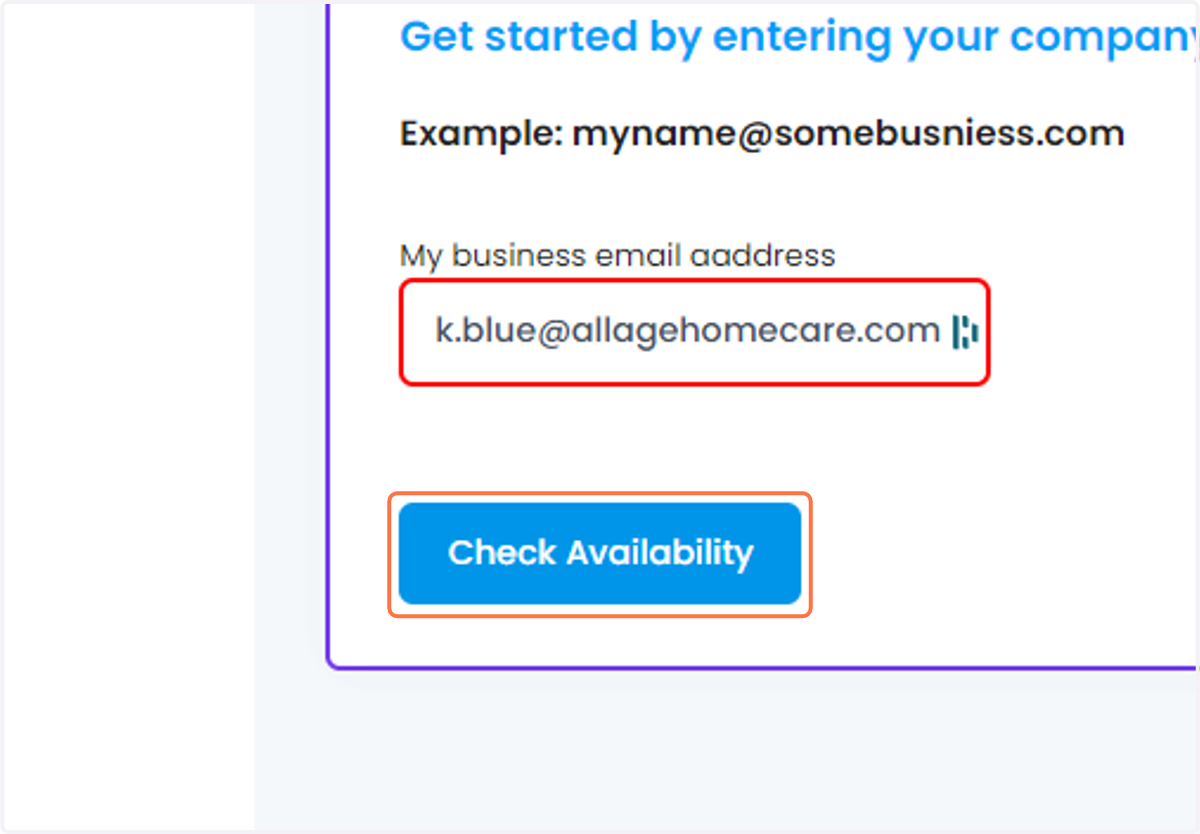
  3. 3. Click on Check Availability

    Click on Check Availability
  4. 4. Paste "Pure Bliss Hospice Care, Inc. dba NeoCare Palliative and Hospice" into input
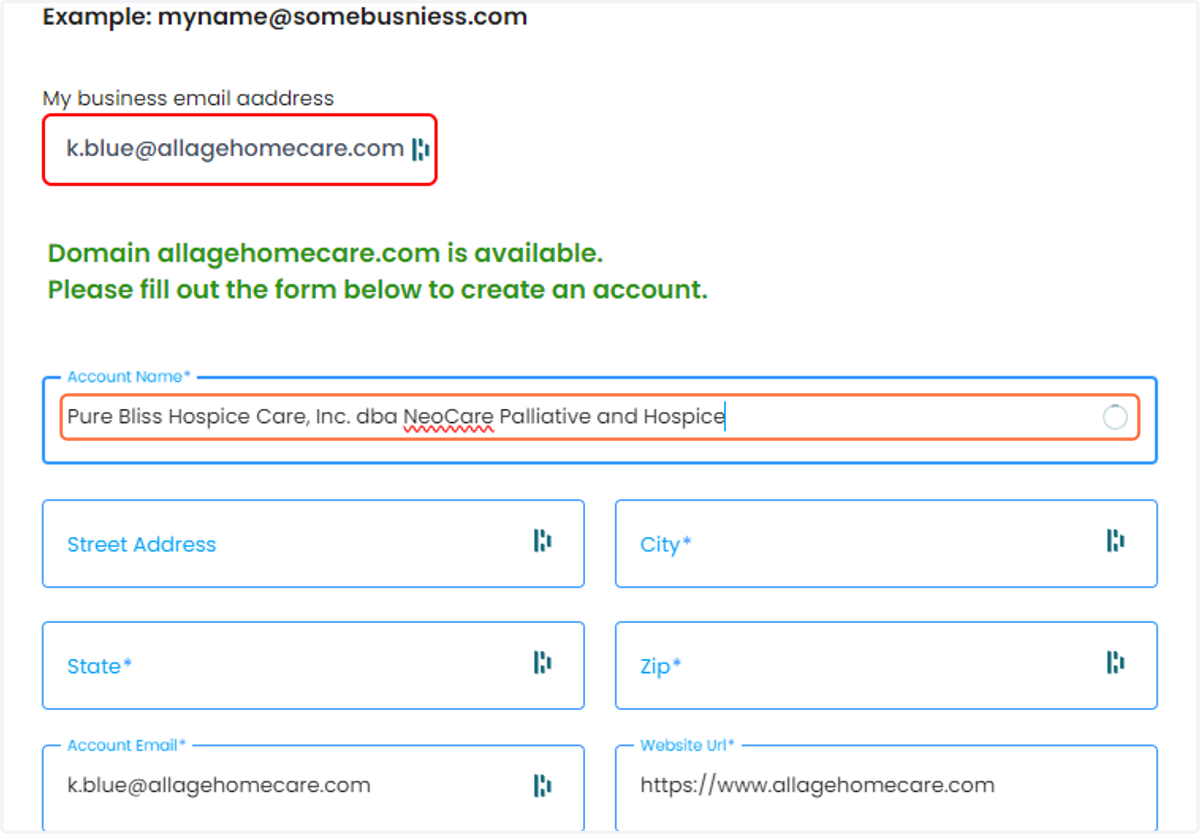
    Paste "Pure Bliss Hospice Care, Inc. dba NeoCare Palliative and Hospice" into input
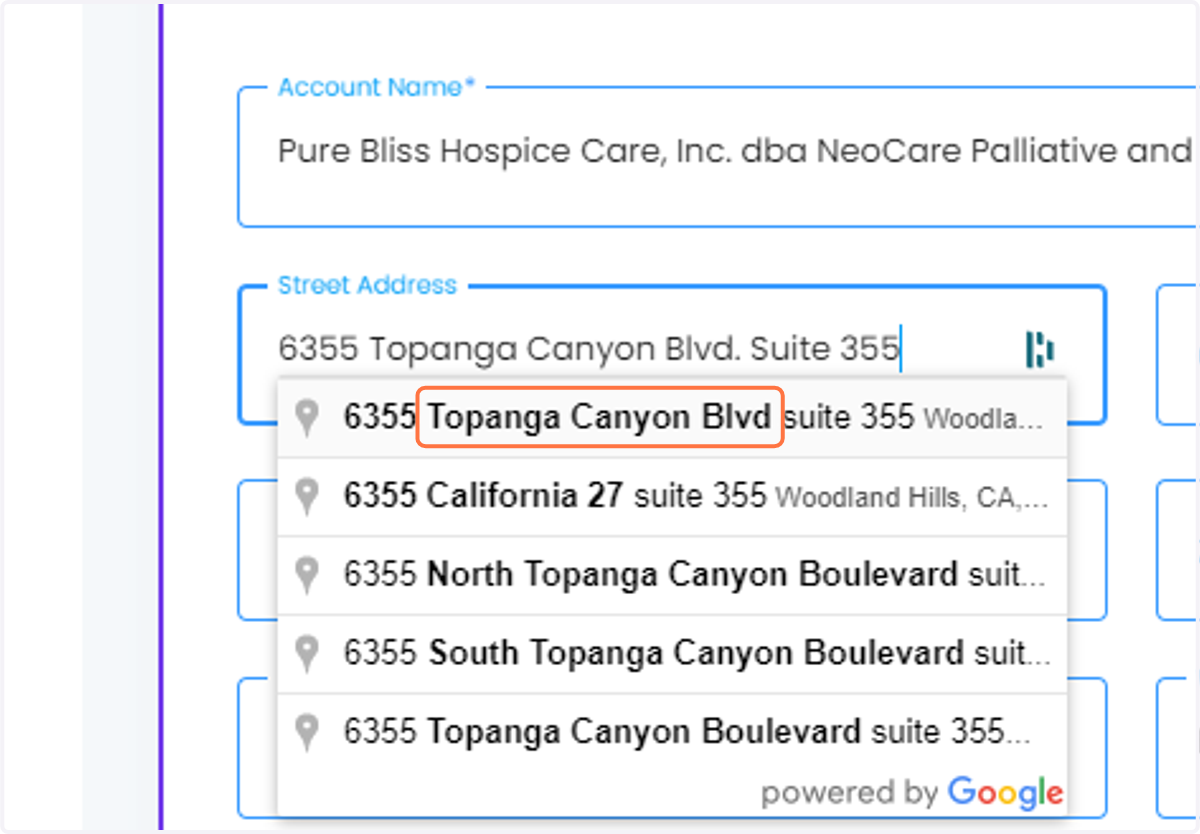
  5. 5. Paste "6355 Topanga Canyon Blvd. Suite 355" into input
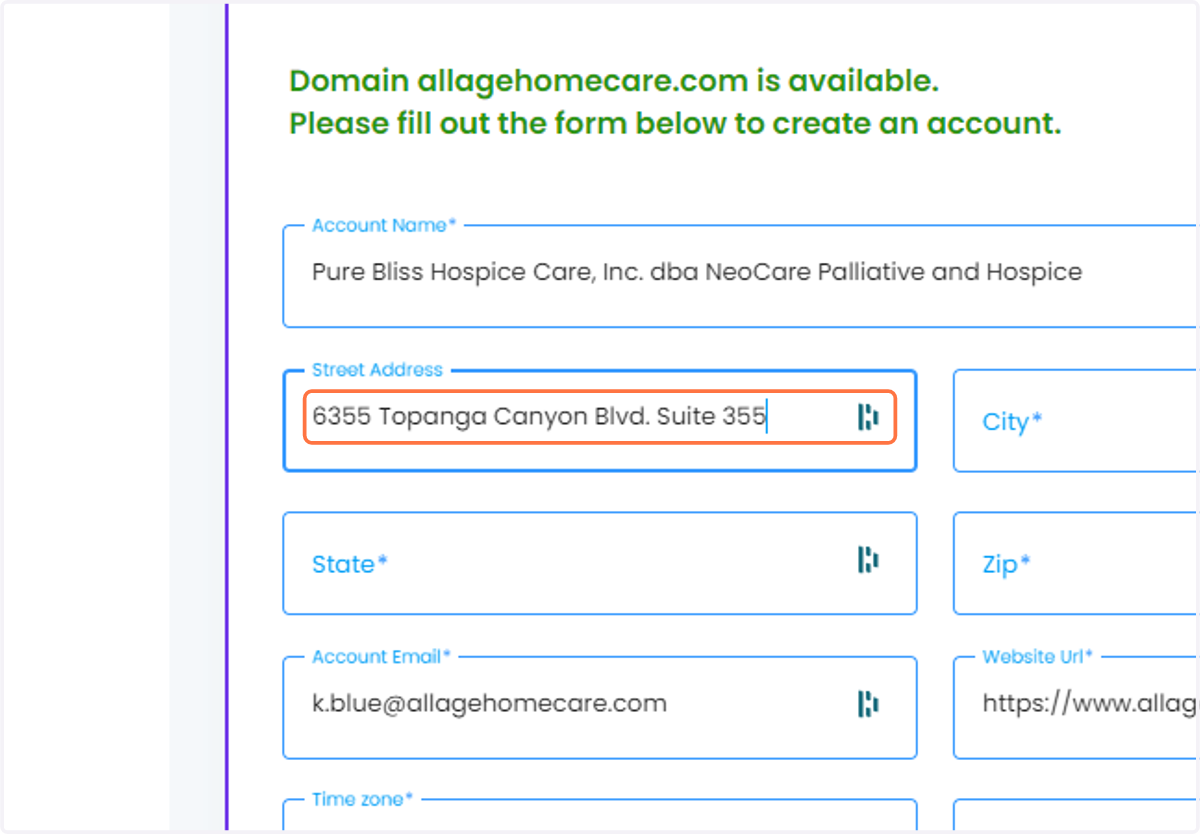
    Paste "6355 Topanga Canyon Blvd. Suite 355" into input
  6. 6. Click on Topanga Canyon Blvd

    Click on Topanga Canyon Blvd
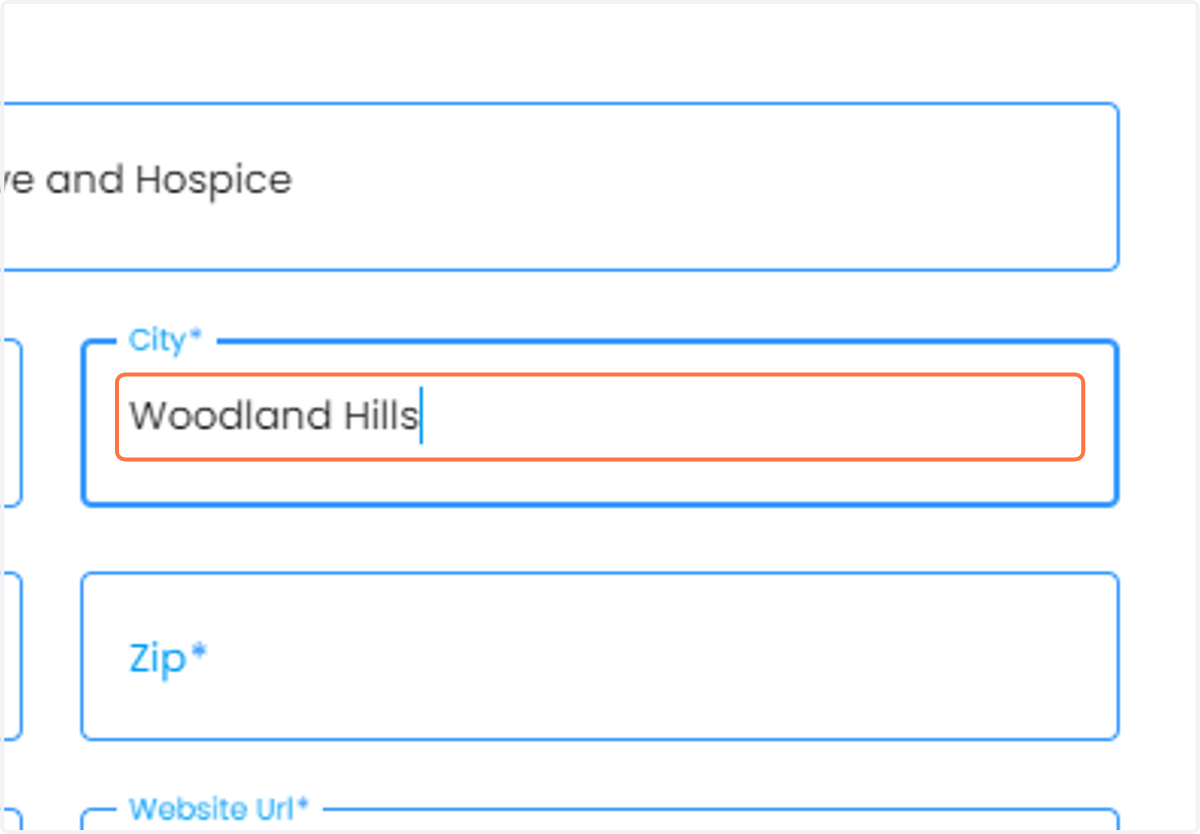
  7. 7. Paste "Woodland Hills" into input

    Paste "Woodland Hills" into input
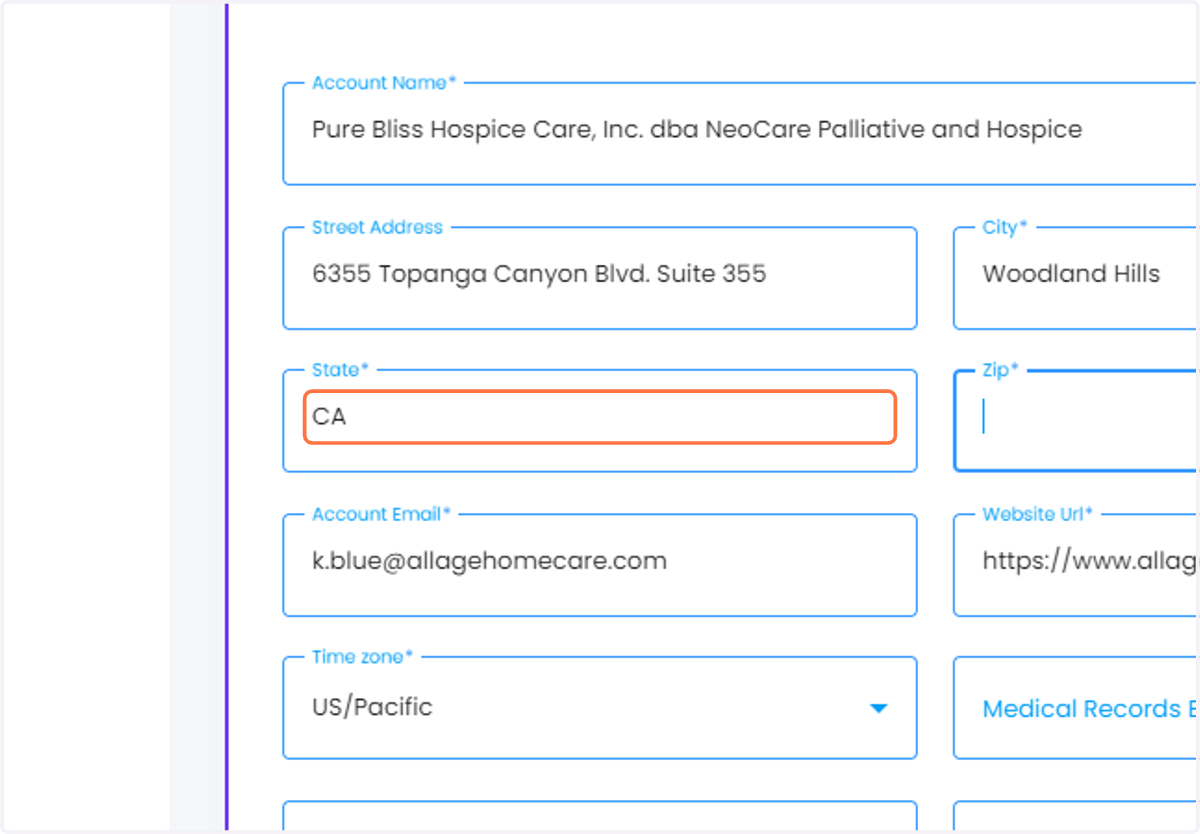
  8. 8. Type "CA"

    Type "CA"
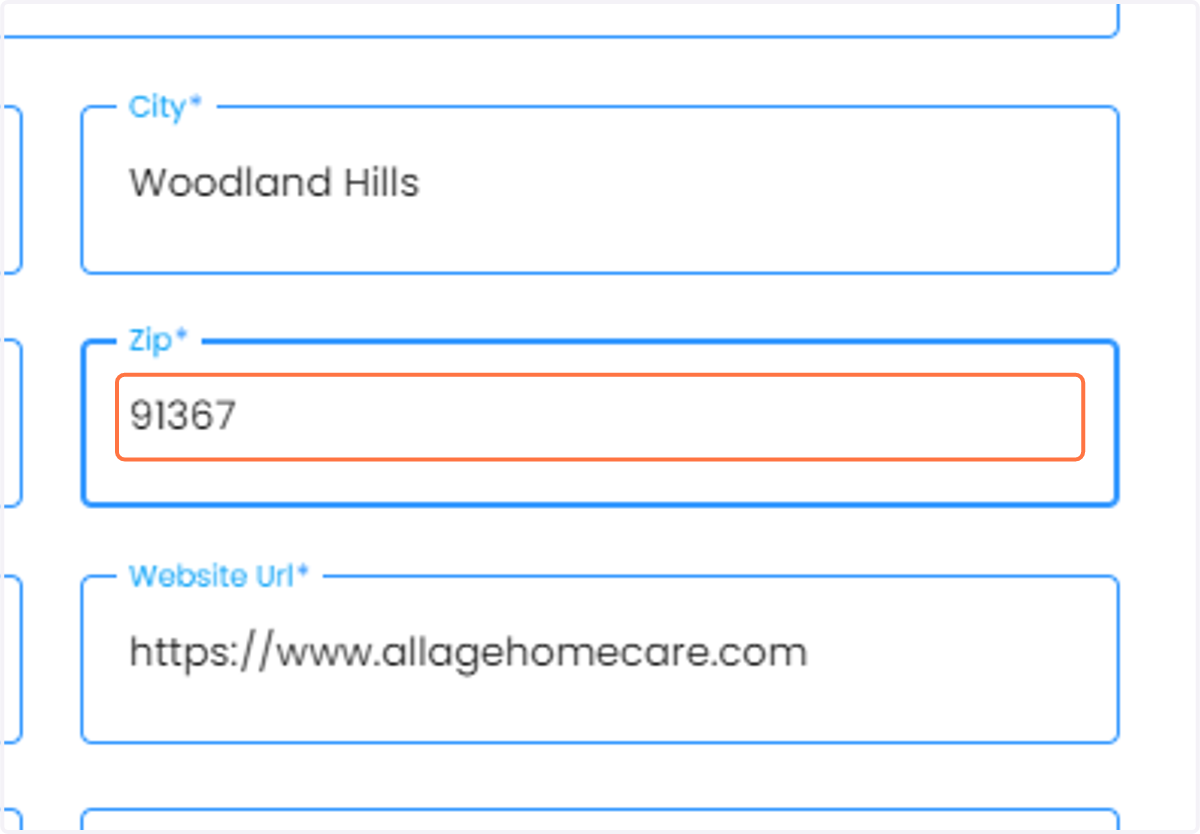
  9. 9. Type "91367"

    Type "91367"
  10. 10. Drag highlighted input

    Drag highlighted input
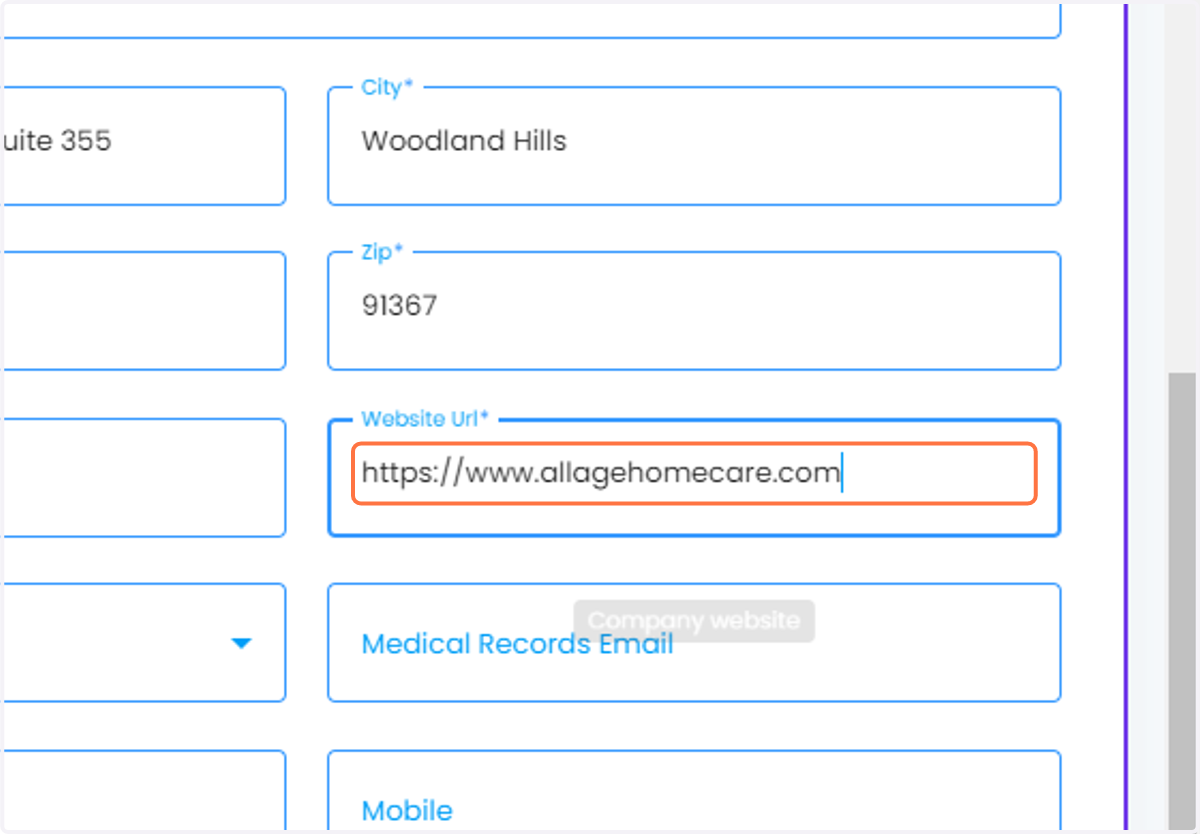
  11. 11. Paste "http://neocarepalliativehospice.com/" into input
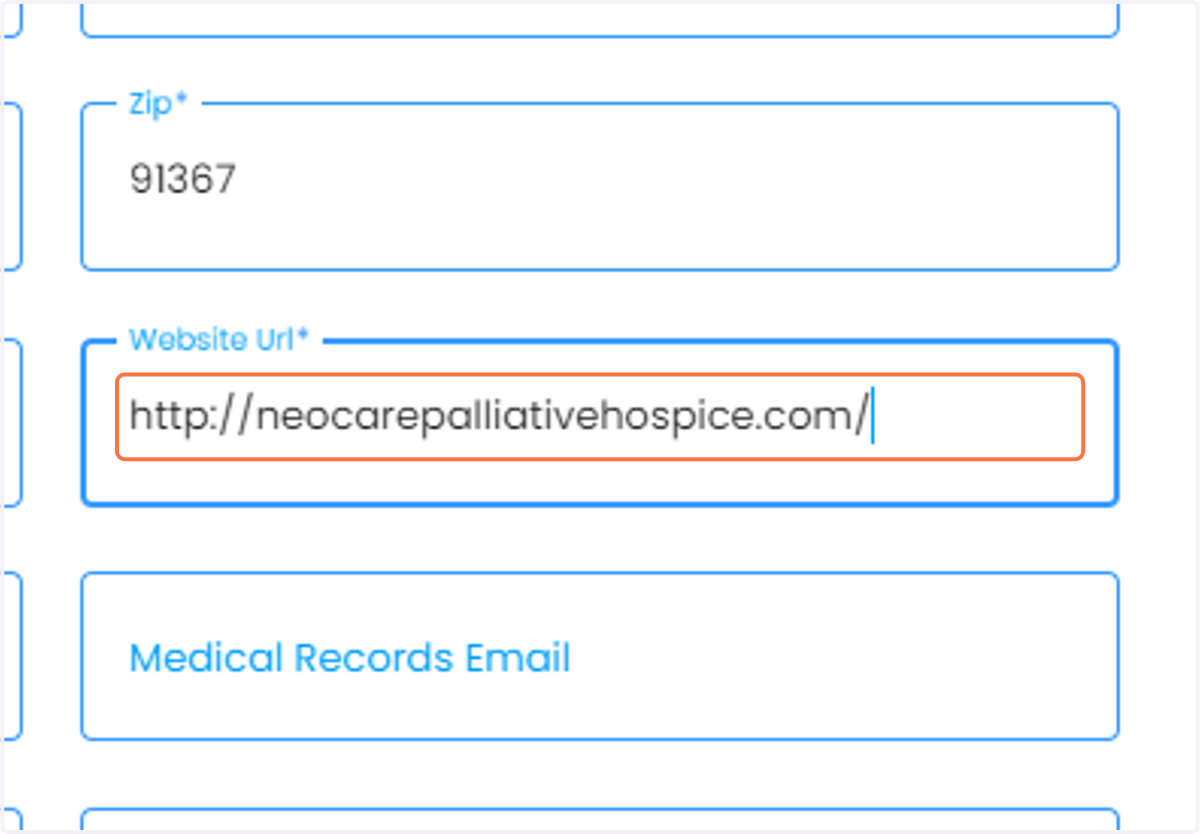
    Paste "http://neocarepalliativehospice.com/" into input
  12. 12. Paste "http://neocarepalliativehospice.com/wp-content/themes/neocarepalliativeer266/images/main-logo.png" into input
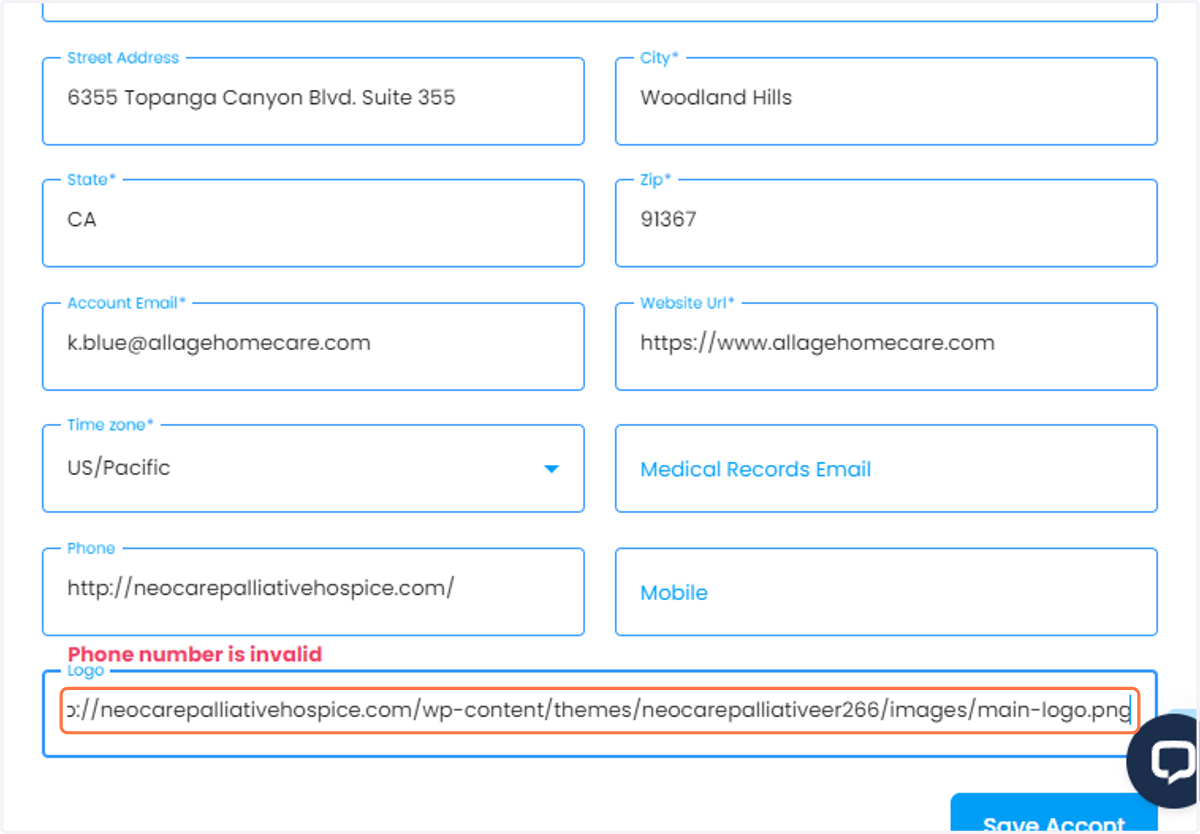
    Paste "http://neocarepalliativehospice.com/wp-content/themes/neocarepalliativeer266/images/main-logo.png" into input
  13. 13. Click on Website Url

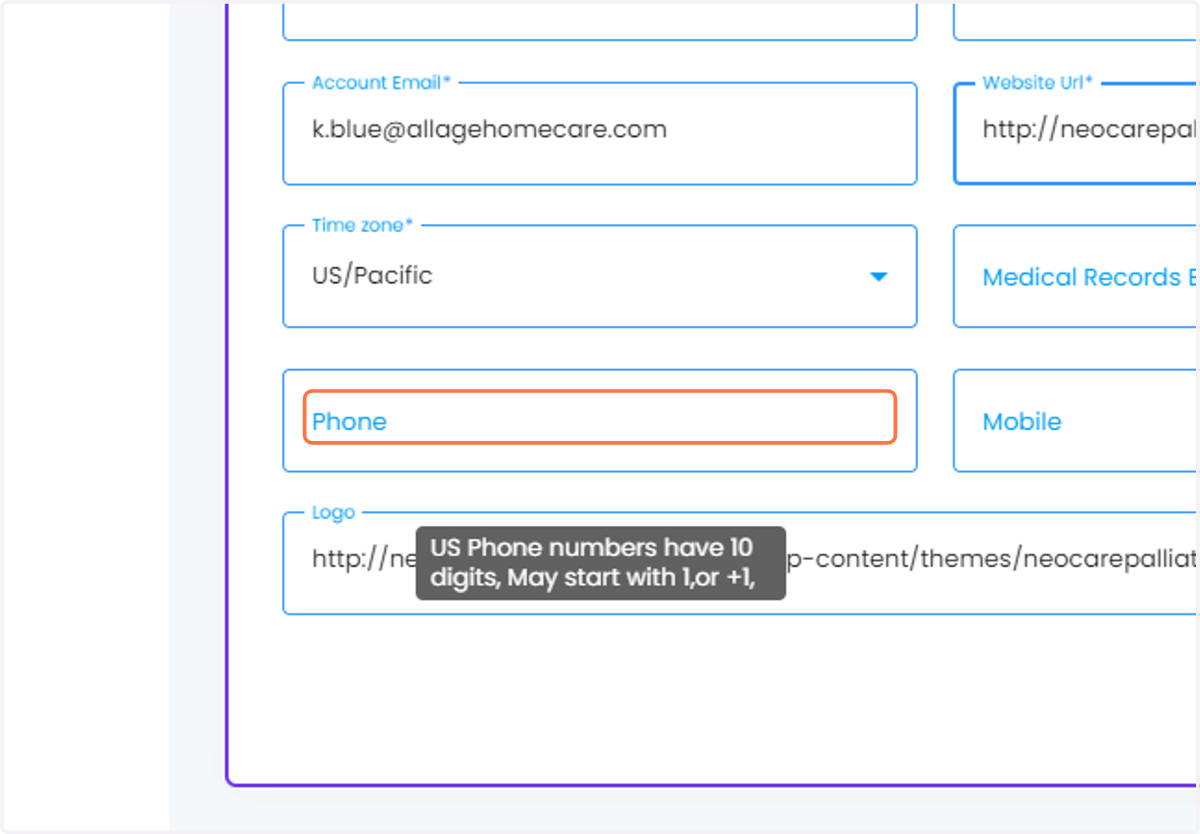
  14. 14. Click on Phone

    Click on Phone
  15. 15. Type "http://neocarepalliativehospice.com/"
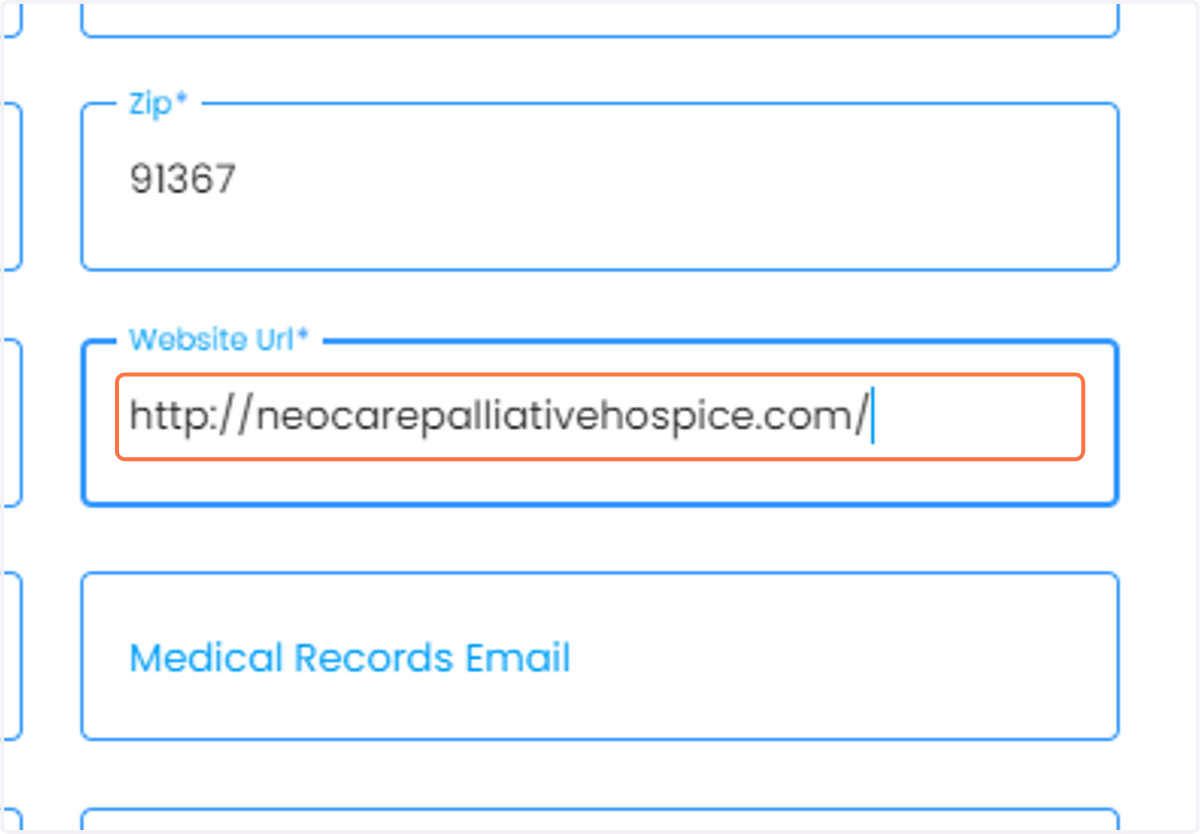
    Type "http://neocarepalliativehospice.com/"
  16. 16. Paste "(818)650-8203 " into input
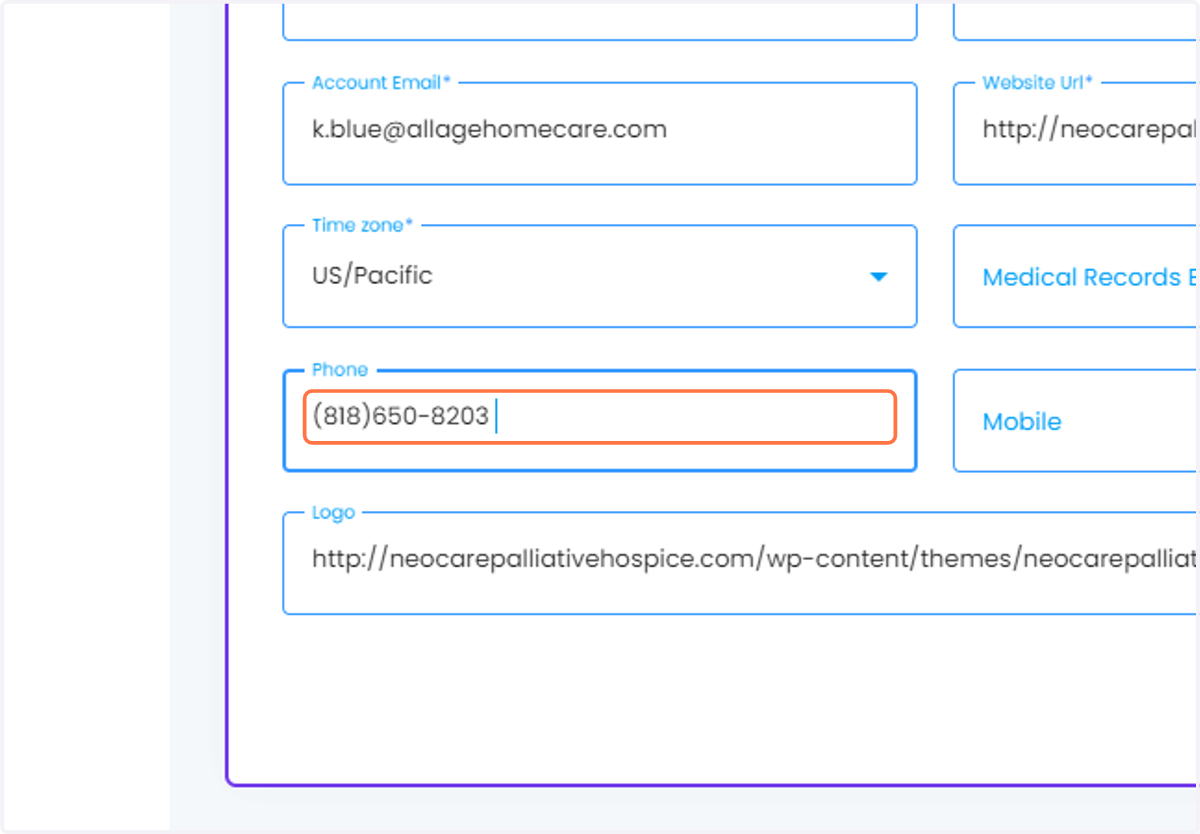
    Paste "(818)650-8203 " into input
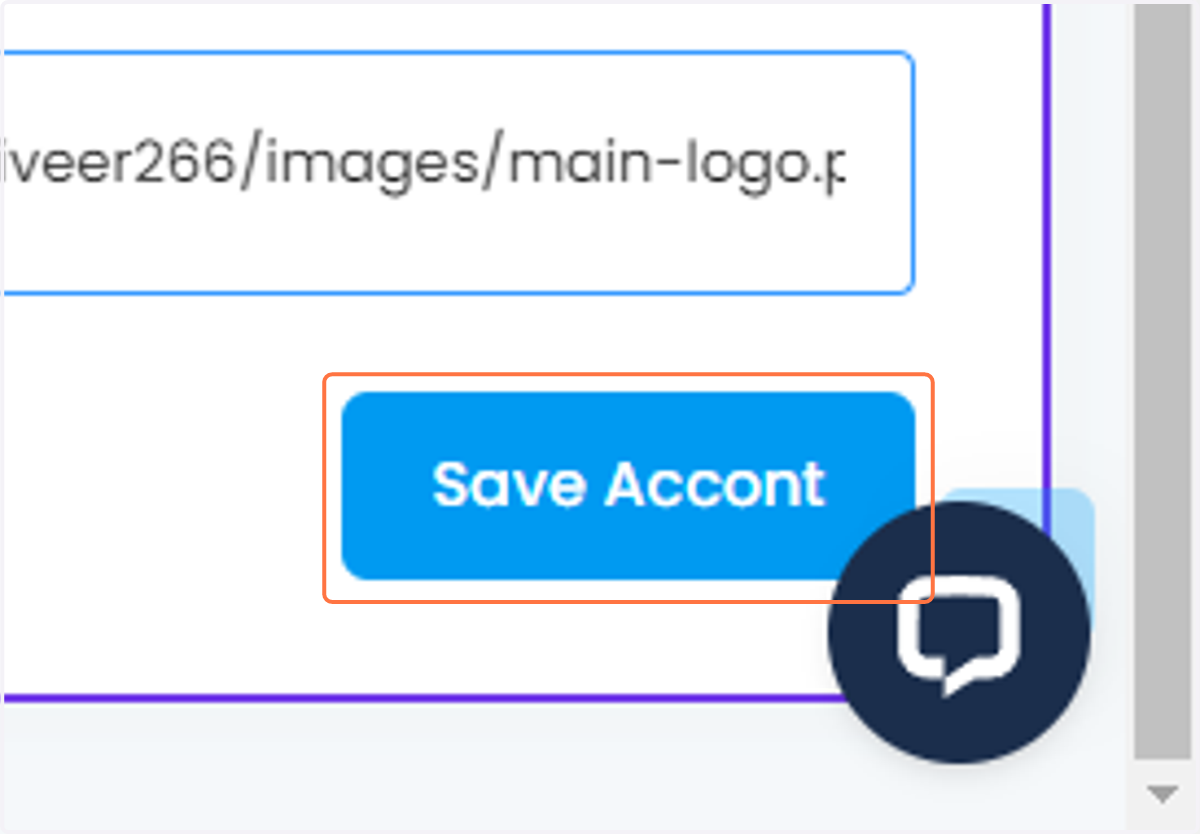
  17. 17. Click on Save Accont

    Click on Save Accont
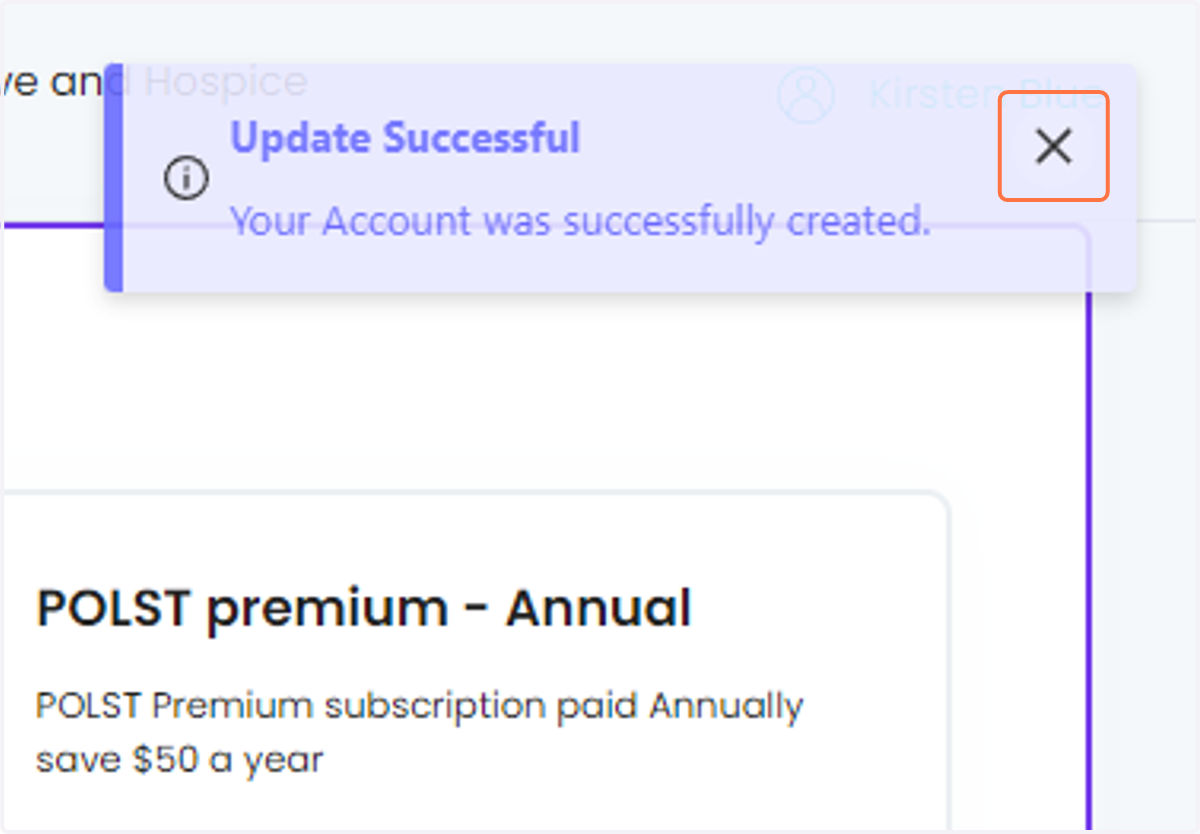
  18. 18. Click on Close

    Click on Close