How to Set Up the EliseAI Chatbot
This is how to set up the EliseAI (previously Meet Elise) chatbot on a property website
Log onto your property website through MultiHub
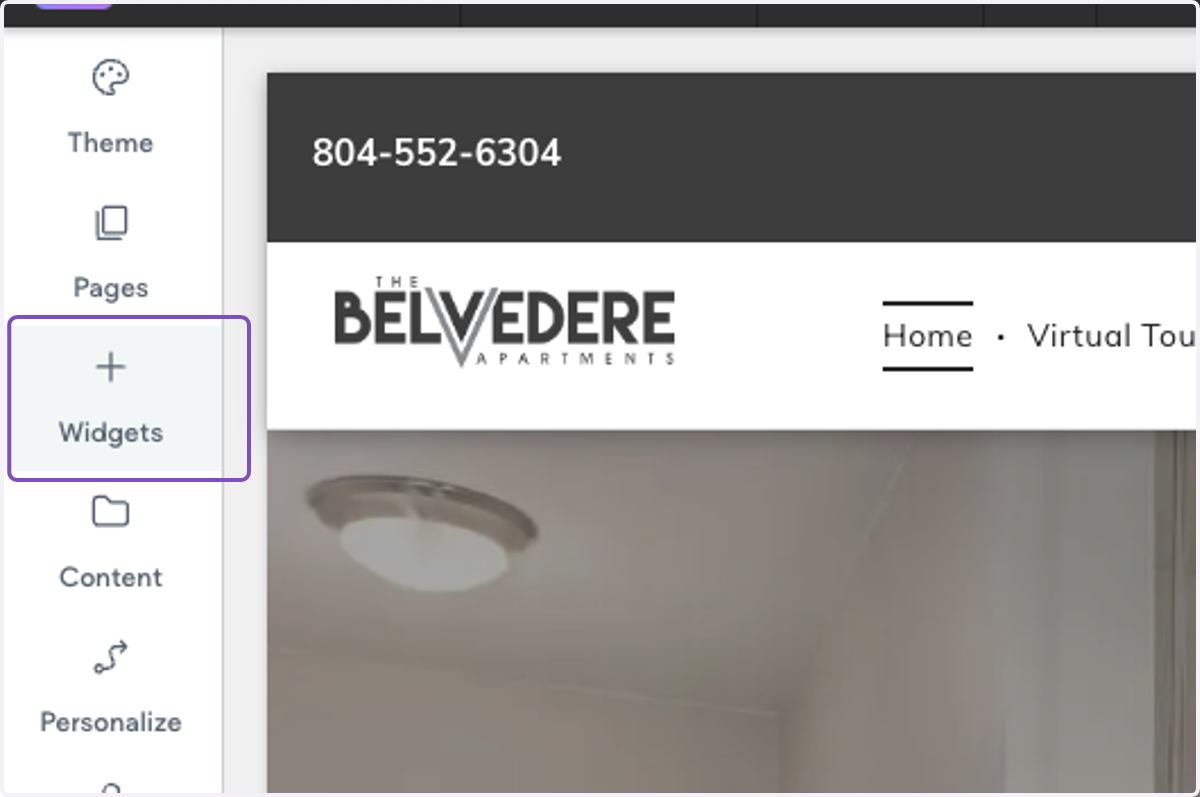
1. Click on Widgets
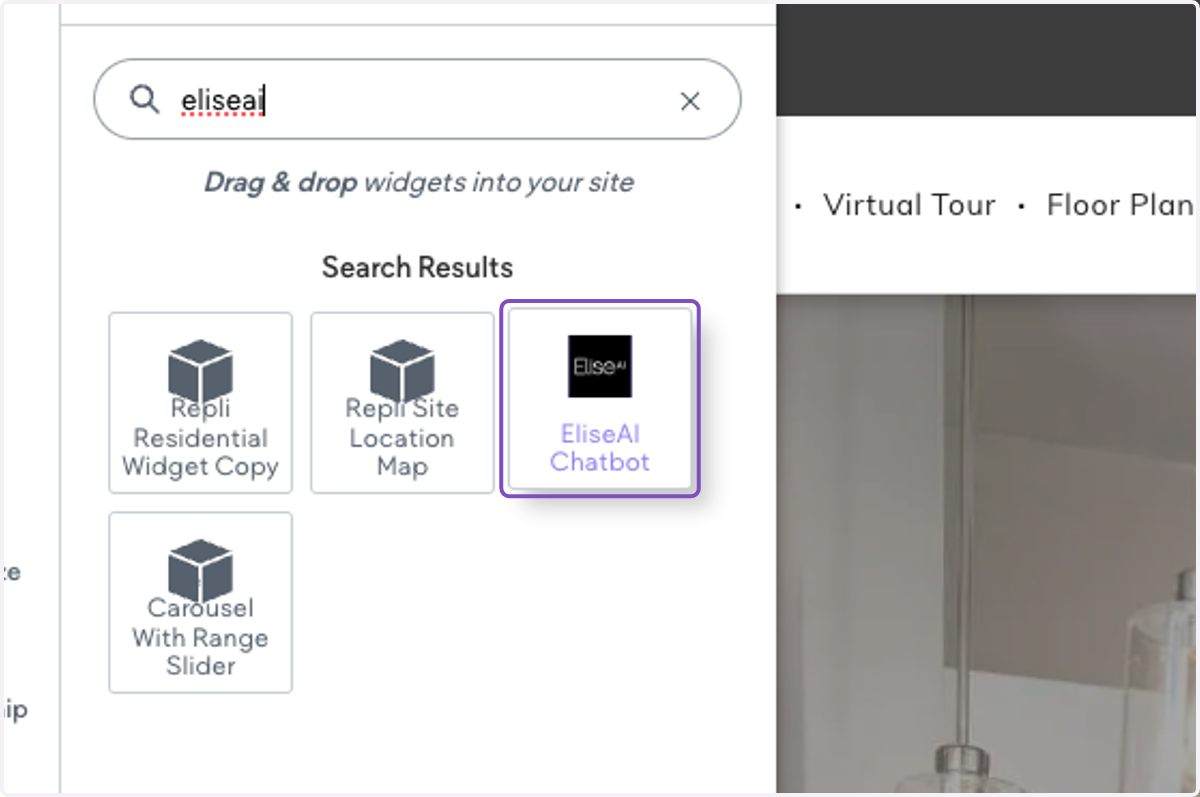
2. Search for "EliseAI" and click on the EliseAI - Chatbot widget
3. Under Organization, add the organization ID.
This ID can be found in the property URL provided by EliseAI.
Ex: https://app.meetelise.com/{ORGANIZATION ID}/{BUILDING TOKEN}/tour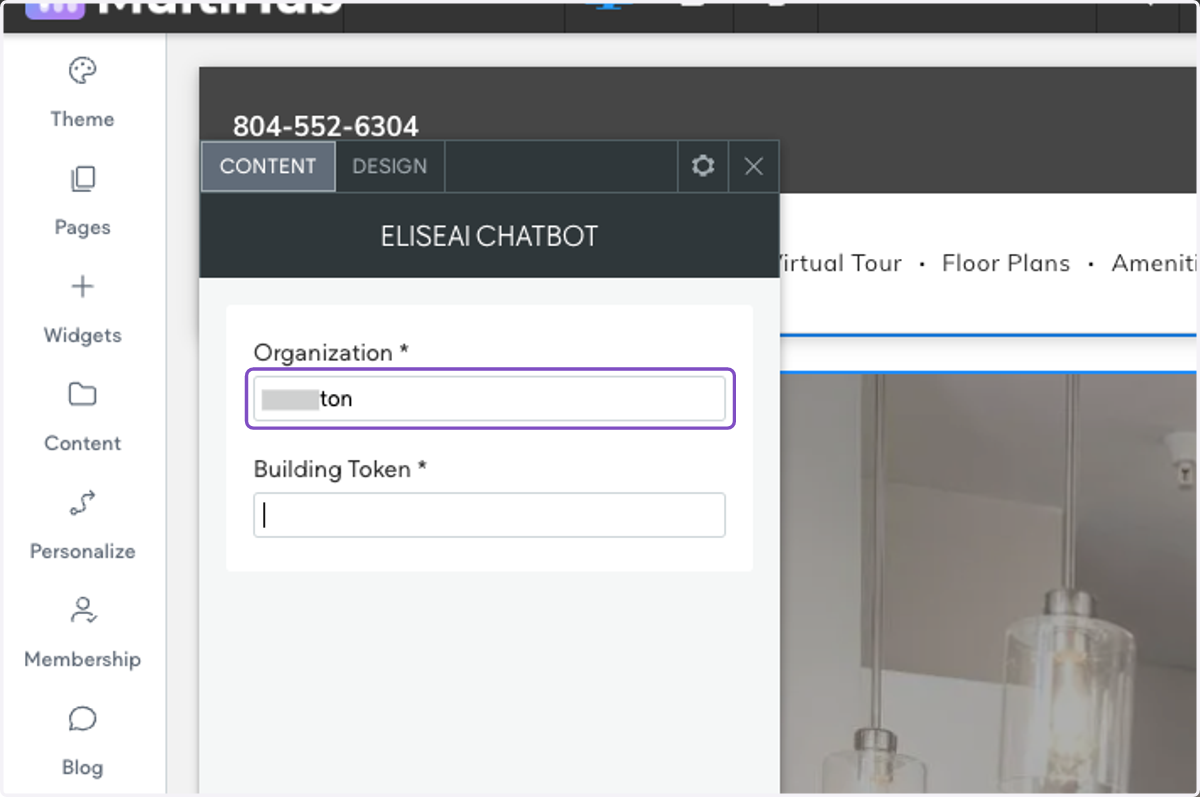
4. Under Building Token, add in the Building Token ID.
This ID can be found in the property URL provided by EliseAI.
Ex: https://app.meetelise.com/{ORGANIZATION ID}/{BUILDING TOKEN}/tour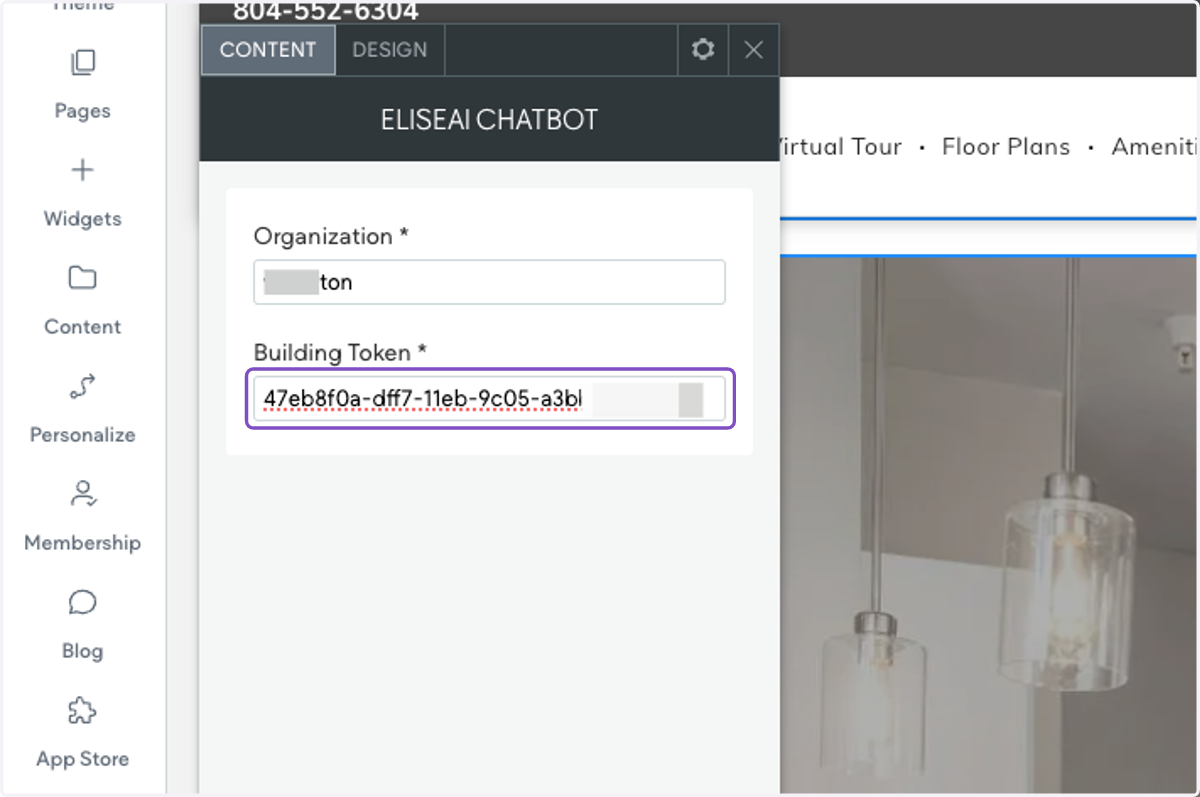
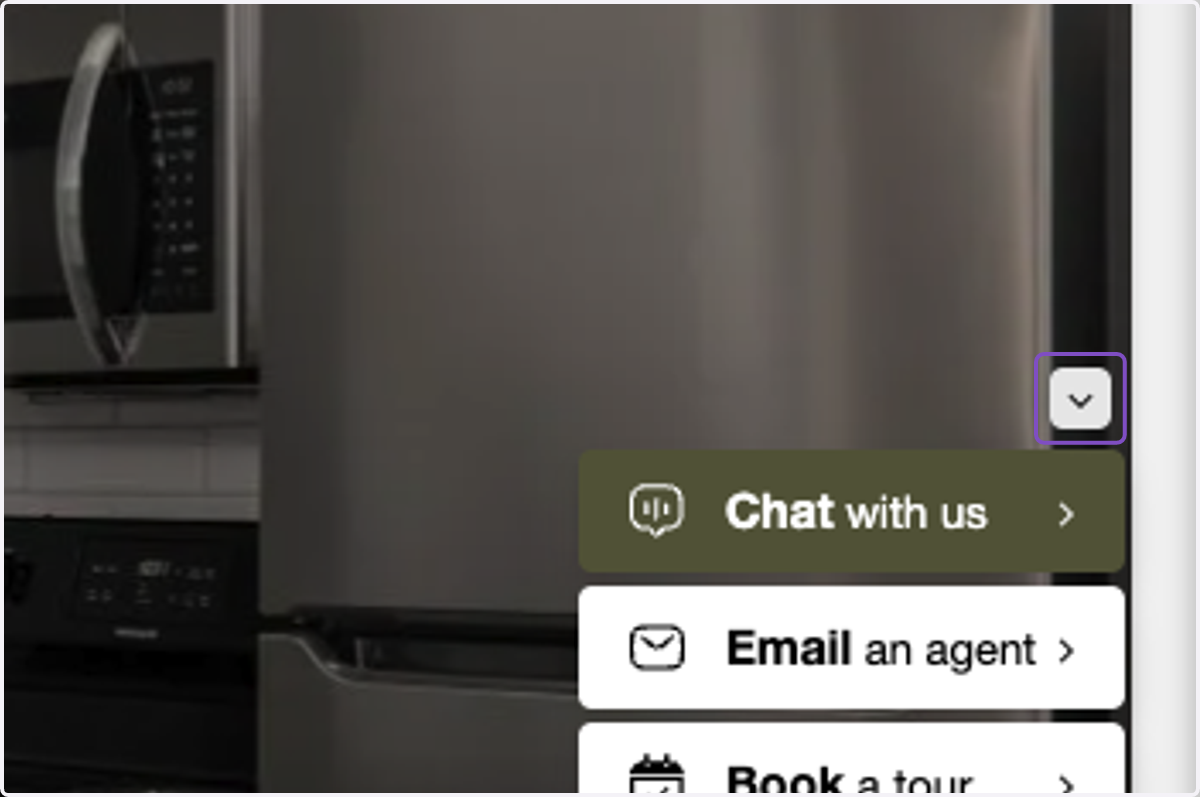
5. The EliseAI - Chatbot will now automatically show on the bottom right-hand corner of your screen.
You may need to refresh the page
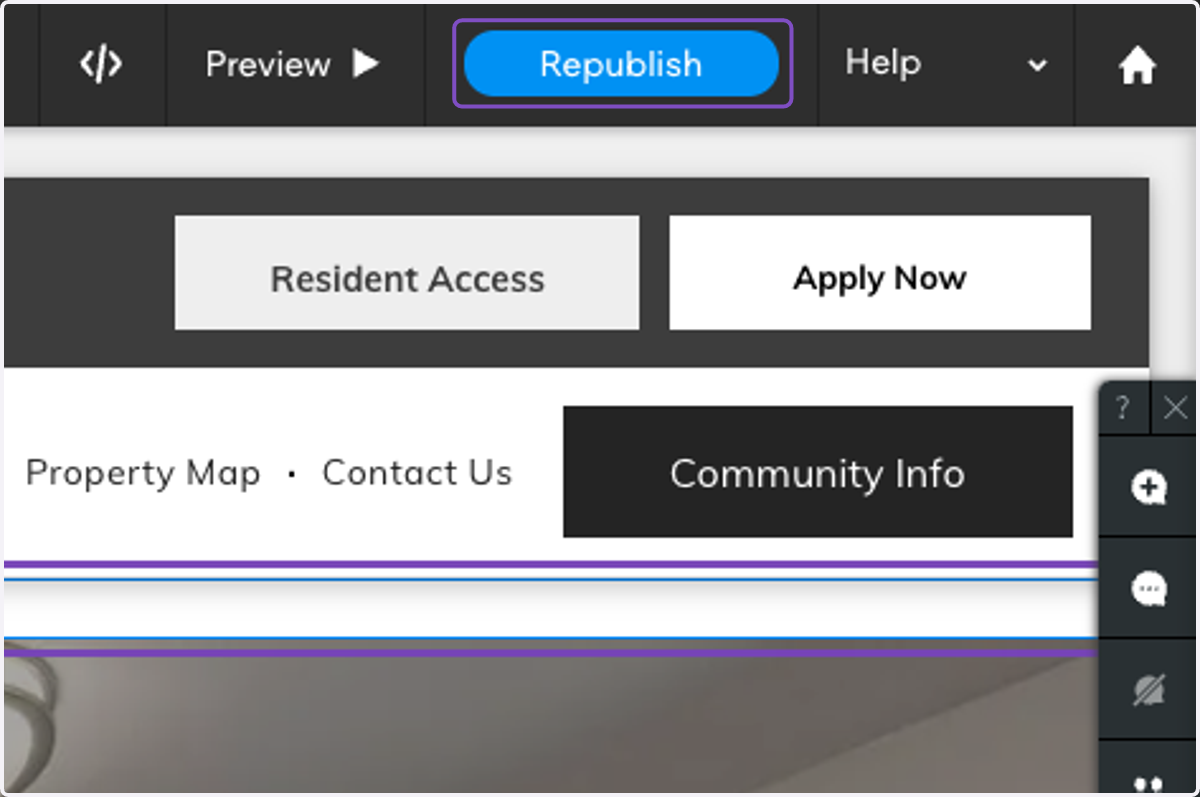
6. Click on Republish to have the EliseAI - Chatbot show on your live property