Flagging a Transaction as Refunded in Analytics
JustPark Suite
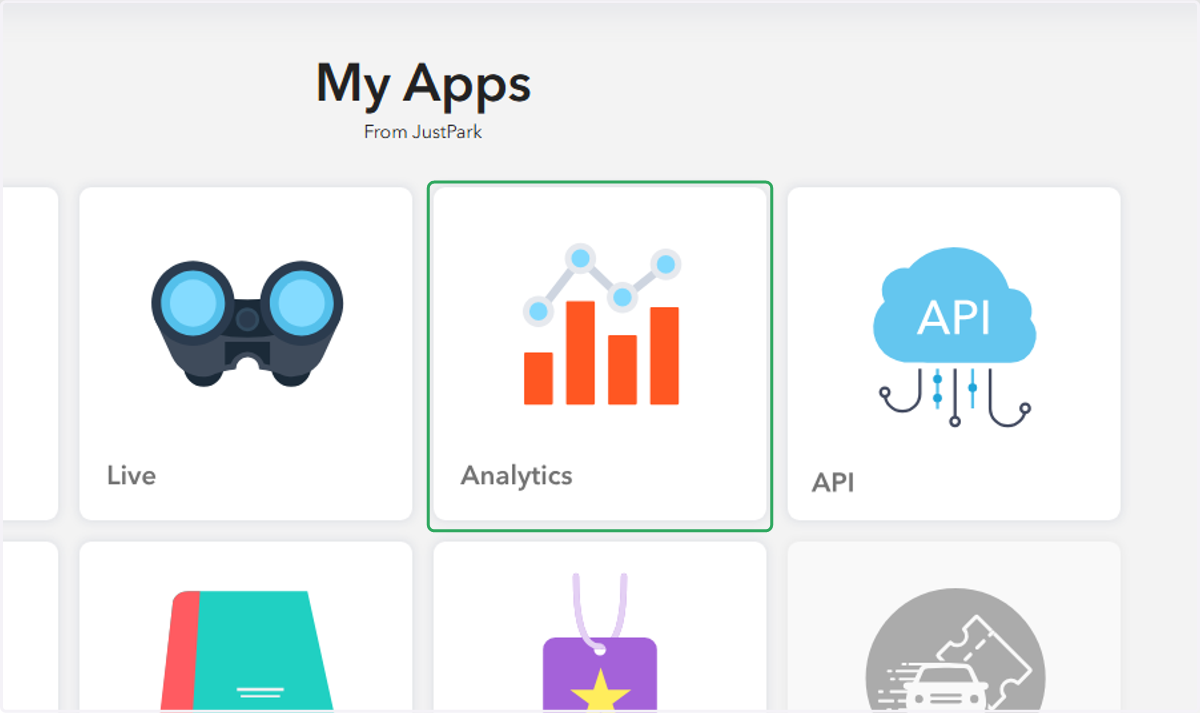
1. In Suite, click on "Analytics"
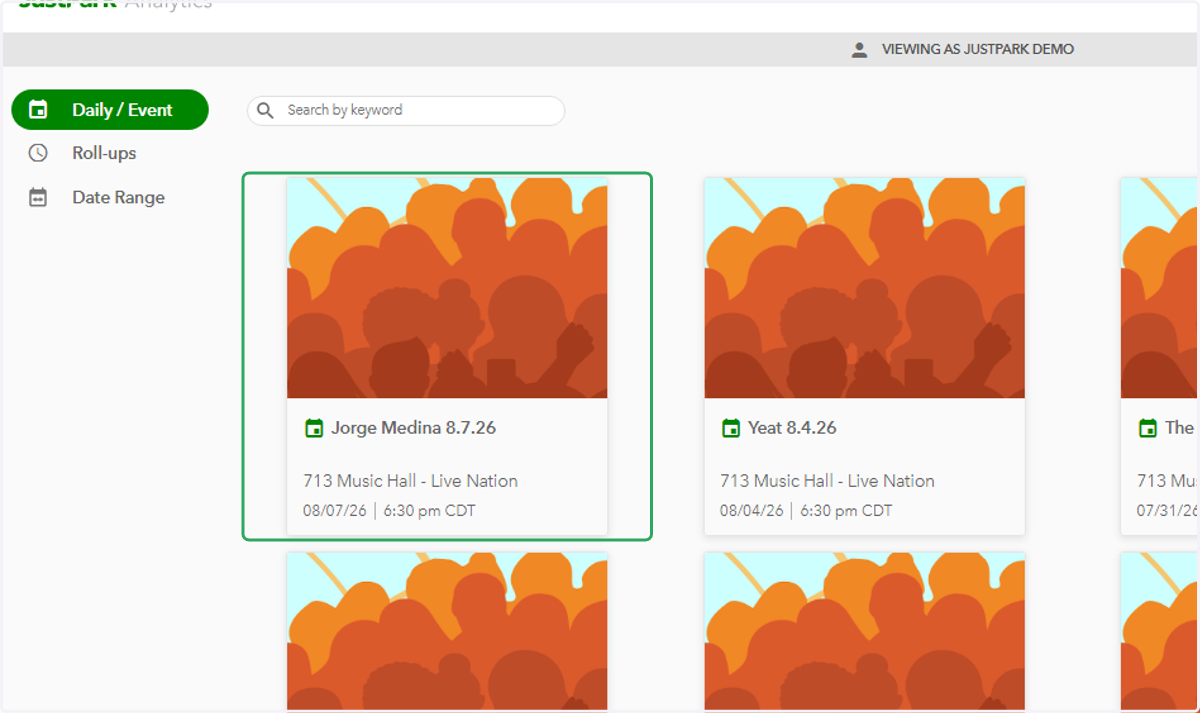
2. Click on the desired event
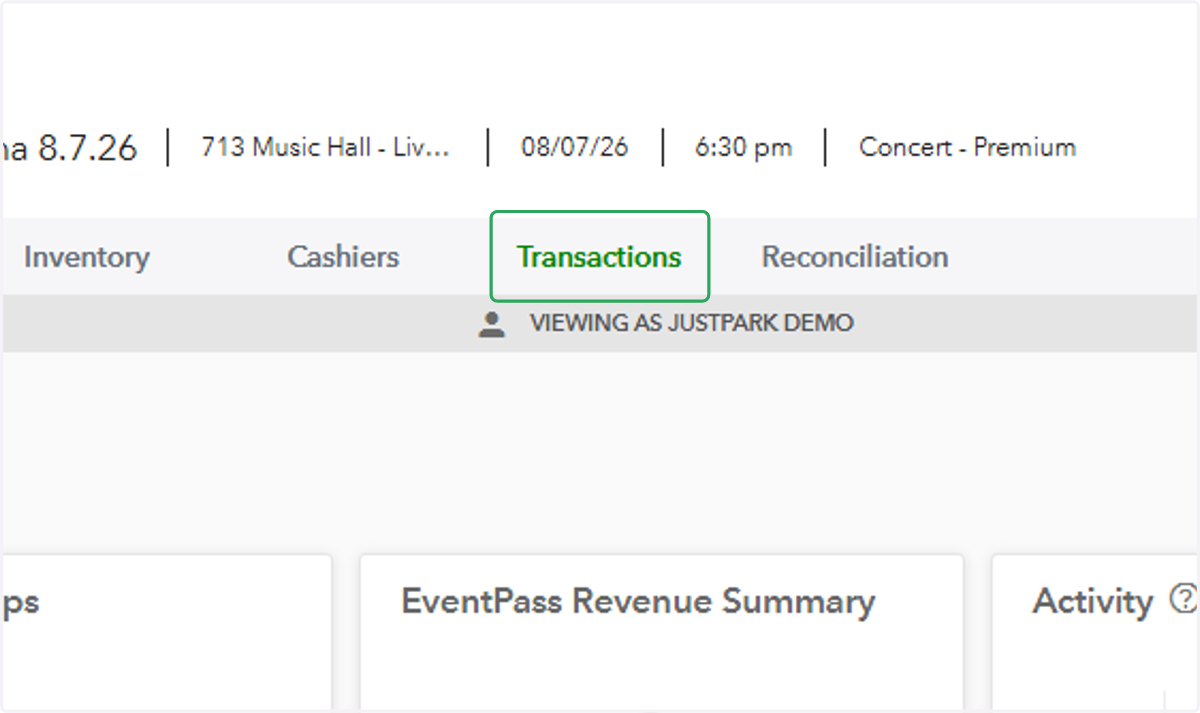
3. Click on the "Transactions" tab
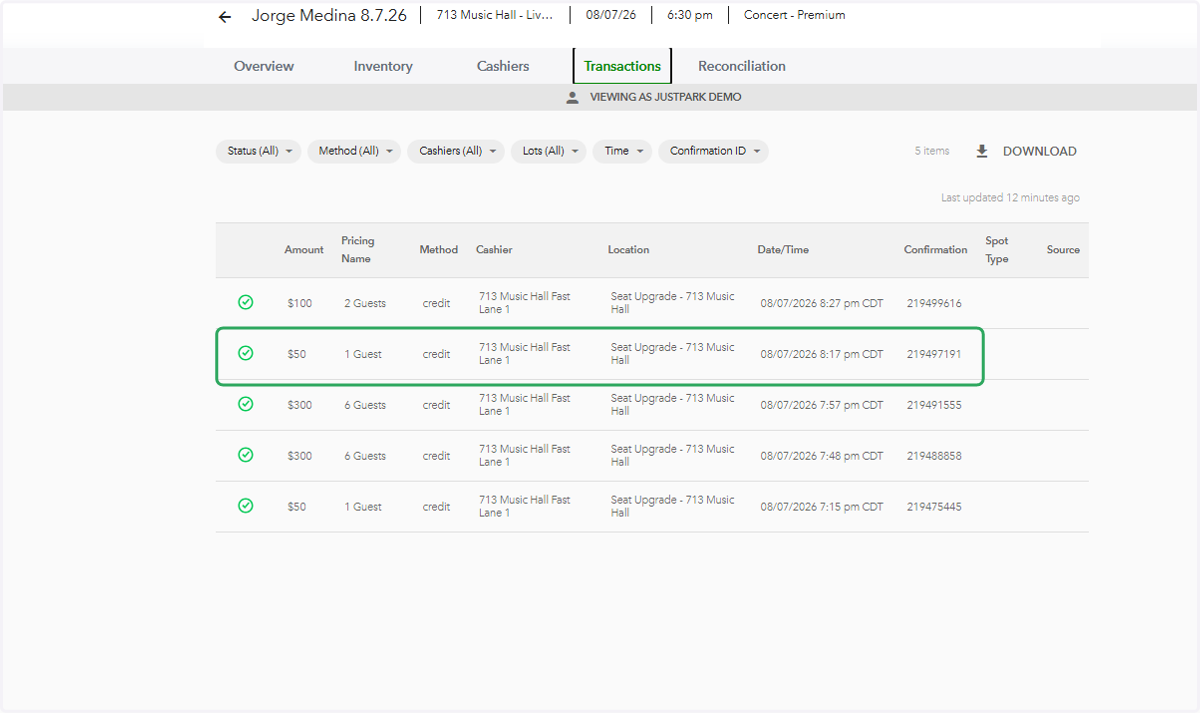
4. Click on the transaction you'd like to mark refunded
5. Toggle on "Refund Status"
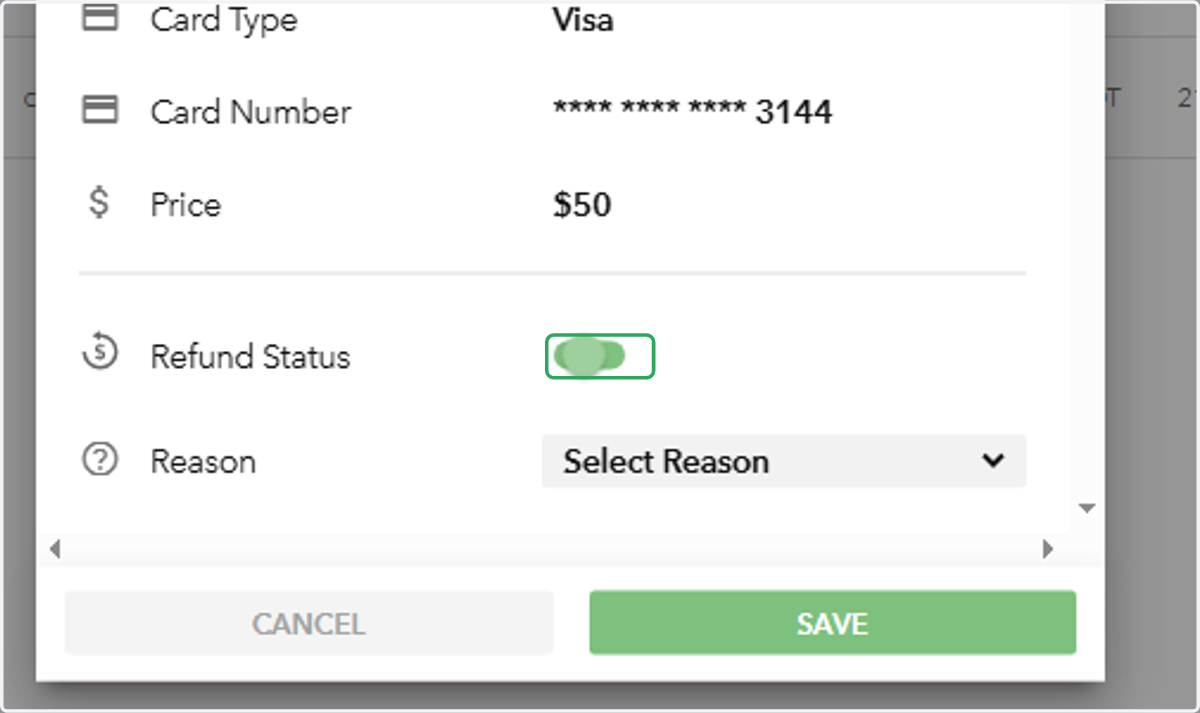
6. Click on "SAVE"
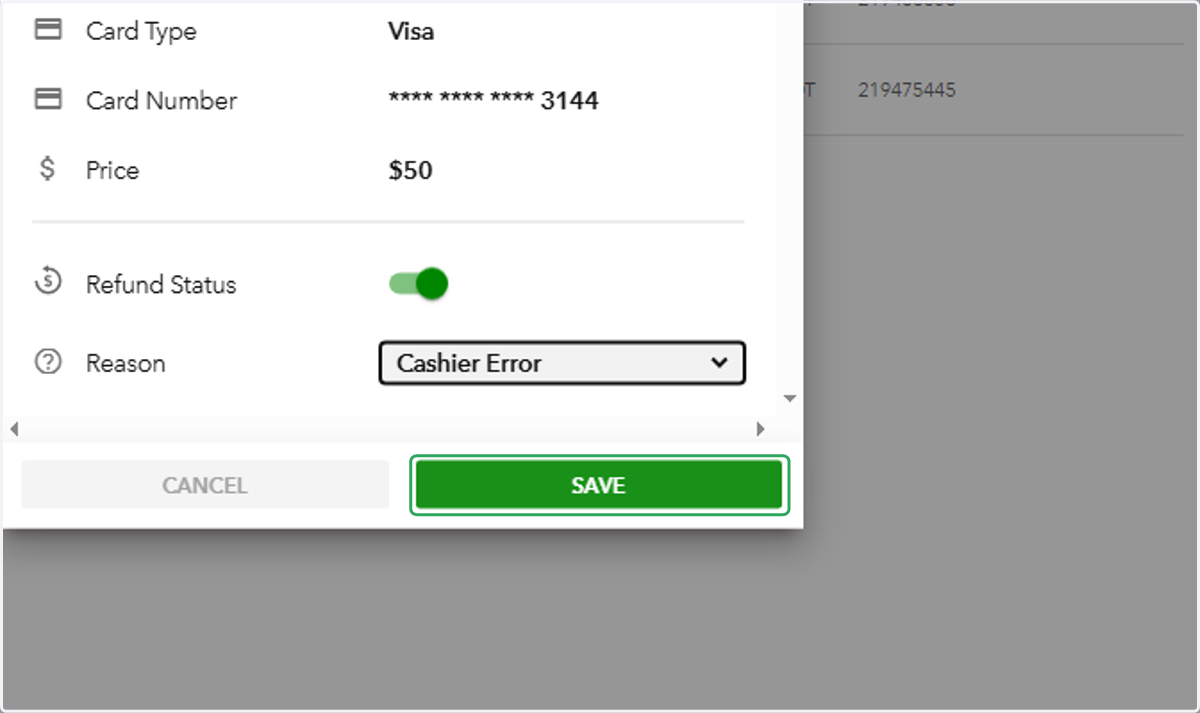
7. Click on a cell