How to manage your pipelines and create new opportunity

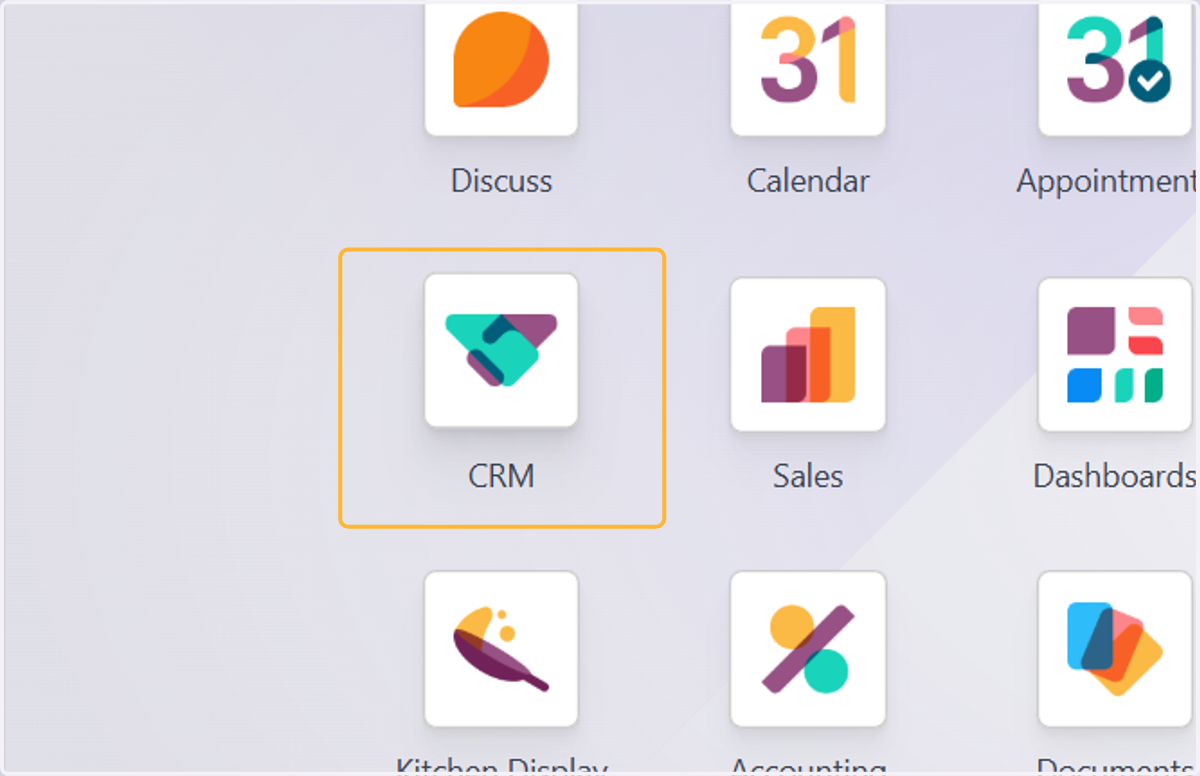
  1. 1. Click on CRM

    Click on CRM
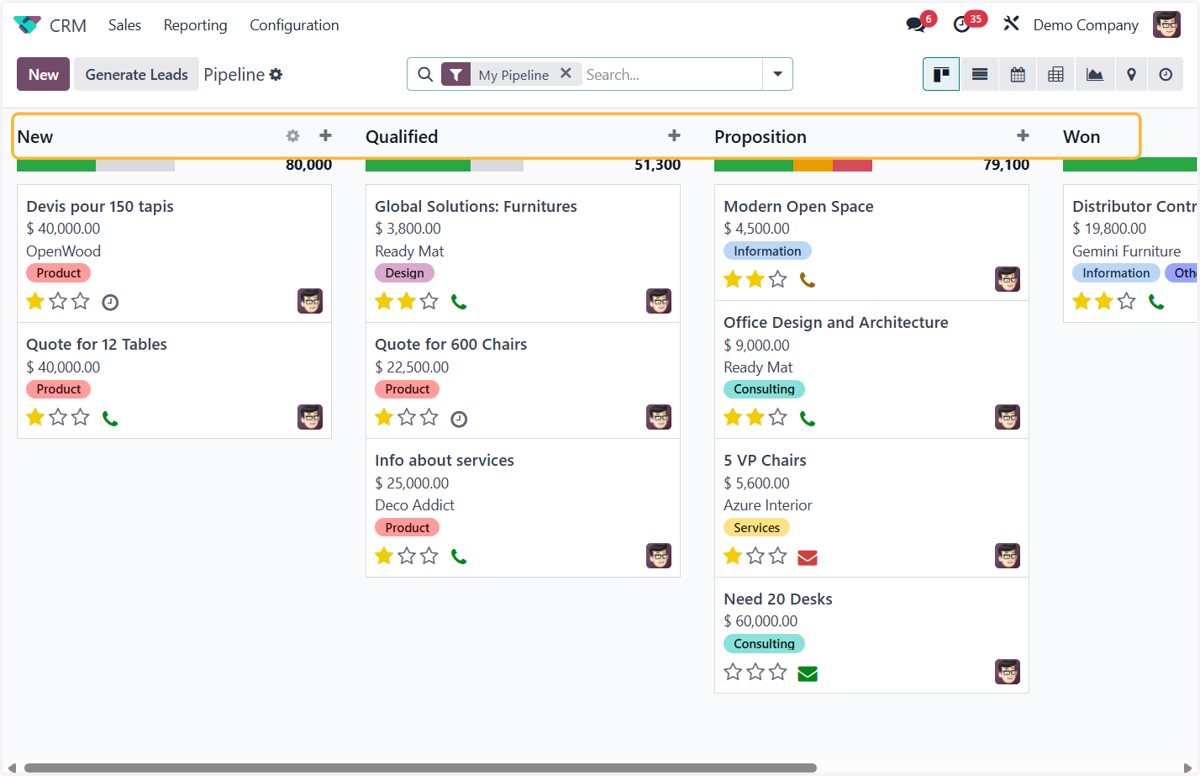
  2. 2. Default stages on Odoo CRM

    Default stages on Odoo CRM
  3. 3. To edit any stages, click on the gear icon next to the stage and click on Edit
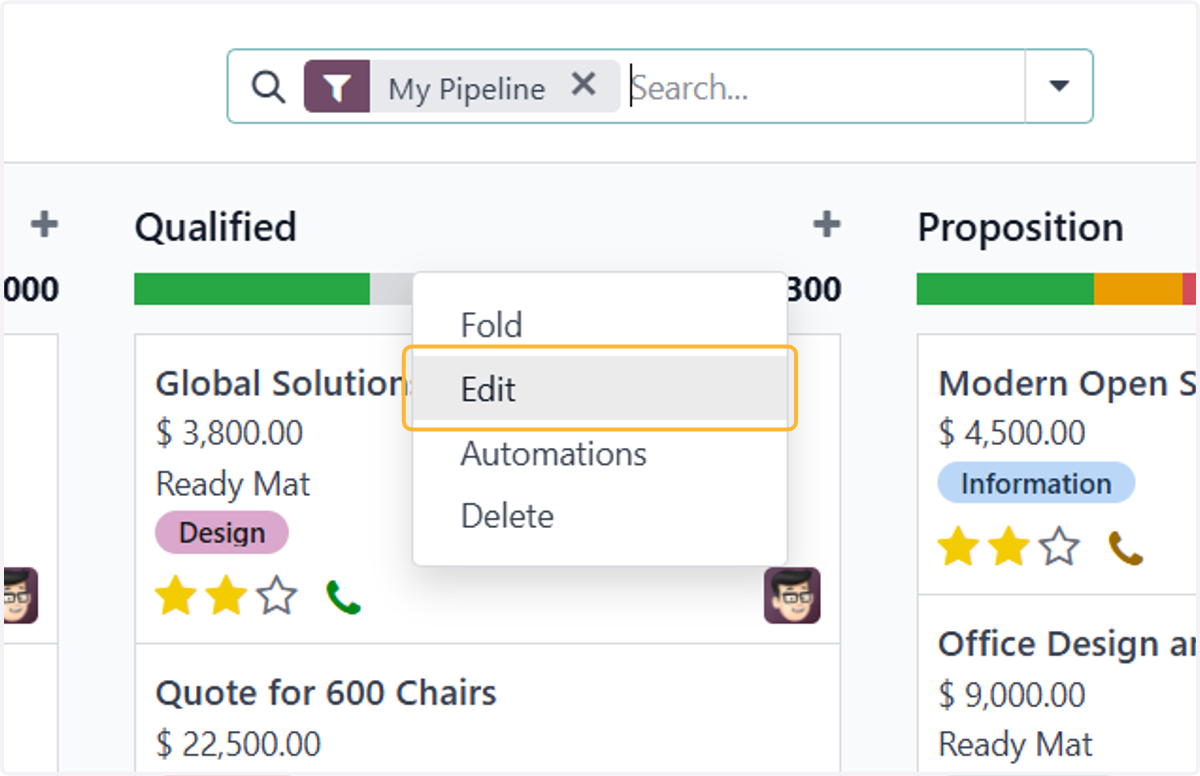
    To edit any stages, click on the gear icon next to the stage and click on Edit
  4. 4. Key in here to change your stage name
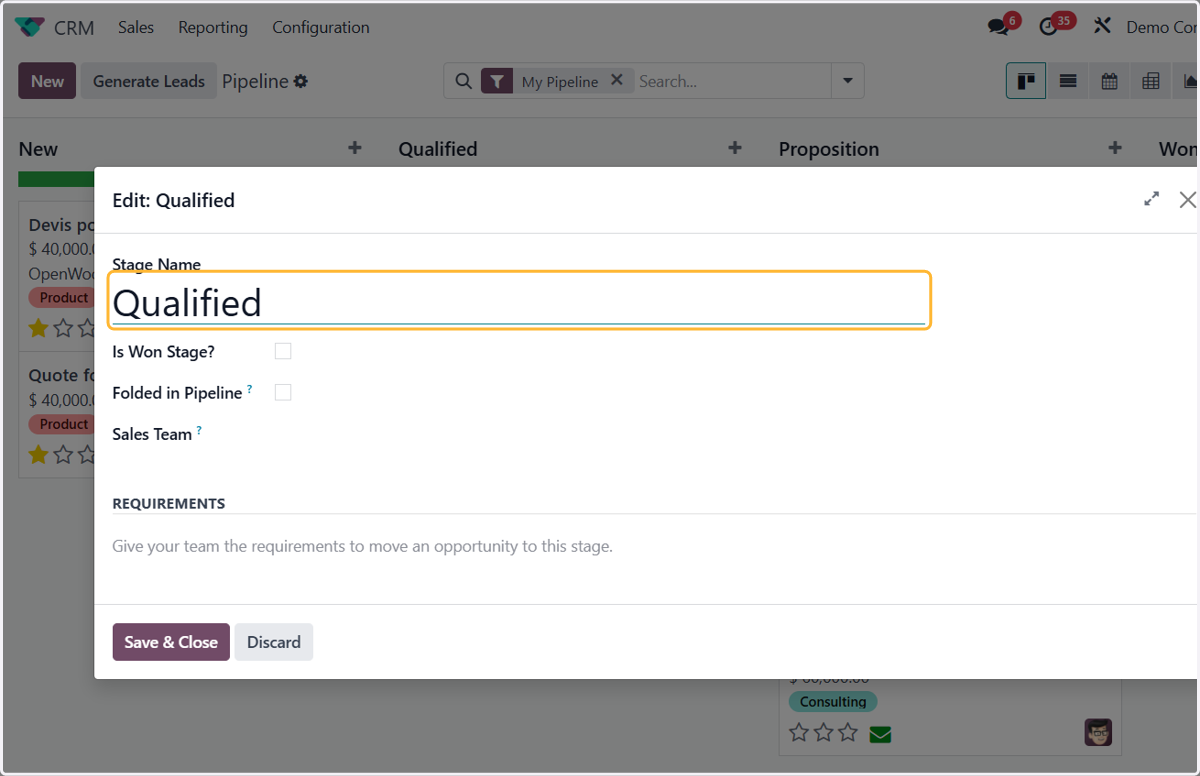
    Key in here to change your stage name
  5. 5. Tick this field if you want this stage to list all your any won opportunities to be listed in this stage
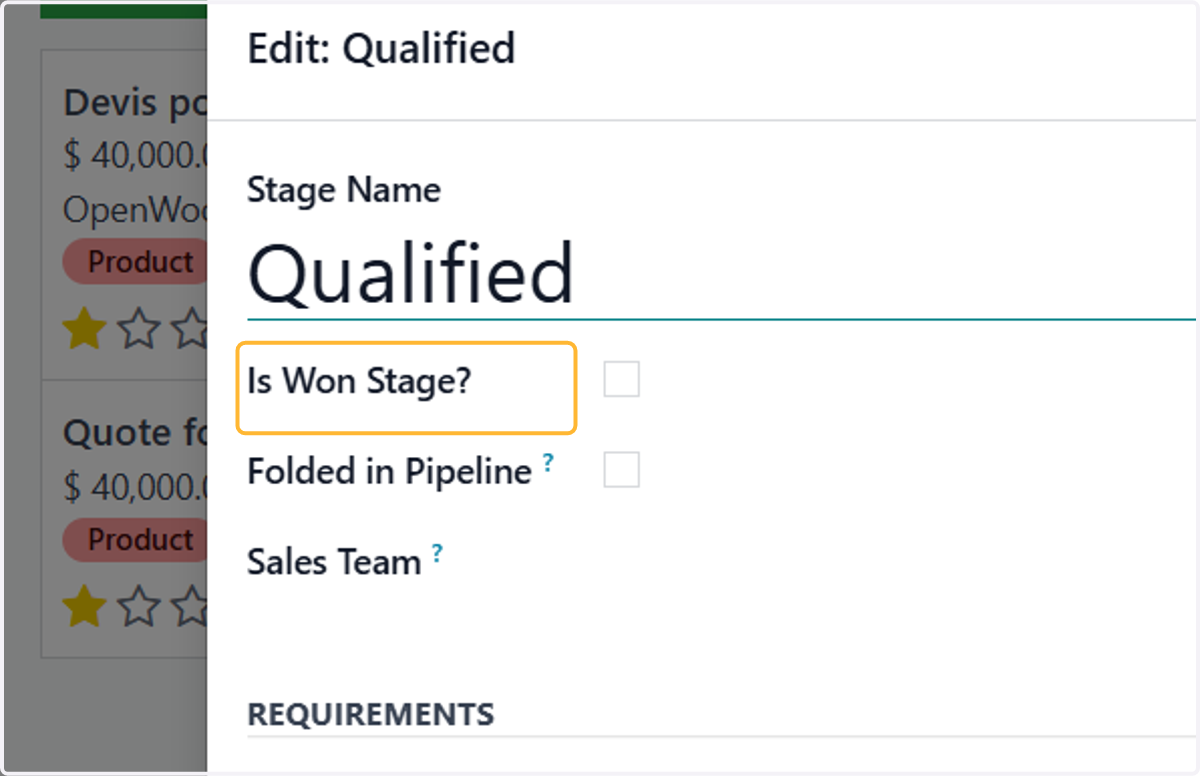
    Tick this field if you want this stage to list all your any won opportunities to be listed in this stage
  6. 6. Enter here the internal requirements for this stage
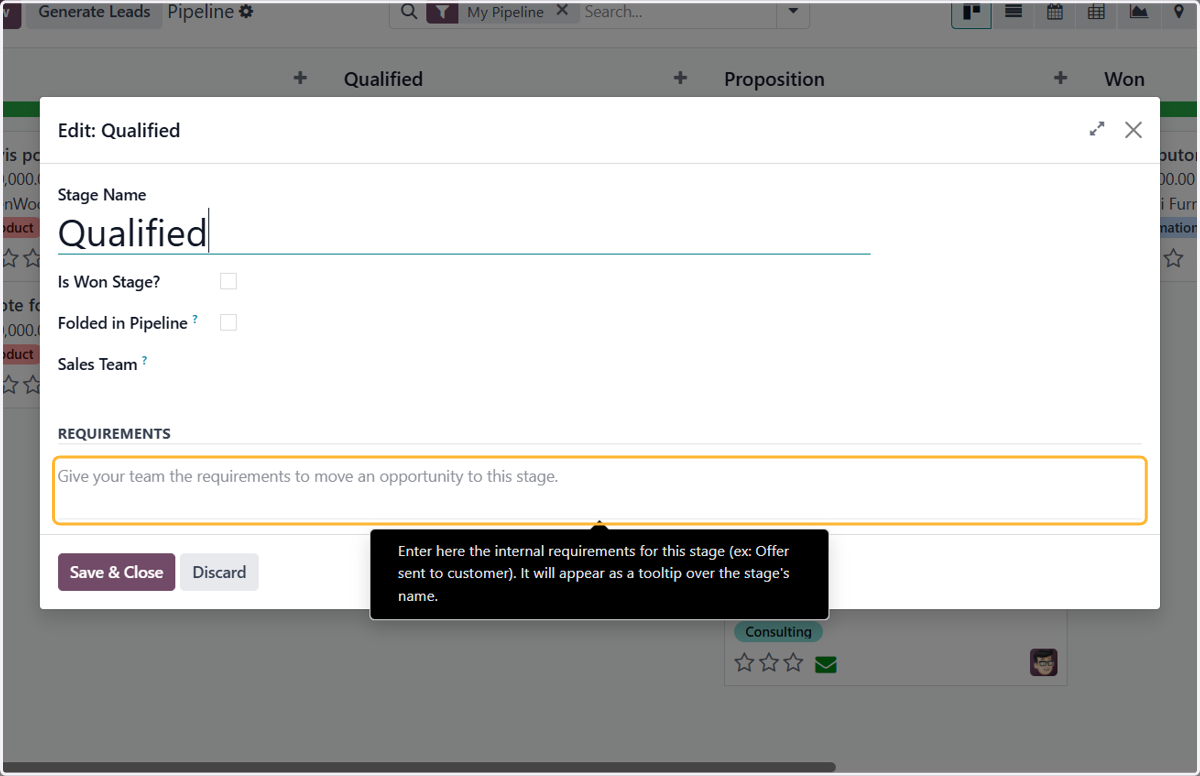
    Enter here the internal requirements for this stage
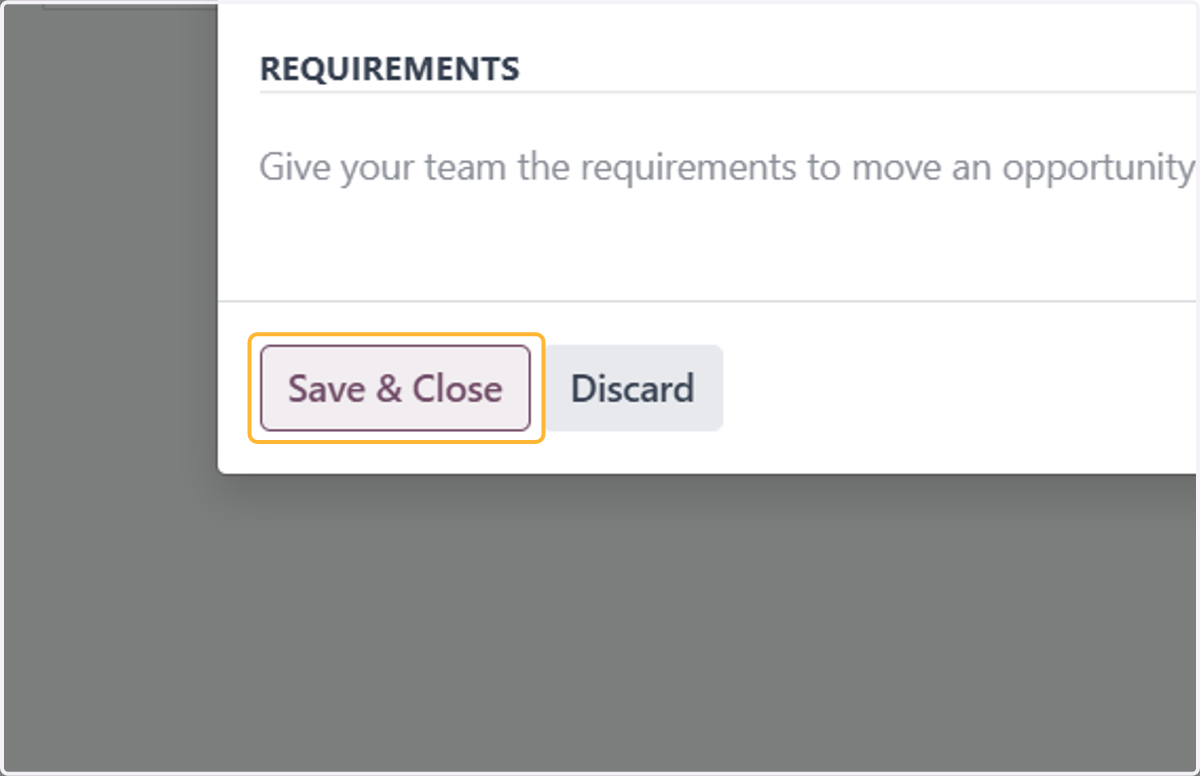
  7. 7. Click on Save & Close

    Click on Save & Close
  8. 8. To create a new stage, click on the + Stage button. Enter your new stage name and click Add
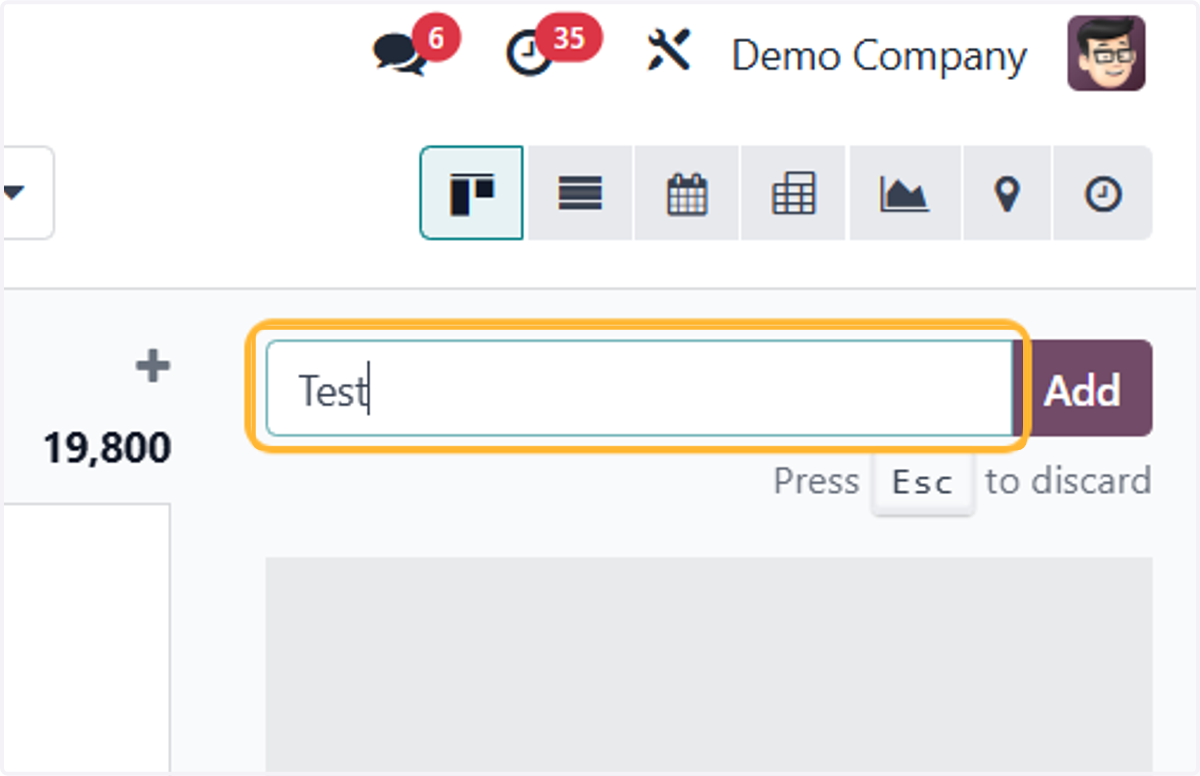
    To create a new stage, click on the + Stage button. Enter your new stage name and click Add
  9. 9. You may drag around your new stage to suits your pipeline
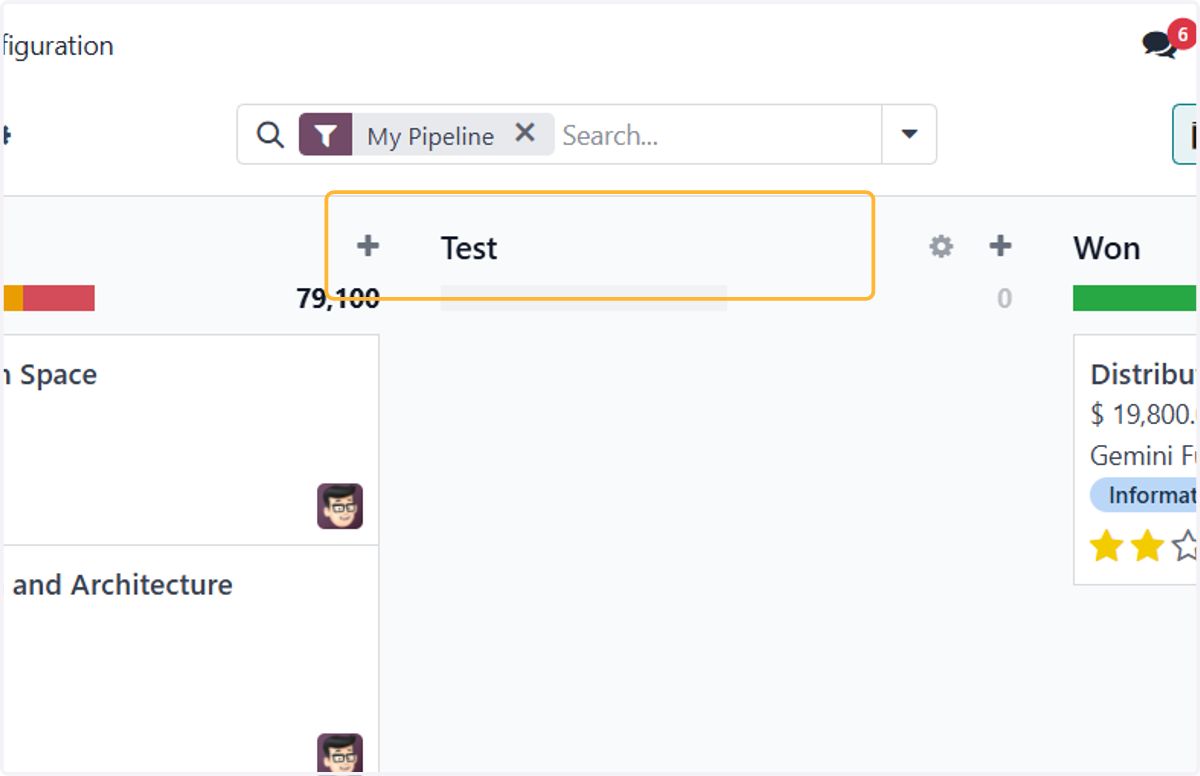
    You may drag around your new stage to suits your pipeline
  10. 10. To create a new opportunity, Click on New
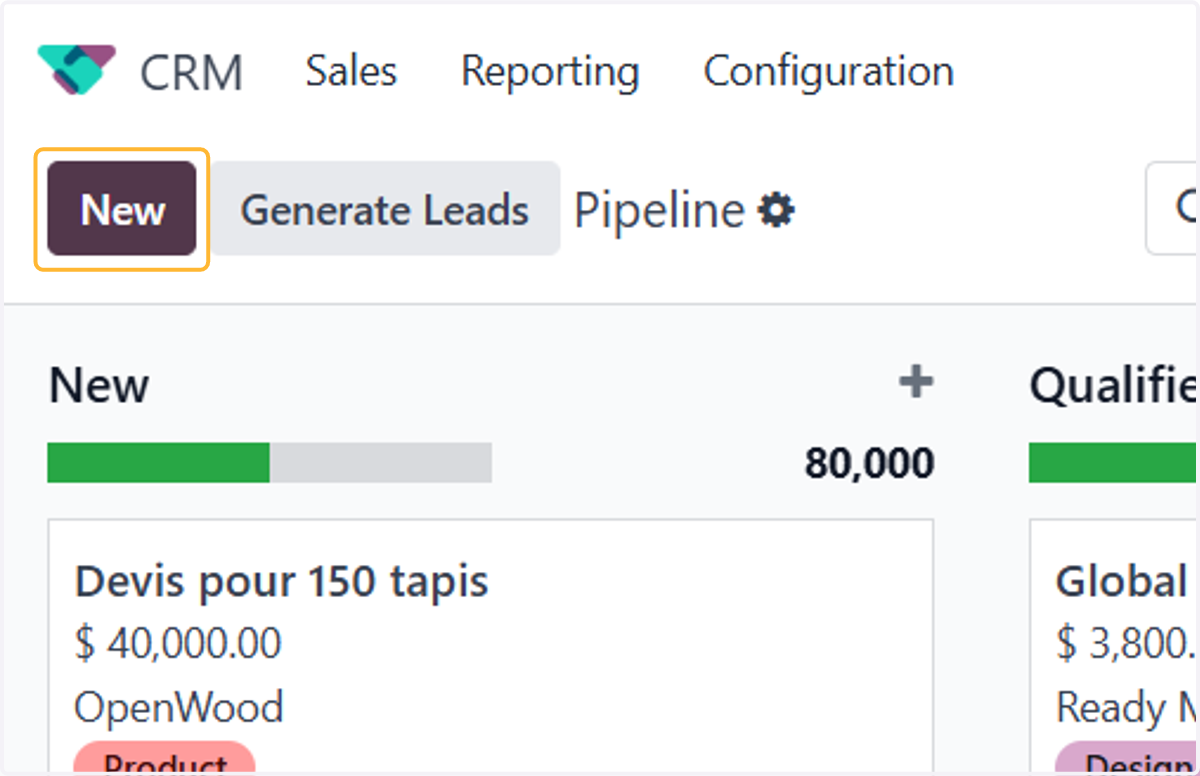
    To create a new opportunity, Click on New
  11. 11. Select your contact. You may create new contact if it's not listed here
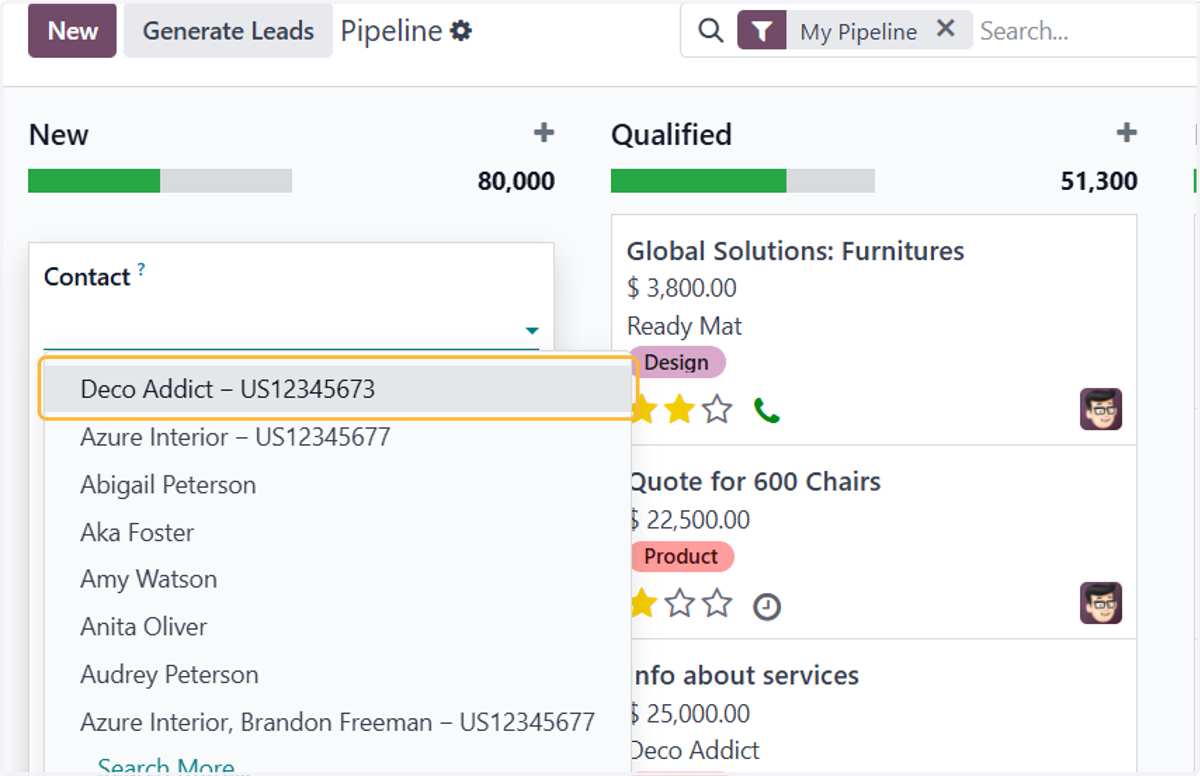
    Select your contact. You may create new contact if it's not listed here
  12. 12. Odoo will populate this field automatically. You may change it by clicking the Opportunity field
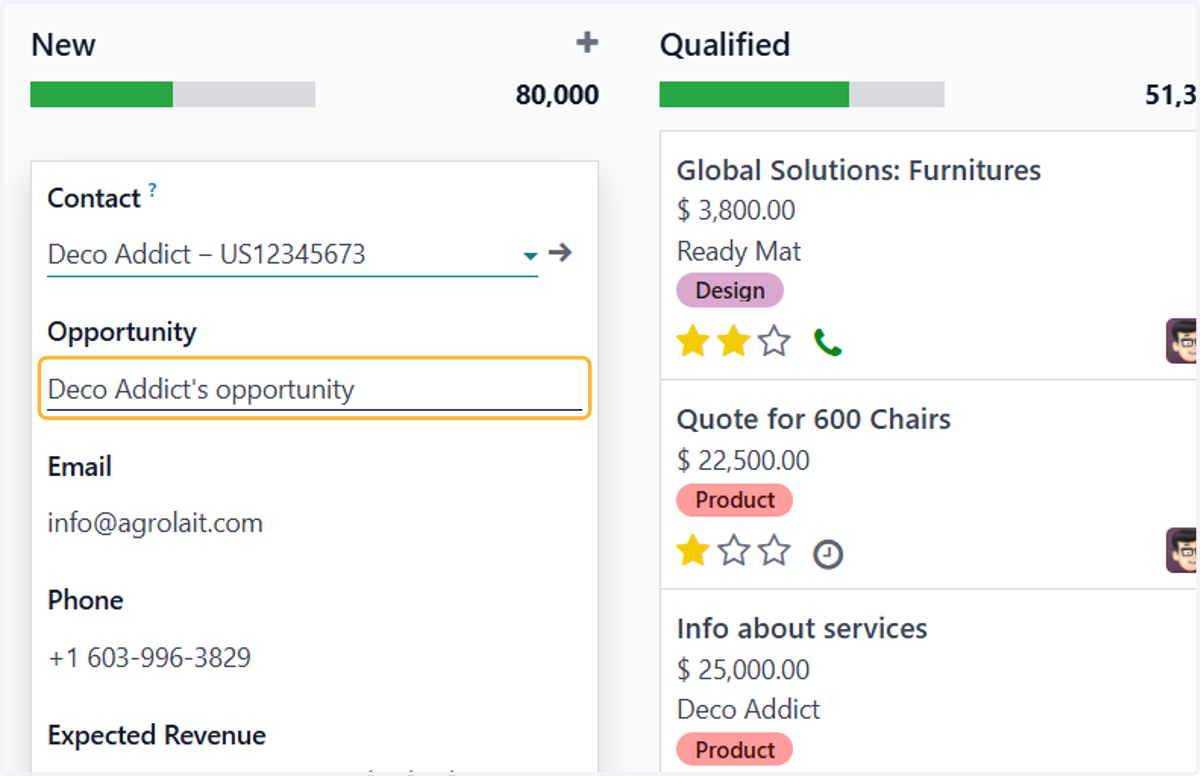
    Odoo will populate this field automatically. You may change it by clicking the Opportunity field
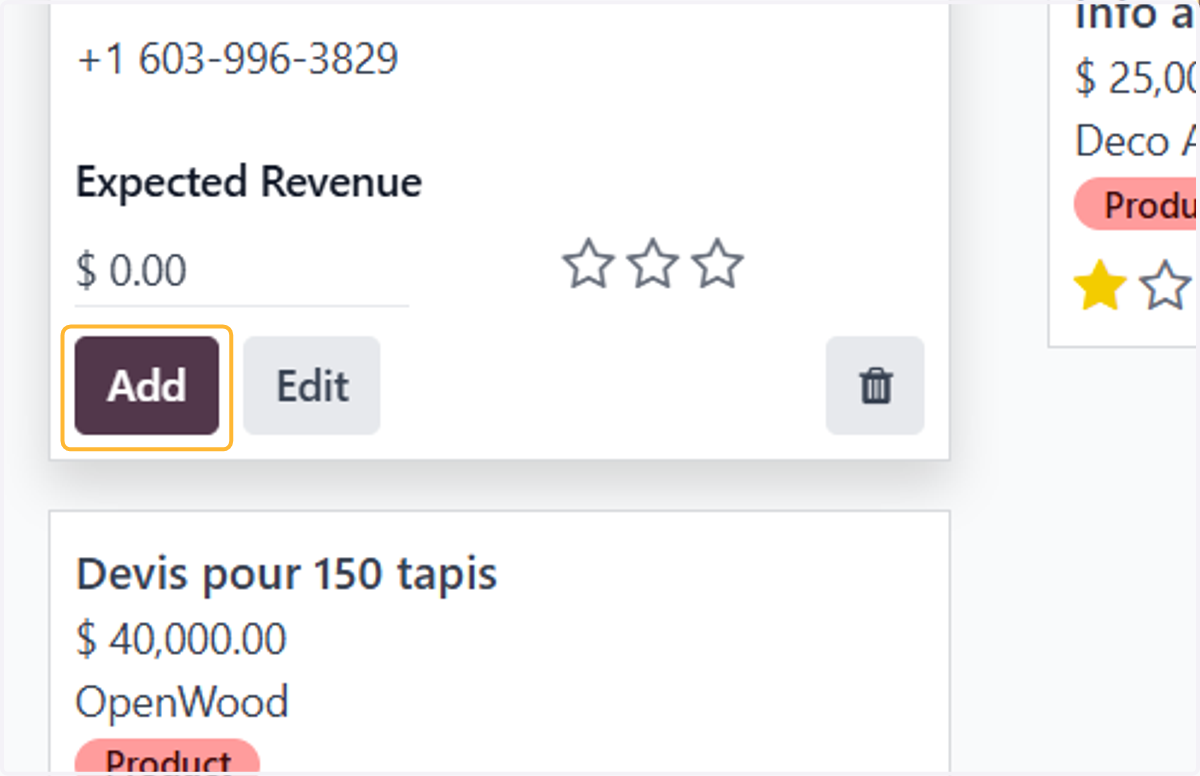
  13. 13. Then, click Add

    Then, click Add