Sign In to Moss with and without SSO
Login without SSO
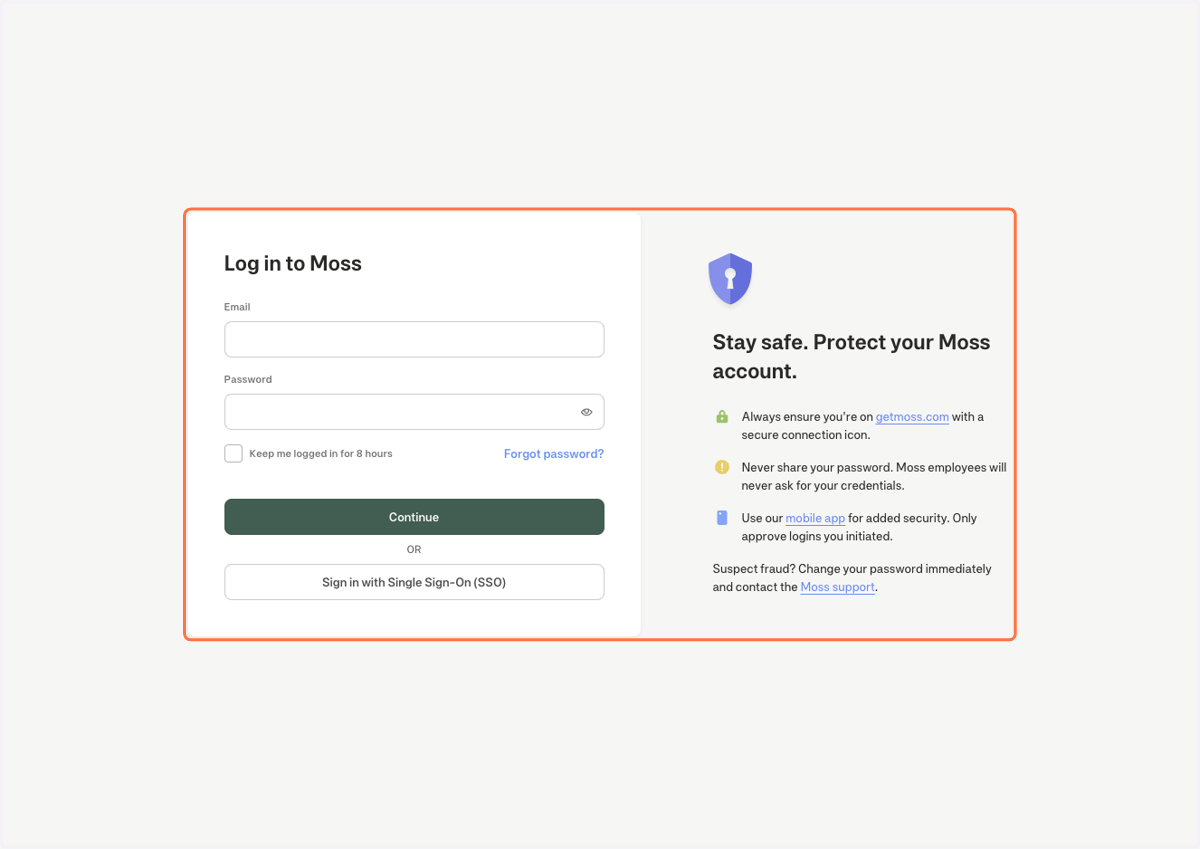
1. Click on Log in to Moss…
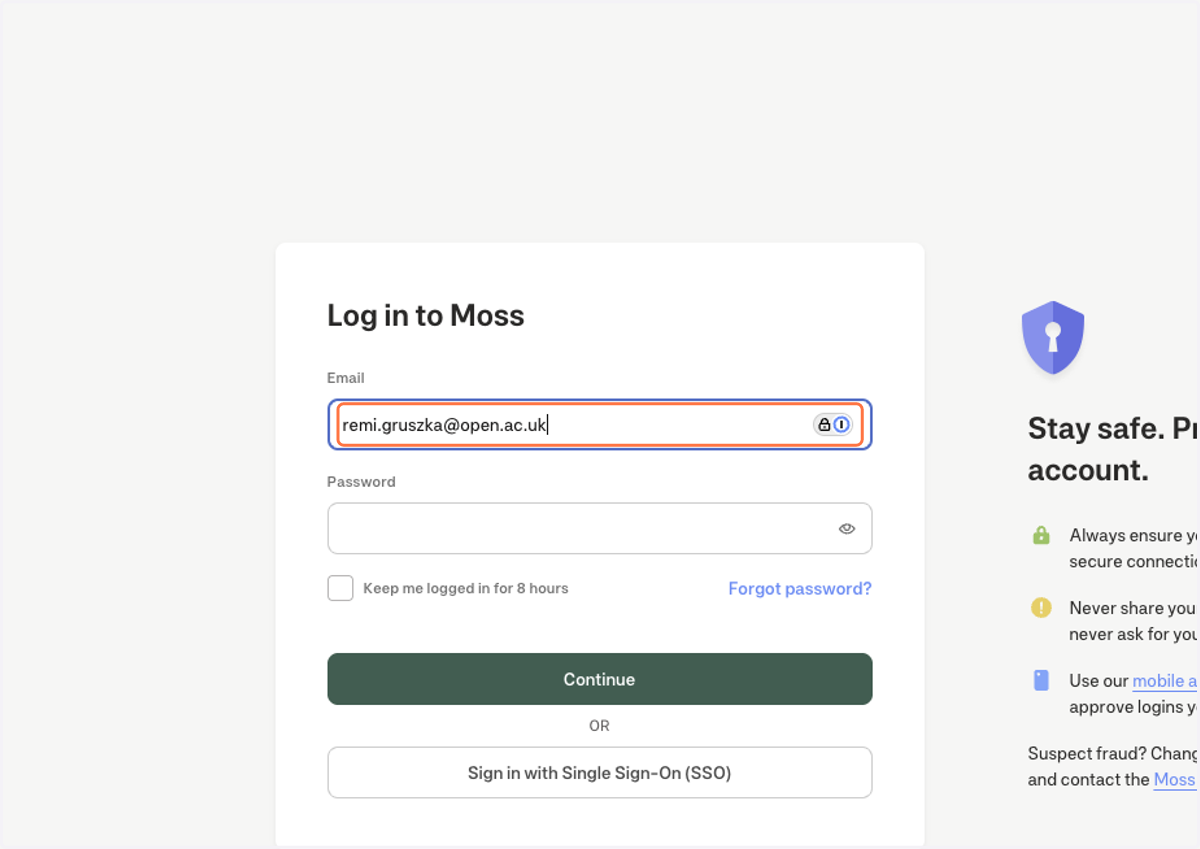
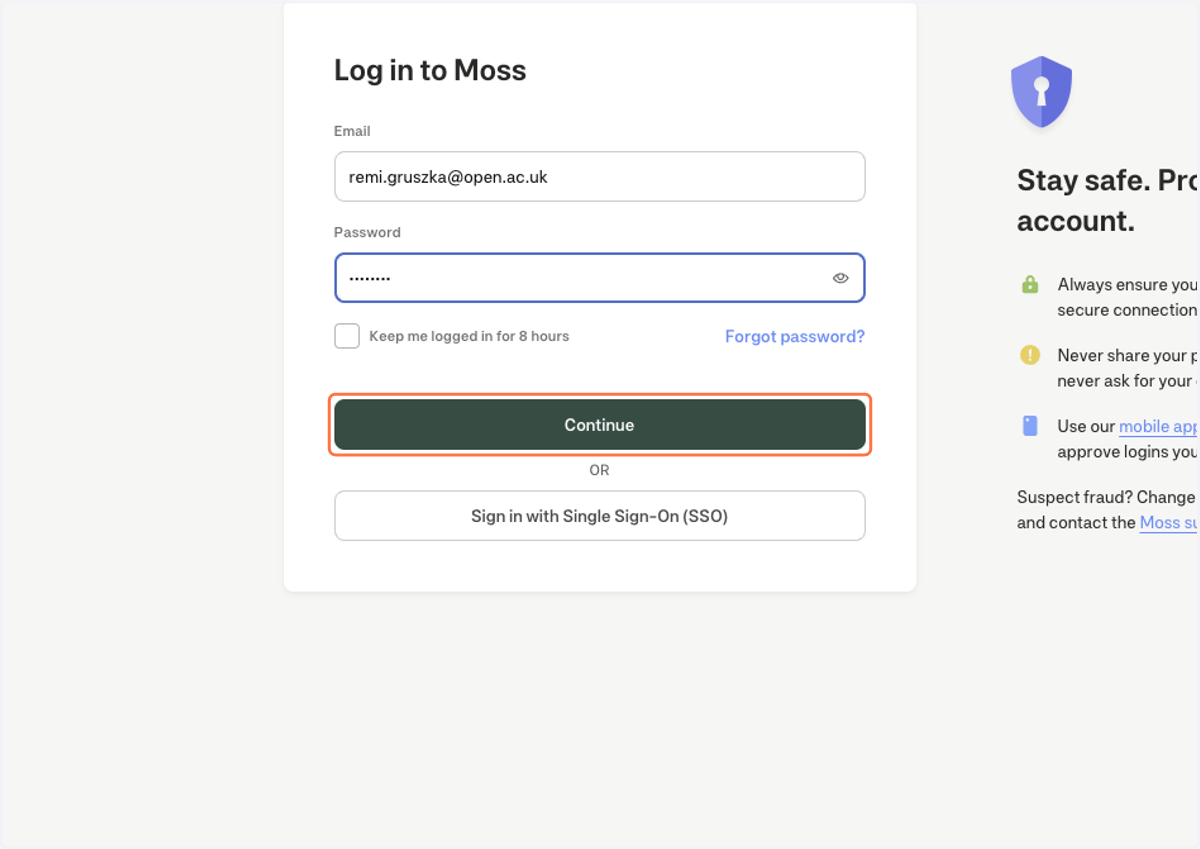
2. Type "remi.gruszka@open.ac.uk"
3. Type password
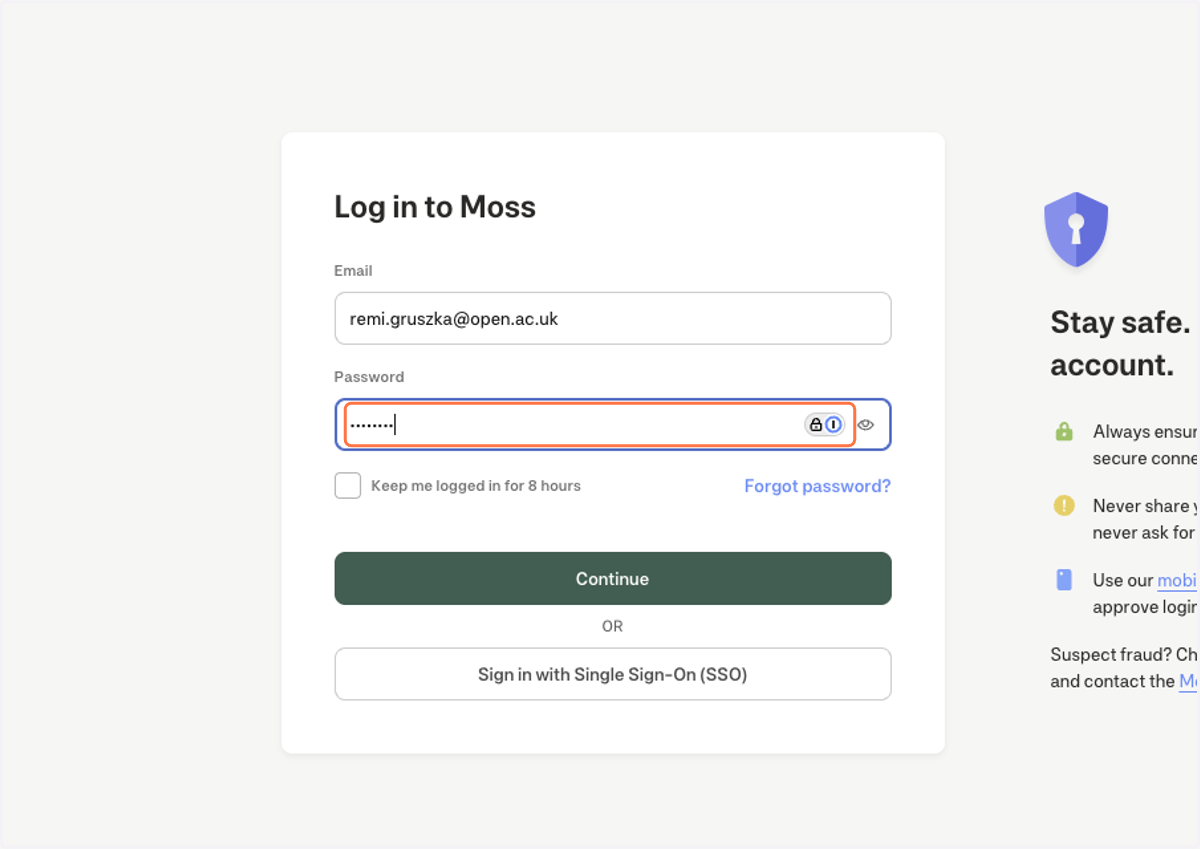
4. Click on Continue
Login with SSO
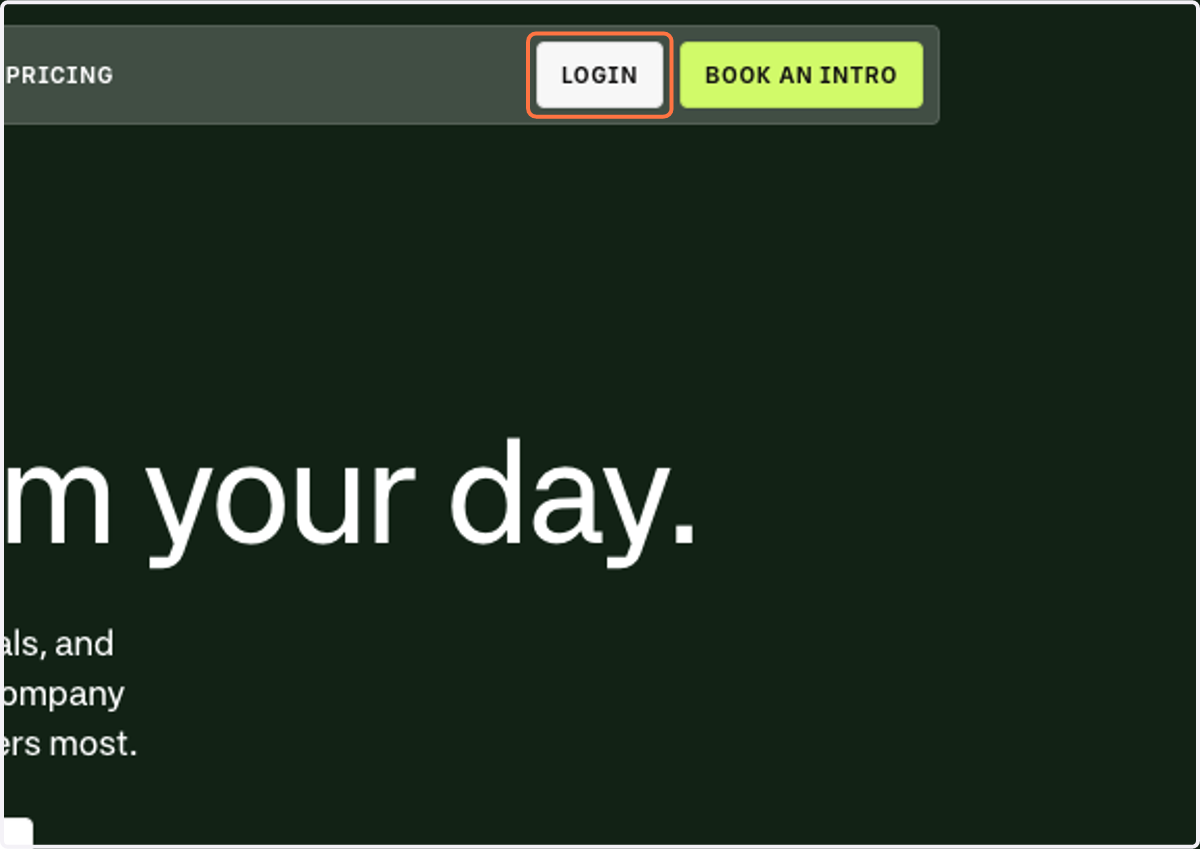
5. Click on LOGIN
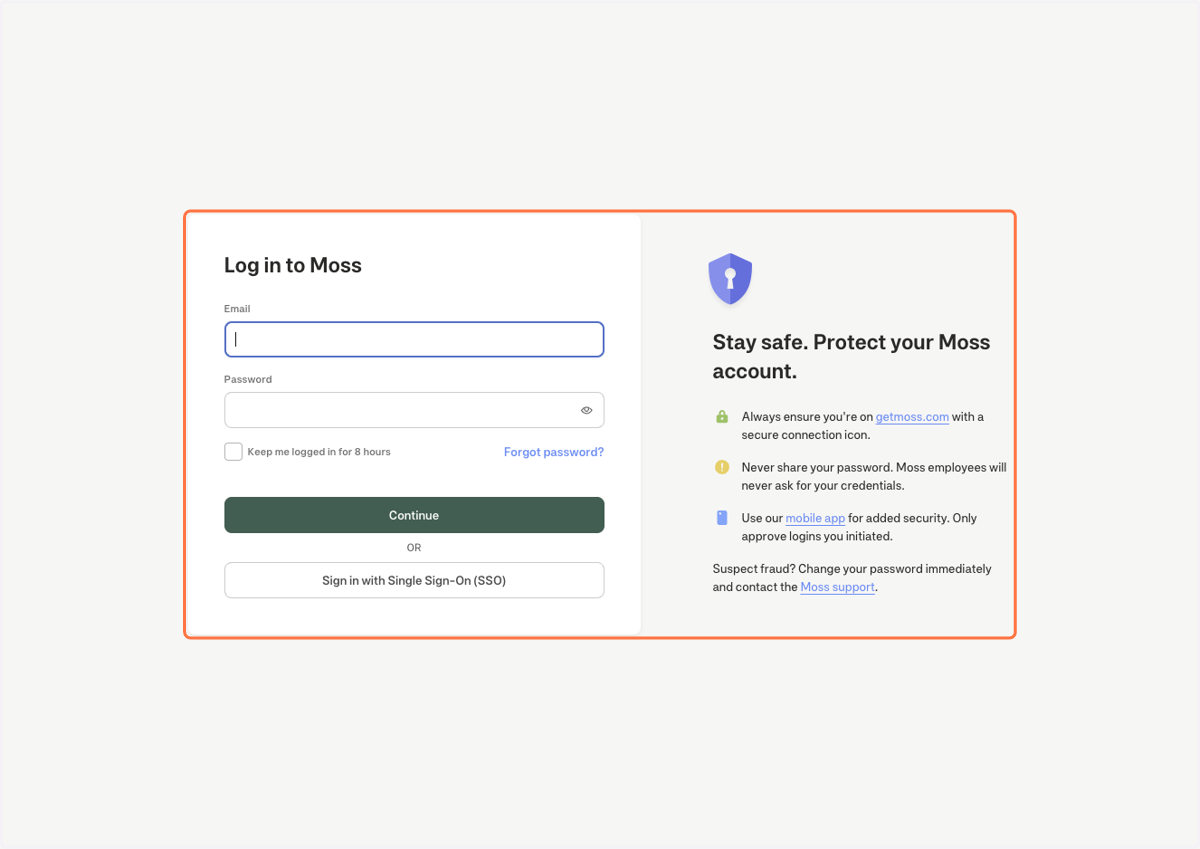
6. You can ignore the initial request for email and password
7. Click on Sign in with Single Sign-On (SSO)
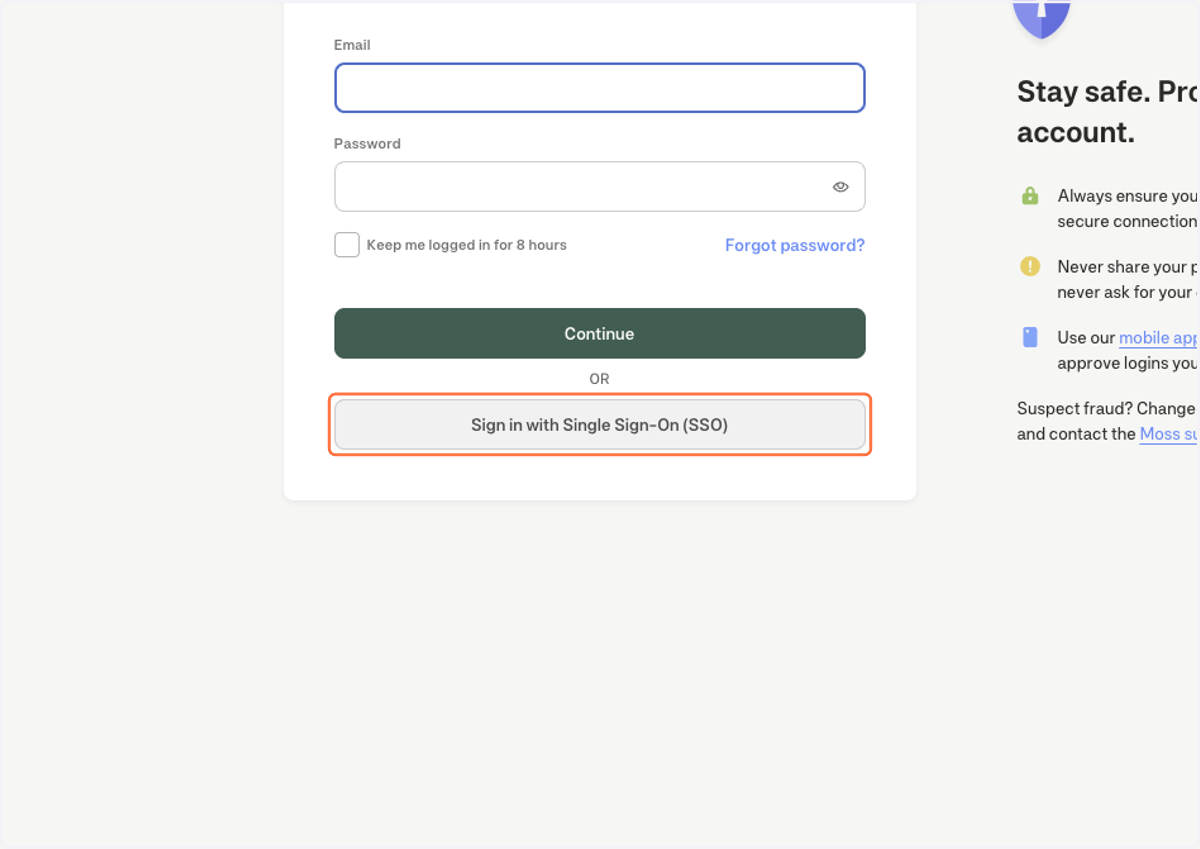
8. Type in your open.ac.uk email
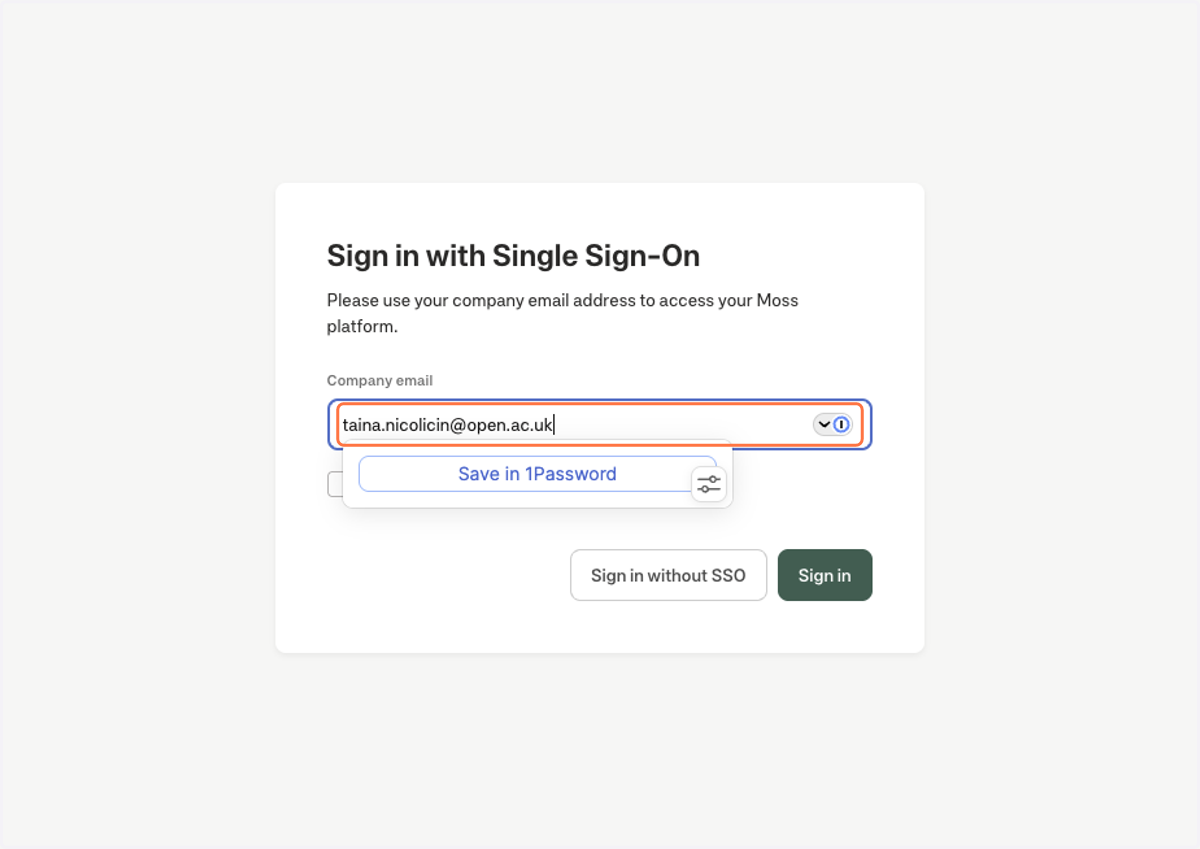
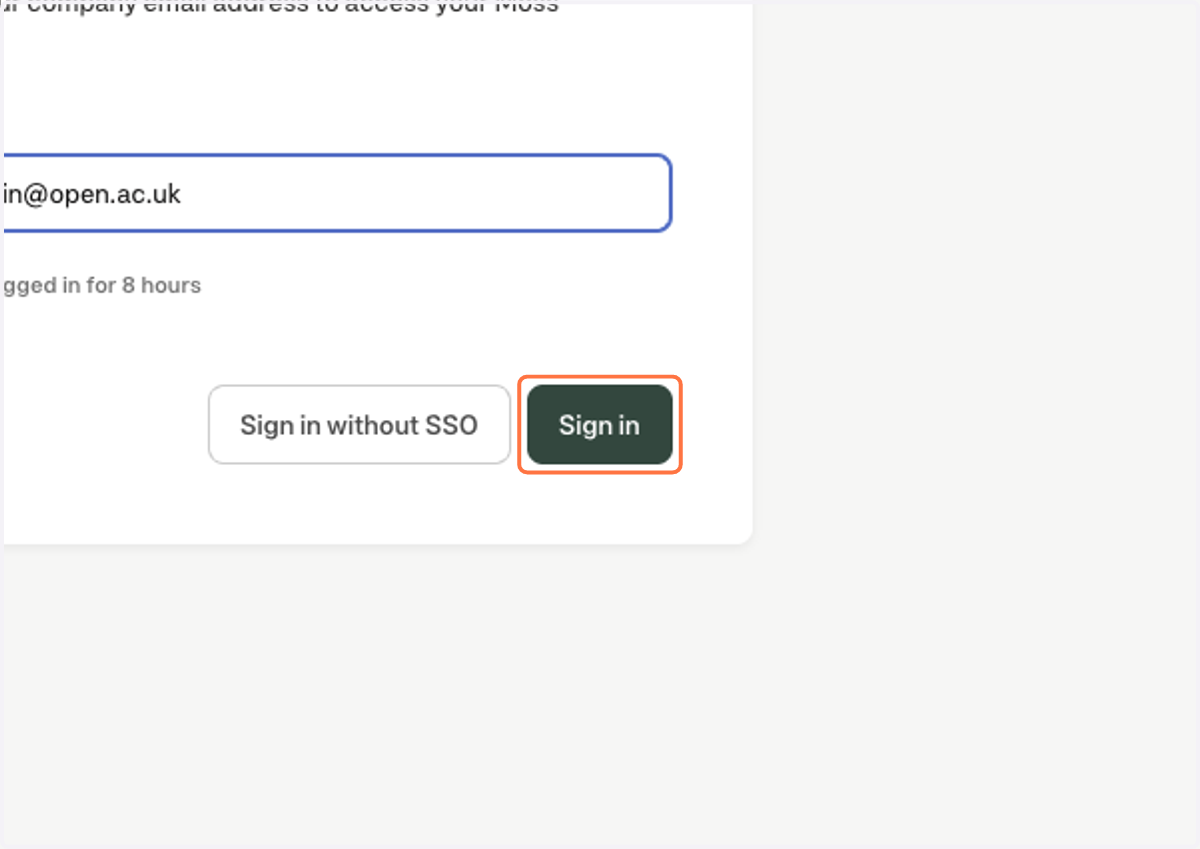
9. Click on Sign in, this will direct you to the standard Microsoft 365 login page to be able to login using your E-Mail credentials.