Managing Absolute Room Derivations
Roompricegenie
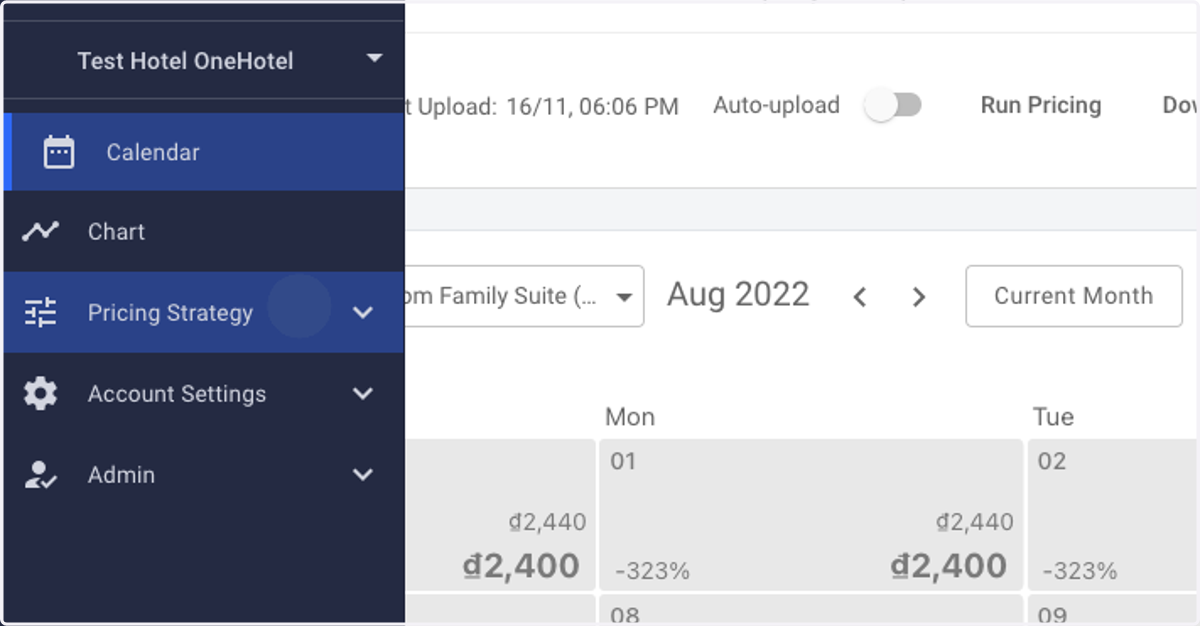
1. Log in to RoomPriceGenie and click on Pricing Strategy.
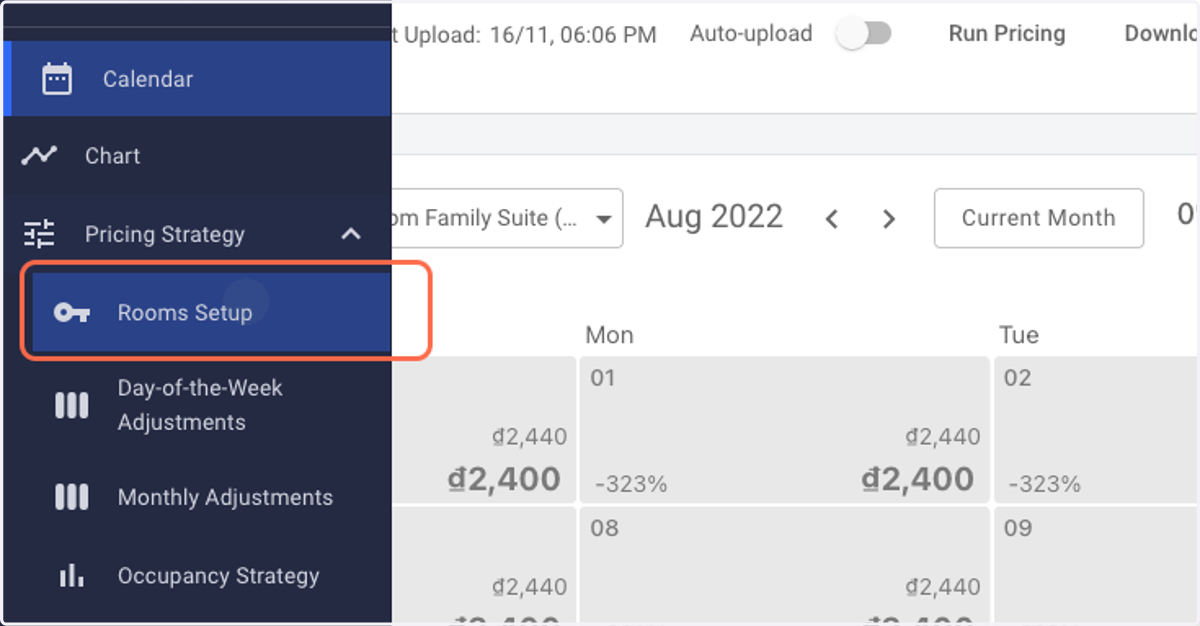
2. Click on Rooms Setup.
NOTE: Please ensure that all your room types have been correctly set up in RoomPriceGenie before proceeding ahead.
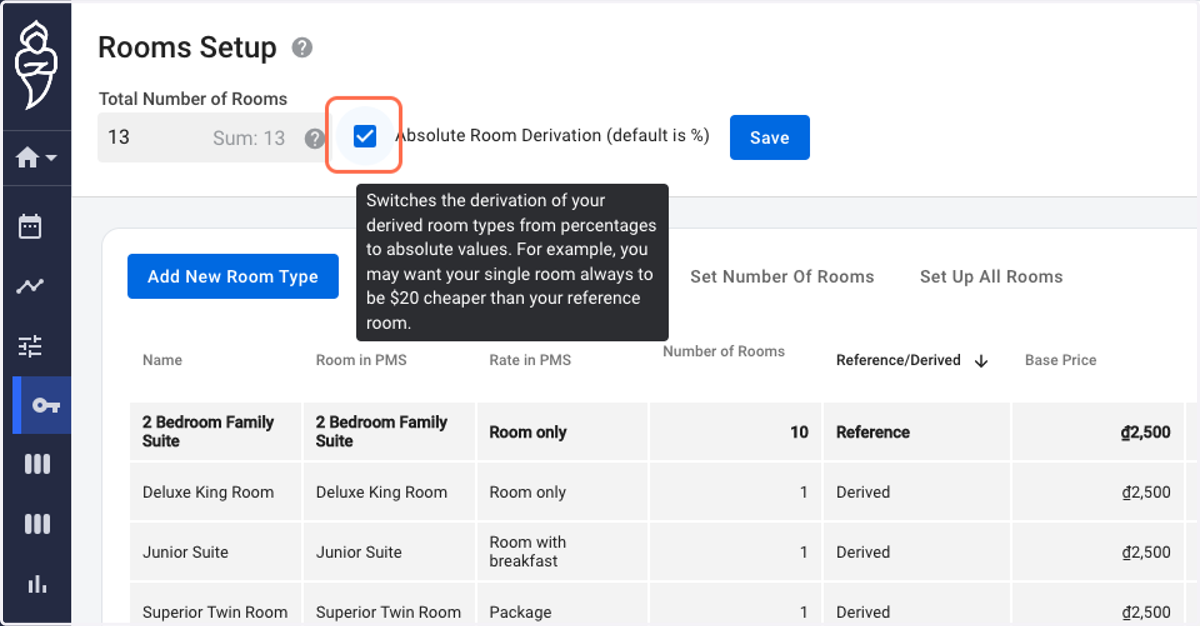
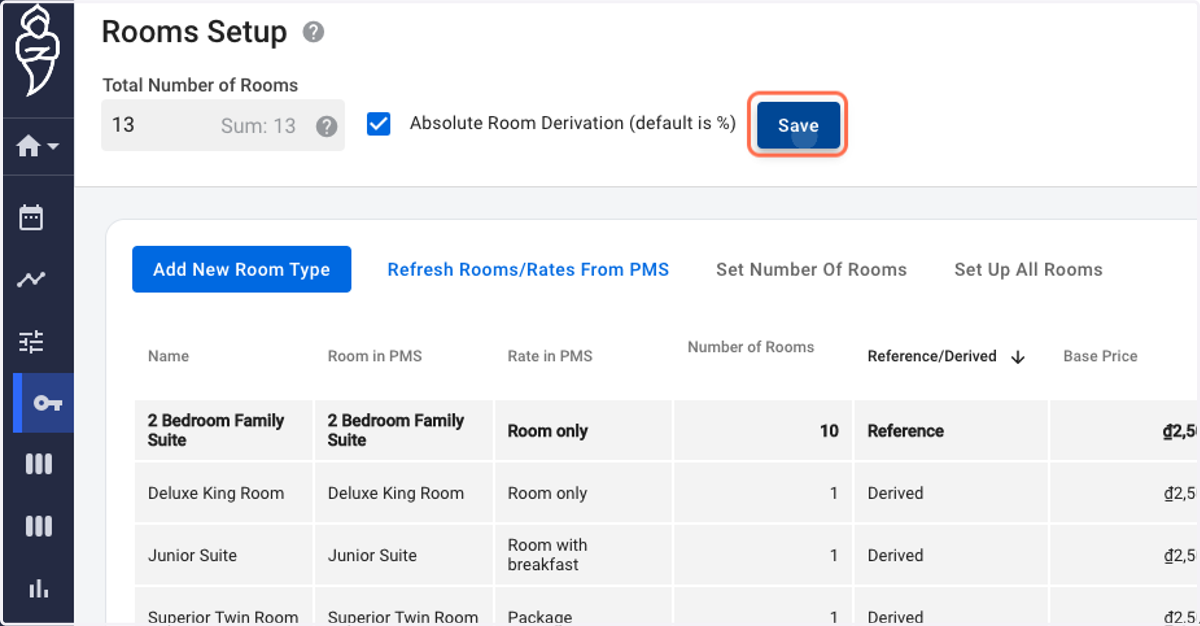
3. Check Absolute Room Derivation (default is %).
4. Click on Save.
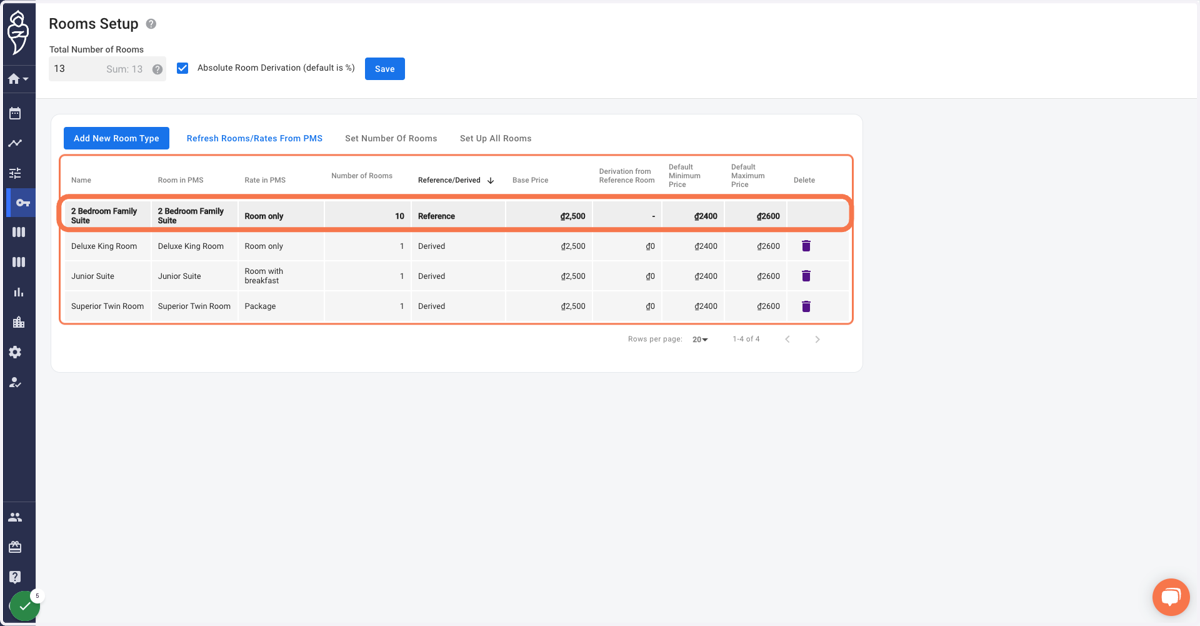
5. Click on your Reference room type within the grid. A pop-up menu on your right shall appear.
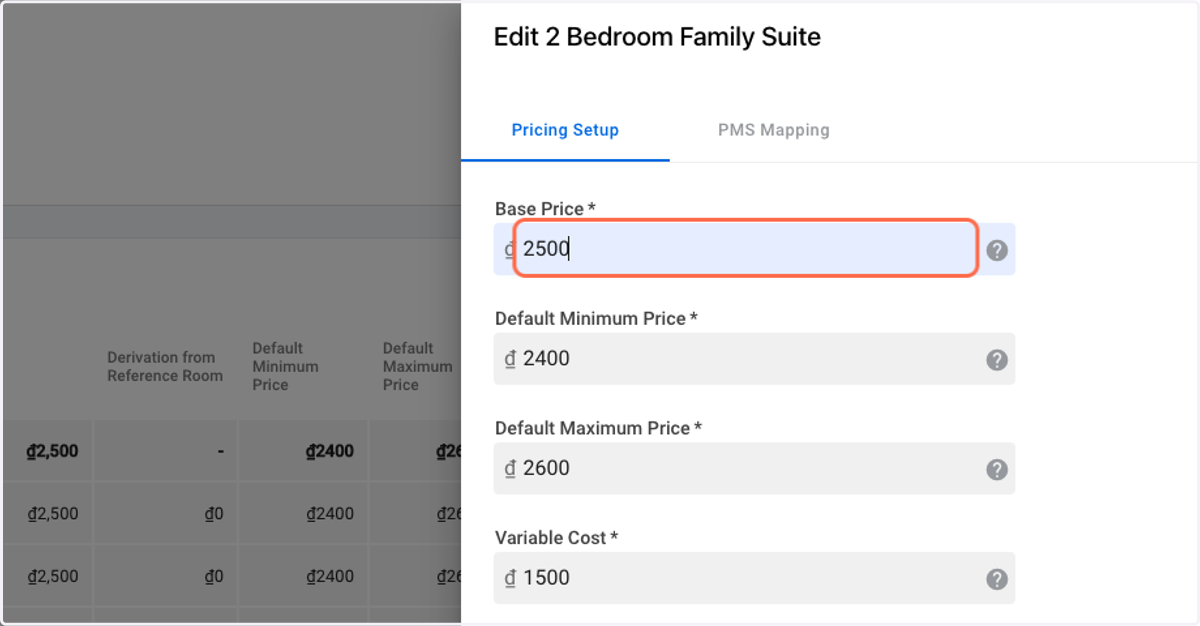
6. Double Check all the details. Edit and save if a change is deemed necessary.
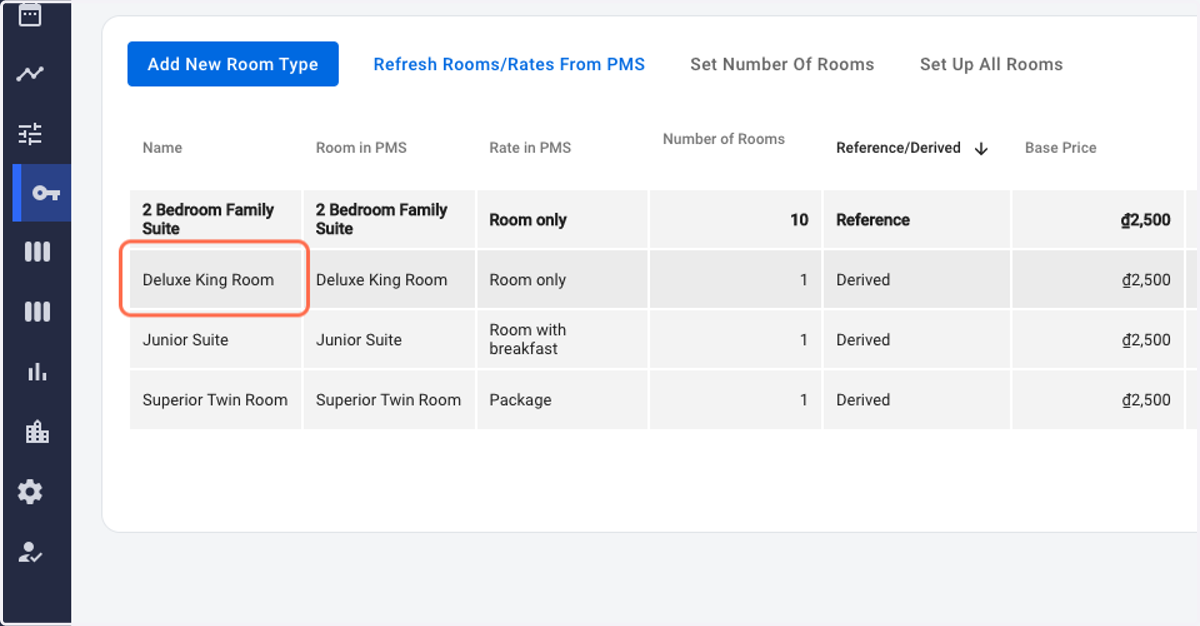
7. Click on a Derived room type within the grid. A pop-up menu on your right shall appear.
8. Input the desired Absolute Derivation Value for the selected room type.
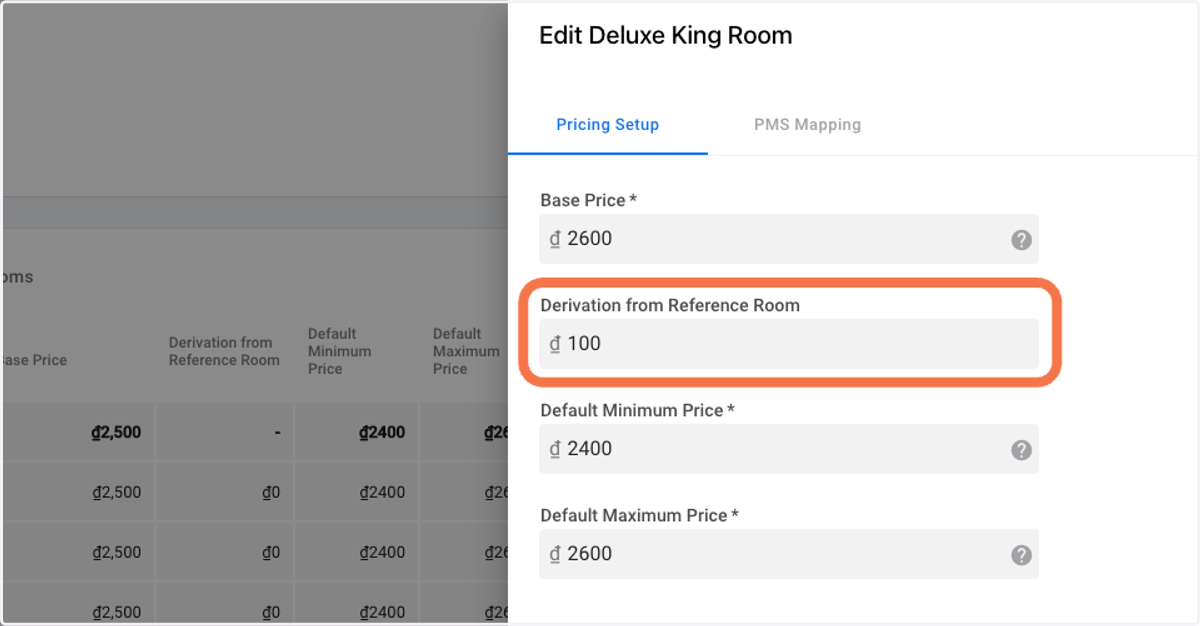
9. OPTIONAL: Click on Derived Min/Max if you shall like to alter the minimum and maximum price for the selected room type accordingly.
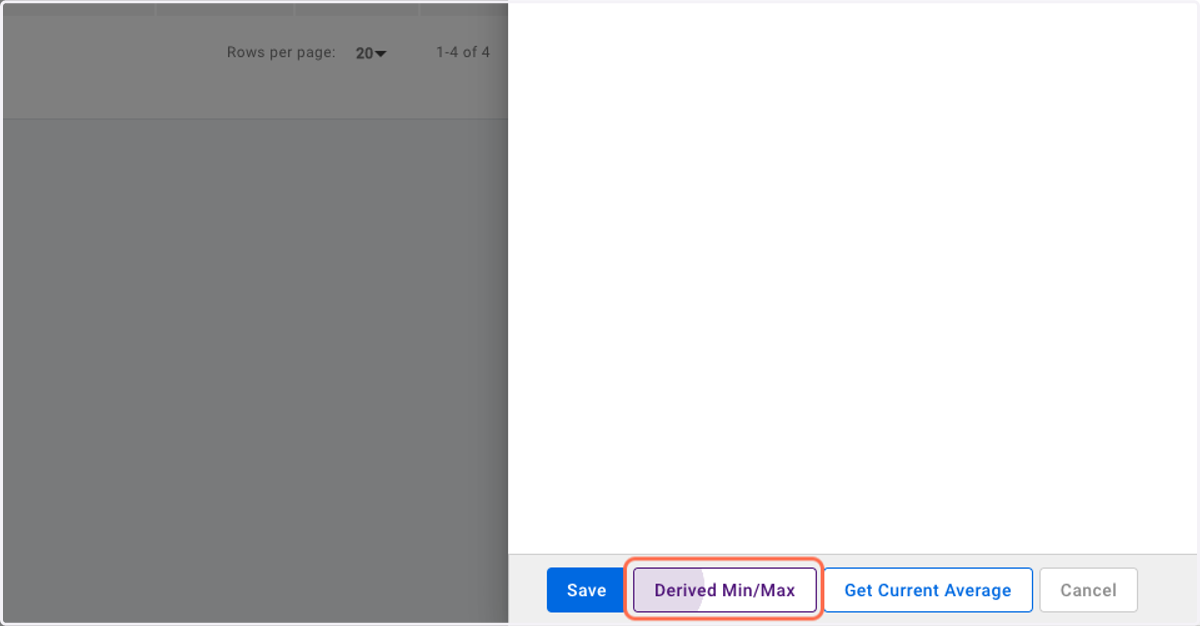
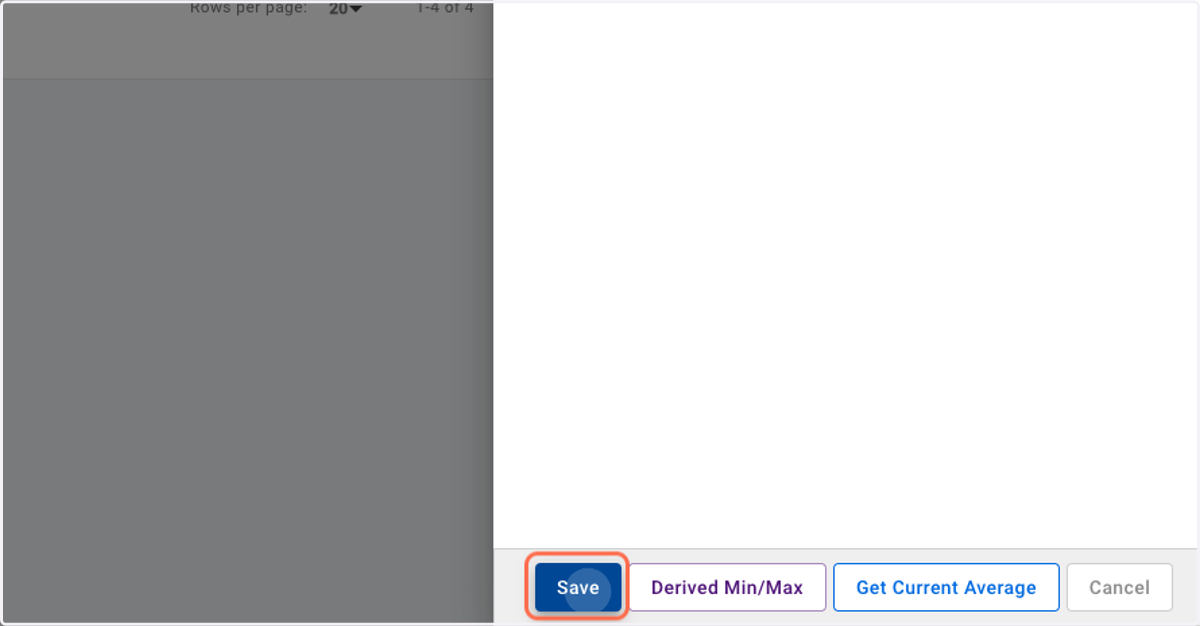
10. Click on Save and repeat the same for all your derived room types.