How to Book a Tutoring Session
Aspire Tutoring
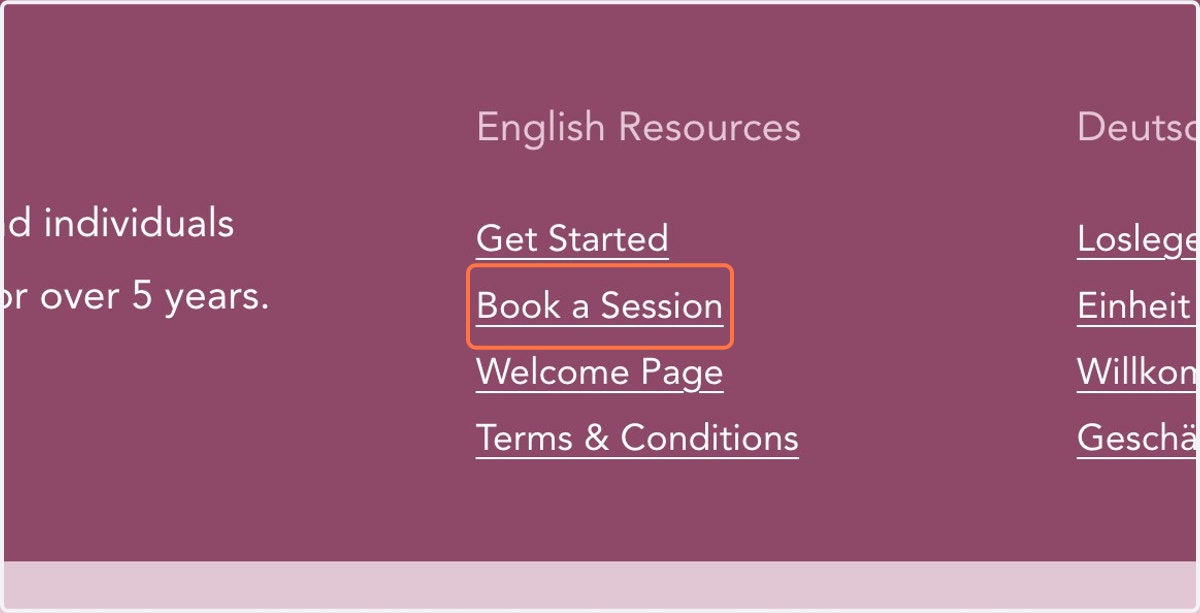
1. Click on Book a Session
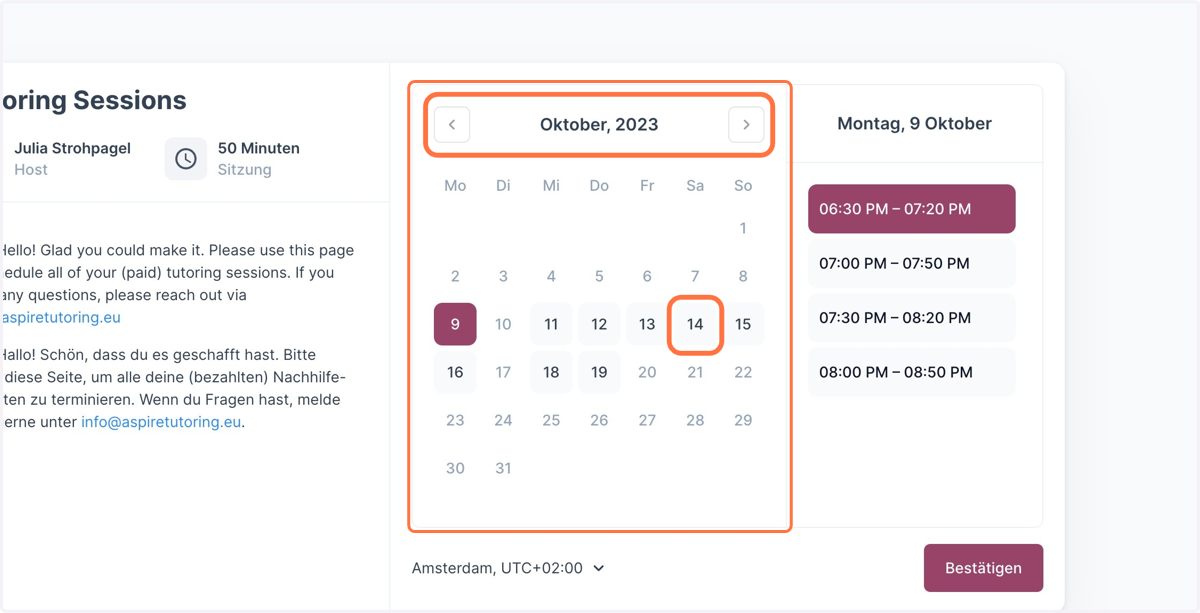
2. Choose the Date
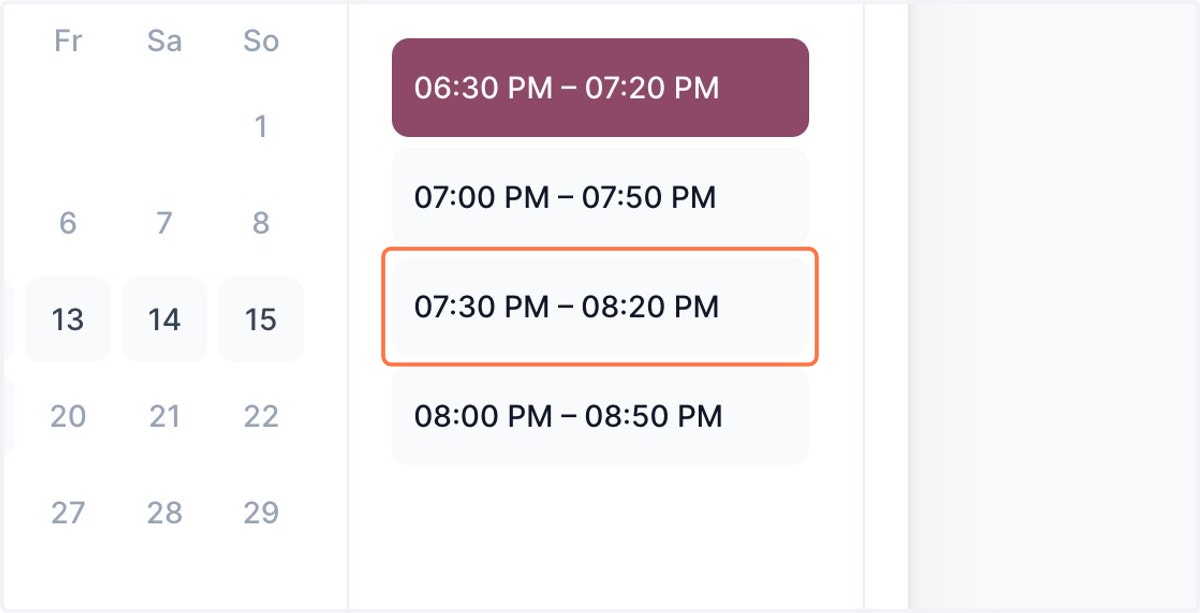
3. Choose an Available Time Slot
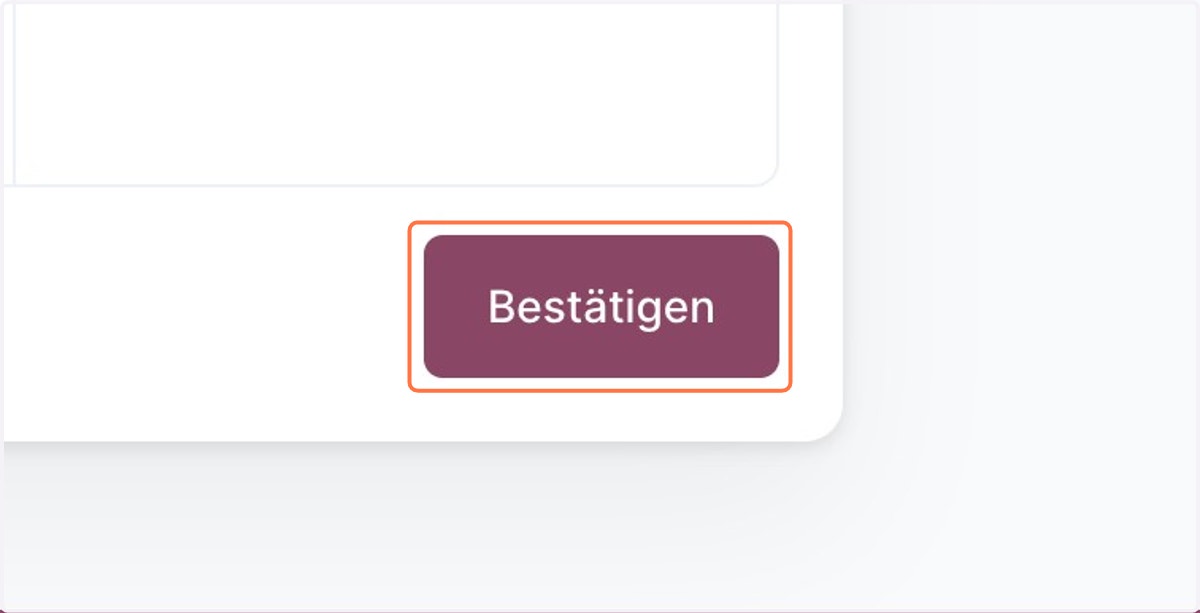
4. Click on Confirm/Bestätigen
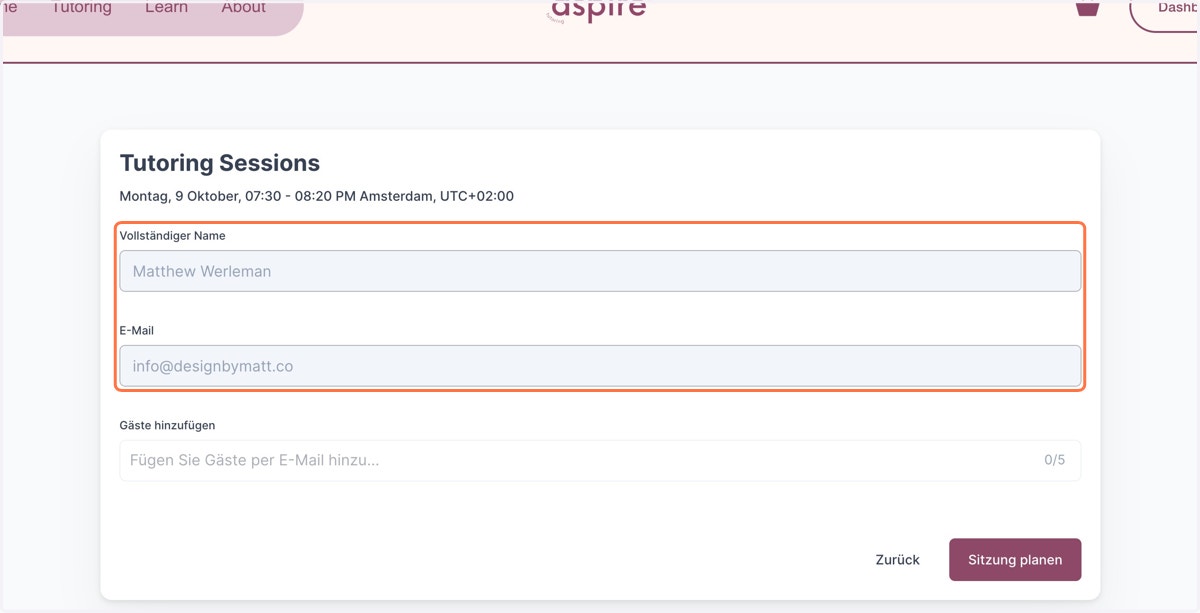
5. Enter your Information
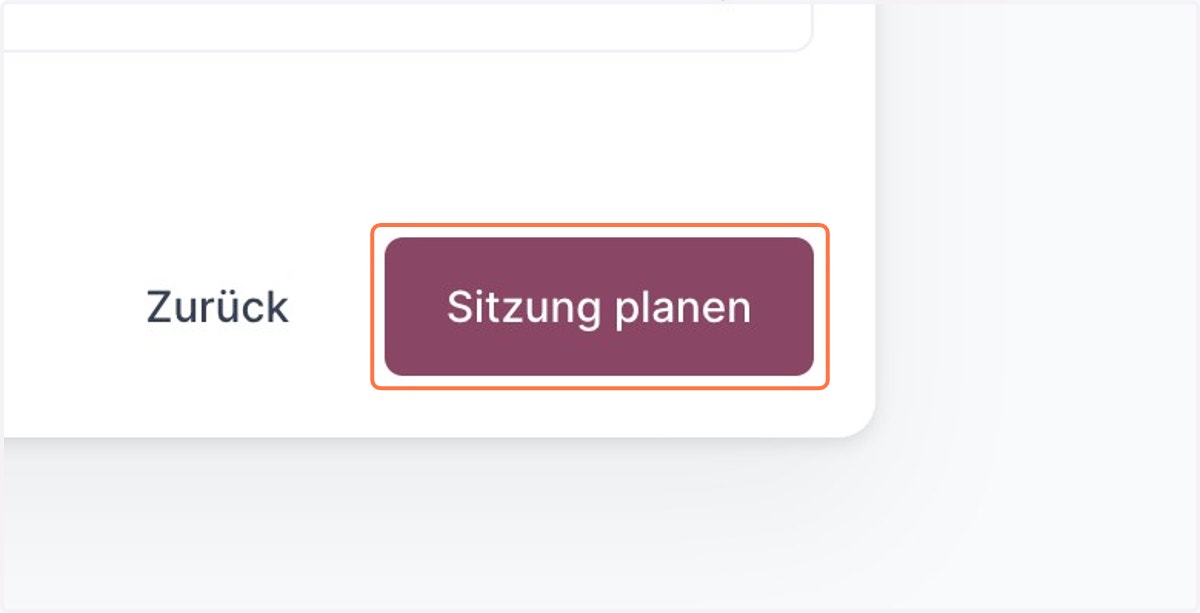
6. Click on Plan Session/Sitzung planen
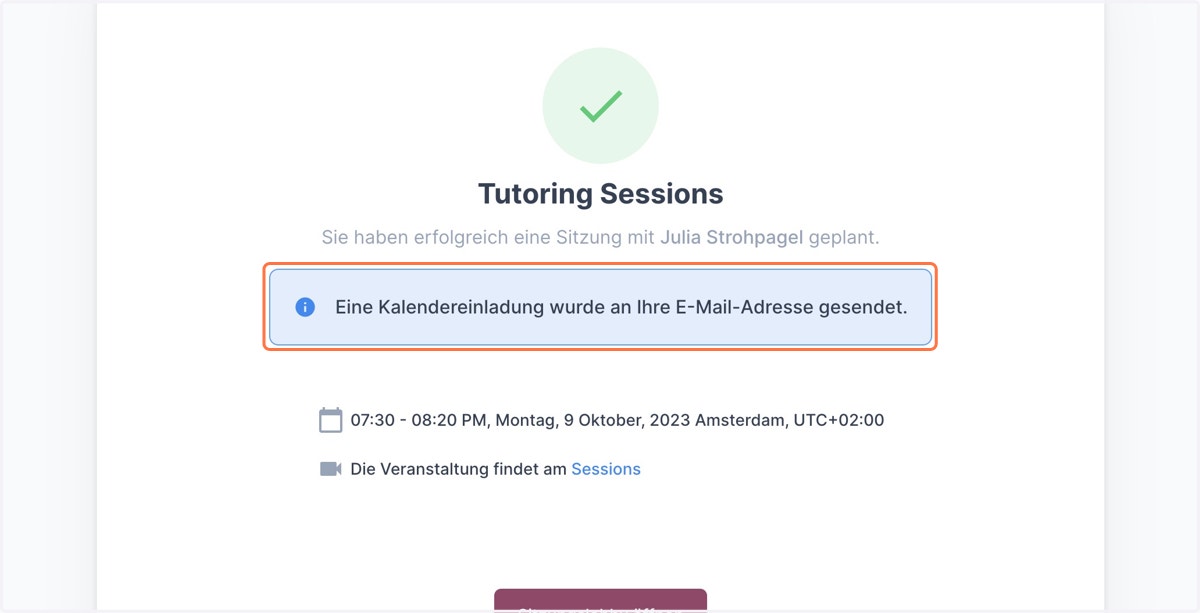
7. Your Booking is Confirmed!
You will receive an email confirmation immediately. 1 hour before the session you will receive a reminder email with a login link to join the session online.