Editing a User Profile - Deactivating Users - Connect Platform
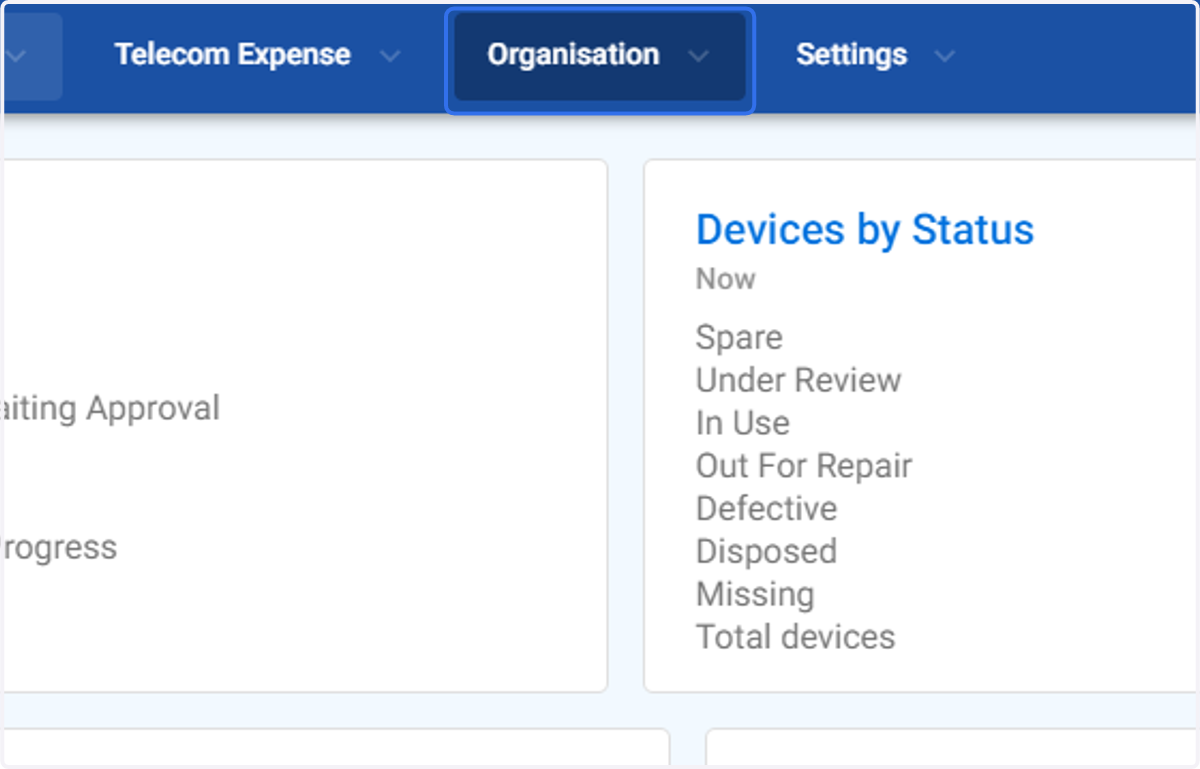
1. Click on Organisation
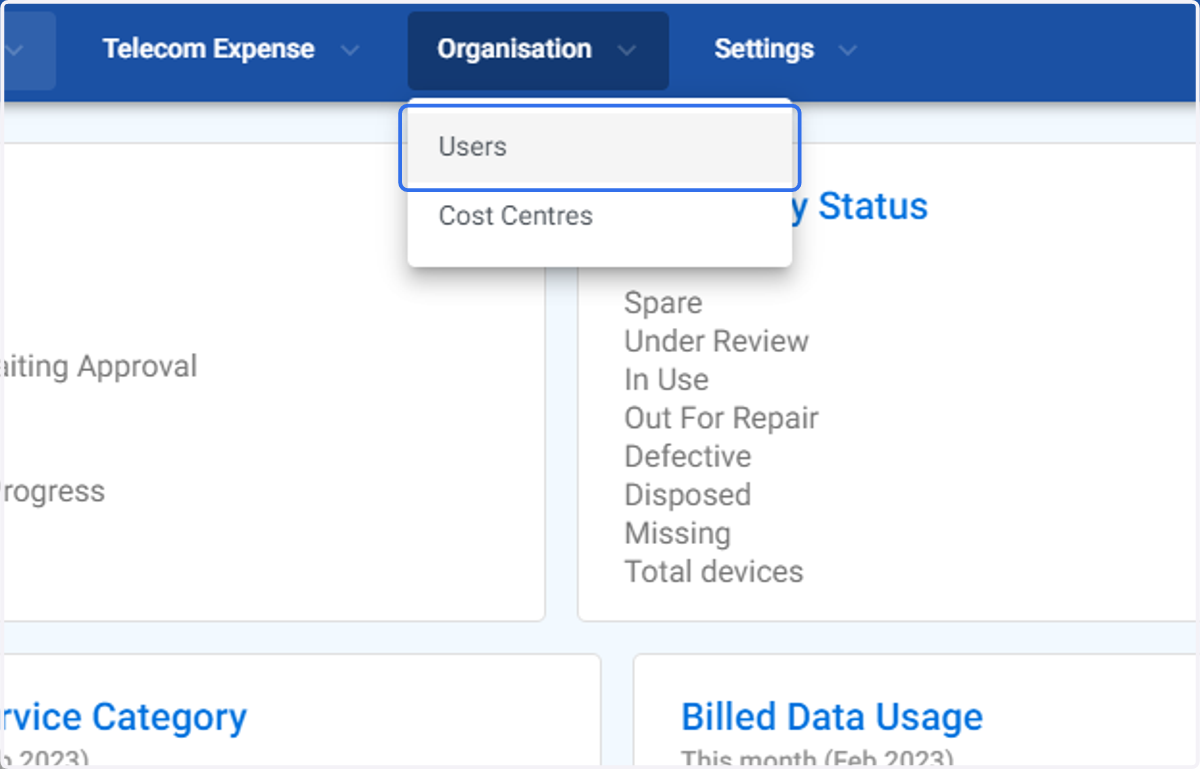
2. Click on Users
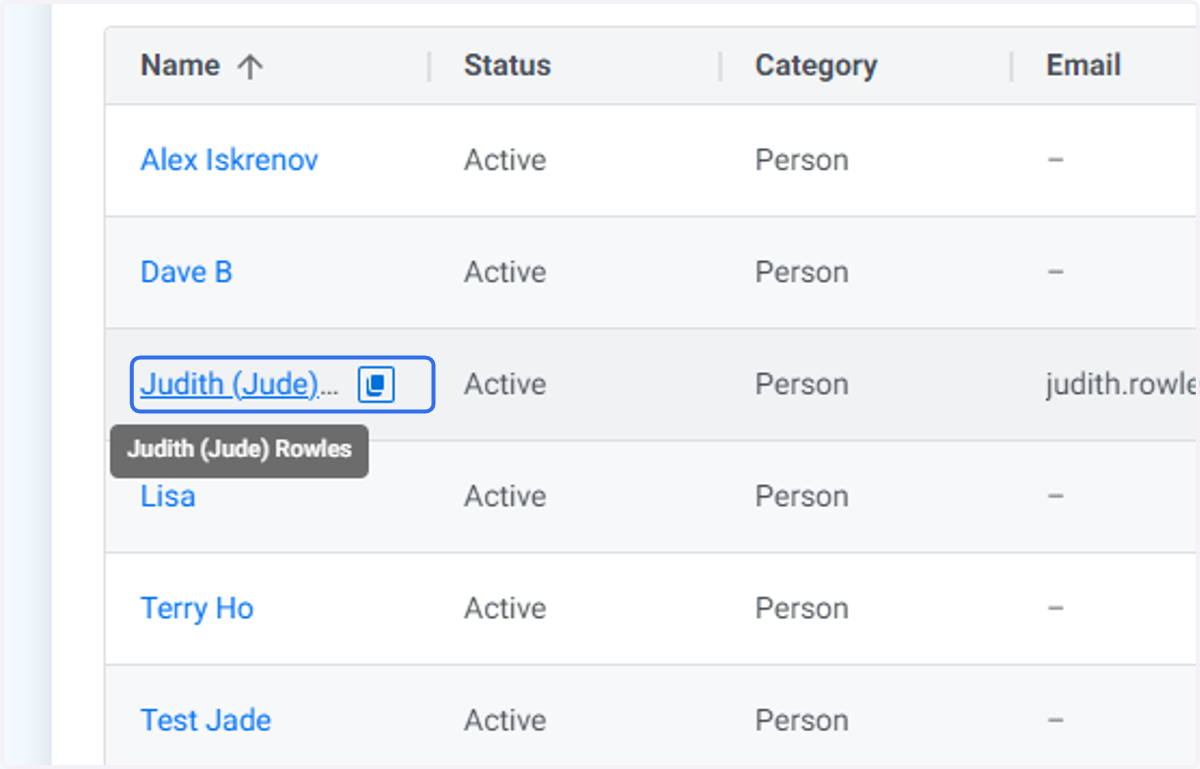
3. Click on the User you wish to edit.
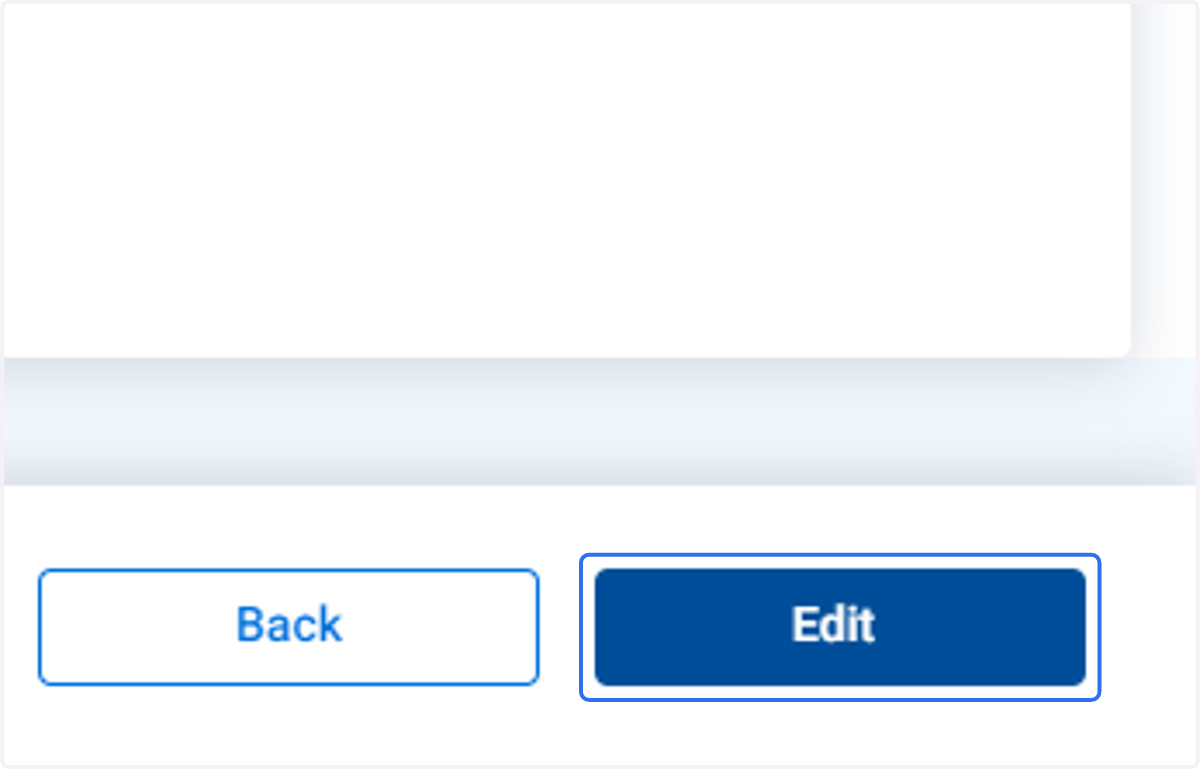
4. Click on Edit
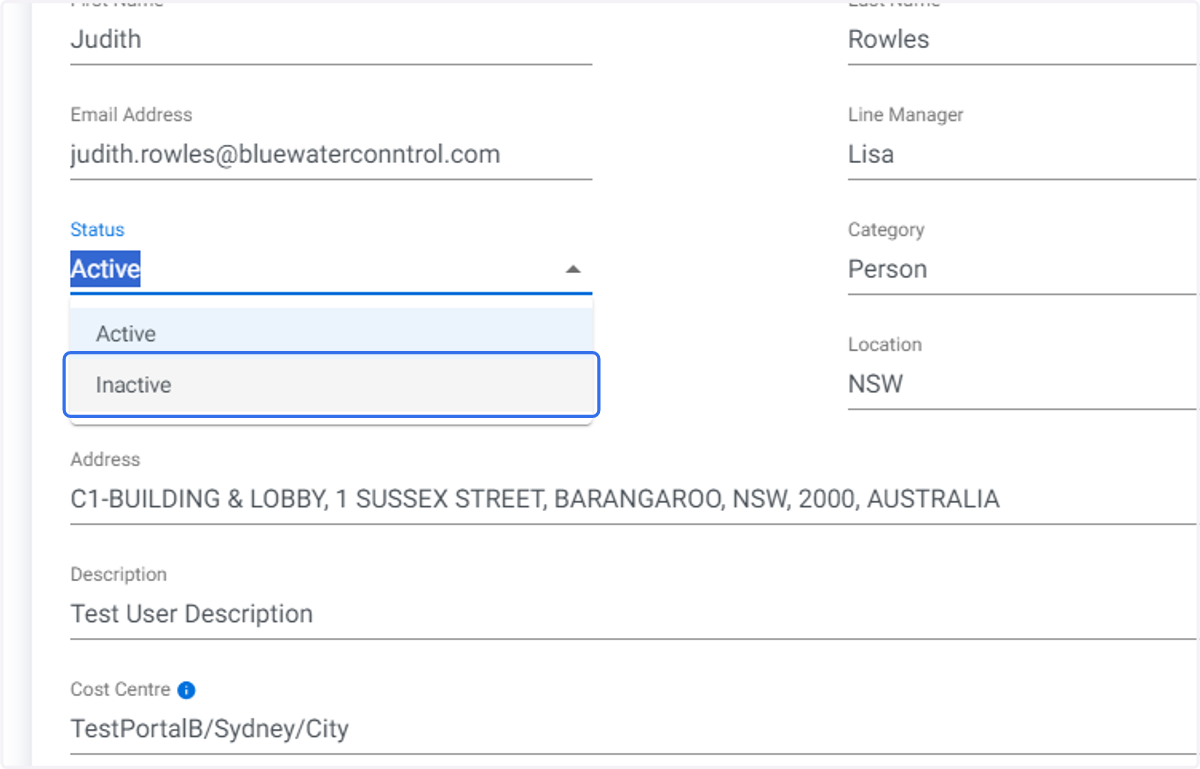
5. Click on Status and change from Active to Inactive
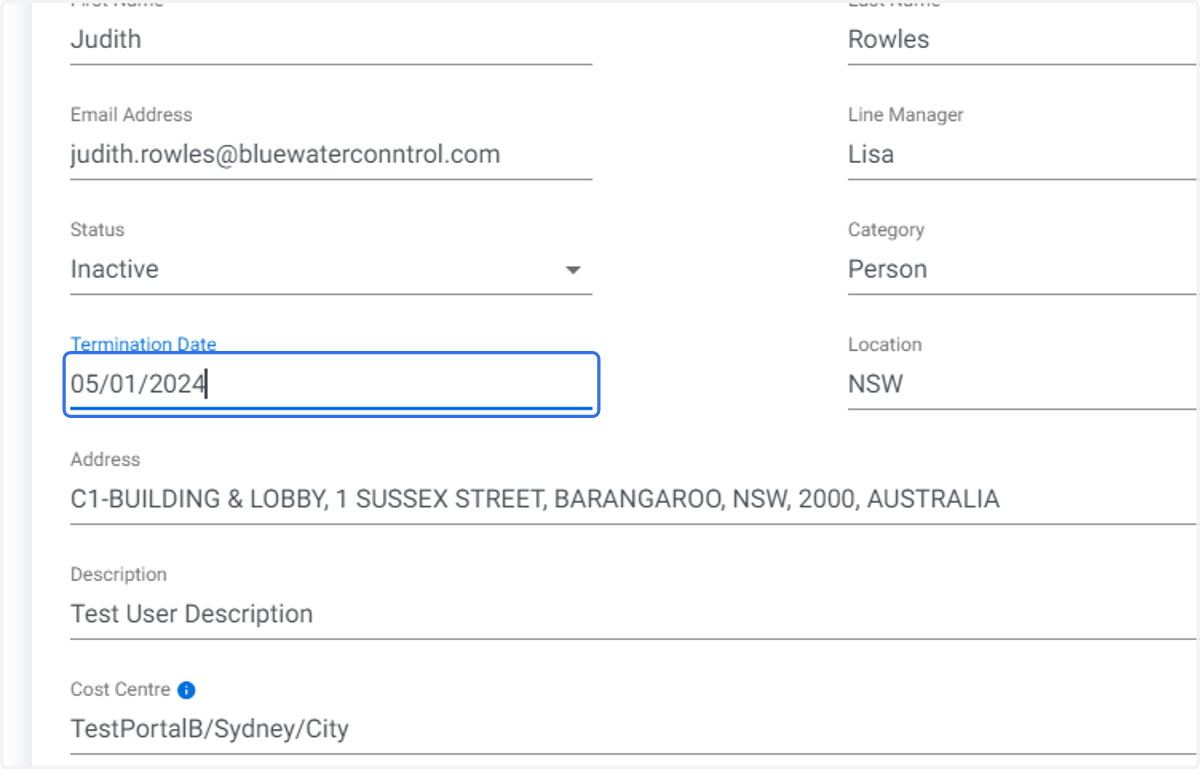
6. Type in the Termination Date
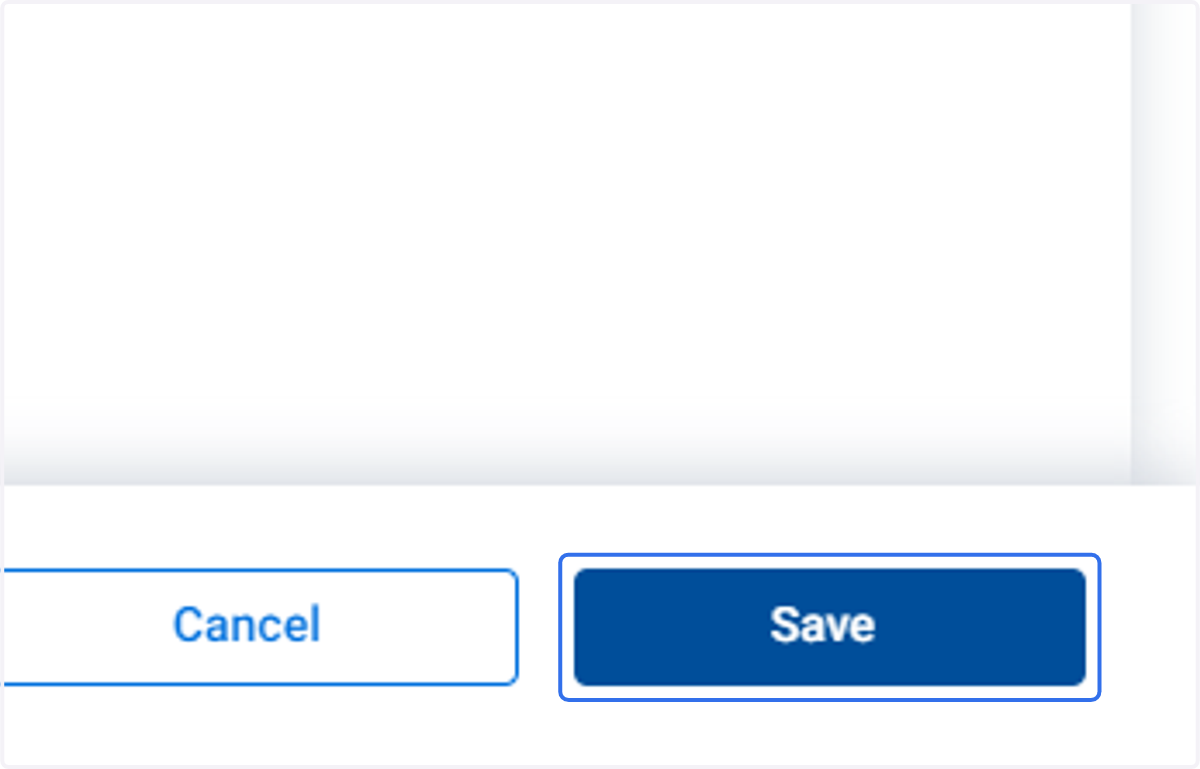
7. Click on Save