Build Monthly Tours
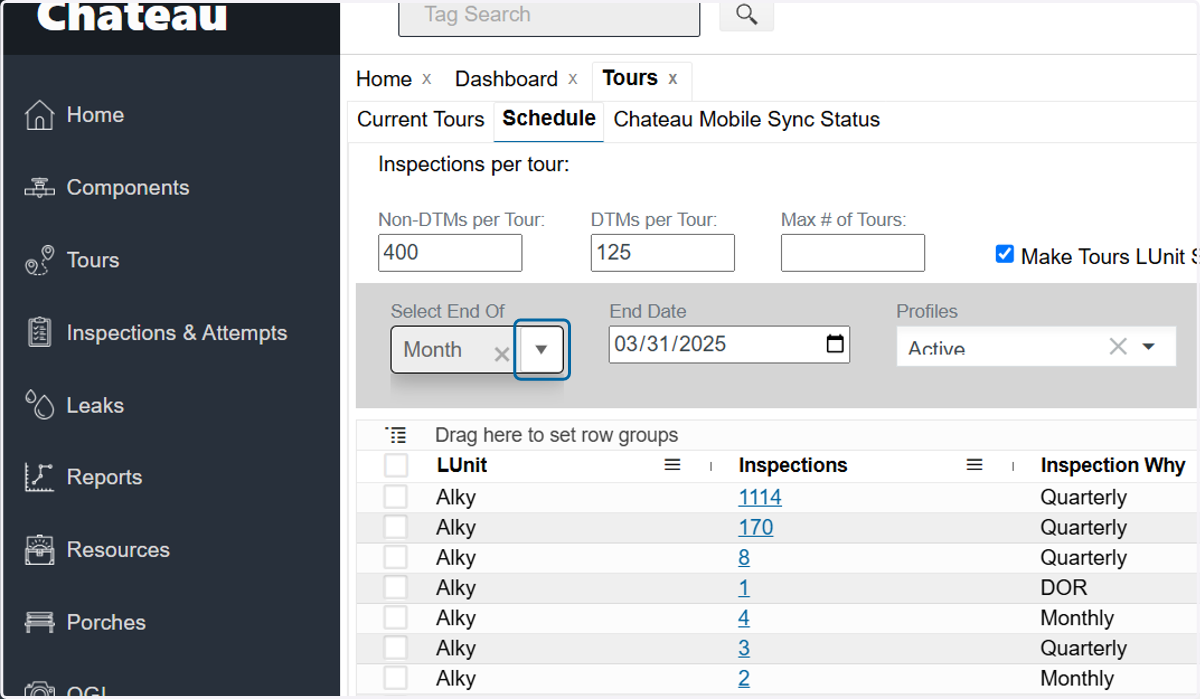
1. Select Month in the 'End Of' dropdown
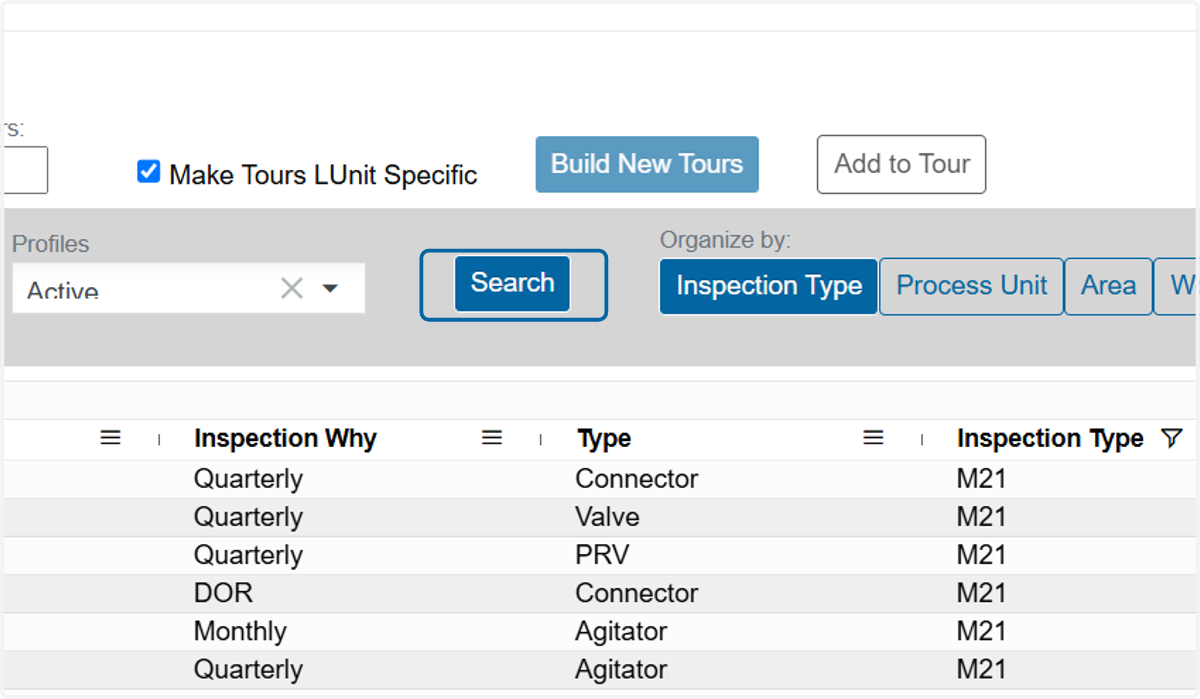
2. Click on Search
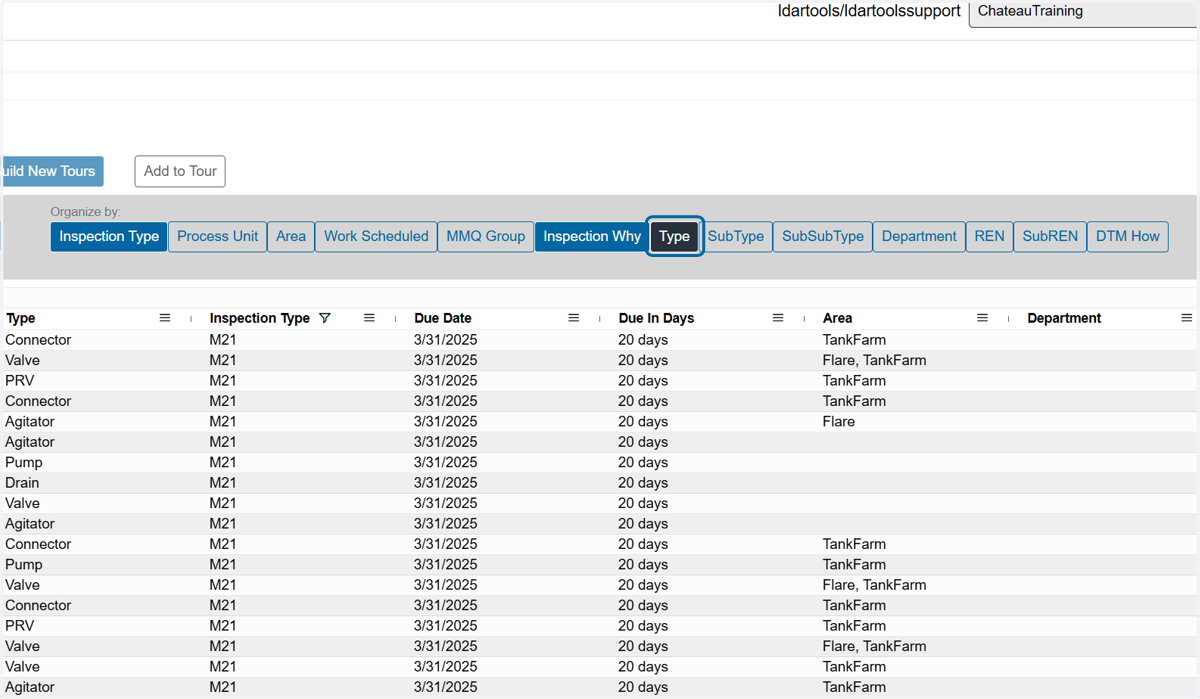
3. Unselect Type in the 'Organize By' section to consolidate the rows by type
4. Click on the Inspection Why 'Hamburger' menu
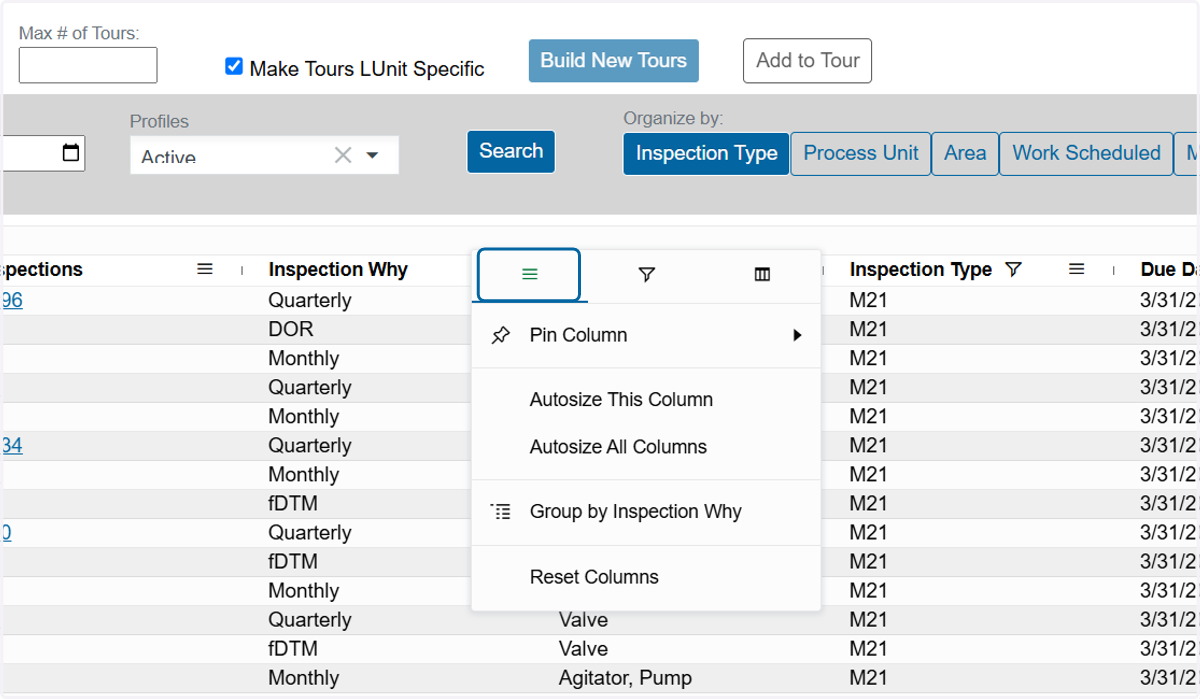
5. Click on the filter icon
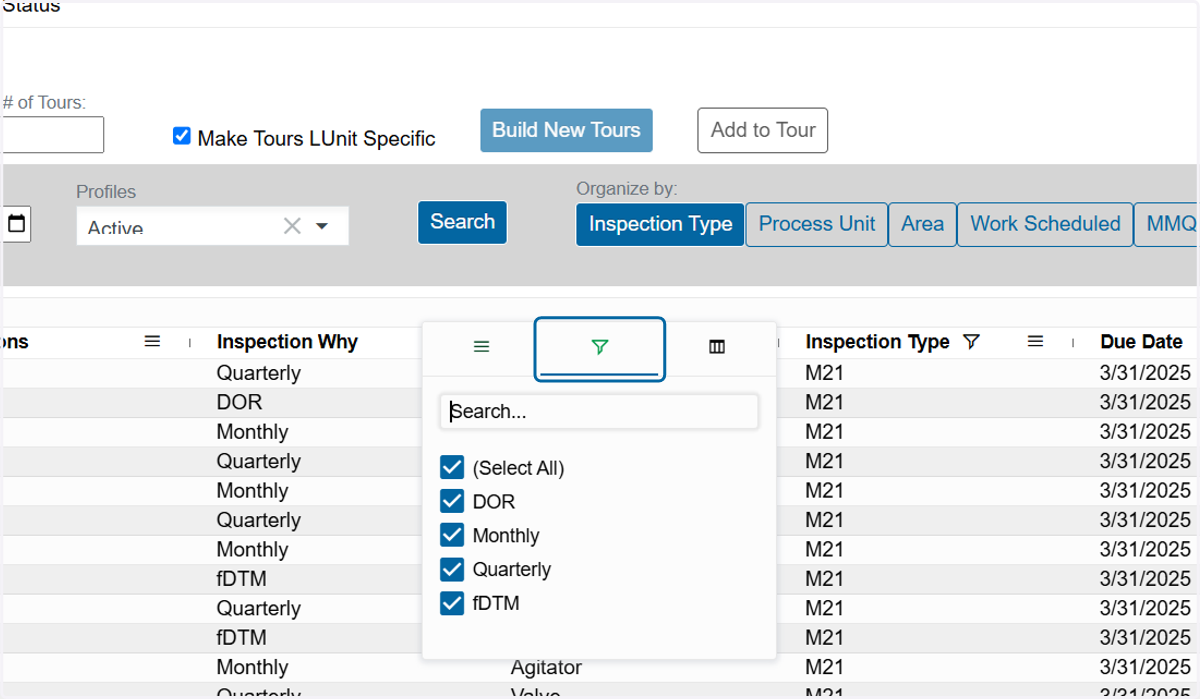
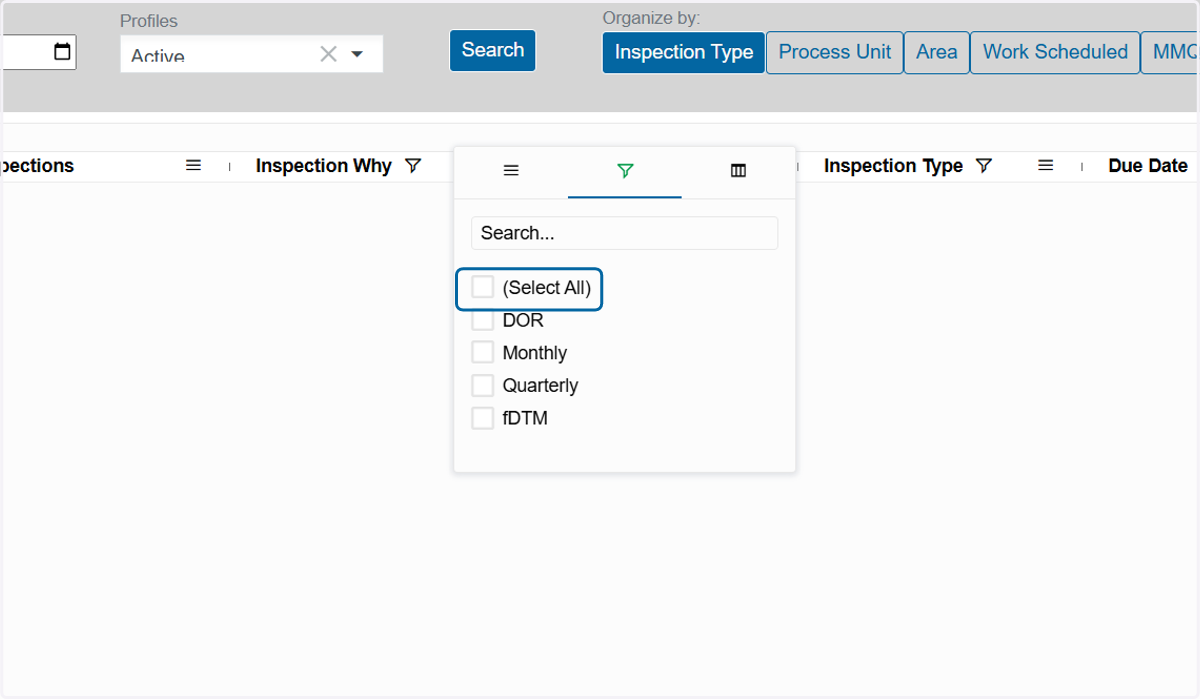
6. Uncheck (Select All)
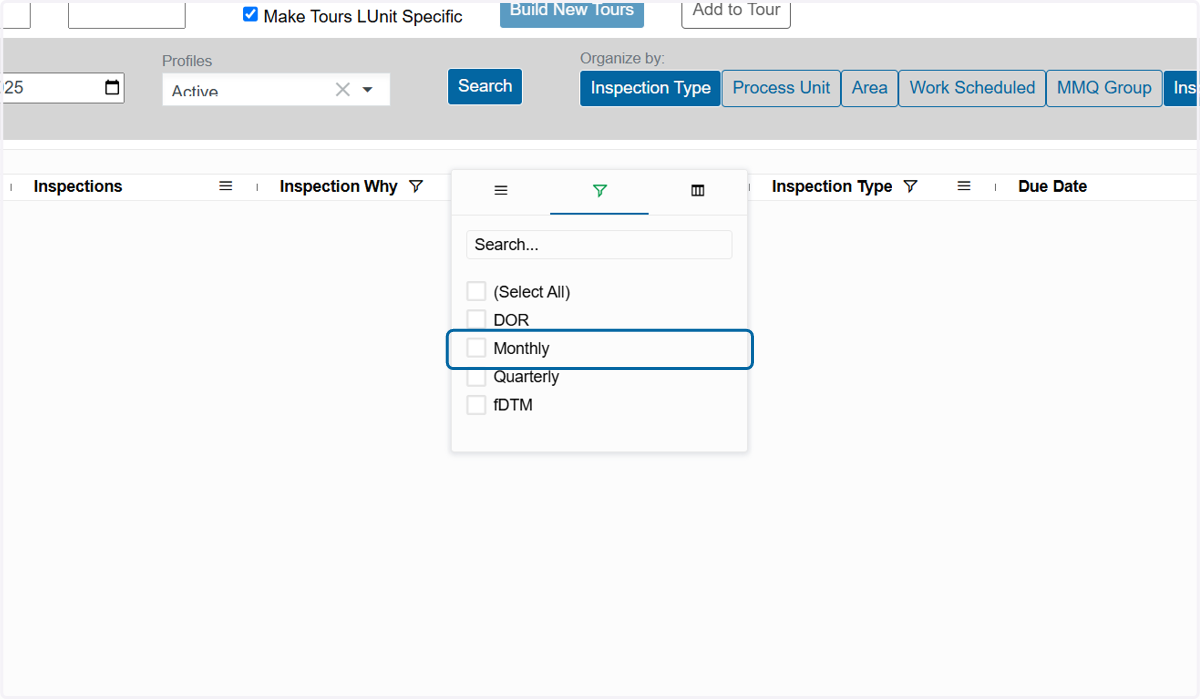
7. Click on Monthly
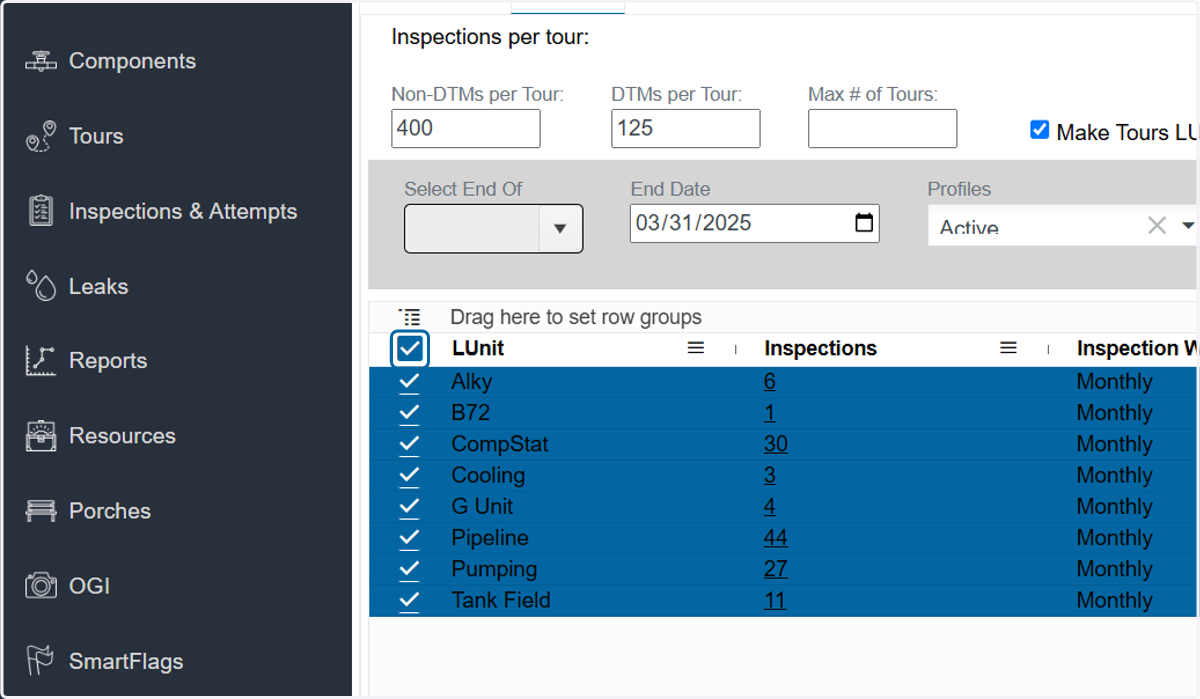
8. Check the top box to select all rows
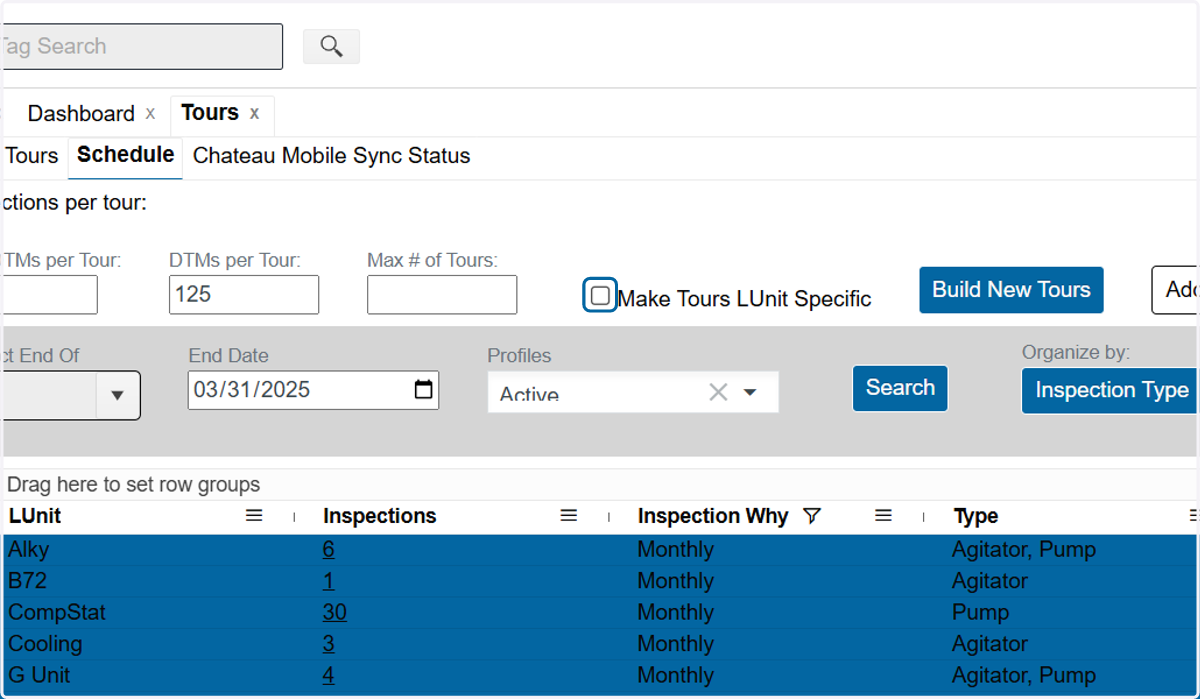
9. Uncheck 'Make Tours LUnit Specific' This will allow all monthly components to go into a single tour.
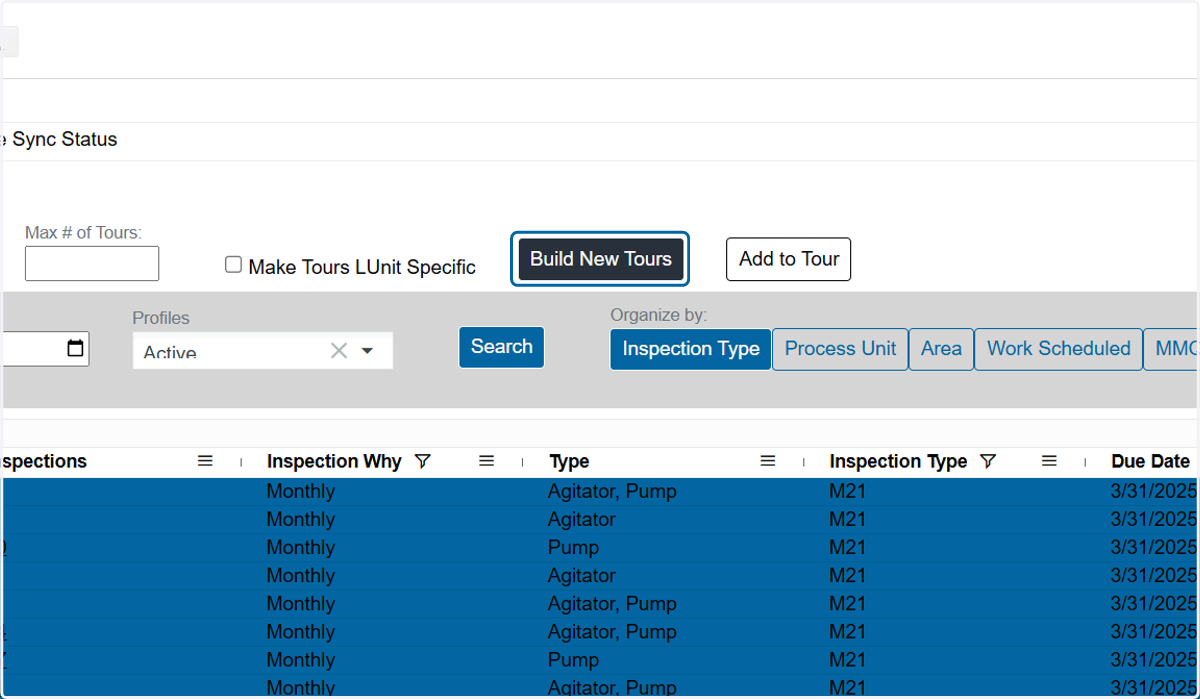
10. Click on Build New Tours
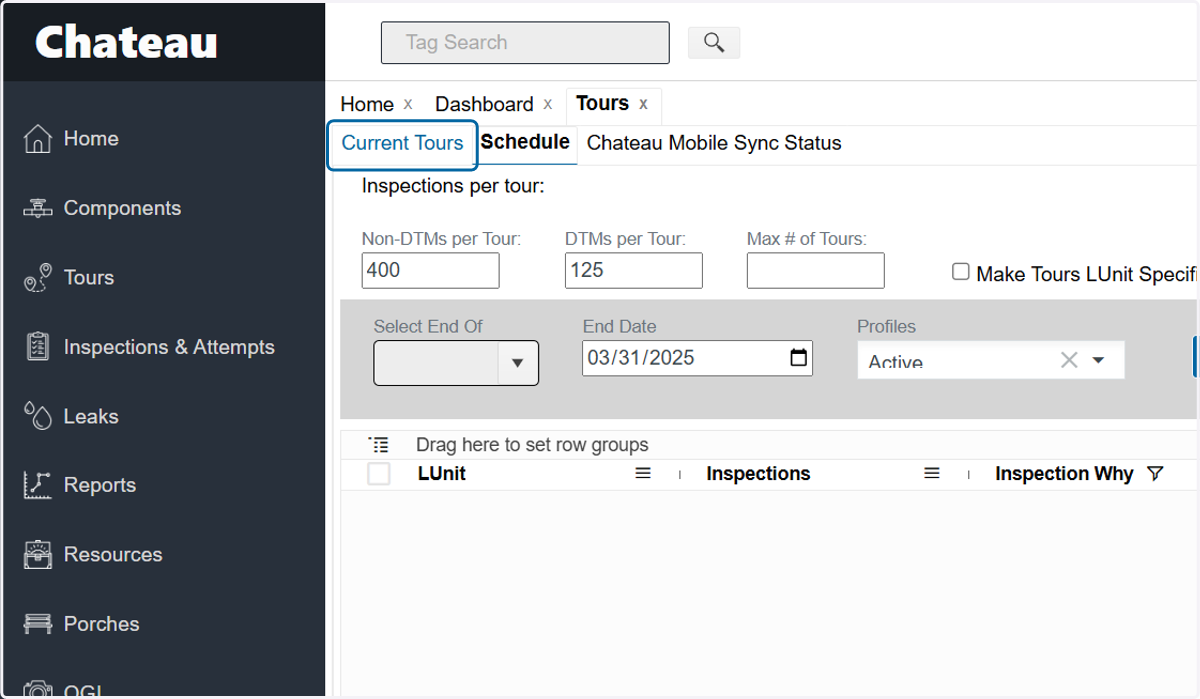
11. Click on Current Tours
12. Click on the tour name
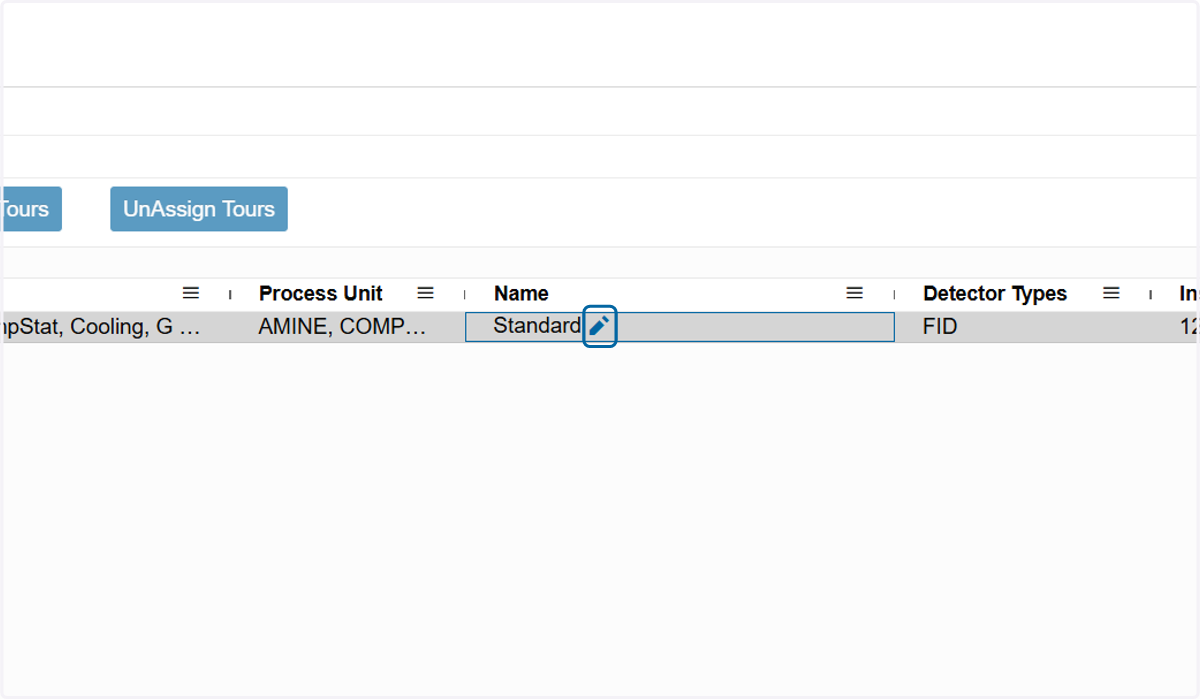
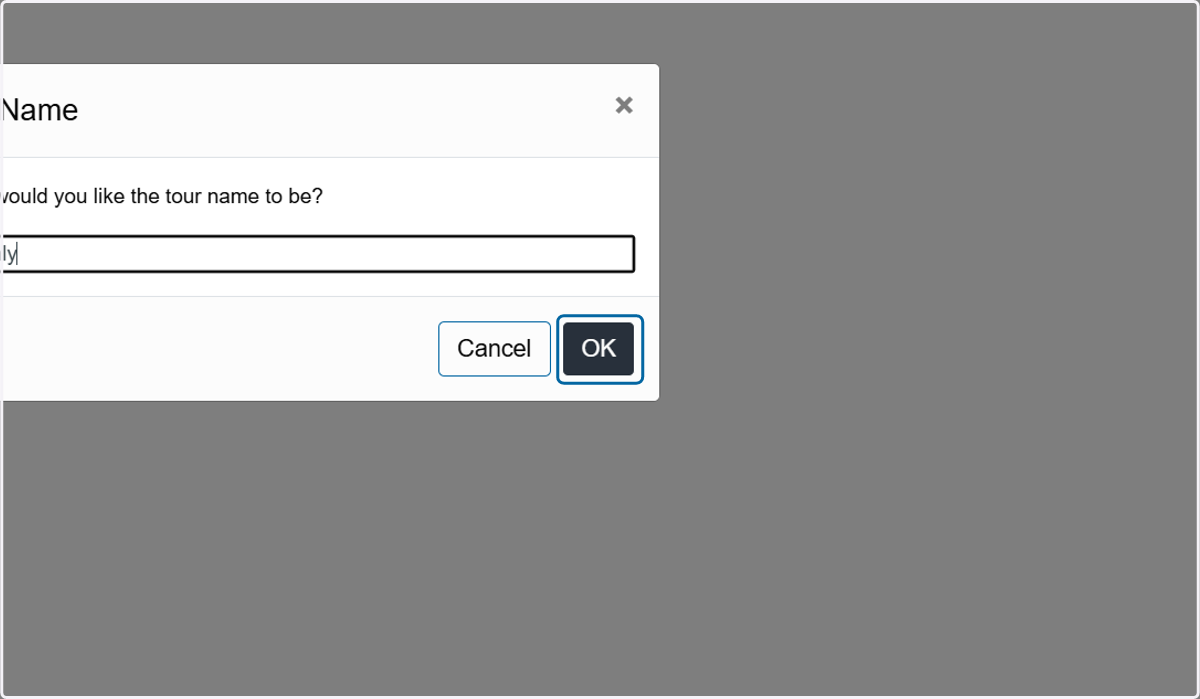
13. Enter a new tour name, if desired.
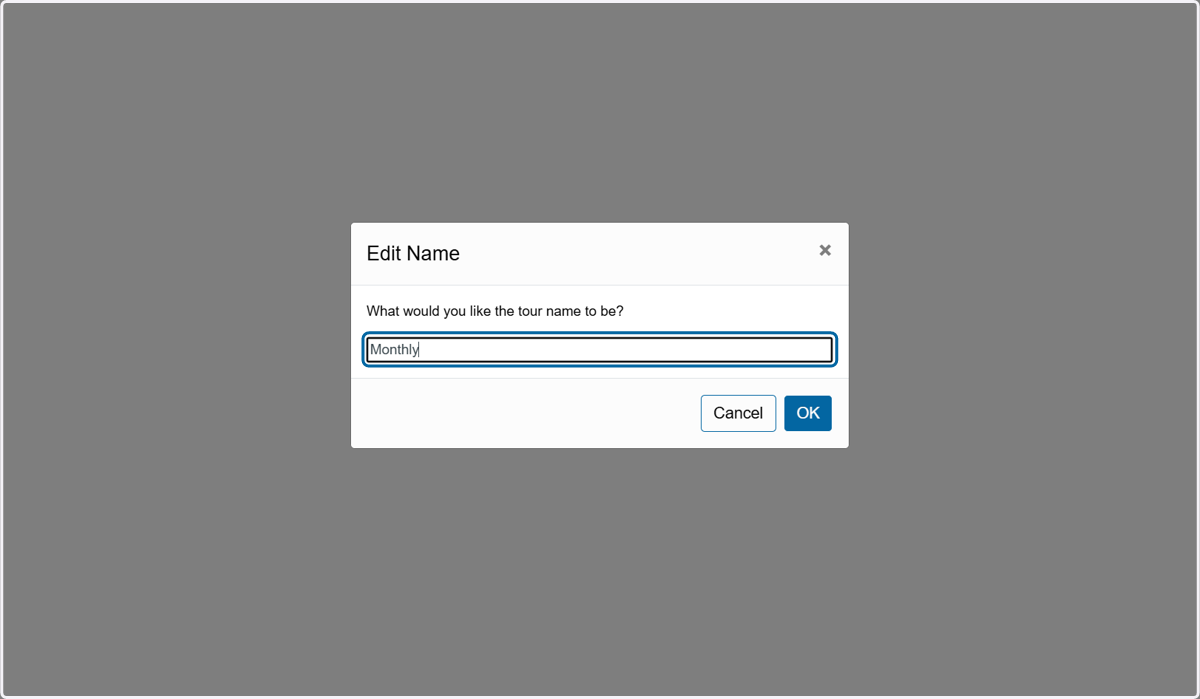
14. Click on OK