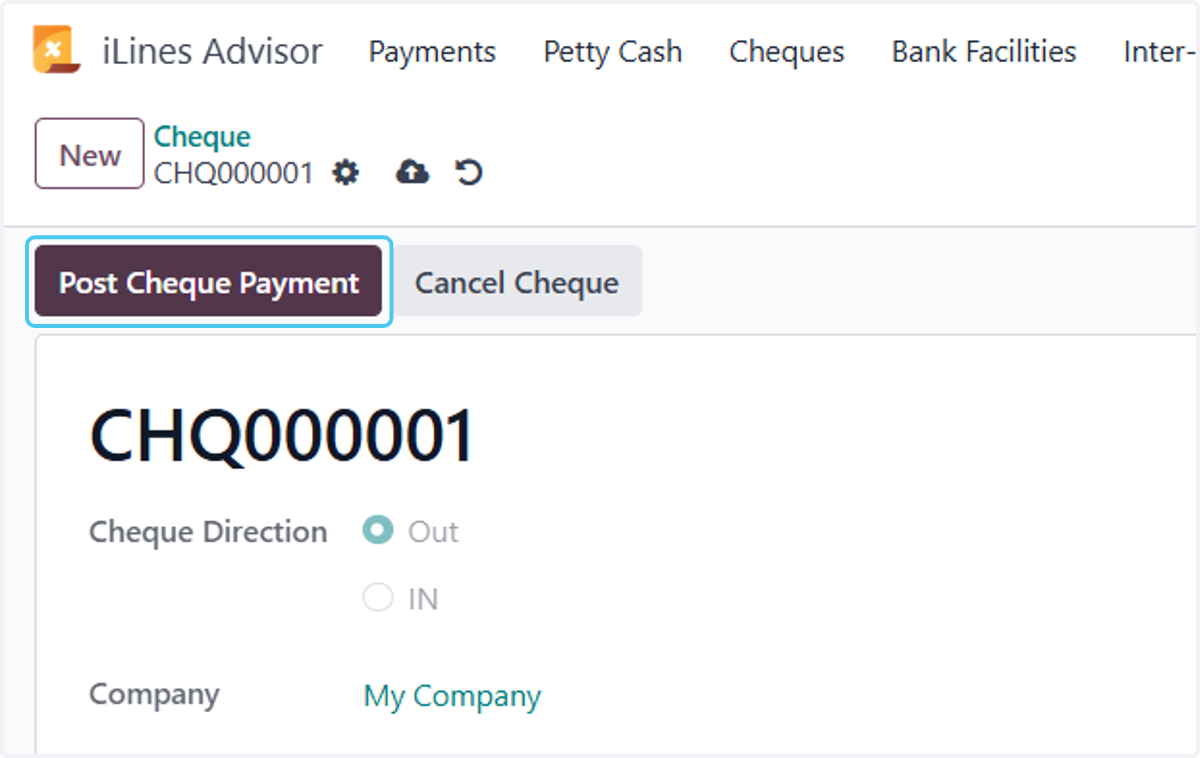
Process Cheque Out in Odoo
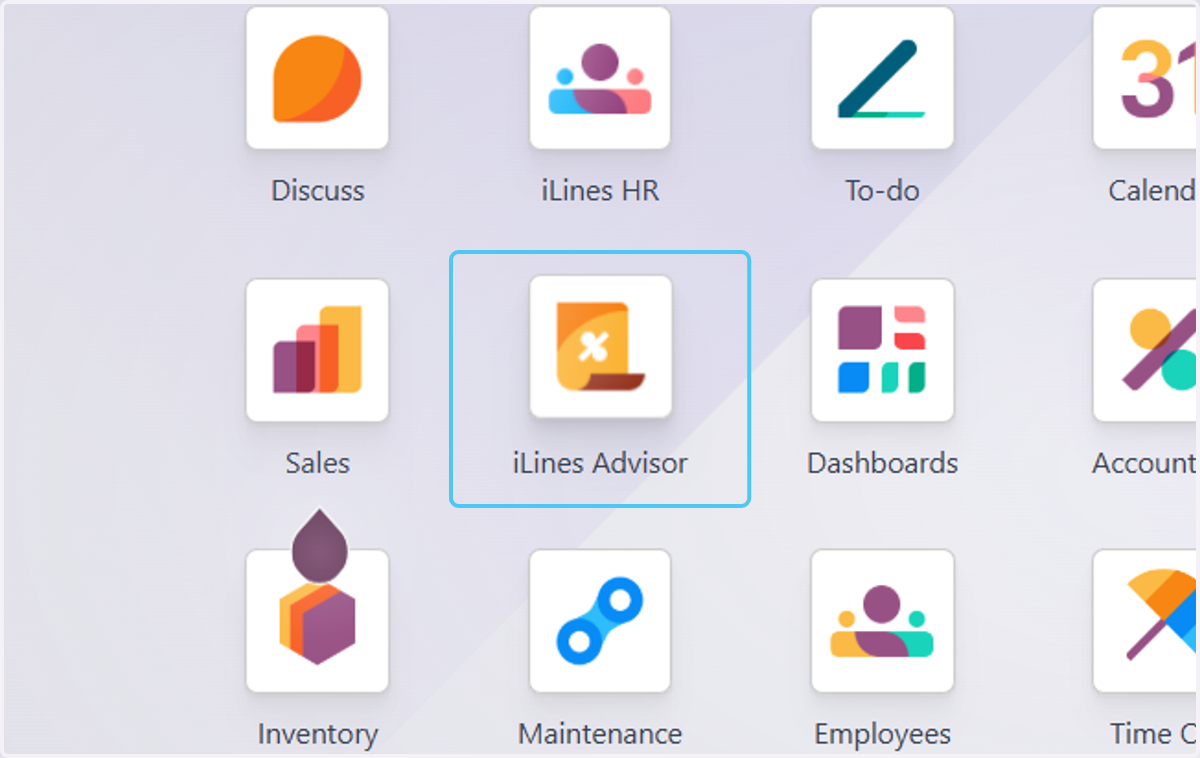
1. Click on iLines Advisor
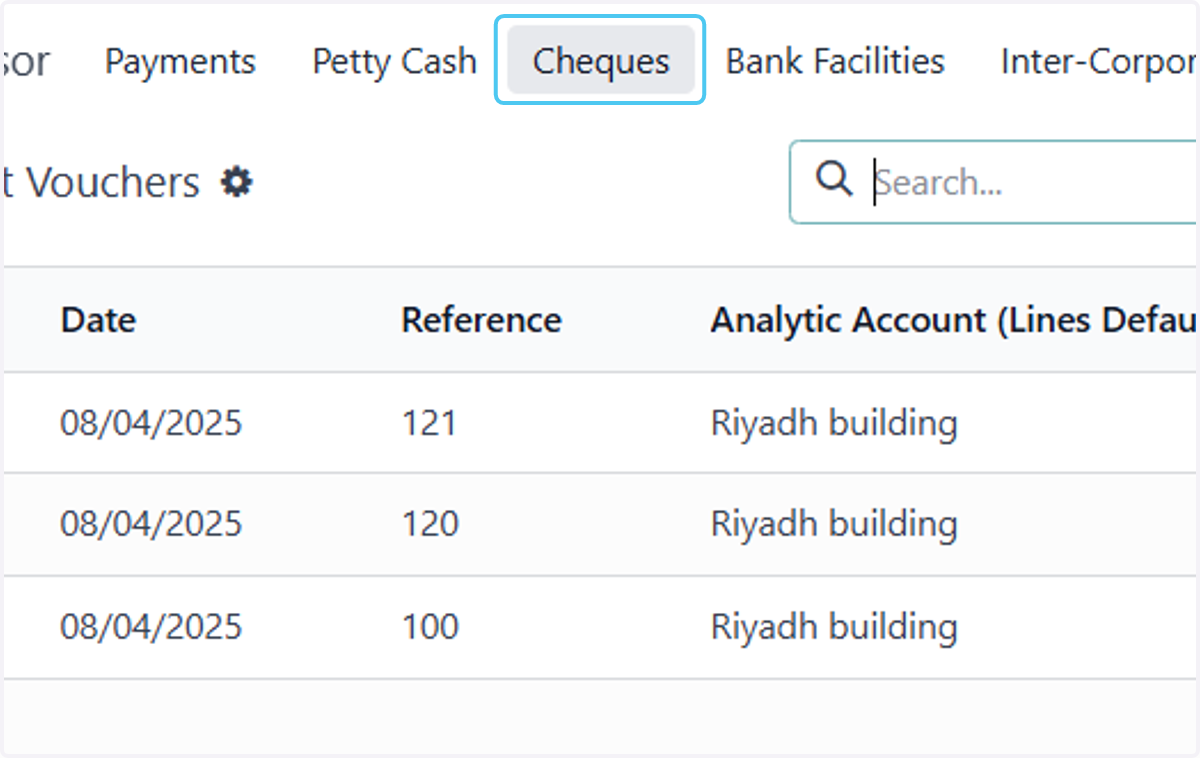
2. Click on Cheques
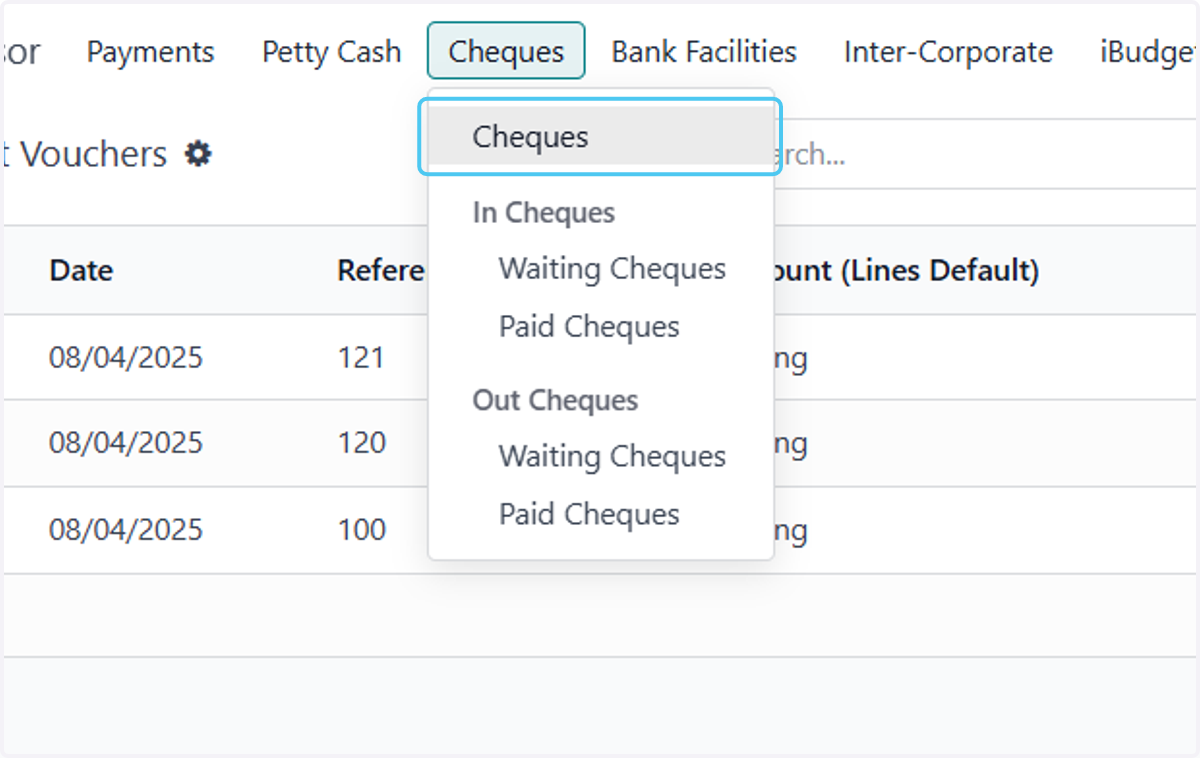
3. Click on Cheques
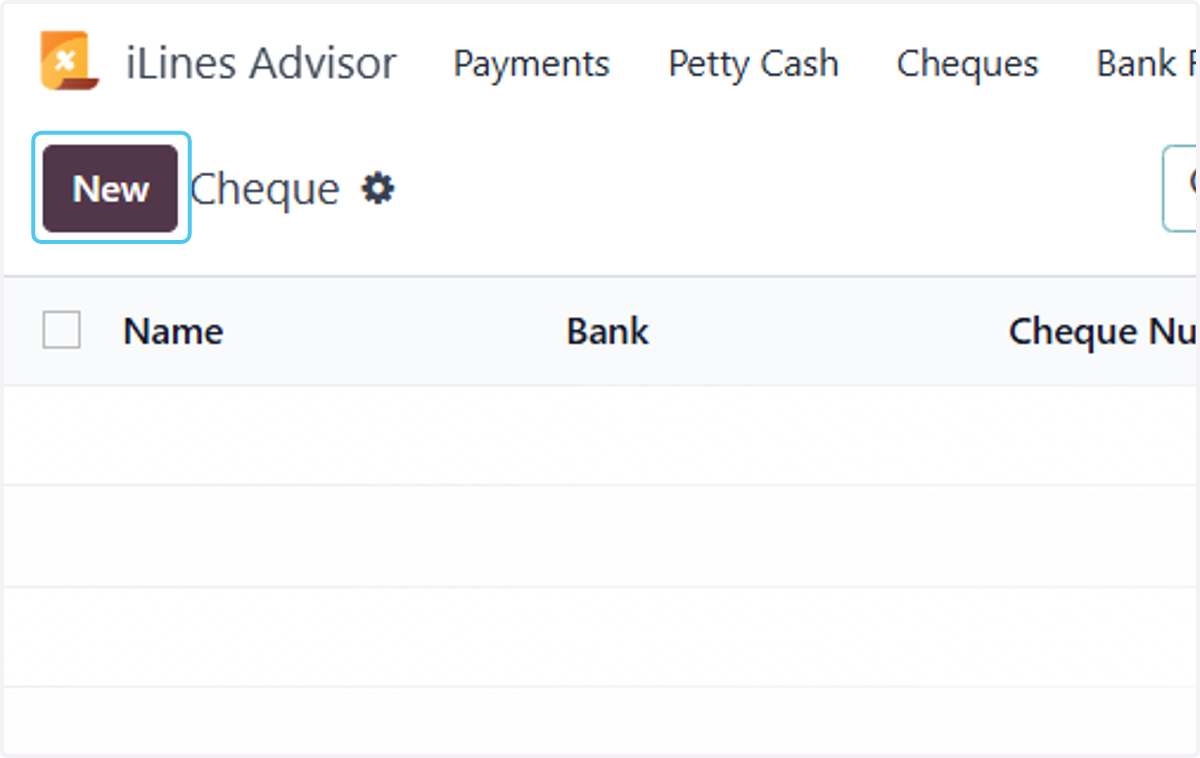
4. Click on New
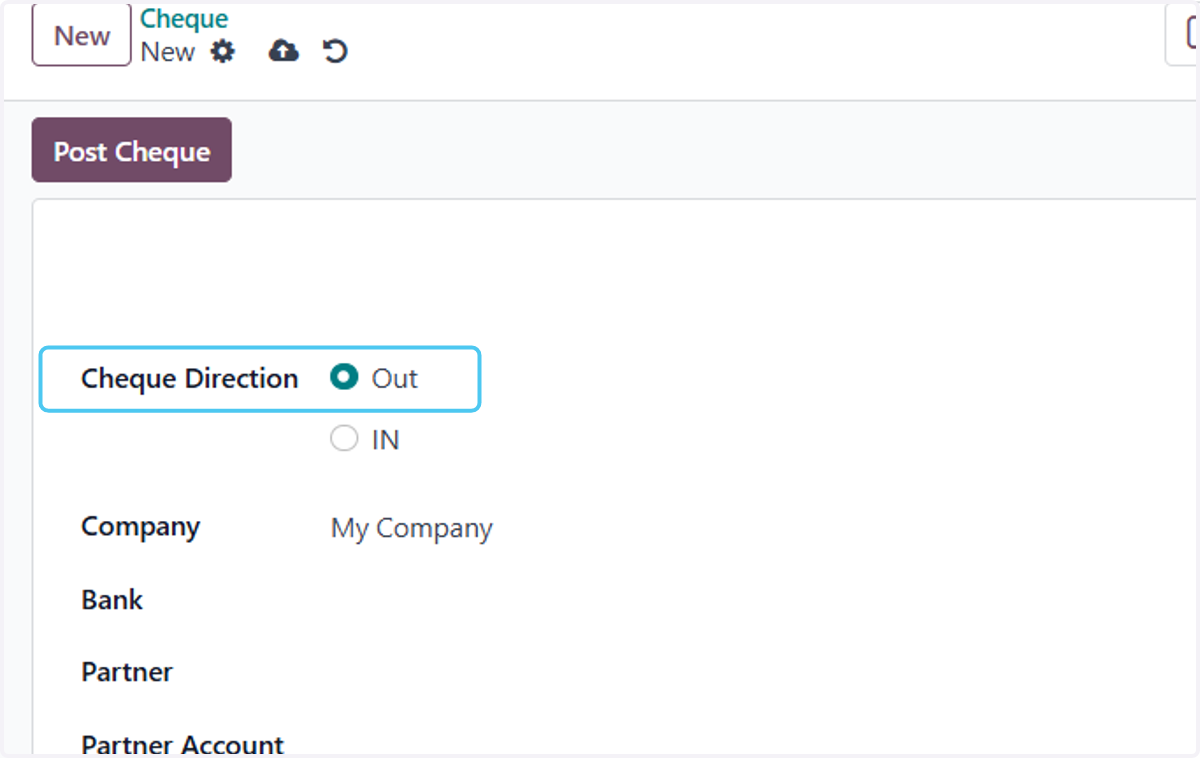
5. Choose Cheque Direction
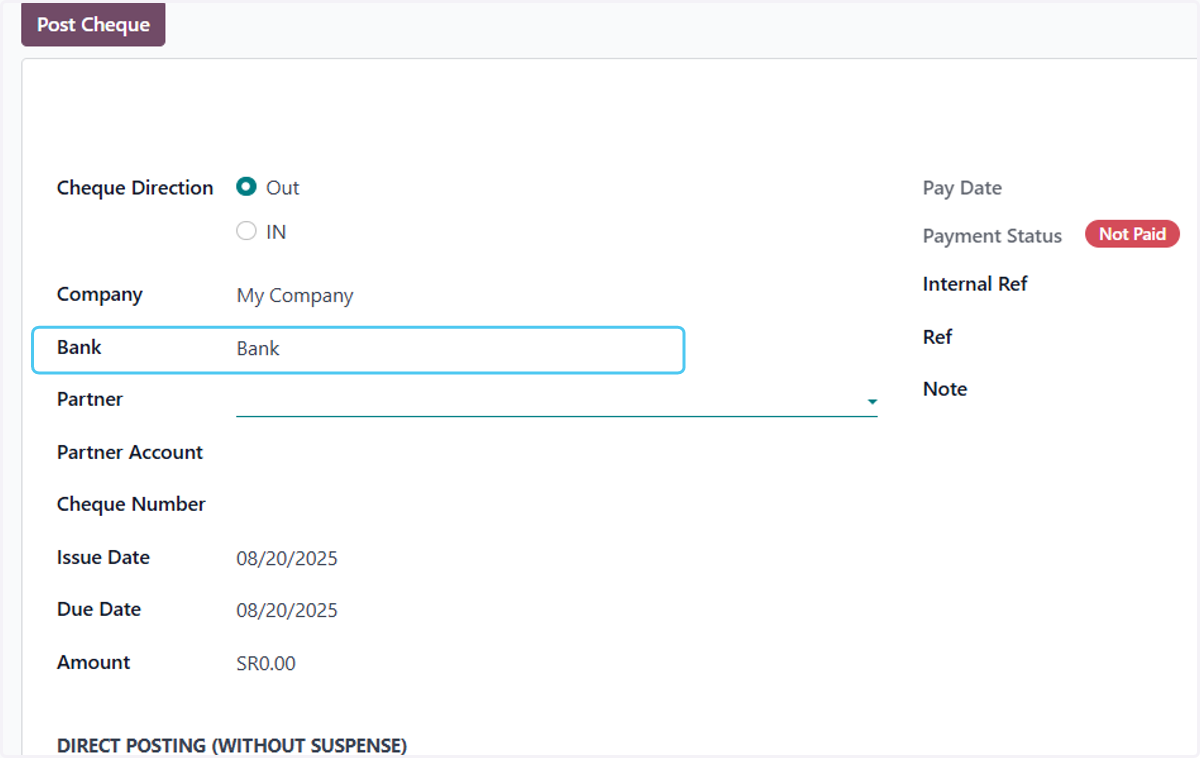
6. Choose tha bank
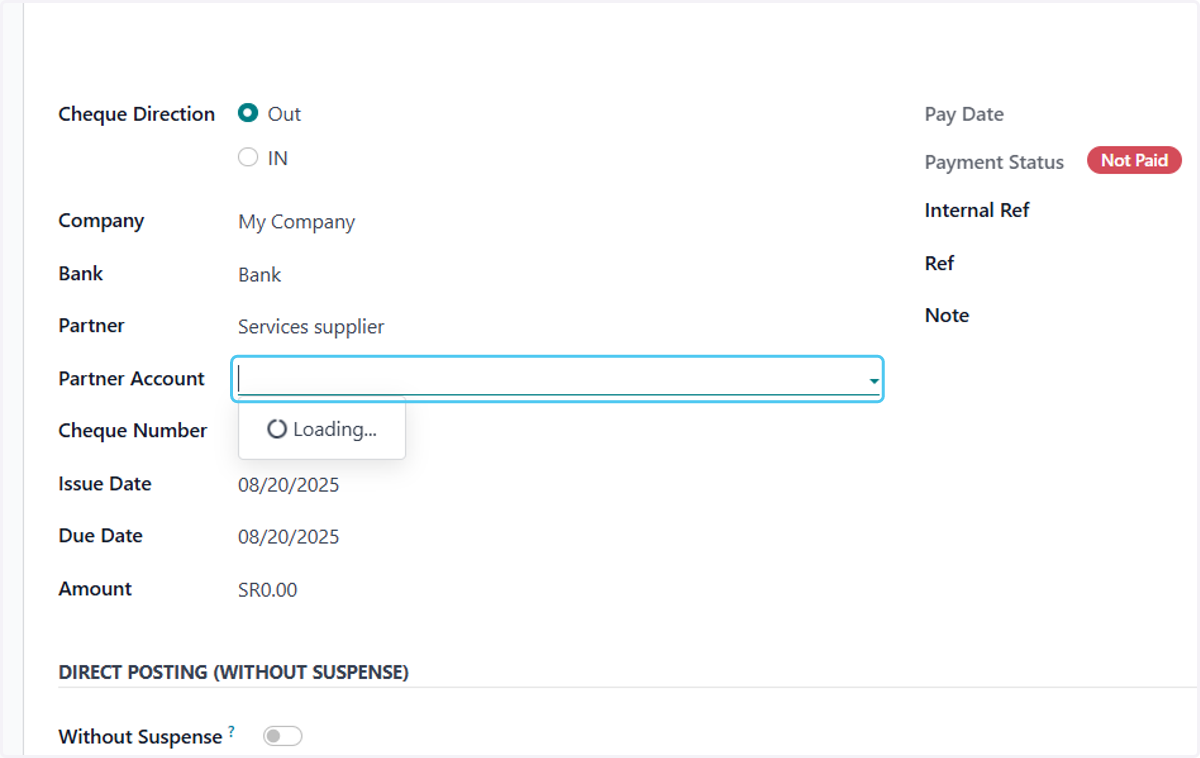
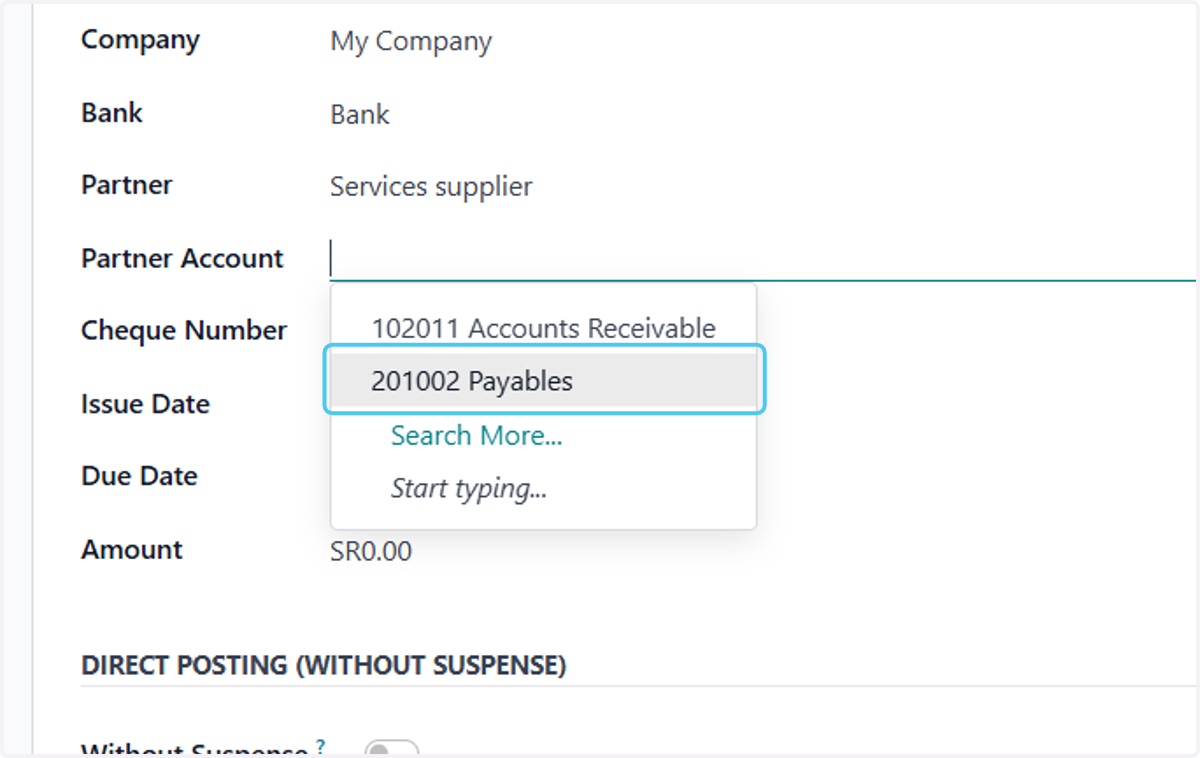
7. Click on Partner Account
8. Click on 201002 Payables
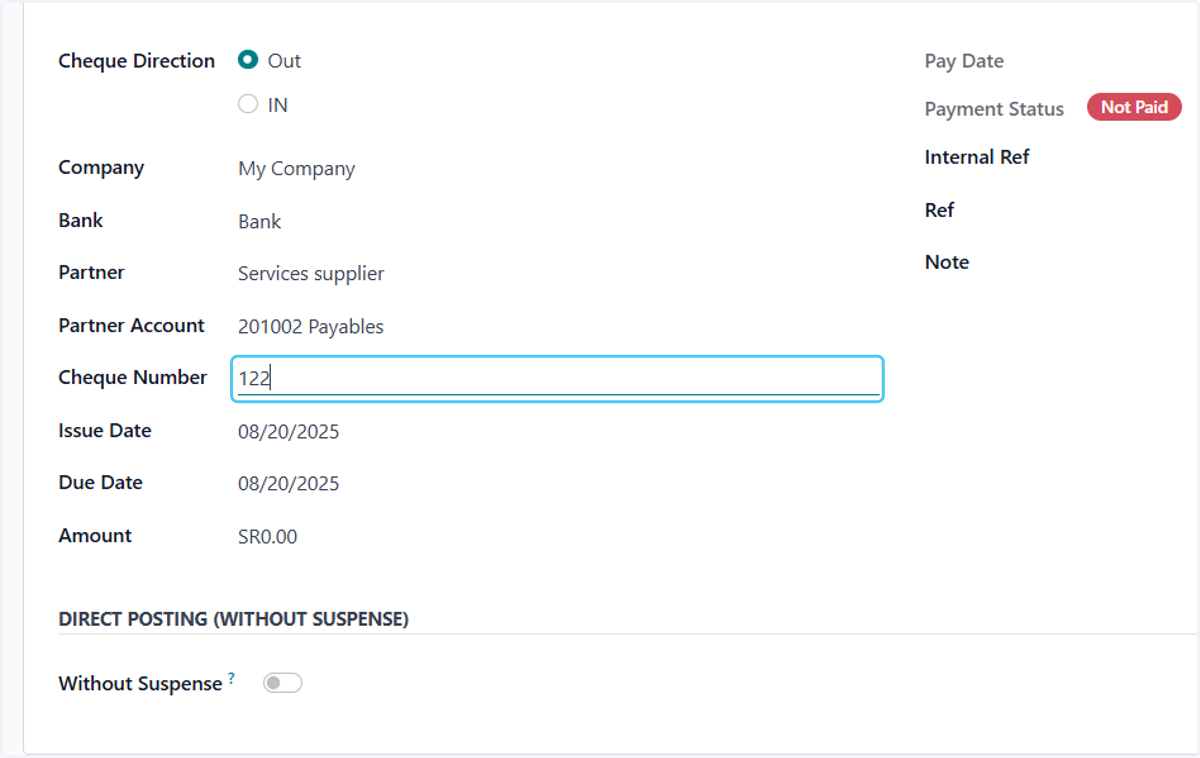
9. Type "122"
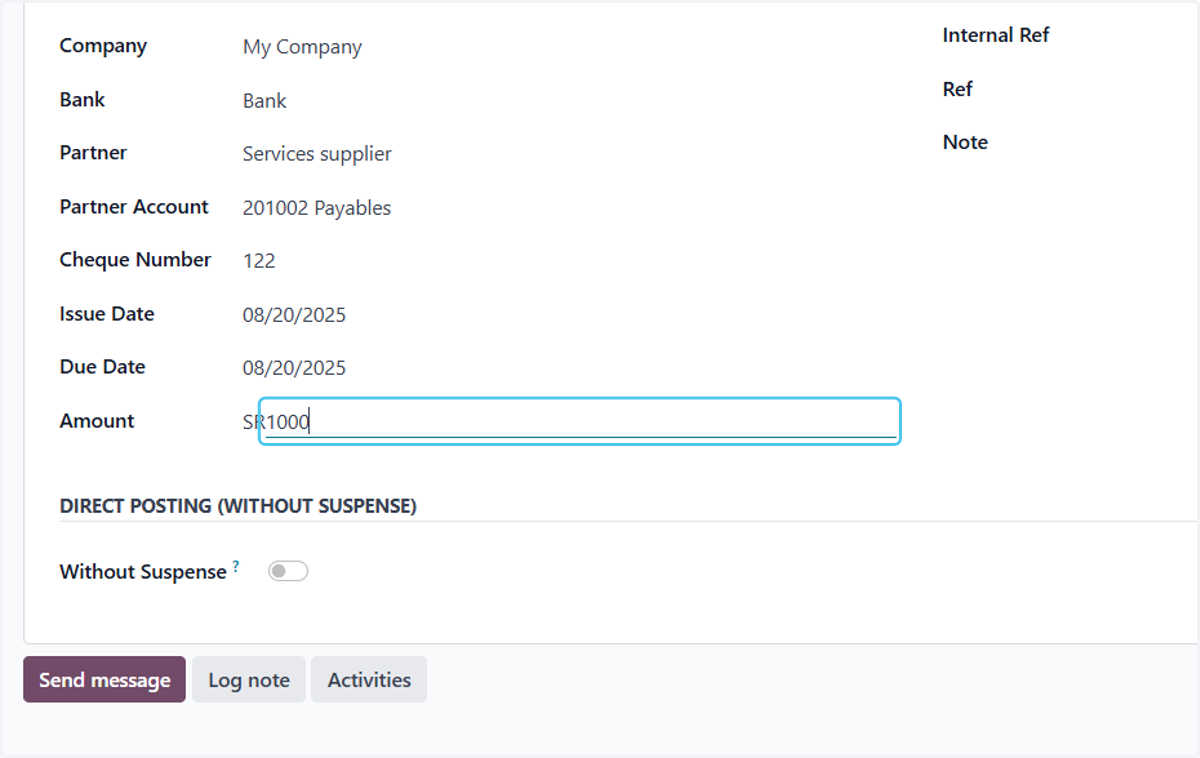
10. Type "1000"
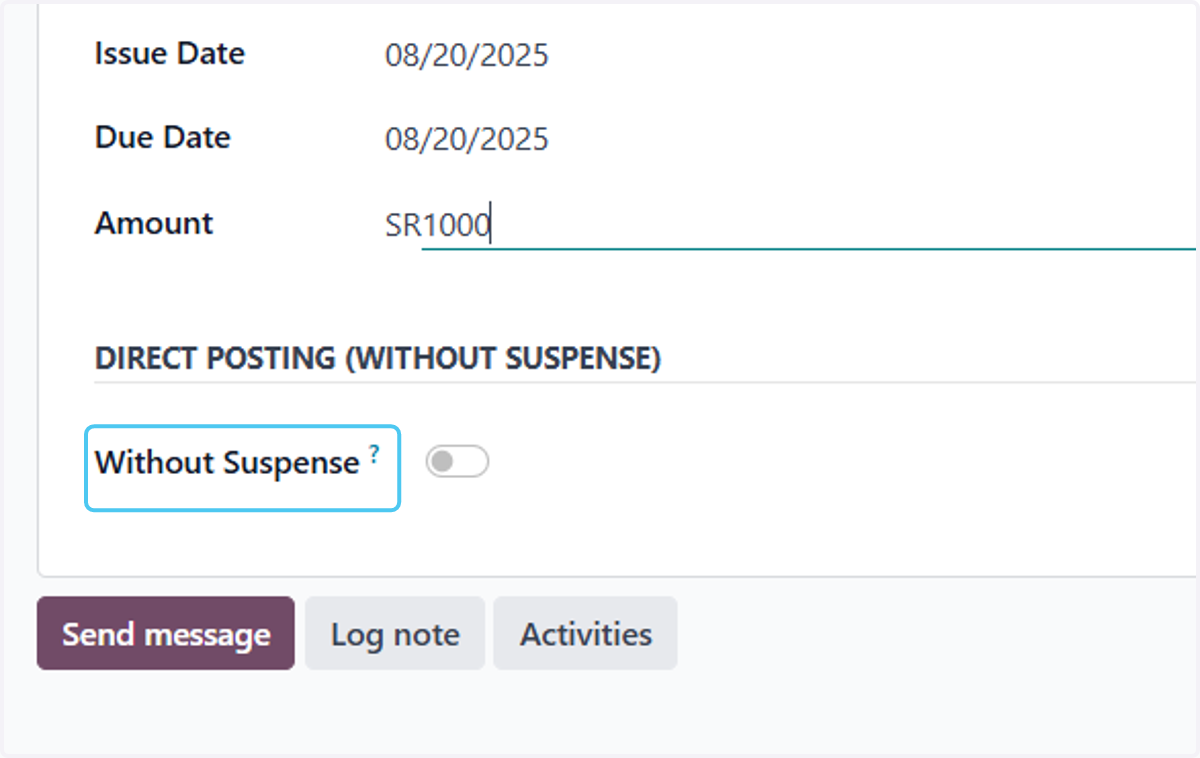
11. This option is available if you do not want to have an intermediary account for the cheque.
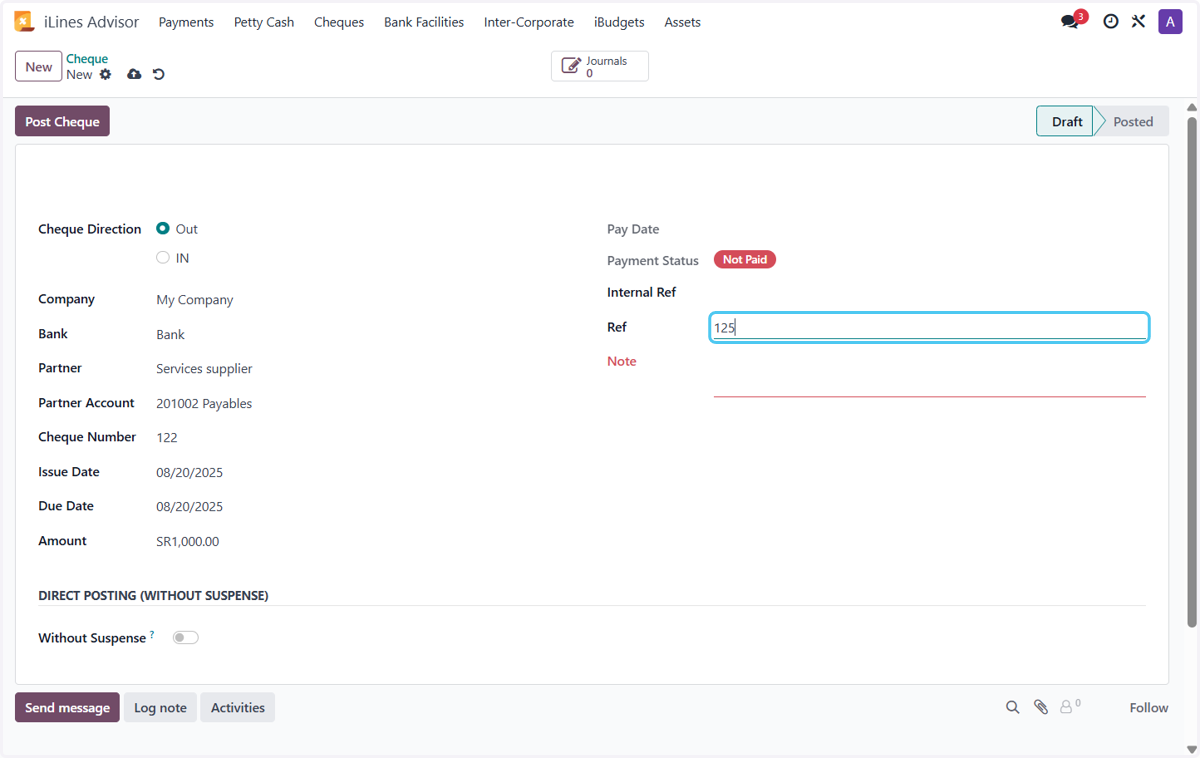
12. Type "125"
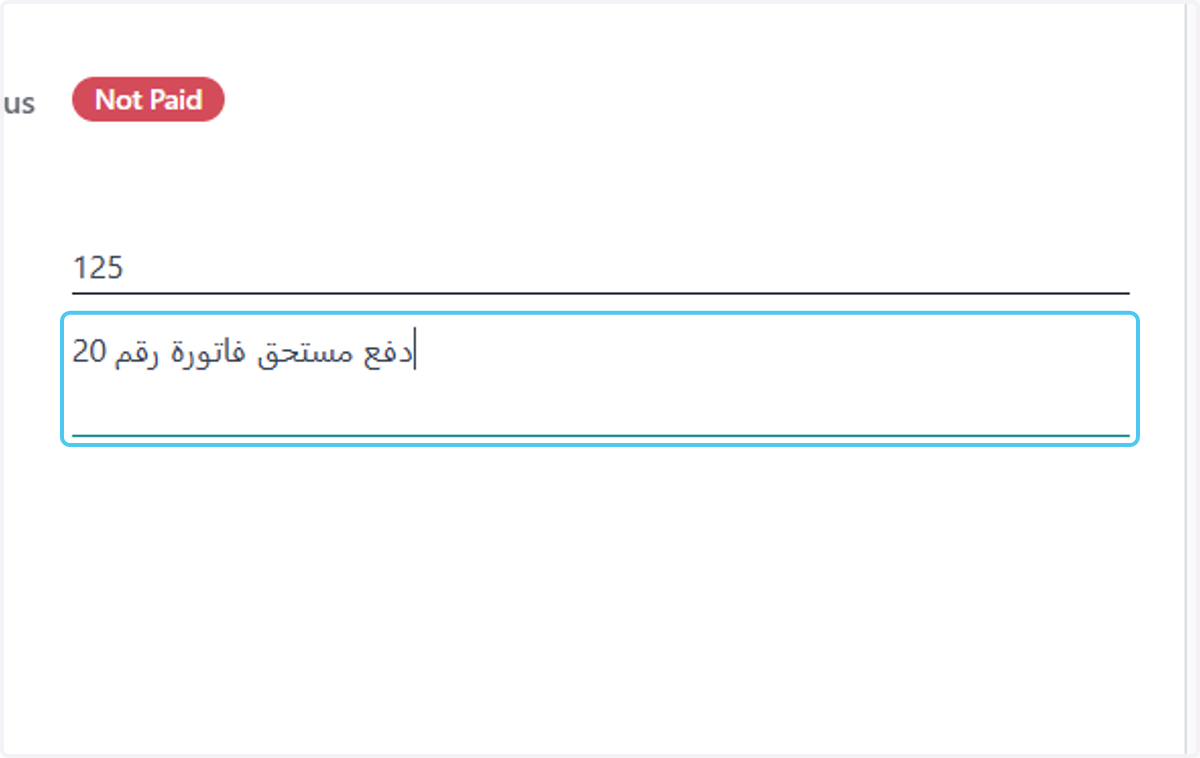
13. Type "دفع مستحق فاتورة رقم 20"
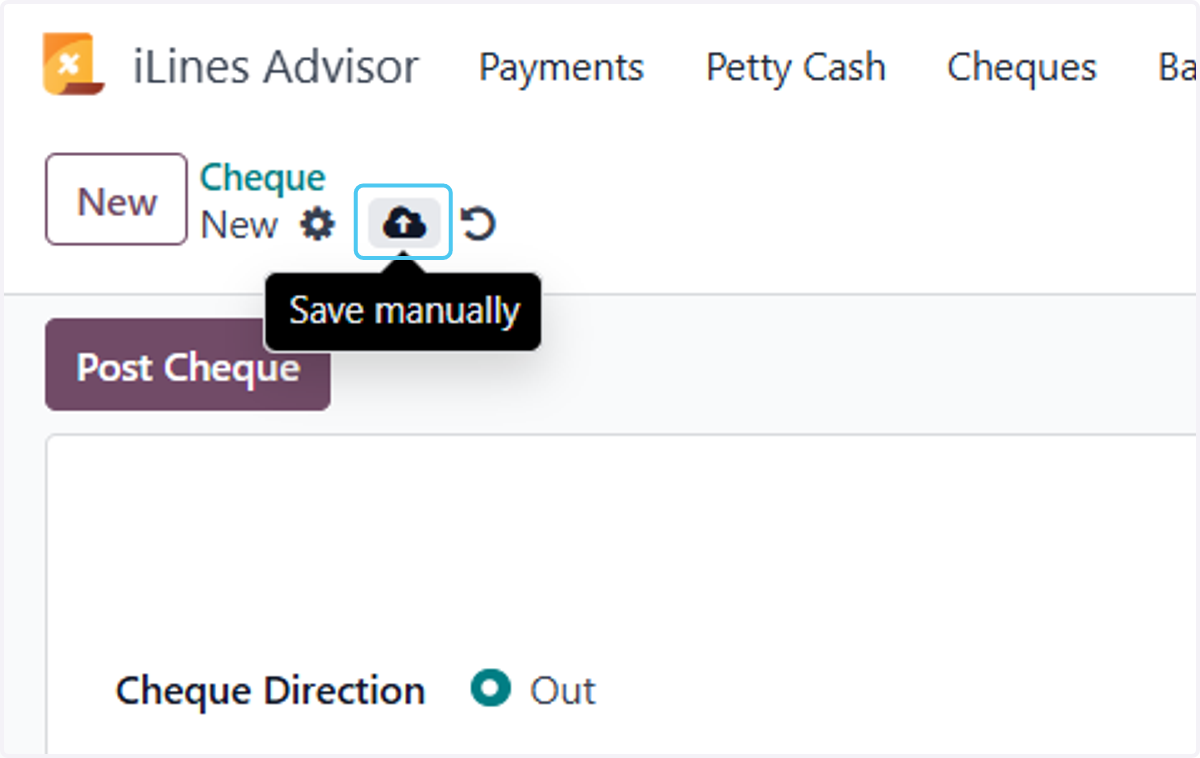
14. Click on Save manually
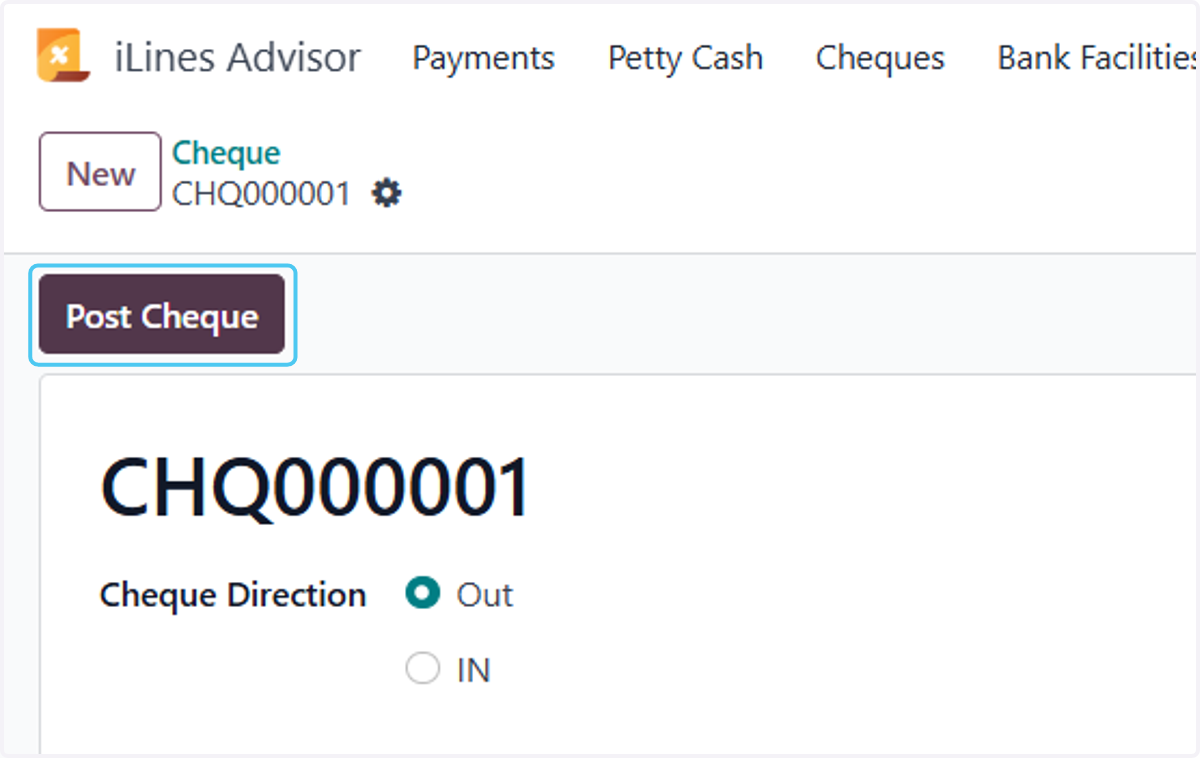
15. Click on Post Cheque
16. Click on Pay Date
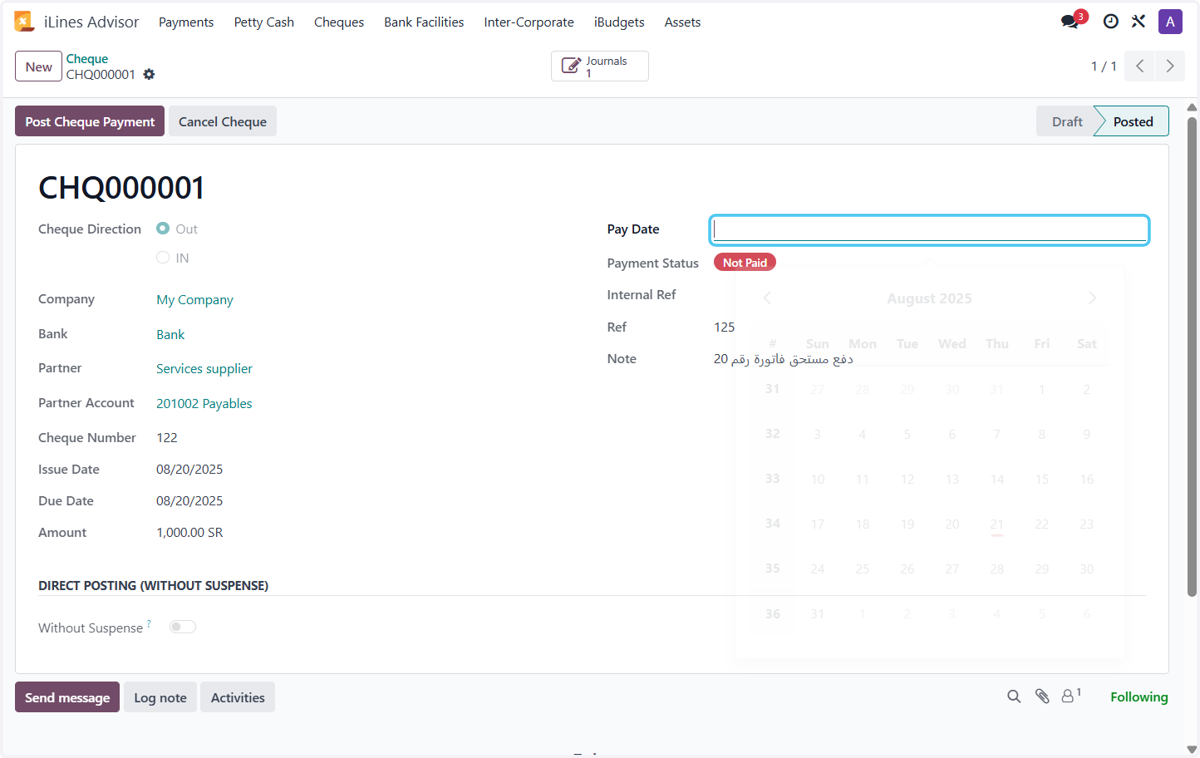
17. Click on Post Cheque Payment