How to Create A Donor Journey
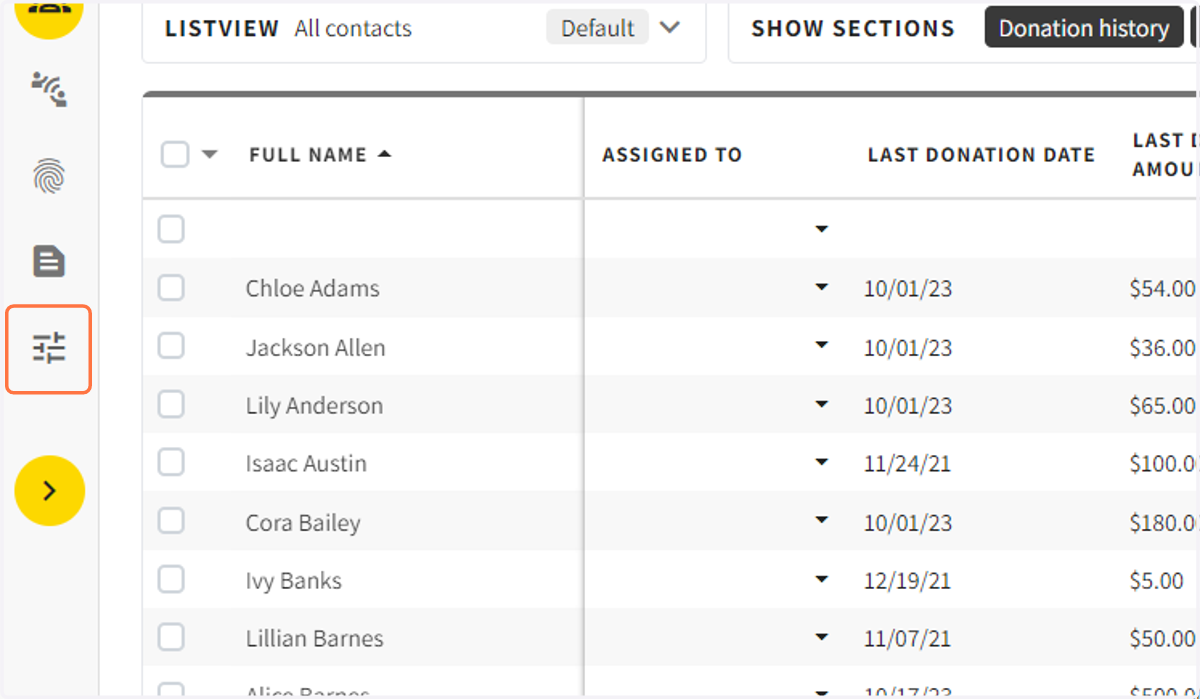
1. Click on Campaign Settings
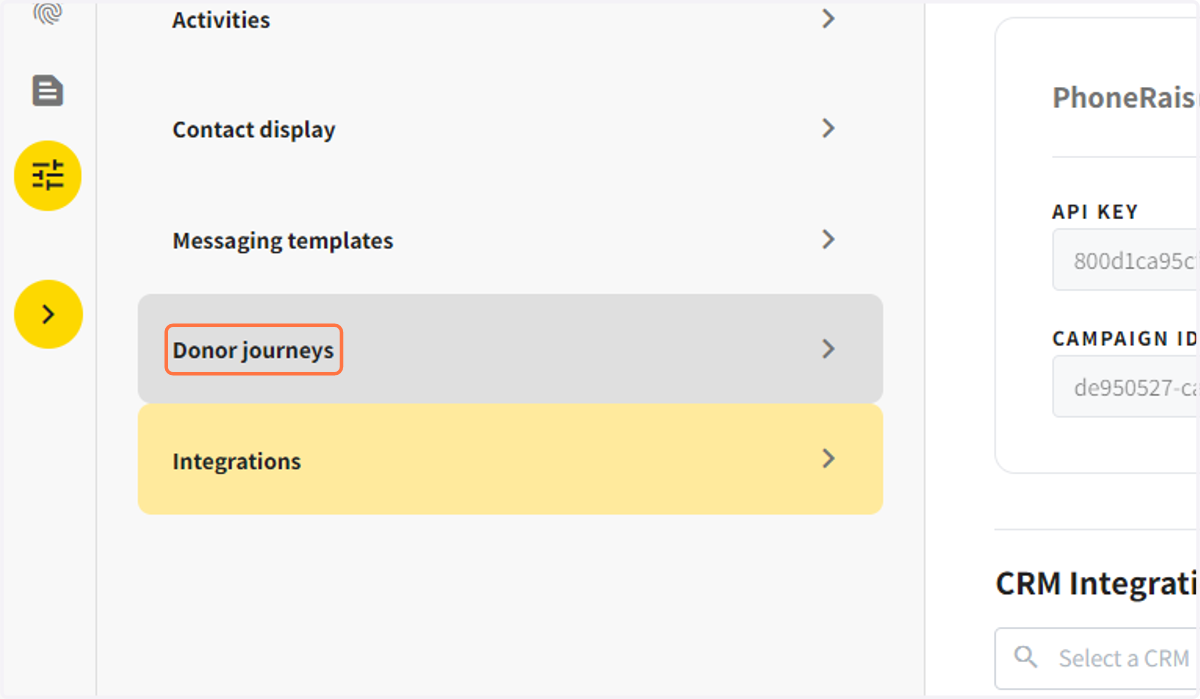
2. Click on Donor journeys
3. Click on NEW
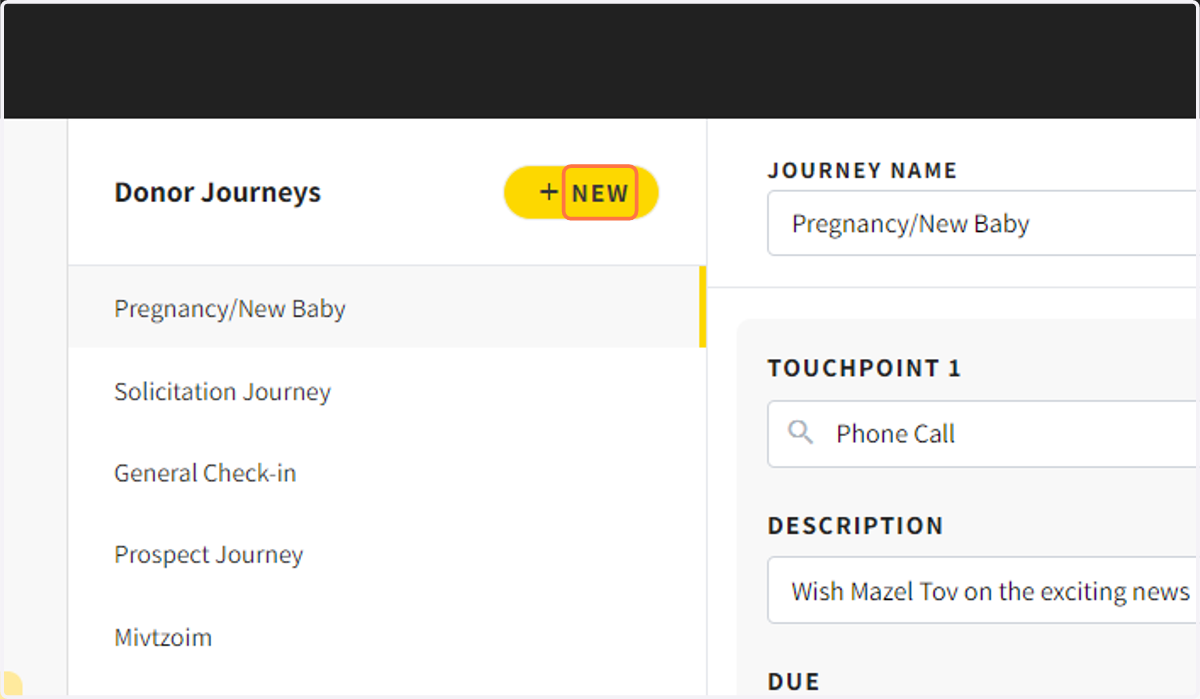
4. Name your New Donor Journey
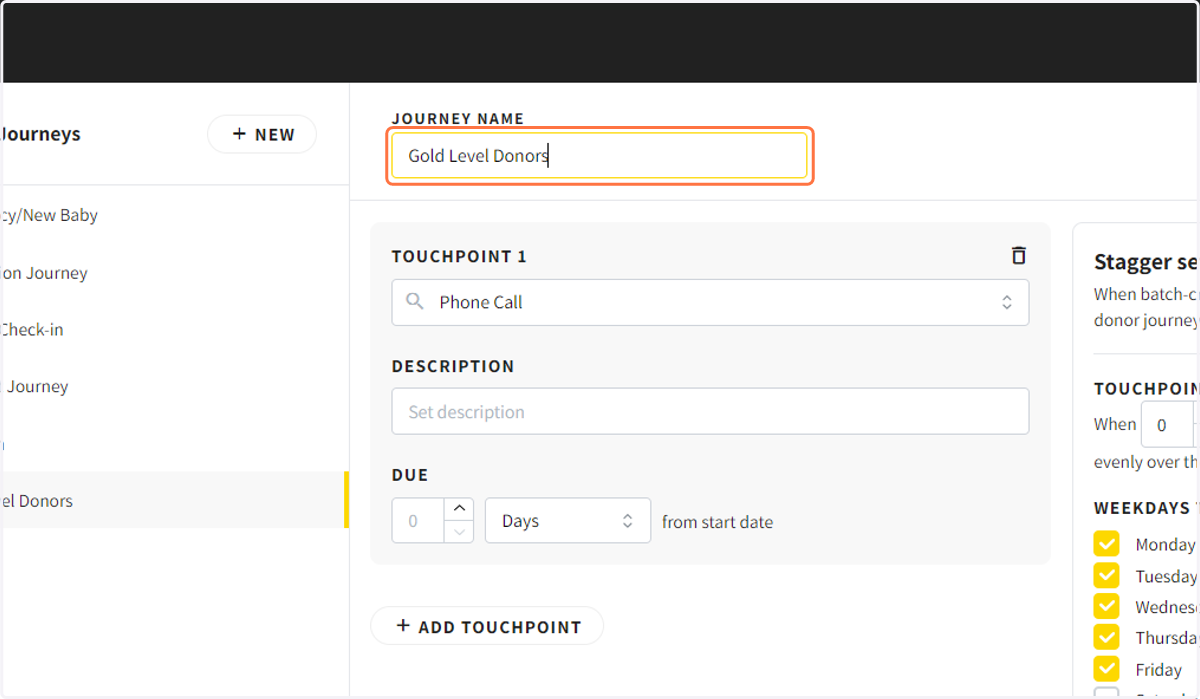
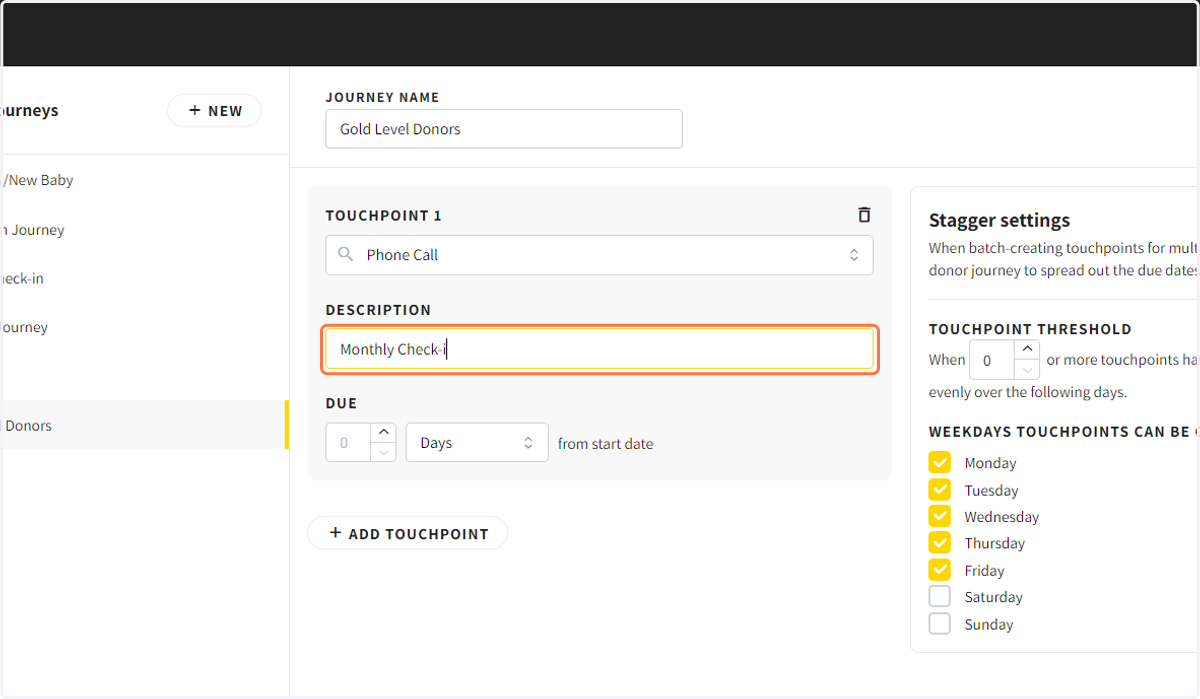
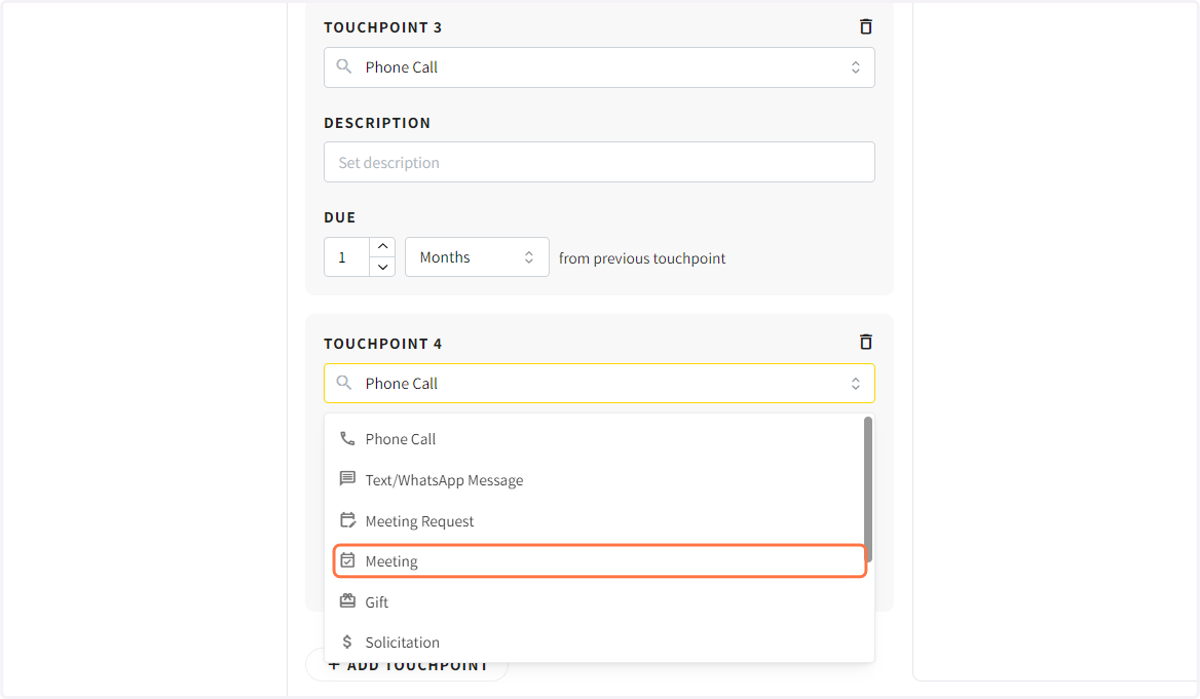
5. Select the type of touchpoint and enter in the touchpoint description
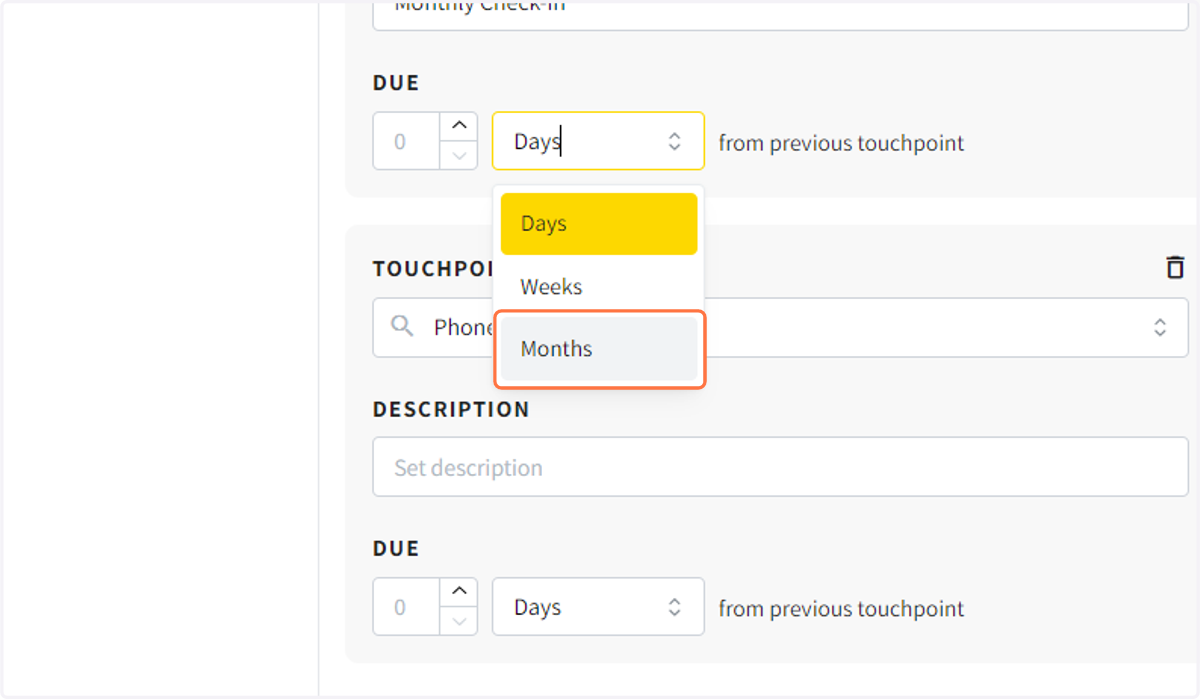
6. Select how many days, weeks or months after the last touchpoint the current touchpoint should be due.
7. Click on event_available…
8. Drag highlighted input
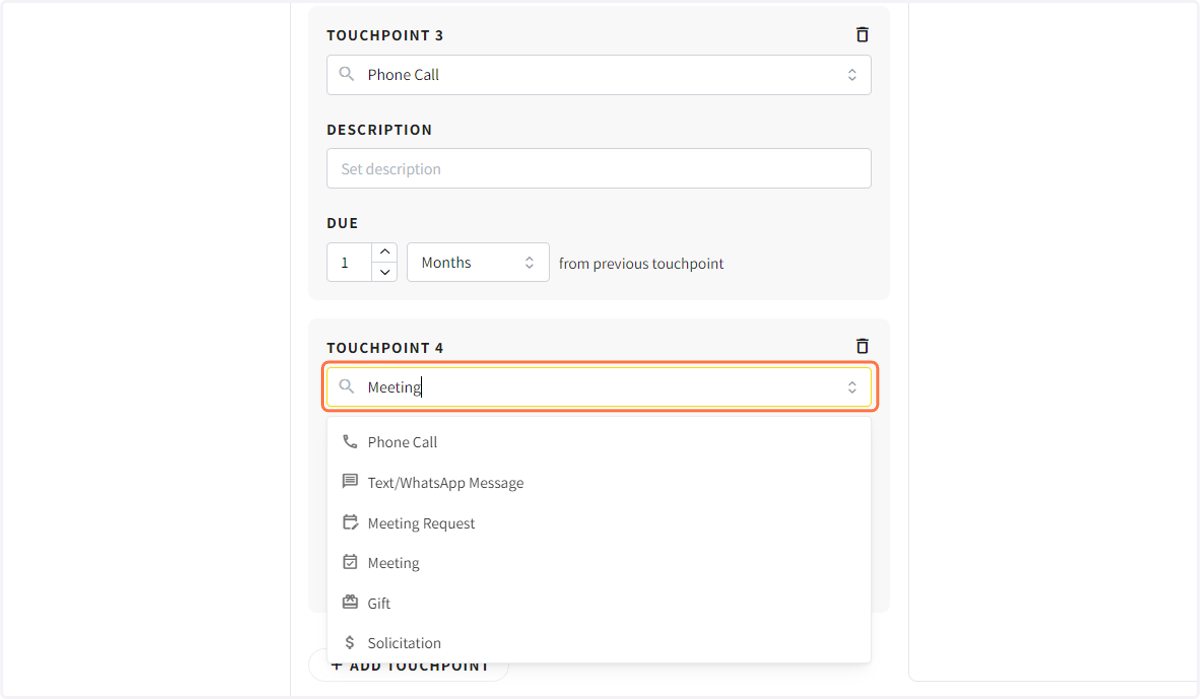
9. Continue creating a series of touchpoints to create a donor journey
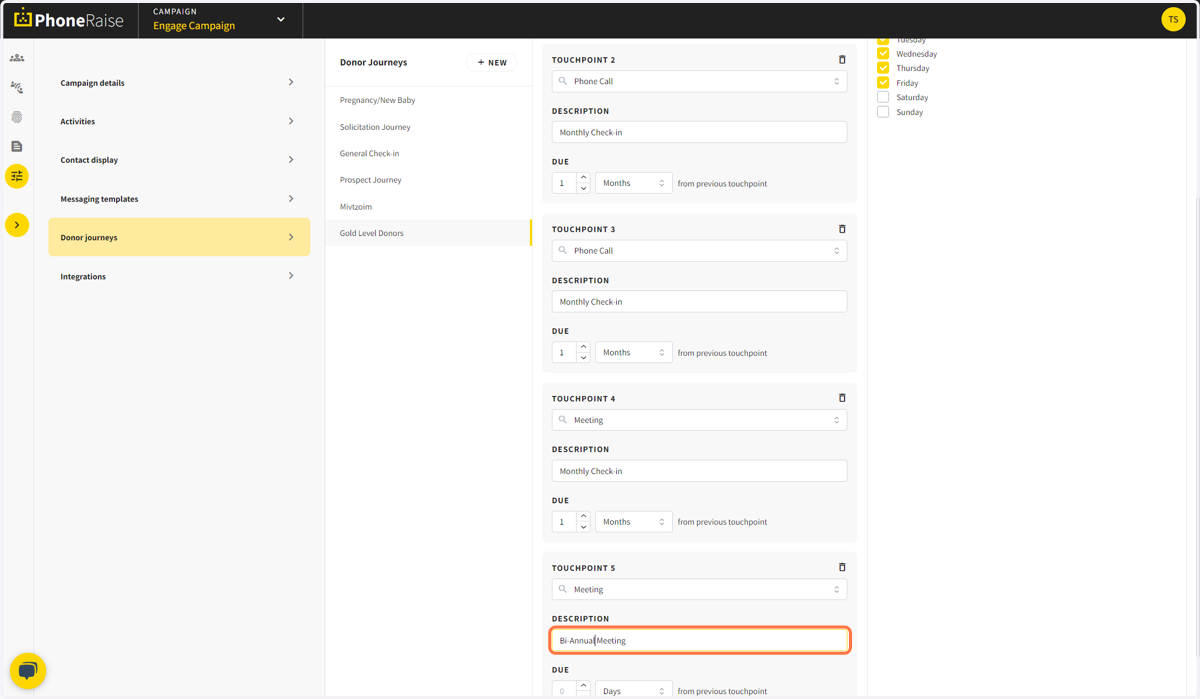
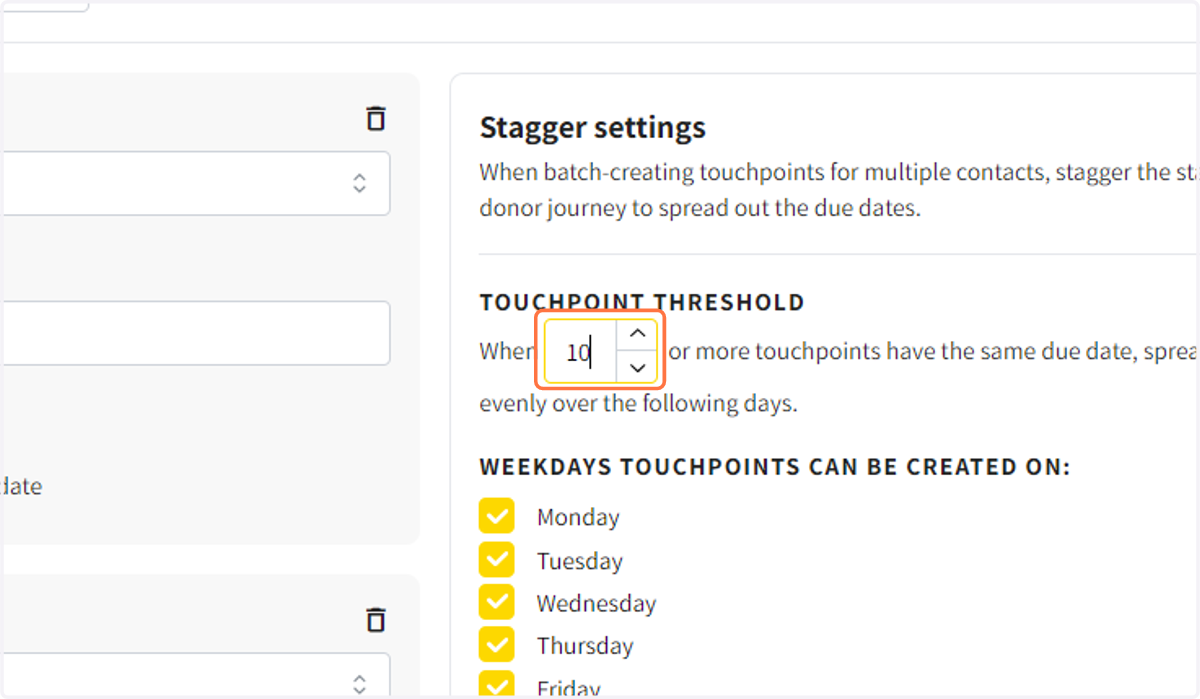
10. To limit the number of touchpoints due on a day, you can choose to spread due touchpoints over multiple days.