How to Waitlist a Prospect in Senior CRM
This Tango will show you how to put a prospect on Waitlist, and also approve the waitlist to convert to future status
Senior CRM
1. Click on Actions on the prospect profile

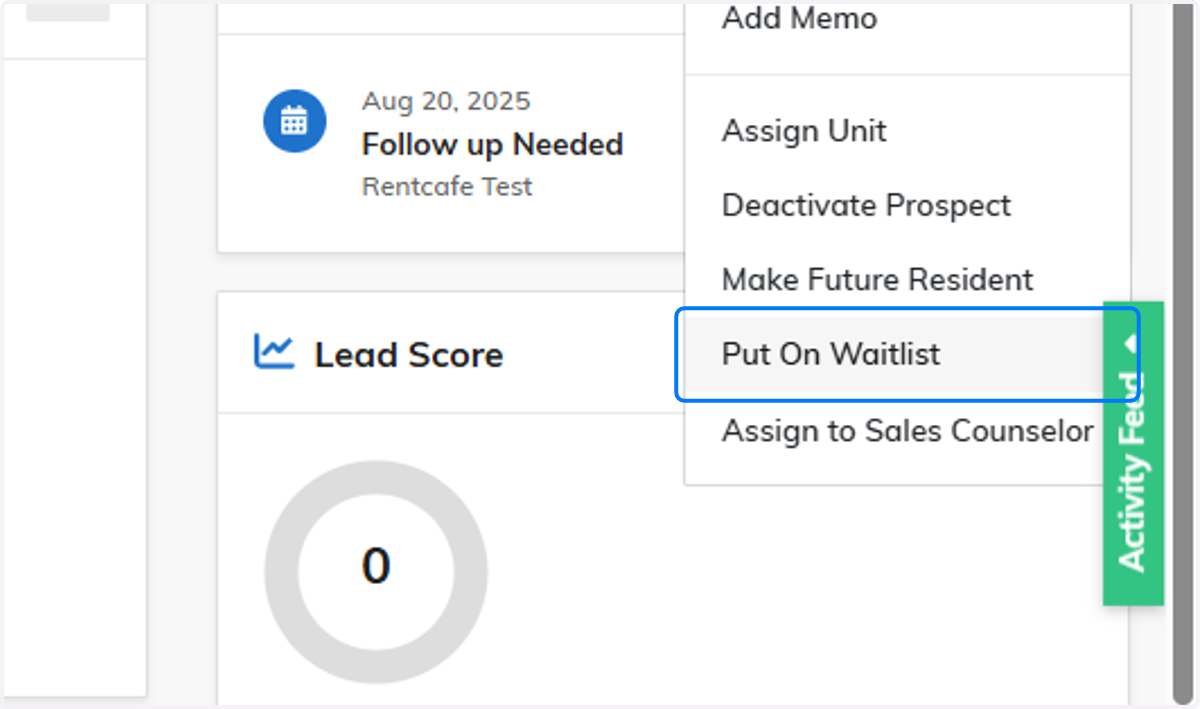
2. Click on Put On Waitlist
3. Select applicable unit, if the unit is unknown, you can put one of the waitlist units
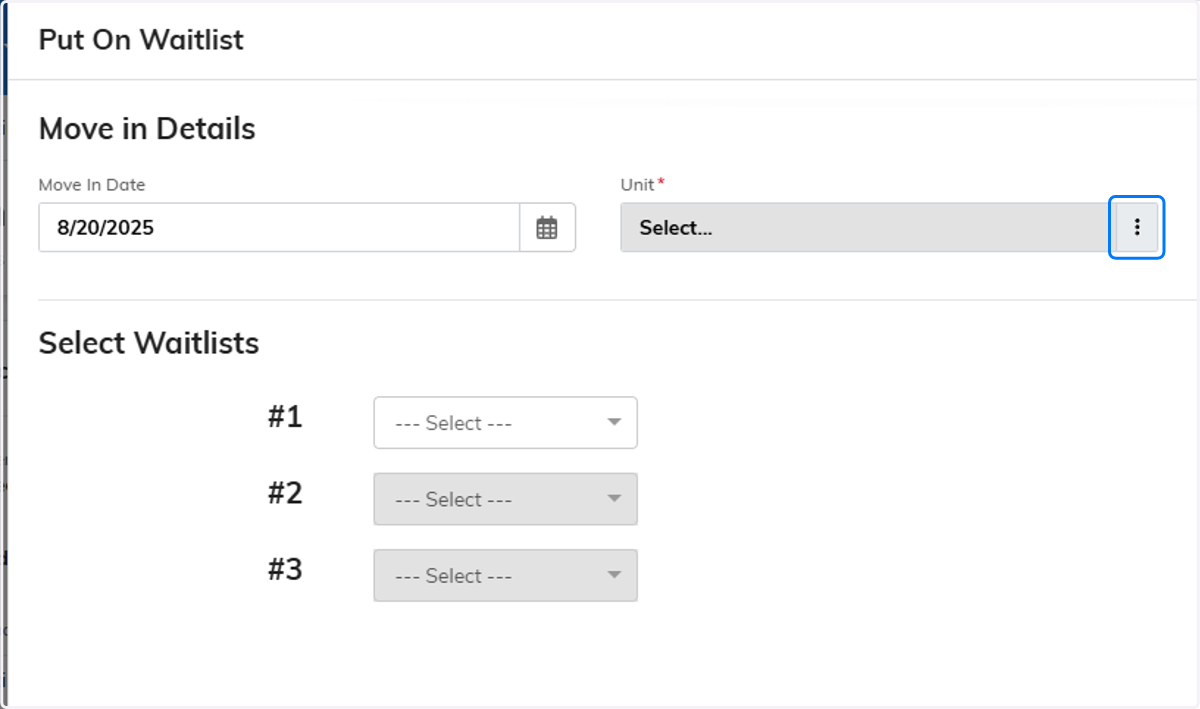
4. Click on the unit wanted if applicable

5. Place what type of waitlist this prospect pertains to
A waitlisted resident can be on multiple waitlists!

6. Click on Save

Converting a Waitlisted Resident to Future(Approved)
7. Click on Actions on the waitlisted resident

8. Click on Approve Waitlist

9. Select a Unit if they only had a Waitlisted Unit prior

10. Click on Save
