Creating Service Types - Connect Platform
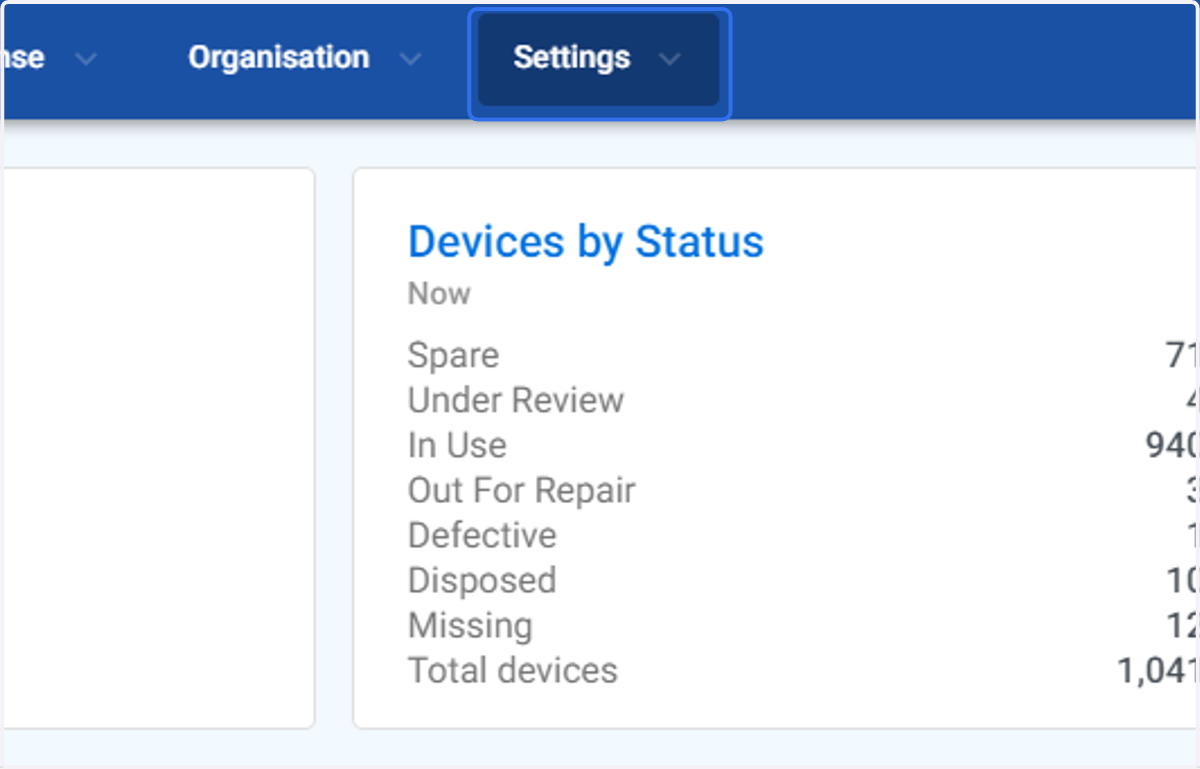
1. Click on Settings
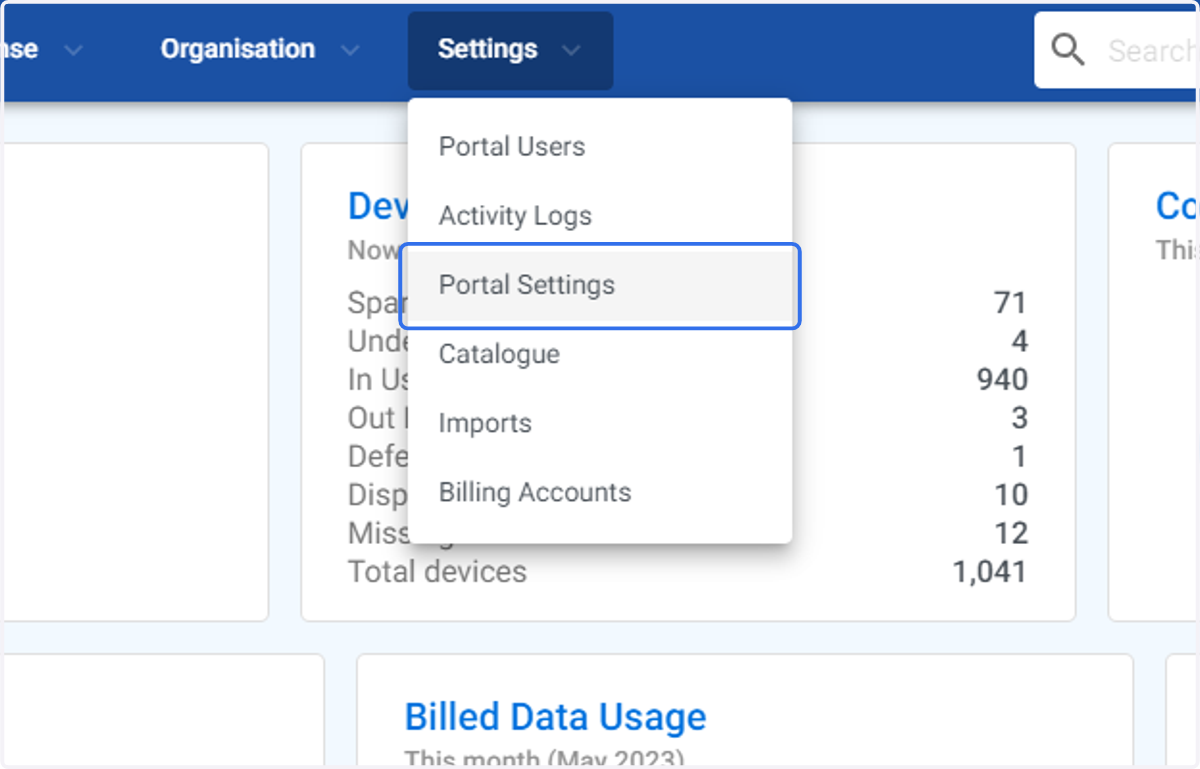
2. Click on Portal Settings
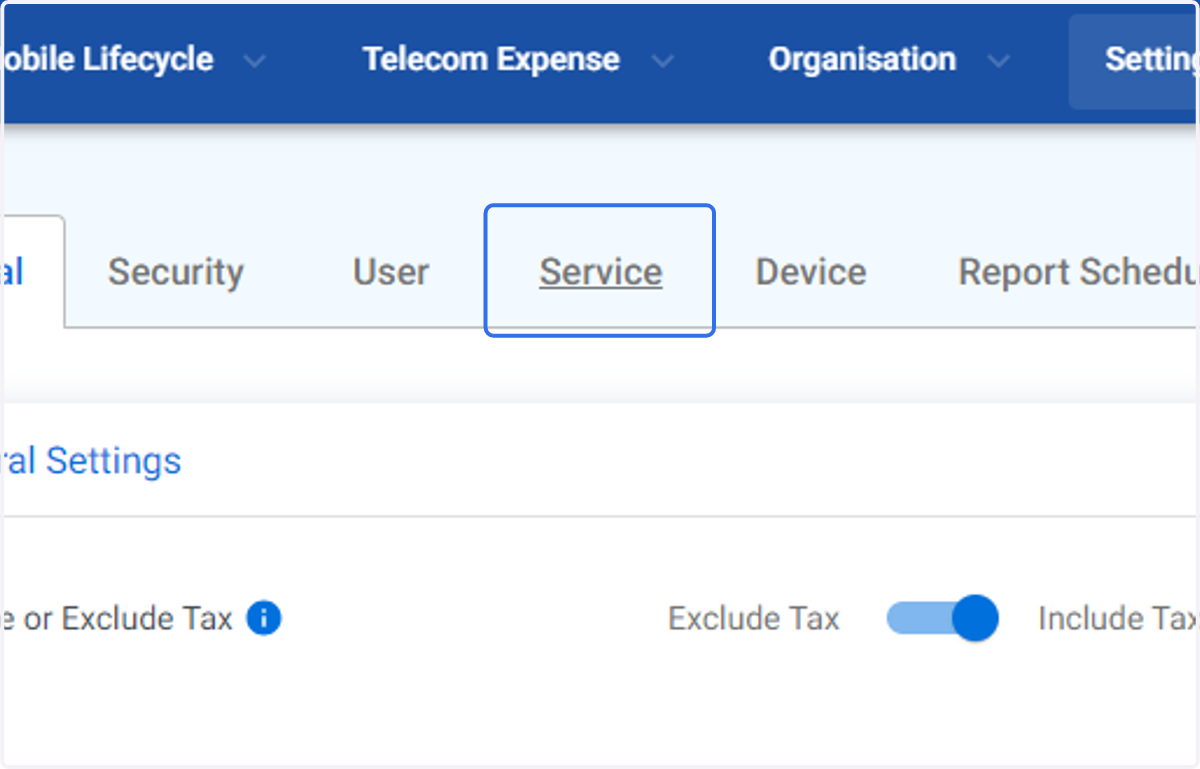
3. Click on Service
4. Click on Service Settings…
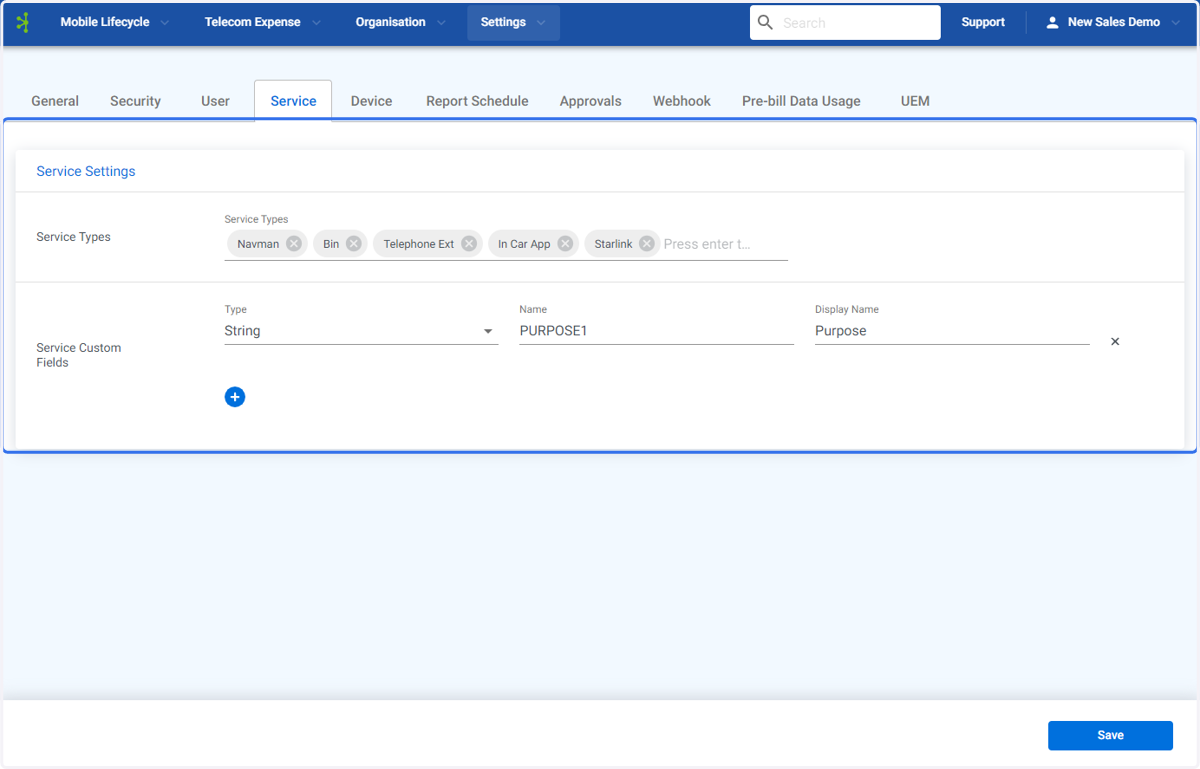
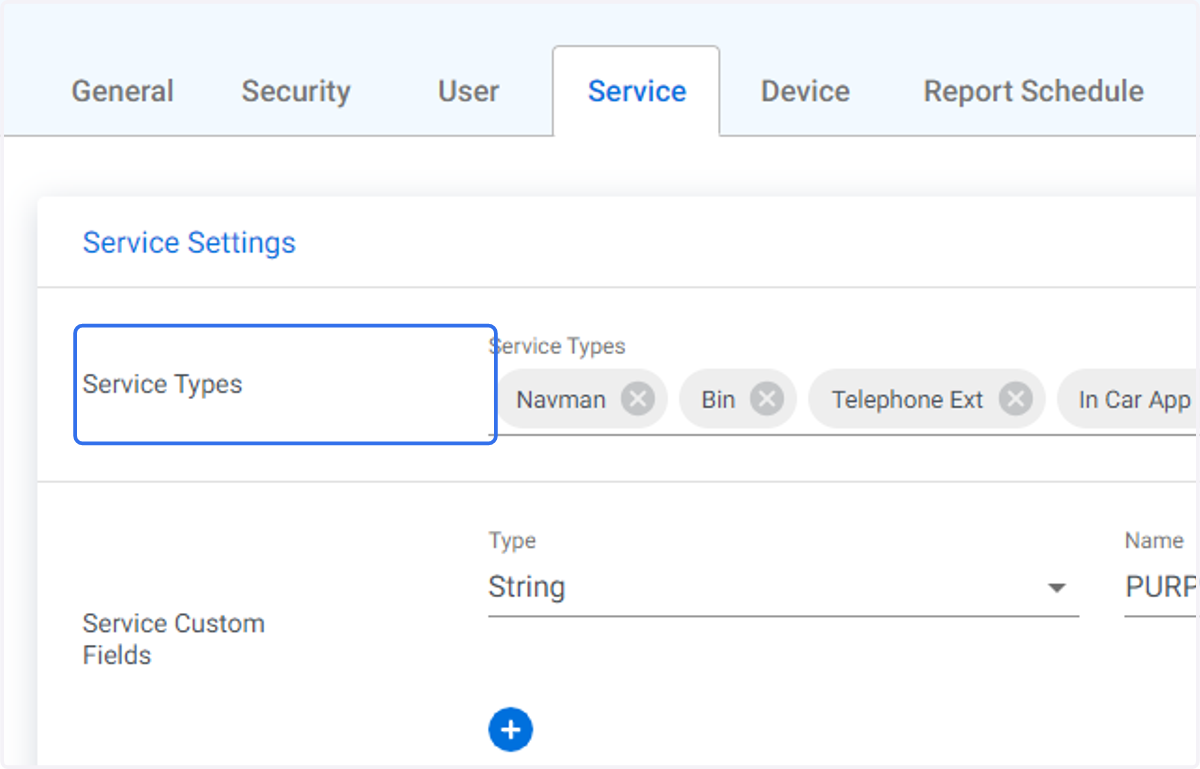
5. Go to Service Types
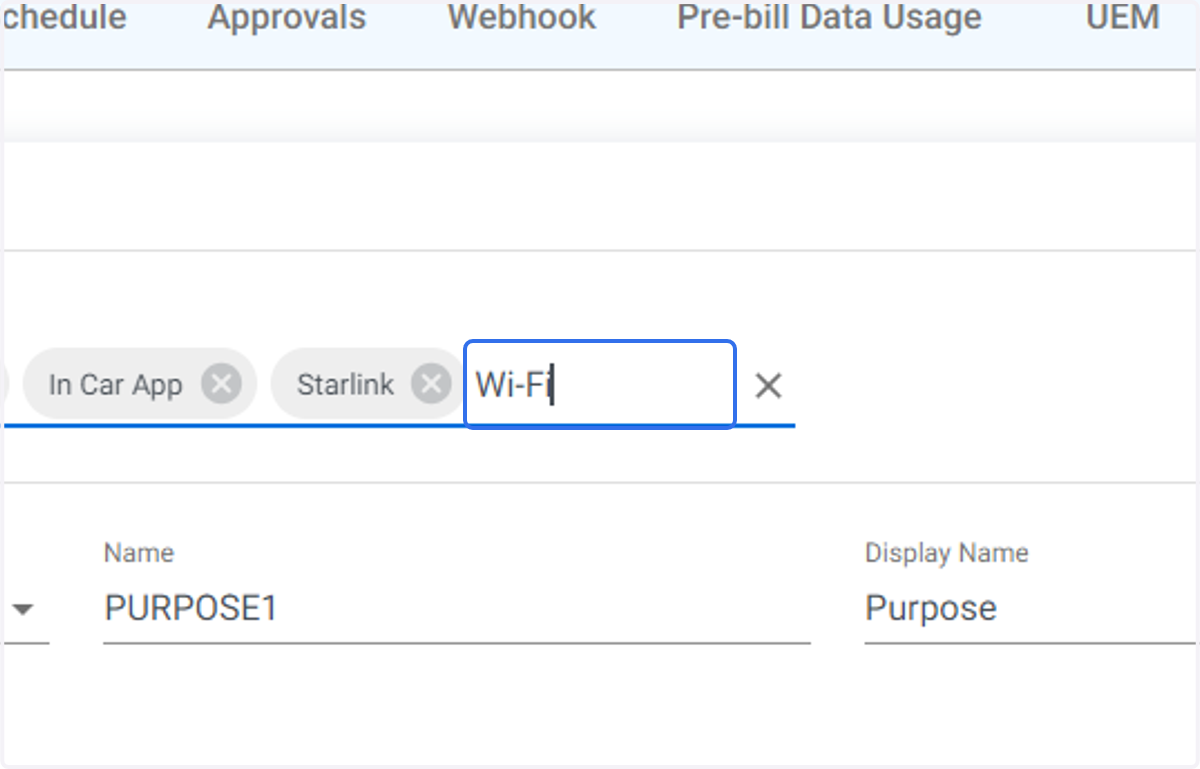
6. To create a new service type start typing at the end of the existing list. In this example we are creating the service type Wi-Fi". Then select enter.
7. Click on Save