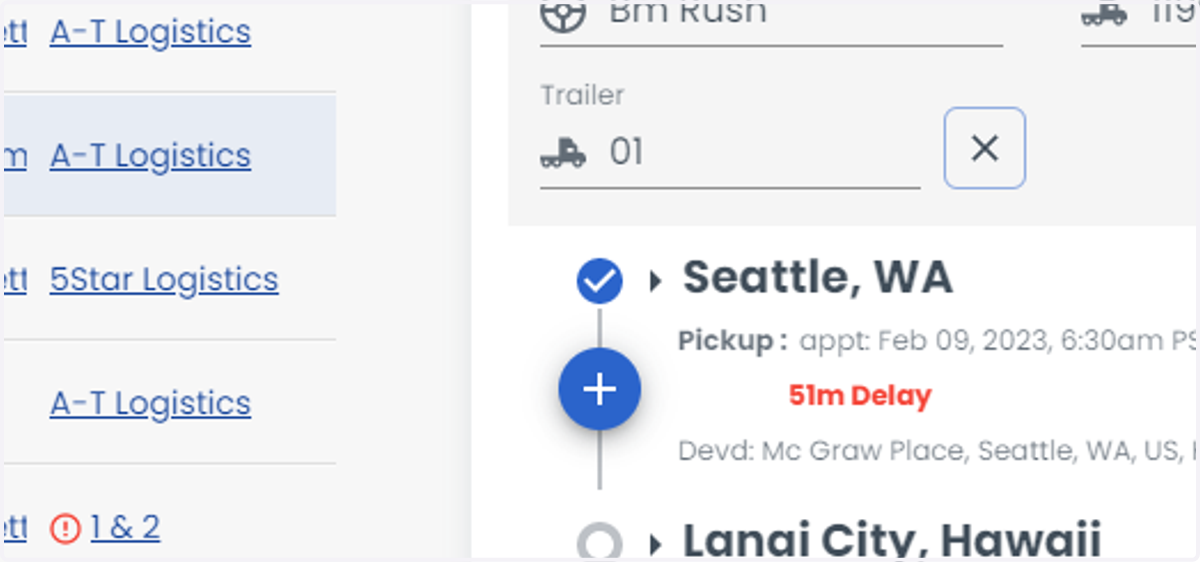
How to update load progress
Loadops
1. Go to Loadops by Optym
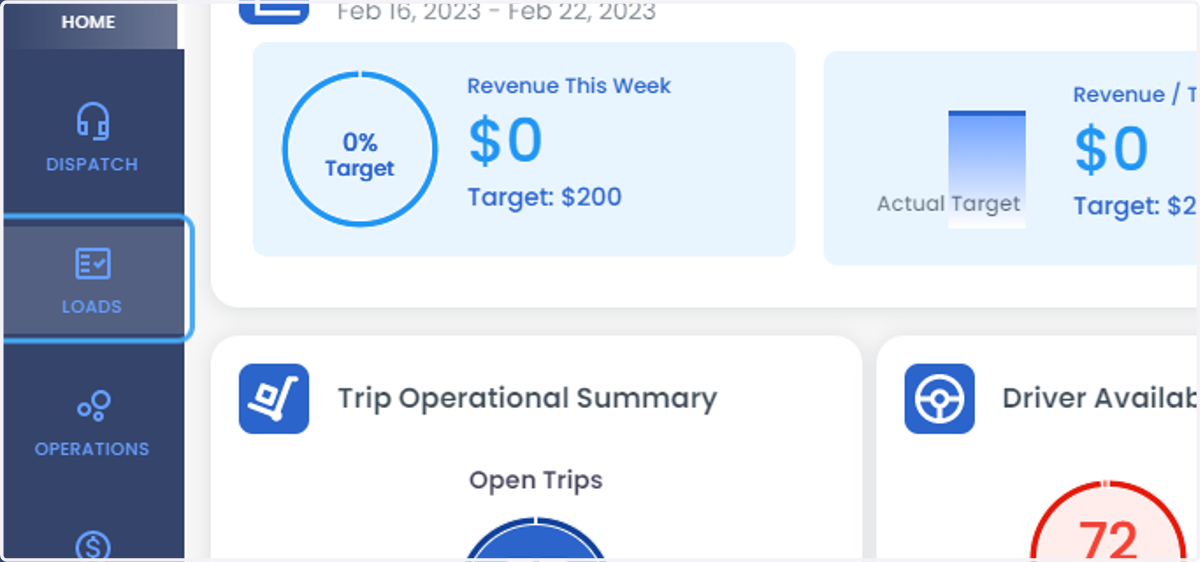
2. Click on LOADS
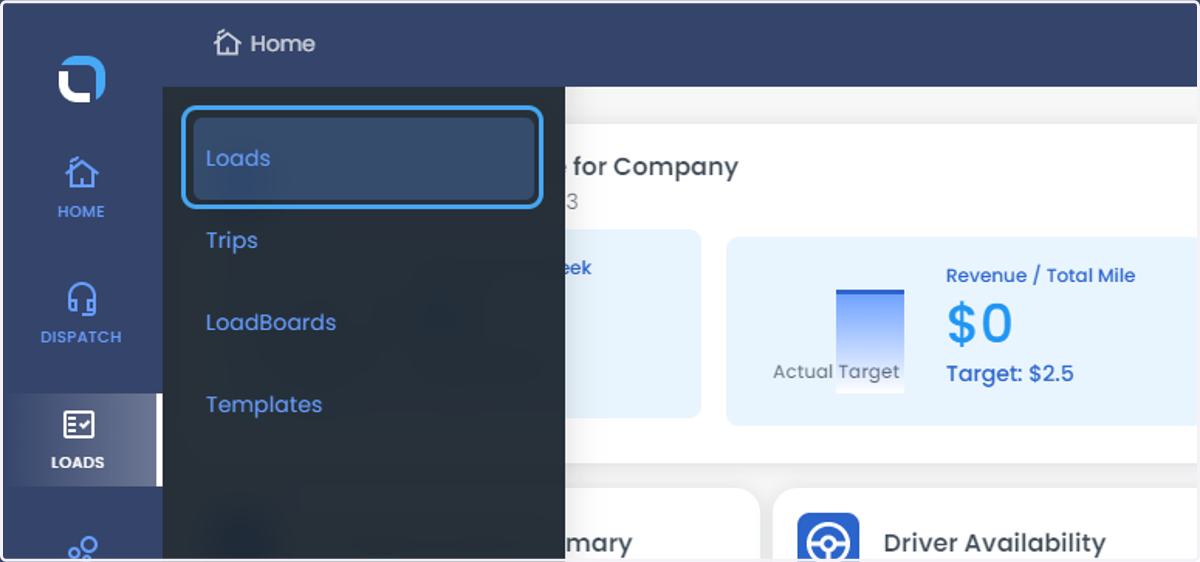
3. Click on Loads
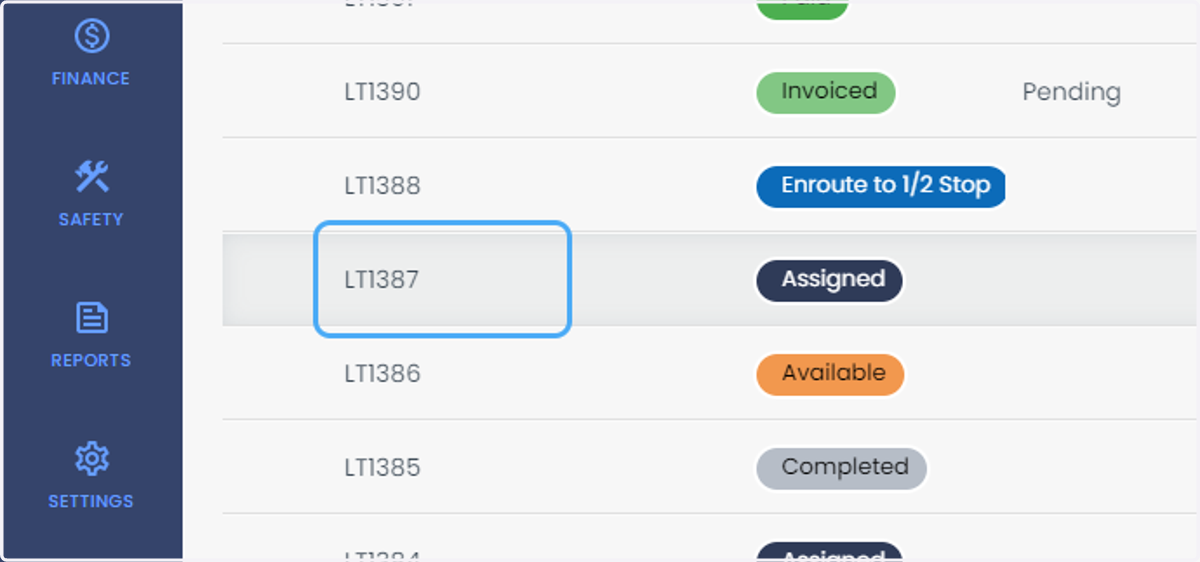
4. Select the load
5. Click on more
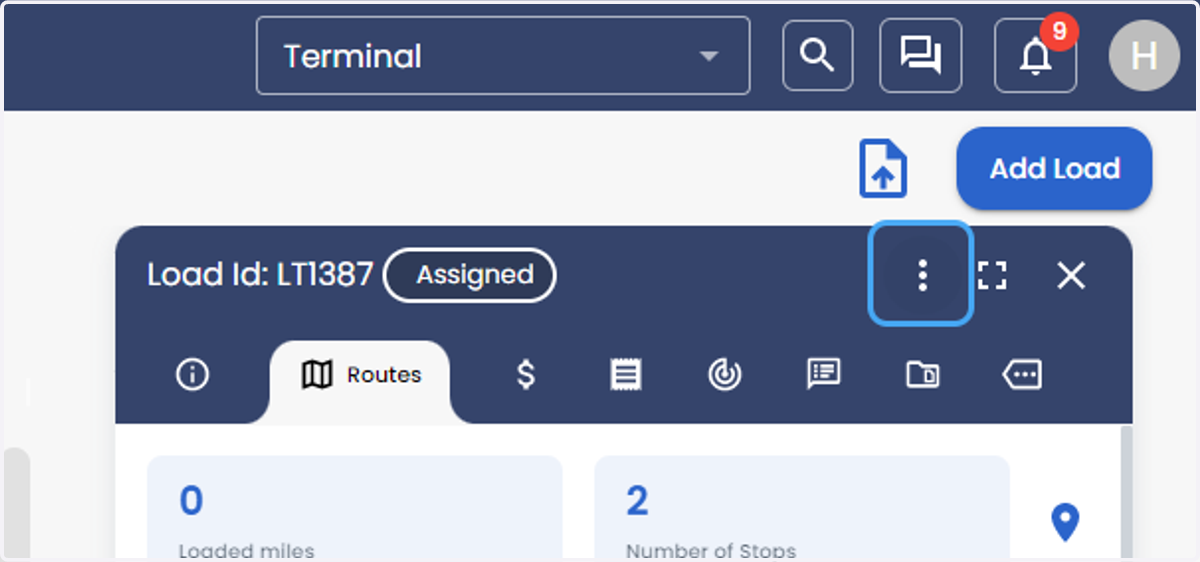
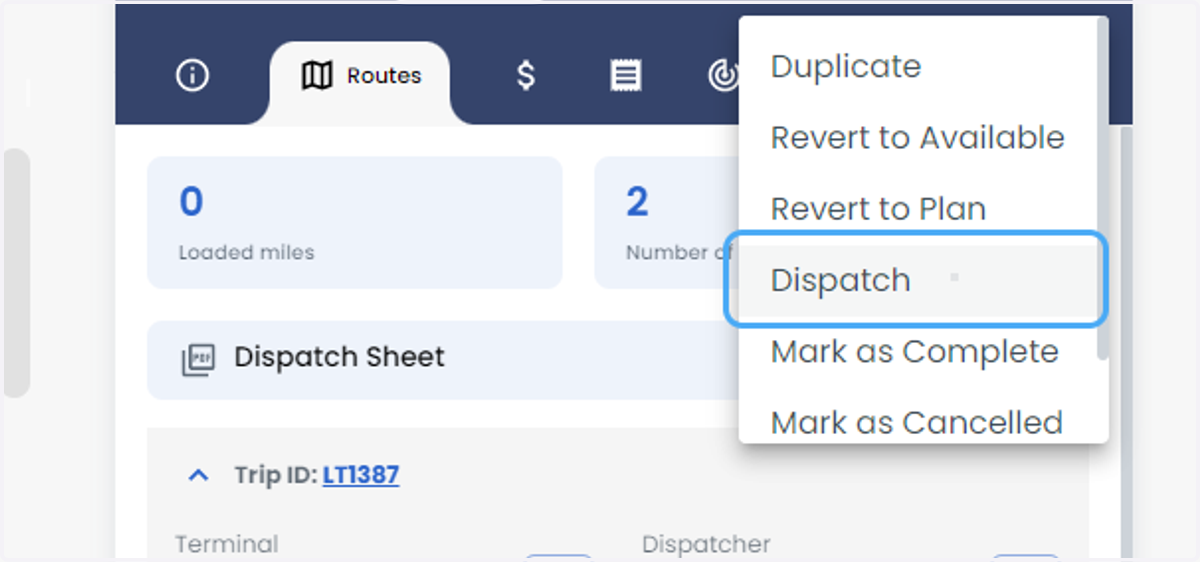
6. Click on Dispatch
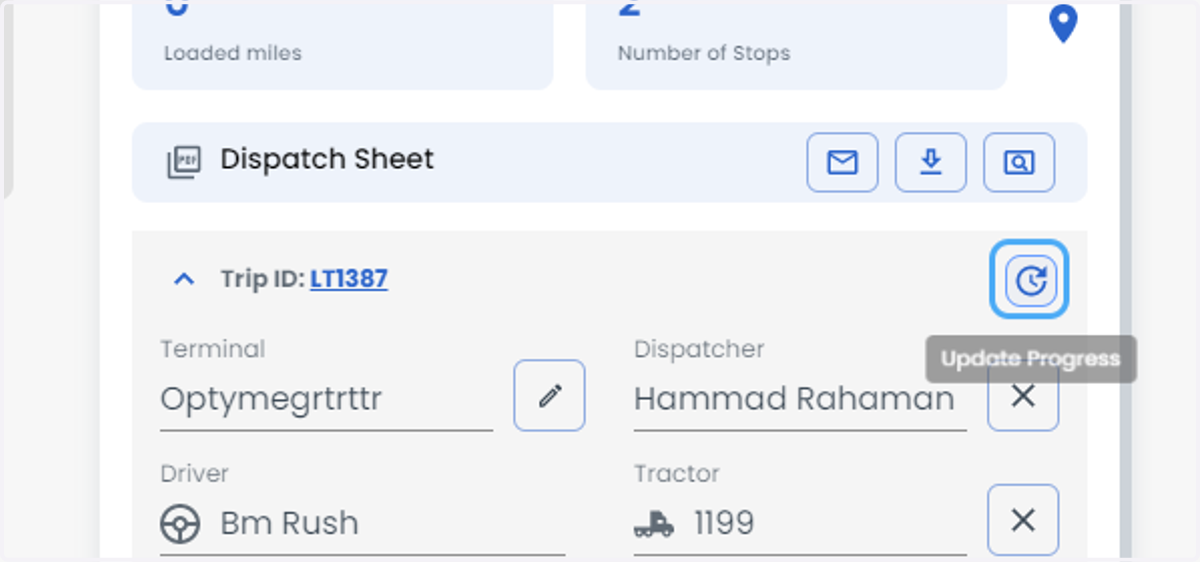
7. Click on Update Progress
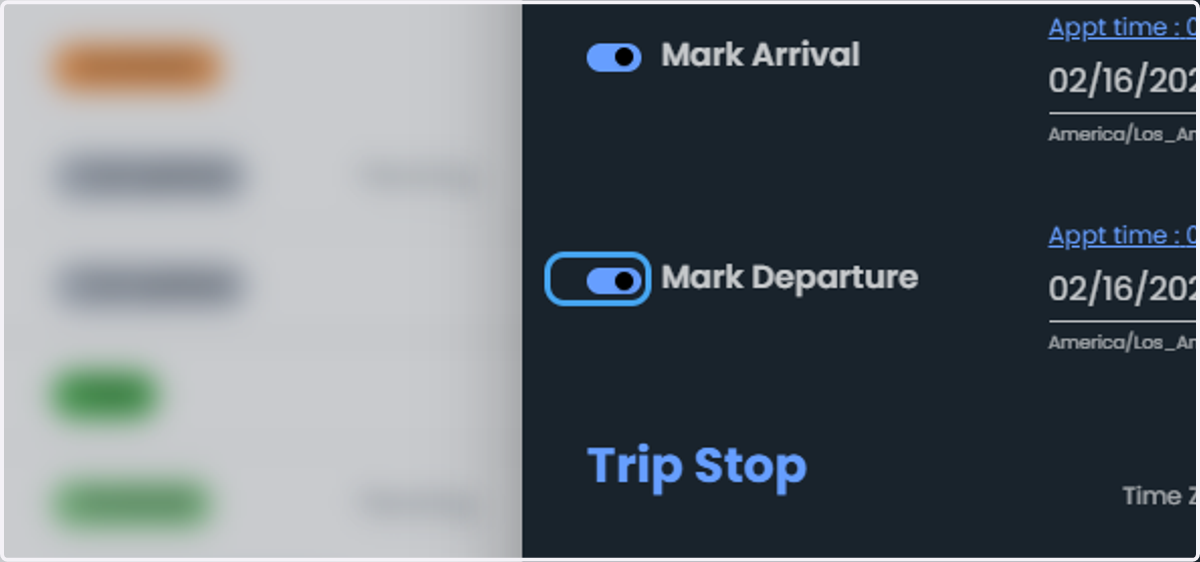
8. Check Mark Arrival with time and date.
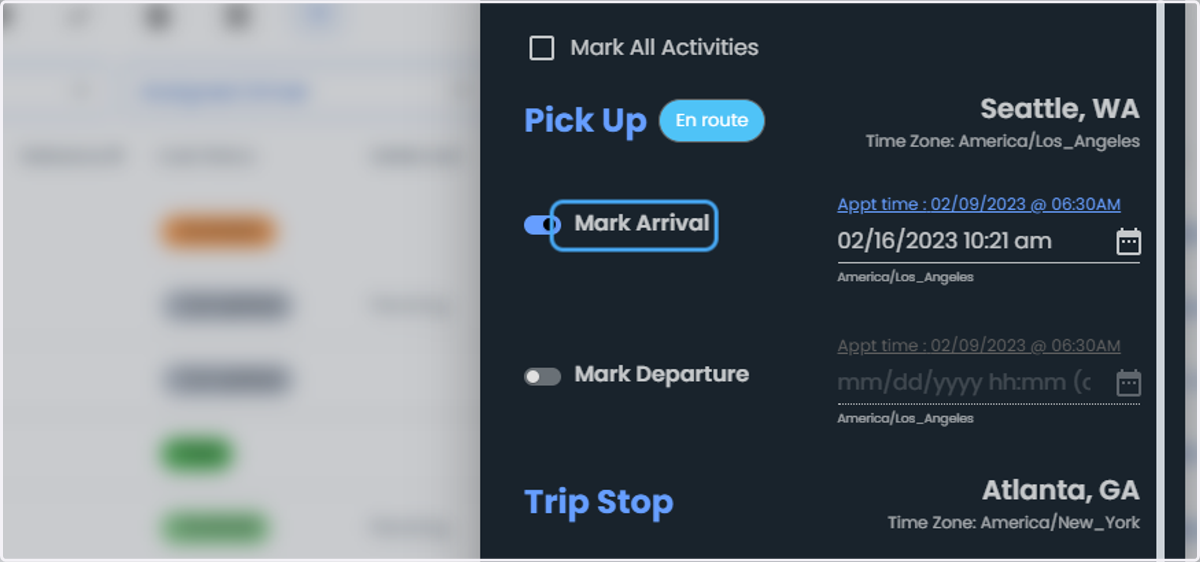
9. Check Mark Departure with time and date.
10. Click on Update
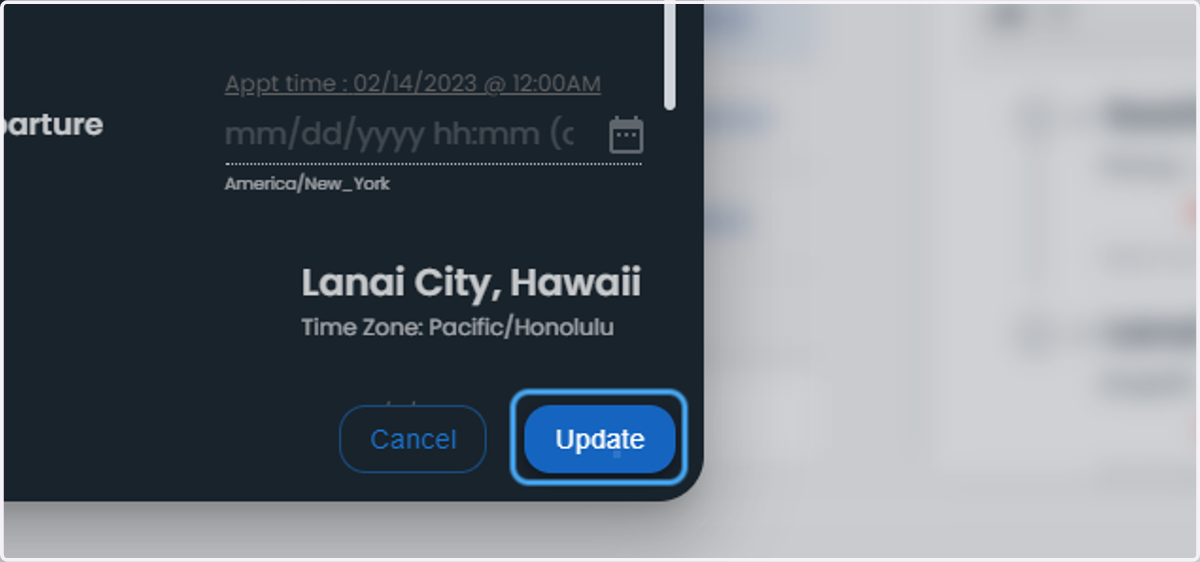
11. You can conclude with tick mark the pick-up has been completed