How to Register as a Voting Member on Learning Forward's Member Portal
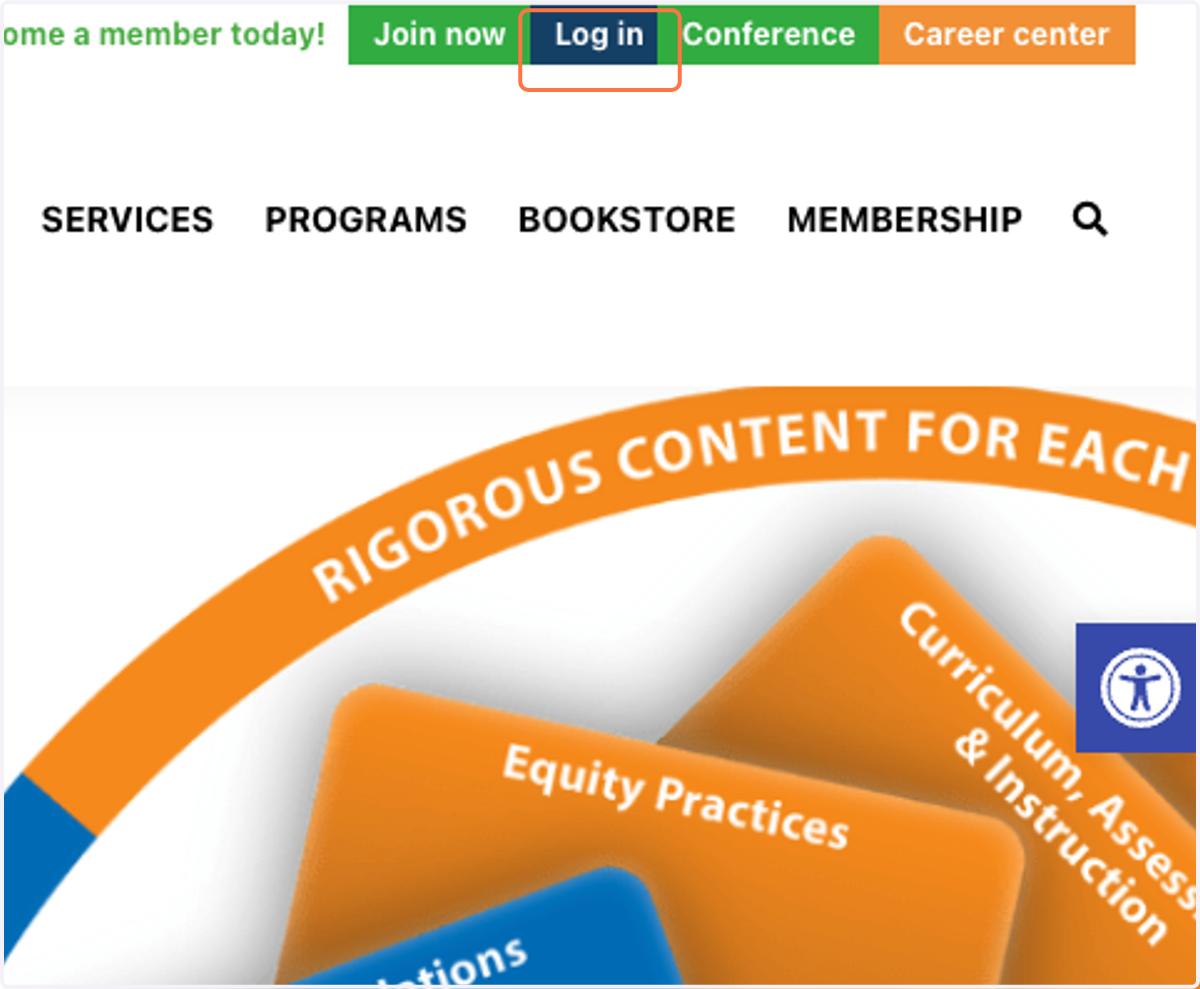
1. If you are not already logged in, click on Log in.
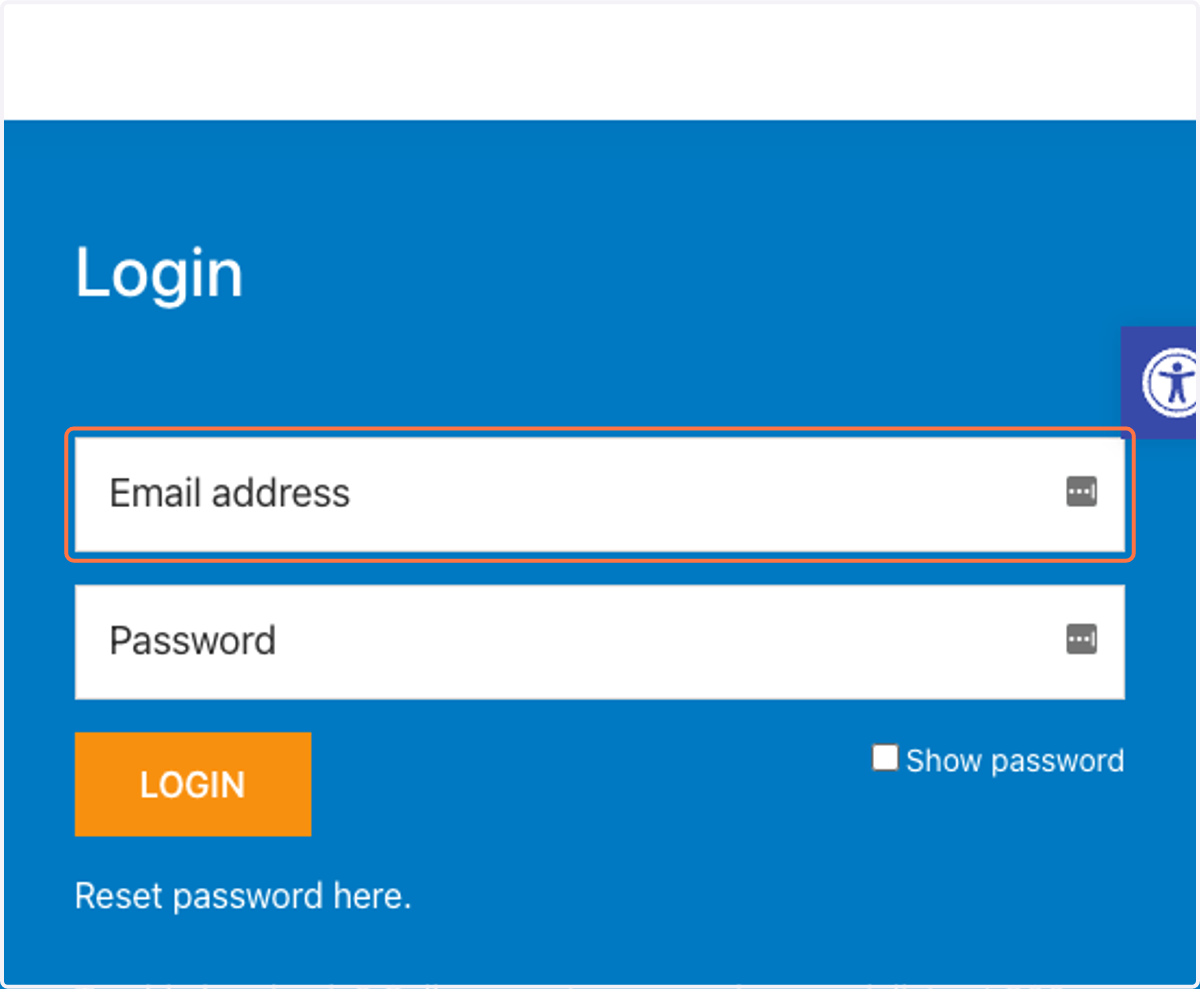
2. Enter your email and password and click Log in
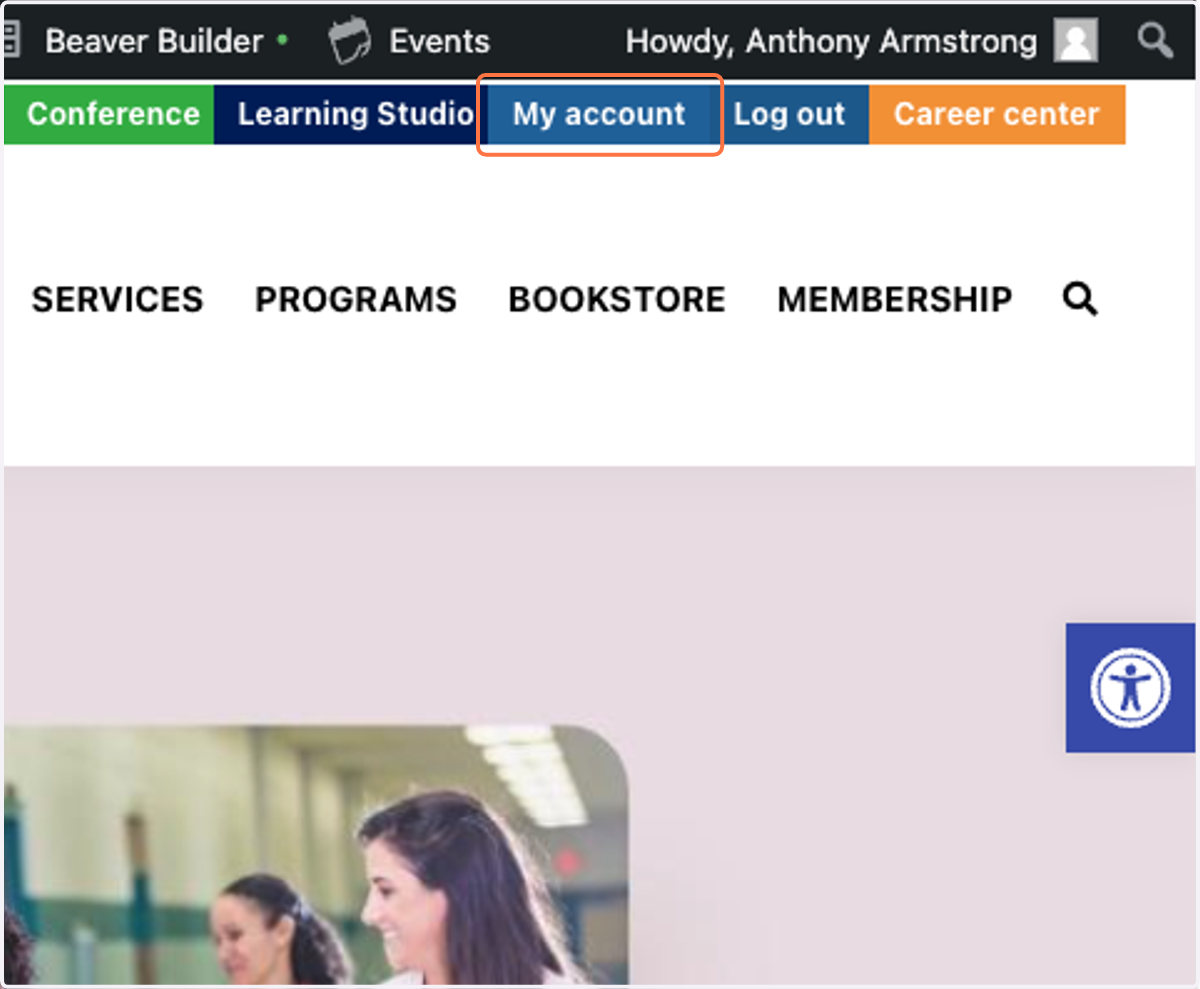
3. When it returns you to the main website, click on My account
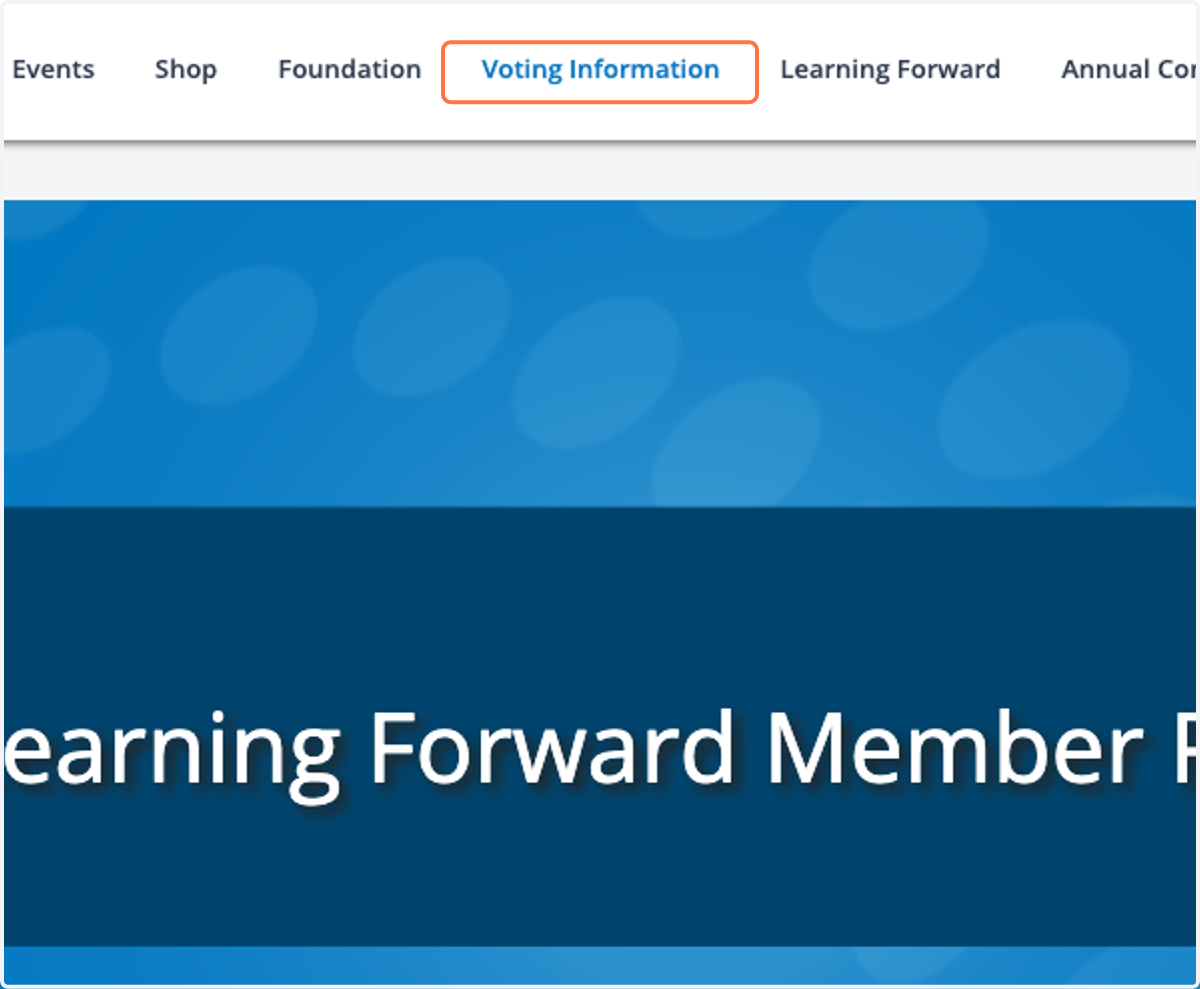
4. Click on Voting Information
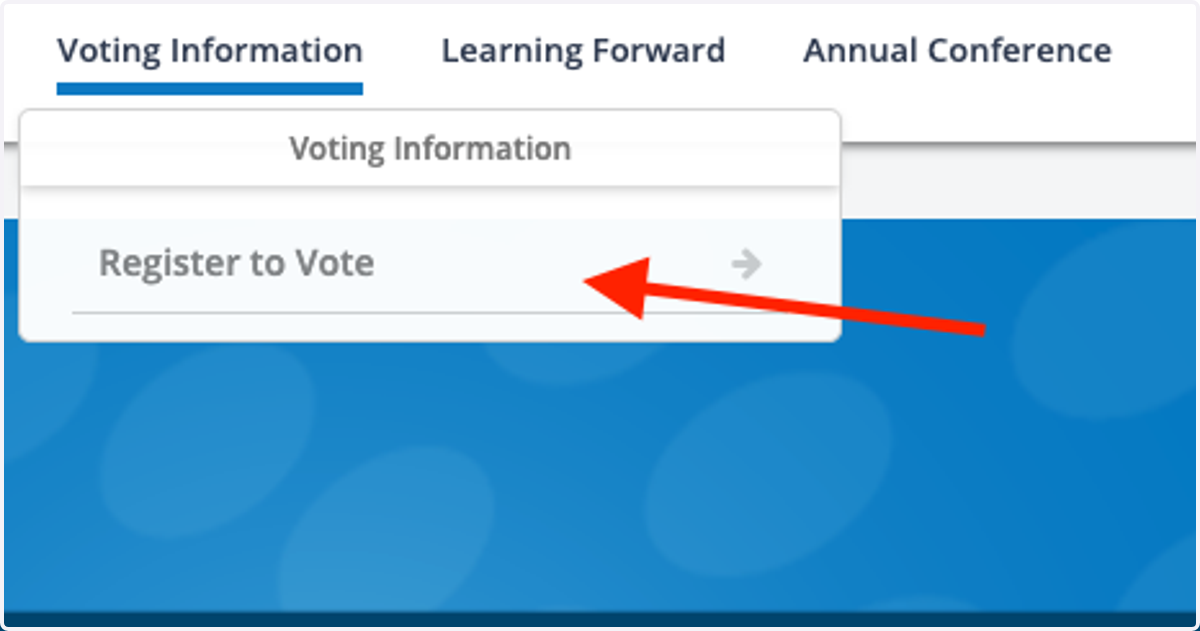
5. Click on Register to Vote
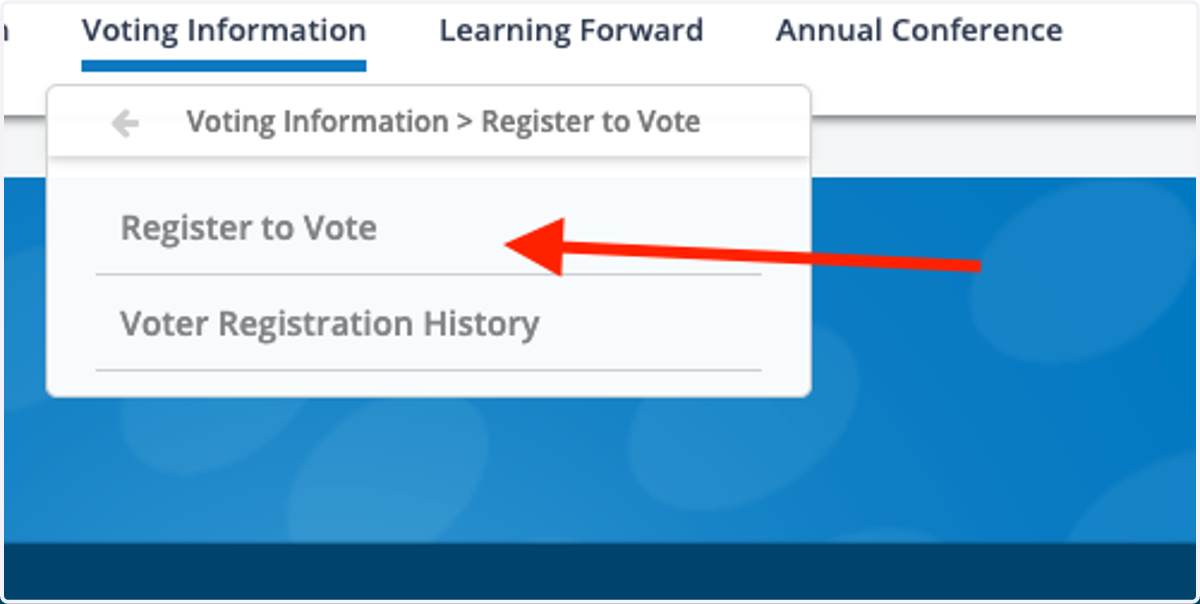
6. It will give you two options, to Register to Vote or to view your Voter Registration History.
7. Complete the form.
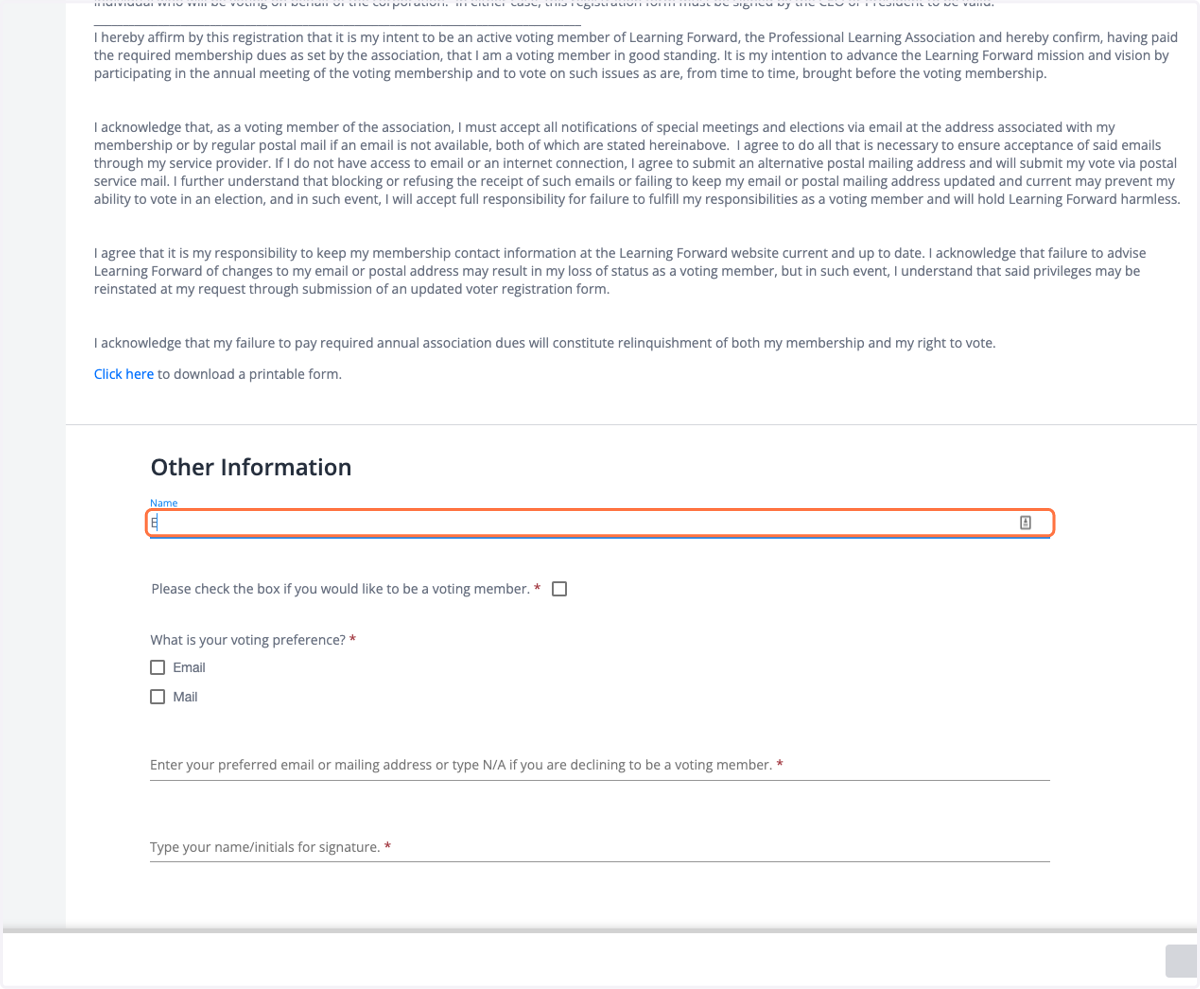
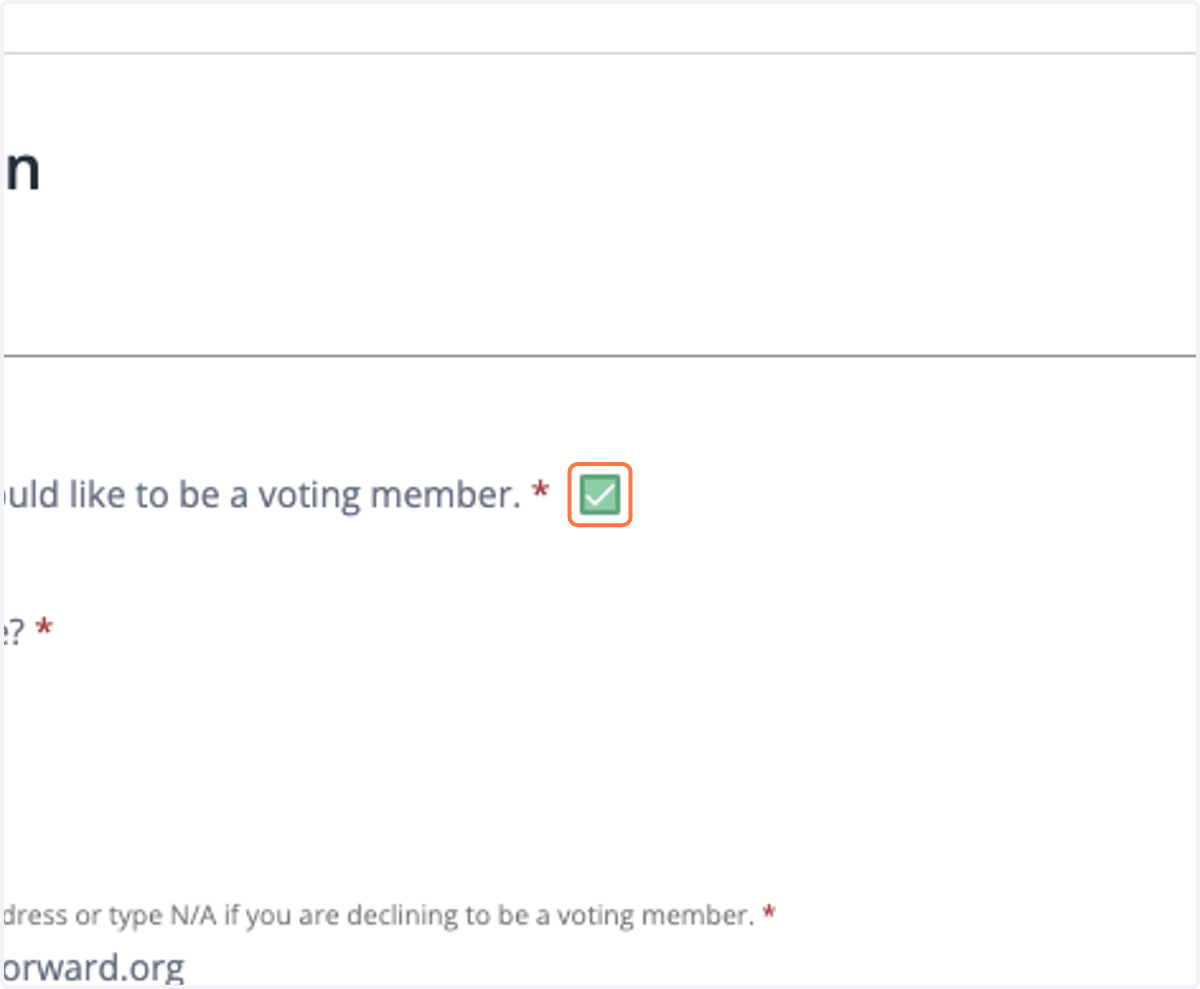
8. Be sure to check the box to be a voting member.
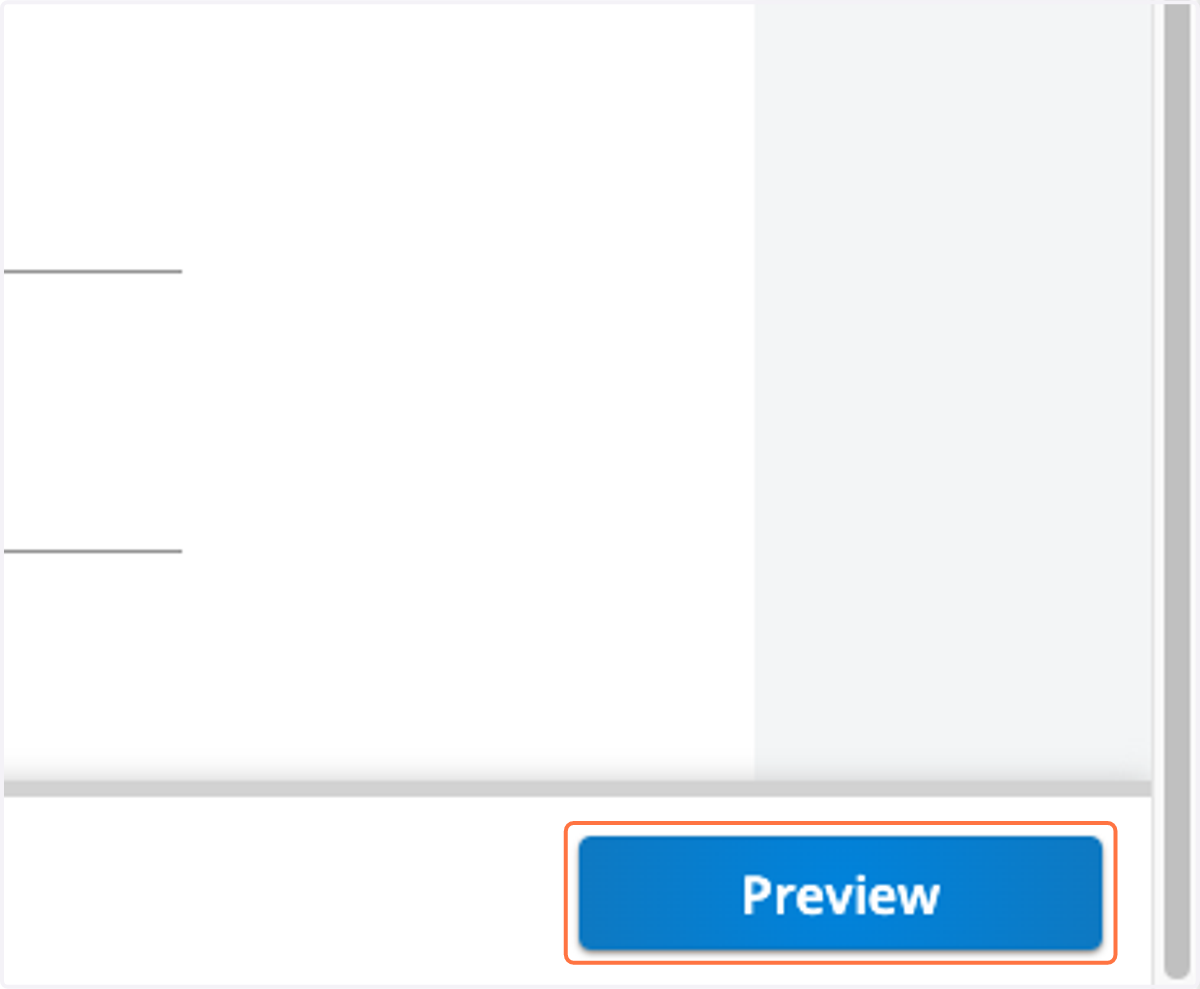
9. Click on Preview
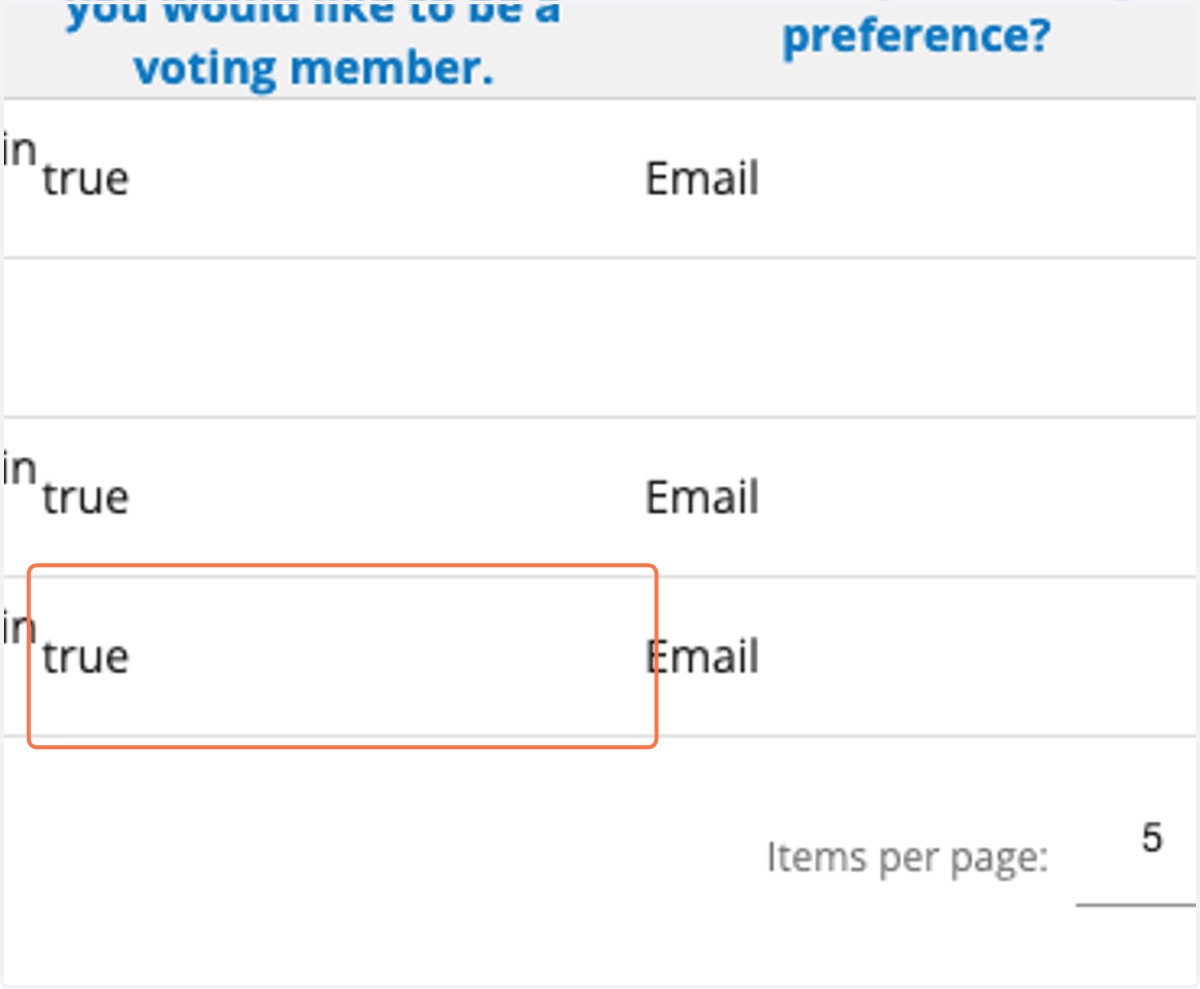
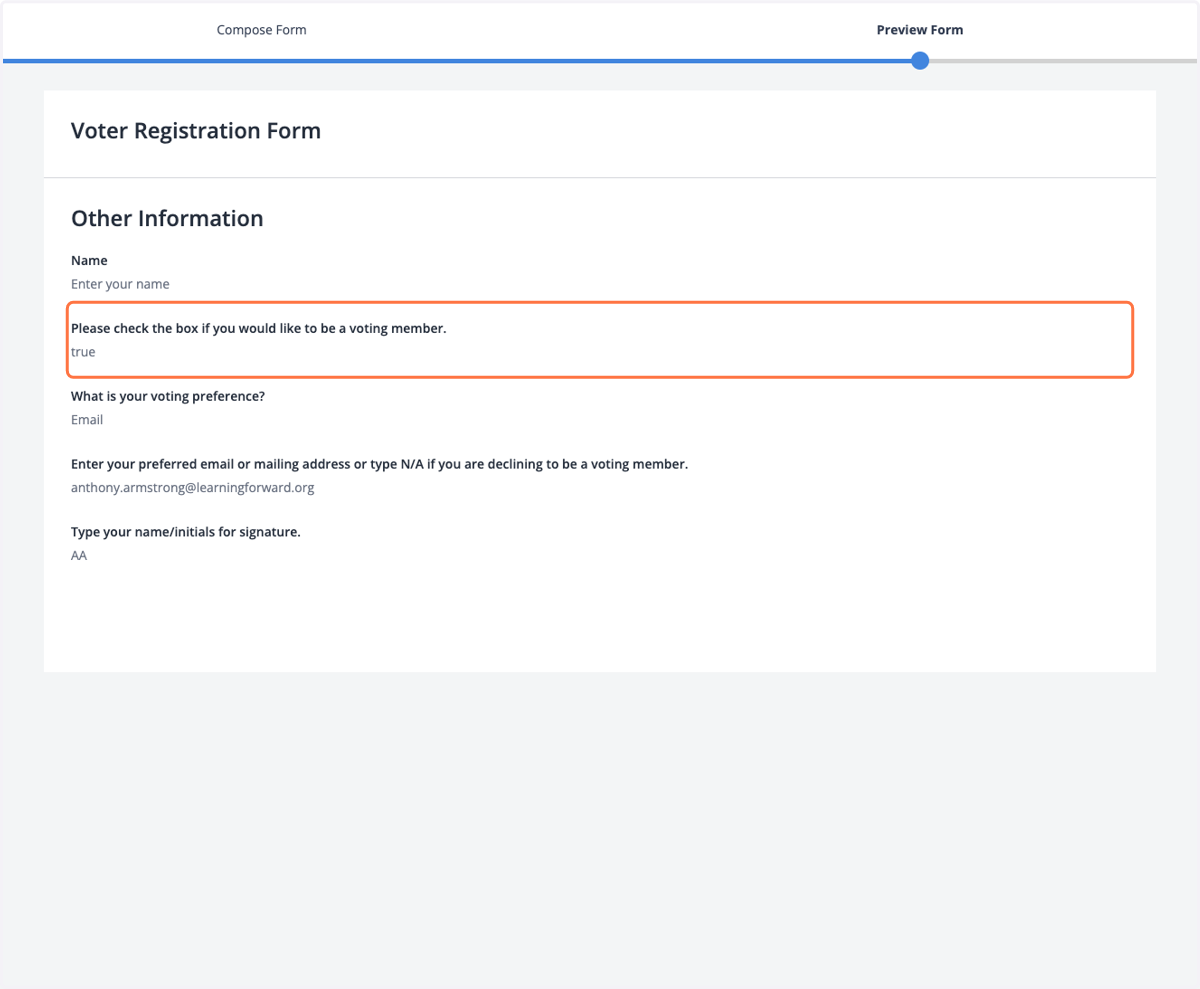
10. It will say "True" if you clicked the box to be a voting member. If it does not, simply go back to check the box.
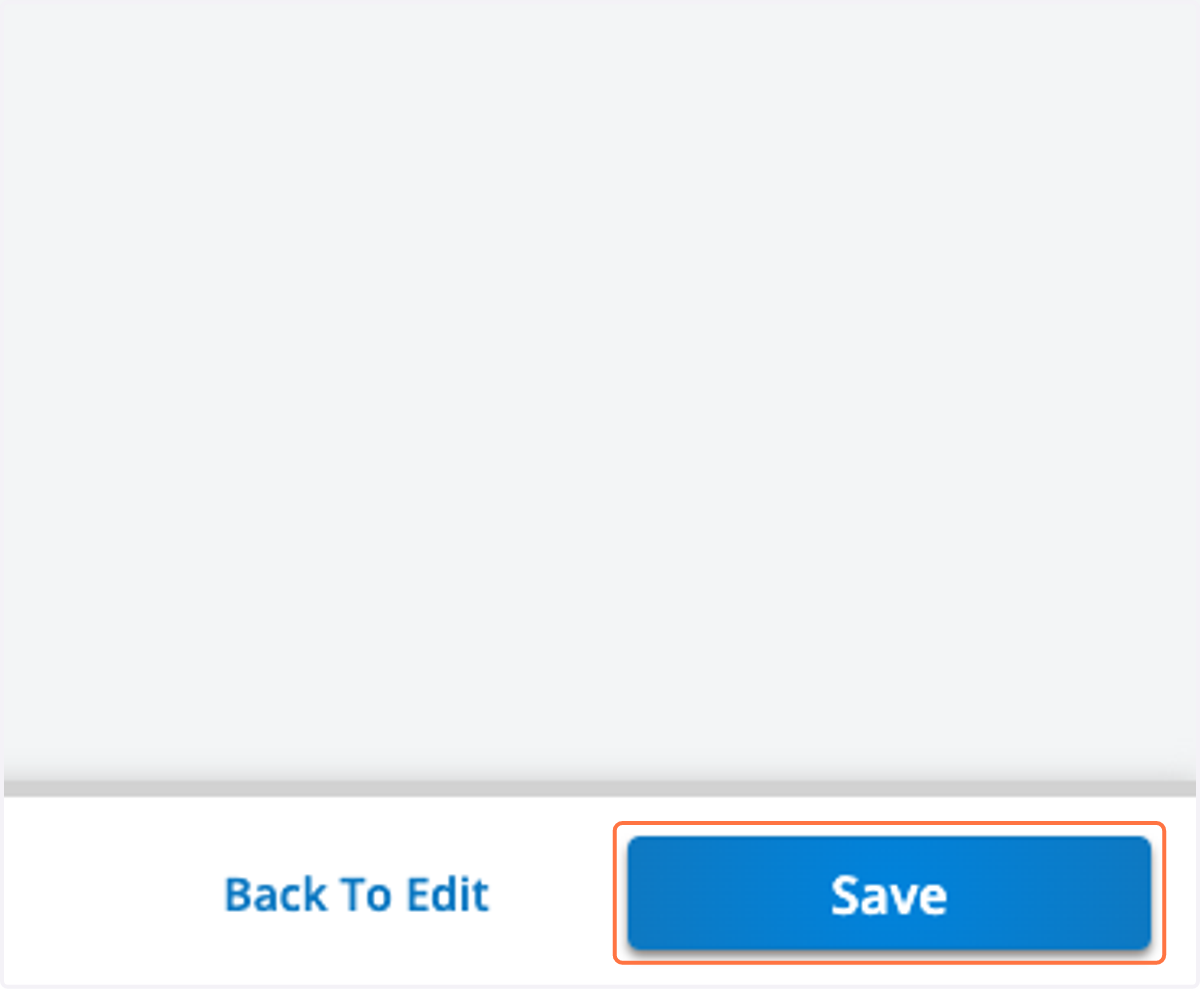
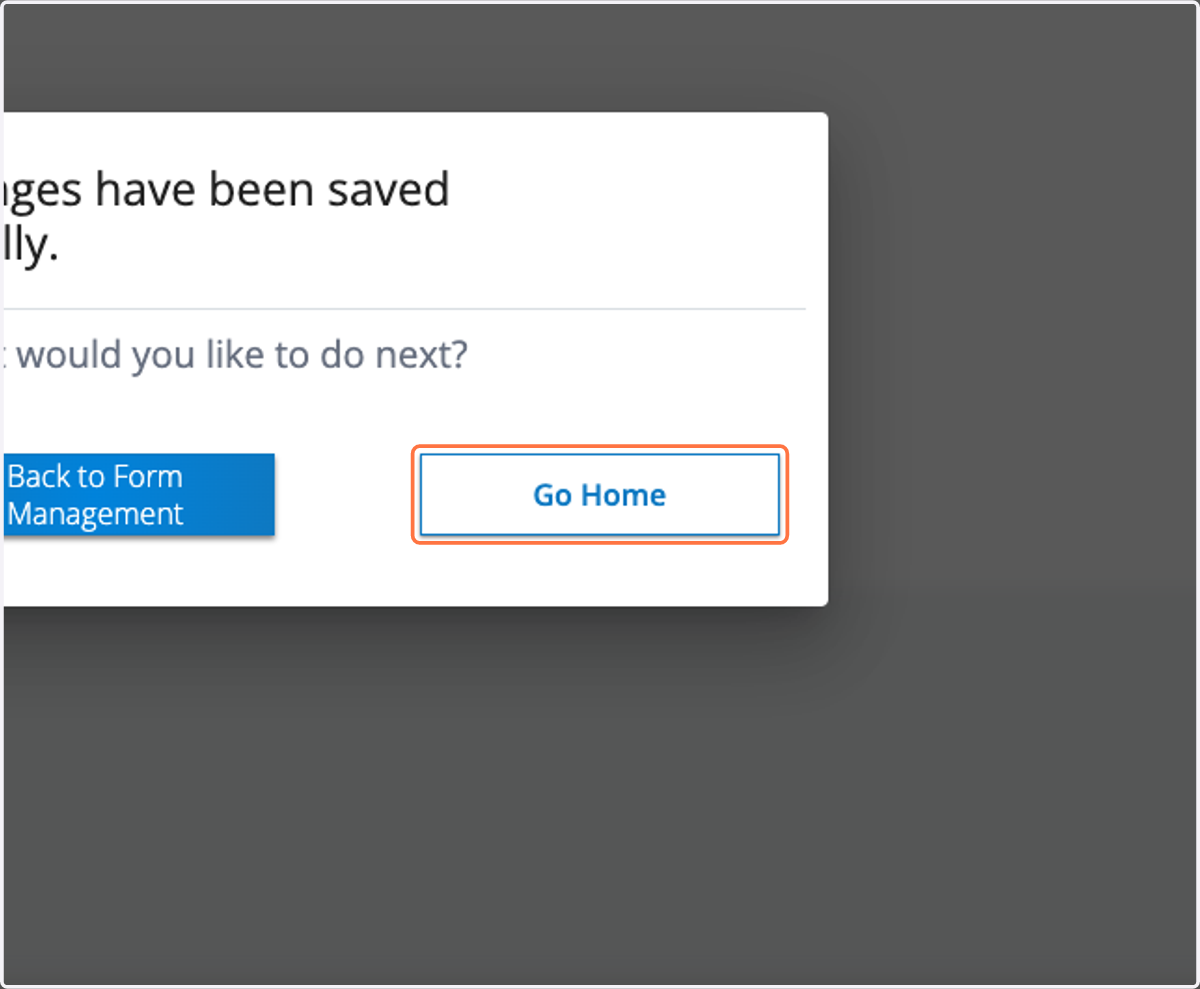
11. Click on Save
12. Click on Go Home
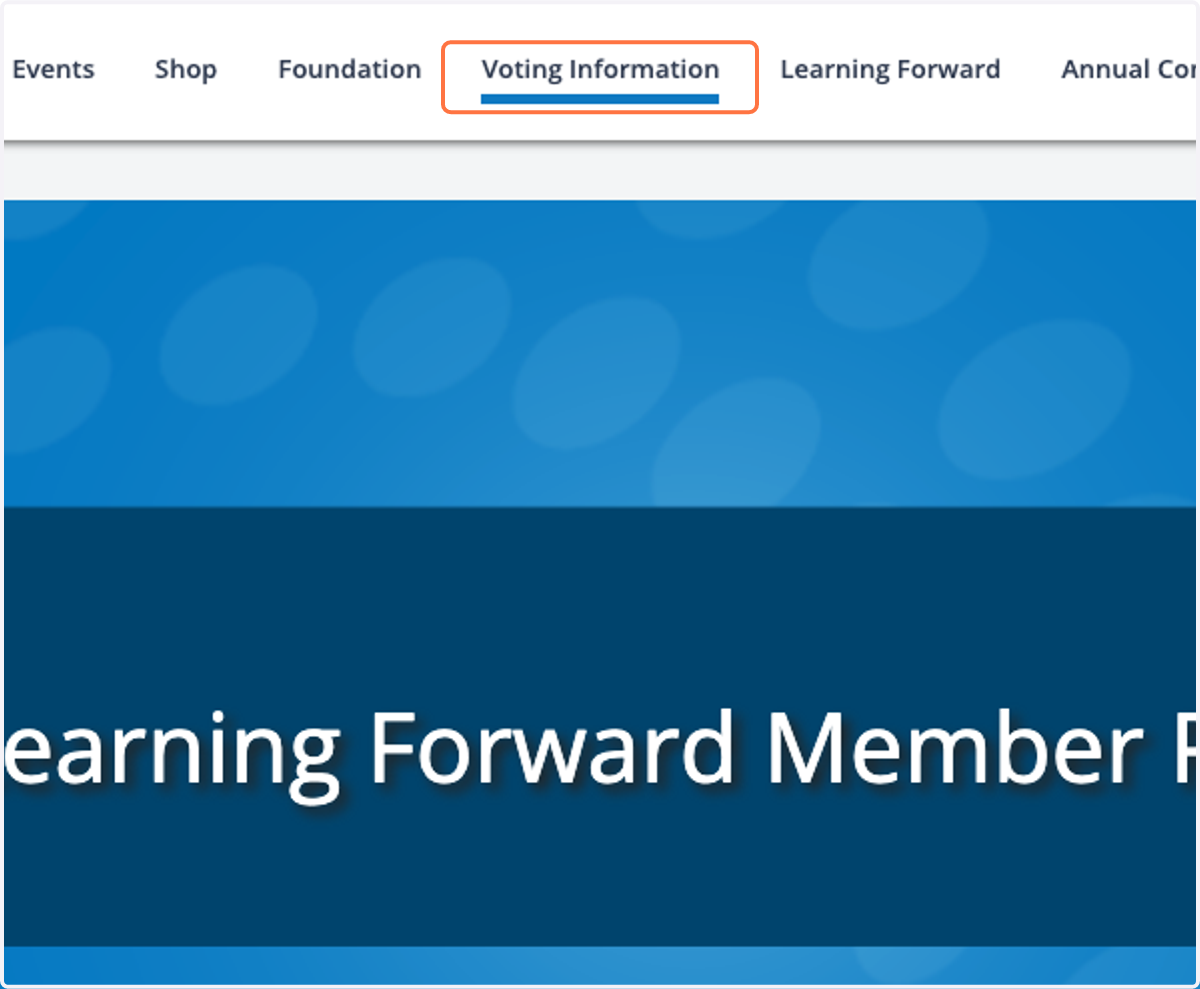
13. If you would like to confirm your status, you can click on Voting Information again.
14. Click on Voter Registration History
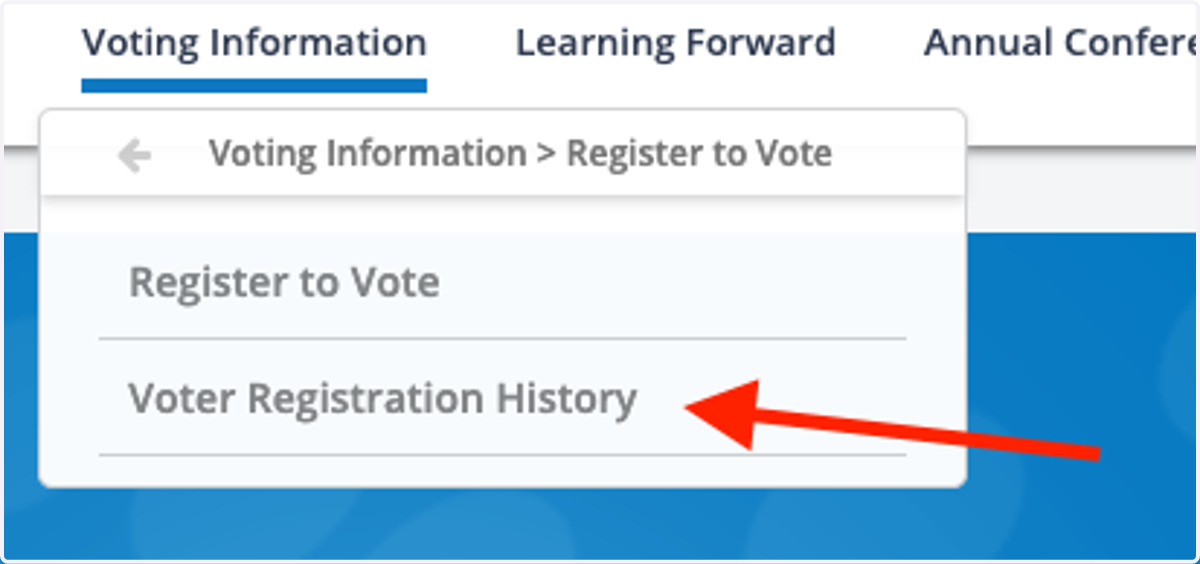
15. You wil see "True" and your preference for Email or Mail. Congratulations, you are now a voting member!