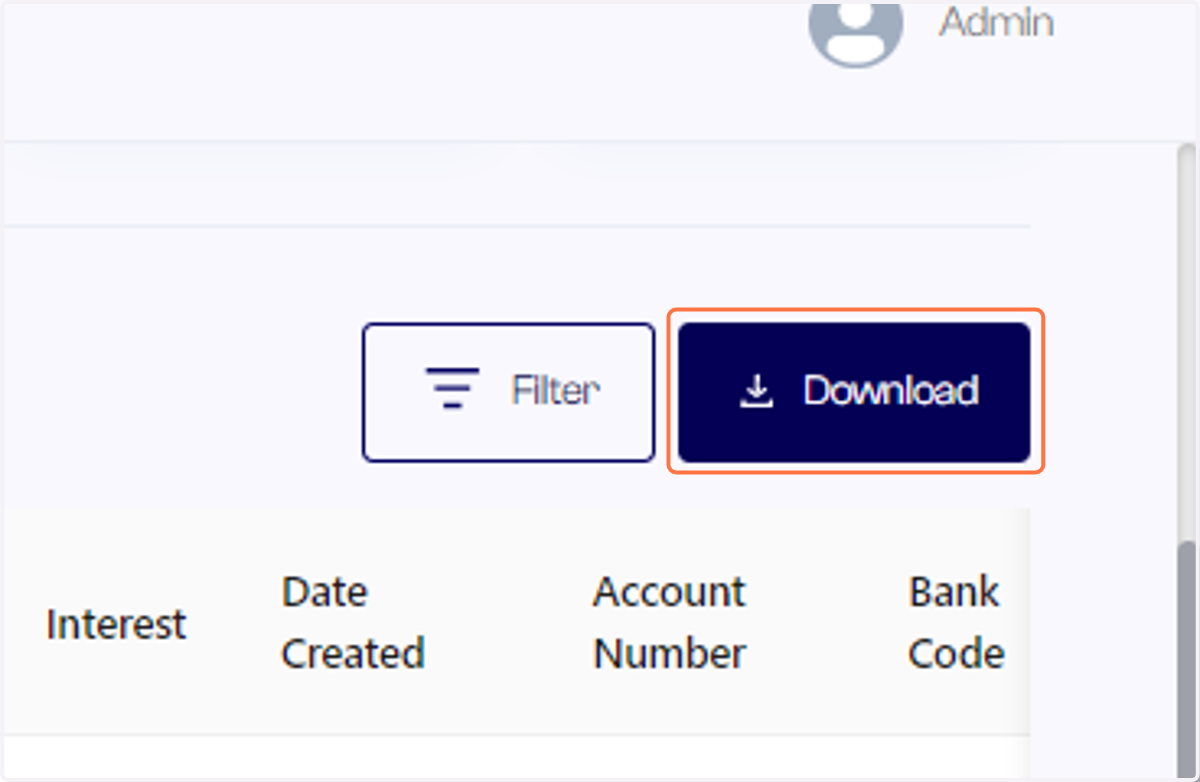
How to Download Loans from VeendHQ Dashboard
Dashboard | VeendHQ
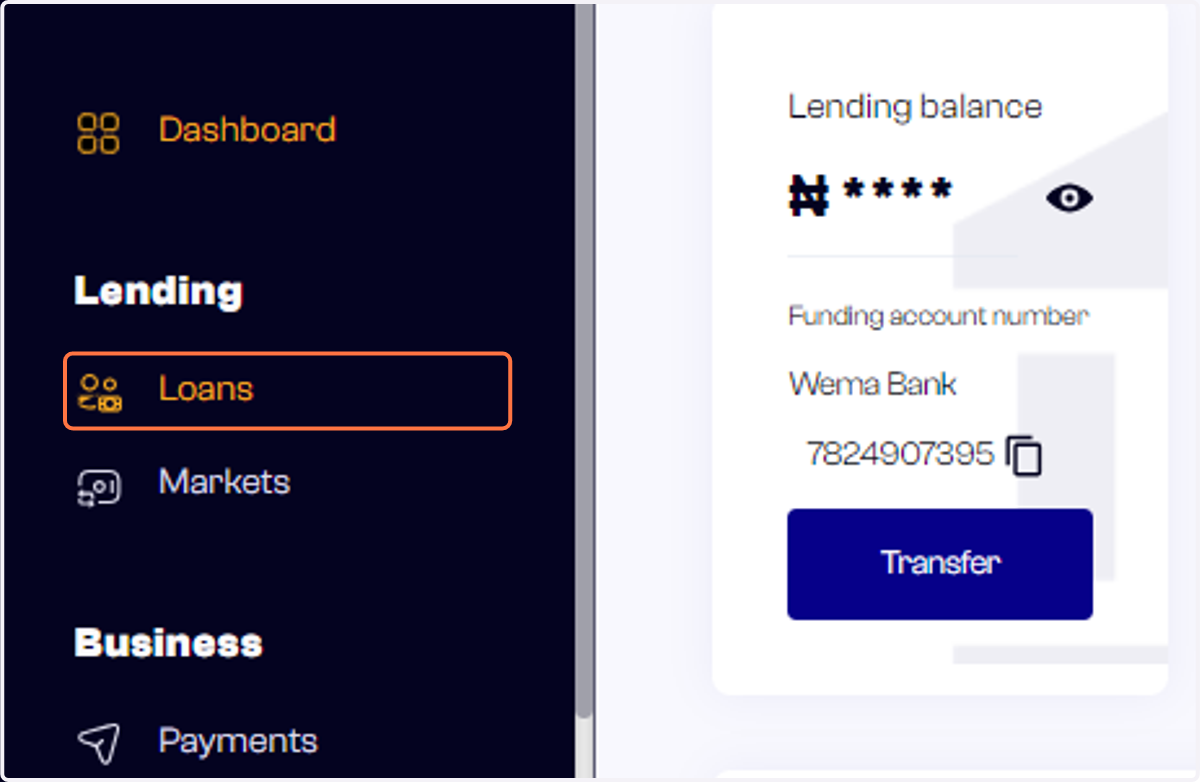
1. Login to your dashboard and click on loans
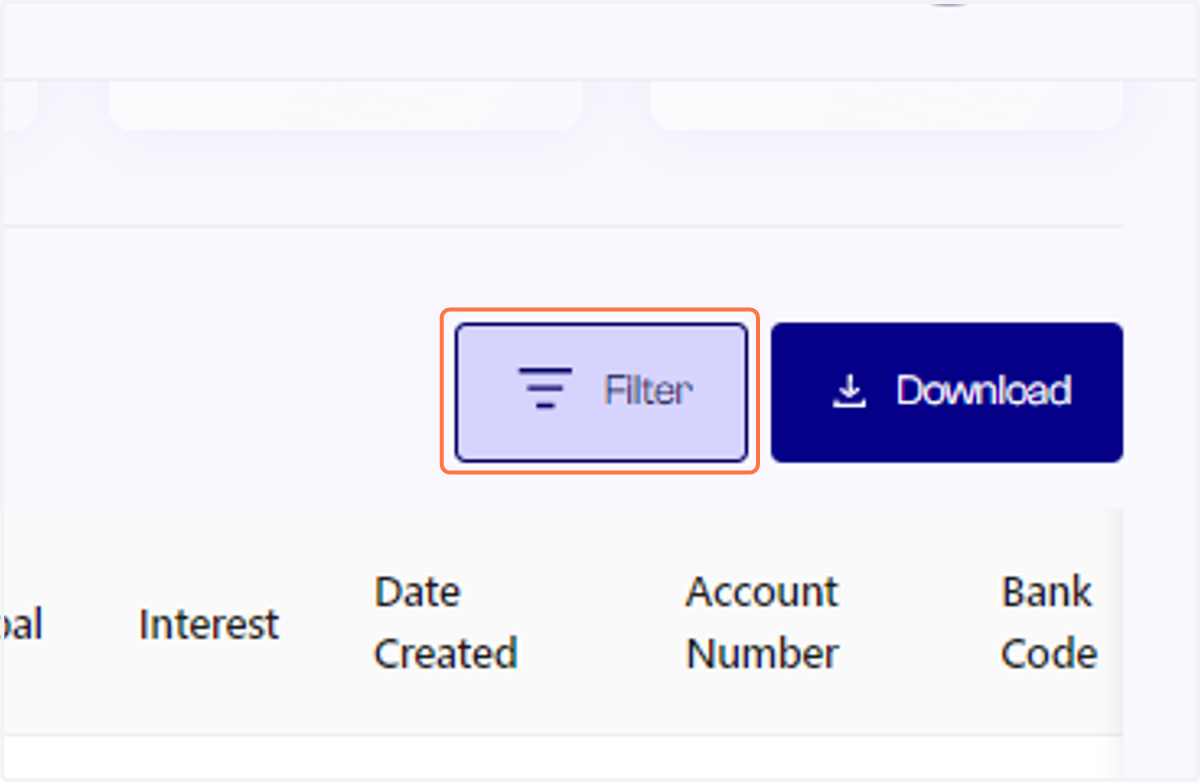
2. You can filter the report by clicking on the filter option.
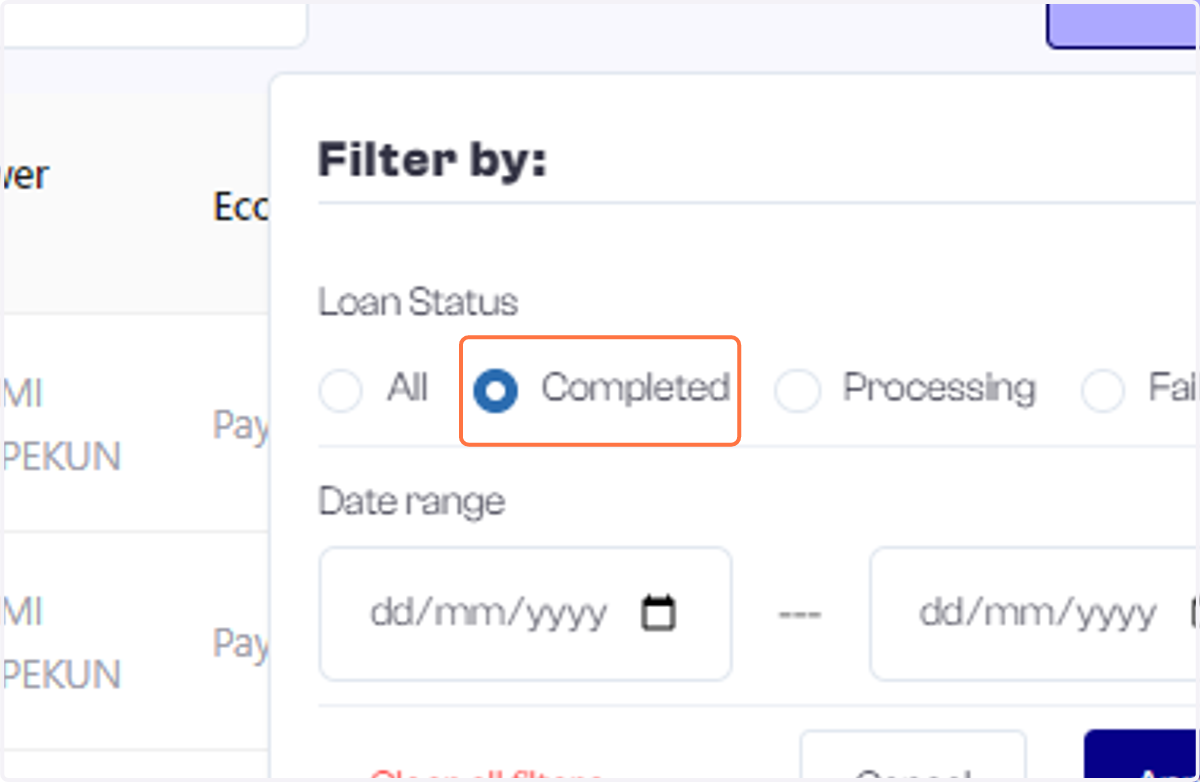
3. The available options for filtering are the disbursement status and disbursement date.
4. Click on Download to download the report.