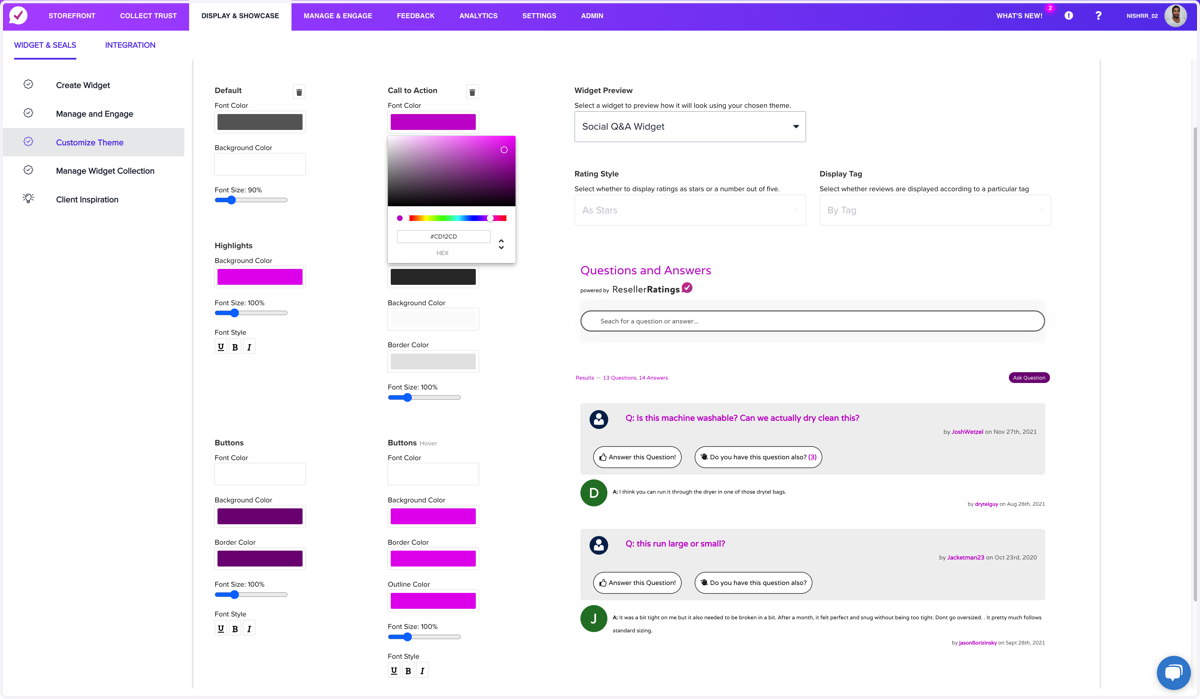
Q&A - Customization & Branding Panel
The customization panel for Q&A automatically changes select elements on the UI without the need to code or deploy any CSS changes. Once you save it, it sets the brand colors and adjustments across the board. It's super easy to use!
Resellerratings
1. Go to www.resellerratings.com > Dashboard
Let's start from your main dashboard portal page for your store
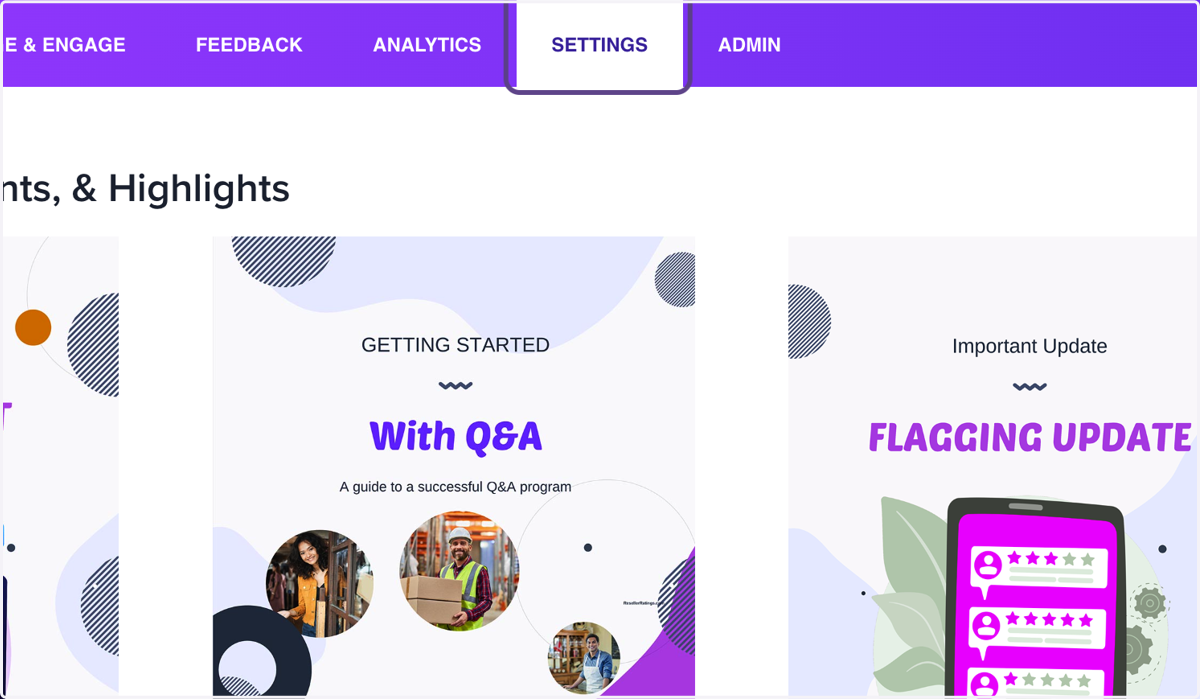
2. Click on Settings
You can find customization under settings, or alternatively can find it within links in the QA side of the app.
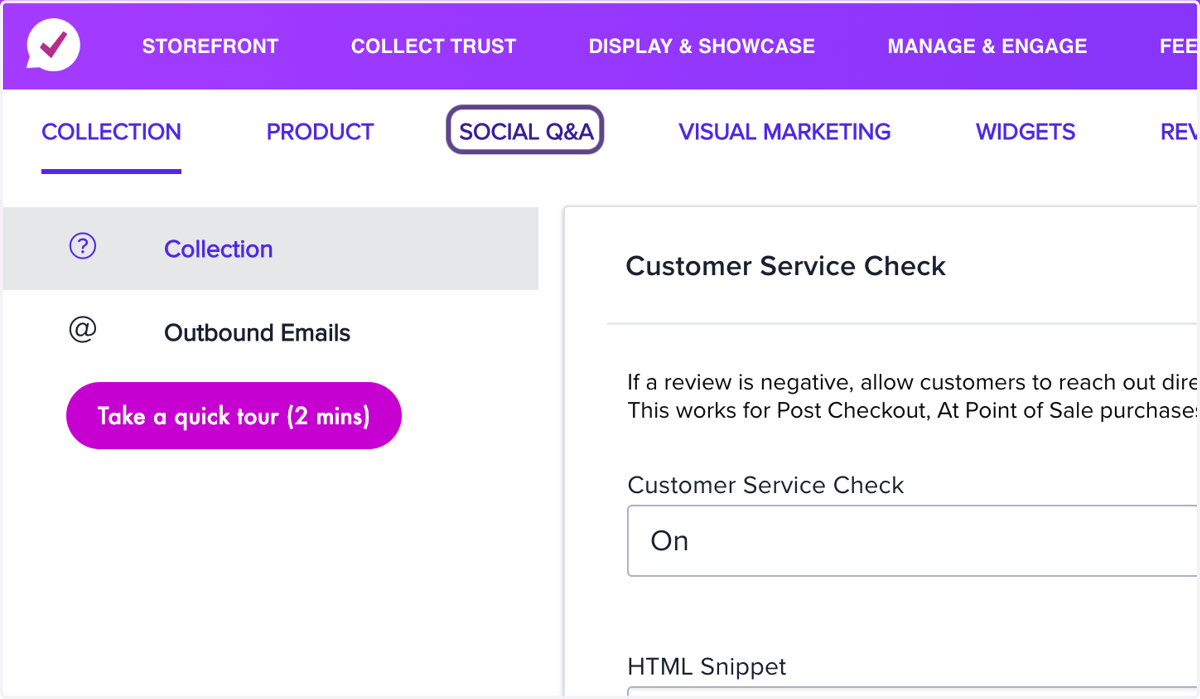
3. Click on SOCIAL Q&A
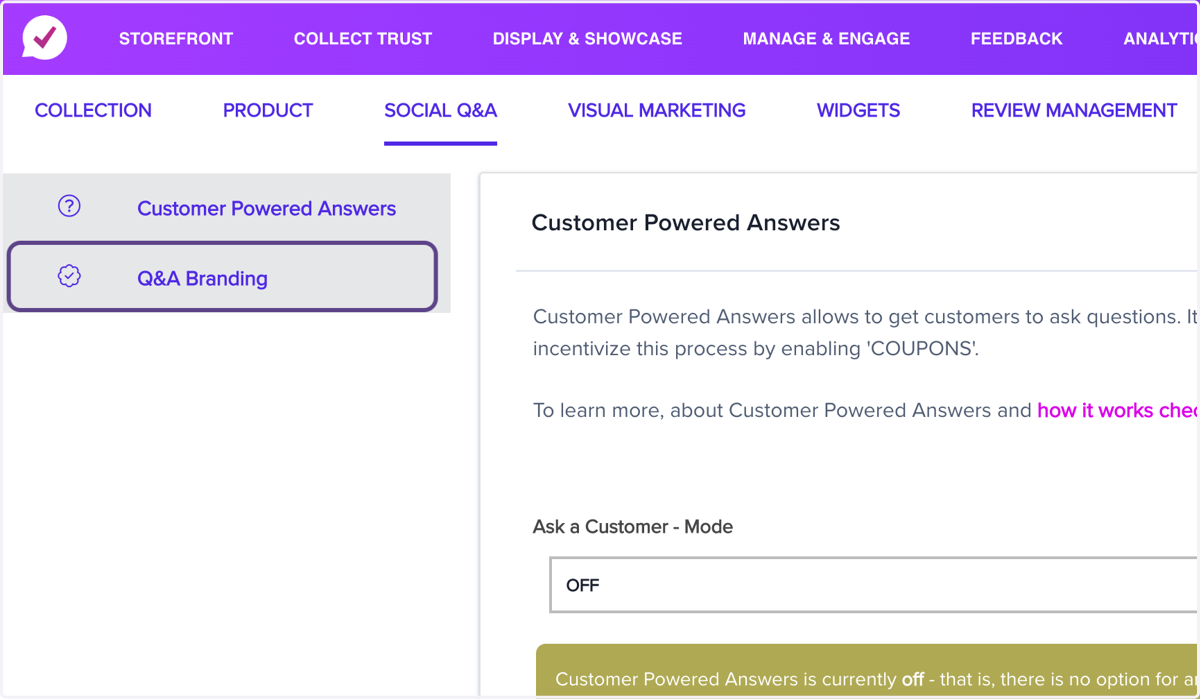
4. Click on Q&A Branding
This will automatically load the widget editor with the Q&A widget loaded up. Remember changes here affect all your widgets.
5. Click on fontSize
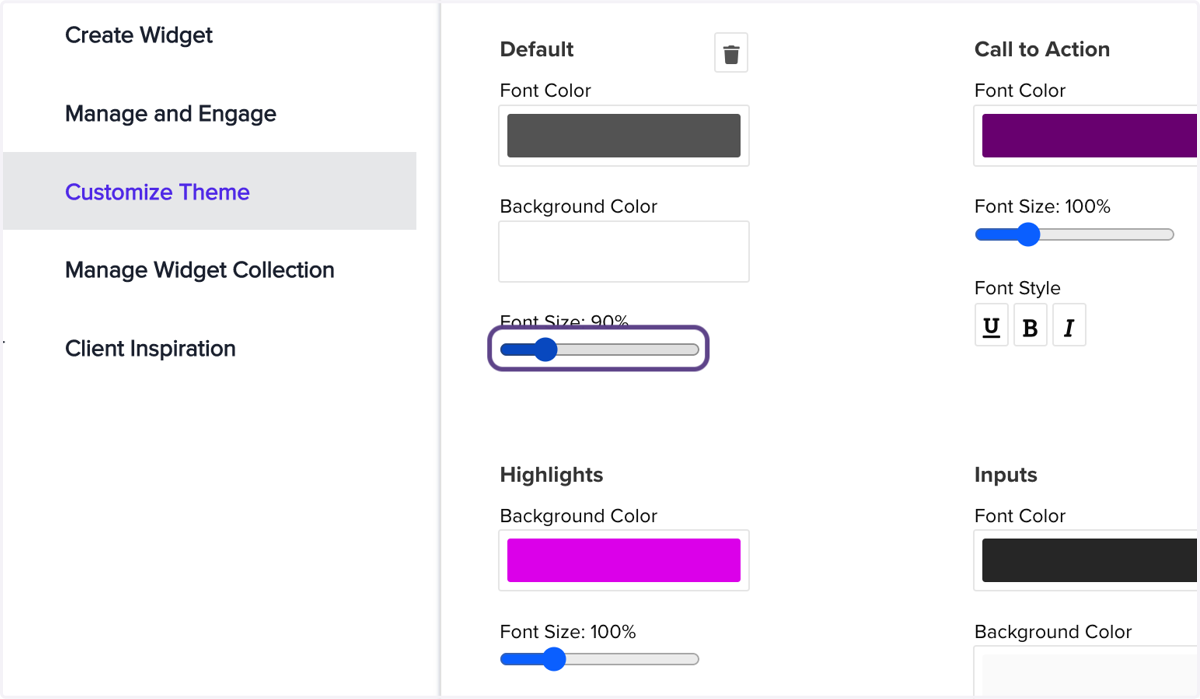
6. Click on highlight
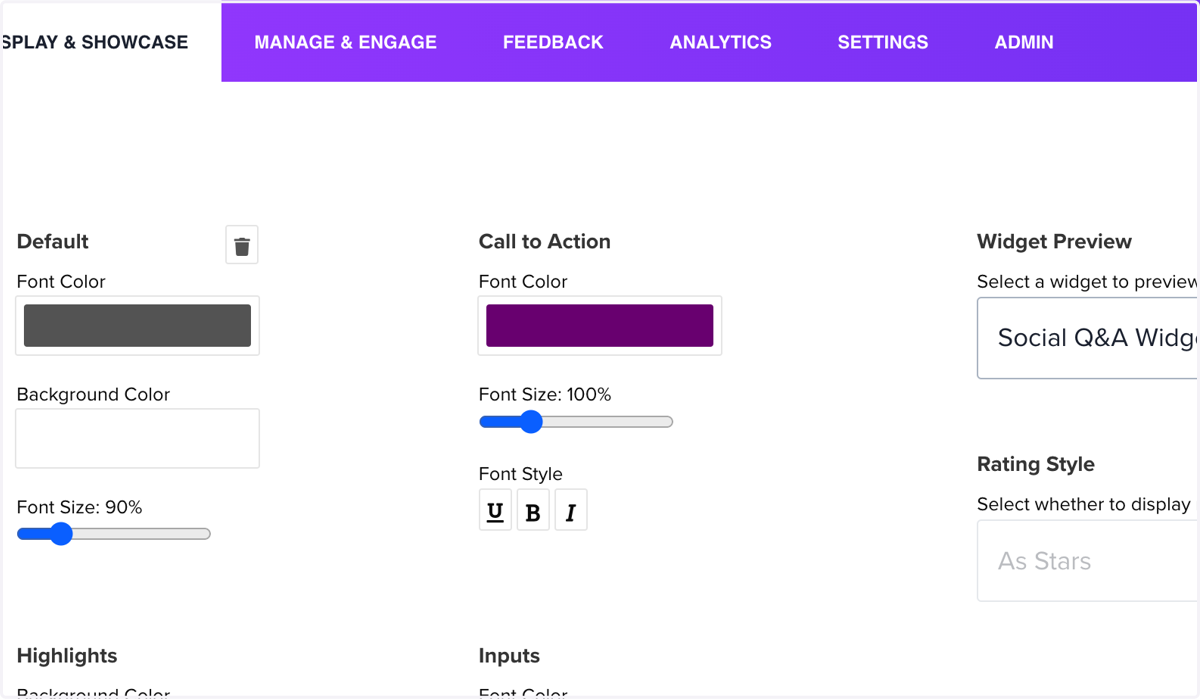
7. Drag highlighted element
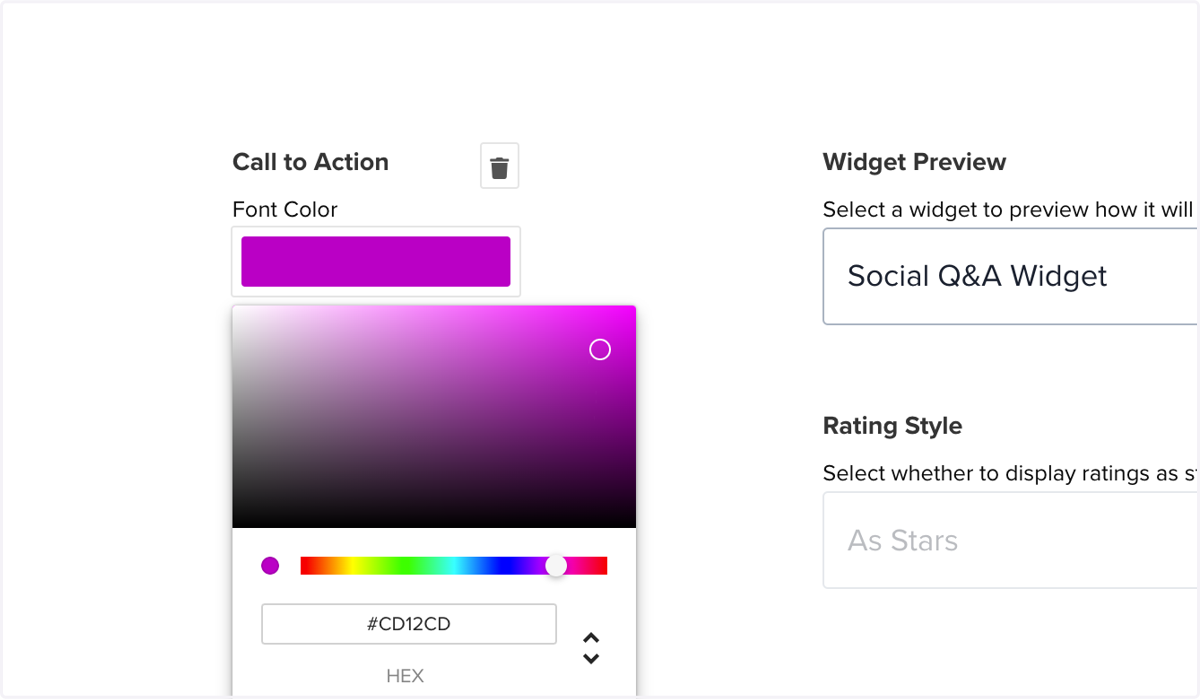
8. Click on HEX