Entering User Notes

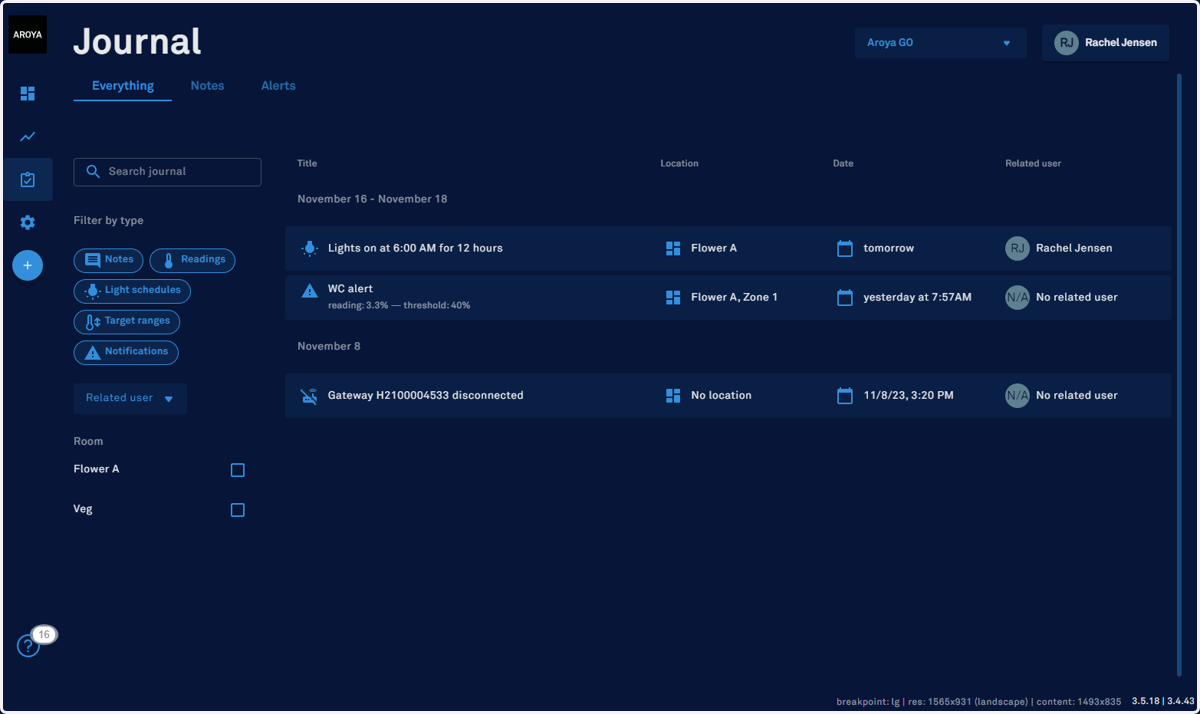
Journal | AROYA

  1. 1. Click on Journal

    Click on Journal
  2. 2. Click on Notes to view previously entered Notes

    Click on Notes to view previously entered Notes
  3. 3. Click on the Plus and choose note

    Click on the Plus and choose note
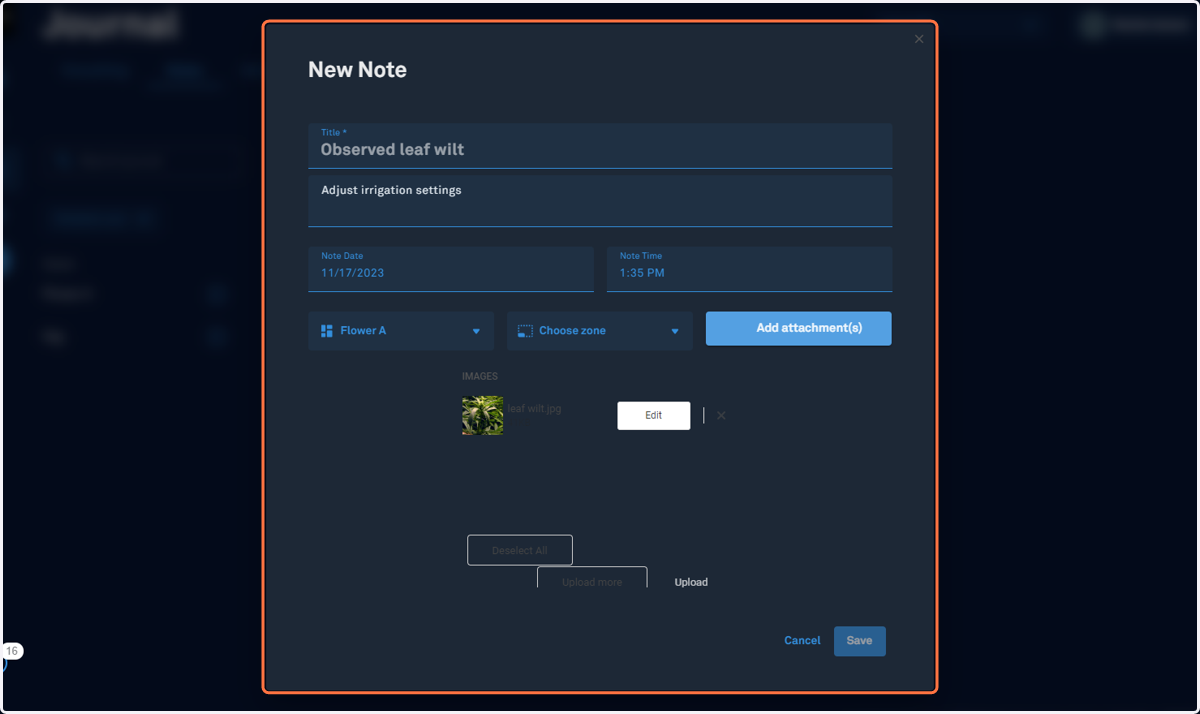
  4. 4. Enter your note header and descritiopn

    Enter your note header and descritiopn
  5. 5. Click on Choose room

    Click on Choose room
  6. 6. Option to add an attachment of an image or document
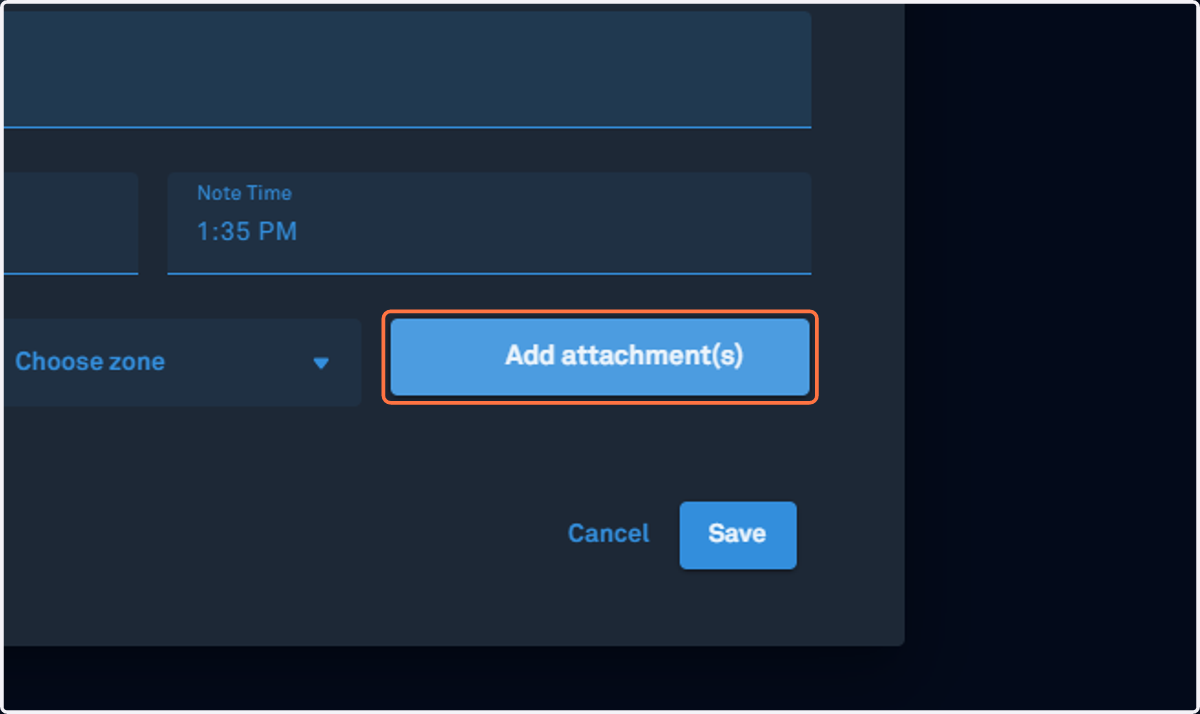
    Option to add an attachment of an image or document
  7. 7. Click on Upload

    Click on Upload
  8. 8. Click on Save

    Click on Save